Digital signage for every part of the stop
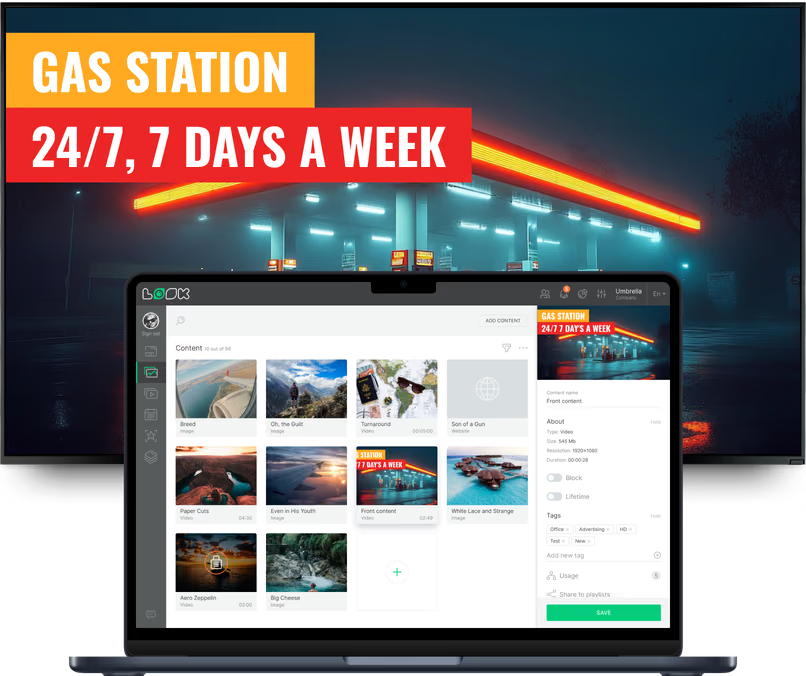
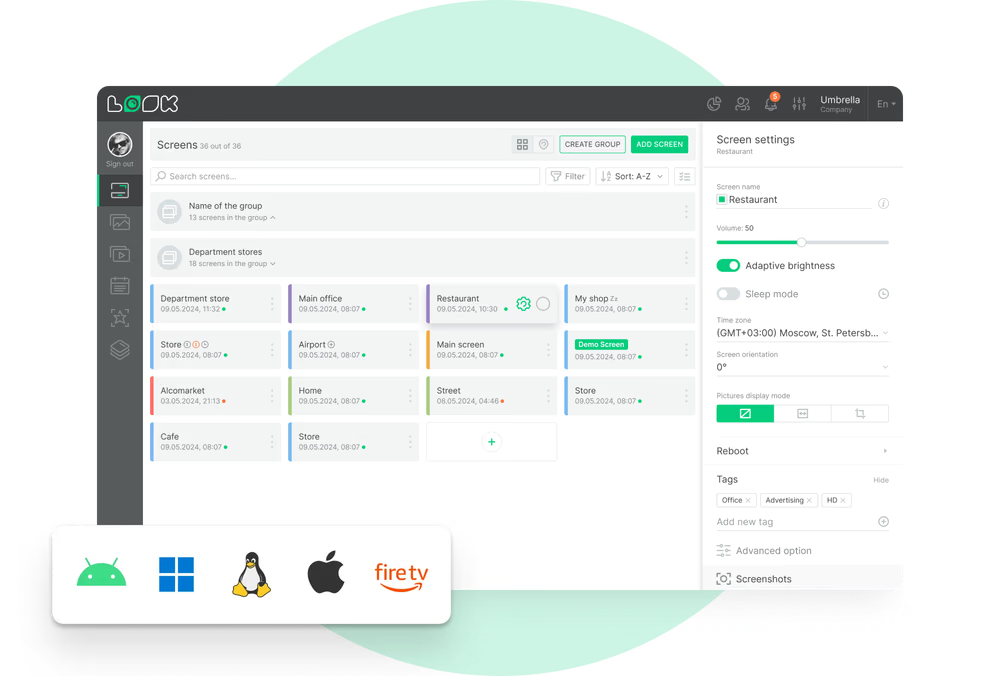
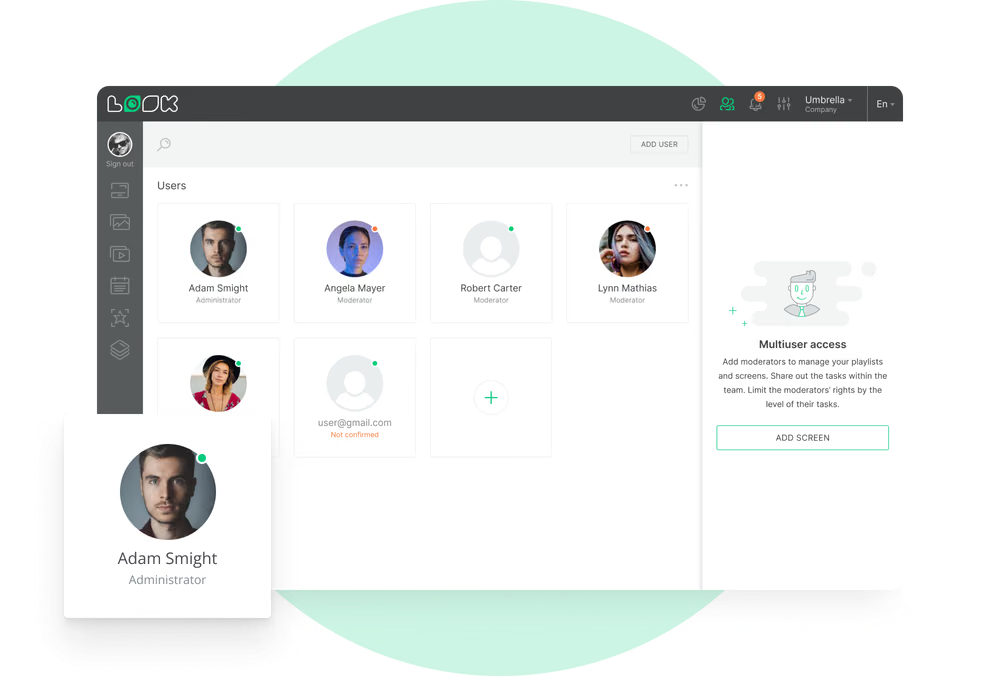
A driver on the forecourt, a customer at the pump and a shopper at the coffee machine are three different audiences within four minutes of each other. Look runs all of those screens from one account, each with its own layout and schedule. Content follows the customer journey while central teams retain control over every update.
Forecourt and canopy
Give drivers a clear reason to pull in.
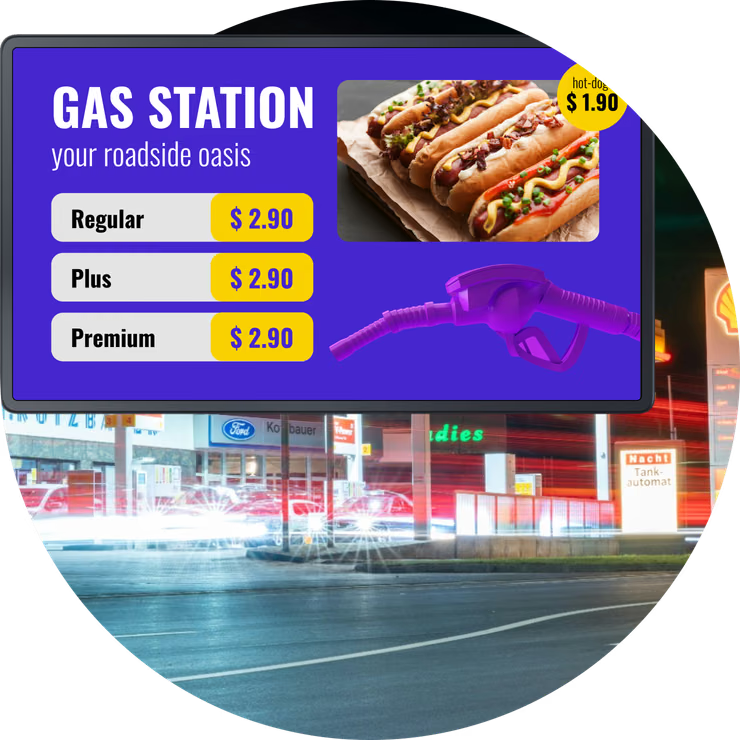
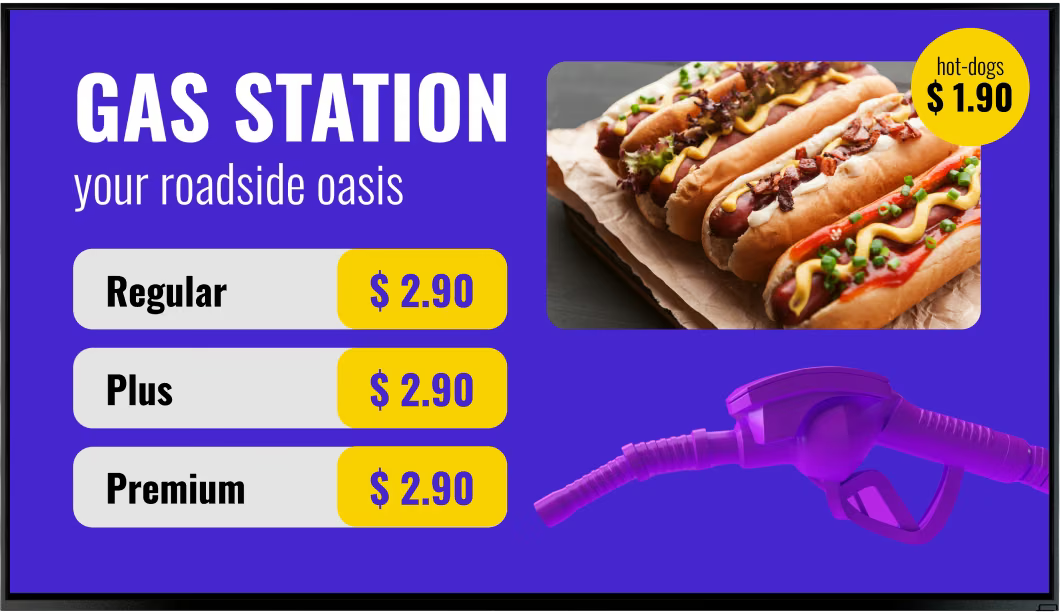
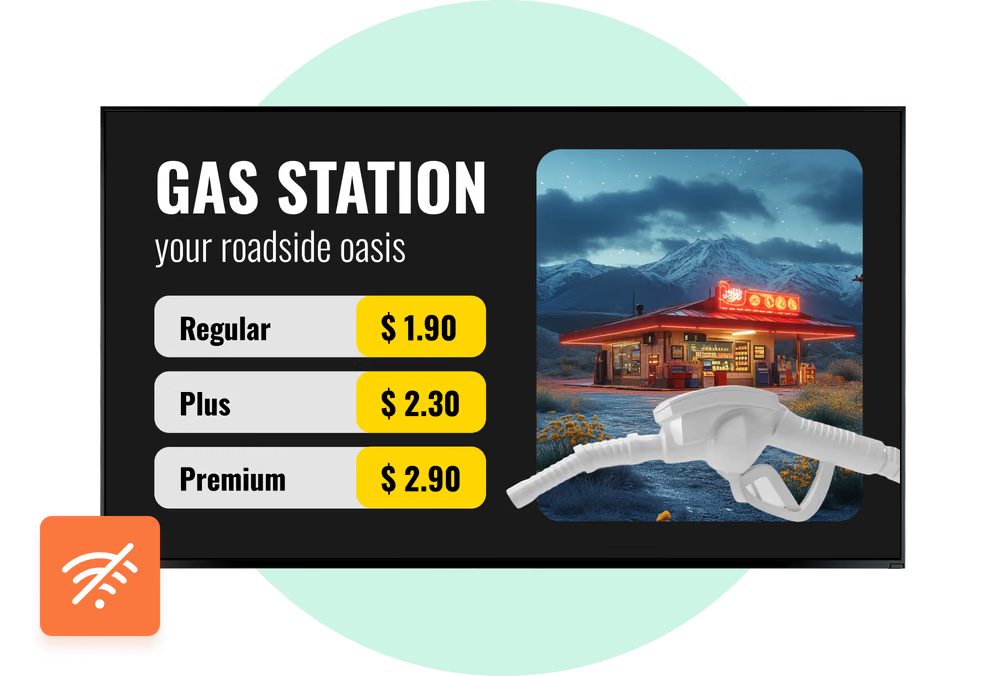
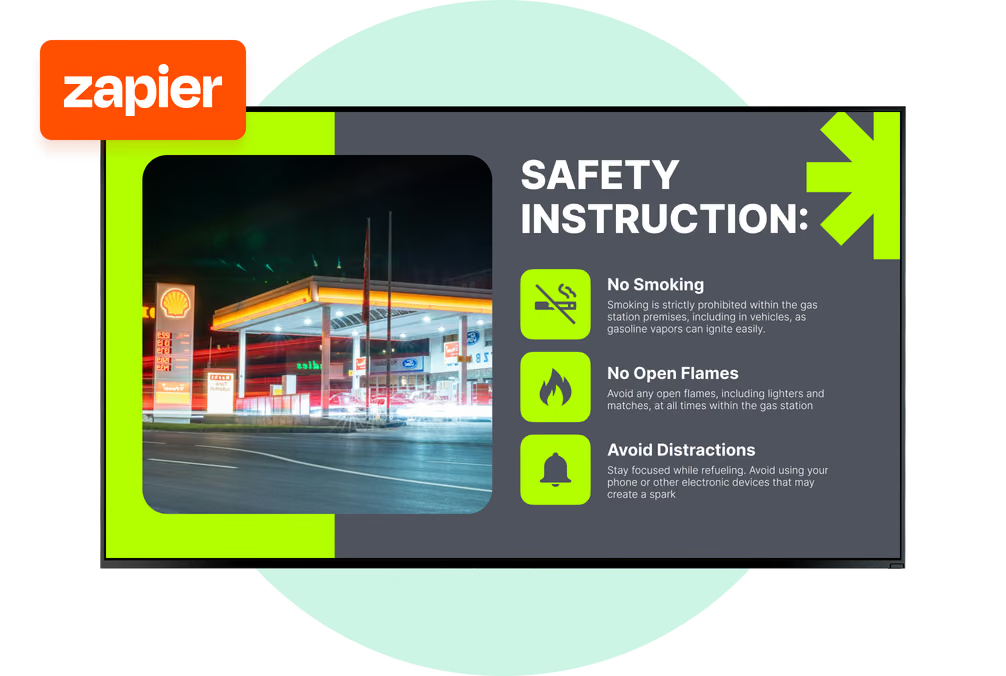
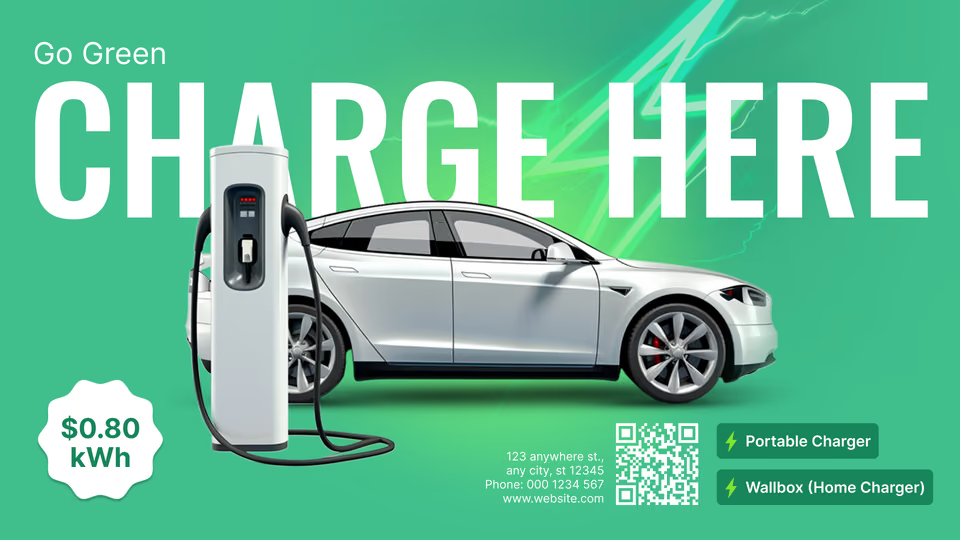
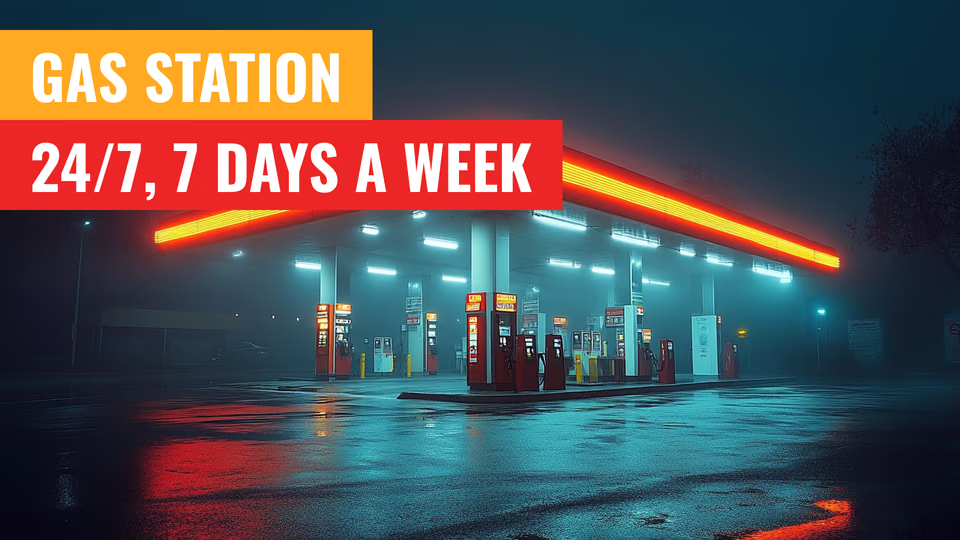
The screen a driver sees from the road makes the stop worth taking. Update the shop offer, car-wash package or loyalty scheme directly from the CMS across every selected site.
Out on the forecourt the hardware decision comes first. Brightness, sunlight readability, temperature range: that part is down to the display and the enclosure around it. What Look does is keep the content on it current, scheduled by site, by region and by time of day from the same dashboard.
Best for: Brand messaging, shop offers, car-wash packages, loyalty sign-up, opening hours
Pump islands
Make every minute at the pump count.
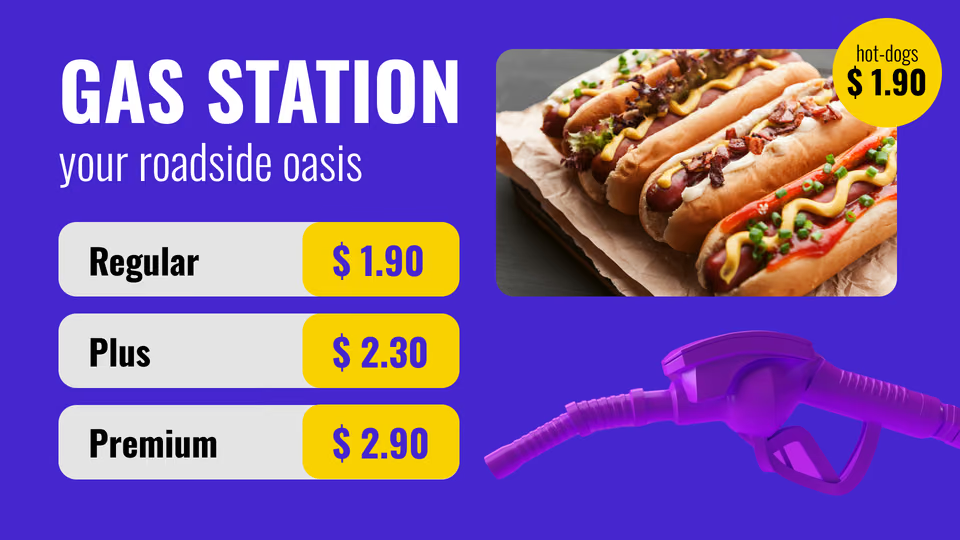
The dispenser-side screen reaches customers during the natural refueling pause, making it a strong upsell position. Keep the message focused: coffee, a meal deal or a wash upgrade.
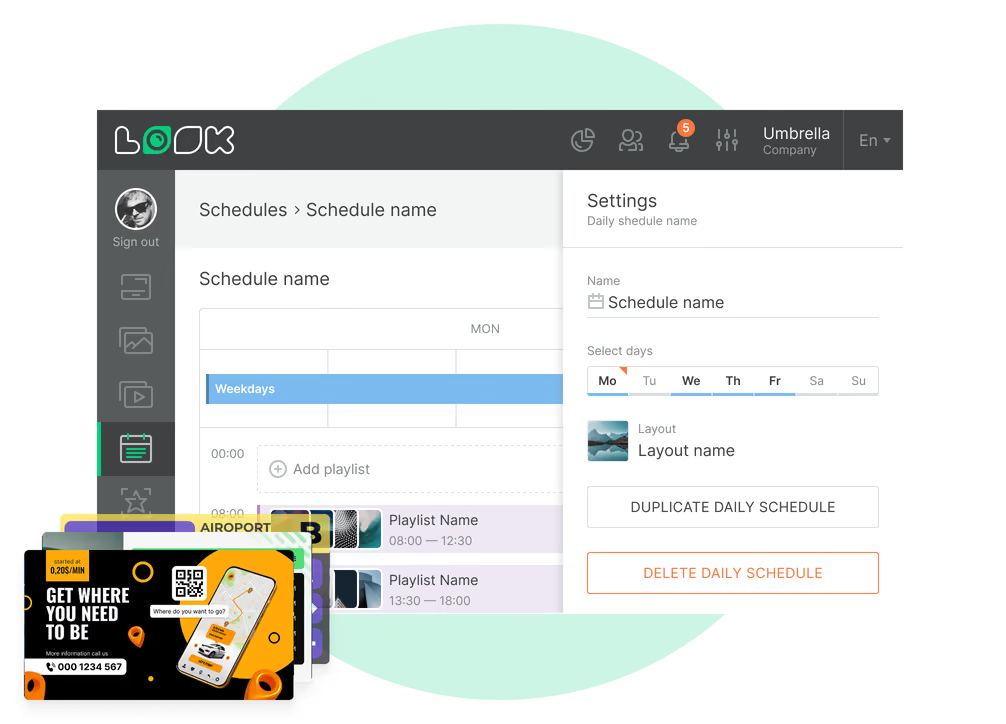
Smart Scheduling shifts the offer on its own: coffee first thing, meal deal at midday, something else again once the evening rush starts.
Best for: Single-offer upsell, coffee and snacks, meal deals, car-wash upgrades, loyalty prompts
Convenience store sales floor
Turn a fuel stop into a basket.
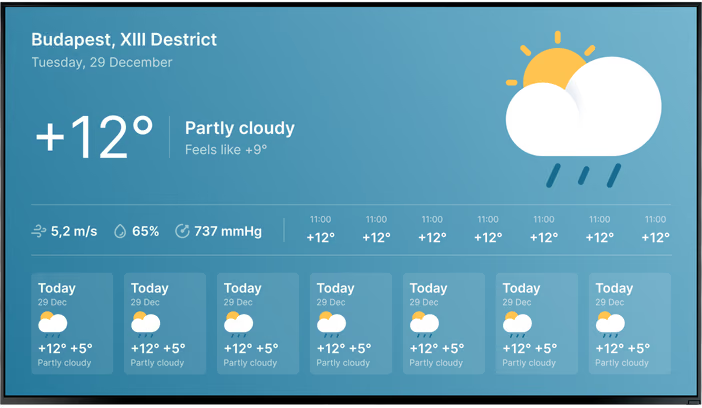
Screens between the aisles add space for multi-buy offers, new lines, own-brand promotions and seasonal campaigns. Screen Layouts divide one display so a promotion, price message and weather panel can appear together.
Central and local content share the same screen. Tag a site and it picks up the regional offer next to whatever head office happens to be running that week.
Best for: Multi-buy offers, new lines, seasonal campaigns, category promotions, local notices
Food counter and menu boards
Menus that change automatically with each daypart.
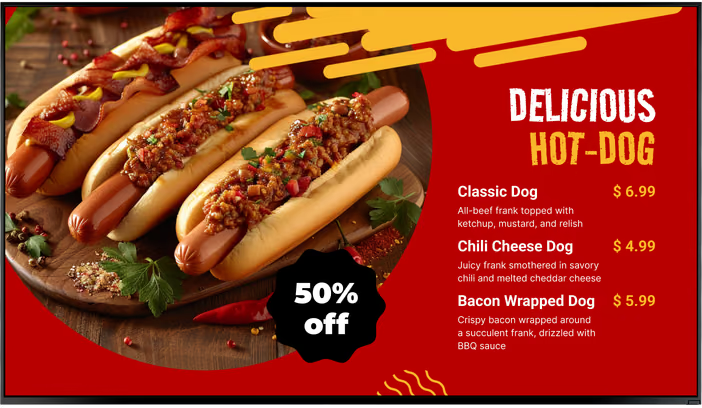
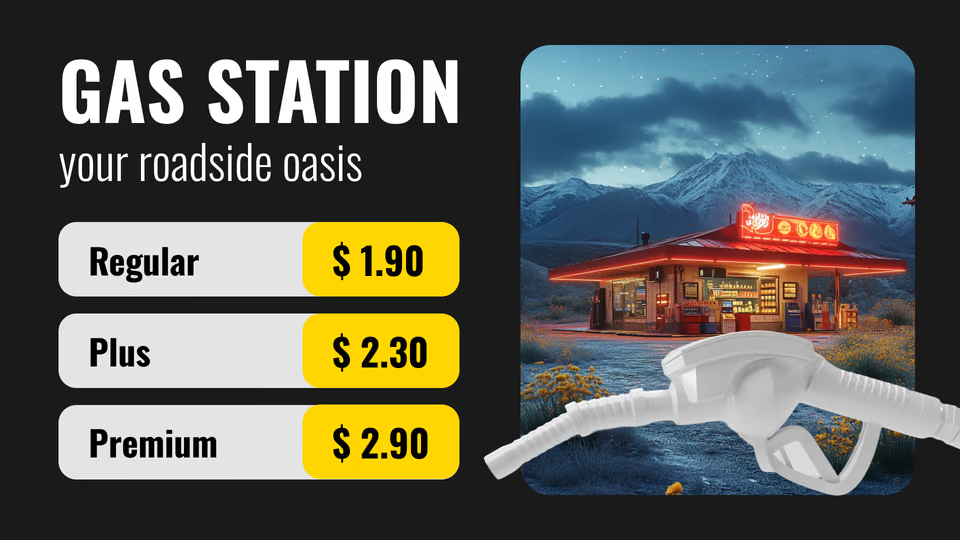
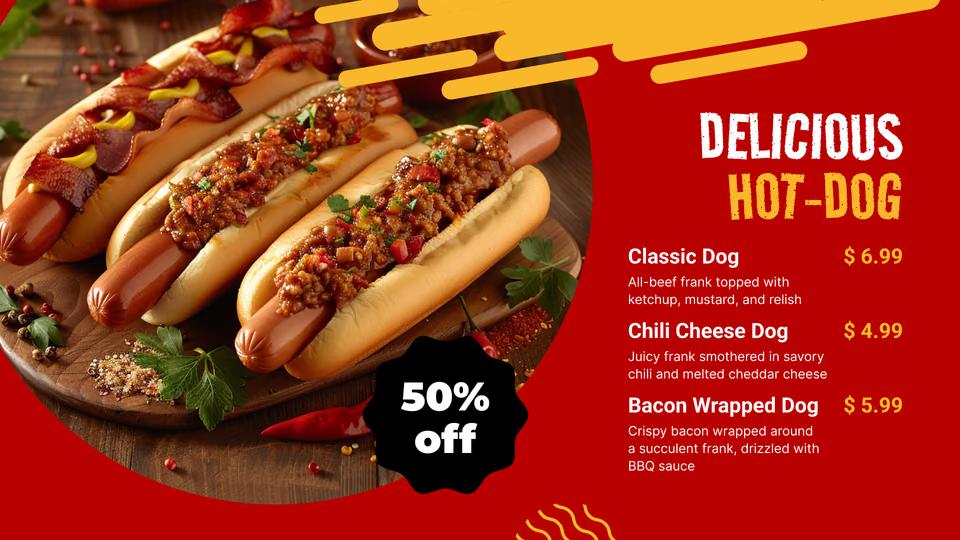
Coffee, bakery, hot food and grab-and-go all want different pricing and different photography at different hours. A menu board built in the CMS takes a price change once and shows it on every counter in the estate the same morning.
Put two or three panels next to each other and nobody has to wait for the loop to come back round to see the rest of the range.
Best for: Hot food and bakery, coffee menus, meal deals, allergen notices, price changes
Checkout and queue
Sell something in the last two minutes.
The queue is where most add-ons get decided. Loyalty sign-up, the app download, age-restriction notices, the lottery, car-wash codes. It is also the one place a QR code really does get scanned, because people are standing still anyway.
Only put QR codes where someone can safely stop and pull a phone out. The checkout works. So does the seating area.
Best for: Loyalty enrollment, app downloads, QR campaigns, add-on offers, store notices
Car wash and service bays
Sell the upgrade where the decision is made.
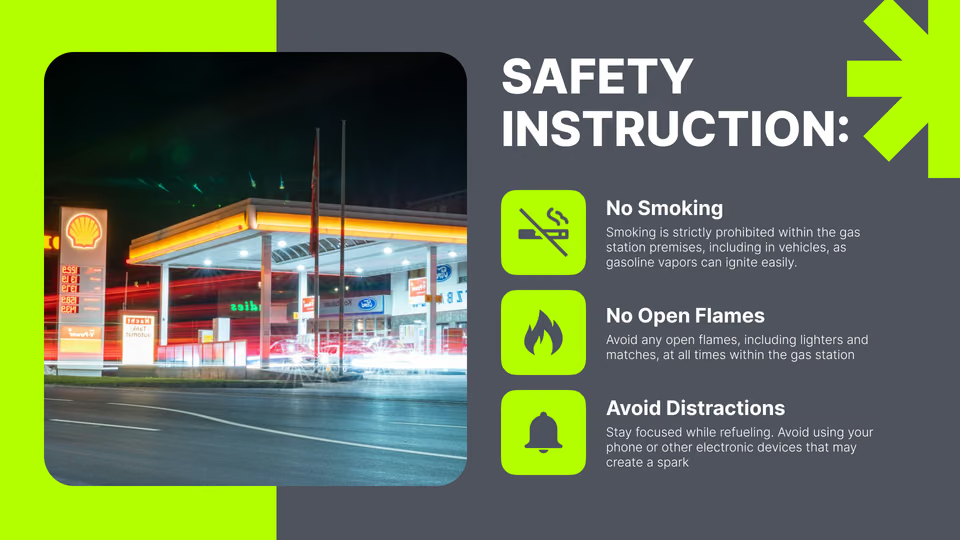
Approach and bay screens compare wash packages, promote upgrades and explain each step, helping drivers move through the wash with confidence.
A wash bay is a wet, cold and hot environment by turns. The display has to be rated for it; the player runs the same playlist as every other screen on the site.
Best for: Wash packages, upgrade prompts, how-to instructions, waiting-area content, service offers