
How digital signage works

Look Digital Signage software enables transportation institutions to quickly and cost-effectively update digital signage content
  • Content

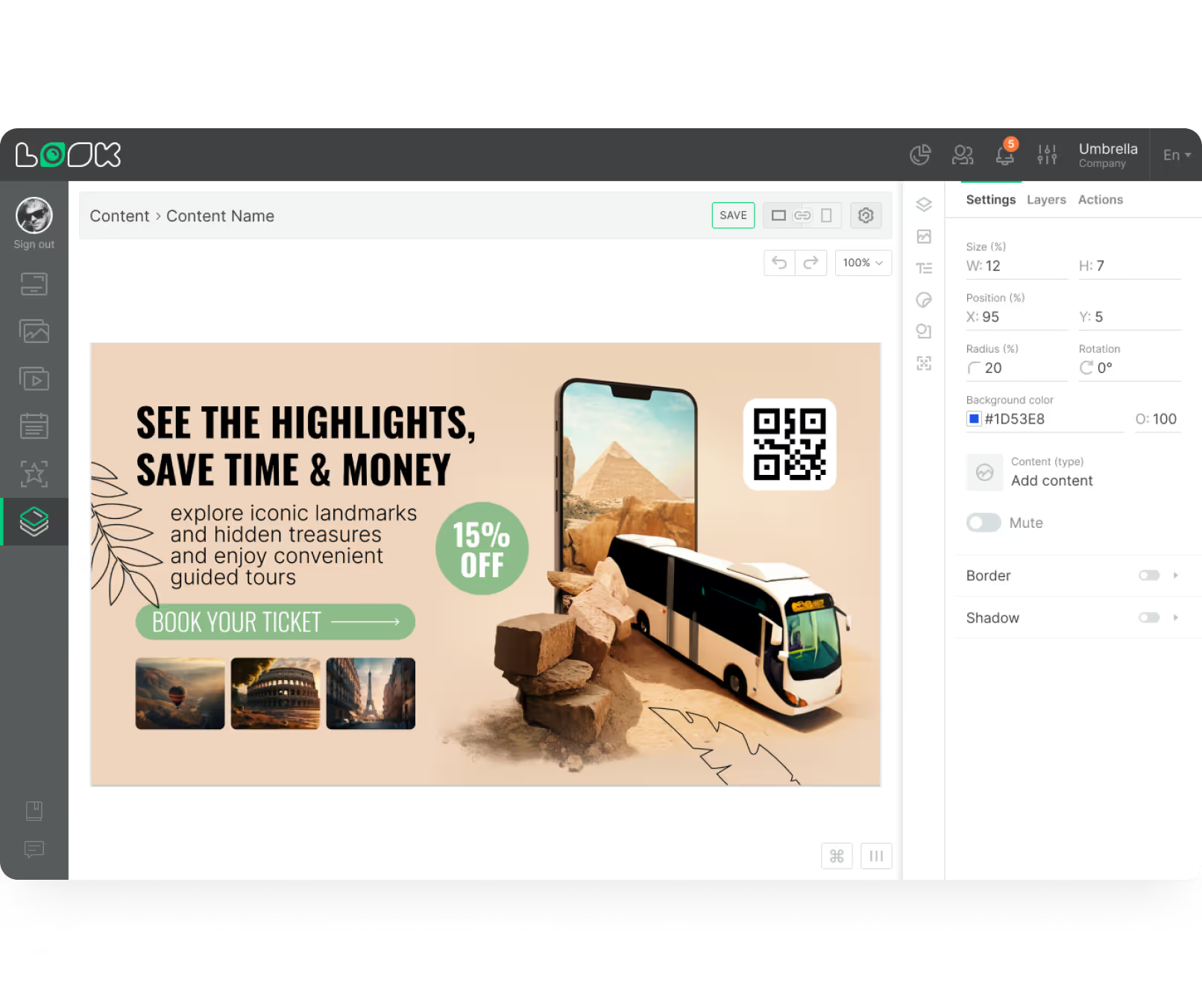
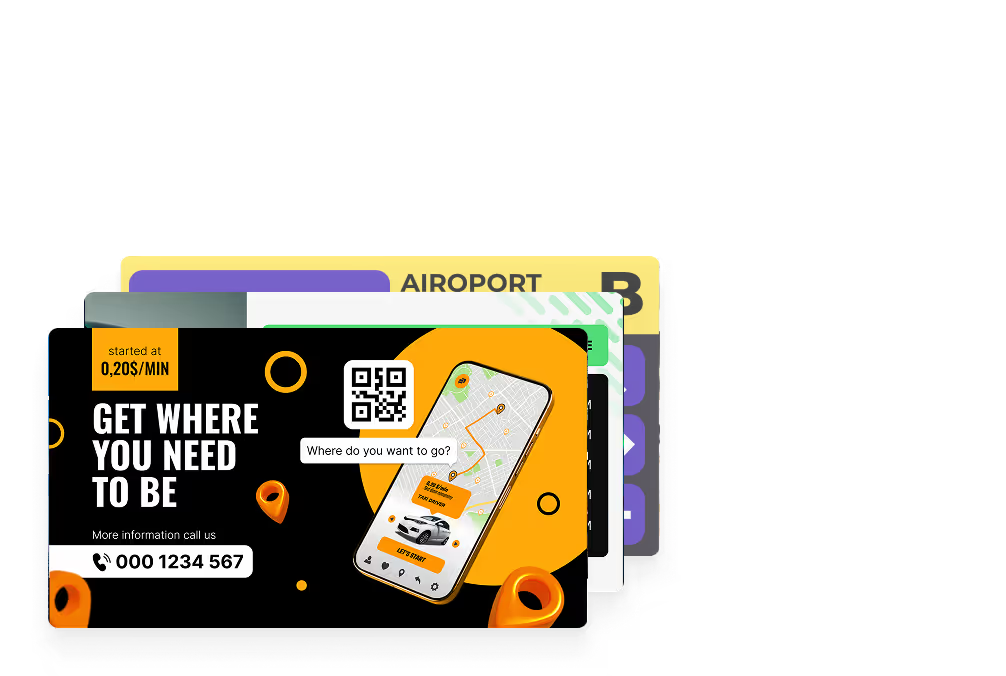
    Create content

    Design your content or utilize one of our transport-specific templates directly in the CMS
  • Schedule

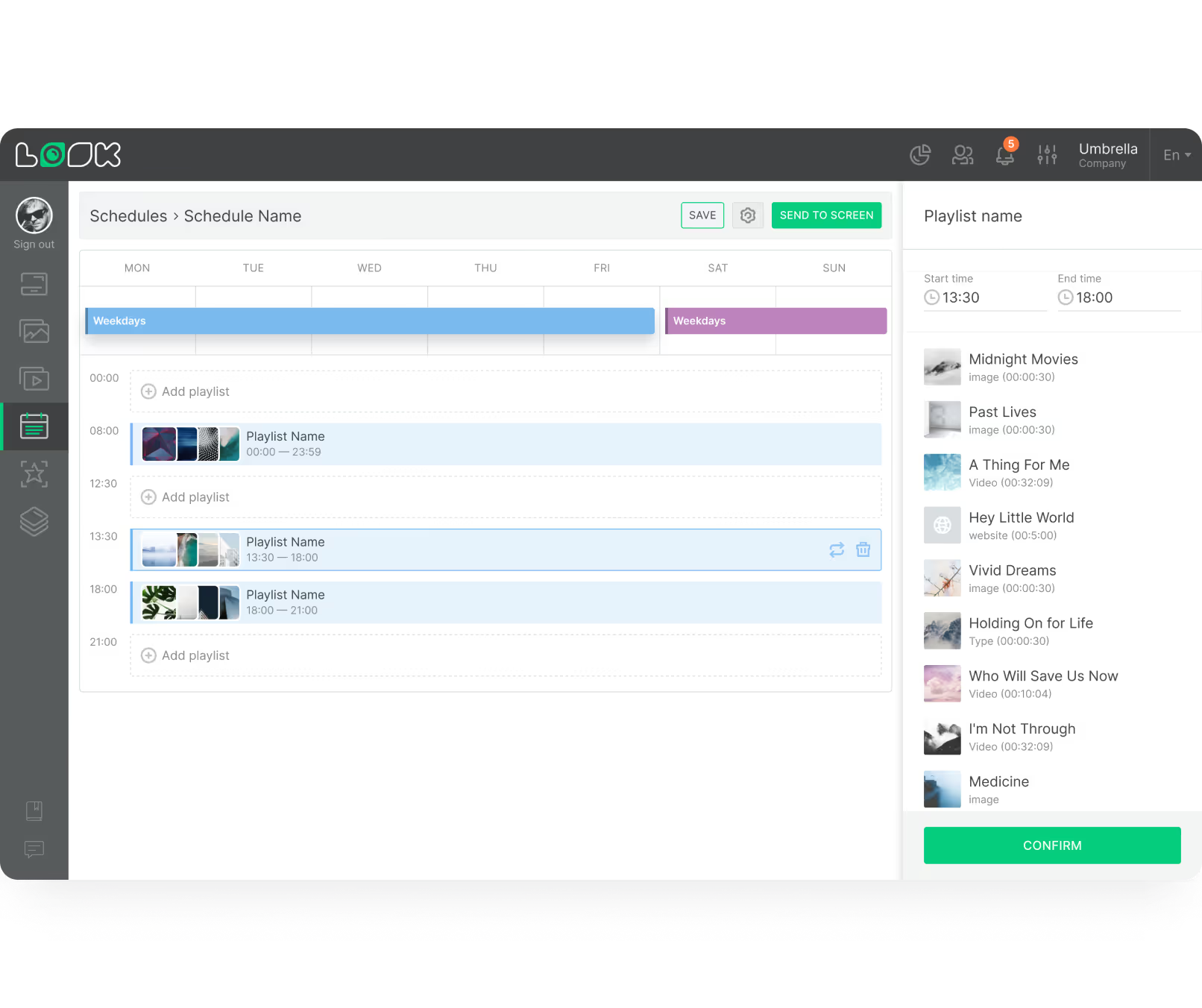
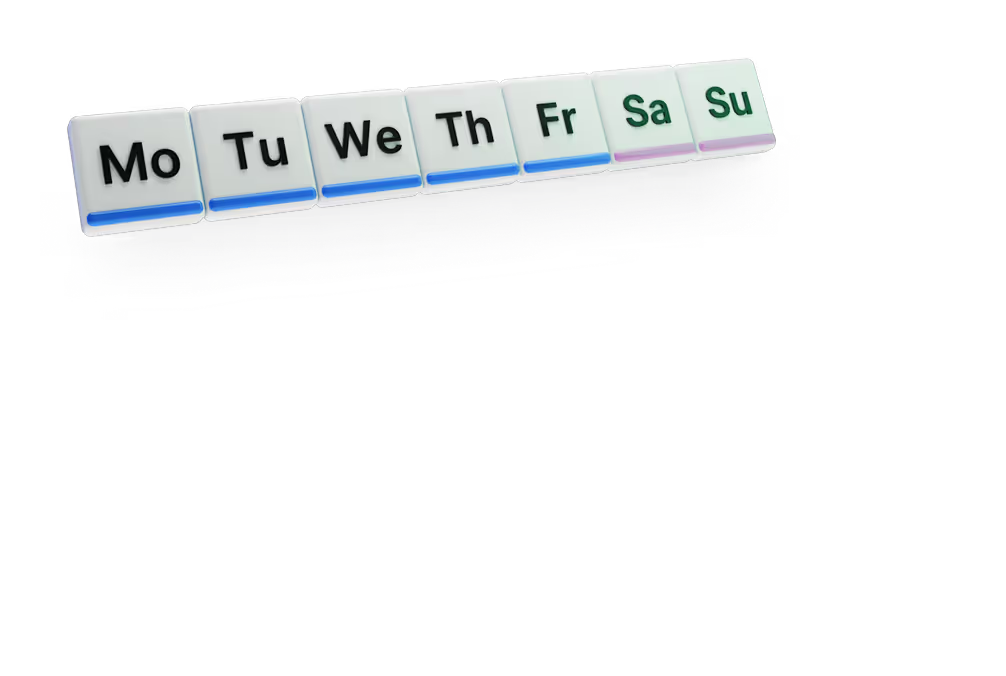
    Playlist and schedule

    Curate a sequence of content playback, setting them to air during rush hours or on particular days of the week
  • Playlists

    Start playing

    Deploy your content across individual displays or entire transportation networks and ensure timely communication to travelers
TV TransportationTV TransportationLaptop & TV Transportation

Success stories

Hear from our delighted customers! Check out their inspiring quotes about how our service has transformed their digital signage implementations.
Captera Rating
4.9
G2 Rating
5.0
60 000+
Screens
11 000+
Users
120+
Countries

Free digital signage templates
for transportation

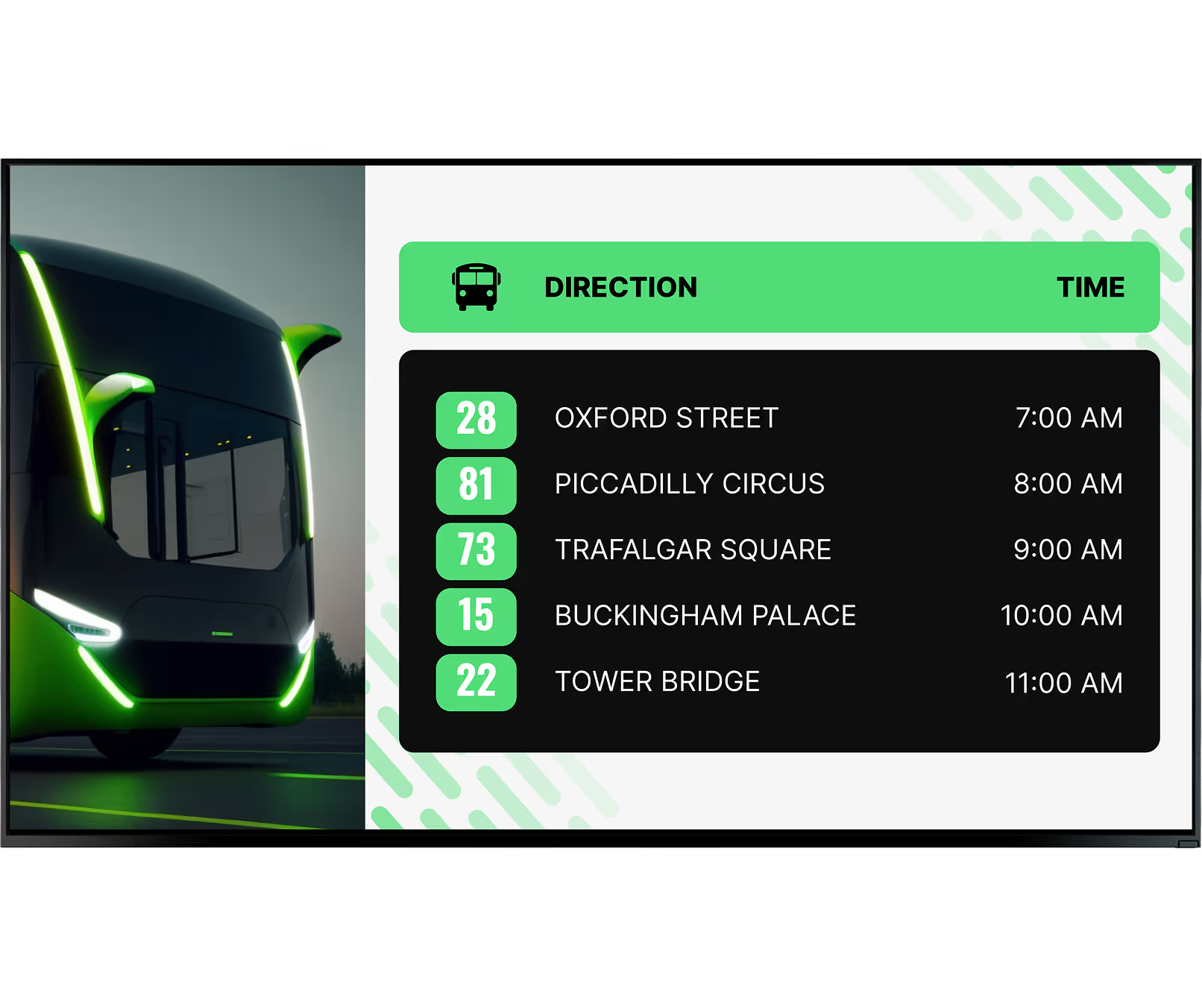
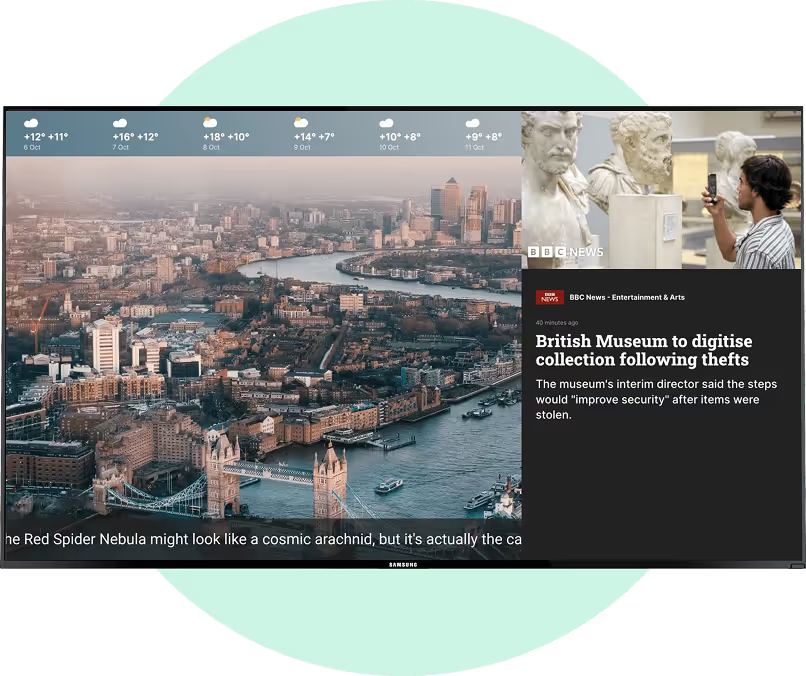
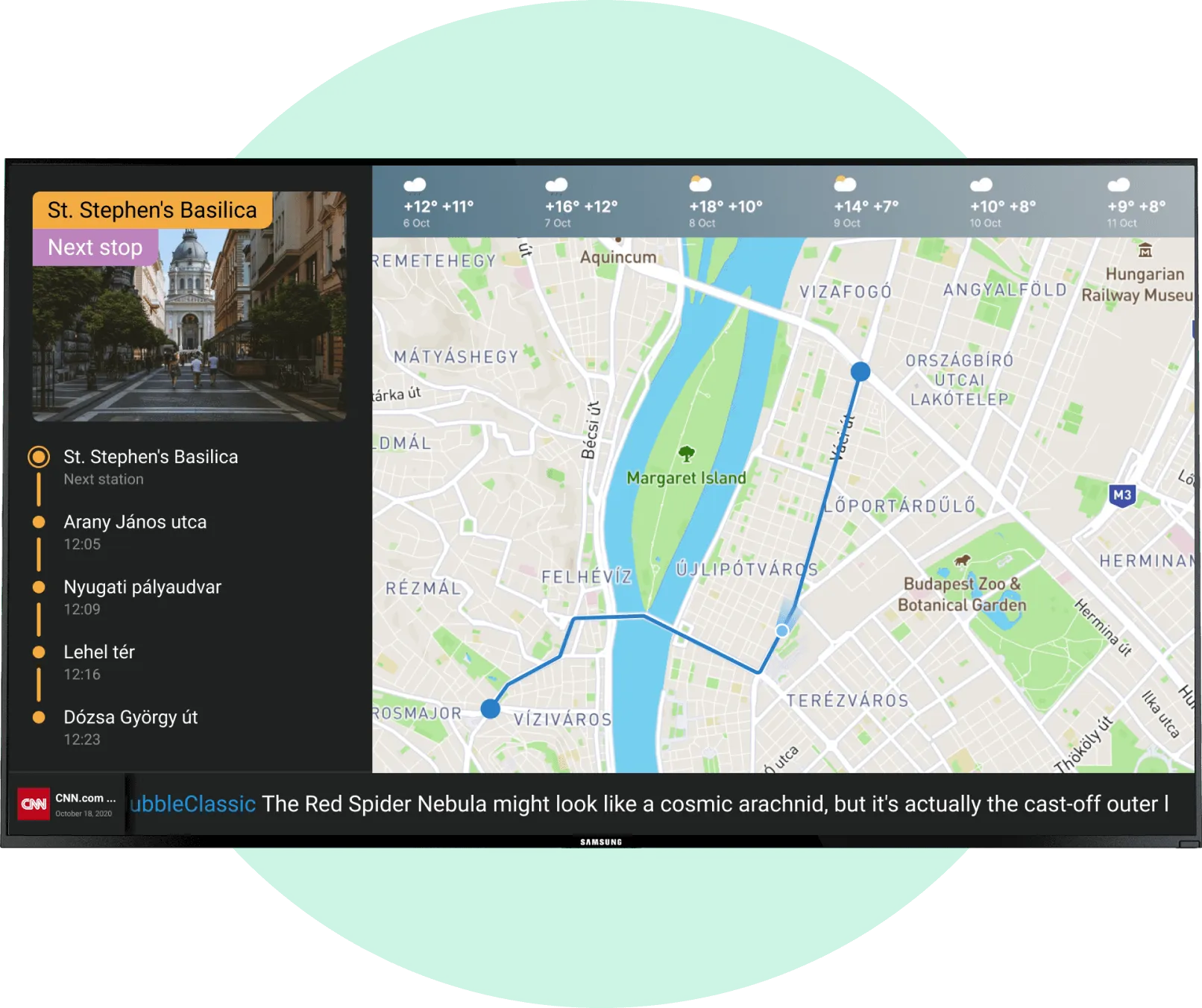
Need engaging content? Customize dozens of free transportation-themed templates to create the perfect infotainment channel for your passengers. Show advertisements, local news, weather forecasts, transport changes, safety guides, traffic jam maps and much more in full screen mode or in multiple areas of the screen simultaneously.
Digital Signage for Transportation, templatesDigital Signage for Transportation, templatesDigital Signage for Transportation, template

How to turn your TV into a digital signage screen

Look service works seamlessly on any hardware, whether you're planning to purchase or already use it
Or

Install FREE Look App

Transform any TV or compatible device into digital signage by installing the free Look app.
WindowsAmazon Signage
Androidgoogle-tvLinuxOS Fire Amazon
macOSWebOSOS Tizen OS Raspberry Pi
Supported Operating Systems

Plug Look HDMI Player

Connect the Plug & Play Look Player to your display’s HDMI input for instant setup. Worldwide shipping.
Buy nowLook HDMI Player

Frequently Asked Questions

Can transit operators use digital signage for advertising?

Yes, transit operators can combine passenger information with advertising to create additional media inventory without removing essential travel information. The MTA’s digital screen program, developed with OUTFRONT Media from 2018, was designed to provide real-time service information while also generating advertising revenue. Operators can schedule campaigns by screen, location, route, time of day, or audience context.

How are emergency messages managed across a transportation screen network?

Urgent messages are pushed from a single point of control. An operator overrides whatever was scheduled, on a handful of screens, at one station, or across the entire network. New York’s MTA does this through its Mercury communications platform, which sends location-specific information to screens throughout the subway. The same principle covers disruption notices, evacuation instructions, and severe-weather warnings. The team publishes once, and nobody works through the displays one by one.

Can transportation digital signage work without an internet connection?

Yes, but only partly. A player that caches content locally will keep playing what it already holds, so the screen stays lit instead of going black. Fresh data is the limit. Arrivals, alerts and timetable changes need a live link to come through. On a network spread across dozens of sites, this is worth checking during procurement, because a screen a few minutes out of date is a far smaller problem than a screen with nothing on it.

Can digital signage integrate with transportation ticketing systems?

Yes, in most cases. What matters is what the ticketing platform makes available: an API, a web interface, or a QR-based workflow is usually enough. Where one exists, a display or a touchscreen kiosk can show current fares, send passengers to a purchase page, or pass them into a mobile checkout. Reading fare information and paying at the screen are two different levels of integration, though, and the ticketing provider usually decides which is on the table.

What information can transportation digital signage display?

Transportation digital signage can display live arrivals and departures, delays, cancellations, route changes, wayfinding, emergency alerts, weather, advertising, and local travel information. On London’s Elizabeth line, digital passenger information screens were deployed across 41 stations and combine train schedules with service updates. Content can also be targeted by station, platform, route, screen, or time of day.

How do operators manage hundreds or thousands of transportation screens?

Through a central digital signage CMS rather than site-by-site updates. Screens are grouped by station, route, region or function, and each group gets its own content and its own access rights, so a regional team can publish locally without touching the rest of the network. The other half of the job is monitoring. Player status, offline devices, scheduled playlists, and software rollouts are all handled remotely, which keeps a site visit from being the default answer to every fault.

Can transportation screens be connected to passengers’ phones?

Yes. A QR code is the usual bridge. The shared display carries the public information, and the passenger’s phone takes over from there. Scanning can open a live timetable, a journey planner, a ticketing page, a station map or a service-alert sign-up, none of which requires a touchscreen. Two situations make this especially useful: when the detail will not fit on a display that everyone is reading, and when passengers need the information after they have left the station.

How does digital signage show real-time transit information?

Live information reaches the screens through a data link between the signage platform and the operator’s scheduling, vehicle-tracking, and service-alert systems. Most networks run on GTFS for timetable data and GTFS-Realtime for live updates, while SIRI is widespread among European operators. Once those feeds are connected, estimated arrivals, vehicle positions, cancellations and disruptions update on their own. No one has to edit a screen by hand.

What is transportation digital signage?

Transportation digital signage is a network of digital screens used to deliver passenger information, wayfinding, safety messages, and other content across transport environments. It can form part of a passenger information system, or PIS/PIDS. New York’s MTA, for example, announced the addition of more than 9,000 digital screens to its transit network to improve location-specific passenger communication.

What type of screens are suitable for stations and outdoor transport locations?

Transport locations typically require commercial displays selected for brightness, operating temperature, weather exposure, viewing angle, and continuous operation. Outdoor screens often need considerably higher brightness than ordinary indoor TVs; displays installed for Sydney’s Parramatta Light Rail, for example, use brightness levels of 1,500 nits. Vehicle installations may also require vibration-resistant mounting and hardware designed for changing temperature and humidity.

What is the difference between digital signage, PIS, PIDS, and FIDS?

Digital signage is the broader technology for managing content on screens, while PIS or PIDS refers specifically to passenger information systems and displays. FIDS, or Flight Information Display Systems, is the aviation-specific version used for flight arrivals, departures, gates, and delays. A transport operator may use one digital signage platform to support several of these screen types within the same network.

How can transportation organizations measure the ROI of digital signage?

Transportation organizations can measure ROI through operational, passenger-experience, and commercial KPIs rather than screen impressions alone. Useful metrics include screen uptime, accuracy of passenger information, incident-response time, fewer routine information requests, reduced printing costs, advertising revenue, and passenger satisfaction. For large networks such as the MTA’s 9,000-plus-screen expansion, centralized updates also reduce the operational effort required to communicate changes across many locations.

How can digital signage improve accessibility in public transport?

Digital signage can improve accessibility by combining readable visual information with audio and accessible interaction options. Useful measures include high contrast, large text, sufficient display time, text-to-speech, tactile controls, and hearing-loop integration. NJ TRANSIT’s digital bus-stop pilot, for example, included five solar-powered e-paper signs with text-to-speech capability and automated lighting to make passenger information more accessible.

Where can digital signage be used in public transportation?

Digital signage can be used in airports, train and metro stations, bus terminals, ferry terminals, parking facilities, platforms, ticket halls, stops, and onboard vehicles. Chicago’s CTA operates nearly 11,000 bus stops, illustrating the scale a public transport signage network may need to cover. Different locations can receive different layouts, passenger information, advertising, and service alerts from the same central system.