Table of Content
How can grocery stores help shoppers find products faster and reduce staff interruptions? Grocery aisle wayfinding with digital signage uses screens and interactive kiosks to create live navigation systems, guiding customers to the exact items they need in minutes.
In a busy retail environment, speed matters. Digital wayfinding replaces static, printed maps with dynamic tools that update instantly. This turns a confusing trip down the aisles into a simple, technology-assisted visit. By using bright visuals and easy-to-read screens, you help customers spend less time hunting for basics and more time discovering new products.
What is grocery aisle wayfinding with digital signage?
How does digital signage guide shoppers in grocery stores?
Digital signage guides shoppers by acting like a live map inside your store. Placed at entrances, key junctions, and aisle caps, these screens catch the eye better than paper signs. Because shoppers move quickly, you need strong visuals to grab their attention. High-contrast displays clearly show aisle contents like "Dairy & Eggs" or "International Foods," making them visible from across the floor.
Beyond simple labels, these systems provide step-by-step directions. Large screens can display clear paths to specific sections, helping customers get their bearings the moment they walk in. Since many in-store visits are short, real-time location markers make every minute count. This cuts down on aimless wandering and helps shoppers finish their lists efficiently.
What are common types of wayfinding digital displays?
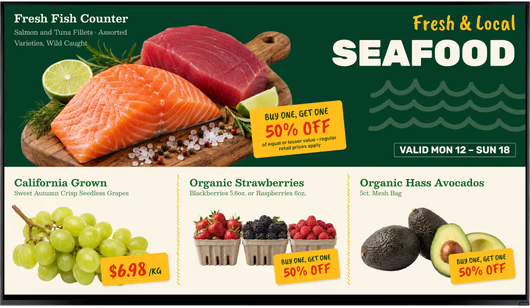
Wayfinding uses various screen types, from large wall displays to smaller shelf markers. Entryway kiosks are very common, offering a full overview of the store layout. Digital standees and screens at the end of aisles-often called digital end caps-mark categories while showing weekly deals. These displays draw attention to key areas and point shoppers in the right direction.
Other options include hanging aisle signs that identify categories from a distance and shelf-edge displays. While shelf-edge screens mainly show prices, they also confirm that a shopper has found the correct item. In larger supermarkets, commercial tablets mounted on carts or pillars can serve as mini-directories for specific departments.

Why do grocery stores use digital signage for aisle navigation?
Benefits for customers and store staff
For customers, the main benefit is convenience. Digital wayfinding reduces the mental effort of navigating a large store. For your team, the gains are operational. When shoppers can find items on their own using kiosks, your staff spends less time answering questions like "Where is the flour?" and more time stocking shelves or managing checkout lines. This leads to smoother operations and better use of staff hours.
Digital signage software also allows for centralized control. If you run multiple locations, you can update directories for every store from one dashboard. This saves hours of work compared to printing and hanging new signs. It reduces errors and keeps information accurate, which helps build trust with your customers.
How digital signage reduces shopper frustration
Frustration is a major reason people leave stores without buying. If a shopper cannot find an item quickly, they may walk out empty-handed. Digital wayfinding simplifies the search. When a customer can use a kiosk to find a product in seconds, stress levels drop. Screens near checkout can also display wait times or light entertainment, making queues feel shorter.
Stores can also use screens to inspire purchases. If a display shows a recipe and lists the aisle numbers for the ingredients, the buying process becomes easy. This type of guidance reduces "search fatigue" and helps keep carts full.

Role in supporting accessibility and inclusion
Digital wayfinding helps make your store accessible to everyone. Interactive kiosks can offer multiple language options, letting users switch settings with a tap. This is helpful for international visitors or diverse communities. Digital systems can also highlight paths that are easier for wheelchairs or strollers to navigate.
For customers with low vision, bright screens with large text are easier to read than printed tags. Some systems even connect with mobile apps to provide audio guidance, helping all shoppers navigate independently and with confidence.
Which digital signage solutions improve grocery aisle wayfinding?
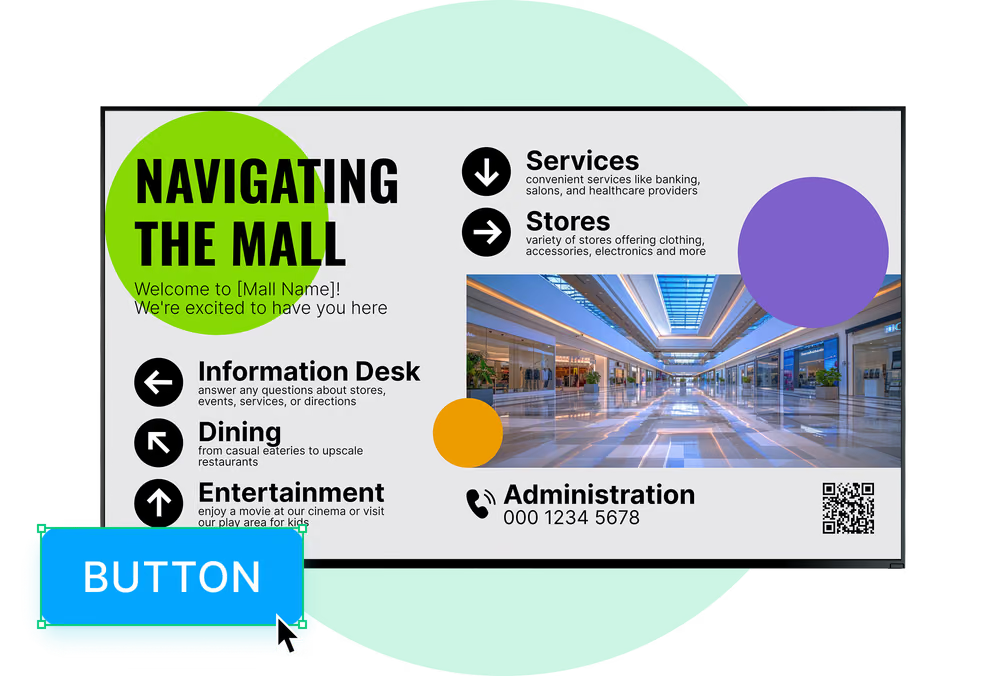
Interactive kiosks for product search and directions
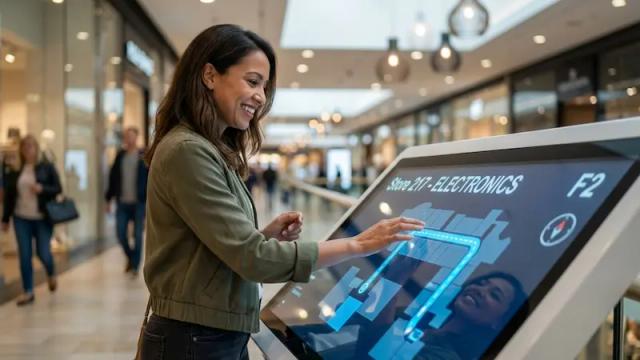
Interactive kiosks are a standard tool for modern wayfinding. These touch screens let shoppers type in an item-like "gluten-free pasta"-and see a map showing the exact aisle. Some kiosks include interactive catalogs where shoppers can browse deals before planning their route. This gives customers control and keeps foot traffic flowing smoothly.
Aisle directory displays and digital maps
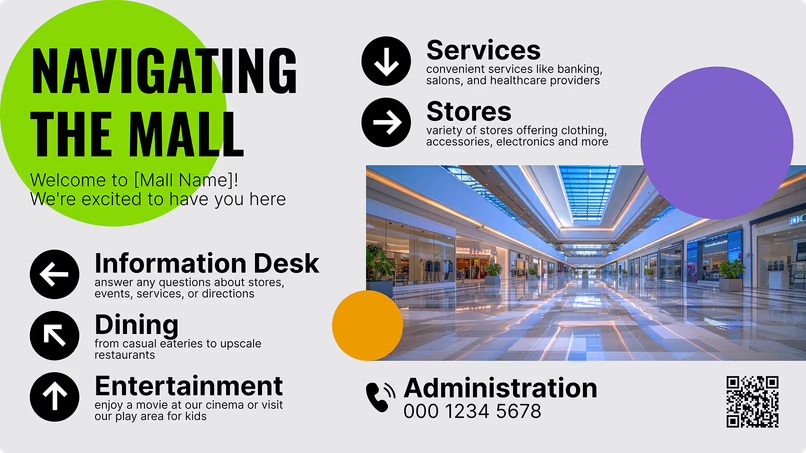
Placed at key decision points, digital directory screens act as constant guides. These large displays often cycle between a store map and current promotions. Because they are digital, you can update them quickly to match layout changes, such as a seasonal holiday aisle. This keeps directions accurate all year without reprinting costs.
Mobile-integrated signage and QR code navigation

In-store screens and mobile phones work well together. Customers are used to scanning QR codes. By placing a code on a digital sign, you can let a shopper download the store map directly to their phone. This allows them to follow directions while they shop, connecting the physical store layout with their personal device.

Shelf-edge displays and digital end caps
Small screens play a big role in "micro-wayfinding." Shelf-edge screens display live prices and product details, confirming the shopper has the right item. Digital end caps catch the eye of people walking by, using vertical layouts to promote high-margin items and nudge customers toward nearby aisles.
What features improve the effectiveness of digital wayfinding?
Real-time inventory and pricing integration
The most useful systems connect to your store's data. If a product runs out, the signage can stop highlighting it or suggest an alternative. This prevents the frustration of walking to an empty shelf. Live pricing links ensure the price on the screen matches the price at the register, keeping customer trust high.

Personalized recommendations and promotion alerts
Digital signage can use data like time of day to guide shoppers. A screen might highlight the breakfast aisle in the morning and dinner solutions in the evening. Advanced platforms can trigger offers based on location. If a shopper lingers in the produce section, a nearby screen might point them to the salad dressing aisle.
Multi-language and accessibility support
Success means ensuring everyone can use the system. Features like voice search, clear on-screen keyboards, and high-contrast modes help more shoppers. Instant translation into different languages gives digital signs a clear advantage over static print. This makes your store friendlier to a wider range of customers.
Choosing the right software platform
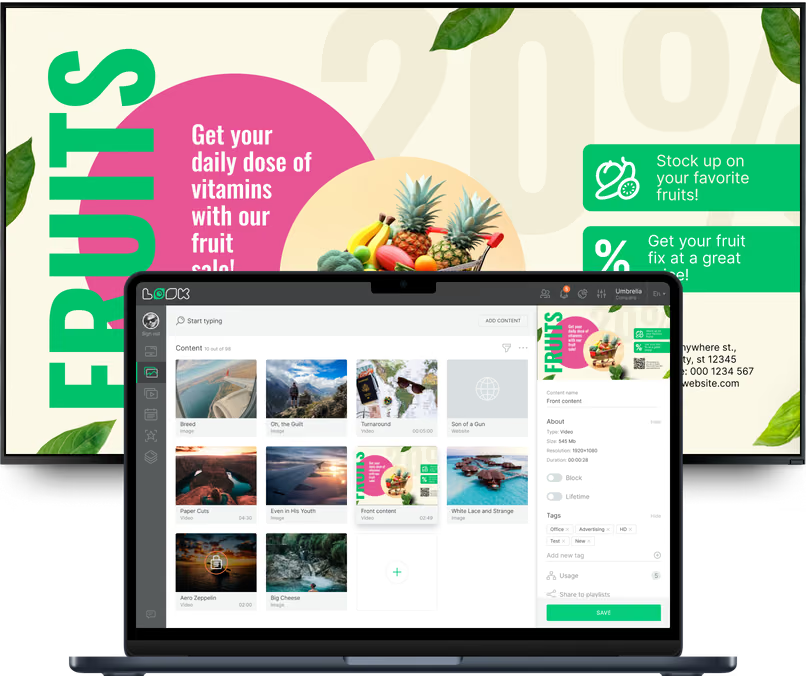
To implement these features effectively, you need a platform that is easy to manage and reliable. Look Digital Signage is a strong fit for grocery stores that need to deploy wayfinding without complex IT hurdles. It is designed to help teams manage any screen, from anywhere, in minutes.
Look DS supports key capabilities for this environment:
- Interactive Scenarios: You can build touch-based navigation and product catalogs without writing code.
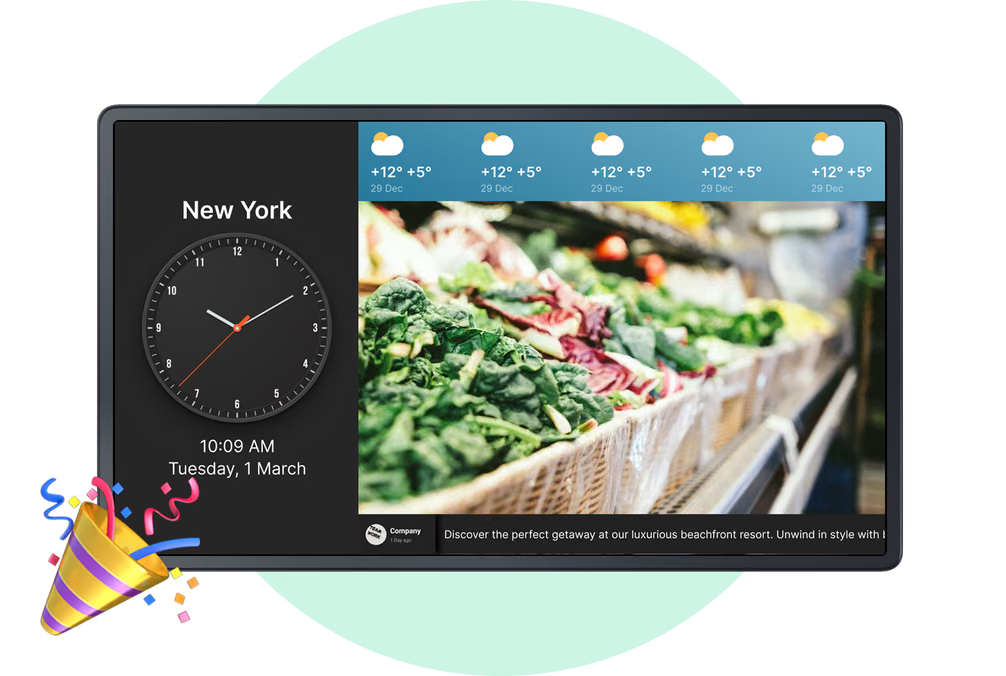
- Screen Layouts: The layout builder allows you to split screens, showing a directory on one side and promotions on the other.
- Ready-made Templates: Get started quickly with pre-designed templates that are easy to customize for your brand.
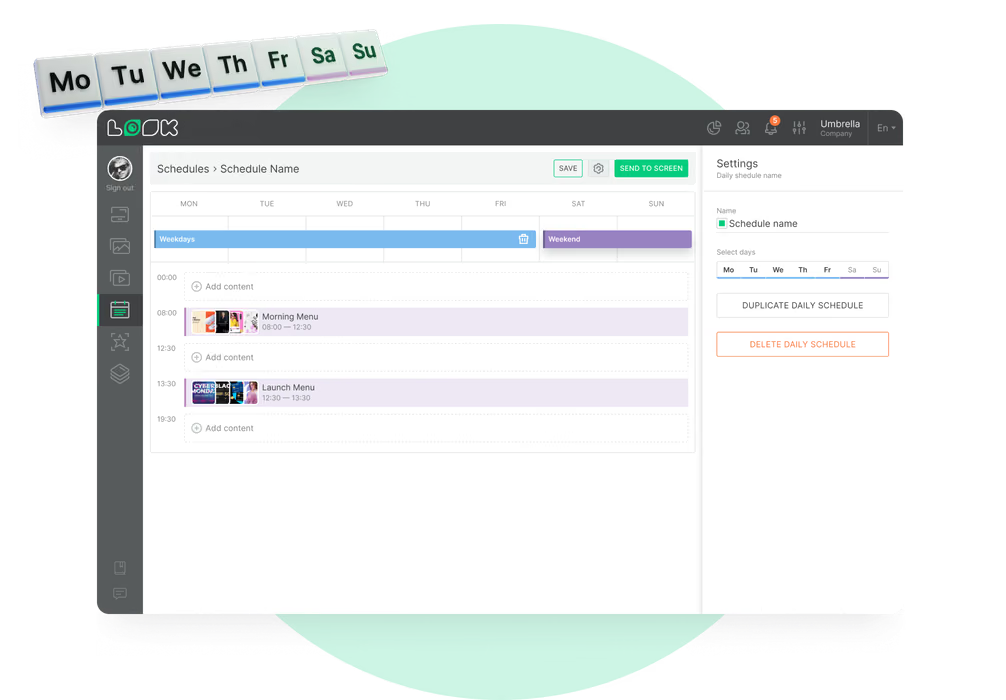
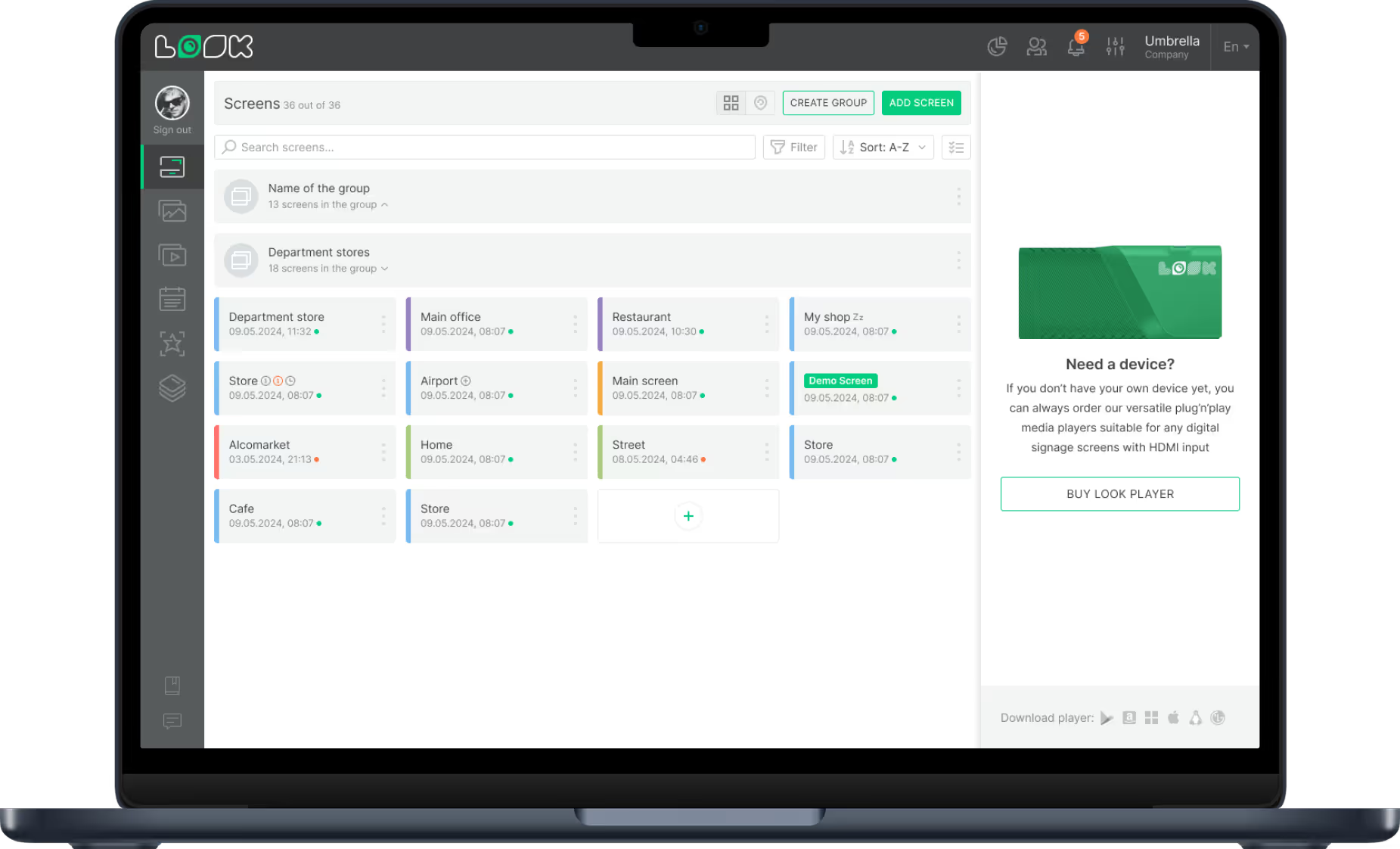
- Remote Management: Update maps and playlists across all your locations from a single cloud-based dashboard.
How does grocery aisle wayfinding with digital signage impact customer experience?
Faster product discovery and reduced search times
Digital wayfinding significantly cuts down search time. By providing direct routes, you eliminate the random wandering that makes shopping tiring. Data suggests that digital screens increase how often products are noticed. When people find what they need quickly, they often have time to explore other aisles, which can lead to unplanned purchases.
Increased customer satisfaction and loyalty
A fast, simple shopping trip creates happy customers. Efficient navigation is often linked to higher satisfaction and repeat visits. When you invest in tools that save your customers time, you build loyalty. Shoppers are more likely to return to a store where they can find items easily, rather than visiting a competitor with confusing signs.
What are the challenges of implementing digital wayfinding in grocery stores?
Technical integration with existing store systems
A common challenge is connecting digital signage software to your Point of Sale (POS) and inventory systems. For wayfinding to work, data must be accurate. If the system says an item is in stock, but the shelf is empty, trust is lost. Smooth syncing requires reliable software that can integrate with your current tools.
Content management and regular updates
Digital signage requires a plan. Managing maps, offers, and locations across many screens can be difficult without a simple content management system (CMS). Retailers should assign clear roles, such as local teams handling store-specific content while headquarters manages brand-wide layouts, so information stays fresh.
Cost considerations and scalability
Hardware and installation costs can be a concern. Large chains can spread these costs, but independent grocers need to plan carefully. Fortunately, scalable options exist. You can start small with just one or two displays using a cloud-based solution like Look DS, then expand as you prove ROI. Over time, the savings on printing and labor for manual updates often outweigh the initial investment.
Future trends in grocery store wayfinding with digital signage
Artificial intelligence for dynamic product recommendations
Smarter systems are on the horizon. AI is starting to support features like suggesting routes based on shopping habits. For example, screens might suggest recipes based on items already in a smart cart. AI can also adjust suggested paths in real time to avoid crowded aisles, helping manage store traffic.
Augmented reality navigation and mobile integration
Augmented Reality (AR) is changing how shoppers navigate. By pointing a phone camera at the aisle, customers could see a virtual path to the items on their list. This deep mobile integration makes the store feel interactive and helpful, blending digital guidance with the physical shopping trip.

Data analytics for optimizing store layouts
Digital wayfinding systems provide valuable data. By tracking which items are searched for most, you gain insight into how people use your space. This data helps you optimize layouts, such as moving popular items to more central locations. It also allows you to measure which screens drive the most traffic, helping you refine your content strategy.
Key takeaways for grocery retailers using digital aisle wayfinding
Digital wayfinding is a practical business move that saves time and improves operations. Retailers often see a return on investment through increased sales and reduced printing costs. By replacing manual updates with remote management, you free up staff to focus on customers.
Digital signage also supports sustainability by reducing paper waste. As the technology becomes more accessible, grocery stores that adopt these tools will offer a smoother, more modern experience. Whether you start with a single kiosk or a full network, the goal is the same: help your customers find what they need, simply and quickly.