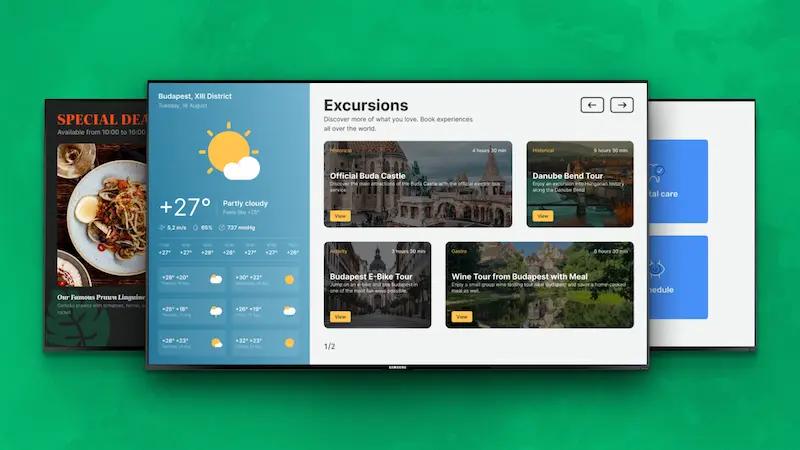
HospitalityHotel Digital Signage in 2026: Benefits, Use Cases, Software & CostsOct 13, 2026 by Alexandra Gavrilova
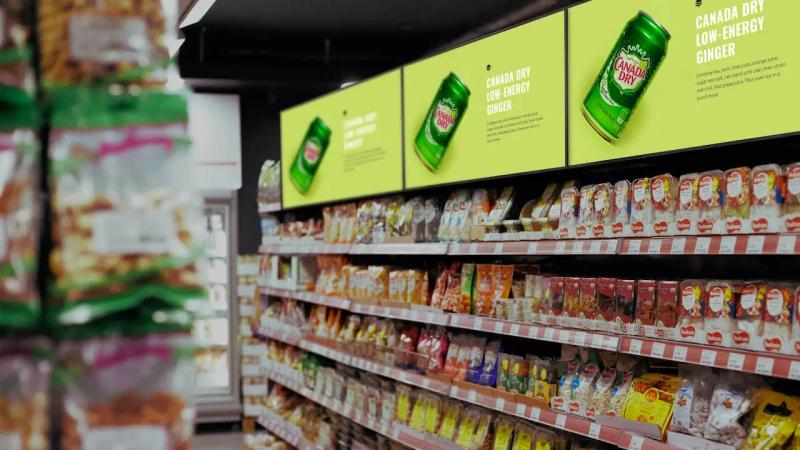
RetailRetail Digital Signage: How It Works, Costs, Benefits, and Trends in 2026Oct 9, 2026 by Ilya Zorokhovich
TranslateDigital Signage Cost Guide: What Buyers Need to Know in 2026Jul 21, 2026 by Ilya Zorokhovich
TechDigital Signage Software Market: Numbers, Leaders, and Trends 2026Jul 21, 2026 by Evgeny Kirillov
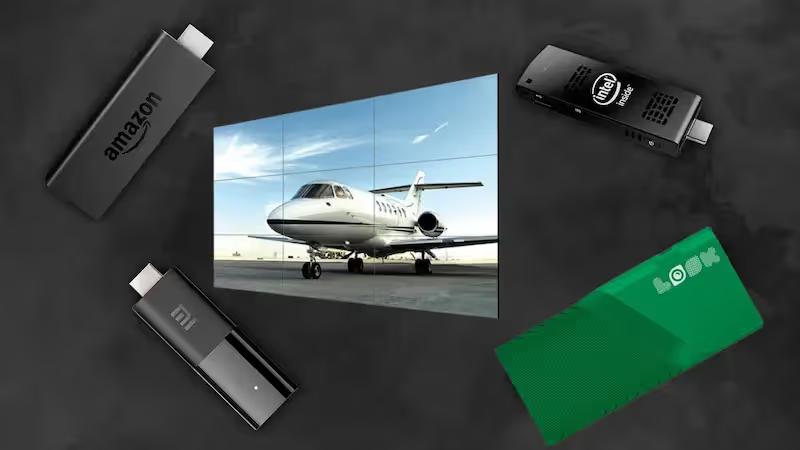
TechDigital Signage Hardware Selection: The Ultimate Buyer’s Guide 2026Jul 15, 2026 by Denis Podozhnikov
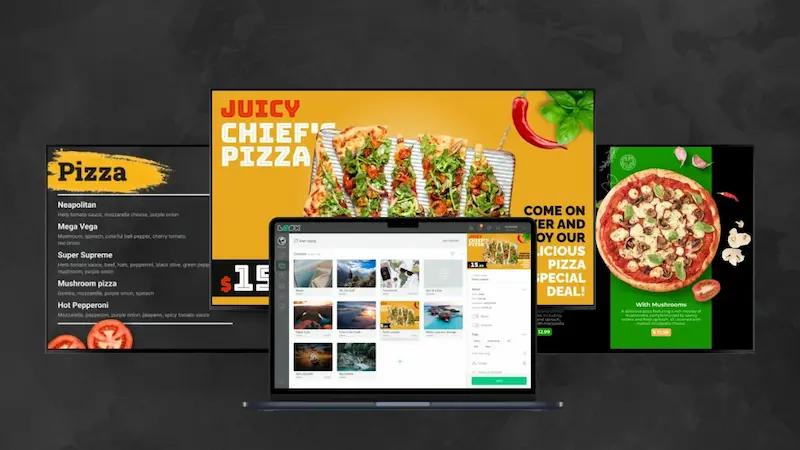
DevelopmentFree Digital Signage Templates: How to Create Professional Screen Content FasterJul 10, 2026 by Alexander Makhalov
EducationAPI for Digital Signage: Main Use Cases, Integration Methods, and Look DS Action TriggersJul 6, 2026 by Daniil Lebedinsky
CorporateHow to Set Up Digital Bulletin Boards to Connect With Your TeamFeb 9, 2026 by Dmitry Tupikin
TutorialHow to Display Power BI Dashboards on Digital Signage with Look DSFeb 5, 2026 by Alexandra Gavrilova
CorporateOffice Hoteling: Does It Make Sense for a Cutting-Edge Workspace?Feb 3, 2026 by Roman Filyakov
CorporateHow to Create a Digital Catalogue and Publish It on Your ScreenFeb 2, 2026 by Alexandra Gavrilova
AdvertisingLocation-Based Marketing: A Future of Customer ExperienceFeb 2, 2026 by Alexandra Gavrilova
TransportationBest Use Cases for Outdoor Digital Kiosks Around the WorldFeb 1, 2026 by Alexandra Gavrilova
DevelopmentWhat is Embed Code, and How Can You Use it With Digital Signage?Jan 30, 2026 by Daniil Lebedinsky
DevelopmentWhat is Zapier and Which Benefits It Can Bring to Your BusinessJan 30, 2026 by Alexandra Gavrilova
TechAll You Need to Know About Digital Signage Software for Smart TVsJan 28, 2026 by Denis Podozhnikov
CorporateLive Twitter Feeds on Your Digital Sign: Why and How to DisplayJan 28, 2026 by Alexander Makhalov
TranslateBest Interactive Content Examples for Your Digital SignageJan 27, 2026 by Alexander Makhalov
CorporateMaximizing Fundraising Efforts With Dynamic Digital Donor WallsJan 27, 2026 by Alexandra Gavrilova
RetailOnline Shopping vs. In-Store Shopping: Benefits and DrawbacksJan 27, 2026 by Alexandra Gavrilova
AdvertisingThe Right Video Wall Content Strategy: What and How to Play?Jan 27, 2026 by Alexander Makhalov
CorporateWhy Use TV Dashboards in Your Office, and How to Set Them UpJan 27, 2026 by Alexander Makhalov
CorporateEnhance Customer Navigation With Digital Wayfinding SolutionsJan 26, 2026 by Alexandra Gavrilova
TechReal-Life 5G Use Cases: Where, How, and Why It Makes a DifferenceJan 26, 2026 by Alexandra Gavrilova
CorporateGood Content Examples for Dynamic Digital Signage: Inspire with LookJan 23, 2026 by Alexander Makhalov
CorporateHow Does Digital Signage Support Business Digital Transformation?Jan 23, 2026 by Roman Filyakov
GagetsApple Mac Mini as Digital Signage Hardware: Maximizing ProductivityJan 22, 2026 by Denis Podozhnikov
AdvertisingWhat is Digital Out-of-Home (DOOH) Advertising? The Ultimate GuideJan 21, 2026 by Alexander Makhalov
Things to Remember When Creating the Best Digital Signage Design for DisplaysJan 16, 2026 by Alexander Makhalov
DevelopmentA Complete Guide on How Digital Signage Can Save Your Time and MoneyJan 13, 2026 by Evgeny Kirillov
Corporate5 Tips to Design a Creative Office Space With Digital SignageJan 12, 2026 by Alexandra Gavrilova
ManufacturingWhy and How to Use Digital Signage in Plants and FactoriesJan 10, 2026 by Roman Filyakov
CorporateTown Hall Meetings With Digital Signage: Improve the Way You CommunicateJan 9, 2026 by Roman Filyakov
RetailKey Things to Know About Digital Signage for Shopping CentersJan 8, 2026 by Alexandra Gavrilova
MenuHow Restaurants Can Use Digital Signage to Become More AttractiveJan 5, 2026 by Alexandra Gavrilova
EducationKey Reasons to Introduce a Library Digital Signage SystemDec 31, 2025 by Alexandra Gavrilova
Corporate6 Best Tips on How to Deploy Office Digital Signage in Your WorkplaceDec 29, 2025 by Roman Filyakov
CorporateDigital Signage Sales Board: The Standard for Sales Team CommunicationDec 18, 2025 by Evgeny Kirillov
CorporateDigital Display Boards for Offices: Disruptive Factors ExplainedDec 16, 2025 by Ilya Zorokhovich
TutorialTop Sources to Get Engaging Royalty-Free Content for Your Digital SignageDec 12, 2025 by Alexander Makhalov
RetailExperiential Signage: The Path to an Unforgettable Customer ExperienceNov 26, 2025 by Alexandra Gavrilova
AdvertisingThe Power of Video in Digital Signage: Essential Strategies for MarketersNov 21, 2025 by Roman Filyakov
RetailWhat Is Retailtainment: Features, Benefits, and a Case StudyNov 20, 2025 by Alexandra Gavrilova
TutorialDigital Signage Scheduling: The Best Tools, Tips, and TricksNov 18, 2025 by Alexandra Gavrilova
EventCinema Digital Signage Made Easy: A Step-by-Step Marketing GuideNov 11, 2025 by Alexandra Gavrilova
TechDigital Signage Maintenance Checklist: Keep Your Screens Working at Their BestNov 2, 2025 by Alexandra Gavrilova
DevelopmentWhen and How to Create an RFP For Your Digital Signage ProjectSep 2, 2025 by Roman Filyakov
Real EstateHow Digital Signage Works & How to Choose Hardware – Guide for RealtorsAug 21, 2025 by Denis Podozhnikov
TechTop 9 Samsung Commercial Displays for Enterprise Digital Signage in 2025Jul 31, 2025 by Dmitry Tupikin
AdvertisingBillboard Advertising: Effectiveness Stats & Creative ExamplesJul 24, 2025 by Evgeny Kirillov
DevelopmentHow On-Premise Digital Signage Works and How to Deploy It with LookJul 15, 2025 by Daniil Lebedinsky
CorporateHow to Display Announcements on a TV Screen: A Practical Setup GuideJul 10, 2025 by Gabriel Orosz
TechLook Digital Signage Is Now Available for Raspberry Pi: How to Get StartedJul 8, 2025 by Daniil Lebedinsky
TravelDigital Signage for Municipal Services: From Town Halls to Bus StopsJun 5, 2025 by Denis Podozhnikov
TechEco-Friendly Digital Signage: Where Sustainability Meets Smart TechnologyJun 3, 2025 by Evgeny Kirillov
Corporate8 Reception Digital Signage Ideas to Elevate Your Office Welcome AreaMay 15, 2025 by Alexander Makhalov
CorporateHow Boost Conference Room Efficiency by 30% with Digital SignageMay 8, 2025 by Roman Filyakov
Retail10 Biggest Shopping Malls In The World And How They Use Digital SignageApr 29, 2025 by Ilya Zorokhovich
TechExciting News! Choose Look Digital Signage for Amazon Signage StickApr 15, 2025 by Ilya Zorokhovich
MenuExploring Menu Board Types: Choosing the Best Fit for Your CaféApr 6, 2025 by Alexandra Gavrilova
MenuHow LED Menu Boards Drive Sales in Entertainment and Dining VenuesMar 20, 2025 by Evgeny Kirillov
TechTop 10 CES 2025 Highlights Related to the Digital Signage IndustryJan 22, 2025 by Daniil Lebedinsky
CorporateSpread a Holiday Spirit: Crafting Memorable Digital Messages with Look's Expert Tips!Sep 13, 2024 by Alexandra Gavrilova
CorporateIgnite Your Marketing: Unleash Festive Creativity with Look's Dynamic IdeasSep 6, 2024 by Roman Filyakov
MenuDigital Menu Boards: How to Set Up a Dynamic Menu with Look Digital SignageJul 23, 2024 by Roman Filyakov
GagetsIntel Compute Stick: The Ultimate Guide for Seamless Integration and PerformanceJun 25, 2024 by Denis Podozhnikov
EducationStudent of the Month Award: Step-by-Step Guide to OrganizationFeb 7, 2024 by Alexandra Gavrilova
TechHow To Turn Off The Touchscreen On Your Smartphone, Tablet, or PCFeb 5, 2024 by Denis Podozhnikov
AdvertisingTop 11 holiday marketing campaigns: Christmas & New Year editionDec 8, 2023 by Alexandra Gavrilova
HospitalityTop 10 Hospitality Apps to Streamline Your Business ProcessesOct 10, 2023 by Roman Filyakov
CorporateCongratulations messages for achievement: Best tips & examplesSep 18, 2023 by Alexandra Gavrilova
CorporateEverything you need to know about safety messages for workAug 16, 2023 by Alexandra Gavrilova
EducationWhat the Top Digital Signage System Should Look Like in 2023Feb 16, 2023 by Alexandra Gavrilova
MenuDigital Menu Boards: 5 Reasons Why There Are No Alternatives for Your QSR In 2023Nov 22, 2022 by Alexander Makhalov
BankingDigital Workplace as One of the Cornerstones of Modern Organizational Strategy!Nov 3, 2022 by Roman Filyakov
CorporateEmployee Engagement: Trends and Strategies to Implement in 2022Aug 5, 2022 by Roman Filyakov
EventDigital Signage Market Trends: According to ISE 2022 in Barcelona!May 19, 2022 by Roman Filyakov
DevelopmentTop 6 Features to Expect From Your Digital Signage CMS in 2022Feb 15, 2022 by Roman Filyakov
AdvertisingAll You Wanted to Know About Modern LED Billboards: Options and OpportunitiesDec 20, 2021 by Denis Podozhnikov
GagetsHow Should Perfect Digital Signage Display Look Like: 2021 Gold Standard!Nov 2, 2021 by Alexander Makhalov
CorporateTop 7 Internal Communication Strategies You Should Consider to Improve Your Corporate EnvironmentOct 14, 2021 by Ilya Zorokhovich
EducationDigital Signage Market in Numbers: How It Looks Now and What to Expect Within Next 5 Years!Sep 29, 2021 by Roman Filyakov
RetailHow to Create Best Call to Action for Your Digital Signage: Tips and Examples!Sep 2, 2021 by Roman Filyakov
GagetsDigital Signage Software vs. Flash Drive: Why There is no Choice in 2021?Aug 9, 2021 by Roman Filyakov
Advertising6 Crucial Facts You Need to Learn Before Building Your Out-of-Home Digital Signage Network!Jul 27, 2021 by Roman Filyakov
DevelopmentBest 7 Digital Signage Screens to Supply Your Project in 2021Jun 17, 2021 by Ilya Zorokhovich
GagetsProfessional Monitor VS TV: What is The Difference and What to Choose?Feb 15, 2021 by Roman Filyakov
EventAV Industry Trade Shows and Digital Signage Expo in 2021: What to Expect?Feb 4, 2021 by Roman Filyakov
DevelopmentWhat OS Platform to choose for your Digital Signage Player in 2021: A Short Comparison Guide!Jan 13, 2021 by Dmitry Tupikin
Advertising7 Tips on how to design the most exciting digital signage content ever!Dec 3, 2020 by Roman Filyakov
Advertising10 Most Breathtaking Digital Signage Installations in the WorldNov 4, 2020 by Roman Filyakov
SocialDigital Signage Apps to Create Your Own Eye-catching Content with EaseOct 21, 2020 by Roman Filyakov
EventISE 2020 vs. Covid-19! How was it, through the eyes of the Look Team!Apr 29, 2020 by Roman Filyakov