Table of Content
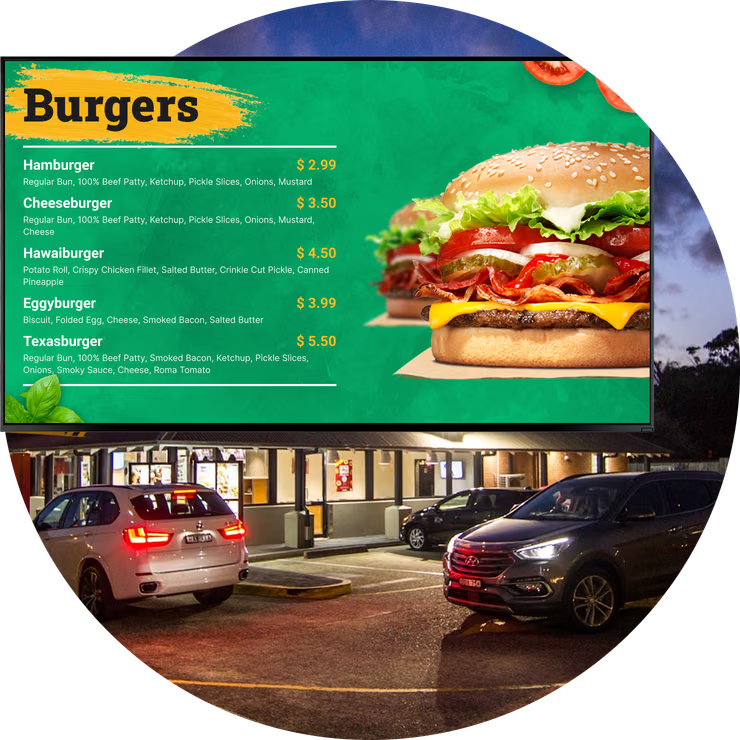
How can Quick Service Restaurants (QSRs) speed up drive-thru lines while increasing average ticket sizes? Digital drive-thru menu boards replace static signage with dynamic screens, allowing you to update prices in minutes, automate dayparting, and influence purchasing decisions right at the point of sale. For franchises, this technology turns the drive-thru-often the source of 75% of revenue-into a flexible, data-driven channel that supports consistent branding and operational efficiency.
Customers today expect speed and clarity. Digital menu boards meet this demand by providing a modern interface that is easy to read and always current. Beyond aesthetics, these systems integrate with your existing operations, ensuring that inventory changes, pricing updates, and promotions happen in real time. For multi-location businesses, this shifts the focus from manual signage updates to strategic growth.
How Digital Drive-Thru Menu Boards Support QSR and Franchise Operations
Moving from static signage to dynamic content
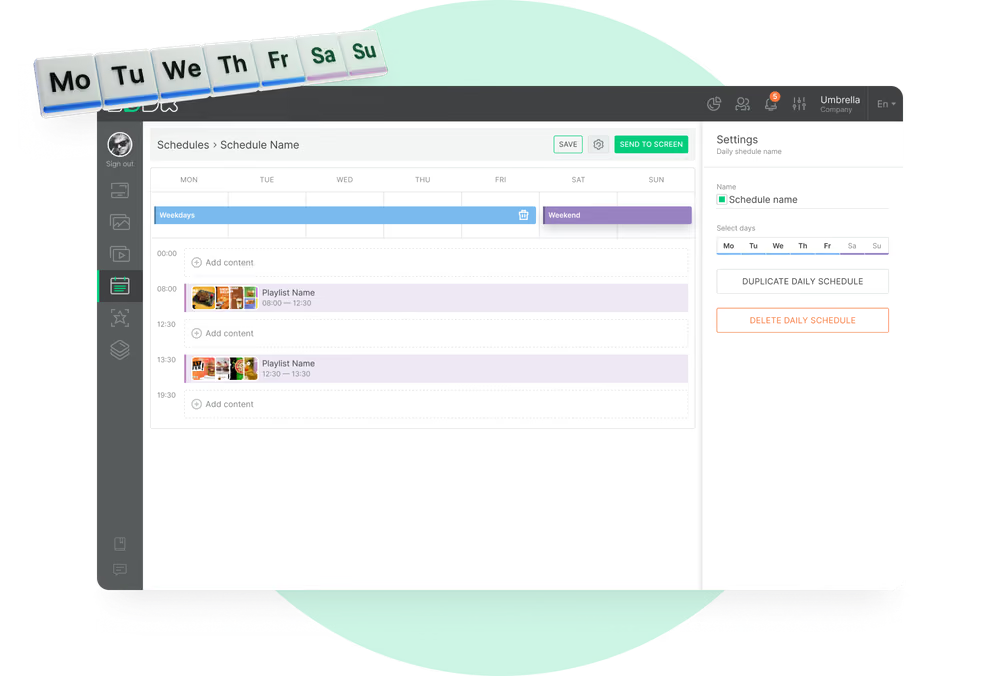
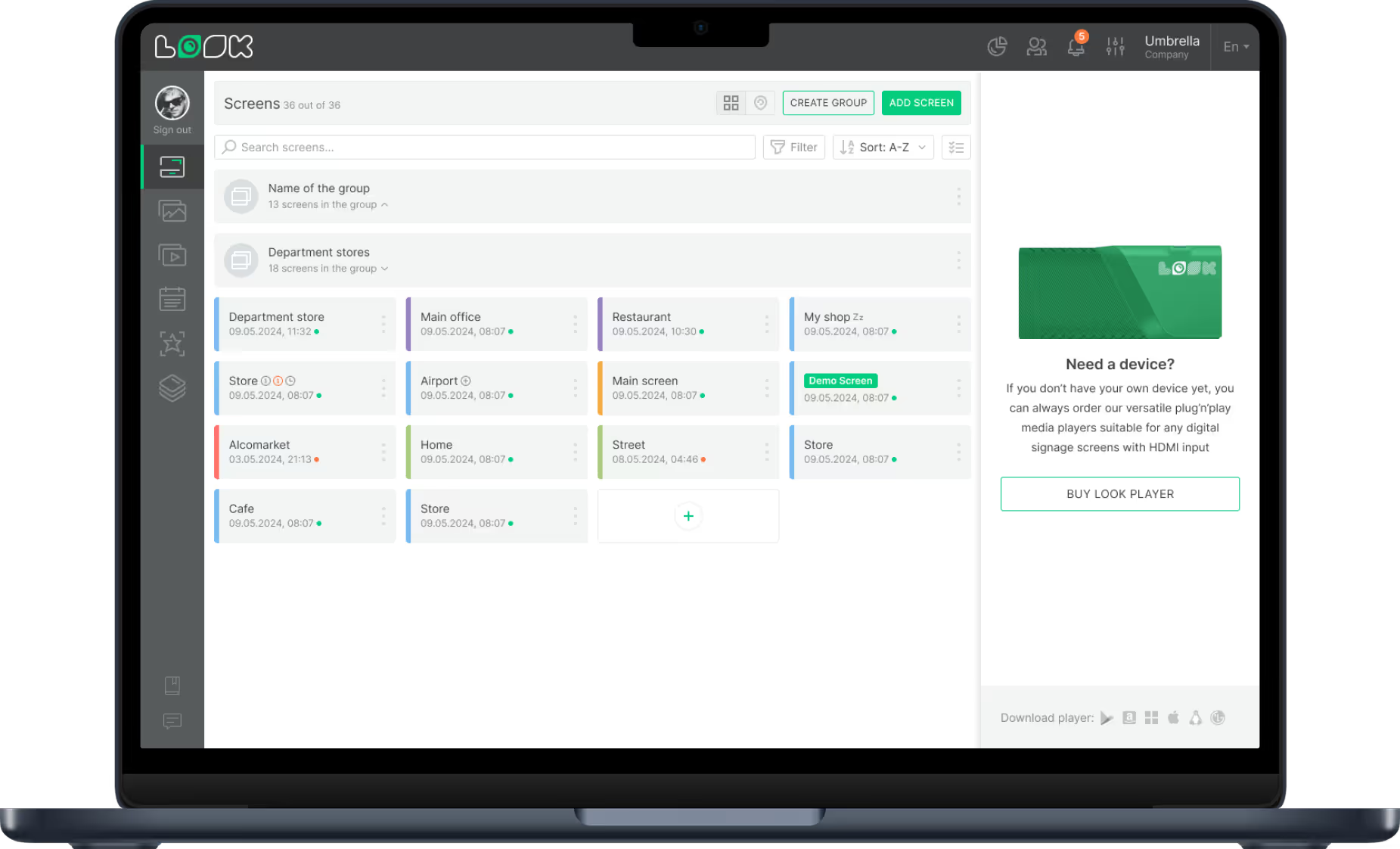
The primary difference between printed and digital signage is flexibility. Printed boards are static; once installed, they remain unchanged regardless of weather, time of day, or inventory levels. Digital drive-thru boards, managed through cloud-based platforms like Look Digital Signage, allow you to adapt your strategy instantly. You can use Smart Scheduling to automatically switch content based on the time of day, ensuring breakfast menus transition smoothly to lunch without staff intervention.

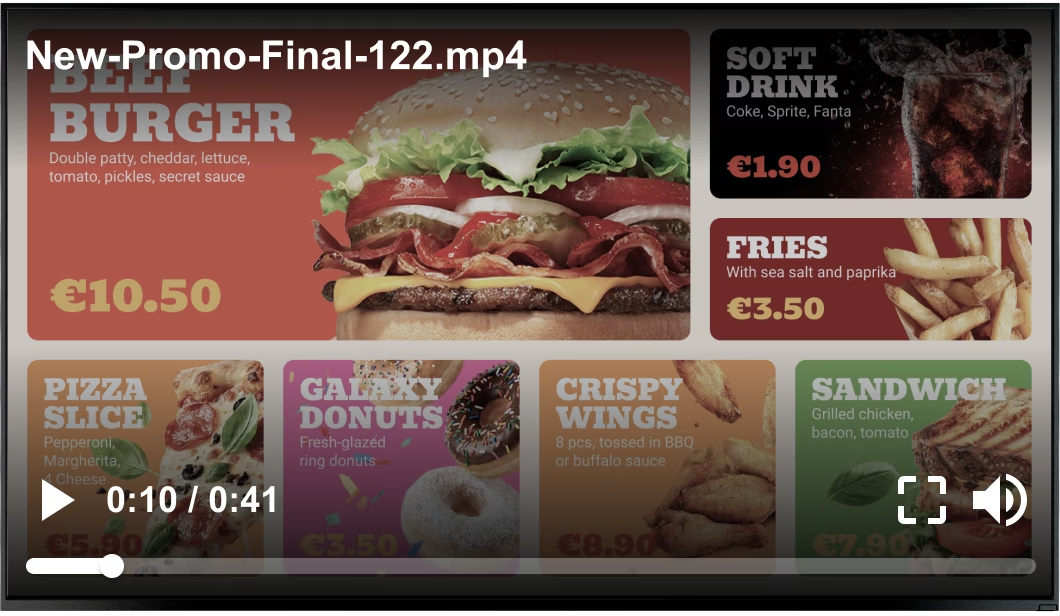
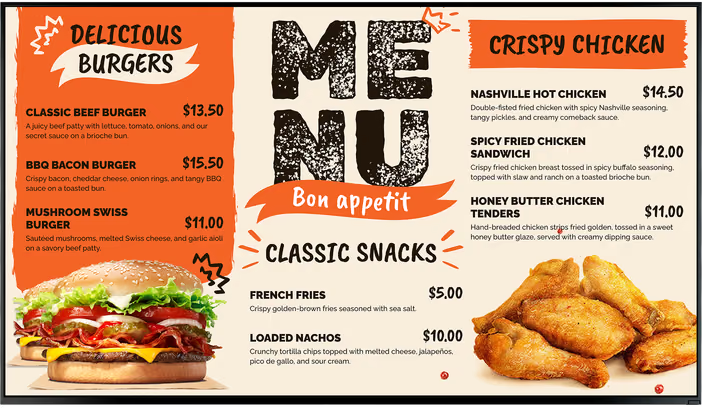
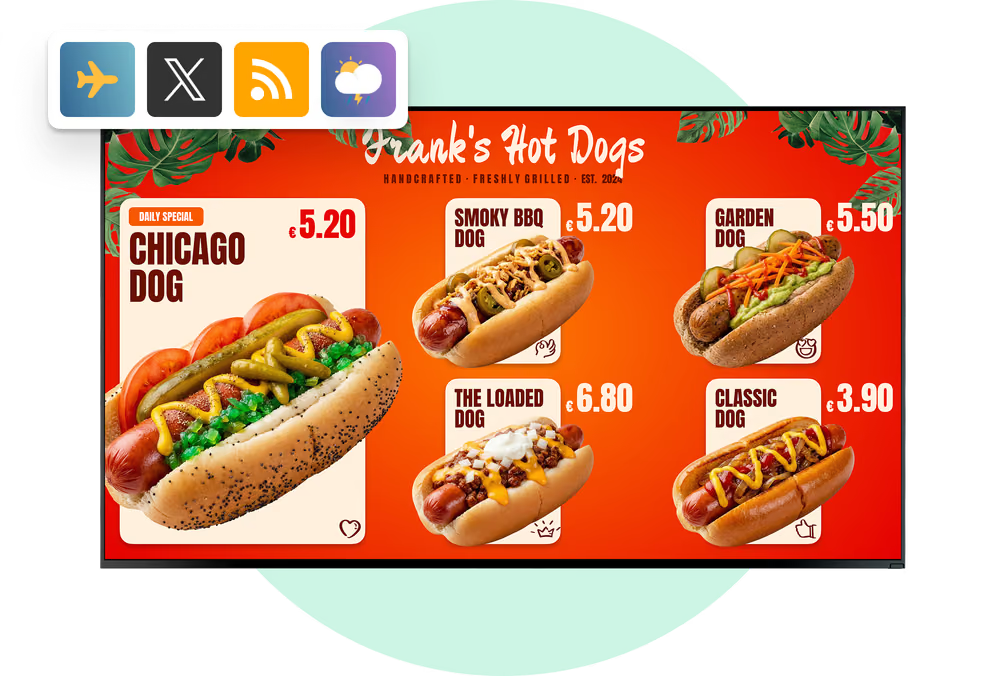
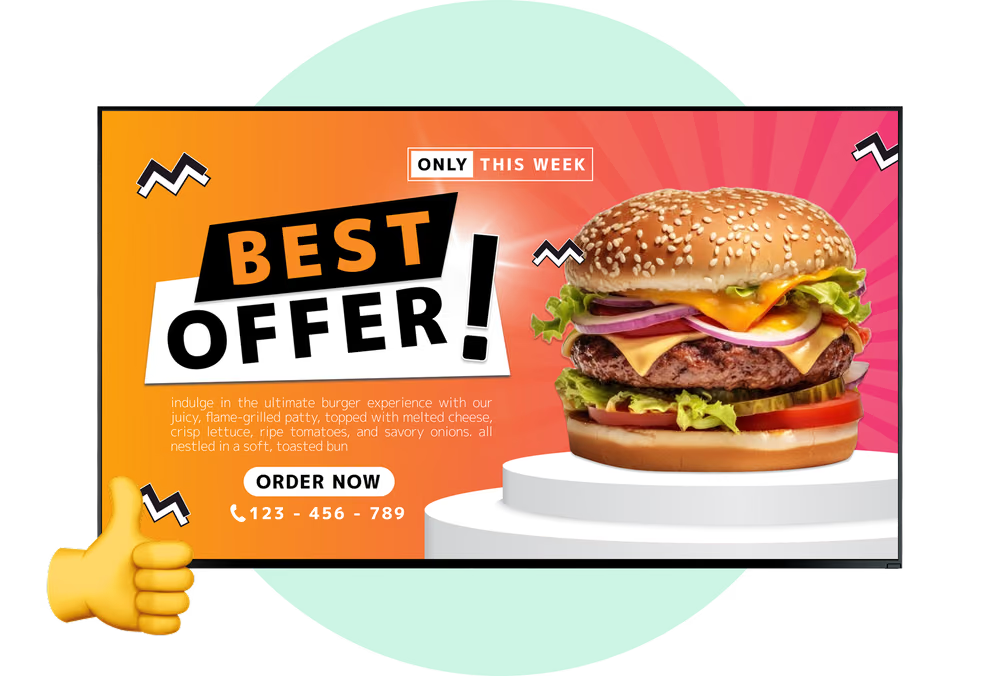
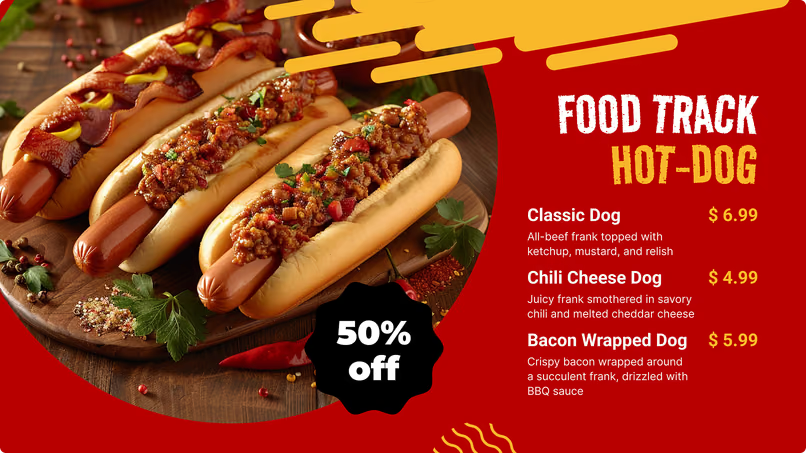
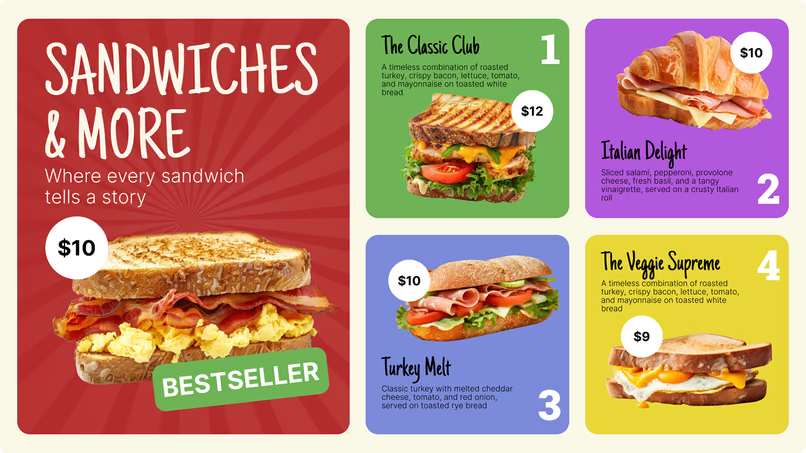
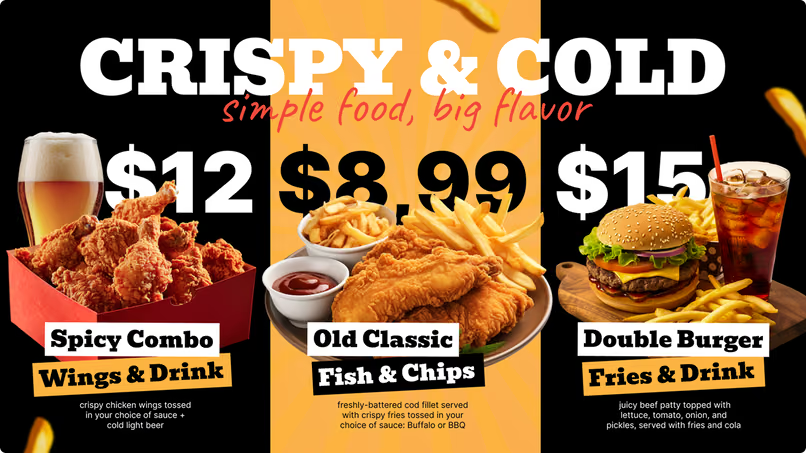
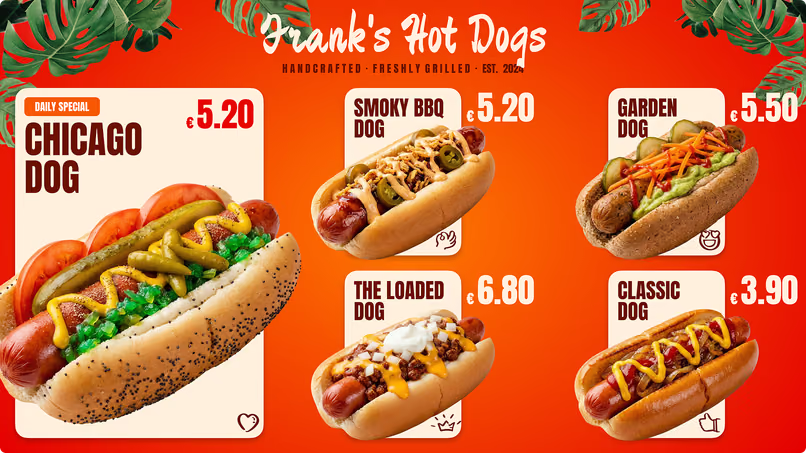
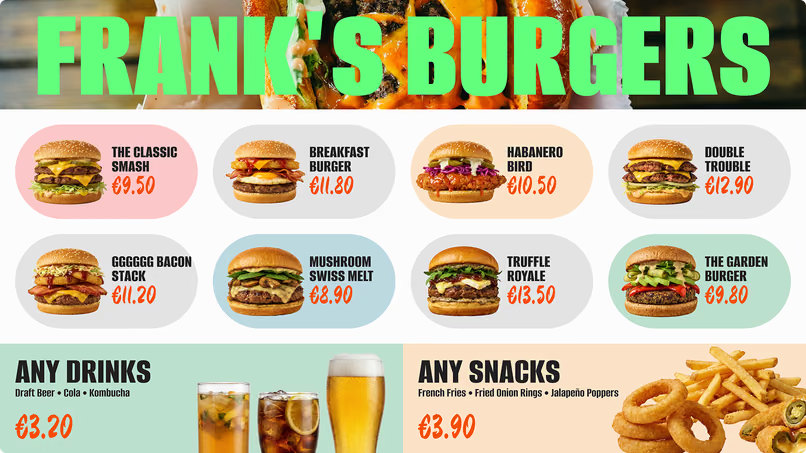
Digital screens also utilize motion and high-definition visuals to capture attention. While a printed sign relies on static text, a digital display can feature subtle animations-like steam rising from coffee-to highlight premium items. This visual appeal often helps guide customers toward higher-margin choices more effectively than flat text.
Why QSRs and franchises utilize digital menu technology
Speed and consistency are the main drivers for adoption. With the majority of QSR sales occurring at the drive-thru window, even small improvements in ordering speed can impact monthly revenue. Franchises rely on digital signage software to maintain brand standards across dozens or hundreds of locations. Instead of coordinating the shipment of physical signs, a corporate team can push updates to every screen from a central dashboard, ensuring promotions go live simultaneously and prices remain accurate.
Key Benefits of Digital Drive-Thru Menu Boards
Faster order processing and improved throughput
Throughput is critical for QSR success. Digital boards streamline the ordering process by displaying only relevant items. By scheduling menus to hide unavailable products (such as breakfast items during dinner hours), you reduce visual clutter, helping customers make decisions faster. Saving seconds per transaction can significantly increase the number of cars served during peak hours.

Clear digital signage also reduces "line balking," where customers leave due to long lines. A well-organized digital board, paired with presell screens, keeps the line moving and signals efficiency. Order confirmation screens further improve speed by allowing customers to verify their orders visually, reducing verbal back-and-forth and correcting errors before food preparation begins.
Intelligent upselling to increase ticket size
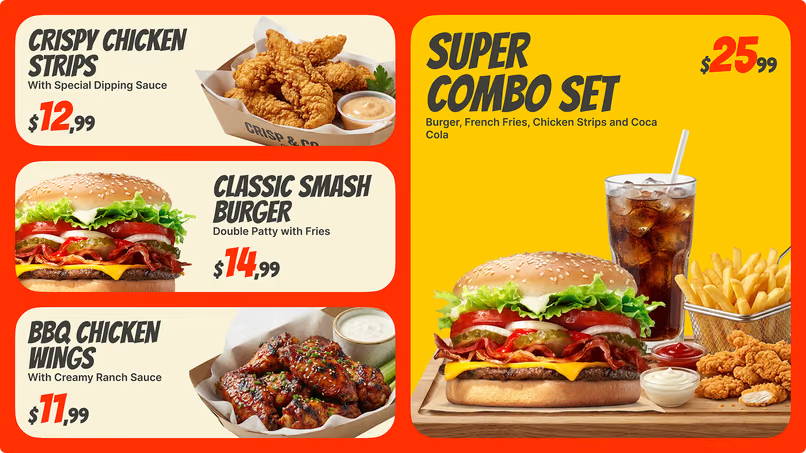
Digital boards serve as an automated sales assistant. By strategically placing high-margin items in focal points and using Screen Layouts to highlight add-ons, you can encourage customers to upgrade drinks or add sides. Because the visuals are high-quality and integrated into the menu, these suggestions feel like helpful options rather than aggressive sales tactics.

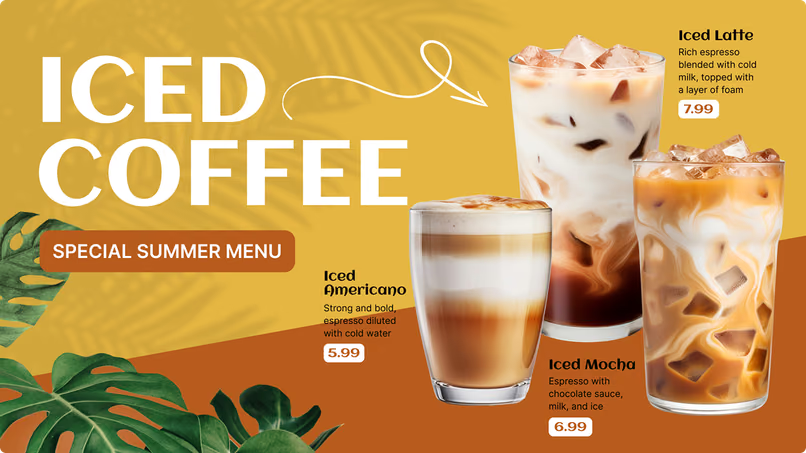
Context-aware content further improves relevance. On hot days, screens can be scheduled to highlight cold beverages, while rainy days might trigger promotions for comfort food. This ability to match offers to the environment helps drive impulse purchases.
Real-time adjustments for prices and inventory
Out-of-stock items can frustrate customers and slow down operations. Digital menu boards allow managers to remove items from the screen in minutes via the Look CMS. This prevents customers from ordering unavailable products and saves staff from having to apologize repeatedly.
Pricing control is equally important. Whether responding to supplier cost changes or running a limited-time "flash sale" to reduce surplus inventory, you can adjust prices instantly. This flexibility helps franchise owners protect margins without the lead time and cost associated with reprinting physical materials.
Better visibility and readability
Outdoor environments present challenges like direct sunlight and nighttime glare. Modern digital drive-thru screens are designed with high brightness to remain visible in the sun and auto-dimming sensors for night use. This ensures the menu is always legible, reducing eye strain for drivers.

Improved readability also supports accessibility. Digital layouts can utilize larger fonts and high contrast to make menus easier to scan for all customers. A clear, easy-to-read menu reduces customer anxiety and contributes to a smoother ordering experience.
Greater order accuracy and customer confidence
Order accuracy directly impacts return visits. Digital order confirmation displays provide a real-time visual record of the transaction. When a customer sees their specific requests (like "no pickles") appear on the screen, it builds trust in the process. This visual verification helps reduce food waste caused by remakes and prevents delays at the pickup window.
Stronger brand image through consistency
A bright, functioning digital display signals a well-managed business. Dynamic content allows brands to share their story-such as ingredient sourcing or community involvement-building a connection with customers while they wait. For franchises, Look Digital Signage ensures that every location adheres to the latest brand guidelines. This centralized control prevents outdated signage from diluting the brand image.

Strategies to Optimize Sales with Digital Drive-Thru Menus
Design principles for clear navigation
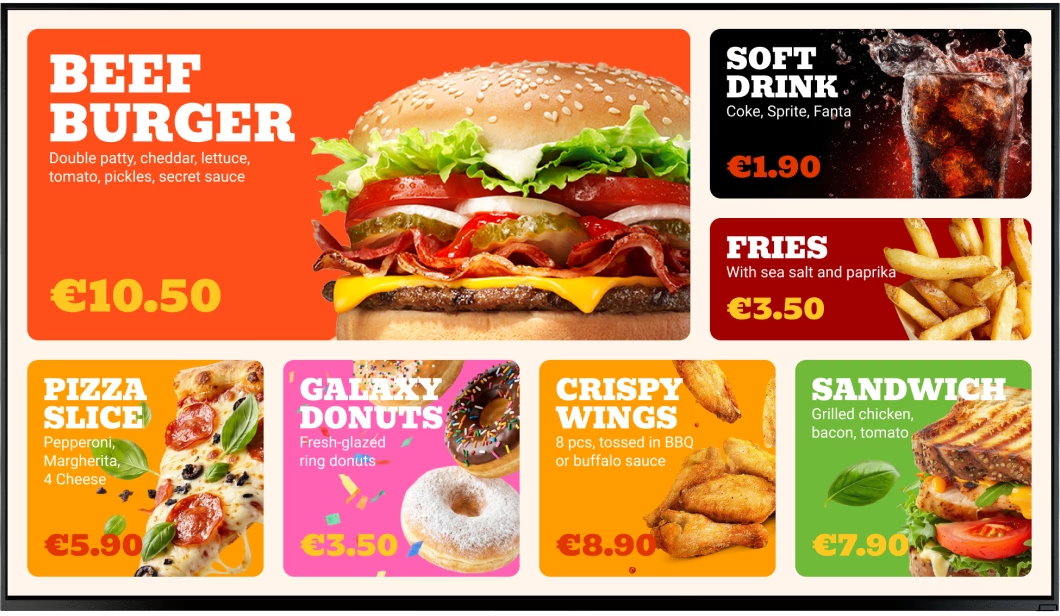
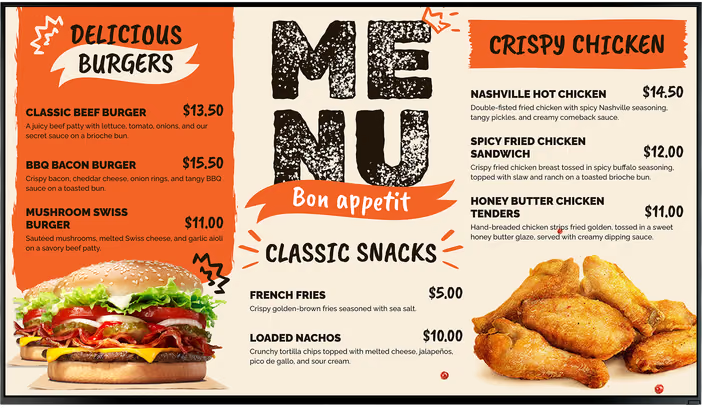
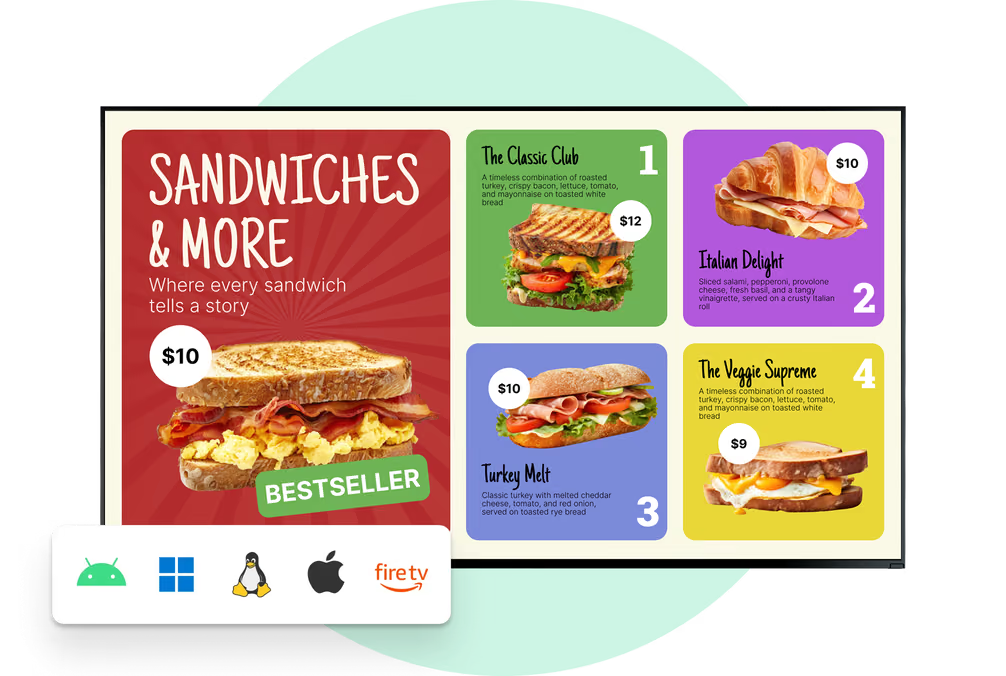
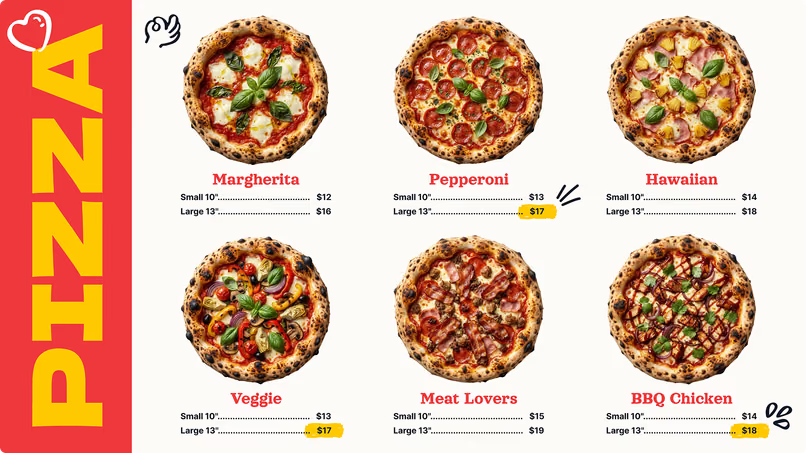
Effective menu design prioritizes clarity over density. Ready-made templates within the CMS can help you structure content so that profitable items receive the most attention. Using established eye-tracking patterns, you can guide customers naturally from main entrees to sides and beverages. High-quality imagery is essential, as it drives appetite appeal.

Keep text concise and utilize negative space to prevent the board from looking cluttered. A clean layout helps customers find what they want quickly, reducing decision fatigue and keeping the drive-thru lane moving.
Content scheduling for dayparting and LTOs
Smart Scheduling is a core capability of digital signage. It allows you to automate the switch between dayparts, ensuring the right menu is displayed at the right time. For example, screens can transition from breakfast to lunch at 10:30 AM automatically. This feature also allows you to schedule Limited Time Offers (LTOs) during peak interest hours, maximizing their visibility.
Scheduling can also support specific campaigns, such as late-night snack menus or happy hour specials. By aligning content with the demographics of customers visiting at those times, you can increase the relevance and effectiveness of your promotions.
Localized pricing and menu options
Franchises often need to balance national branding with local requirements. Digital signage software facilitates this by allowing region-specific playlists. You can adjust prices for specific locations to account for local labor and food costs while maintaining a consistent layout. Additionally, you can highlight regional favorites alongside core menu items, ensuring the brand feels relevant to the local community.
Data-driven personalization
Advanced digital signage setups can integrate with data sources to refine content strategies. By analyzing sales data, you can identify which item pairings are most popular and adjust your Screen Layouts to feature these combos more prominently. This approach uses historical data to optimize the menu for higher conversion rates.
Integrating Digital Menus with QSR Ecosystems
Seamless integration with POS and operations
Ideally, your digital menu board works in tandem with your Point of Sale (POS) system. When systems are aligned, pricing updates or stock changes in the back office can be reflected on the screens outside. This synchronization reduces manual data entry and ensures consistency between what the customer sees and what is charged.
Automating updates for multiple locations
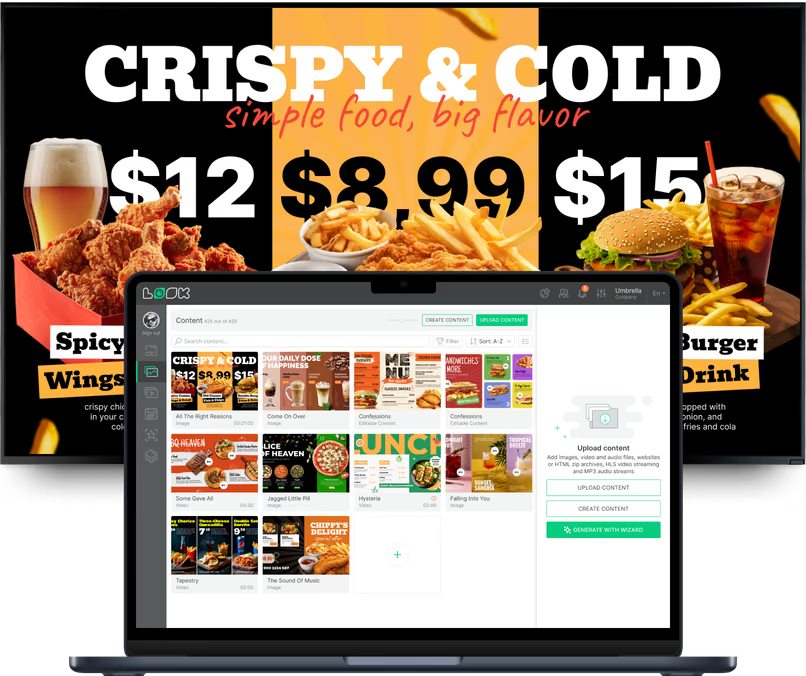
For multi-unit operators, automation is essential. A cloud-based platform like Look CMS allows a single admin to manage content for thousands of screens. You can create playlists in advance and schedule them to deploy across the entire network. This centralized approach saves hours of administrative work and ensures that all locations launch campaigns on time.

Calculating ROI: The Business Case for Digital Menus
Impact on transaction volume and ticket value
The return on investment (ROI) for digital menu boards is often measured by transaction speed and average check size. Clearer menus help customers order faster, allowing you to serve more cars during rush periods. Even a small increase in throughput can lead to significant revenue gains over the course of a year.
Simultaneously, the ability to showcase high-margin add-ons through dynamic visuals supports higher average ticket values. When customers are presented with appealing images of sides or desserts at the moment of decision, uptake rates typically increase.
Operational savings and efficiency
Digital boards eliminate the recurring costs of printing, shipping, and installing static menu panels. They also save labor hours previously spent physically changing signage. Staff can remain focused on food preparation and customer service rather than outdoor maintenance. While the initial hardware investment is higher, the reduction in ongoing operational costs contributes to a lower Total Cost of Ownership (TCO) over time.

Data-informed optimization
Digital signage provides transparency into playback. With Proof-of-Play and Monitoring tools, you can verify that promotional content ran as scheduled. This data allows you to audit campaigns and make informed decisions about which content drives the best results, replacing guesswork with measurable insights.
What to Consider When Choosing a Digital Drive-Thru System
Choosing the right hardware and software
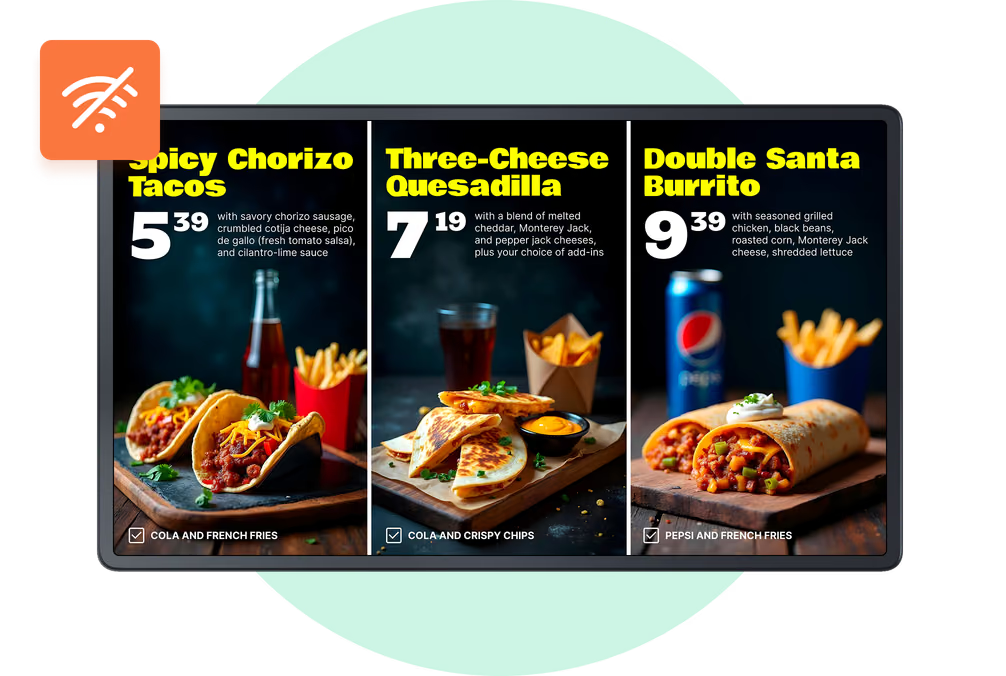
When selecting a system, durability and reliability are paramount. Outdoor screens must withstand weather extremes and remain visible in sunlight. For the media player, you need a device that ensures content keeps playing even if the internet connection fails. Look Digital Signage offers Offline Playback, which caches content locally on the device to ensure screens never go dark due to network issues.
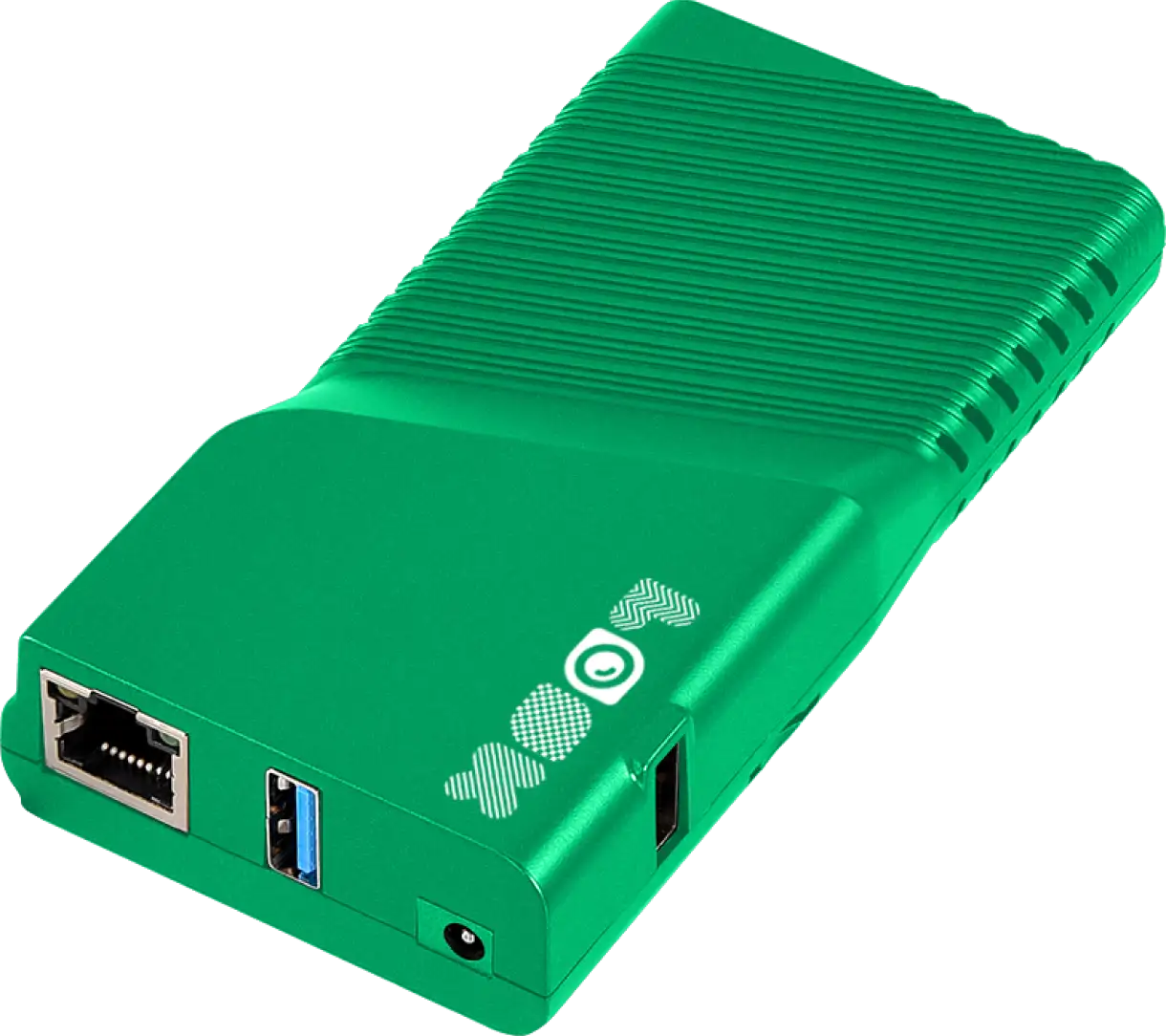
For hardware, you have flexible options. You can use the Look Player for a simple plug-and-play experience, or install the Look App on compatible OS-based screens or existing players. This flexibility allows you to scale from a single pilot location to a full network without complex technical hurdles.
We recommend Look Digital Signage for QSRs and franchises because it combines ease of use with professional-grade features. The platform is designed for teams that need to manage content remotely without a steep learning curve. Key capabilities like Smart Scheduling for dayparting and Screen Layouts for multi-zone menus make it a strong fit for the specific needs of drive-thru operations.
Proven Success and Future Trends
Measurable improvements in QSR operations
Industry data consistently supports the shift to digital. Case studies often show improvements in order accuracy and customer satisfaction following the implementation of digital confirmation screens. Additionally, the ability to use motion graphics to highlight new products has been shown to increase uptake compared to static images.
Future-proofing your drive-thru
As technology evolves, digital menu boards are becoming more integrated with other channels, such as mobile ordering and loyalty apps. The flexibility of a digital platform means you can adapt to new trends-like displaying QR codes for app downloads-without replacing physical infrastructure. This adaptability ensures your drive-thru remains a competitive asset as customer behaviors change.
Are Digital Drive-Thru Menu Boards Right for You?
The transition to digital drive-thru menu boards represents a shift toward more efficient, data-informed operations. By reducing the reliance on manual updates and printed materials, franchises can lower their environmental impact and improve operational agility. Whether you need to update a price in minutes or roll out a nationwide campaign, digital signage provides the control and reliability needed to keep your screens running and your sales moving.