Table of Content
Restaurant digital signage, especially dynamic menu boards, is changing how restaurants talk to customers and organize their menus. These screens are much more than lists of dishes and prices; they are strong tools that improve the dining experience, make operations smoother, and help grow profits. With bright visuals, instant updates, and engaging content, digital menu boards are a big step up from old printed signs, keeping customers informed, entertained, and ready to order.
Switching to digital menu boards is more than a passing fad. It is a smart choice for restaurants that want to stay competitive. From fast-food spots to fine dining, digital signage is flexible and useful enough to become a key part of daily operations. This article looks at the main types of digital menu boards, their many benefits, and practical ideas you can apply to build strong, attractive digital menus that draw attention and increase sales.

What Are Menu Boards in Restaurant Digital Signage?
A menu board is a visual display that shows a restaurant’s dishes, prices, and key details in a clear, organized way. In digital signage, these boards go beyond printed posters and become moving, flexible displays for engaging content. They are digital screens-such as regular TVs, LED displays, or interactive kiosks-that present your menu with more freedom and visual impact. The goal is the same as with traditional boards: inform customers and guide their order choices, but the digital format changes how it feels and works.
A good menu board, whether printed or digital, is easy to read, balanced, and planned to gently guide customers toward profitable items or specials. Digital menu boards push these ideas further, with tools that were not possible with paper or chalk. They are a key touchpoint, often the first thing a guest sees. They show off your food style, set the mood, and strongly influence what customers choose.
How Digital Menu Boards Differ from Traditional Options
The difference between digital and traditional menu boards is clear, especially in how flexible and visually rich they are. Printed signs, chalkboards, or letterboards stay the same once created. Any change-like a new price, a sold-out dish, or a new special-means erasing, reprinting, or starting over. This takes time, costs money, and often leaves customers looking at outdated information.
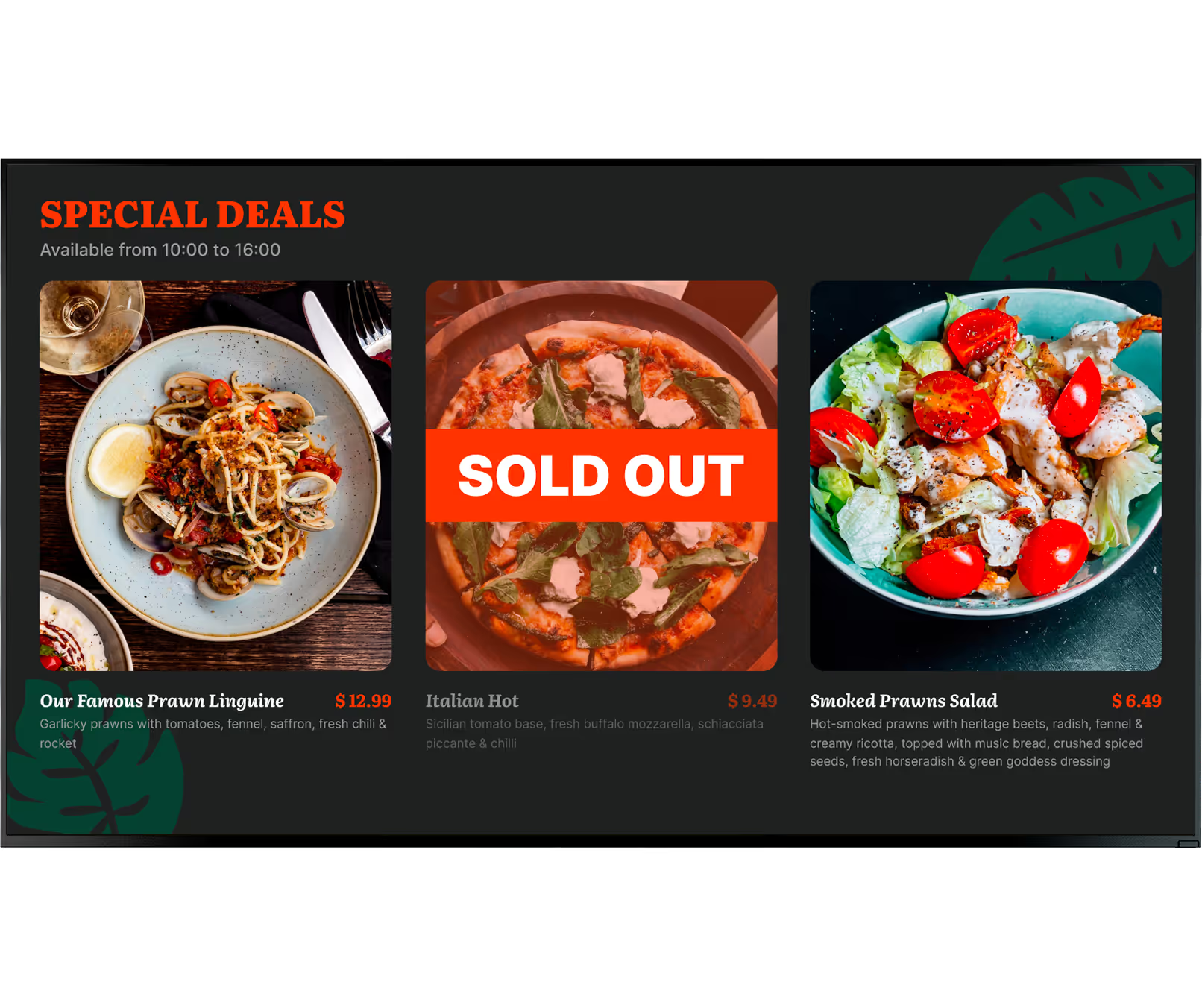
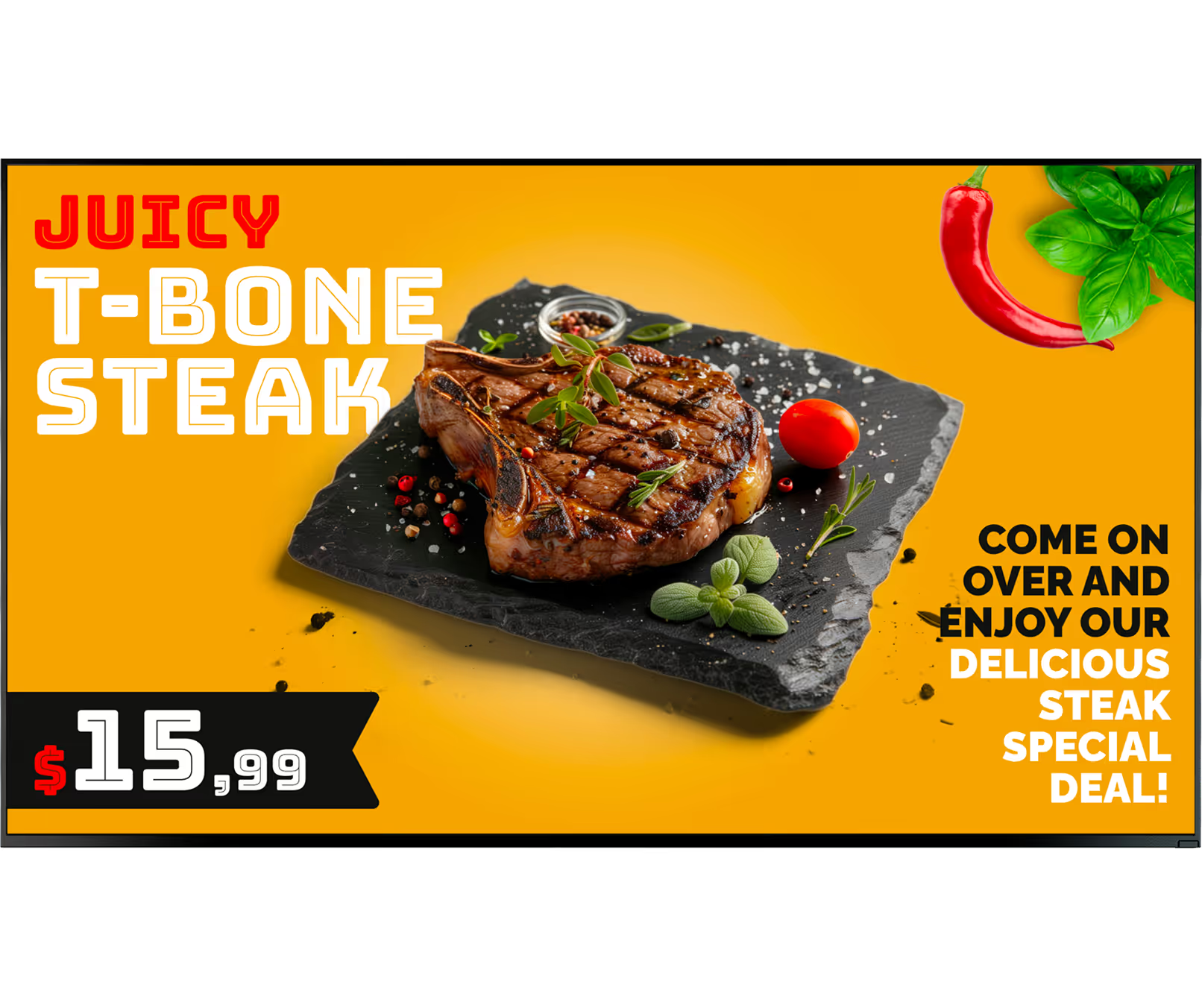
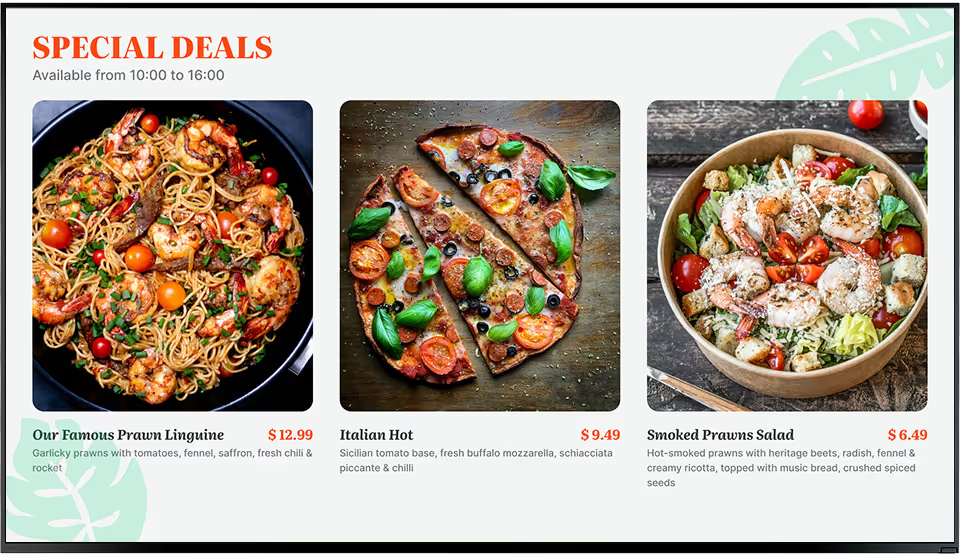
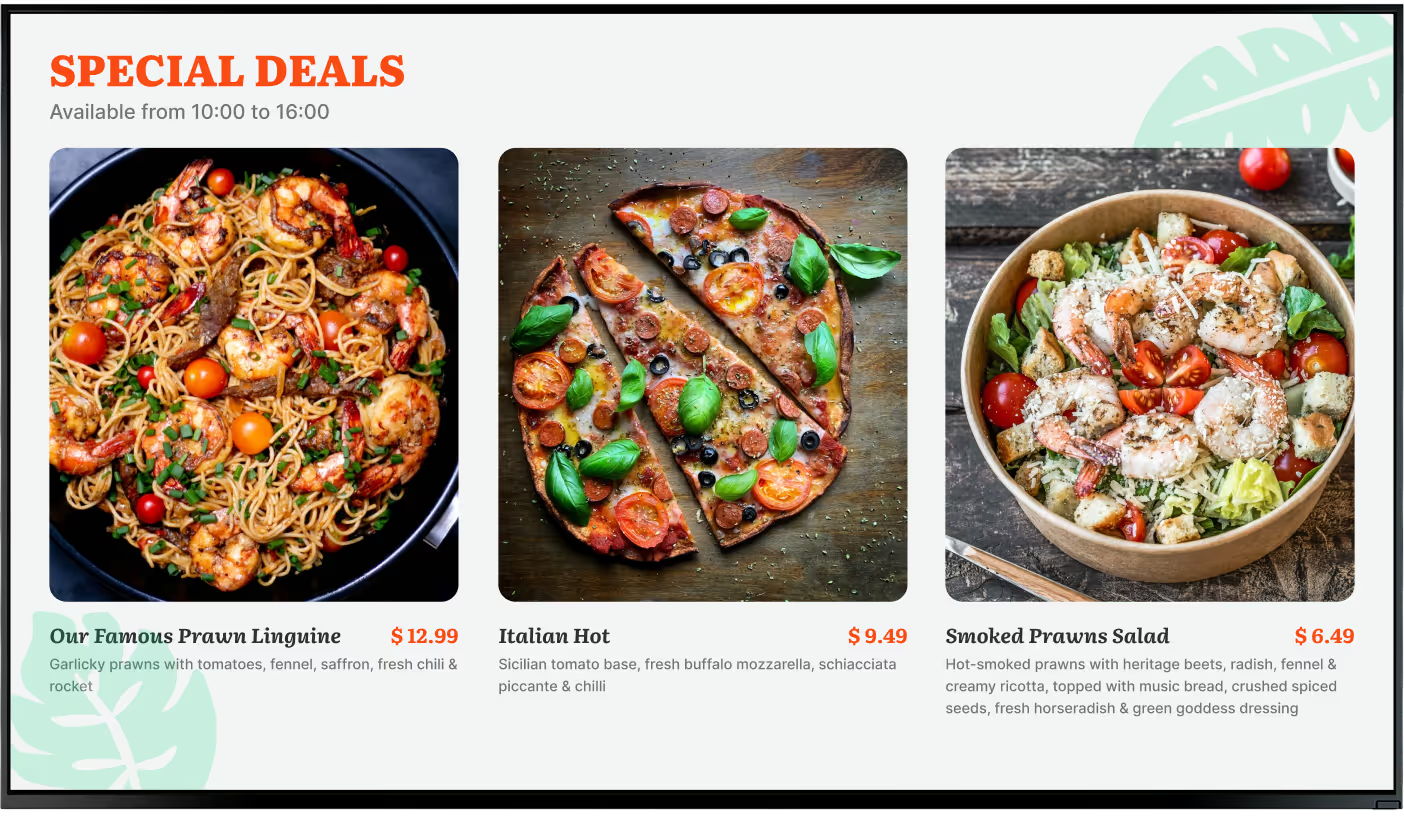
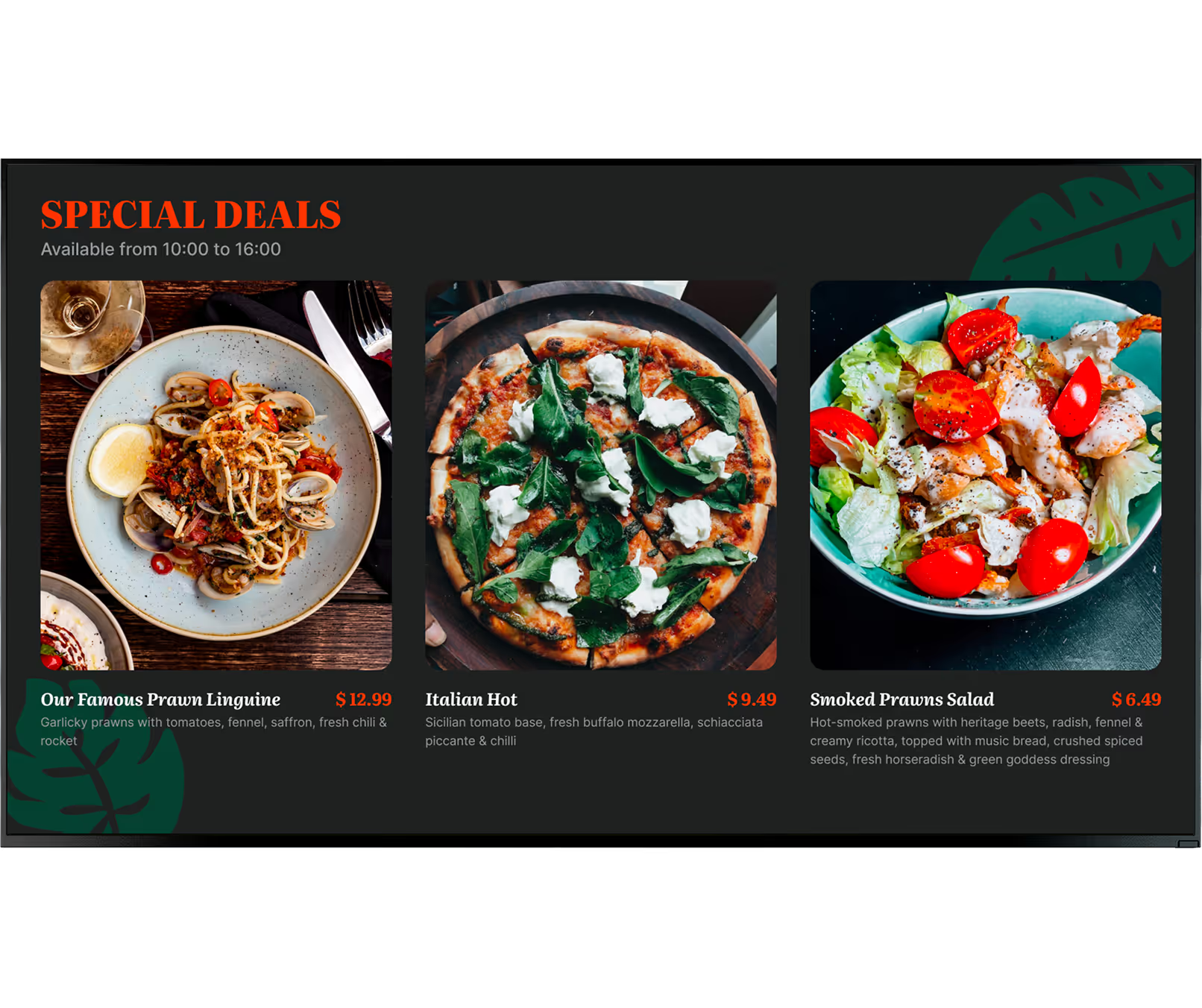
Digital menu boards, in contrast, can be updated often and even in real time. A restaurant can instantly remove a sold-out item, launch a flash sale, or switch from breakfast to lunch with a few clicks. Instead of just text, digital boards can show colorful images, animations, and HD video, making the menu more eye-catching and appealing than any static sign. Another big plus is remote control: you can update many locations at once from a central system, keeping your brand uniform and operations efficient across all branches.
Why Restaurants Are Switching to Digital Menu Boards
There are many strong reasons why so many restaurants are adopting digital menu boards. One of the clearest is cost savings. Removing the need to constantly print and ship new menus saves a lot of money over time. Just as important is how easy it is to update digital menus. Restaurants can quickly react to ingredient changes, supplier costs, or seasonal shifts to keep menus current and in line with what’s actually available.
Digital menu boards also greatly improve customer engagement and the overall visit. Moving images, color, and layout catch the eye better than a text-only board. Studies show that replacing static menus with digital can yield a 15-25% increase in engagement at the counter, and screens can make waits feel up to 35% shorter. This extra attention often leads to higher sales, especially from upselling and highlighting profitable dishes. Integrations with POS systems, nutrition displays, and even interactive ordering make digital menus an obvious choice for modern food businesses.
Benefits of Digital Menu Boards for Restaurants
Digital menu boards are more than a stylish upgrade; they are a business tool that helps in many areas of restaurant work. They support a smoother customer journey, higher sales, and easier management. The end result is a more efficient, profitable, and guest-focused operation.
Because digital displays are flexible and dynamic, restaurants can quickly react to change, adjust what they offer, and create a strong, memorable impression. Here are some of the main benefits that make digital menu boards so impactful in food service.
Improves Customer Engagement and Experience
Digital menu boards naturally grab more attention than still, printed menus. With bright visuals, HD images, and simple motion, they quickly draw the eye. Statista reports that about 52% of diners prefer menus with real photos or short motion clips over plain text, which shows how powerful visuals can be. This makes dishes look more tempting, sparks hunger, and shapes ordering choices.
The movement and changing content can also make the waiting time feel shorter and more pleasant. While customers stand in line, they can watch gentle animations or short clips of food preparation, which reduces the feeling of waiting. Clearly structured displays with readable fonts and logical sections help people choose faster and more confidently, raising satisfaction and leaving a better overall impression.

Allows Real-Time Menu Updates and Flexibility
One of the strongest benefits of digital menu boards is how easy it is to update them instantly. Printed menus need expensive and slow reprints for every change. Digital boards can be changed in seconds.
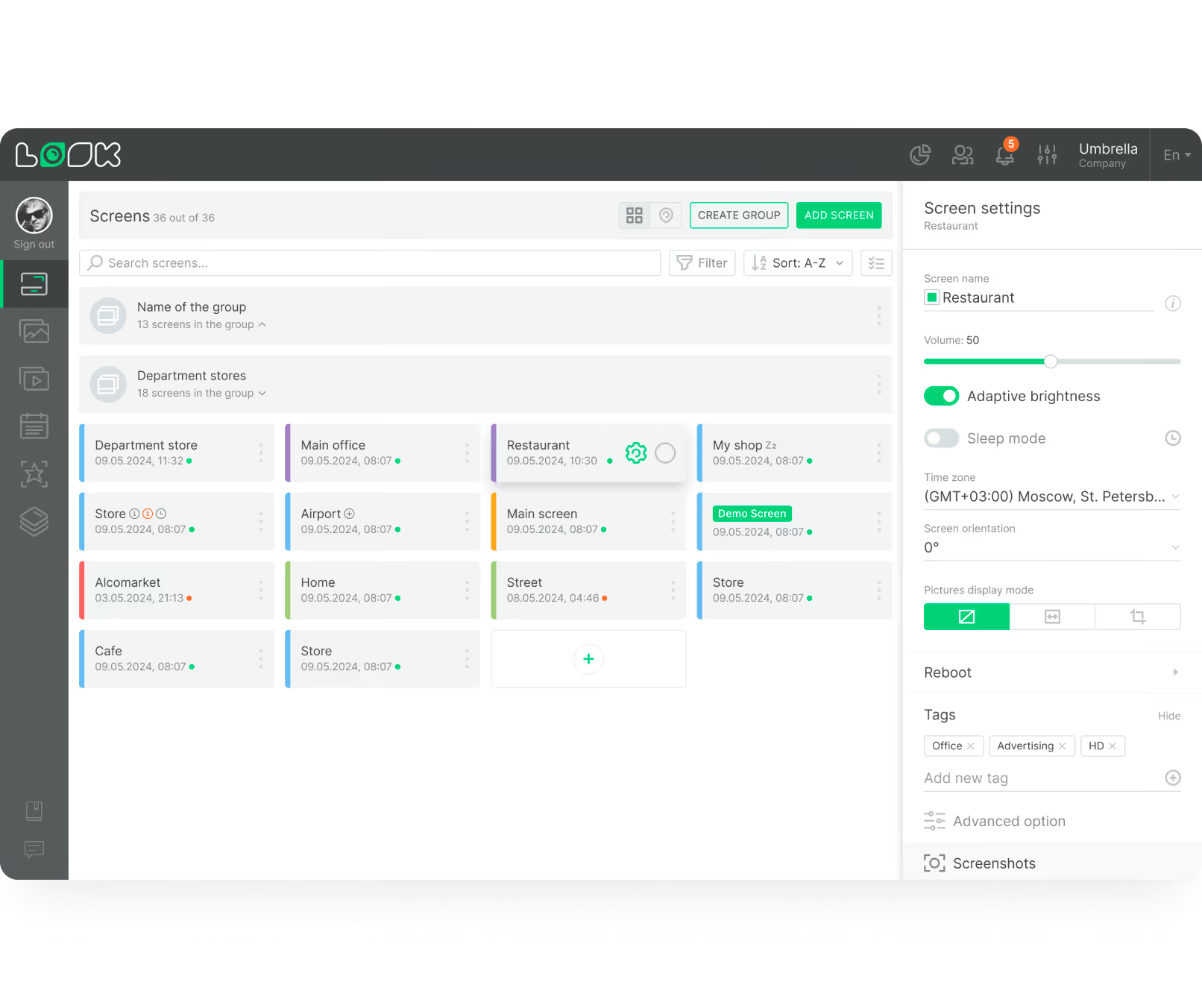
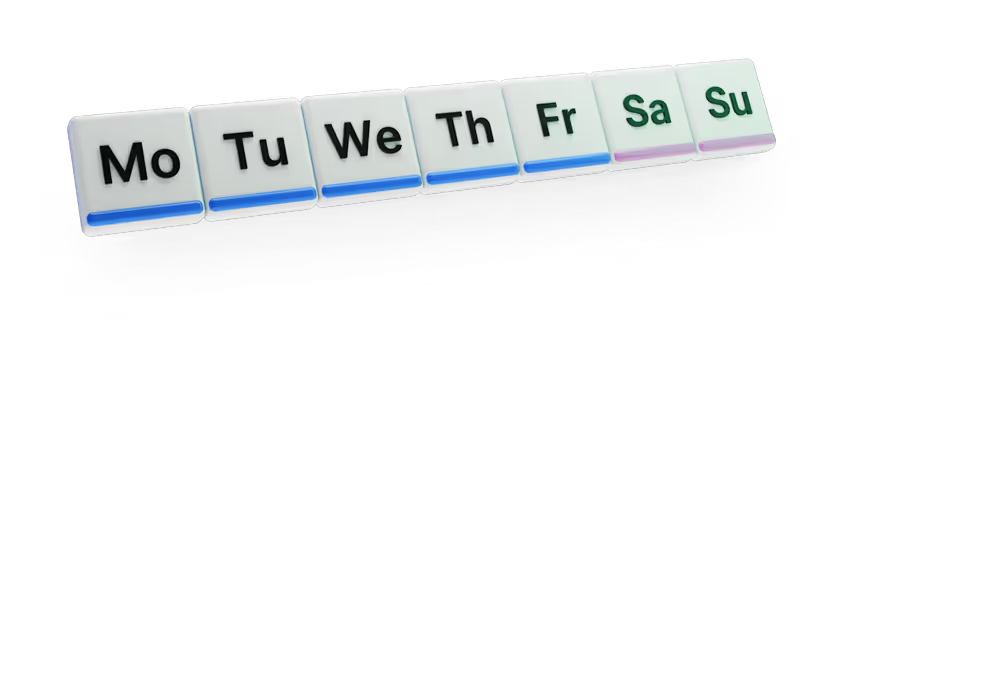
Restaurants can quickly remove sold-out dishes, adjust prices, or launch a new deal across all screens, even across many locations. This keeps information accurate and helps with inventory control. You can also schedule content by time of day-such as breakfast in the morning and dinner in the evening-without anyone touching the screens. This makes daily operations easier and more responsive.
Boosts Upselling and Promotion Opportunities
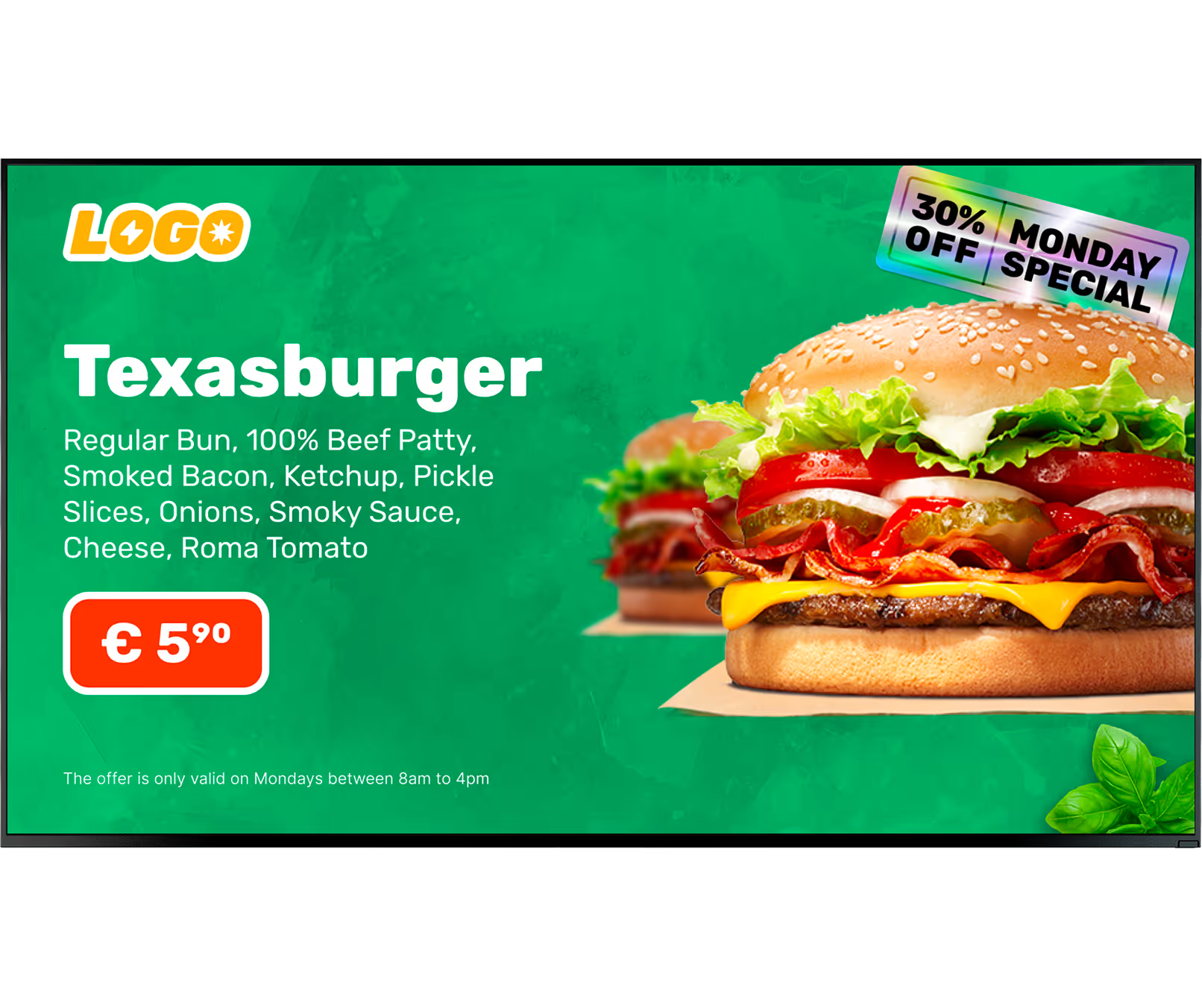
Digital menu boards are great tools for increasing sales through upselling and promotions. Because the content moves and changes, restaurants can highlight high-margin items, specials, or limited offers using bright visuals or animations. Deloitte notes that restaurants using digital screens for upselling see a 12-22% increase in add-on items like drinks and desserts. By focusing attention on these profitable choices, digital boards help lift average spend per customer.
These displays are also ideal for cross-selling related items, such as suggesting a drink with a burger or a dessert after a main course. Since promotions are easy to change, restaurants can test different offers, then use real performance data to refine what works best. This active, flexible way of promoting directly supports higher revenue and business growth.
Types of Digital Menu Boards and Creative Display Ideas
Digital menu boards come in many formats, giving restaurants choices that fit their brand, budget, and style. From subtle motion effects to full interactive kiosks, there are many ways to make menus more engaging and helpful. Picking the right type of display has a real impact on how customers see the menu and how strongly it drives sales.
Below are some of the most common types of digital menu boards, along with creative ideas that can turn a simple list of dishes into a strong visual experience for guests.
Video and Animated Menu Boards
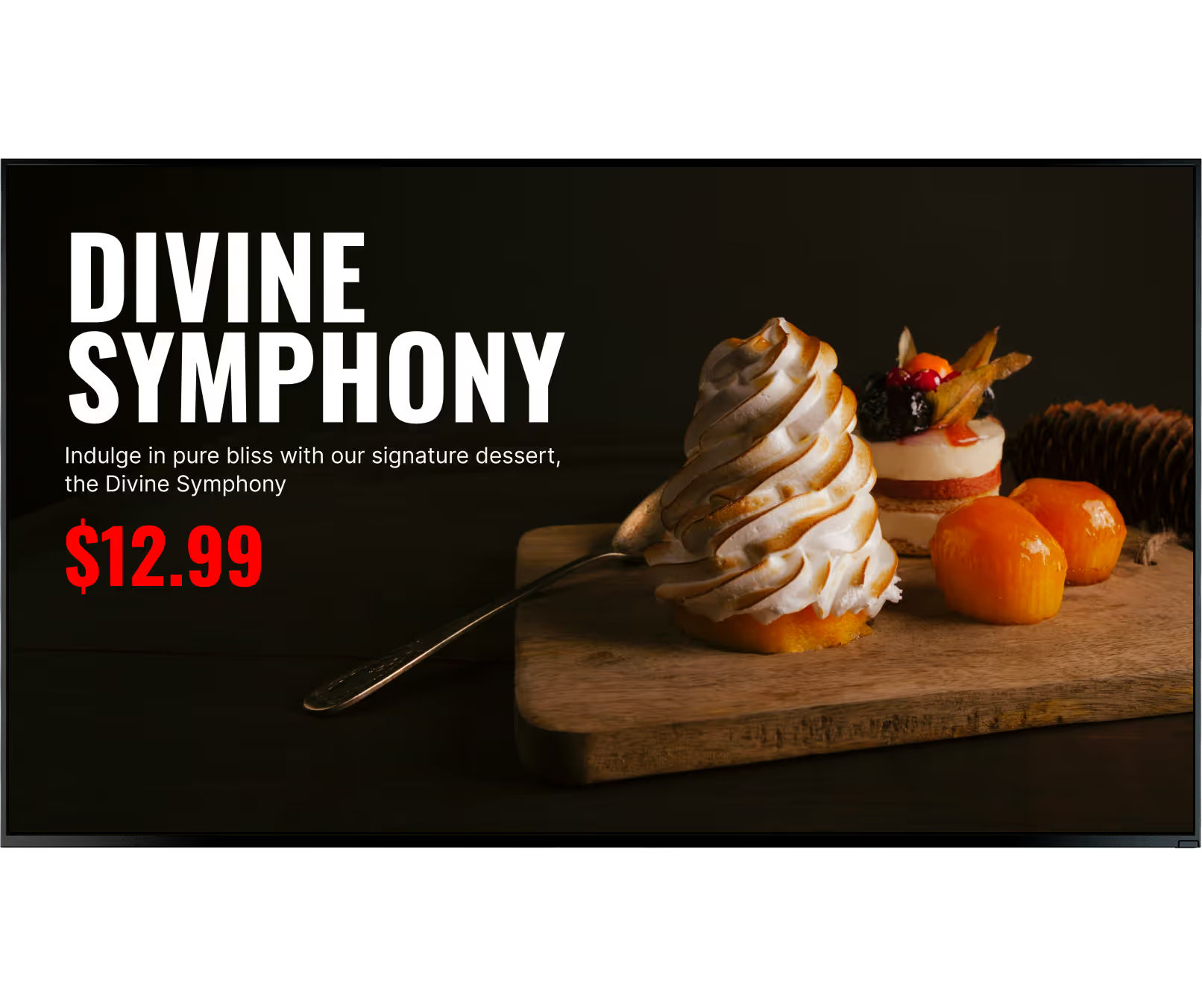
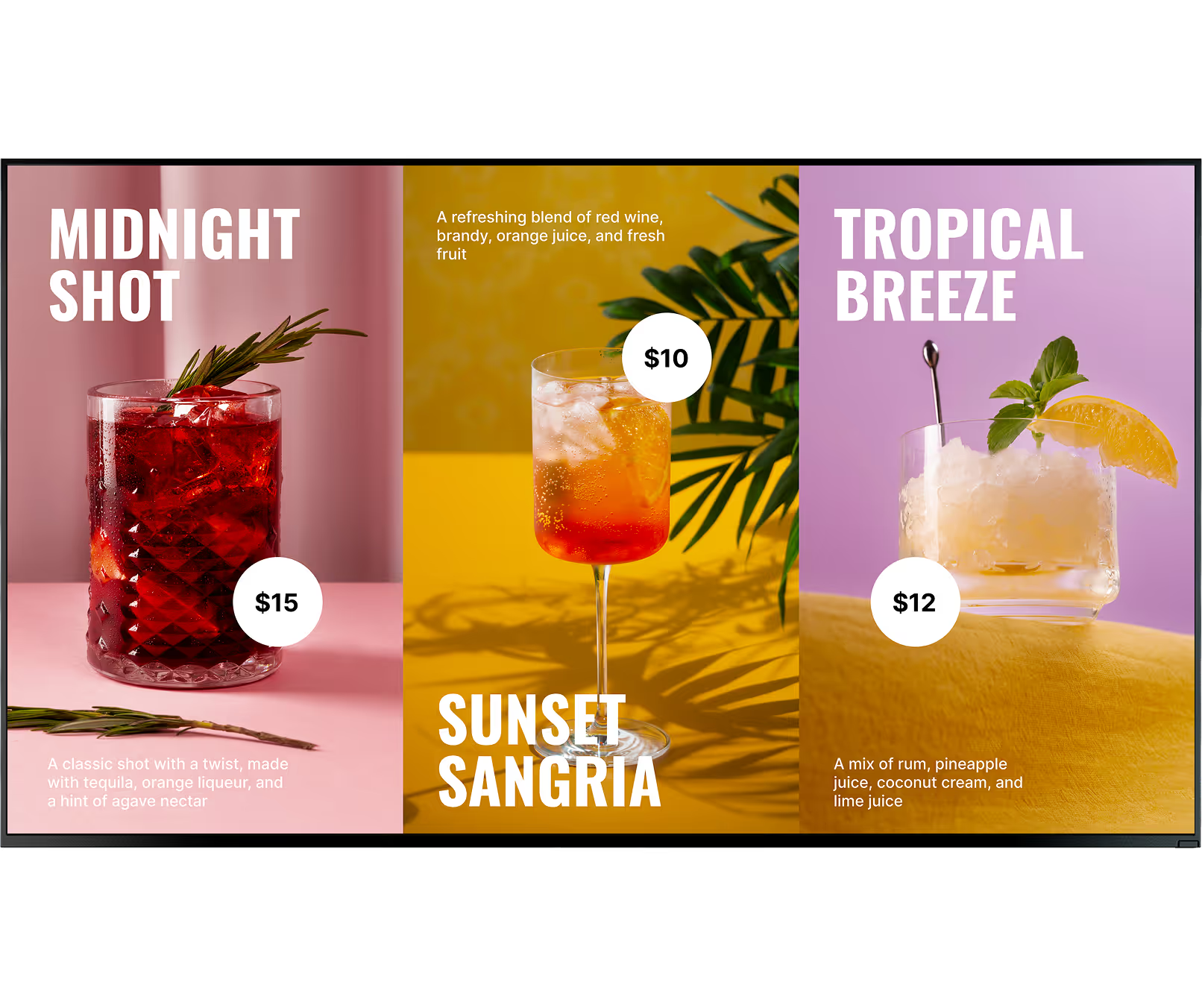
Video and animated menu boards add energy and life to a restaurant that printed boards can’t match. They use motion, color, and transitions to create a richer visual experience. High-definition clips of sizzling dishes, fresh ingredients, or steam rising from a bowl can make customers hungry on the spot. Statista shows that around 52% of diners like menus with real imagery or short moving visuals more than text-only lists.
You don’t need full-screen video all the time. Light animations can be enough to pull focus to certain items. For example, a gentle glow around a daily special or a soft shimmer on a highlighted dessert attracts the eye without feeling noisy. These touches keep guests engaged and help them remember specific menu items. Short videos showing the kitchen or step-by-step preparation can build trust and excitement about what you serve, turning your menu into a small storytelling space.
Dynamic and Rotating Menu Displays
Dynamic and rotating displays work well for restaurants that often change their menus, like places with breakfast/lunch/dinner shifts, daily specials, or happy hours. Screens can be programmed to switch content automatically based on time, so guests always see what’s relevant for that moment. Staff don’t need to manually swap signs or boards.
In addition to time-based changes, you can cycle through promotions, different menu categories, or slideshows of food images. This keeps content fresh and helps prevent customers from tuning out the screen. For chains or multi-unit brands, dynamic boards are especially useful, because updates can be sent to all locations at once, keeping all stores on the same page with the latest offers and menu changes.
Interactive Touchscreen Menus
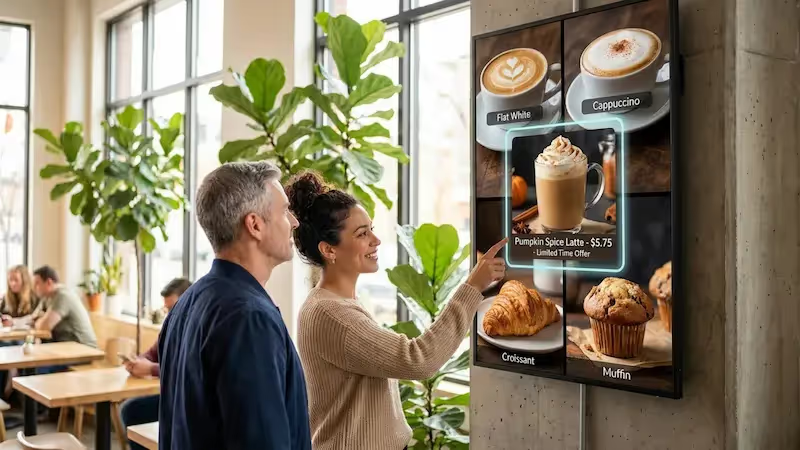
Interactive touchscreen menus give customers direct control over what they see. Guests can tap, swipe, and scroll to view categories, read detailed descriptions, and customize their orders. This setup is especially helpful in fast-casual and quick-service settings, as well as for self-order kiosks, where speed and independence matter.
With interactive screens, customers can check nutrition data, filter by dietary needs (like gluten-free or vegan), and see close-up images of each dish. Some systems even support ordering and payment on the screen, which cuts down lines and frees staff. While the hardware costs more at the start, interactive menus can raise satisfaction through personalization and faster service.
Theme-Based and Illustrated Menu Boards
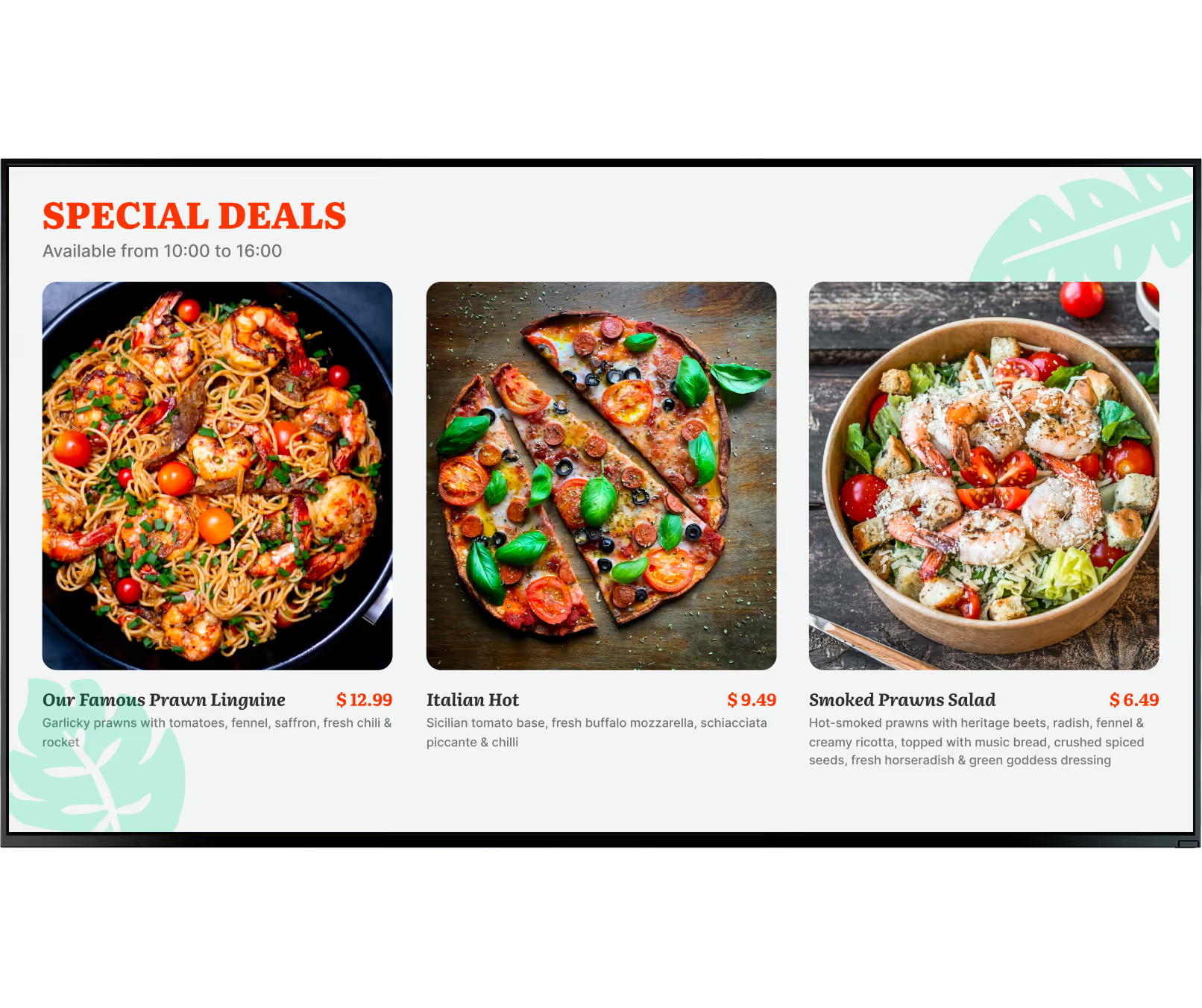
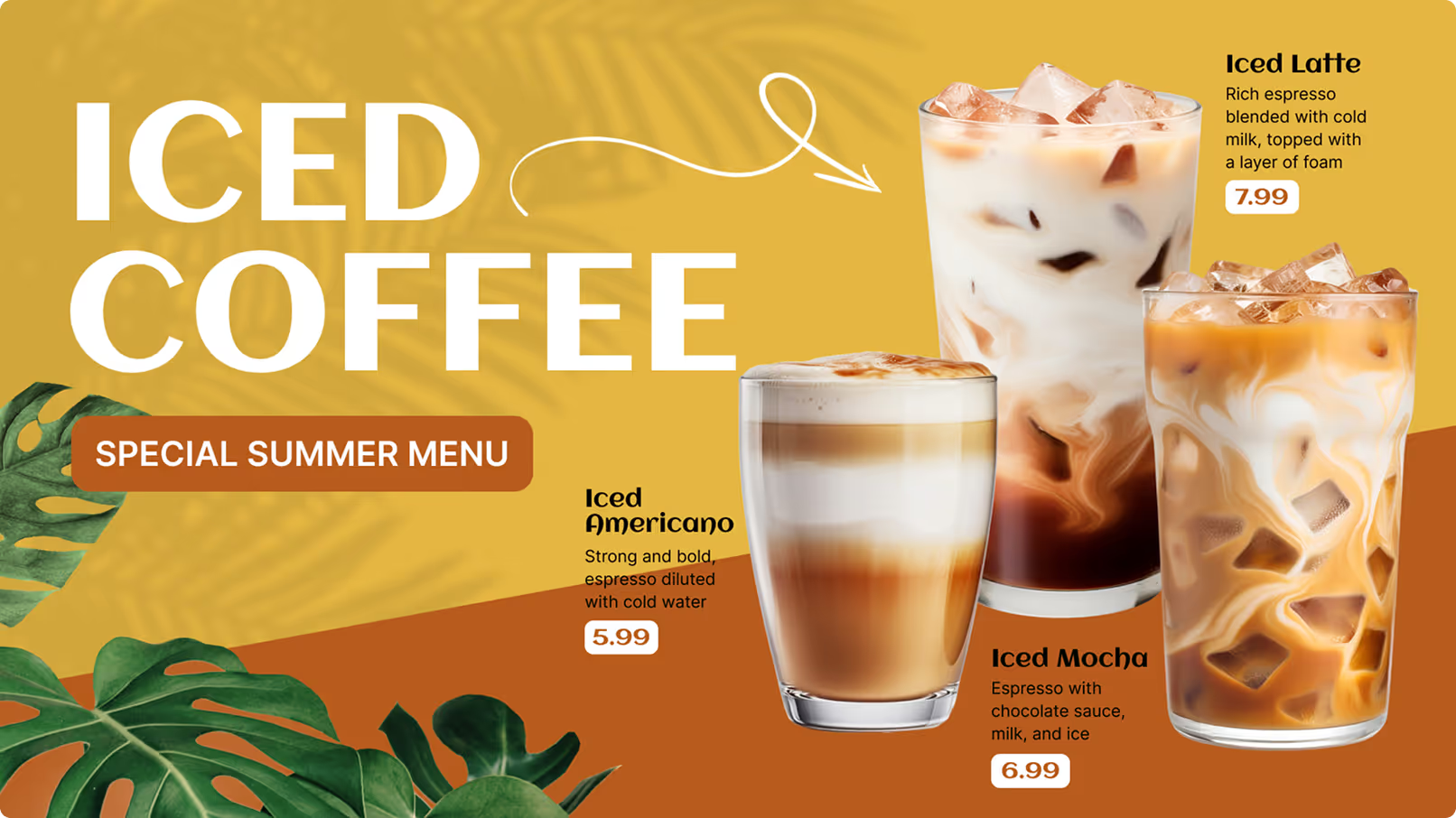
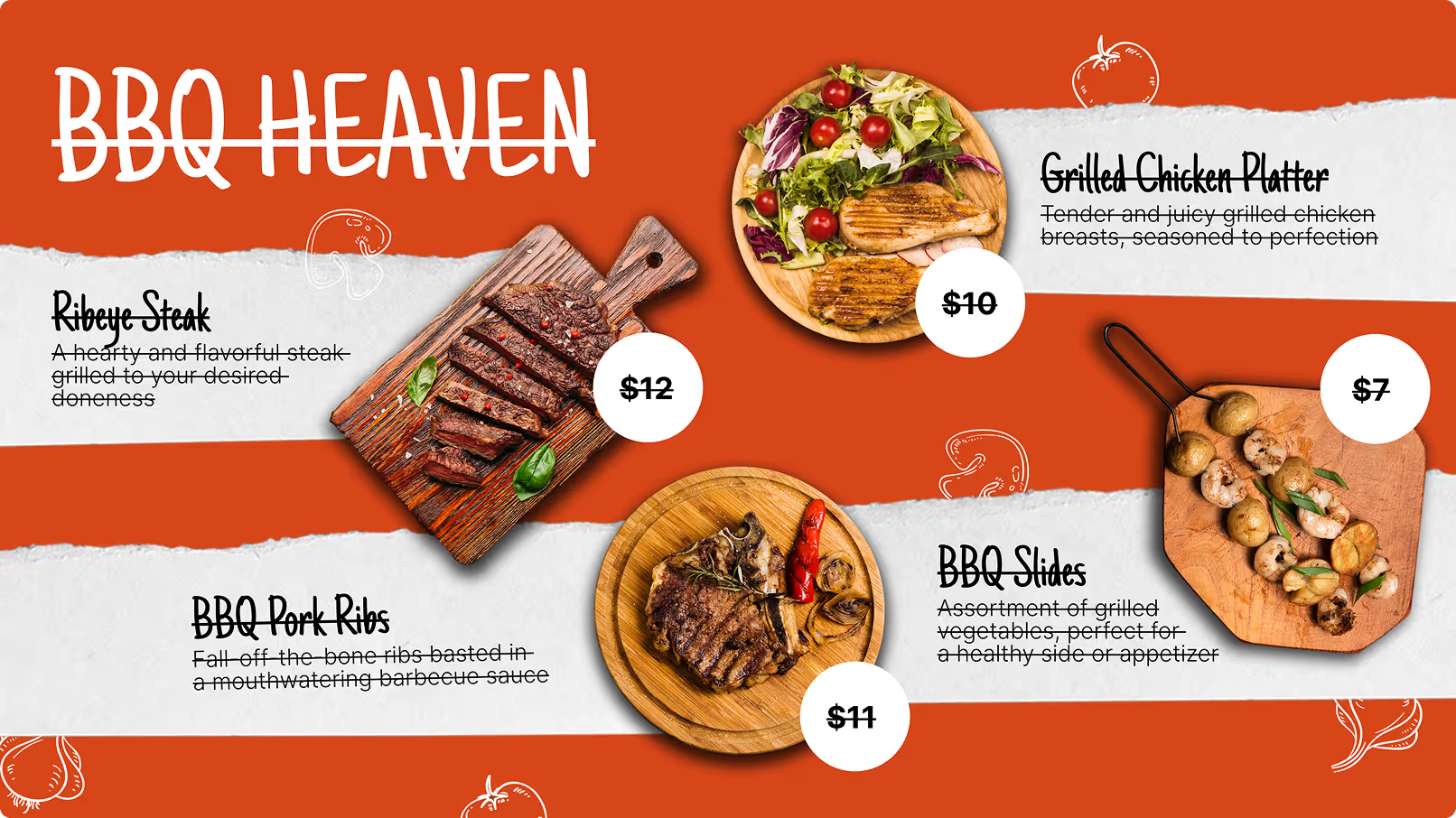
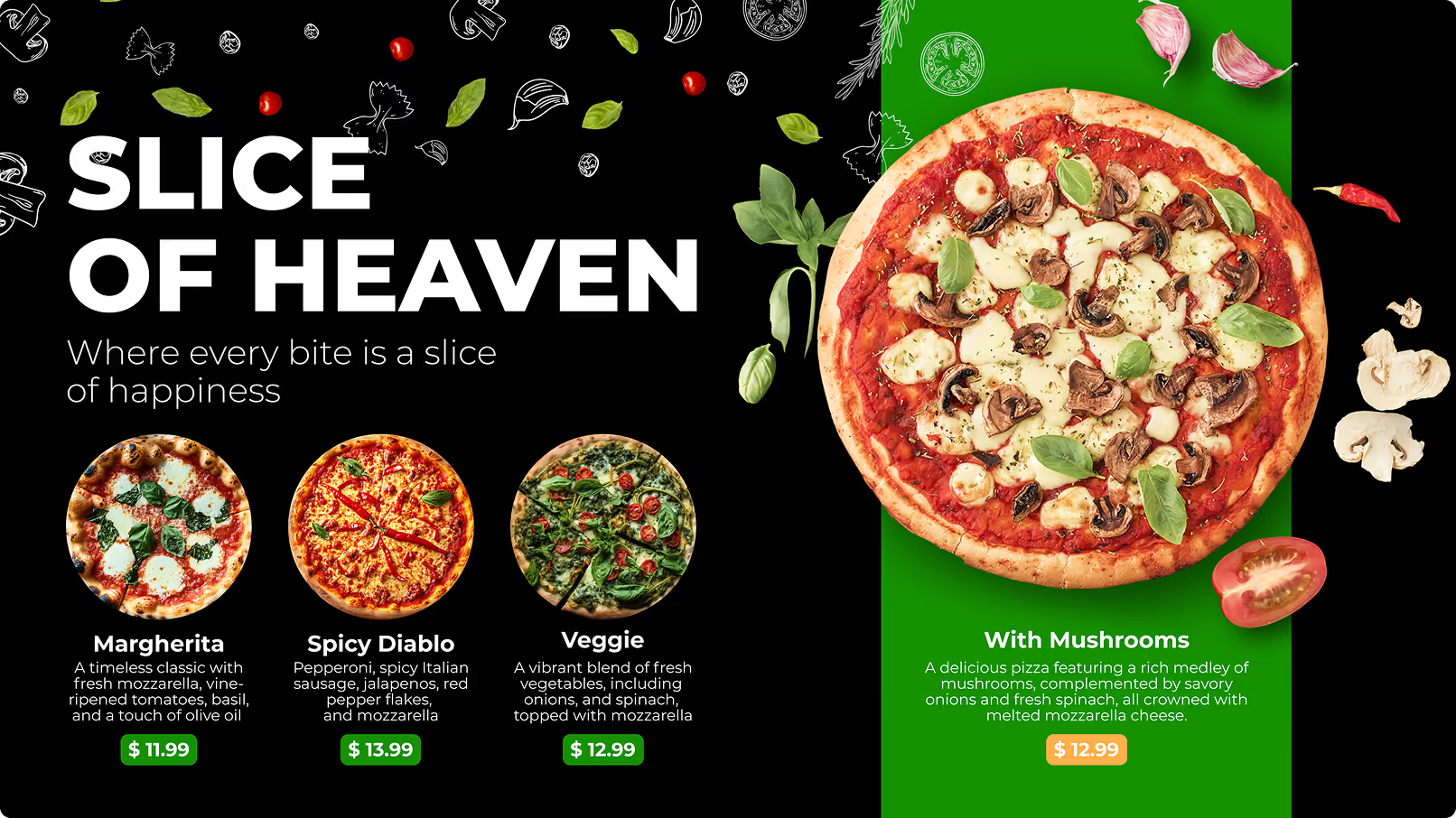
Theme-based and illustrated menu boards are ideal for restaurants that want a strong brand feel and an immersive space. A theme-based menu uses colors, fonts, and graphics that match the restaurant’s concept. For example, a seafood place might use marine colors and icons, while an Italian restaurant might use rustic tones and classic typefaces.
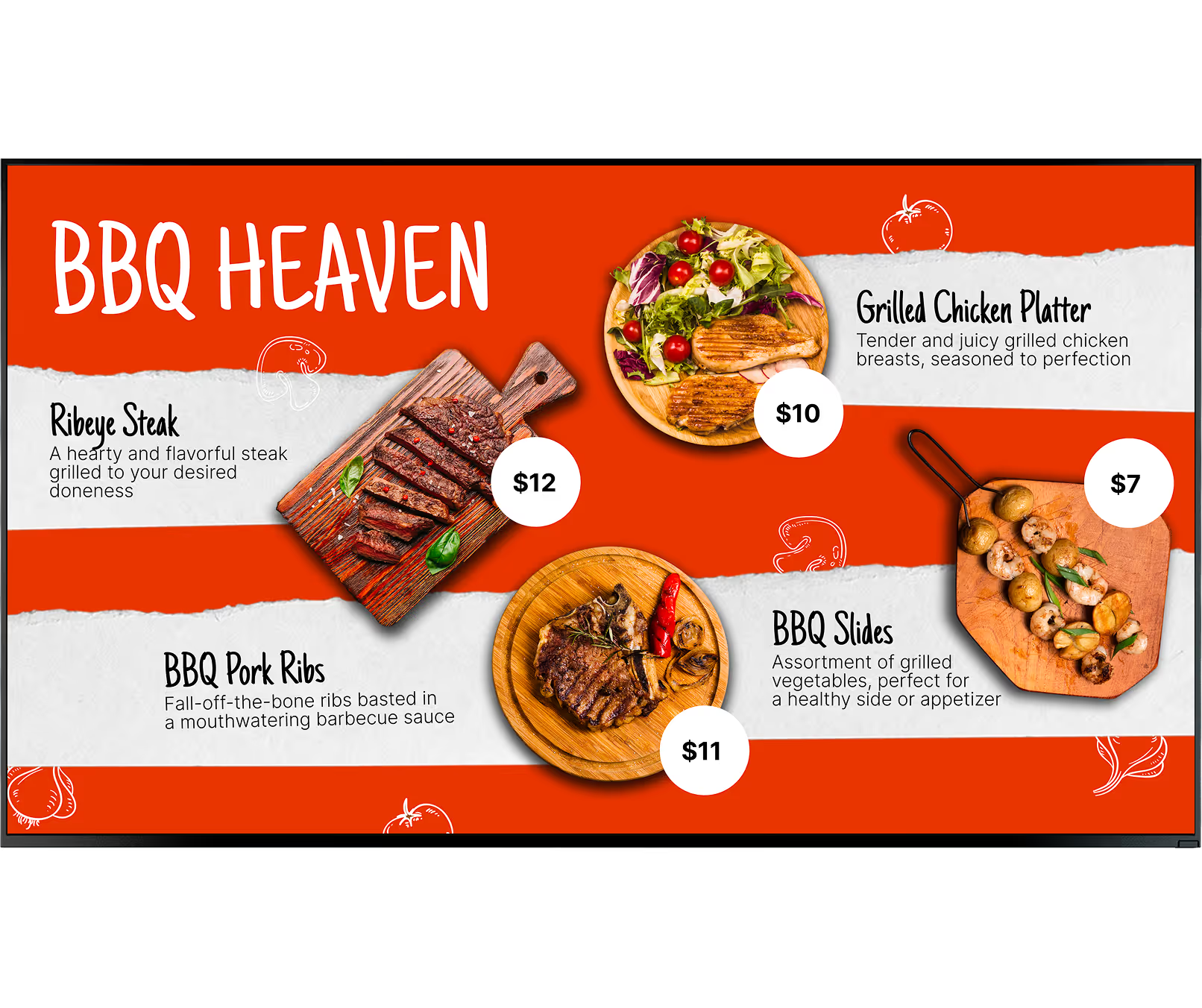
Illustrated menus-using hand-drawn or digital artwork-add a fun, unique touch. They fit well in family restaurants, food trucks, or creative eateries. Drawings can show signature dishes, key ingredients, or just playful characters and icons. This style makes the menu more memorable, supports brand recognition, and can turn your counter or wall into a focal design element.
Minimalist and Modern Menu Designs
For fine dining, boutique cafés, and modern restaurants that want a clean look, minimalist menu designs work very well. These boards focus on simplicity: clear lines, plenty of empty space, and a limited color palette. The idea is to keep the display calm and neat so the food shines without visual clutter.
Minimalist designs rely on clear typography and strong layout. ResearchGate notes that this can improve how well customers remember items by up to 40% while ordering. With fewer distractions, guests can find what they need faster and feel more relaxed while deciding. Often, simple sans-serif fonts like Arial, Helvetica, or Verdana are used for their clean appearance, creating an upscale, modern feel that matches the space.
Outdoor Digital Menu Boards for Drive-Thru or Curb Appeal
Outdoor digital menu boards are key for restaurants with drive-thrus or those trying to attract street traffic. These sturdy displays are built to handle rain, heat, cold, and sun, while still staying bright and readable, even in daylight. Fast-service and drive-thru locations rely heavily on them, as they help guests view options quickly without leaving their cars.
Surveys show that outdoor menus can lift sales, and drive-thrus can gain more than 9% extra traffic thanks to visible street signs. These boards catch attention, encourage impulse buys, and help people learn about your prices and popular items before they come in, which speeds up decisions. They can also run moving content like seasonal offers or appetizing food photos to pull in passersby.
Special Boards for Limited-Time Offers or Promotions
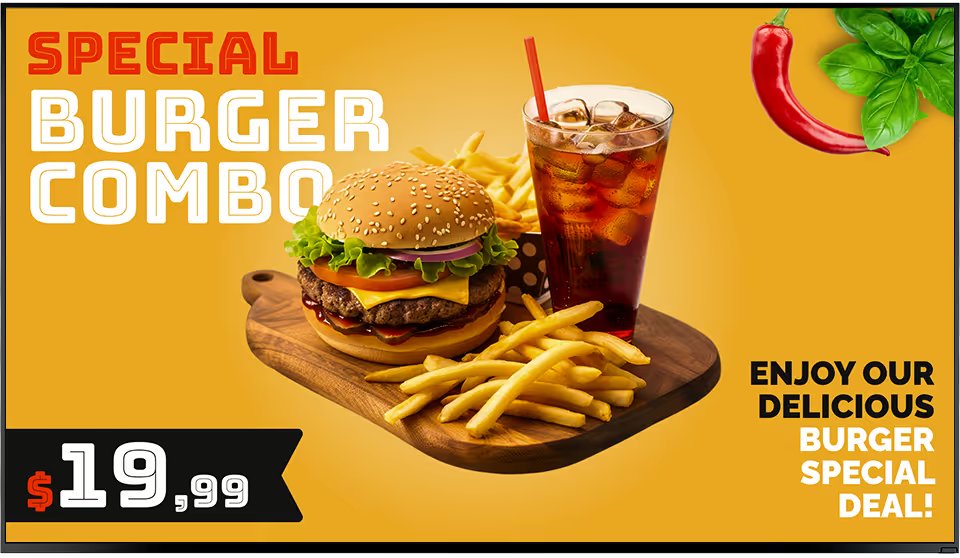
Separate digital boards just for limited-time offers (LTOs) and promotions work very well for boosting spur-of-the-moment purchases and creating urgency. Around 52% of people are more likely to visit places with LTOs, and roughly 91% are more drawn to restaurants that regularly add new items. A dedicated display for these deals keeps your main menu clean and makes special offers easier to notice.
These boards can show countdown timers, seasonal graphics, or exciting combo deals. Because digital signage is easy to change, as soon as one promotion ends and another starts, you can swap the content immediately. Regular changes help keep the menu fresh and give people a reason to come back and see what’s new.
Design Principles for Restaurant Digital Menu Boards
Building an effective digital menu board is more than just putting your current menu on a screen. Good design is needed to make it clear, readable, and visually appealing. A strong digital board guides the viewer’s eyes, points out important items, and supports your brand style. Without solid design, the menu can end up crowded and confusing.
The aim is to give customers a smooth, pleasant experience, helping them decide quickly and encouraging them to explore more options. Here are the key design basics to keep in mind when planning digital menu boards.
Text Size, Font, and Color Consistency
Text size, font, and color are the base elements of any menu board. For digital screens, people must be able to read text from different distances. Choose fonts for clarity; simple sans-serif fonts like Arial, Helvetica, and Verdana usually work best. Very decorative or script fonts might look nice up close but become hard to read across the room.
Text size should clearly show the difference between headings, item names, and descriptions. Keep this sizing consistent on all boards to look more professional. Color should also stay consistent with your branding. Use high contrast between the text and background so your menu is easy on the eyes. Avoid harsh, clashing colors that are hard to read; go for a palette that fits your restaurant’s look and supports legibility.
Balancing Imagery and Readability
Strong food images are a great way to increase appetite and interest, but they must be used carefully. Statista shows that 52% of diners prefer menus with real images, showing how useful visuals can be. At the same time, too many images can make the screen too busy and distract from the actual information.
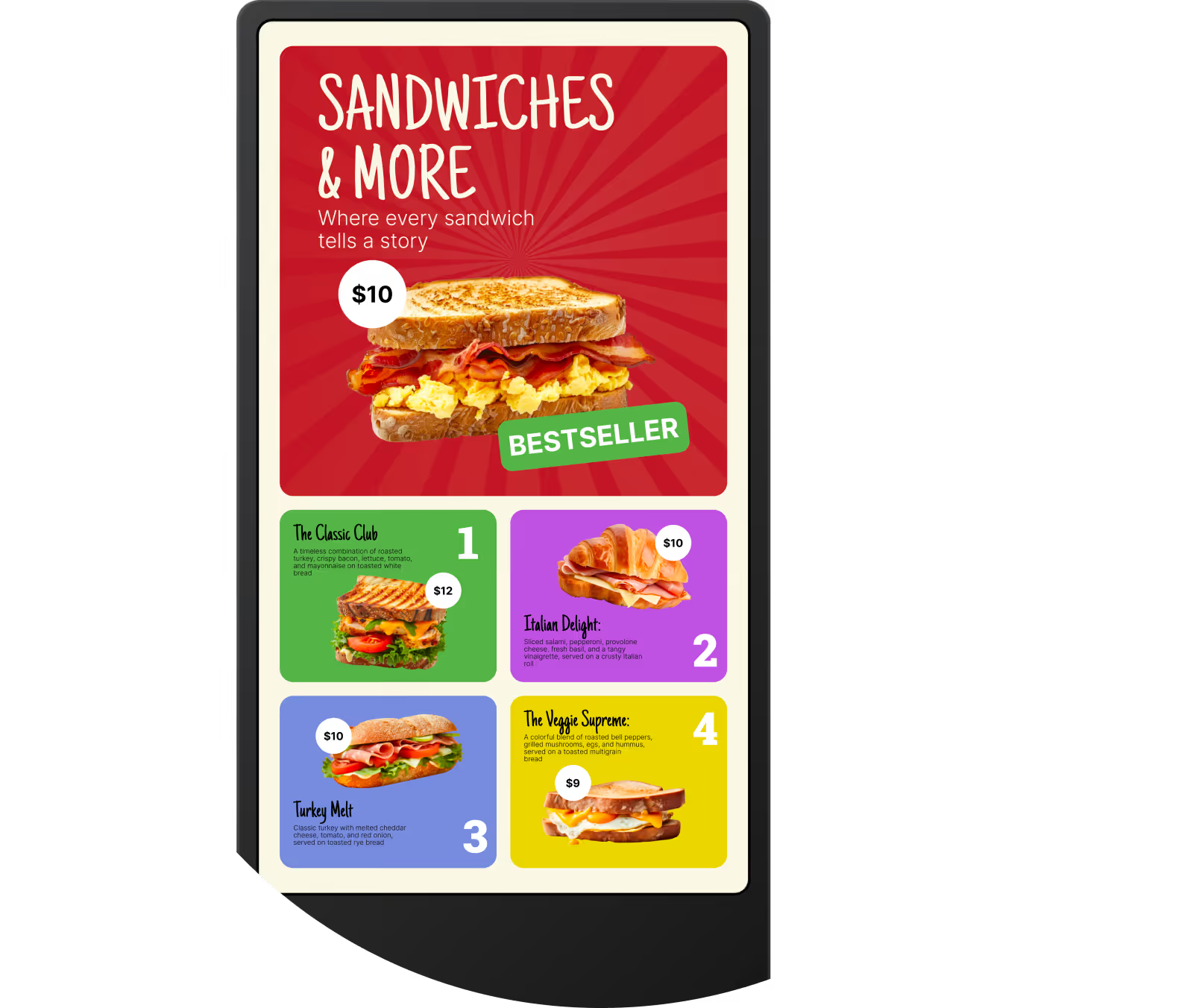
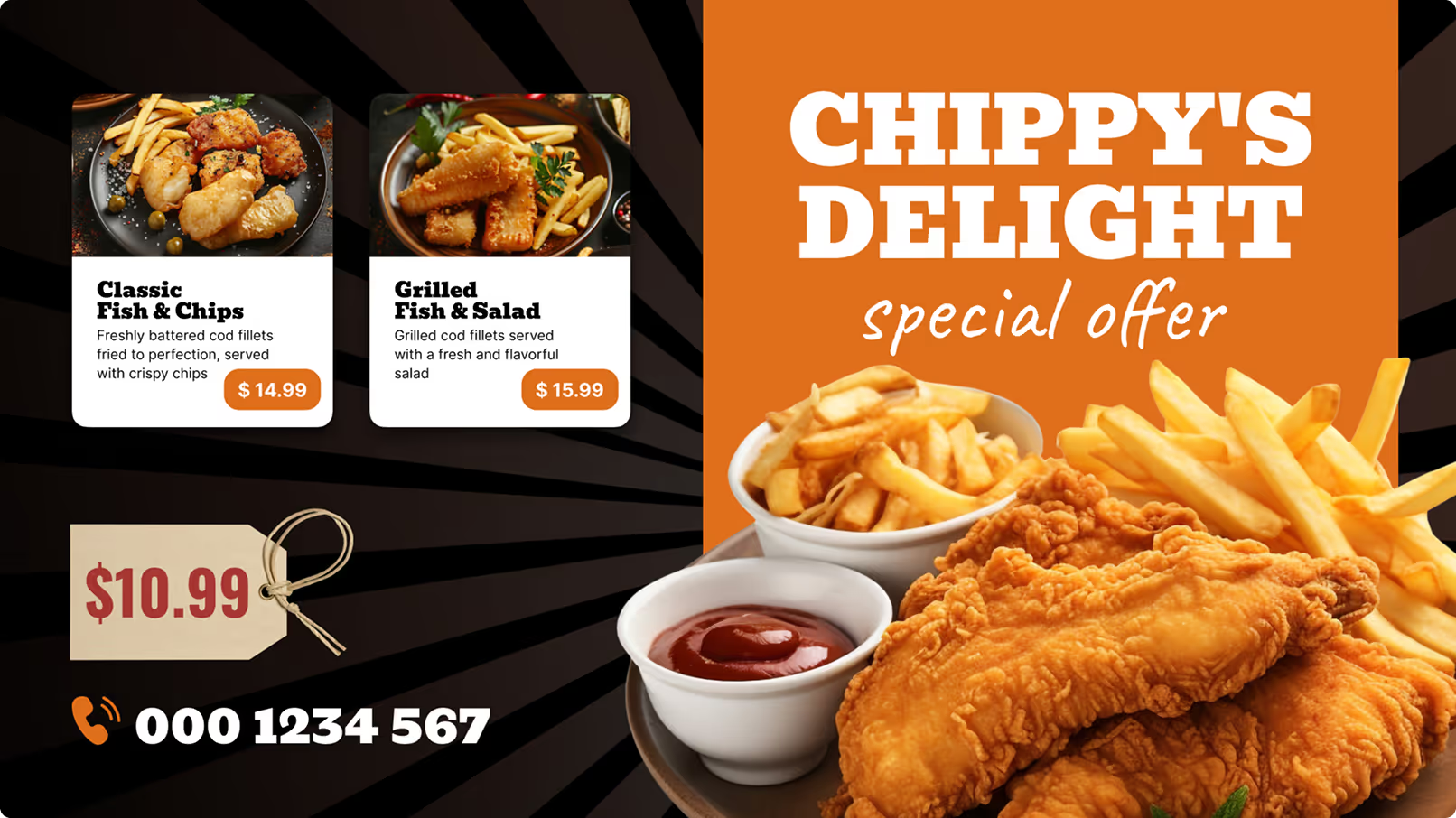
Use photos where they matter most: for bestsellers, high-margin dishes, and specials. Always choose sharp, well-lit images. Avoid low-quality pictures that make your food look less appealing. Keep enough empty space around text and images so the menu does not feel packed. The goal is for photos to support the text, guiding the eye, not competing with it.

Good Layouts and Menu Hierarchy
A good layout guides the eye in a natural path and makes the menu easy to scan. Group items into logical sections-like starters, mains, desserts, drinks. Nielsen reports that restaurants that simplify menu layouts often see a 20-30% improvement in how quickly customers decide.
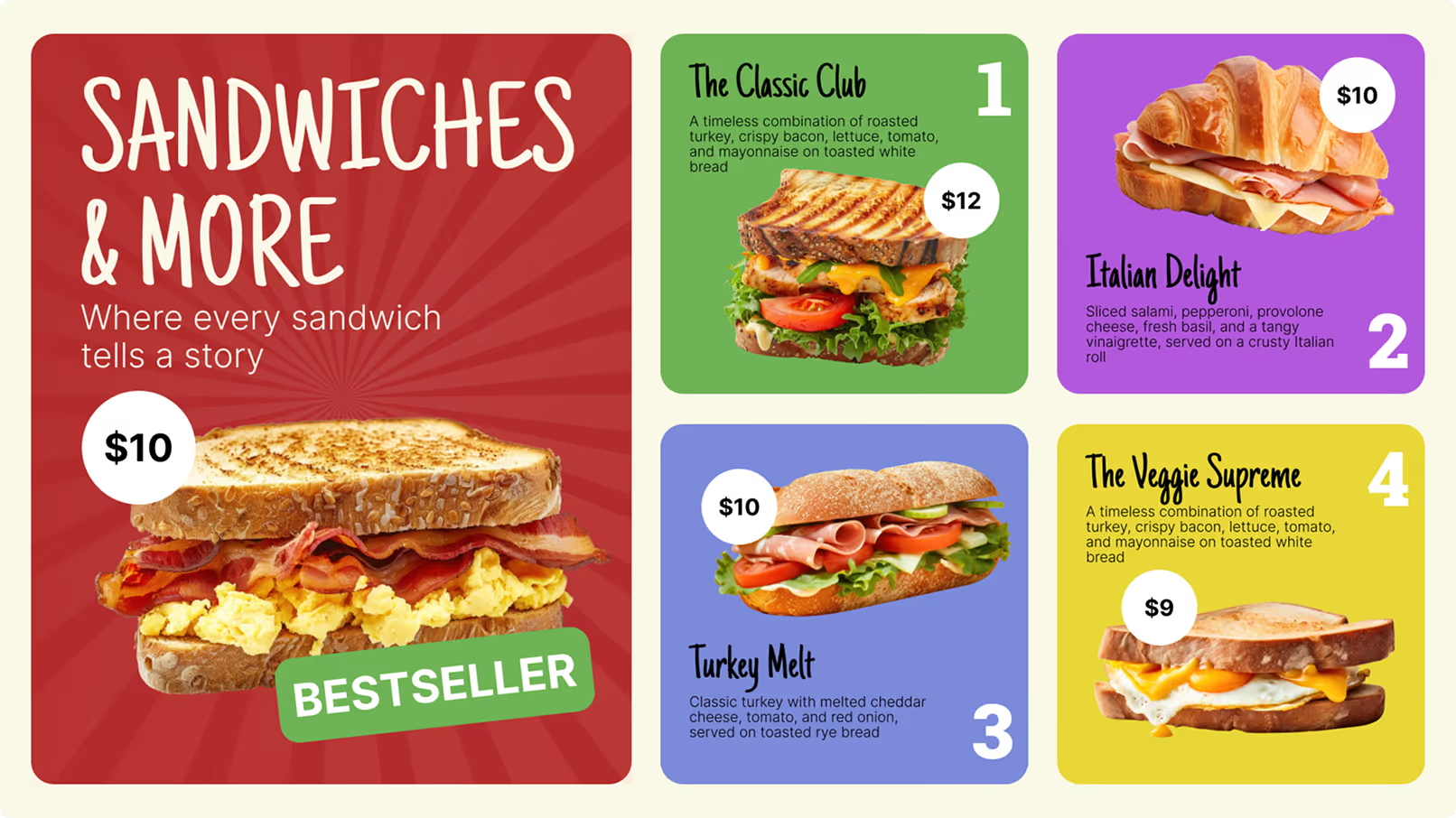
Use clear headings and subheadings to create structure. Plan a visual order: place top sellers or high-margin items in strong positions, like the top or center of the display, and set them apart with bigger text or a highlight color. Keep lines and sections spaced out so the board doesn’t feel crowded. A clean layout helps customers find what they want and choose with confidence.
Including Dietary Symbols and Ingredient Details
With more people paying attention to health and allergies, clear dietary symbols and ingredient notes are often a must. Show calorie counts, allergen warnings (such as nuts, dairy, gluten), and simple labels like “vegan,” “vegetarian,” or “gluten-free.” This helps guests with special needs or conditions order safely without needing to ask many questions.
Use simple icons or clear text styles for these markers so they stand out. For restaurants focused on healthy eating, detailed nutrition information can attract repeat visitors. Being open about ingredients and nutrition builds trust and shows that you care about guests’ well-being.
How to Create Effective Digital Menu Content
The success of a digital menu board depends heavily on the content and how it is presented. Good content is more than a list of dishes and prices; it tells a small story, appeals to the senses, and guides customers from browsing to ordering. Every element-from images to word choice-shapes decisions and supports your brand.
To get the most from digital menus, pay attention to these core content areas so that every part of the screen helps create a strong and profitable experience.
Choosing the Right Visuals and Animations
Visuals are the central feature of digital menu boards. High-quality, appetizing photos are key. Use professional, well-lit images that show what the dish really looks like and make people hungry. Statista reports that 52% of diners favor menus with real imagery, which highlights their importance. Avoid grainy or stretched images, as they lower the perceived quality of your food.
Animations and short videos, used in moderation, can raise engagement. Small touches-like a gentle steam effect from a coffee cup or a light shine over a dessert-pull the eye without overwhelming the screen. Short clips of ingredients, prep work, or plating can tell a brief story and add appeal. Keep motion controlled so it supports reading instead of distracting from it.
Selecting Color Schemes That Match Restaurant Branding
Color strongly influences how people feel in your restaurant and how they respond to the menu. The colors on your digital boards should match and support the colors in your logo, decor, and other branding tools. This creates a consistent look and strengthens brand recognition.
Colors can affect mood and appetite. For example, McDonald’s uses red and yellow, which are linked to energy and hunger, while Subway uses green to match its “fresh” image. When choosing colors, think about both brand personality and readability. Use strong contrast between text and background, and avoid too many competing tones. A well-chosen color set can tie your interior, signage, and menu together into one clear visual message.
Crafting Clear and Concise Menu Descriptions
Images are powerful, but good text still matters. Descriptions should give enough detail to help customers decide, without turning into long paragraphs. Focus on key ingredients, flavors, and what makes the dish special. Skip jargon and overly complex phrases. Aim for short, clear, and tempting lines.
For instance, instead of just “Chicken Sandwich,” you could write “Grilled chicken breast with avocado, smoked bacon, and chipotle aioli on toasted brioche.” It is still brief but more informative and appealing. Keep descriptions especially tight for featured or high-margin items. ResearchGate points out that clear layouts and typography support memory and understanding, and short, focused descriptions are a big part of that.
Integrating Price Points and Offer Displays
Prices and offers should be easy to see and understand. Customers should not have to search for the price of each dish. Some research suggests that removing currency symbols (like $) can lead to higher spending, as guests think less about the cost. Another common tactic is “.99” pricing instead of rounding up, which can encourage purchases.
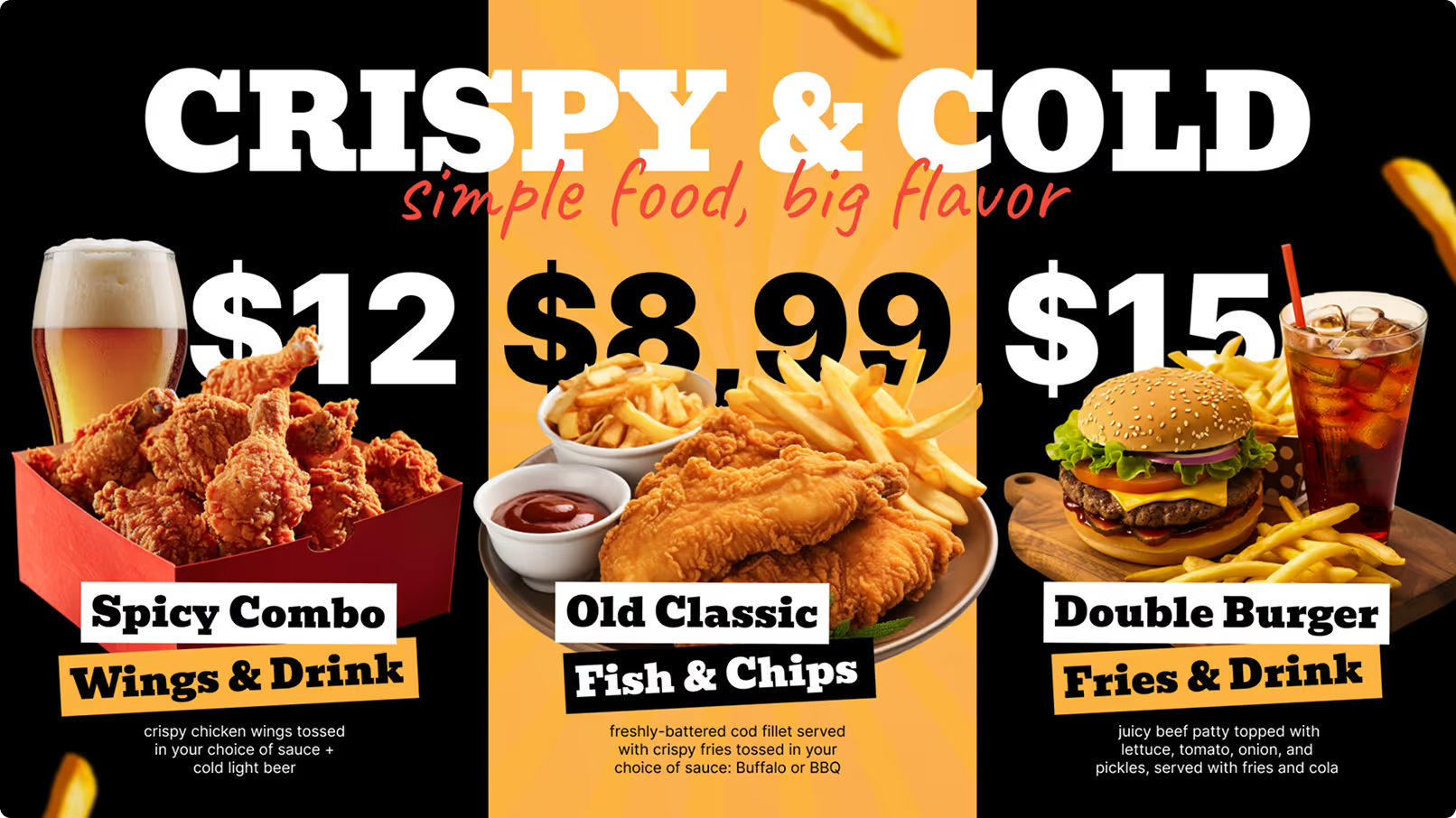
Create clear, separate spots or rotating areas for deals, specials, and combos. Make these stand out with a border, different background color, or light animation. For example, a lunch combo or “Buy One Get One” deal might use a brighter frame or label. Because you can change digital boards quickly, you can test which offers work best and adjust them often to keep the most profitable ones in focus.
Updating and Managing Digital Menu Boards Efficiently
The strength of digital menu boards lies in how easily they can be updated and controlled. Printed menus become old the moment something changes. Digital boards let you keep information accurate and attractive at all times. Good management of these screens saves time, cuts mistakes, and makes it easier to use every sales opportunity.
With the right setup, staff spend less time adjusting menus and more time serving guests. Here are ways to keep your digital boards current and useful with smart management habits.
Scheduling and Real-Time Content Management
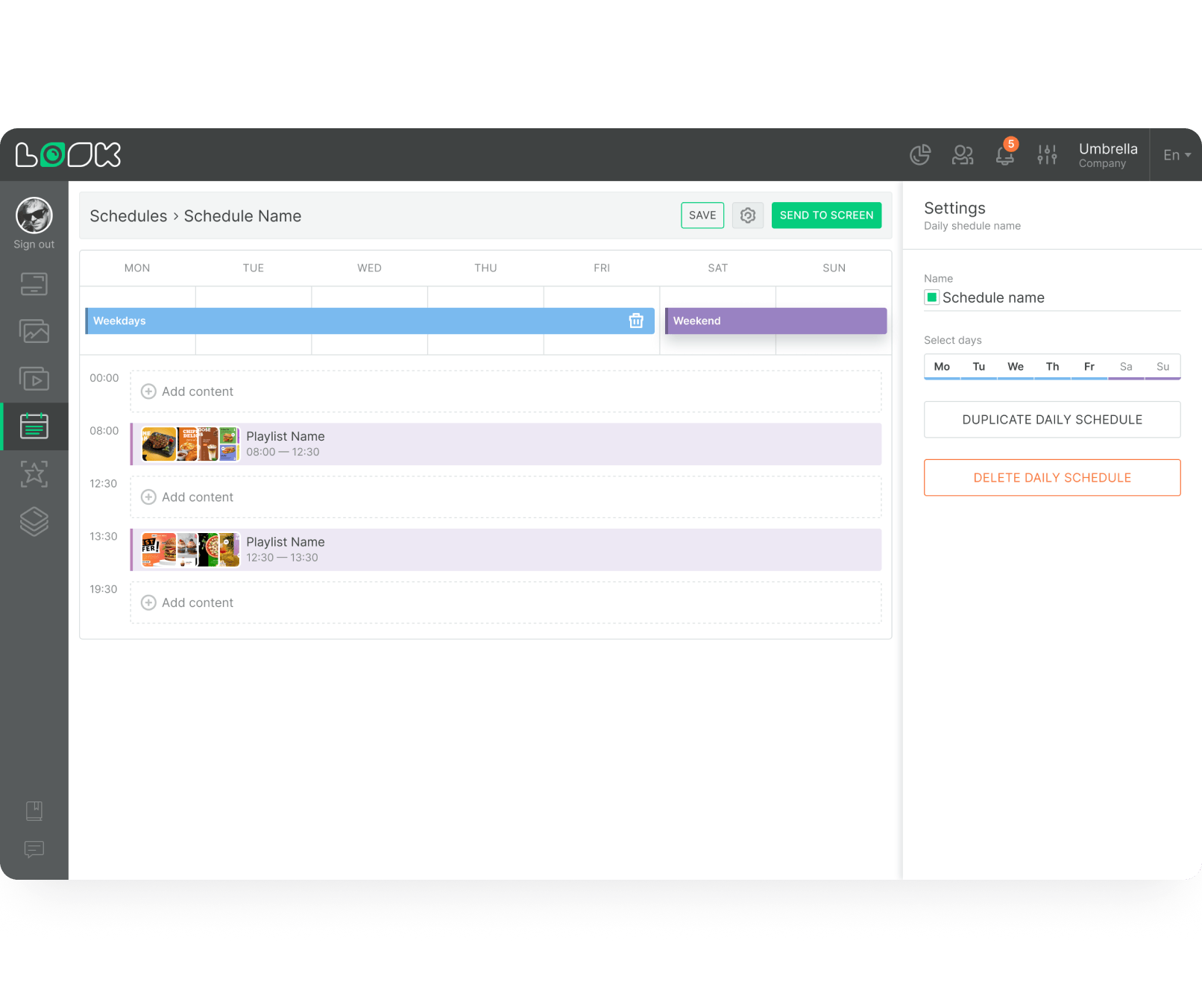
Being able to schedule content ahead of time and adjust it instantly when needed is a major advantage of digital menus. You can set menus to switch automatically by time-breakfast in the morning, lunch mid-day, and dinner in the evening. This removes the need for staff to change anything by hand.
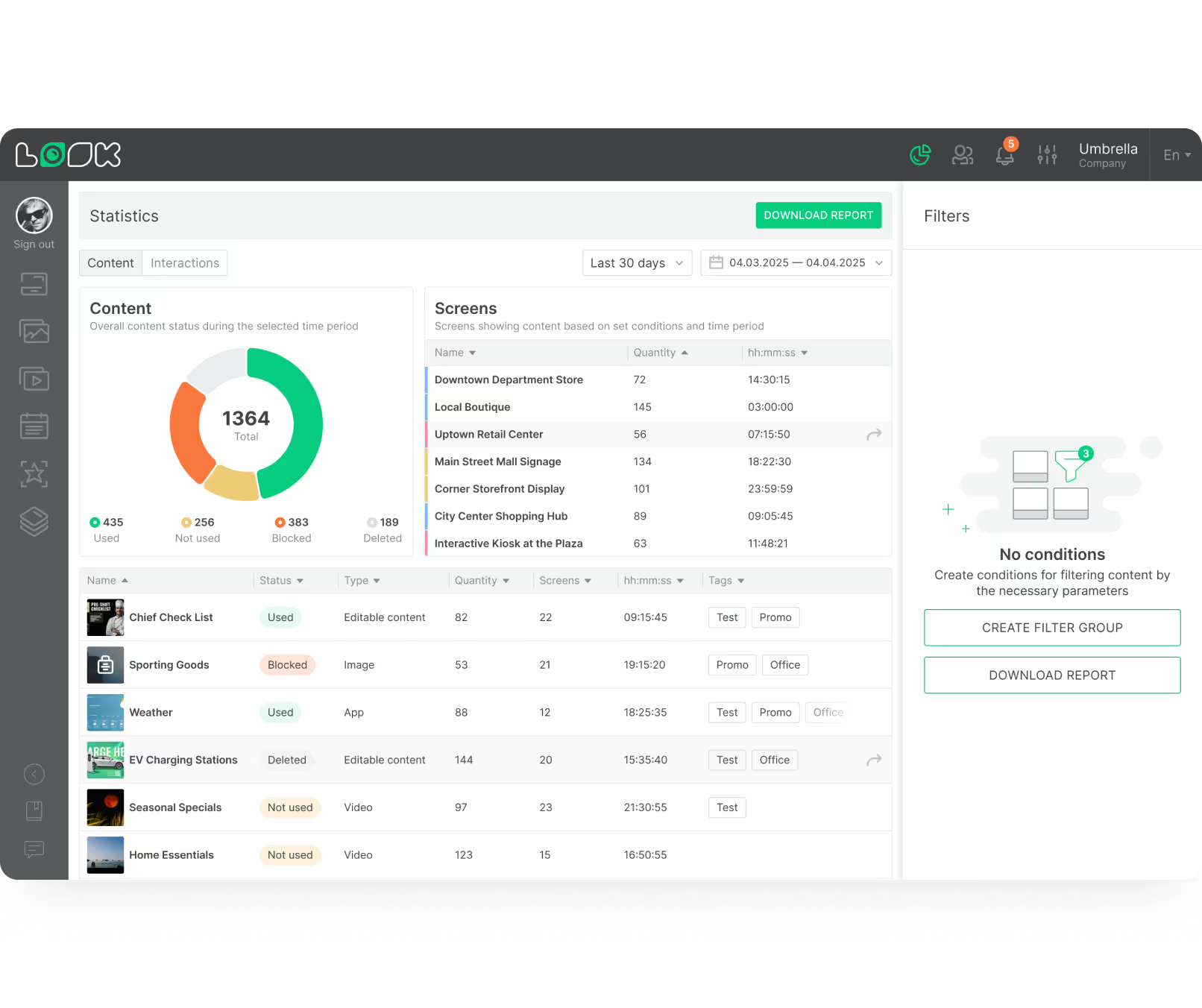
Real-time control is just as important. If an item runs out, you can remove it right away, avoiding disappointment at the counter. You can also push price changes, new specials, or promotions to all screens from a central dashboard or even a phone. This setup keeps information correct and makes it easier to respond fast to what’s happening in the kitchen or the market.
Tips to Keep Menus Fresh and Seasonal
To keep customers interested and returning, keep your digital menus lively and up-to-date. Adding seasonal touches and changing visual elements regularly works especially well. PwC reports that brands that refresh their visual menus every quarter see a 10-18% increase in trust and repeat orders.
Here are some ideas to keep your digital menus engaging:
- Seasonal Specials: Add dishes that use seasonal ingredients or fit holidays. Use matching images and colors for events like Christmas, summer, or local festivals.
- Highlight New Items: Give new dishes their own section, such as “New This Week” or “Chef’s Picks,” with bold icons or motion to draw the eye.
- Rotate Promotions: Change limited-time offers and combos regularly so there is always something new to try.
- Themed Days: Run special themes like “Taco Tuesday” or “Burger Friday” and adjust your boards to match.
- Use Feedback: Track which items sell and what guests say. Remove low performers and give more space to customer favorites.
- Visual Updates: Even if the menu stays the same, update photos or layout from time to time to keep the design fresh.
Ongoing attention to your content shows customers that your restaurant is active and creative, which helps build a lively and engaging atmosphere.
Common Challenges and Mistakes to Avoid with Digital Menu Boards
Digital menu boards have many strengths, but mistakes in planning or setup can hold them back. Restaurants new to digital signage-or those not using it well-can create confusing or less effective displays that hurt the customer experience. Knowing the main pitfalls ahead of time helps you avoid problems and get full value from your investment.
By sidestepping these issues, you save time and money and keep guests happy. Below are common mistakes and how to avoid them.
Overloading Information and Crowded Layouts
One of the most frequent errors is trying to show everything on a single screen. If you pack every item, every modifier, and all deals into one view, the result is a cluttered, stressful board. This slows down decisions and can even push customers away from ordering certain items because they feel overwhelmed.
Keep things simple. Focus on main items, shorten descriptions, and use white space to give breathing room. Group related dishes together and use headings and subheadings so the eye can move naturally. If your menu is large, use multiple screens or rotating sections instead of squeezing everything into one page. Less, presented well, is usually more effective.
Neglecting Accessibility and Readability
No matter how modern your screens are, they are useless if people can’t read them easily. Using fonts that are too small, too fancy, or too light makes content hard to see, especially from a distance. Poor contrast between text and background also makes reading hard for many guests, including those with vision issues.
Choose font sizes suited to how far away customers stand. Stick with simple, high-contrast text. Check screen placement and lighting to reduce glare and shadows. For wider accessibility, consider options like QR codes that lead to an accessible version of the menu on a phone, or audio solutions where appropriate. Making your menu easy to read for everyone is both good service and good business.
Failing to Update Content Regularly
Digital menu boards are meant to stay current, yet many restaurants leave old content on screens. When digital menus show sold-out items, wrong prices, or expired deals, customers feel misled and may lose trust in the brand.
Set up a clear content update routine. Make regular checks part of your daily or weekly process for items, prices, and promotions. Use real-time tools to remove items that are out of stock. Besides being necessary for accuracy, frequent updates keep screens interesting and encourage guests to look every time they visit.
Case Studies: Successful Digital Menu Board Implementations
Looking at how well-known brands use digital menu boards can give practical ideas and direction. These examples show that, when used well, digital signage can greatly improve the customer experience, simplify operations, and raise profits. It’s not just about placing a screen on the wall; it’s about how you use that screen to show your brand and serve your guests.
Here are some strong examples of engaging menu board designs and the results they achieved.
Examples of Engaging Menu Board Designs
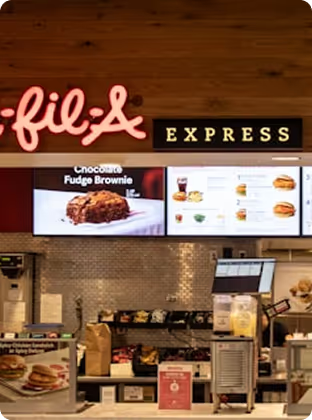
McDonald’s is a leading example of digital menu use. Across many countries, it uses digital screens to show rotating content, such as promotions, seasonal items, and combos. The company can quickly update boards to match local promotions or ingredient availability, which helps keep all franchises in sync. With clear layouts and appealing photos, customers can choose quickly, even in busy drive-thrus and counters.
The Cheesecake Factory, known for its large menu, uses digital boards that break items into neat categories with high-quality images. This structure helps guests manage a long list of choices without feeling lost and matches the restaurant’s upscale image. Starbucks, while still using a “chalkboard” aesthetic, relies on digital versions that keep the warm, handmade feel while allowing easy updates for daily drinks and limited blends.
Smaller brands also use creative approaches. A gourmet burger place might use looping GIFs of sizzling patties or melting cheese on its signature items. A smoothie bar could show bright clips of fresh fruit being blended. These formats go beyond listing food; they create short visual stories that make the space more inviting.
Results from Increased Sales or Improved Customer Experience
The right digital menu strategy often shows clear business results. For example, McDonald’s reports that more than 90% of its revenue comes through drive-thrus where digital menu boards are a major element, which shows how central they are in that setting. Deloitte notes a 12-22% jump in upsold items like drinks and desserts when restaurants use digital screens for promotions.
Customer experience also improves. Engaging visuals and teasers make waits feel shorter, even if the real wait time stays the same. This leads to better mood and loyalty. Digital Signage Today reports that restaurants that change from static to digital menus can see a 15-25% increase in customer engagement at the counter, which usually means faster choices and more orders processed.
Restaurants using daypart scheduling successfully also cut confusion. Guests only see the menu relevant for the current time, which speeds up ordering. Fast removal of sold-out items also avoids awkward moments and keeps the experience positive. Together, these benefits show how digital menu boards can deliver a strong return on investment.
FAQs About Restaurant Digital Menu Board Ideas
As more restaurants move to digital signage, many have similar questions about how to do it right, what tools they need, and what to expect. Clear answers help owners and managers make better choices and avoid common issues.
Below are some frequent questions about digital menu boards, along with simple, practical explanations.
Should a Restaurant Display Calories and Ingredients on Digital Menus?
Yes. Showing calories and ingredients on digital menus is becoming more common, and in some areas it is required by law. Beyond rules and regulations, it is very helpful for guests. People taking certain medicines, managing health conditions, or dealing with allergies rely on this information to eat safely.
For restaurants that focus on healthy food or specific diets (like vegan or gluten-free), clear labels and symbols can attract a loyal group of regulars. This level of transparency builds trust and shows care for guest health. Digital menus make it simple to update these details when recipes or regulations change.
Can I Turn a TV Into a Digital Menu Board?
Yes, you can. Many restaurants start with regular TVs to keep costs lower. To turn a TV into a digital menu board, you usually need three main pieces:
- A TV Screen: Any modern TV with an HDMI port will usually work.
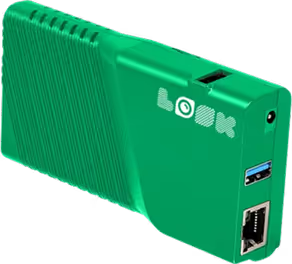
- A Digital Signage Player: A small device that plugs into the TV’s HDMI port and runs your menu content. You can use devices like Amazon Fire TV Stick, Google TV devices, or special signage players.
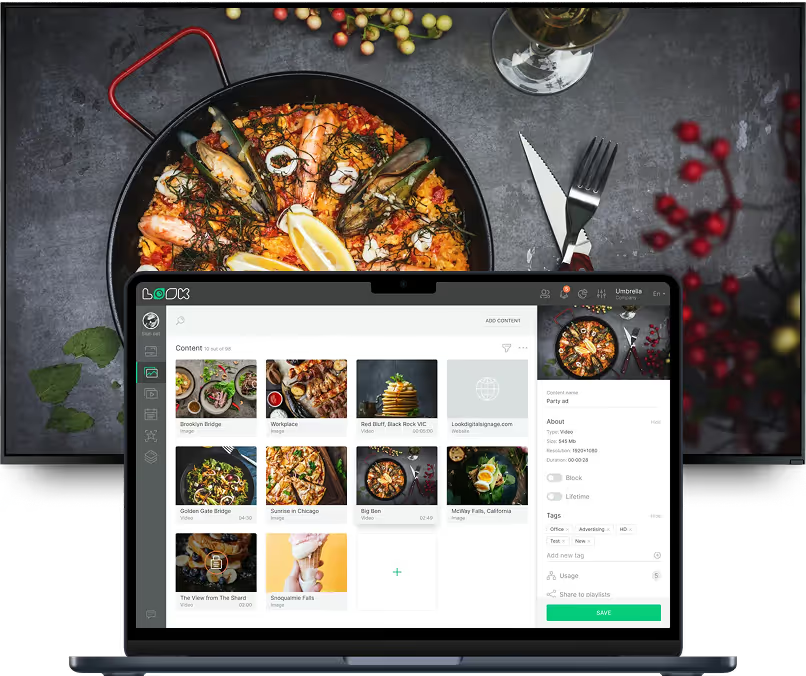
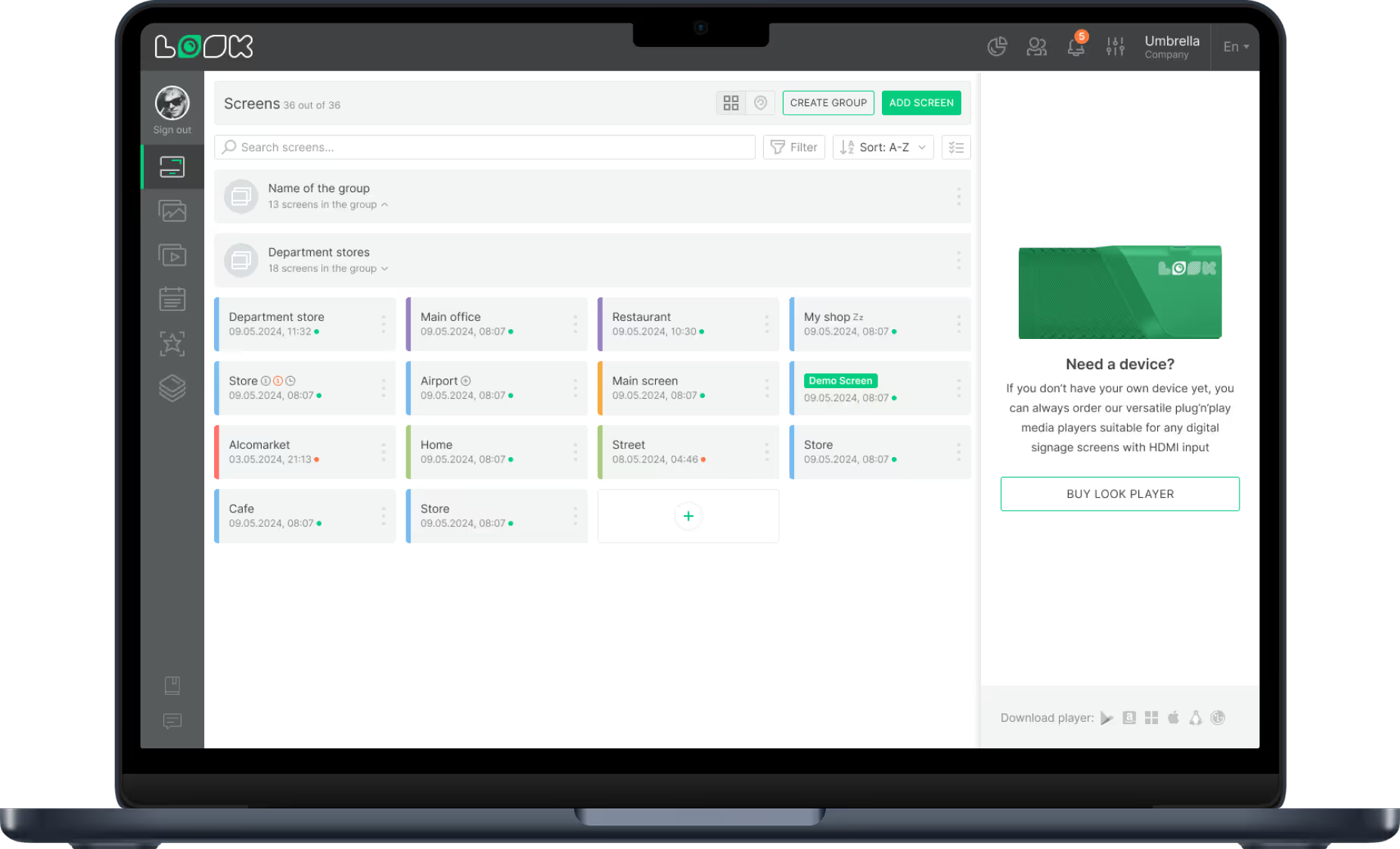
- Content Management System (CMS): Online or app-based software you use to design, schedule, and manage menu content. The CMS sends content to the player, which shows it on the TV.
This setup is a practical starting point that lets you use hardware you may already have. Many CMS platforms offer drag-and-drop templates and simple tools so you can design menus without hiring a designer.
What Makes a Digital Menu Board Most Effective?
A strong digital menu board blends design, content, and function. Key elements include:
- Clear Reading: Large, legible fonts, simple layouts, and good color contrast. Avoid cramming too much on one screen.
- Strong Visuals: High-quality food photos and short videos that look real and tasty. Light animations are fine as long as they don’t distract.
- Logical Structure: Well-defined categories, clear headings, and a layout that guides the eye through starters, mains, sides, and drinks.
- Fast Updates: Easy changes for prices, specials, or sold-out dishes so the menu always reflects the real situation.
- Brand Fit: Colors, fonts, and tone that match your logo, decor, and marketing materials.
- Smart Highlights: Visual cues to draw focus to profitable items, bestsellers, and limited offers.
- Accessibility: Dietary labels, nutrition information, and clear symbols to support customers with special needs.
An effective board doesn’t just show information. It helps customers decide faster, encourages add-ons, and supports a smoother, more enjoyable visit.
Final Tips for Choosing the Best Digital Menu Board Ideas
Rolling out digital menu boards opens up many creative options. There are lots of designs and technologies available, each with different strengths. The best choice for you will depend on who you serve, what your brand stands for, and where you want your restaurant to go in the future.
Keeping a few final points in mind will help your digital menu boards both look good and work as a strong growth tool for your business.
Matching Menu Board Style to Your Brand and Audience
The most important step is to match your menu board style to your brand and target guests. The menu board should feel like a natural part of your restaurant. A fine dining spot may choose a calm, minimalist design with limited colors and subtle photography to match a refined atmosphere. A bright, casual café may use bold colors, playful fonts, and fun illustrations.
Think about your typical customer. Are they younger and comfortable with tech, likely to enjoy touchscreens and animated content? Or do they prefer simple, static displays with clear text and straightforward images? Keep colors, fonts, and image styles consistent with your logo, website, and printed materials. This unity helps guests quickly recognize and remember your brand.
Embracing Innovation for Restaurant Growth
The restaurant industry changes fast, and using new tools like digital signage helps you stay ahead. Digital menu boards are not just a “nice extra”; they are a strong way to improve both guest experience and revenue. Being able to adjust menus quickly lets you react to trends, seasons, and customer feedback with ease.
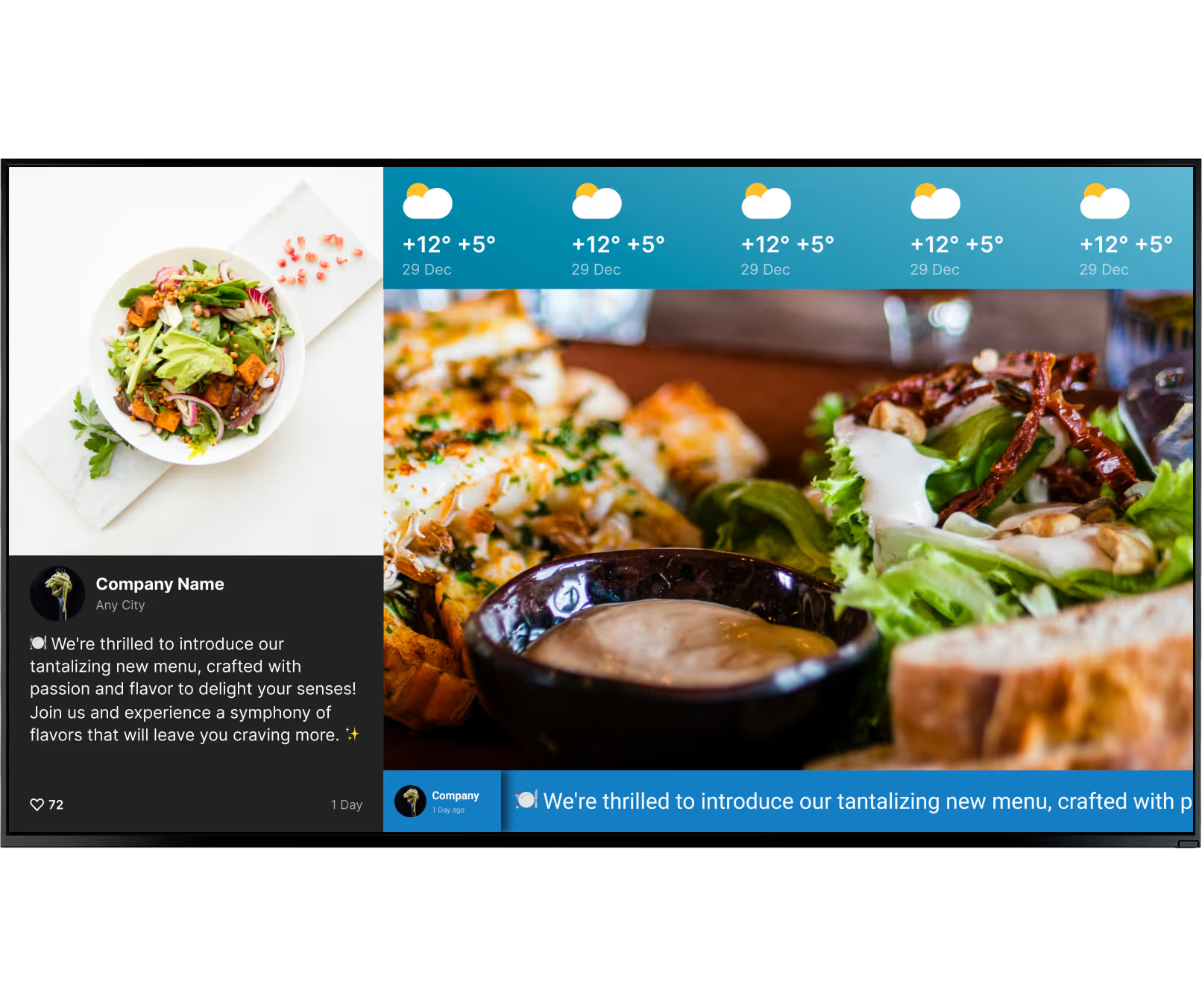
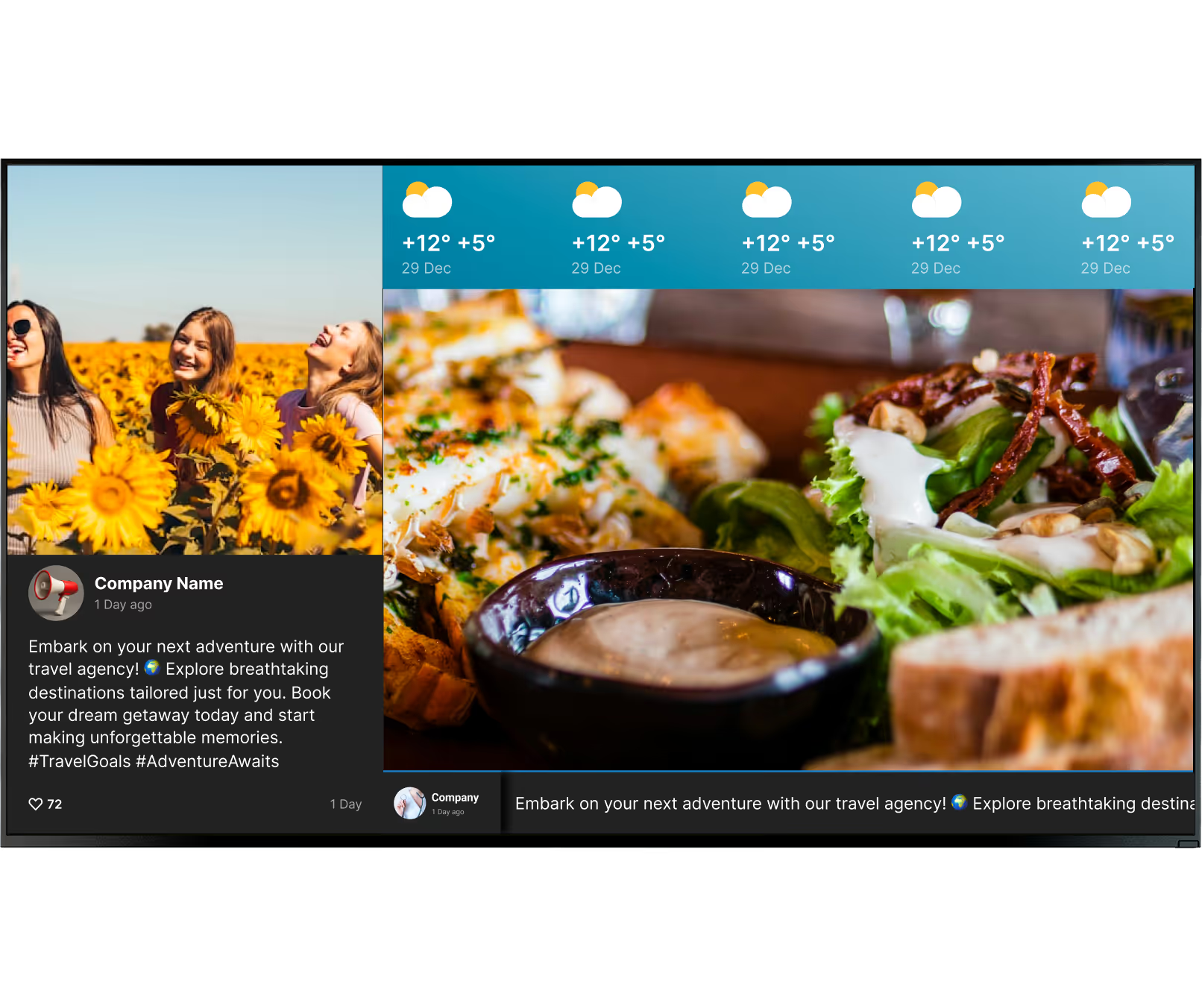
Think beyond listing dishes. Use screens to show reviews, loyalty programs, social media posts, or local news and events. Add QR codes for mobile ordering, or set up self-service kiosks for busy times. Test different layouts, word choices, and promotions. Track what works through sales data and tweak your content over time. Investing in smart digital menu solutions supports long-term growth and keeps your restaurant active, engaging, and ready for what comes next.


.webp)