

Table of Content
How can quick service restaurants (QSRs) consistently increase average order value and sell more combo meals? By using digital signage to display highly visual, timely bundles exactly when customers are deciding what to order. Replacing static menus with digital screens gives you a practical tool to promote high-margin add-ons, speed up lines, and manage menu updates across all your locations without reprinting materials.
What Are QSR Combo Upsells With Digital Signage?
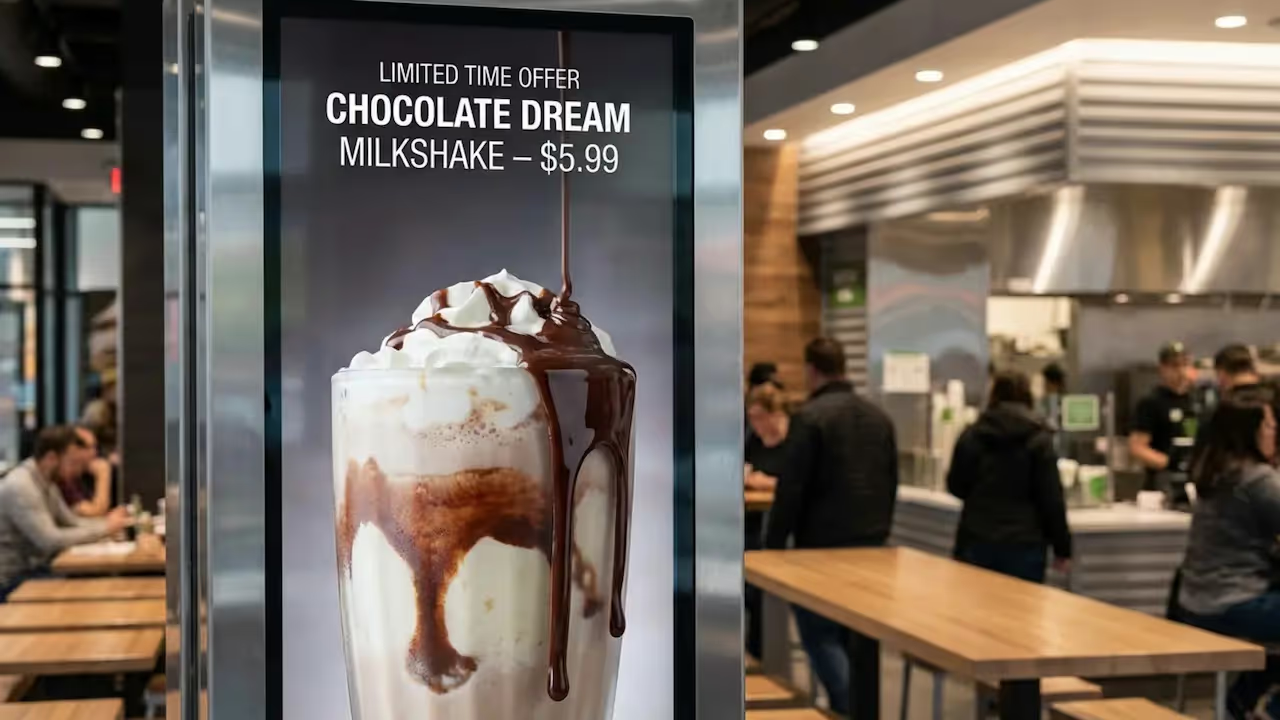
A QSR combo upsell encourages a customer to buy a bundle of items that go well together instead of just a single product. It is the familiar "Would you like fries with that?" approach, but driven by strong visuals rather than relying solely on your staff to suggest an upgrade. Digital signage software allows you to display these combo offers clearly and early, often before the customer even reaches the counter.
This approach goes beyond simply listing menu items. It highlights value, convenience, and a complete meal. When done well, customers feel they are getting a better deal, which makes the choice to spend a little more feel natural.
What Defines Combo Upselling in QSRs?
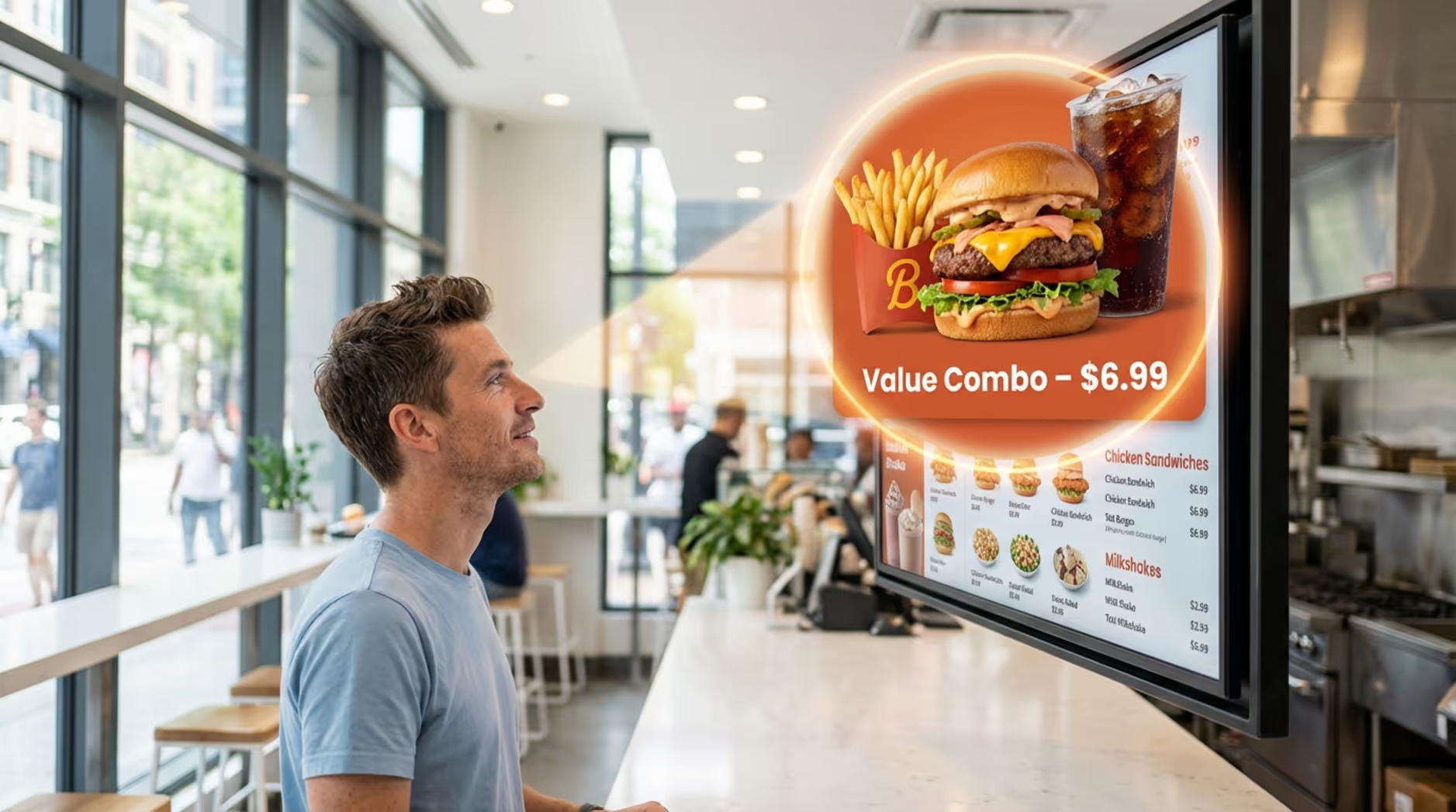
Combo upselling in QSRs is a method that raises average order value (AOV) by offering a packaged deal: typically a main item, a side, and a drink, often priced slightly lower than buying each item separately. For example, a burger, fries, and a soft drink sold as a "Value Meal" provides an easy choice for customers wanting a full meal while making the ordering process faster.
This strategy works best when bundles are presented in a simple, appealing way. It reduces decision stress and quietly guides customers to a higher-value order. Digital signage turns a basic text suggestion into a compelling visual offer.
How Does Digital Signage Enable Combo Upsells?
Digital signage enables combo upsells by utilizing visuals that you can change instantly. Unlike printed posters, digital menu boards allow you to swap content in seconds, feature sharp food photography, and use light animation to draw attention to a specific deal. This visual impact grabs the eye and makes offers feel much more tempting.
You can also schedule upsell messages to appear right when customers are making decisions. While someone is looking at the burger category, the screen can rotate to show a combo featuring that burger, alongside a quick "Make it a Meal" prompt. This turns every screen into an active sales tool.
Why Are Digital Signage Combo Upsells Important for QSRs?
QSRs operate in a fast-paced environment where every order counts. Combo upsells on digital signage are not just an optional upgrade; they support real business growth and help your store run smoother. They address common daily challenges like slow queues, confusing menus, and missed sales opportunities.
Their value comes from a wide operational impact: faster service, improved customer attention, and the ability to track data to prove ROI over time. For modern QSRs, digital signage has become a standard part of how they communicate and operate.
Increases Average Order Value and Revenue
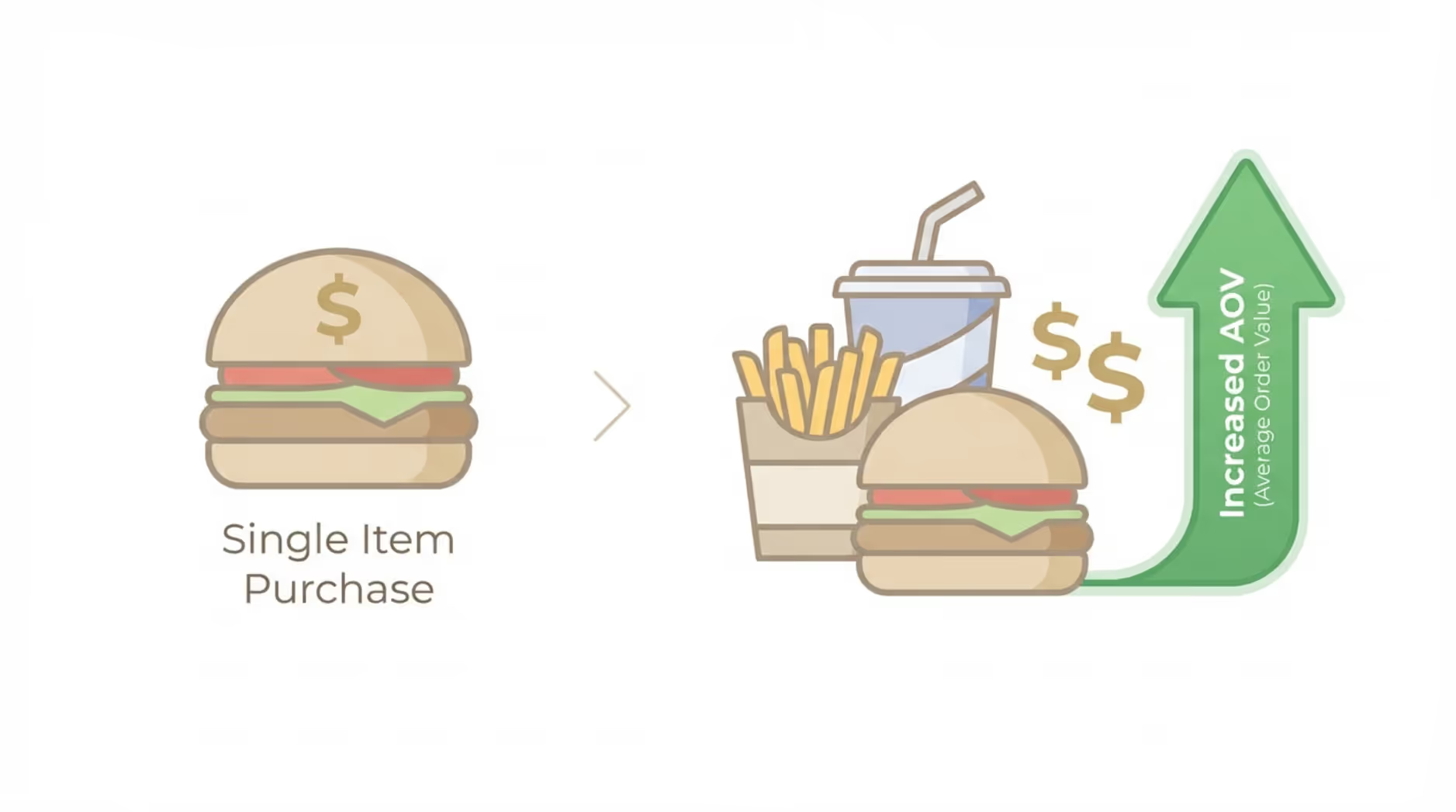
A primary reason to use digital signage for combo upsells is its direct effect on sales. Industry examples often show QSRs experiencing a noticeable increase in AOV shortly after installing digital menu boards, with some locations seeing overall sales lifts when menus are optimized. Clear visual prompts can often lead to larger orders and higher daily revenue.
When customers see a complete, appetizing meal displayed clearly, it is much easier for them to recognize the value compared to ordering separate items. That targeted push at the point of sale can reliably raise the value of individual orders.
Improves Order Accuracy and Speed
Digital signage can also improve order accuracy and speed, which directly impacts customer satisfaction. Clear menu categories, readable pricing, and simple combo descriptions on bright screens help customers make decisions faster. This reduces line friction, minimizes repeated questions to your staff, and keeps queues moving.
Digital screens are especially helpful when used as confirmation displays in drive-thrus. Allowing customers to review their order before paying reduces mistakes and waste. Clearer communication means faster service for everyone involved.
Boosts Customer Engagement and Satisfaction
Dynamic screens improve the overall customer experience by making wait times feel less tedious. Bright displays featuring high-quality food images and subtle motion give waiting customers something engaging to look at. Research often indicates that digital signs can reduce perceived wait times, making lines feel shorter than they actually are.
Engaged customers are more likely to notice your content, including those key combo deals. You can also use this screen time to promote loyalty programs or local store events, helping visitors feel valued and encouraging repeat business.
Key Features of Effective Digital Signage for QSR Combo Upsells
To see real results from digital signage combo upsells, QSRs should look for platforms with the right capabilities. It is about more than just displaying nice photos; it is about building a responsive communication system that supports the customer from their first glance to their final order.
From easily manageable playlists to seamless integrations, these features work together to make your upsells timely, relevant, and easy to scale across multiple locations.
Dynamic Digital Menu Boards
The foundation of QSR digital signage is the dynamic digital menu board. These setups do much more than a standard TV. They support strong imagery, short videos, and animations that pull focus toward your most profitable combos. Visual impact matters, as customers are often more likely to order a featured item when it includes subtle movement.
These boards allow you to present your menu with clean screen layouts, helping customers scan their options quickly. Keeping content fresh and well-organized influences what people choose in the moment.
Personalized and Contextual Promotions
Modern digital signage software allows you to display promotions that adapt to the situation. You can adjust offers based on the time of day, current inventory levels, or even local weather. For example, screens can automatically switch from breakfast combos to lunch specials at exactly 11:00 AM, or promote hot coffee bundles when the temperature drops.
By delivering relevant promotions, you capture more customer attention and naturally encourage them to upgrade their orders.
Real-Time Content Updates
A major advantage of a cloud-based digital signage platform is the ability to make real-time updates from anywhere. Printed menus cost time and money to replace. With remote management, operators can update prices, launch limited-time offers, or remove a sold-out item instantly. This is crucial in a busy QSR where stock levels change rapidly.
If a popular combo side sells out, you can hide it immediately so customers do not order something you cannot serve. This keeps your menu accurate and eliminates stressful situations for your front-line staff.
Integration With POS and Order Flow
For the best operational results, your digital signage can often connect with your Point of Sale (POS) system. When menu boards sync with POS data, price changes and item availability can update automatically, further reducing manual work.
Integration also supports the ordering flow. Drive-thru confirmation screens improve accuracy by letting customers verify their choices, while interior screens can guide customers from ordering kiosks to the pickup counter. In this way, digital signage acts as an extension of your daily operations.
Best Practices for Maximizing Combo Upsells With Digital Signage
Putting up screens is only the first step. To consistently drive combo upsells, you need a clear strategy for your content, screen layouts, and scheduling. You must consider how quickly customers need to make choices and use your displays to guide them efficiently.
Applying these best practices ensures your screens do more than act as a static poster, turning quick glances into larger orders.
Optimize Menu Board Design for Fast Decision-Making
Speed is critical in QSRs, so your menu design must support fast choices. Keep your screen layouts clean and avoid overcrowding them with too much text. Use high contrast, clear fonts, and large text sizes so items are readable from the back of the line. Group items logically and limit the number of individual items shown at once so customers do not feel overwhelmed.
A simple, highly readable menu helps lines move faster, cuts down on ordering errors, and makes your highlighted combo deals much easier to spot.
Use Visual Hierarchy to Highlight Combos
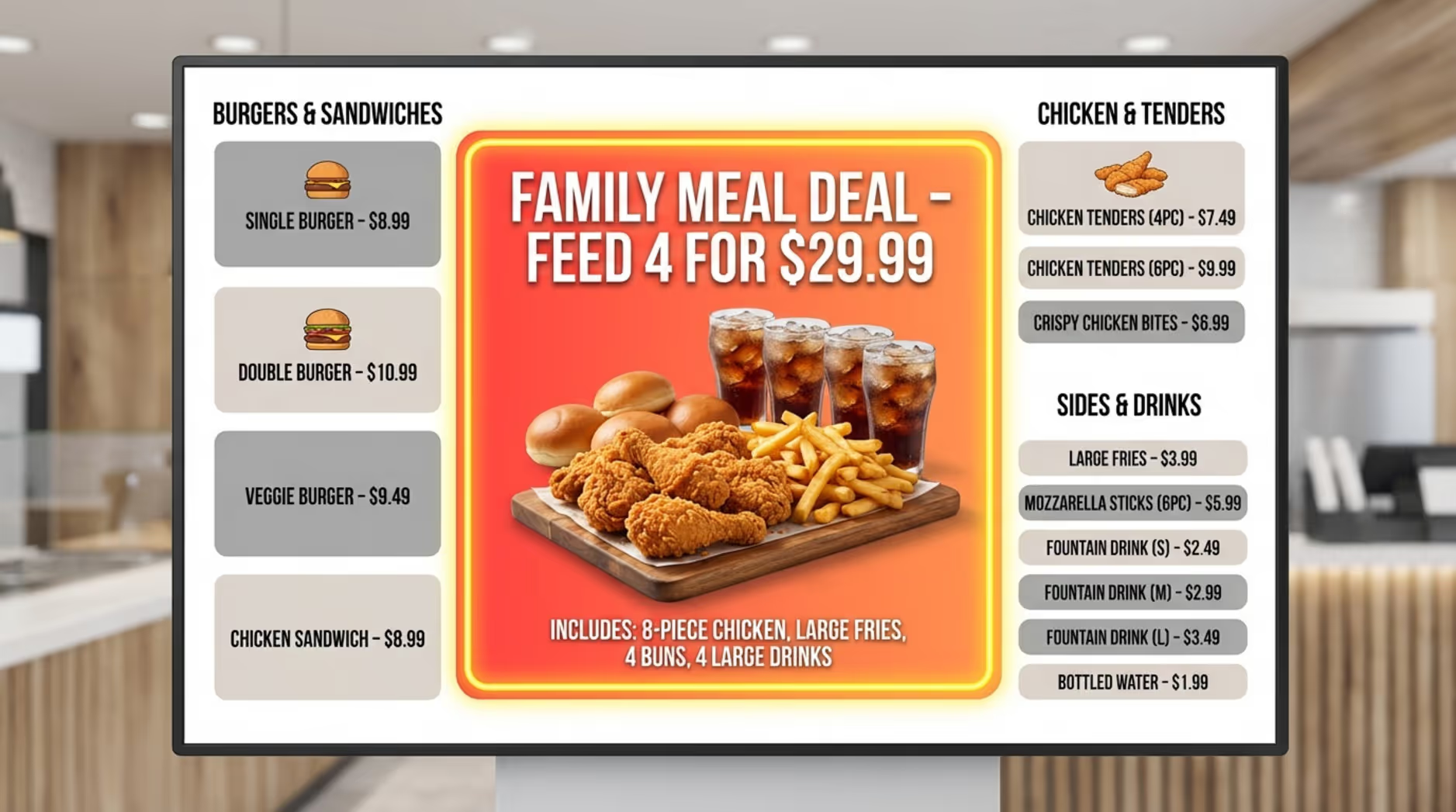
To push combo upsells, utilize visual hierarchy so your bundles stand out immediately. Size your most profitable combos larger than single items. Use professional food photography and perhaps a short, looping video to make the meal look irresistible.
Strategic placement on the screen matters. A bold background color or a clear "Value Combo" banner separates the bundle from the rest of the menu, guiding the customer's eyes straight to the offer you want them to choose.
Deploy Time-Based or Weather-Based Offers
Take advantage of scheduling features to run time-based promotions. Setting up dayparting allows your screens to automatically transition from morning coffee combos to afternoon meal deals, ensuring customers always see the most relevant offers without staff lifting a finger.
Matching your content to external factors, like weather, is also effective. Highlighting a cold drink combo on a hot afternoon caters to immediate customer cravings, making the upsell feel like a helpful suggestion.
Test and Iterate Content for Performance
Even the best signage strategies improve when you use data to refine them. Test different combo names, layouts, and imagery to see what performs best. Reviewing your analytics helps you understand how content impacts your sales.
Try A/B testing a "Family Bundle" against an "Ultimate Meal Deal" and track which drives higher AOV. By monitoring your results, you can continuously optimize your playlists so your combo upsells remain highly effective.
Where Should QSR Digital Signage Be Placed to Maximize Upsells?
What you display is important, but where you place your screens is equally critical. Proper placement ensures you reach customers at the exact moments they are ready to make a decision. Different zones in and around your restaurant serve different purposes.
From the parking lot to the pickup counter, screens can effectively guide customers toward higher-value options at every step of their visit.
Drive-Thru Digital Menu Boards
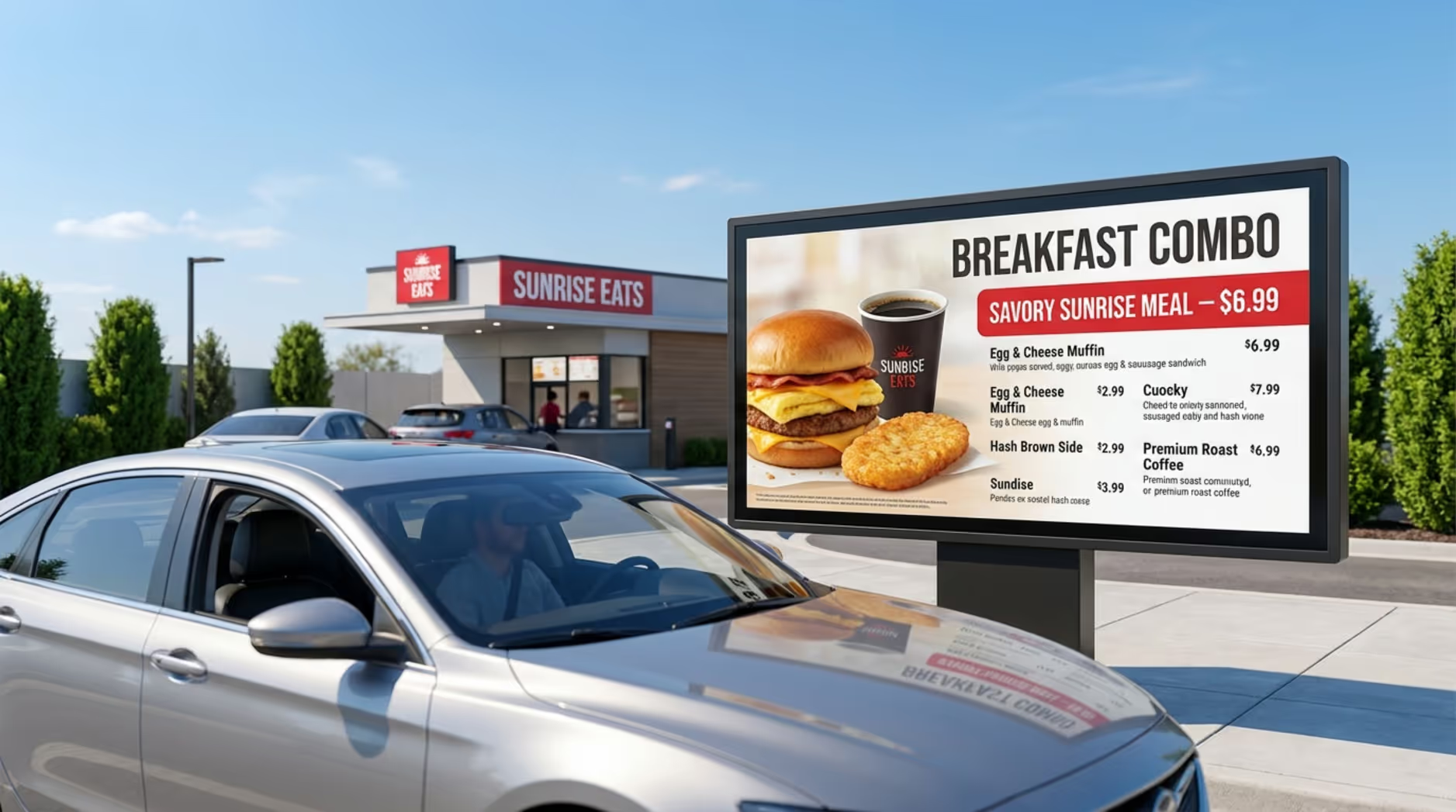
Since drive-thru sales account for a massive portion of QSR revenue, deploying digital signage here is highly recommended. Outdoor digital menu boards clearly display combos, support order confirmation, and reduce friction. They require commercial-grade brightness to remain readable in direct sunlight.
To ensure reliability in these critical outdoor areas, utilize platforms that offer offline playback. This keeps your menus running smoothly even if the local internet connection briefly drops, ensuring you never miss a drive-thru upsell.
Countertop and Queue Line Displays
Inside the restaurant, screens placed along the queue line or at the countertop are perfect for upselling. Customers waiting in line have high dwell time, making this the ideal moment to show high-margin combos, limited-time offers, or dessert add-ons. Seeing a dynamic video of a premium drink while waiting can easily trigger an impulse upgrade.
These displays also help manage store flow by directing customers where to order and where to wait, reducing confusion and creating a calmer environment for upsells to occur.
Outdoor and Window Digital Signage
Many purchasing decisions happen before a customer even walks through the door. Window displays and outdoor screens can attract foot traffic and "pre-sell" your combo deals. Showing a bold, bright happy hour bundle to passersby can draw them inside.
By promoting strong offers on exterior screens, you bring customers into the restaurant already thinking about a combo meal, effectively lifting your conversion rates.
Steps to Launch QSR Combo Upsells With Digital Signage
Rolling out a digital signage network might seem complex, but it is highly manageable when broken down into logical steps. Success requires clear goals, reliable software, engaging content, and a plan for ongoing management.
Following a structured approach ensures you can deploy your screens quickly and start seeing a return on your combo promotions right away.
Define Upsell Goals for Your QSR
Before purchasing hardware, establish clear goals for your signage. Do you want to raise your AOV by a specific percentage, sell more of a specific high-margin side, or simply reduce perceived wait times? Setting specific, measurable goals allows you to track your success.
Having clear objectives will guide your content creation, help you choose the right screen locations, and determine which KPIs you need to monitor once your screens are live.
Choose the Right Hardware and Software
Your long-term success depends heavily on choosing reliable infrastructure. We recommend a robust, cloud-based solution like Look Digital Signage. With the Look CMS, you can easily manage one screen or thousands from a single web dashboard. Look DS provides essential features for QSRs, including Smart Scheduling for dayparting menus and remote management so you never have to update screens manually.
For hardware, use commercial displays designed for continuous use. You can pair them with the plug-and-play Look HDMI Player for an incredibly simple setup and reliable offline playback, or simply install the free Look App on your existing supported smart TVs or devices to keep upfront costs low.
Design Compelling Content and Combos
Once your tech is in place, focus on the visuals. If you do not have an in-house designer, leverage Ready-made Templates within your CMS to quickly build professional, on-brand menu boards. Use high-quality photos of your food, keep the text concise, and ensure high contrast for readability.
Frame your combos to emphasize convenience and value. Use motion sparingly-perhaps just to highlight a limited-time offer-so the upsell feels natural and appealing rather than overwhelming.
Install, Launch, and Monitor Performance
Install your screens at key decision points, checking for glare and clear viewing angles. Once live, use your cloud dashboard to publish playlists and set your daily schedules.
Monitor your performance closely during the first few weeks. Check your AOV and combo sales volume to see how the new screens are performing. Use these insights to tweak your layouts and scheduling, creating a continuous cycle of improvement.
Common Challenges and Solutions for QSR Digital Signage Combo Upsells
While digital signage offers significant benefits, managing a network does come with operational considerations. Multi-location franchises often worry about keeping content consistent and proving ROI. Fortunately, modern software is built to solve these exact issues.
Addressing these challenges proactively ensures your digital signage remains an asset rather than an IT headache.
Content Management Across Multiple Locations
Updating printed menus across dozens of locations is slow and prone to errors. With a cloud-based platform like Look CMS, a central manager can update prices or launch a new combo across every location in minutes.
This remote management capability eliminates manual work for your store staff, ensures pricing is always accurate, and allows you to schedule promotional changes during off-hours so service is never disrupted.
Maintaining Brand Consistency and Compliance
For franchises, maintaining a consistent brand image is vital. Digital signage guarantees that your visuals remain sharp, uniform, and perfectly aligned with your brand guidelines, unlike printed posters that can fade or be hung incorrectly.
It also simplifies compliance. If you need to update calorie counts or allergen information, you can push those updates universally from your CMS, ensuring every screen in your network displays the correct, legally required information.
Measuring the Impact of Digital Upselling
It is important to prove that your screens are actively driving sales. Without data, your screens are just decoration; with data, they become a finely tuned engine for sales.
By reviewing playback analytics alongside your POS data, you can track which combo campaigns ran during your most profitable hours. This data-informed approach helps you identify winning strategies and clearly prove your ROI.
What Is the ROI of QSR Combo Upsells With Digital Signage?
Investing in digital signage offers a clear and measurable return on investment. The financial benefits extend beyond just selling more combos; they include operational savings, reduced waste, and a better customer experience.
Understanding which metrics to track will help you confidently measure the value your screens bring to your business.
Case Studies and Success Metrics
Many QSR operators report a noticeable lift in average order value after transitioning to digital menu boards. By clearly displaying high-margin bundles, restaurants often see a direct revenue increase that helps cover the initial hardware investment quickly.
Beyond direct sales, there are operational gains. Digital signage eliminates the recurring costs of printing and shipping static menus. Additionally, studies suggest that engaging screens can reduce perceived wait times, leading to happier customers who are more likely to return. These combined factors create a strong, reliable payback.
Key Performance Indicators to Track
To accurately measure your ROI, we recommend tracking the following KPIs:
- Average Order Value (AOV): Monitor if the average spend per transaction increases after launching your combo campaigns.
- Combo Meal Sales Volume: Track the ratio of combo meals sold versus individual items.
- Operational Cost Savings: Calculate the money saved on printing, shipping, and installing static signs.
- Order Accuracy: Watch for a reduction in incorrect orders, particularly if using drive-thru confirmation screens.
- Perceived Wait Times: Gather customer feedback to see if the queue experience has improved.
Reviewing these metrics regularly helps you optimize your playlists and clearly demonstrate the financial value of your signage network.
Frequently Asked Questions About QSR Combo Upsells With Digital Signage
Transitioning to digital menu boards brings up practical questions for many operators. You likely want to know about budgets, hardware compatibility, and how remote management actually works.
Here are direct answers to the most common questions about deploying digital signage in a QSR environment.
Is Digital Signage Cost-Effective for Smaller QSRs?
Yes. While there is an initial hardware cost, the combination of increased AOV and the elimination of recurring print costs makes digital signage highly cost-effective. You can start small, perhaps with a single digital menu board, and scale smoothly as your business grows.
To keep initial costs low, you can often run the Look App on compatible smart TVs you already own, allowing you to access powerful cloud features without purchasing expensive proprietary hardware upfront.
How Easy Is It to Update Combo Offers Remotely?
With cloud-based digital signage software, updating screens is incredibly simple. You can log into your CMS dashboard from any web browser, edit a price, or upload a new combo image, and push it to your screens in minutes.
You can manage one screen or hundreds simultaneously, meaning a nationwide price change takes the exact same amount of effort as updating a single local cafe display.
Can Existing Screens Be Used for Digital Combo Upsells?
In many cases, yes. If you already have commercial displays or modern smart TVs in your restaurant, you do not necessarily need to buy new screens. You can simply connect a media player, like the Look HDMI Player, to your existing display's HDMI port.
This flexibility allows you to modernize your ordering experience and test digital combo upsells without a massive hardware overhaul.
How Does Digital Signage Affect Staff Workflows?
Digital signage significantly reduces the workload for your front-of-house staff. Because menus update automatically via smart scheduling, your team no longer has to climb ladders to swap out breakfast posters for lunch menus.
Furthermore, clearer menus lead to fewer questions from customers, allowing your staff to focus entirely on preparing food and providing excellent service.
Key Takeaways for QSR Owners Considering Digital Signage Combo Upsells
Using digital signage to promote combo upsells is a highly practical way to grow your QSR revenue. By moving away from static posters to a cloud-managed platform, you gain the ability to change offers in real-time, highlight high-margin items with engaging visuals, and streamline your entire ordering process.
If you set clear goals, choose reliable software, and use scheduling to put the right combo in front of the right customer, your screens will do heavy lifting for your sales. Ready to see how easy it is to manage your menus? Start a free trial of Look Digital Signage today and see how quickly you can get your first customized combo playlist on screen.







