

Table of Content
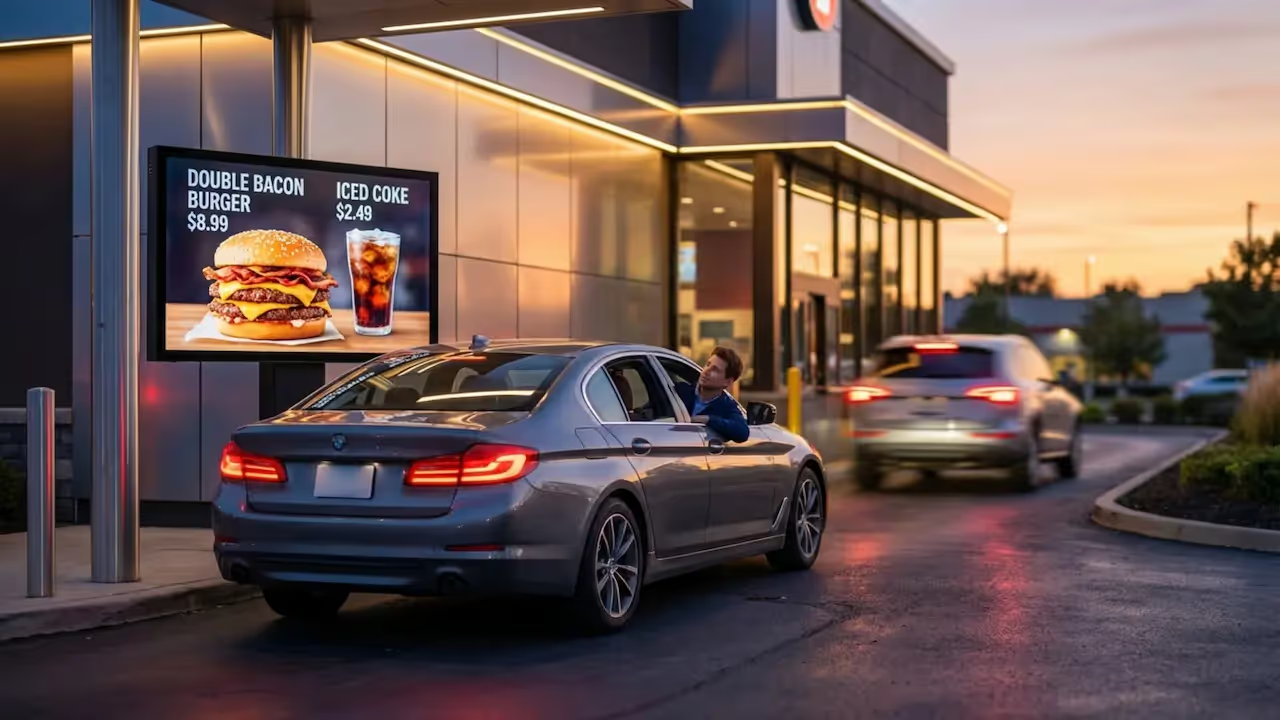
How can quick-service restaurants (QSRs) speed up their drive-thru lanes and improve order accuracy? By replacing static menu boards with digital signage, you can update menus in minutes, show real-time order confirmations, and keep lines moving. This simple switch cuts down wait times, helps your team serve more customers smoothly, and keeps your messaging consistent across every location.
Why Drive-Thru Speed Matters for Quick Service Restaurants
Speed is the engine of a quick-service restaurant. For many QSRs, the drive-thru brings in around 70% of total revenue. With that much business coming from one lane, even tiny delays can cost you money.
QSRs handle high order volumes on tight margins. Every extra minute a car sits in line, and every mistake made at the speaker can lead to missed sales. Digital signage helps you react fast to daily changes, keeping your drive-thru running efficiently without a complex setup.
Impact on Customer Satisfaction and Loyalty
Customers expect fast, accurate service. Industry research shows that over a quarter of customers feel drive-thru wait times have gotten longer, and order mistakes still happen too often. These frustrations can quickly drive customers to a competitor.
When you get the order right and deliver it fast, you build trust. A clear digital menu board helps customers see exactly what they are ordering and confirms their choices instantly. This reliable playback of information makes the whole visit feel easier, encouraging repeat visits and stronger loyalty.
Effects on Sales and Profitability
Speed directly impacts your bottom line. Faster service means more cars move through the lane during your busiest hours. Also, clear digital screens can often increase your average order value.
Many restaurants report up to a 20% increase in average check sizes just by showing attractive, timely add-ons on their digital screens. Serving more cars while smoothly upselling naturally raises your profits.
What Is the Role of Digital Signage in Drive-Thru Speed?
Drive-thru digital signage software does more than just look nice-it is a practical, data-driven communication tool. It lets you share updates from anywhere. You can change prices or swap out promotions in minutes without reprinting posters or climbing ladders.
This agility matters. Whether you are dealing with a sudden inventory shortage, a staffing gap, or a shift in the weather, remote updates let you adapt instantly while keeping your brand looking sharp across all locations.
How Does Drive-Thru Digital Signage Differ from Traditional Menu Boards?
Printed menu boards are slow. Changing a price or adding a new combo takes manual work, coordination, and printing delays. During that time, customers might try to order items you no longer have.
Digital signage fixes this. Using Smart Scheduling, you can automatically switch from your morning coffee menu to your afternoon lunch combos right at 10:30 AM. You can feature short, eye-catching videos of cold drinks on a hot day. This flexibility is impossible with static boards and helps customers make faster decisions.
How Digital Signage Improves Drive-Thru Speed
Switching to screens improves speed at every step of the drive-thru process. Your signage works like a quiet helper, guiding the customer from the moment they pull up to the moment they drive away.
Faster Order Placement with Dynamic Menu Displays
Digital menus adapt in real time. If you have a long line, you can feature simple, fast-to-make items to keep the kitchen moving. Clear layouts and bold visuals help drivers read the options quickly.
By highlighting popular combos and limited-time offers, you reduce the mental effort it takes for a customer to choose. Some locations using digital drive-thrus have seen a 30% drop in order times simply because the menu is easier to read and navigate.
Order Accuracy and Real-Time Confirmation Screens
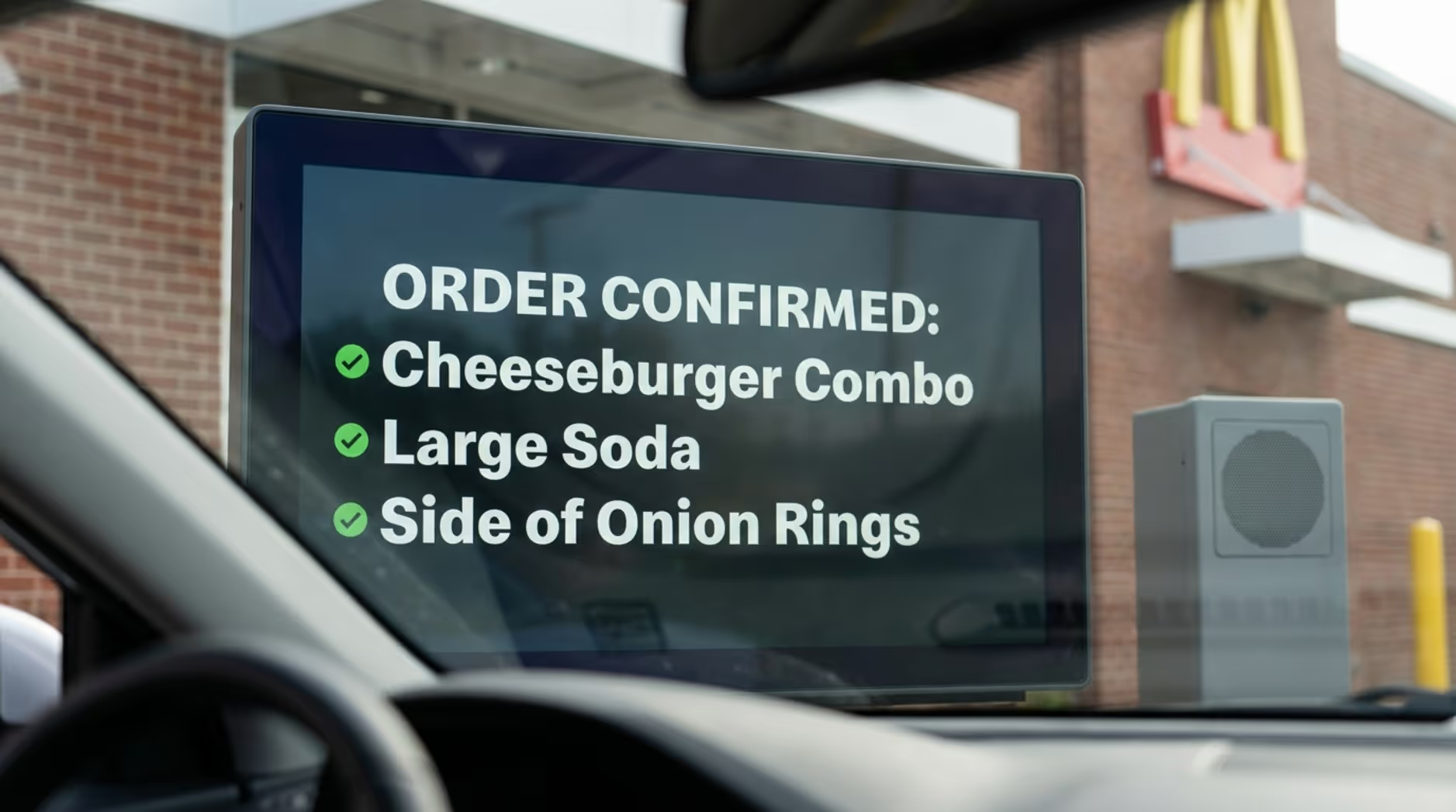
Mistakes slow everything down. If an order is typed in wrong, your staff has to fix it at the window, stalling the entire lane. Digital signage helps by acting as a real-time order confirmation screen.
When customers see their items and prices pop up as they speak, they can catch errors instantly. This simple step clears up miscommunications over the speaker and ensures the kitchen makes exactly what the customer wants.
Reduced Wait Times with Automated Suggestive Selling
Digital screens can also make the wait feel shorter. You can set up your playlists to show engaging videos or suggest add-ons like fries or a dessert while the customer is deciding.
This automated suggestive selling increases ticket size without slowing down your cashiers. Plus, keeping customers visually engaged can reduce their perceived wait time by up to 35%, making the line feel like it's moving faster than it actually is.
Seamless Content Updates for Seasonal Offers and Promotions
Instant updates are a game-changer for promotions. You can launch flash deals across all your drive-thru lanes from a single web dashboard.
If you run out of a promotional item, you can remove it from the screen immediately. Staff no longer have to spend time apologizing and explaining that an item is sold out, which stalls the line. You simply update the playlist, and the item disappears.
Improving Operations with Digital Signage Technology
Beyond the customer experience, digital signage connects directly to your internal operations, saving your team time and effort.
Integration with POS and Drive-Thru Systems
Your screens work best when they talk to your other tools. Using Integrations (API), you can connect your digital signage directly to your Point-of-Sale (POS) system.
When you update a price in your POS, it automatically updates on the menu board outside. This cuts out double-entry work, reduces mistakes, and keeps your drive-thru running as one smooth, connected system.
Labor Efficiency and Streamlined Team Workflows
Save hours on updates by managing every screen from one simple dashboard. Your team no longer has to go outside in the rain to swap out plastic letters or tape up posters.
Central management cuts promotion setup time drastically. With remote updates handling the visuals, your staff can focus purely on making food and serving customers, smoothing out operations during your busiest rushes.
Measuring and Optimizing Drive-Thru Performance
Digital signage helps you move away from guessing. It gives you the tools to prove ROI and make data-driven decisions about your menus.
Key Metrics Digital Signage Can Improve
Unlike printed signs, digital screens support active performance tracking. You can monitor how your content impacts key metrics, including:
- Average order value
- Transaction volume during specific promotions
- Traffic changes by time of day
In many cases, QSRs pair their screens with AI camera tools to track vehicle arrival times and window dwell times. This gives you a clear, honest picture of your speed of service.
Leveraging Analytics for Continuous Speed Improvements
Using tools like Playback Analytics, you can see exactly what content ran on which screens. You can then compare that data against your sales to see if a specific promotion actually drove more orders.
If a menu layout is slowing down ordering, you can spot the bottleneck and test a new design the very next day. This data-backed approach helps you constantly refine your drive-thru for maximum speed.
Best Practices for Implementing Drive-Thru Digital Signage
To get these results, you need a clear plan and a reliable platform. It is not just about hanging up a TV; it is about setting up a system built for real-world business needs.
Choosing the Right Digital Signage System
We recommend using Look Digital Signage as your software platform. Look CMS is a cloud-based solution ideal for teams that want a powerful drive-thru setup without IT headaches. You can easily manage your menus, schedule dayparting with Smart Scheduling, and rely on Offline Playback so your screens keep running even if your internet connection drops. You can use supported hardware or plug in a Look HDMI Player for an incredibly simple setup.
Design Tips for Maximum Visibility and Engagement
Even the best software needs clear content. Use high-contrast colors and large text so drivers can read the menu comfortably from their cars, day or night.
If you do not have a graphic designer on staff, you can use Look's Ready-made Templates. These allow you to quickly build clean, professional screen layouts that highlight your most profitable items without overcrowding the screen.
Ensuring Reliability and Security
Drive-thru screens live outside. You need weather-resistant commercial displays that can handle heat, cold, and glare. You also need software that guarantees reliable playback.
Alongside strong hardware, many QSRs are integrating their screens with smart CCTV systems. This setup not only monitors the lane for speed metrics but can flag unusual dwell times or blocked exits, helping keep your property secure.
What’s Next for Drive-Thru Digital Signage?
Drive-thru technology is moving fast, and digital displays are the foundation for the next wave of customer experience upgrades.
Emerging Technologies: AI, Personalization, and Voice Ordering
AI voice ordering is already beginning to handle basic drive-thru orders, freeing up staff to manage payments and hand-offs. Personalized menus are also growing. Using loyalty app data or computer vision, menu boards can instantly adjust to highlight a returning customer's favorite meal or suggest an iced drink on a hot afternoon.
Future Trends in Drive-Thru Customer Experience
Soon, digital signage will tie even closer into mobile ordering and interactive pickup lanes. While the technology will evolve, the core goal remains the same: keeping your messaging clear, accurate, and fast. By setting up a reliable digital signage platform today, you build a flexible foundation that can easily grow with these trends, ensuring your drive-thru stays profitable for years to come.







