Where digital signage goes in a nightclub
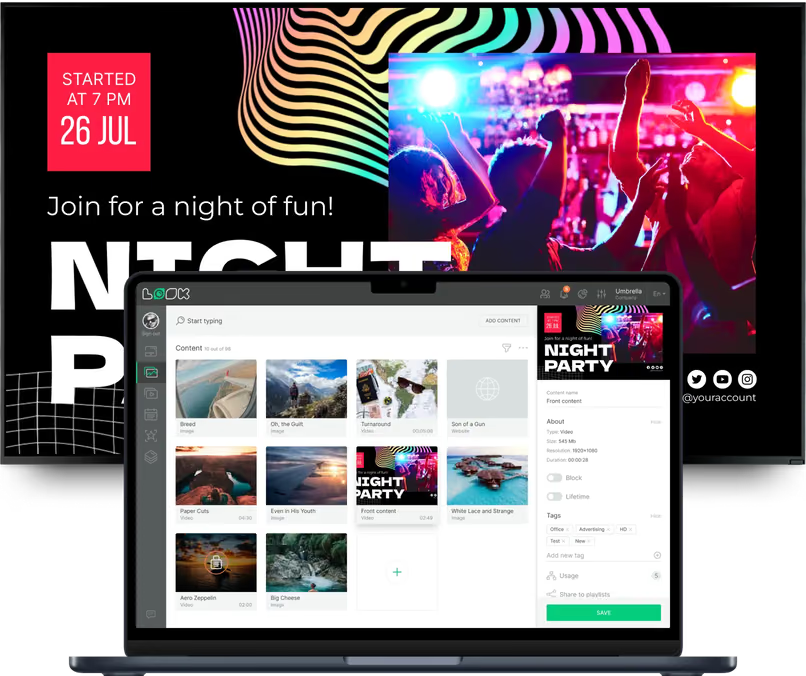
The line outside, the bar, the dance floor and the VIP lounge need different content at different points in the same night. Look runs all those screens from one account, each with its own layout and schedule.
Entrance, line and box office
Answer the door questions before they're asked.
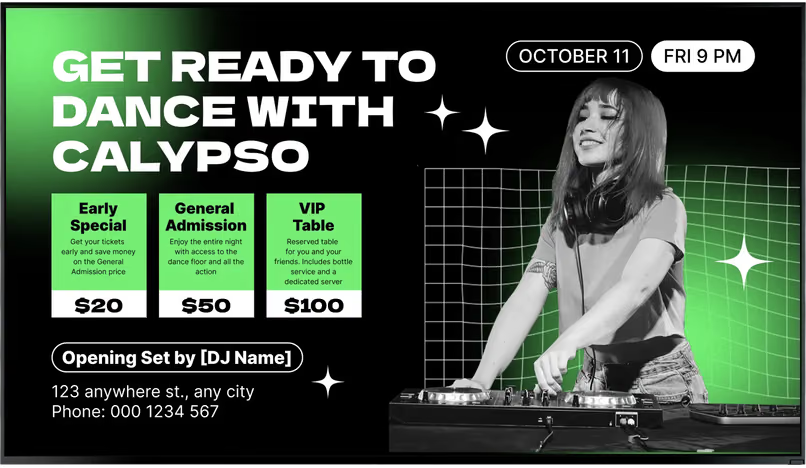
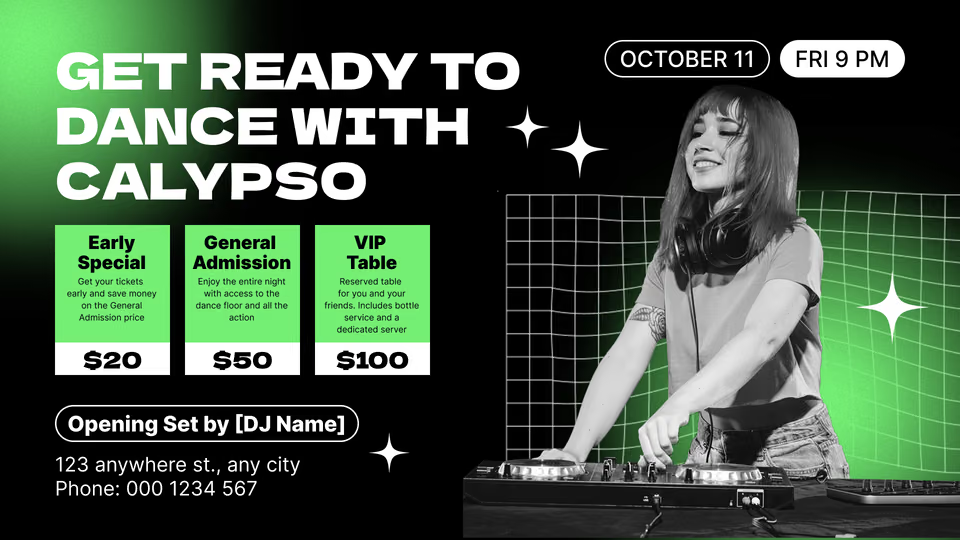
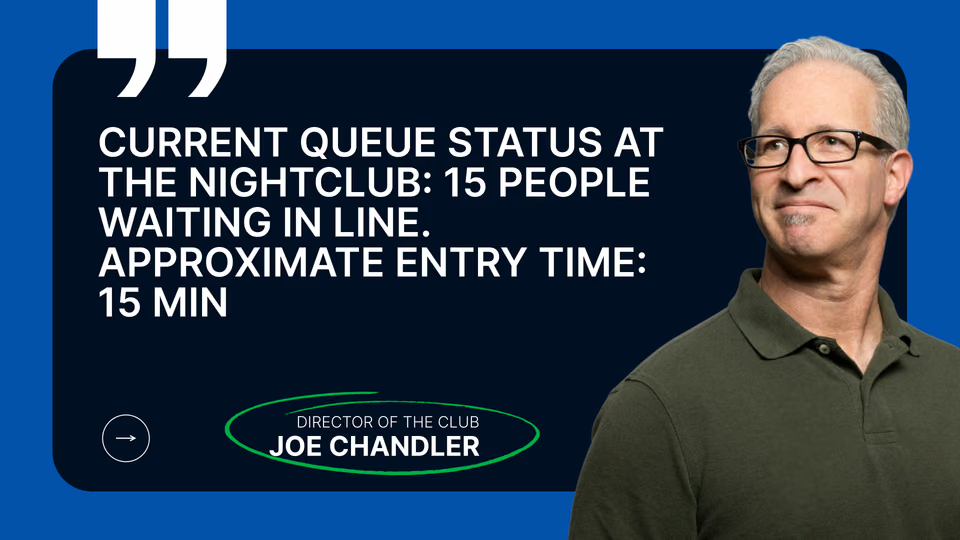
While guests wait in line or at the box office, screens show tonight's lineup, set times, cover price, dress code and house rules, so door staff don't answer the same questions all night.
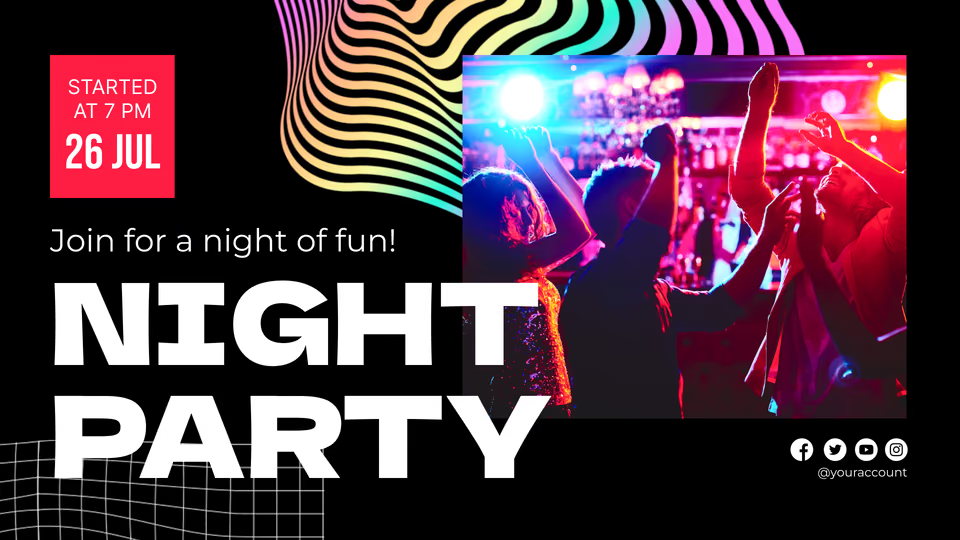
A screen in the window or on the facade sells next week's guest DJ to anyone walking by, and a countdown tells the line exactly how long until doors open.
Best for: Tonight's lineup, set times, cover price and dress code, house rules, next-event promo
Main bar and drink menus
Menus that change with the hour, not the printer.
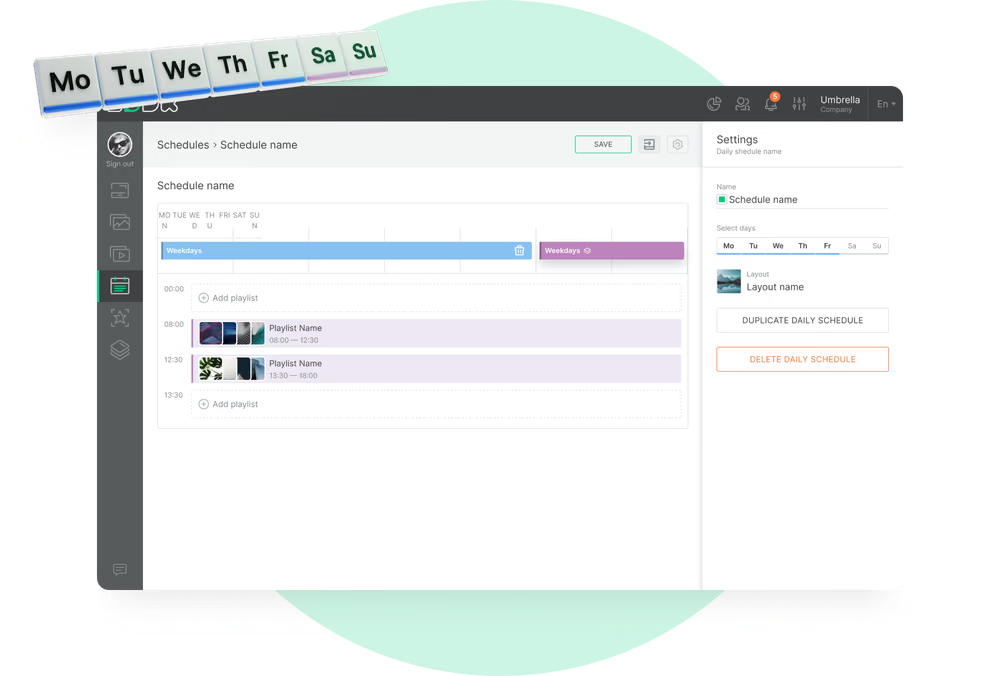
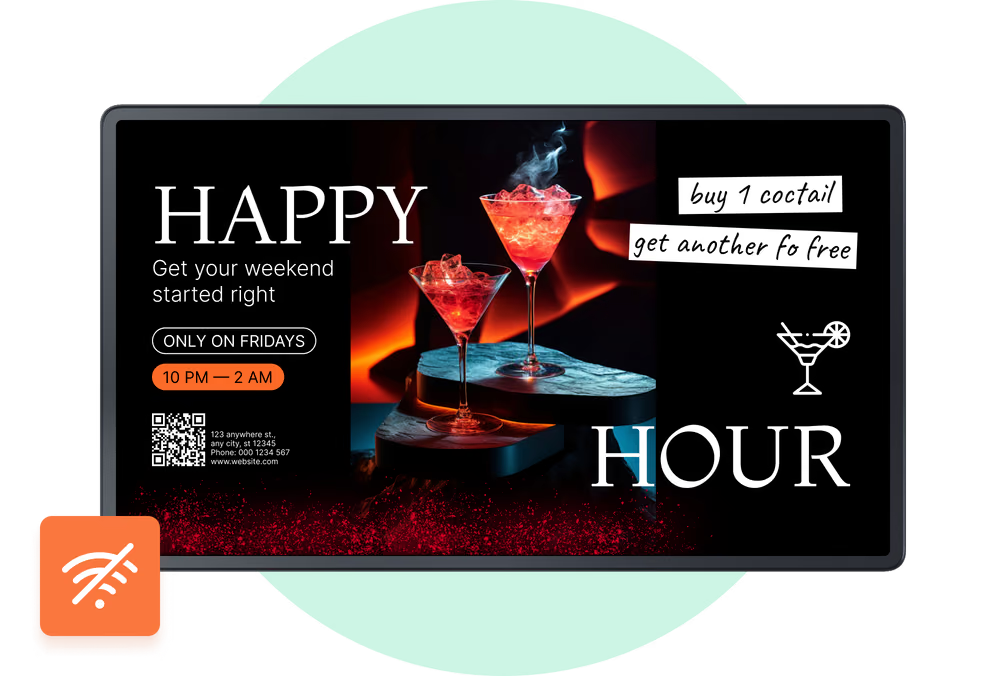
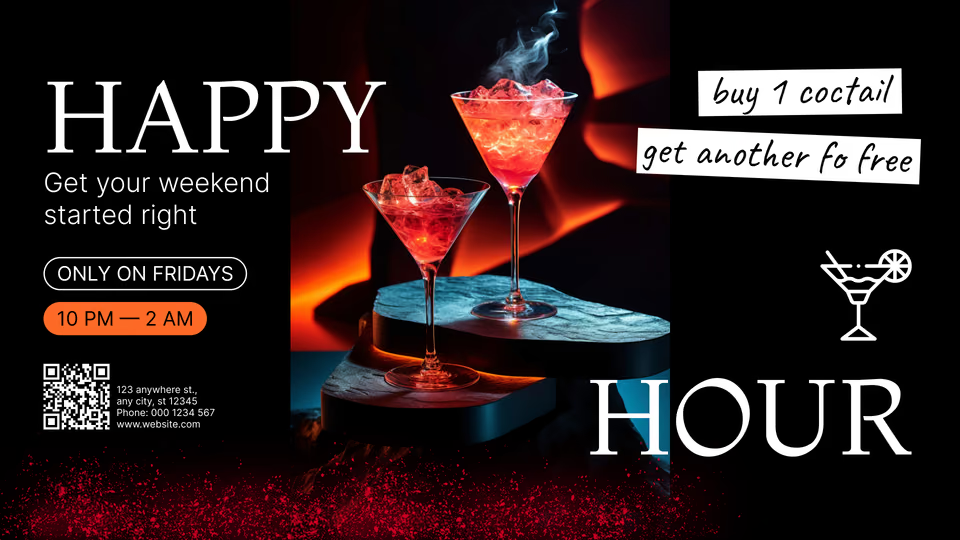
Menu boards above the bar carry drink prices, signature cocktails and shot specials, then switch to happy-hour or late-night pricing on schedule.
When a cocktail sells out, remove it once in the CMS and it leaves every bar screen showing that menu, with the next special promoted in its place for the rest of the night.
Best for: Drink menus, happy-hour prices, signature cocktails, shot specials, sold-out swaps
Dance floor and DJ booth
Visuals and lineup on the screens around the floor.
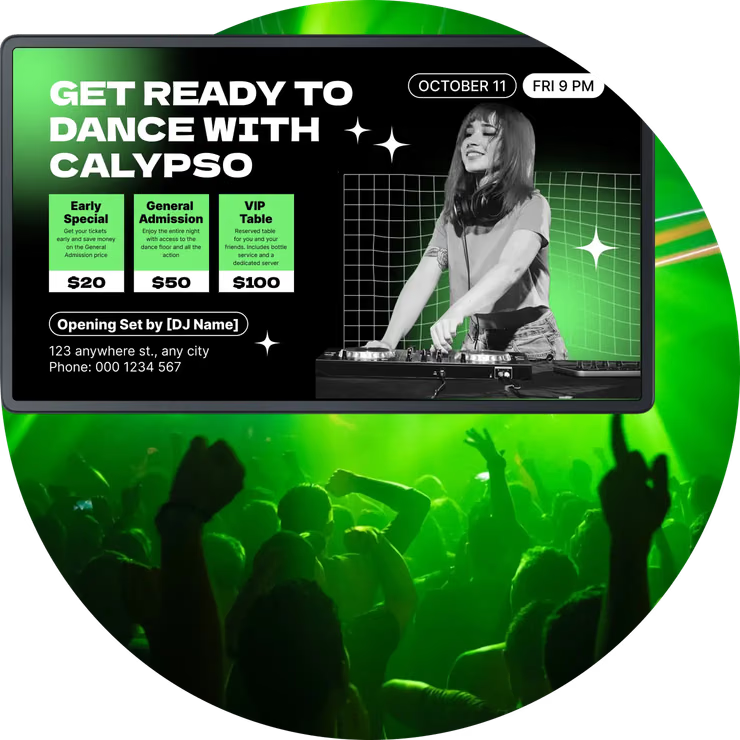
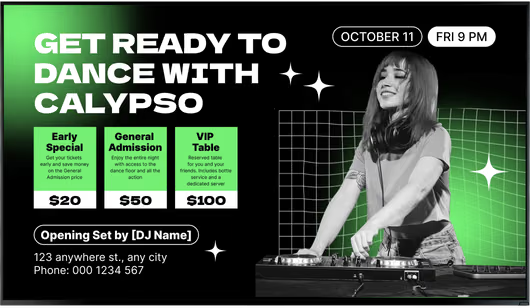
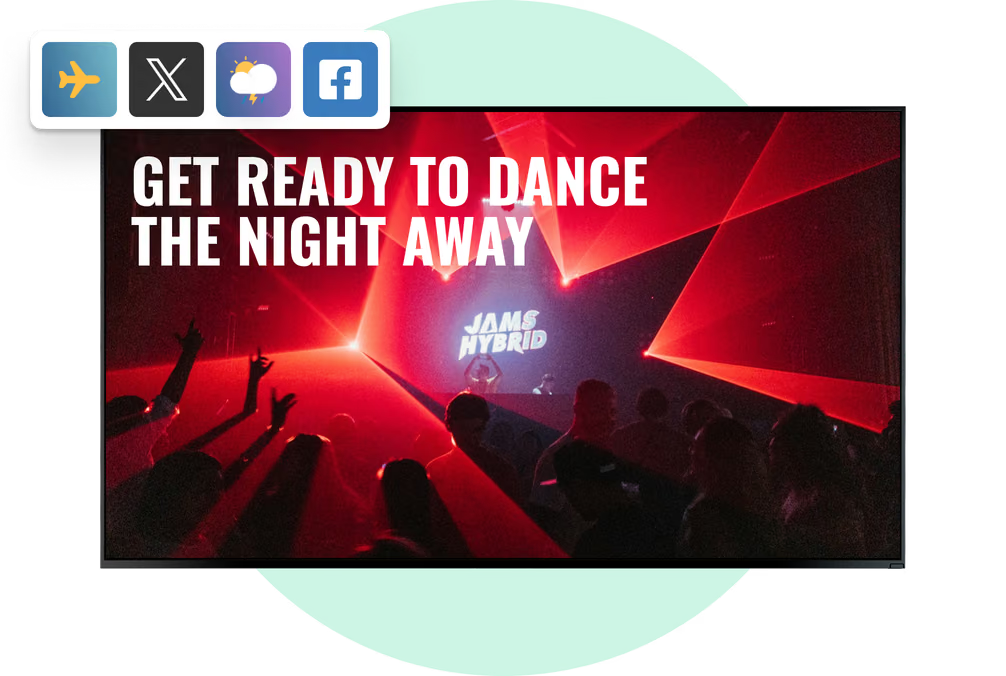
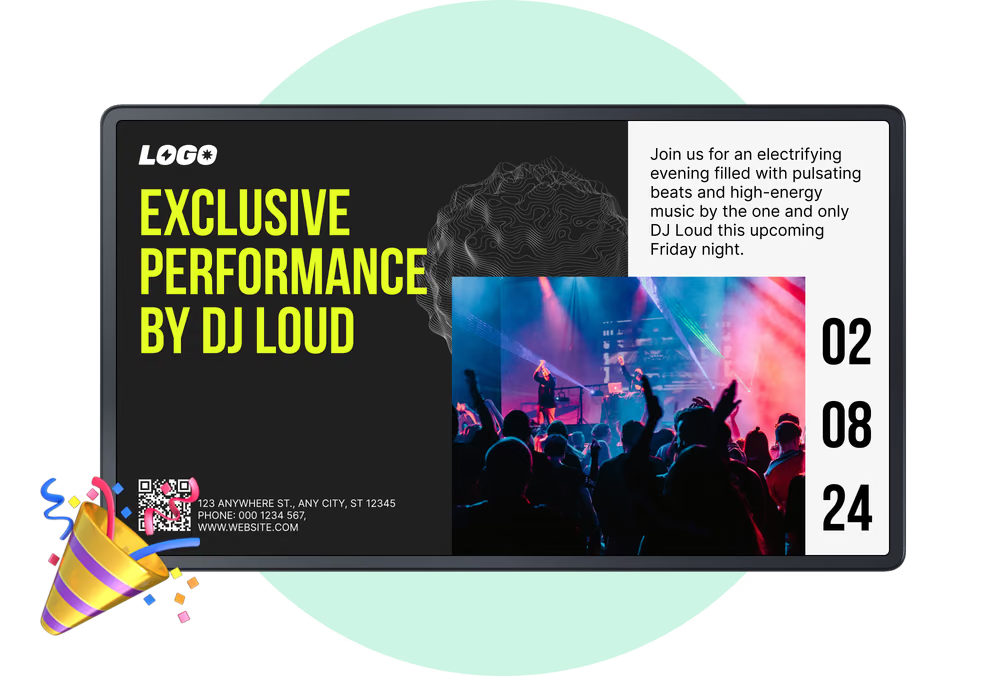
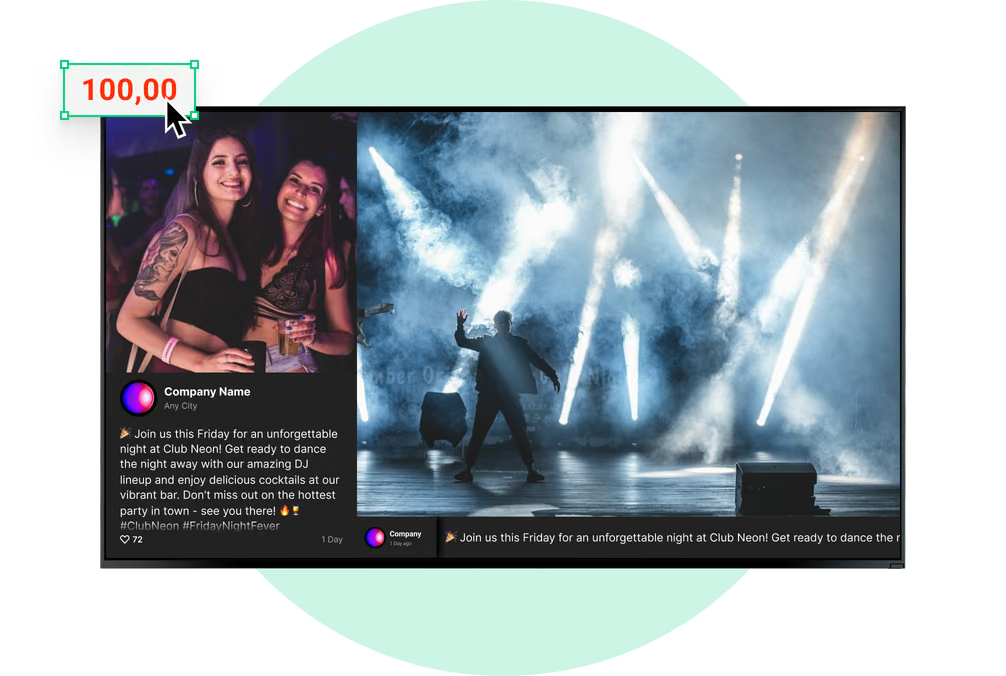
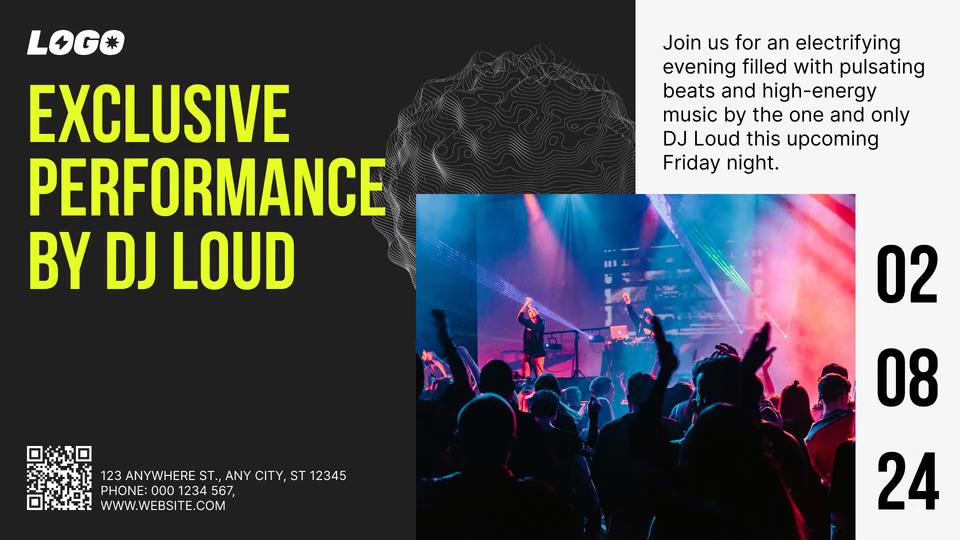
Screens around the dance floor and behind the booth loop promo videos, brand visuals and the current DJ's name, then move to the next act's slide as sets change.
Split a screen into zones and the visuals keep running while a strip along the bottom carries the lineup, a hashtag or tonight's drink offer.
Best for: Visual loops, current DJ, set changes, hashtag strip, drink offer ticker
VIP lounge and bottle service
Premium offers stay on premium screens.
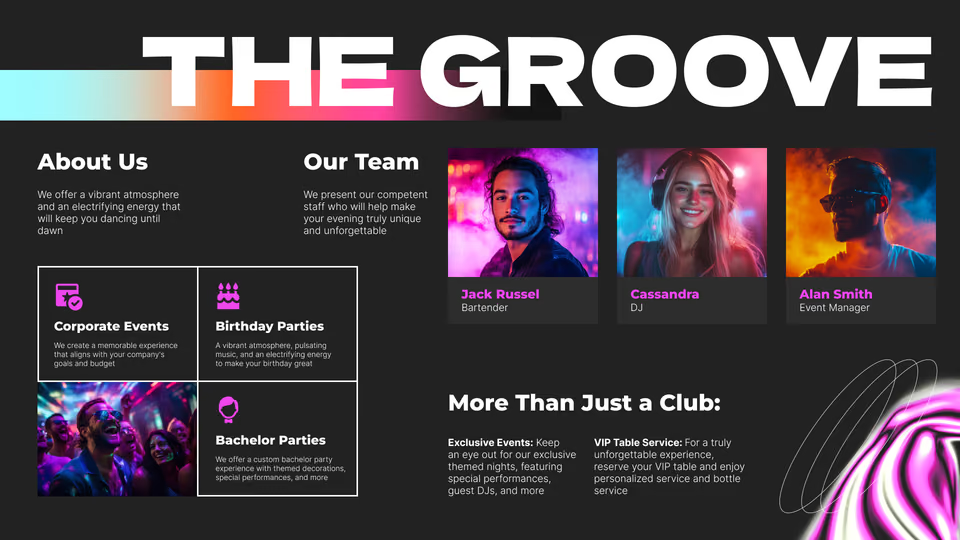
Lounge and table-area screens run a dedicated playlist with bottle-service packages, table minimums, premium brands and host contacts tailored to VIP guests.
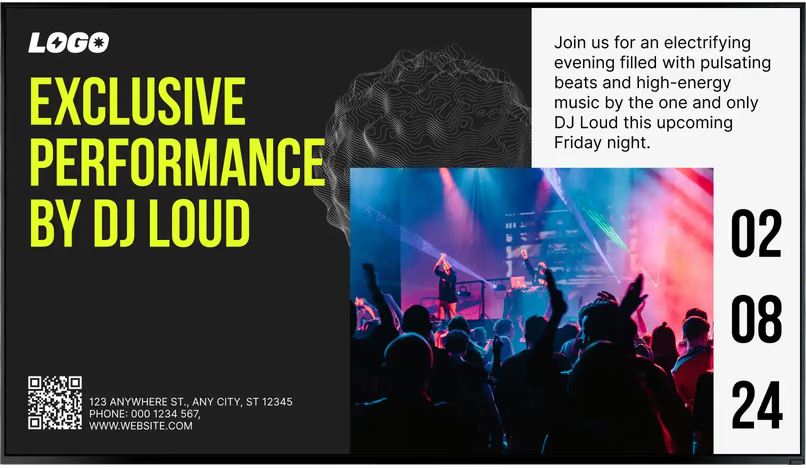
Put a QR code on the slide and guests can open your table-booking or VIP-list page on their phone, so the screen leads straight to your booking channel.
Best for: Bottle packages, table minimums, premium brands, VIP list QR, host contacts
Restrooms, corridors and smoking areas
Useful notices where guests stop and wait.
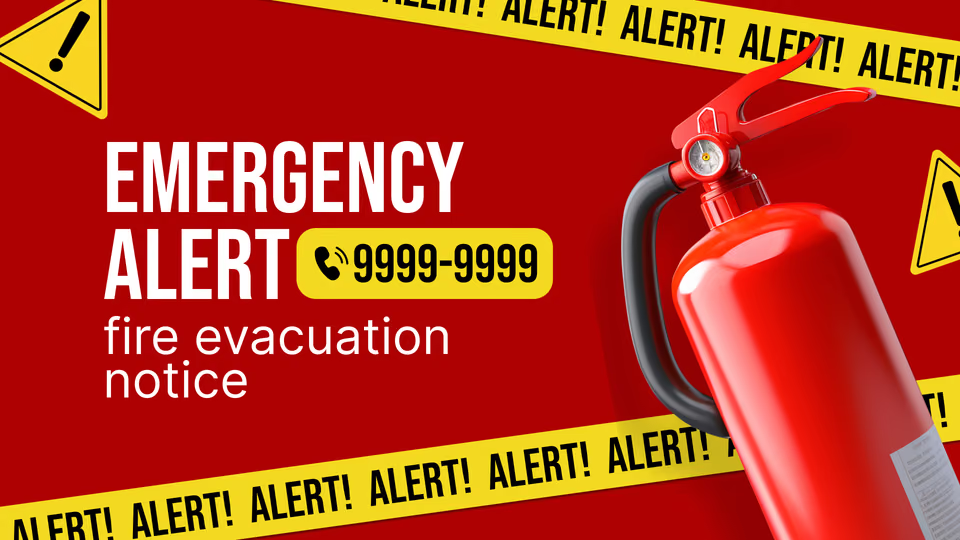
In corridors, restroom lines and out on the smoking terrace, screens cover house rules, coat check hours, where to catch a taxi or ride-share, Wi-Fi details and when last call is.
Those same displays also run upcoming events and sponsor slides, so guests still see them during the few minutes they step off the main floor.
Best for: House rules, coat check, pickup points, Wi-Fi QR, upcoming events
Sponsor and brand slots
Liquor-brand campaigns that start and stop on their own.
Spirits and beer partners get their own slides in the bar and floor playlists, each with a start and end date so each campaign stops exactly when the deal does.
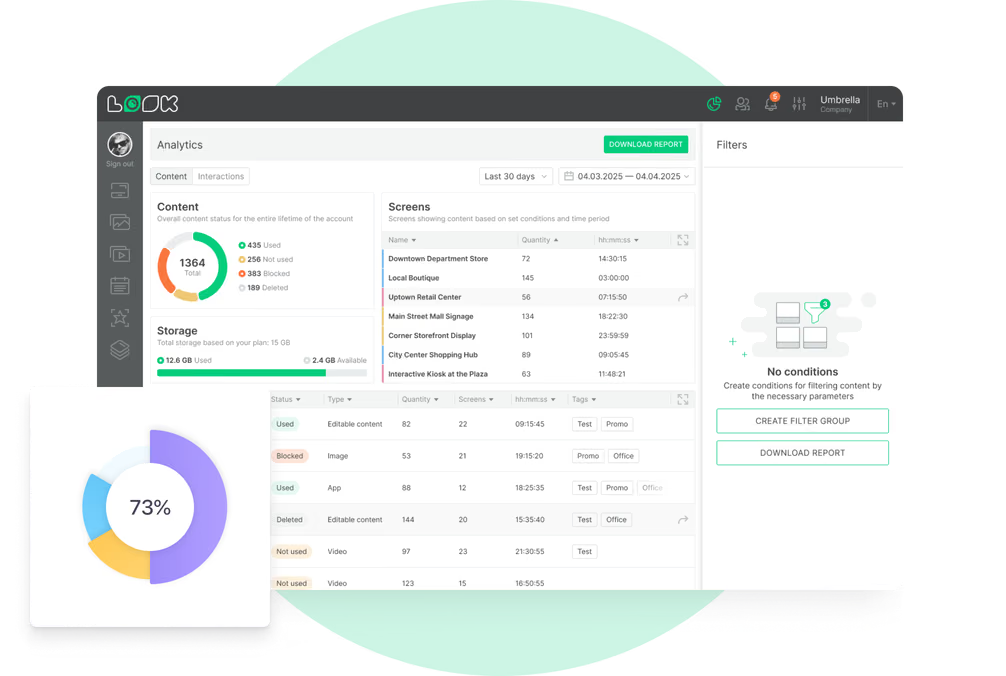
Playback stats tell you how often and how long each sponsor slide ran, per screen or tag, and you can download a report for the campaign period you agreed on.
Best for: Spirits partners, beer promos, brand takeovers, sponsored nights, playback reports