Digital signage DOOH per ogni formato e posizionamento
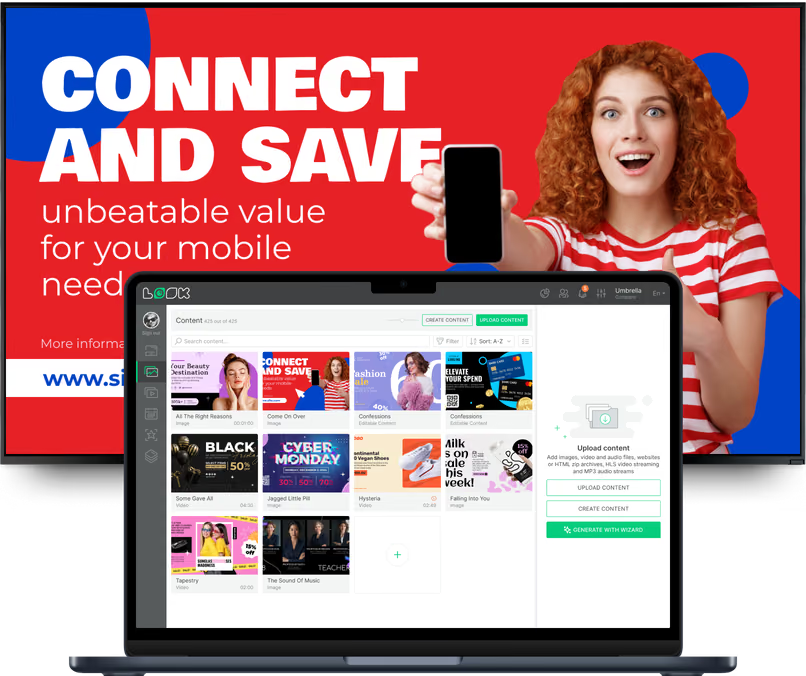
Esistono tre tipi di inventario DOOH: cartelloni large-format, schermi place-based dove le persone aspettano e display al punto vendita proprio accanto all'acquisto. Ognuno si legge, e si vende, a modo suo, e Look li gestisce tutti e tre da un unico account con un unico set di report.
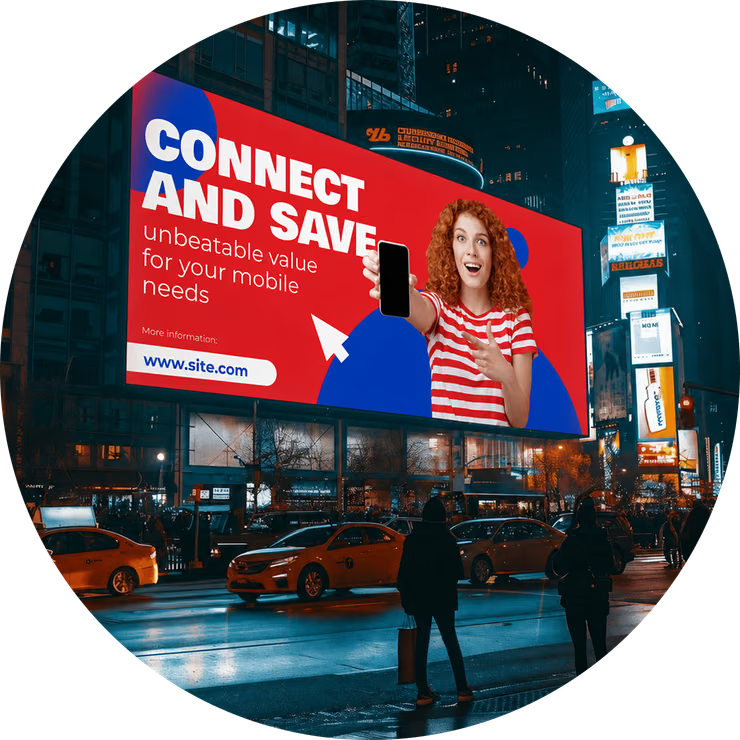
Cartelloni digitali e LED stradali
Facciate large-format che si leggono in pochi secondi.
Le persone colgono i cartelloni stradali e autostradali con un'occhiata, spesso da un'auto in movimento, quindi la creatività con un solo messaggio in una rotazione breve funziona meglio. Ogni spot dell'inserzionista ha le proprie date di flight ed esce dalla rotazione come previsto.
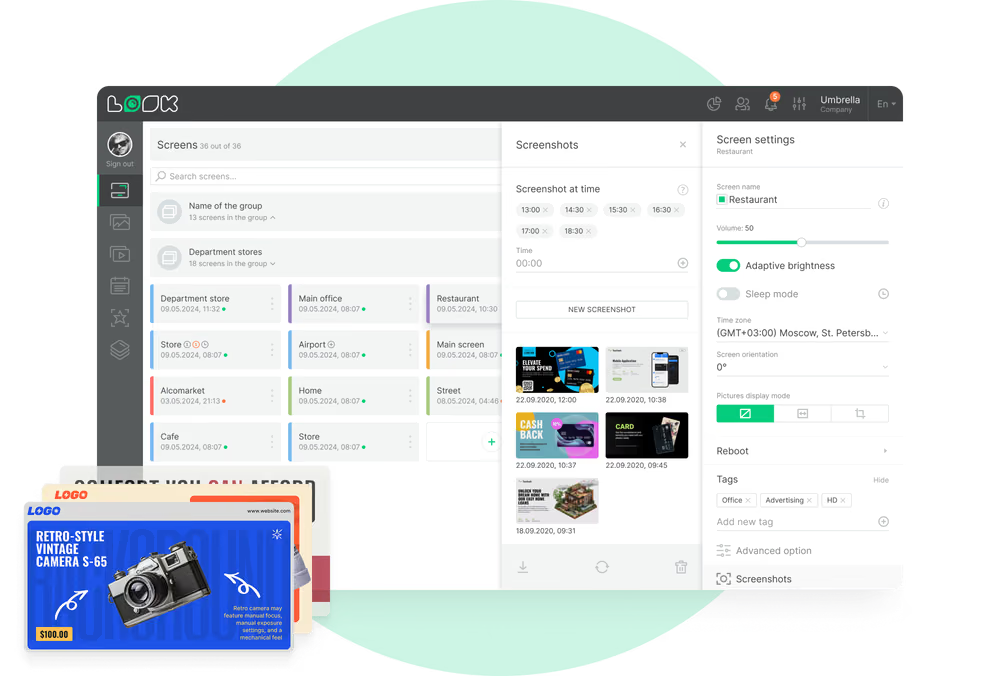
La facciata è lontana dall'ufficio, quindi gli snapshot mostrano cosa c'è sopra e gli avvisi ti fanno sapere quando il player va offline.
Ideale per: Campagne di brand, lanci di prodotto, aree di servizio autostradali, inserzionisti locali, messaggi di pubblica utilità
Arredo urbano e pensiline degli autobus
Raggiungi i pedoni all'altezza degli occhi, isolato per isolato.
Pannelli delle pensiline, chioschi e totem stradali si trovano all'altezza degli occhi di pendolari e pedoni. I tag raggruppano le facciate per quartiere o tratta, così un inserzionista locale può acquistare dieci pensiline vicino al proprio negozio invece di tutta la città.
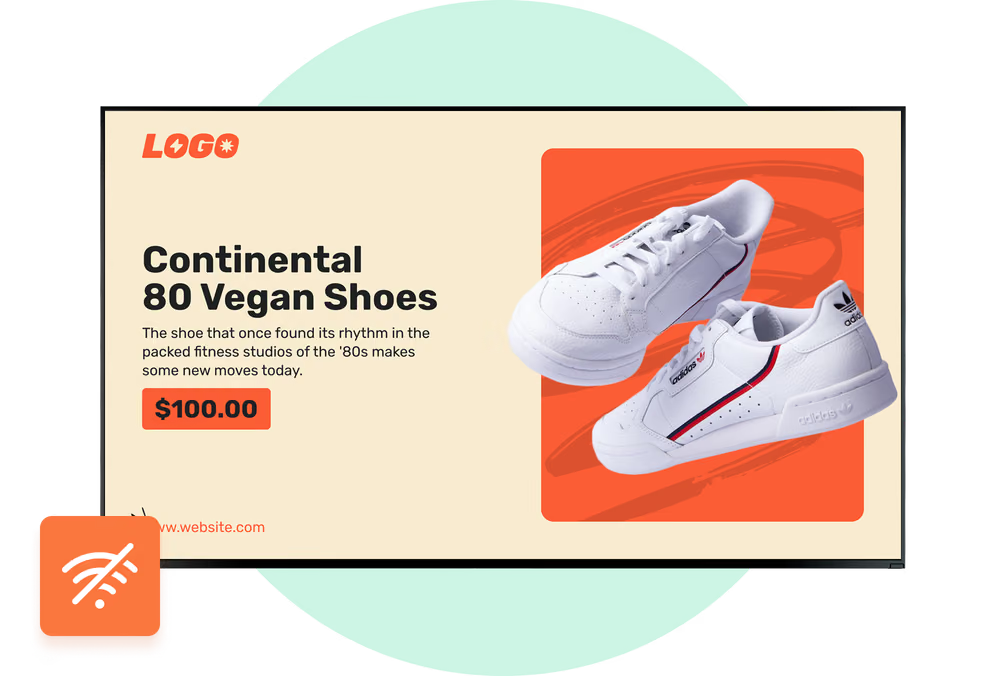
Connessione stradale caduta? Immagini e video salvati in cache mantengono il loop sullo schermo finché il collegamento non torna.
Ideale per: Campagne di quartiere, fasce orarie per pendolari, avvisi cittadini, acquisti per distretto, offerte QR
Aeroporti, stazioni ferroviarie e della metro
Vendi il tempo di permanenza negli snodi di trasporto.
I passeggeri in attesa guardano uno schermo molto più a lungo di chi guida, quindi c'è spazio per creatività più lunghe. Con un layout multi-zona, una zona pubblicitaria si trova accanto a un orologio, al meteo o a un ticker di notizie, e lo schermo resta utile tra uno spot e l'altro.
Ogni snodo mantiene il proprio fuso orario. Una flight mattutina per pendolari parte all'ora locale corretta in ognuno di essi.
Ideale per: Campagne per pendolari, takeover di stazione, brand di viaggio, zone informative sponsorizzate, flight multi-città
Retail media e punto vendita
Schermi accanto allo scaffale, venduti ai brand.
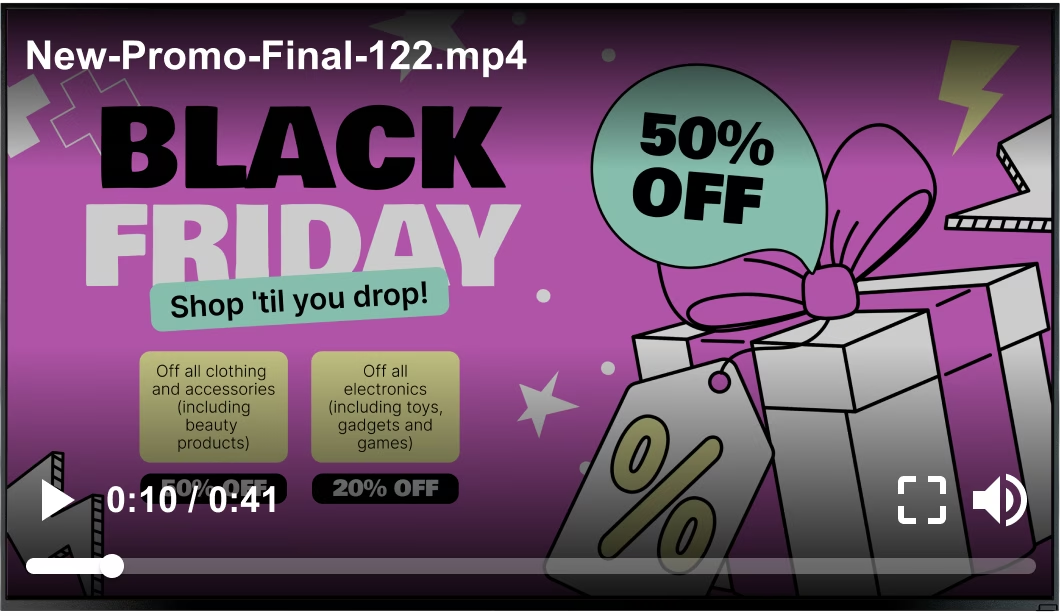
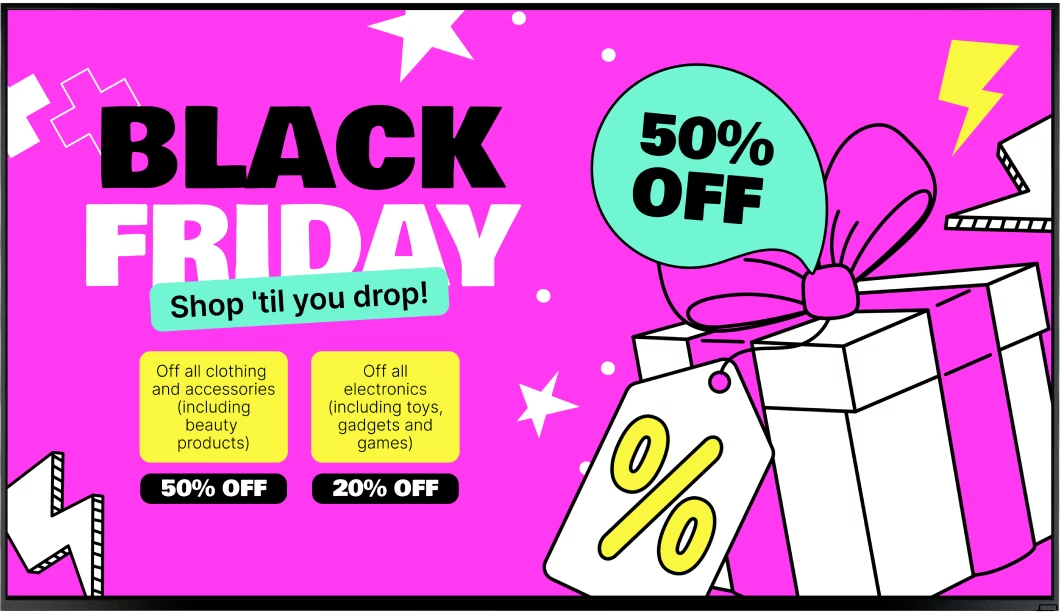
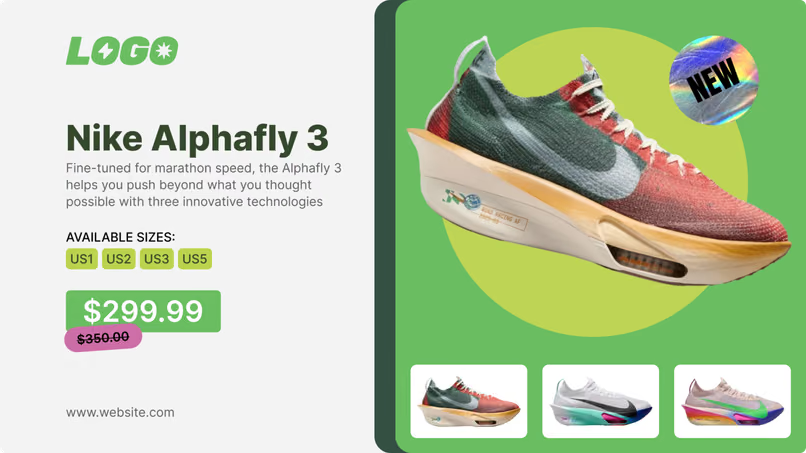
Catene di supermercati, minimarket e farmacie vendono ai propri fornitori gli schermi in corsia, di testata e alla cassa. I clienti vedono lo schermo proprio mentre stanno scegliendo, e i tag garantiscono che la flight di ogni brand giri solo nei negozi per cui ha pagato.
Con il proof-of-play, il retailer ha un registro per dispositivo da consegnare al brand una volta terminata la flight.
Ideale per: Campagne fornitori, schermi di testata e alla cassa, promozioni di categoria, flight regionali, lanci di nuovi prodotti
Stadi e spazi per eventi
Loop sponsor sincronizzati con il giorno dell'evento.
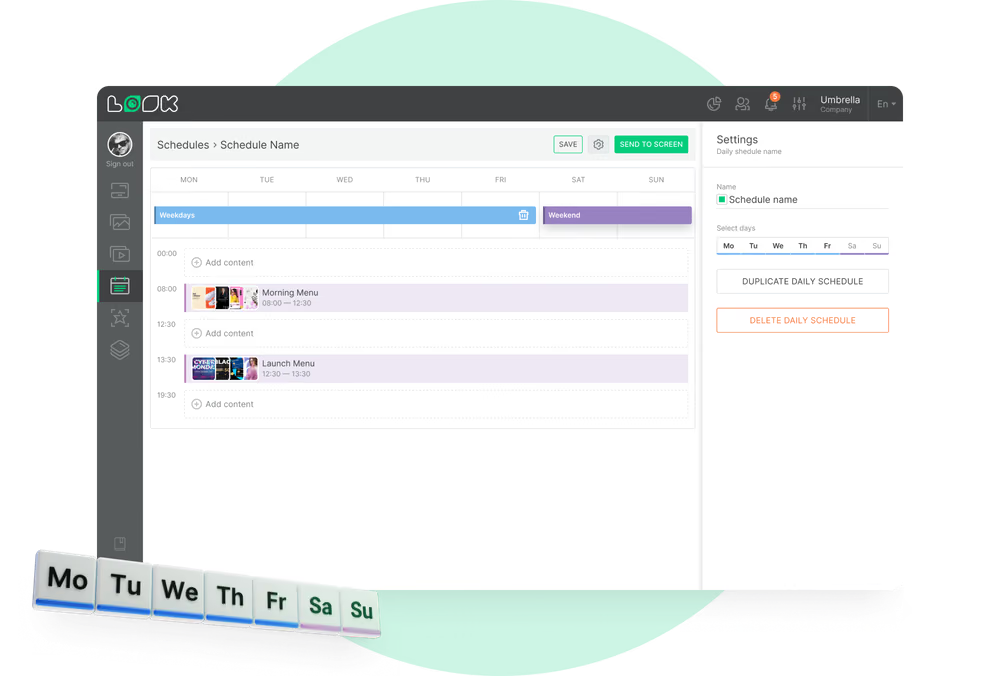
Gli schermi negli atri e agli ingressi mostrano la creatività degli sponsor davanti a folle enormi, ma solo per pochi minuti alla volta. Imposti le fasce orarie nella pianificazione giornaliera: prima il loop sponsor pre-evento, poi una rotazione diversa all'intervallo o dopo il fischio finale.
Un webhook di riproduzione può inviare un evento nel momento in cui inizia uno spot sponsor e di nuovo quando finisce. In questo modo il team del partner tiene il proprio registro.
Ideale per: Loop sponsor, rotazioni pre-evento, schermi negli atri, display agli ingressi, reporting per i partner
Ascensori e schermi place-based
Esposizione ripetuta dove le persone già aspettano.
Pensa ad ascensori, hall, palestre e piazzali di stazioni di servizio: le stesse persone ci passano davanti più volte alla settimana, per pochi secondi ogni volta. Mantieni quindi i loop brevi e cambia spesso la creatività, prima che qualcuno si stanchi dello stesso spot.
Playback Analytics mostra il numero di riproduzioni e il tempo totale di riproduzione per contenuto, schermo o tag nel periodo prenotato.
Ideale per: Loop in ascensore, schermi in hall, palestre, piazzali di stazioni di servizio, sale d'attesa delle farmacie