


Table of Content
Digital signage has changed how businesses share information, giving a moving, eye-catching option instead of simple posters or printouts. But what makes these screens stand out? The answer is engaging, high-quality, and royalty-free content. Finding the right visuals-from strong images and videos to simple interactive pieces-without high licensing costs or legal trouble is key for any successful digital signage setup. This article walks through the best places to get this kind of content and how to use it well so your screens keep grabbing attention and clearly share your message.
Why Engaging Royalty-Free Content Matters for Digital Signage
Today, people are surrounded by messages and have short attention spans. Digital signage is a great way to stand out, but it only works if the content on screen is good. Boring or low-quality visuals are easy to ignore and can waste your entire investment. This is why engaging, royalty-free content is not just helpful, but necessary.
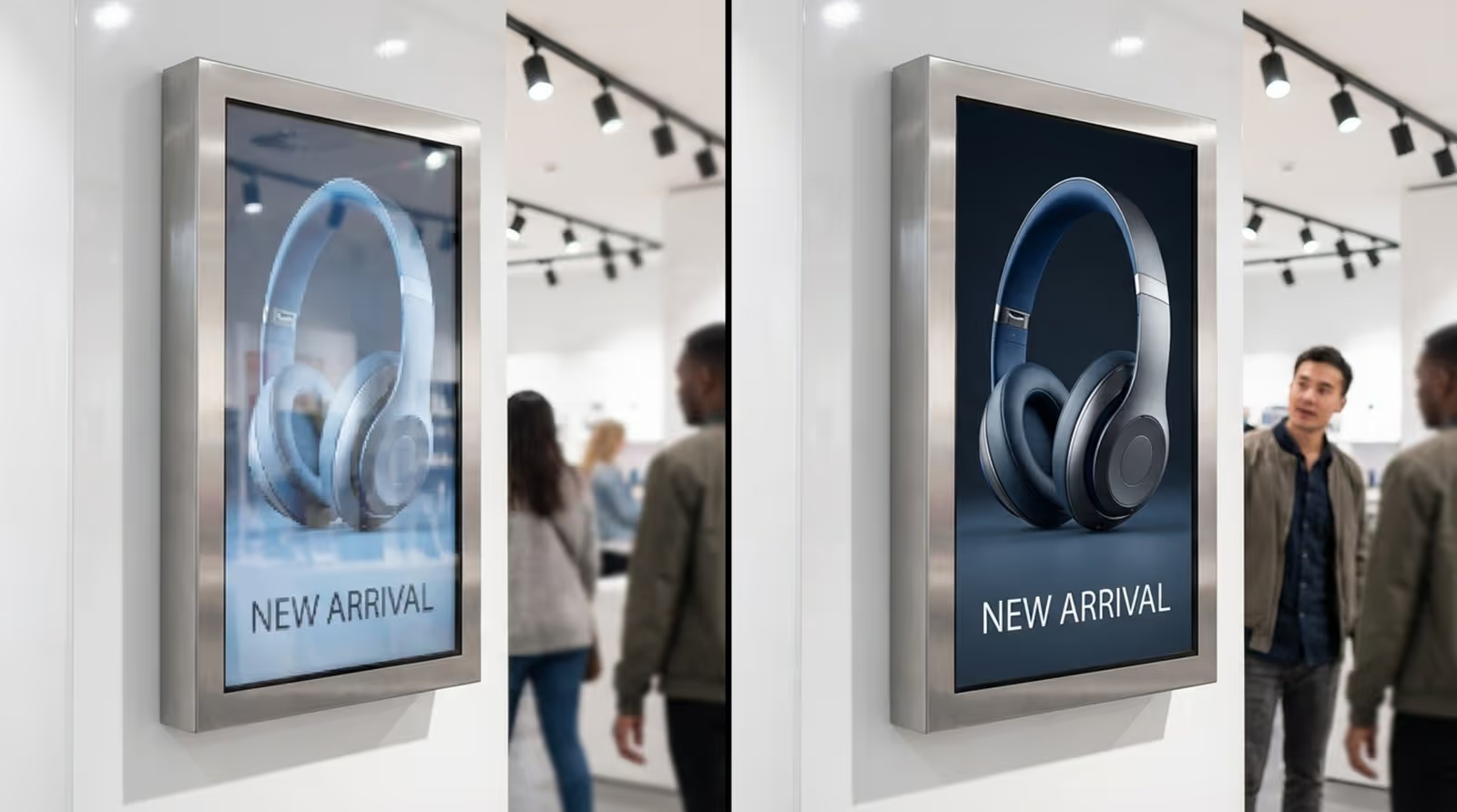
Think about a screen showing a dull, grainy picture. Now compare that to the same screen showing a bright, sharp photo or a smooth, professional video. The impact is instantly different. High-quality visuals catch the eye and keep it, helping your message stick with viewers. On top of that, sourcing royalty-free content without worrying about ongoing fees or strict legal rules gives businesses of all sizes more freedom and better control of costs.
Benefits of Royalty-Free Media in Digital Signage
Using royalty-free media in digital signage has many advantages, beyond saving money. For one, it gives you wide creative freedom. You can choose from large libraries of assets and, once you’ve paid (if needed), you can reuse them across many campaigns and screens without extra charges. This makes it easy to update and change your content often so your signage stays fresh.
Royalty-free content also makes content production faster. Instead of paying for new photoshoots or video work every time, you can use existing high-quality assets. This saves both time and money and gives you access to many styles, themes, and subjects you might not be able to create in-house. Your screens will look polished and professional, which reflects well on your brand. For example, using pre-made animated templates with royalty-free assets lets you show new and engaging content without spending hours designing from scratch.
Risks of Using Unlicensed Content
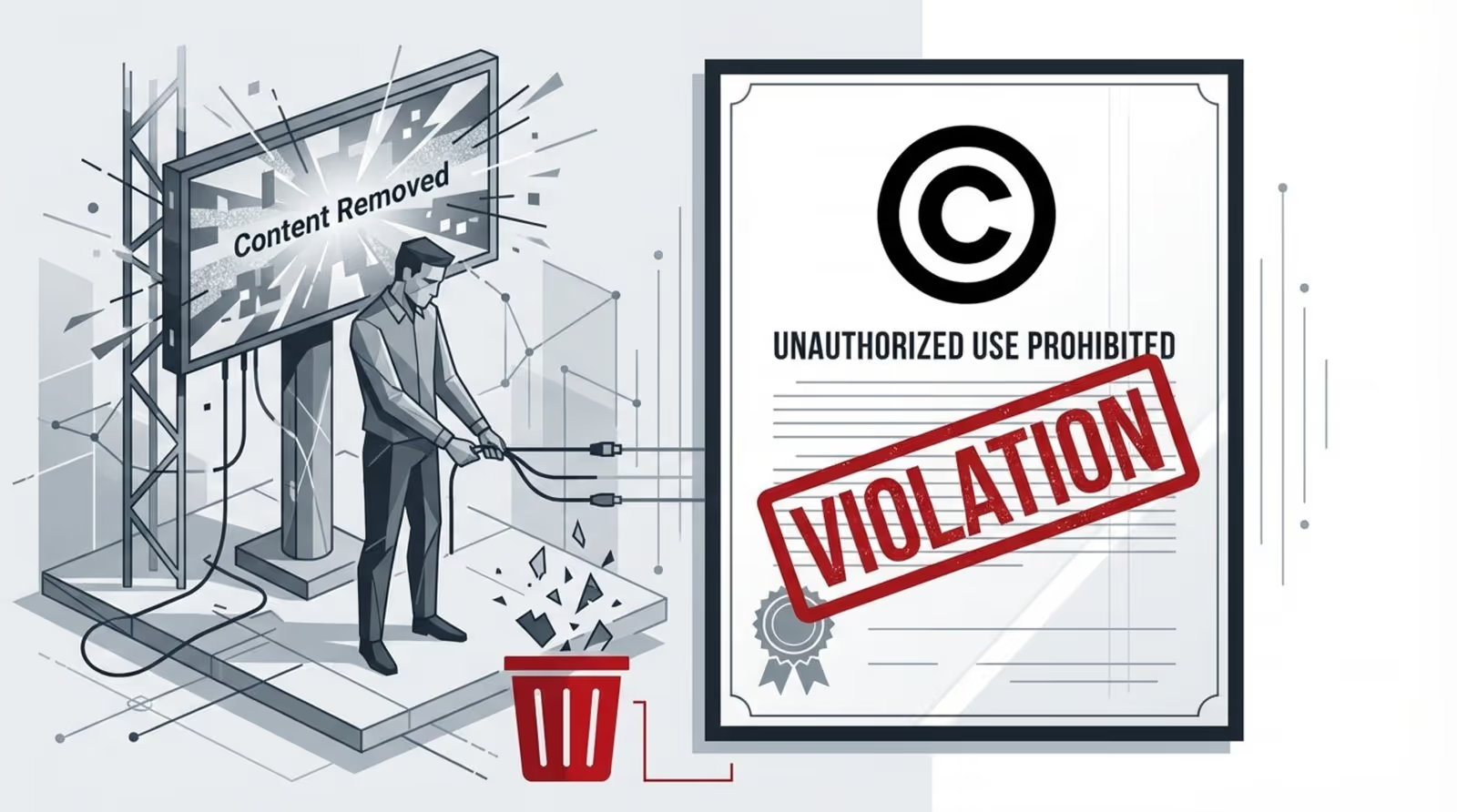
It can be tempting to grab images or videos from a quick online search, but using unlicensed content carries real risks. Copyright violations can lead to legal cases, big fines, and serious damage to your reputation. Many companies have found out too late that a “random” image from the web can result in major legal problems.
Understanding the license for each asset is key. If you use someone else’s photo or video, you need to know what you’re allowed to do with it. You may need to give credit, or you may face limits on where and how you can use the content. Free stock sites can be helpful, but some only provide lower-quality file formats, which can reduce the impact of your signage. Always check usage rights and licensing terms carefully to protect your business from legal issues.
User Engagement and Content Effectiveness
The main purpose of digital signage is to catch attention and clearly share information. Good, engaging content is the base for this. Research shows people are much more likely to notice dynamic digital signage content-like videos, animations, and live social media feeds-than plain static images.
When content is current, relevant, and visually pleasing, viewers are more likely to read and remember it, whether you’re promoting a sale, showing an announcement, or giving directions. Old, repeated, or poor-quality content gets ignored quickly, wasting your investment in screens and players. By consistently using appealing royalty-free content, businesses can keep their screens useful, engaging, and effective.
Types of Royalty-Free Content for Digital Signage
Digital signage is flexible and can display many types of content, each with its own role and audience. Using royalty-free content across these types helps you stay creative while keeping costs down.
You can use static images for simple messages, videos for storytelling, infographics for clear explanations, and animations or interactive pieces to invite action. Knowing the strengths of each content type helps you choose the right mix so your displays stay interesting and effective.
Images and Photographs
Strong images are the base of many digital signage layouts. A single photo can show mood, brand personality, or product appeal without much text. Royalty-free image libraries give access to huge collections, including product photos, landscapes, lifestyle images, and abstract artwork.
You can use images as background, as the main focus, or combined with text and icons. The main goal is to pick images that look good and match your message and audience. A restaurant could show close-up photos of dishes, while a law firm or bank might choose simple, clean, professional visuals. The wide choice of high-resolution royalty-free photos means businesses can usually find images that fit their screens and messages well.

Videos and Motion Graphics
Videos and motion graphics are some of the most engaging forms of content for digital signage because movement naturally attracts attention. Video can tell stories, show how something works, or build a mood in a way static images can’t. Royalty-free video clips and motion graphic templates are very helpful for this.
These may include short clips, looping backgrounds, animated logos, or longer explainers. They’re ideal for ads, product demos, and branded messages. Moving content like video makes people many times more likely to notice and remember what’s on the screen, which can greatly improve engagement with your signage.
Infographics and Slides
To share information clearly and quickly, infographics and slides work very well. Digital signage is a strong channel for these, turning complex data or multi-step instructions into simple visuals. Royalty-free infographic templates and slide designs can cut down on the design work needed.
You can use them to display:
- Stats and charts
- Step-by-step guides or processes
- Company milestones or KPIs
- Educational or safety content
Tools like Google Slides (often seen as a more flexible version of PowerPoint) make it easy to create auto-updating slideshows for your screens. By mixing clear visuals with short text, infographics and slides help viewers quickly understand key points without feeling overloaded.
Animations and Interactive Media
Animations and interactive content can make your screens feel more lively and memorable. Simple transitions, moving icons, or full character animations can all add energy. With royalty-free animation packs and easy animation tools, businesses can create these effects without advanced skills.
Interactive content, such as screens that trigger actions through QR codes or NFC taps, turns viewers into active participants. This raises engagement and allows you to offer personalized content or direct calls to action. For example, in a retail store, a customer could scan a QR code on a sign to see product details, join a loyalty program, or make a quick purchase. These features, supported by royalty-free resources, can greatly improve how useful and appealing your digital signage is.
Top Trusted Sources for Royalty-Free Digital Signage Content
Finding good content online can feel overwhelming, especially when you want high-quality assets that are truly royalty-free. Thankfully, there are well-known platforms that many designers and businesses rely on for digital signage visuals. These websites offer photos, videos, icons, templates, and more, with clear licenses that keep things simple and reduce legal risk.
Some focus on classic stock photography, while others stand out for unique styles or built-in design tools. Using a mix of these sources helps you keep your screens fresh, visually strong, and consistent with your brand voice-without overspending.

Pixabay: Images, Videos, and Illustrations
Pixabay is a popular choice for free, high-quality visual content. It has more than 2.8 million royalty-free images, videos, and music files under the Pixabay License. You can use the content without asking permission or giving credit, which is very convenient for digital signage.
Pixabay’s search tool is powerful and the site is independent from some of the major stock brands, so you often find unique material. Besides standard photos, it also includes many illustrations, vector graphics, and mixed media. This variety makes Pixabay a strong all-in-one source for backgrounds, hero images, and short video clips for your screens.
Pexels: High-Quality Photos and Videos
Pexels started as a free photo library and now also provides a large range of free HD stock videos. Its licensing is usually broad and easy to work with, so most files can be used in many projects without many limits. This makes Pexels a smart option for digital signage content.
You can quickly switch between photo and video results and preview clips right from the search page, which speeds up your workflow. All photos on Pexels are free and do not require attribution. Pexels also runs a blog with interviews and features on photographers, which can give you ideas for new visual styles and themes.
Unsplash: Artistic Photography for Every Use
Unsplash is known for its artistic, high-resolution photos contributed by a global community of photographers. It offers millions of royalty-free photos (and some videos), which you can use almost anywhere under the Unsplash License. This makes it a great source if your signage needs a more stylish or creative look.
Unsplash often shines when you want images that feel natural, moody, or different from standard stock photos. It may not always have extremely specific commercial shots, but it’s excellent for adding tone, atmosphere, or a fresh visual angle. The site is simple to use, and there is also a paid option, Unsplash+, for exclusive higher-end content.
Gratisography: Quirky Images for Unique Displays
If you want your screens to show personality or humor, Gratisography is a great pick. It calls itself “the world’s quirkiest collection of free high-resolution pictures,” and its content supports that claim. The images here are unusual, fun, and often a bit weird in the best way.
The site offers themed categories like “urban” and “quirky,” making browsing easier. Although there are ads, the originality of the content makes it a strong choice for brands that want to stand out. For playful, bold, or unconventional digital signage, Gratisography is a useful source.
FreeImages: Diverse Library for Creative Content
FreeImages, as the name suggests, is full of free photos. Many of its shots focus on real-life scenes and natural outdoor settings, which can feel more authentic than heavily staged stock photography. This makes it handy for corporate communications, education, retail, and more.
While it may not have the same size or niche depth as some other libraries, it provides a reliable base of solid visuals. If you need general images for common topics and don’t want to pay for stock, FreeImages is a dependable option for digital signage content.
Canva: Design Tools and Custom Content
Canva is a simple online design tool with a drag-and-drop interface and hundreds of templates. While it’s not just a stock library, it includes a large collection of free and paid backgrounds, icons, shapes, stock photos, and illustrations, some of which are royalty-free. This mix of assets and tools makes Canva especially useful for creating finished digital signage layouts.
You can pick “presentation” or “video” formats, type in your own text, pull in royalty-free elements, and use the “Animate” feature to add motion. Some digital signage platforms connect directly with Canva, so you can send finished designs straight to your screens. For teams without a full-time designer, Canva offers an easy way to make professional-looking content quickly.
FeatureFree PlanPaid PlanTemplatesLimited selectionFull template libraryBrand kitBasic or noneCustom fonts, colors, logosStock assetsFree libraryLarger premium library
Pixlr: Online Image Editing and Assets
Pixlr is an online image editor with tools similar to a light version of Photoshop, along with some built-in assets. It’s useful if you need to tweak royalty-free images or build new designs without installing heavy software.
With Pixlr you can create photo collages, brighten dark images, remove backgrounds, and work with layers. It supports file formats like PNG, JPEG, PSD, and SVG so you can fit your files into most digital signage workflows. While it needs a bit more hands-on editing than simply downloading stock content, it lets you customize visuals so they match your brand and layout exactly.
Additional Sources for Music, Icons, and More
Strong digital signage often uses more than just pictures and video. Music, sound effects, and icons can all add clarity and mood. For icons, sites like The Noun Project offer huge libraries of symbols for almost any idea, which helps keep your visuals consistent.
For royalty-free music, platforms like Incompetech and Bensound provide tracks that work well as background audio in videos or in-store loops. You can also find royalty-free sound effects to support interactive content, menu sounds, or alerts. Always read the licensing details for each track or icon, as some may require credit or have use limits, but adding these elements can lift the overall quality of your signage content.
How To Select the Right Content Source for Your Digital Displays
Choosing where to get your content is not the same for every business. You need to think about your brand, your goals, your budget, and your team’s skills. The choice goes beyond “free images” and touches on legal safety, visual quality, and how well the content fits your audience.
A thoughtful approach helps you avoid problems later. By carefully reviewing licenses, checking quality, and matching style to your brand, you can build a strong content setup that keeps your screens useful and engaging over time.
Assessing License Terms and Usage Rights
This is often the most important part of choosing a content source. “Royalty-free” usually means you don’t pay per use, but each site still has its own rules. Some allow commercial use but ask for credit. Others may set limits on editing or say you can’t use the content in certain sensitive topics. A very open license, for example, is Creative Commons CC0, which allows public and commercial use without attribution.
Always read the licensing terms for each file you plan to use. Look closely at:
- Commercial use permissions
- Attribution requirements
- Rules on editing or remixing
- Any “no resale” or “no logo” rules
Some platforms, such as Picspree, keep the right to stop licensing a piece of content, which could mean you must remove it later. Knowing these details helps you avoid copyright problems and keeps your use safe and stress-free.
Evaluating Content Quality and Relevance
Even if content is royalty-free, the quality can range from poor to excellent. Digital signage often uses large screens, so image and video resolution is very important. Low-resolution or blurry files will look bad and weaken your message.
Beyond technical quality, you need to think about whether the content fits your brand and topic. Ask yourself:
- Does this match our visual style (colors, tone, level of polish)?
- Will our target audience relate to this image or video?
- Does it support the message we’re trying to send?
A playful photo from Gratisography might fit a youth-focused cafe but feel out of place in a serious medical clinic. Also keep in mind that some free stock sites have smaller or more general libraries than paid options, so you may need to search more to find very specific themes. Test your chosen content on a screen similar to your real display to confirm it looks sharp and feels right.
Aligning Content Style With Brand and Audience
Whatever appears on your screens reflects your brand. Content style should match your brand’s values and appeal to your audience. This means moving past the idea of “any nice image” and choosing content that fits your voice and goals.
Think about:
- Audience age, interests, and expectations
- Whether your brand is serious, fun, modern, classic, or bold
- Consistent color schemes, fonts, and layout patterns
Design tools like Canva let you set up a brand kit with your own colors, logos, and fonts so you can keep things consistent. When your content style lines up across all your screens, your signage does more than attract attention-it also builds recognition and trust.
Digital communication continues to grow and change quickly, and engaging, high-quality content is at the center of effective digital signage. By making smart use of the many royalty-free resources available today, businesses can spread their message clearly, update content often, and avoid ongoing license costs and legal risk. Careful selection and thoughtful use of this content keep your displays useful, appealing, and valuable for your audience. As tools and libraries keep improving, you’ll have even more creative choices for building strong digital signage that supports your brand now and in the future.





