Table of Content
Rumour has it that you can improve patient satisfaction without reducing wait times at all. You only need to manage expectations about how long they'll wait.
If you already have TV screens installed in your practice and a powerful CMS software for digital signage, then you’re already half way there.
In this guide, we’ll share the waiting room digital signage ideas and best practices that have helped dental offices, clinics and medical facilities improve patient satisfaction and perceived quality sustainably, simply by using a well-executed strategy that makes wait times feel almost non-existent.
Queue Management and Transparent Wait Time Boards
In his foundational work on waiting psychology, Harvard Business School professor David Maister found that "uncertain waits are longer than known, finite waits" and "unexplained waits are longer than explained waits." In other words, transparency is what reduces perceived wait times and builds trust in the process.
Queue management boards can help you achieve this in three ways: showing people where they stand in line, where to go next, and what to expect. If you have even a simple ticketing tool or appointment system in place, a digital signage CMS enables you to set up an integration where the two systems talk to each other.
Harvard Business Review found that the sweet spot is transparency plus beating your own estimates. Give people an accurate wait time, then surprise them by calling them sooner. Customers leave feeling impressed by your professionalism and efficiency.
In healthcare settings, self-service check-in kiosks help you manage high-volume periods because they let patients complete registration in seconds without waiting at the front desk. In one hospital case study, 75% of patients found kiosk check-in faster than traditional methods, while some practices using automated check-in systems report up to 90% reduction in wait times. This means during morning appointments or walk-in rushes, you're moving through queues faster while keeping patient frustration low.
Wayfinding and Digital Directories
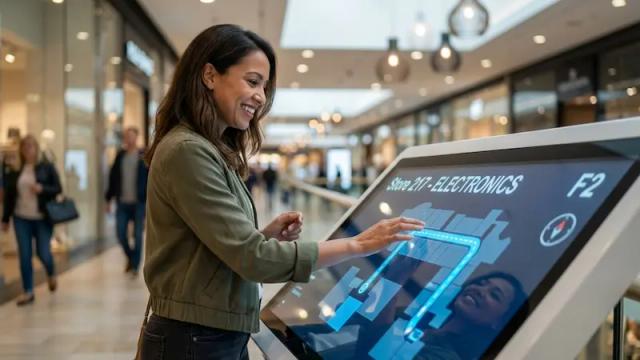
People tend to forget directions very quickly, and if you don't want this to remain a constant interruption for your front desk staff, then wayfinding signage is actually a good place to start.
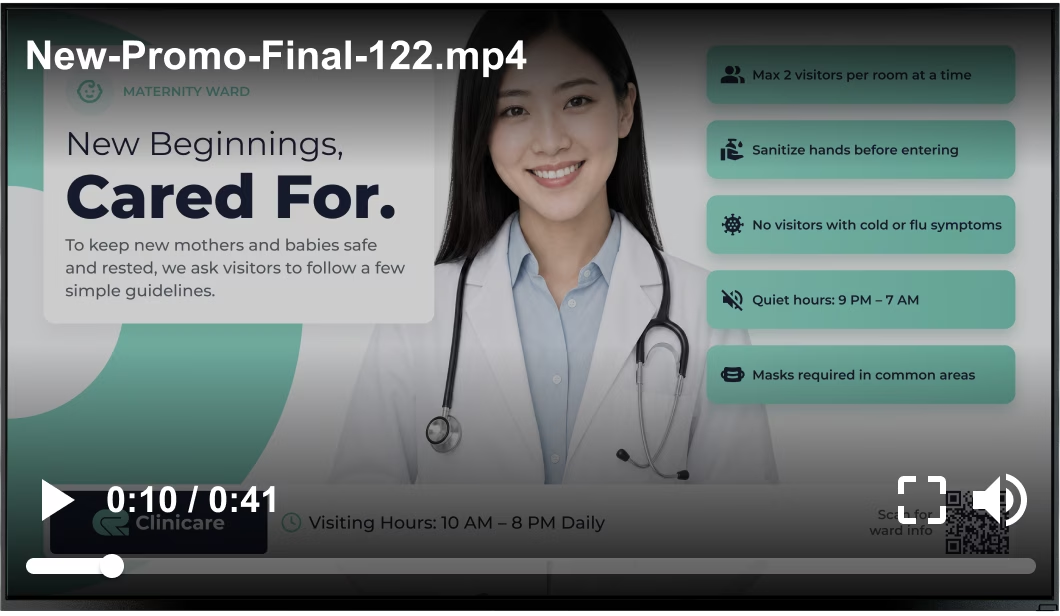
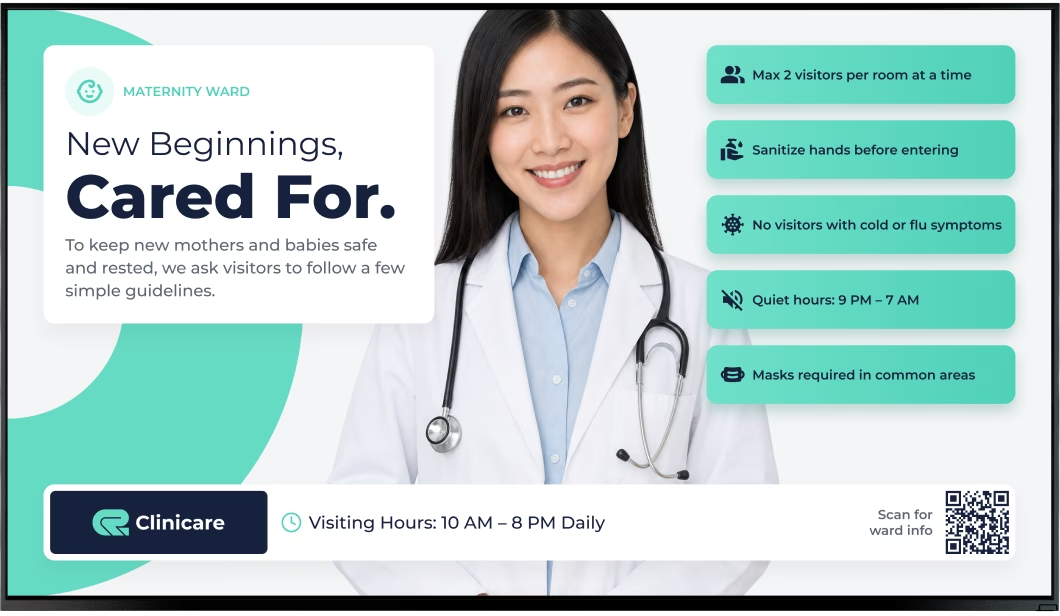
For simpler setups, create static floor plans with clear "From Waiting Room to..." paths marked. Test from 10 feet away, and if the text isn't readable, increase font sizes. It’s important to update seasonal changes (holiday hours, temporary closures) as soon as possible. This can easily be done in Look’s content editor.

But if you already have an interactive wayfinding system on your website or a custom directory built with HTML, there's no need to recreate it from scratch. Use Look's embeddable code app to pull that existing system straight to your wayfinding kiosks. The app displays web-based directories, interactive maps, or custom navigation tools without rebuilding.
For more advanced setups, some facilities use step-by-step navigation systems through interactive kiosks or mobile apps where users input their destination and receive turn-by-turn directions. Some systems use QR codes that users scan to get routes sent to their phones.
Infotainment Content
This idea might seem counterintuitive, especially after a 2024 study revealed that 60% of people spend wait times on games, music, and videos, but displaying infotainment content can work to your advantage by drawing patients into your community and culture with content that's more relevant and engaging than whatever’s on their screens.
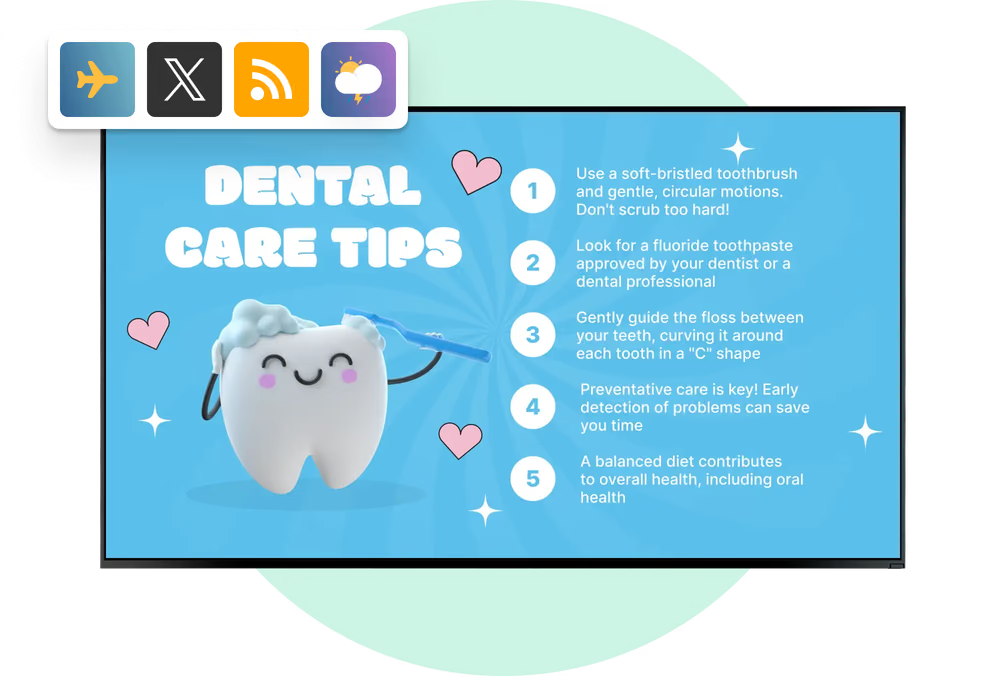
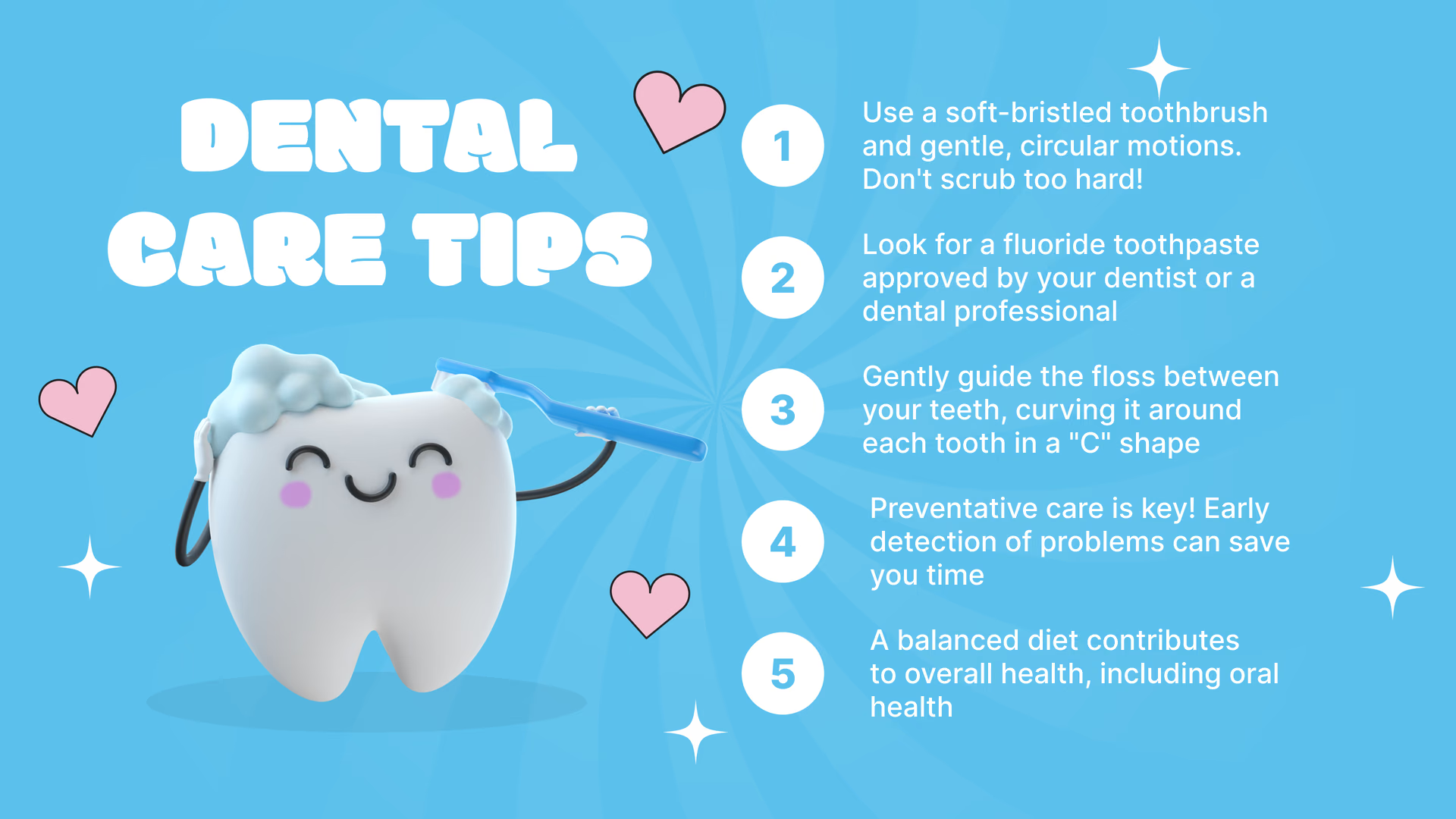
Healthcare practices can use screens in waiting areas to educate patients about preventive care, upcoming health screenings, and practice updates. Using Look DS built-in apps, you can mix educational health videos from trusted YouTube channels with live TV news channels, TED talks on wellness, calming nature content, or health programming. To make this effortless on your part, create curated YouTube playlists that play continuously without ad interruption.
The content works because it's hyper-relevant. You can use RSS feeds to show health news, seasonal wellness tips, or practice announcements, while dental offices could display oral health education, new treatment options, or community involvement highlights.
Interactive Content to Boost Engagement
Did you know that QR codes with branded logos and clear calls-to-action receive 80% higher scan rates?
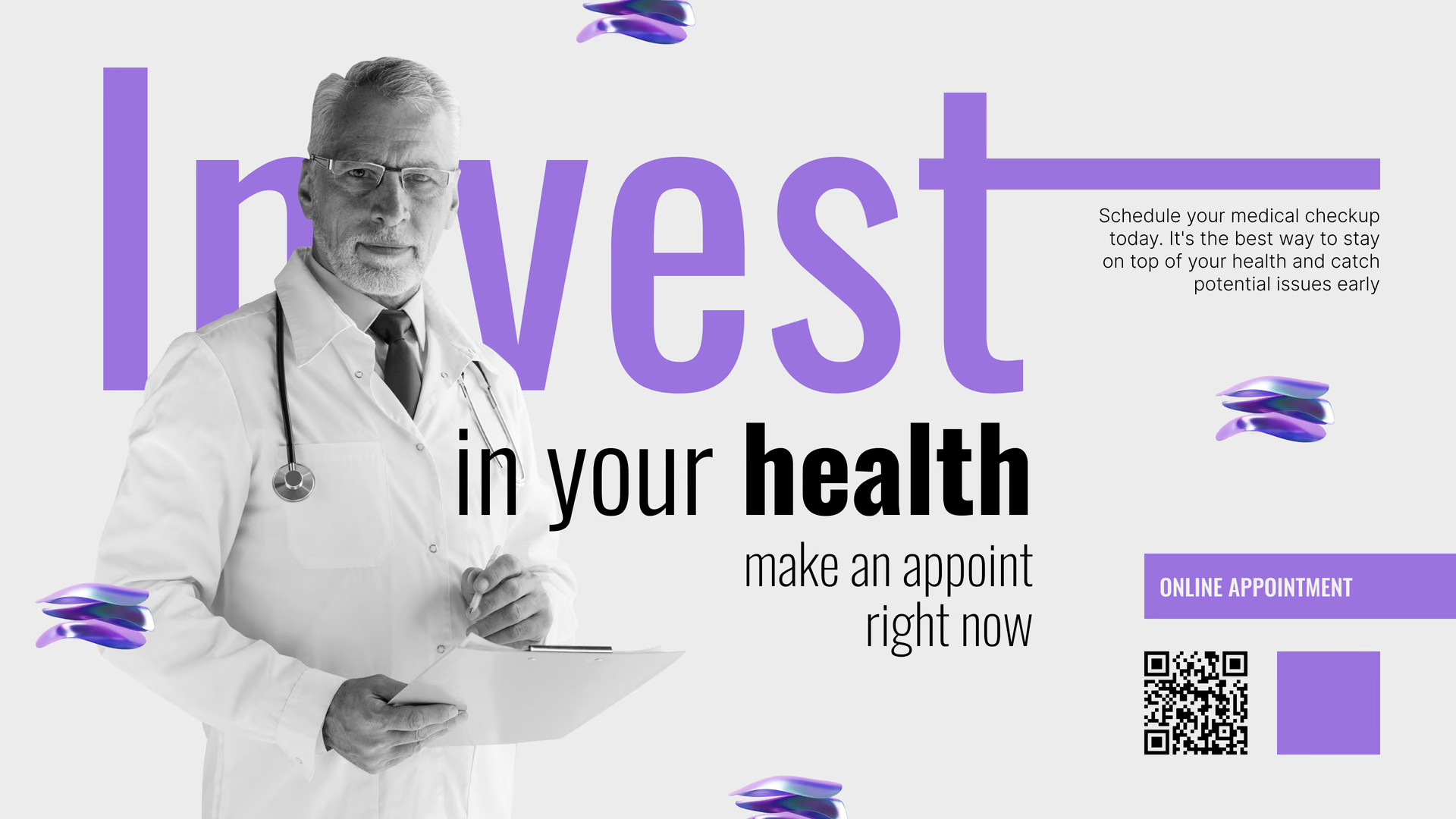
If you don't currently have touch-enabled screens, you can start with trackable QR codes, placed strategically alongside other complementary content.
Ideas that build engagement include:
- Digital forms and intake — Healthcare patients complete paperwork while waiting instead of at the counter, cutting check-in times by 34%
- Gamification experiences — Health quiz challenges, "Calculate your BMI," or wellness goal trackers that collect emails while educating
- Treatment catalogs — Browse service offerings, learn about procedures, check insurance coverage without asking staff
- Patient portal signups — Join online portals with pre-filled info from their scan for easier appointment booking and results access
- Educational content — Watch procedure explainers, post-care instructions, or condition-specific videos relevant to their visit
- Social proof — Reviews, testimonials, and treatment success stories that build confidence while they wait
For these to work, they need to solve an immediate friction point. For example, "Scan to see if we have your size in stock" works better than "Scan to browse our catalog."
Use this formula to nail your QR code prompts every time: [What they get] + [How it helps them] + [How fast/time frame if relevant]
You can generate QR codes directly within Look DS and assign UTM tags to track performance. Remember to make the codes scannable from 6+ feet away and mobile-optimize every landing page since 50%+ will scan on older phones.

If you do have a kiosk, it could even be a tablet. map out 3-5 problems you think interactive content would help solve. It could be self-check-ins, viewing treatment options, watching procedure videos, scheduling follow-ups, or exploring insurance coverage.
If you don't need advanced features like live data pulls or complex form builders, you can set up a multi-step interactive experience with Look DS where people tap buttons like "Check In | View Services | Watch Education Video" and each tap leads them to the next relevant screen for more information.
The main advantage here is immediacy, especially with older demographics who might not be as quick to scan codes. Plus you'll also be able to collect data on which services patients explore most, which procedures generate the most questions, and which educational topics drive the most interest, then optimize to improve patient communication.
Promotions and Service Upsells
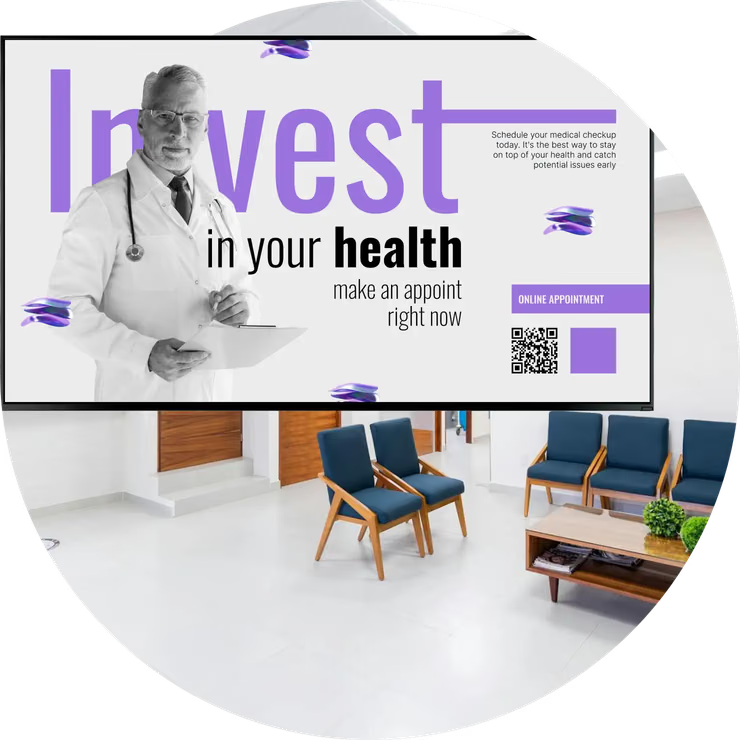
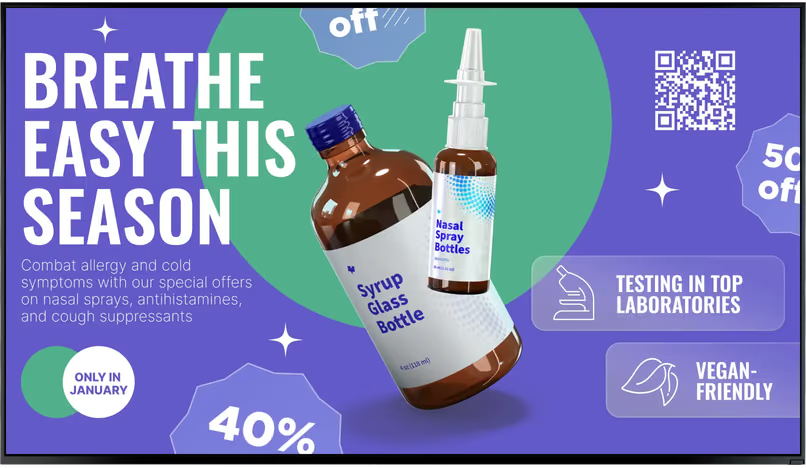
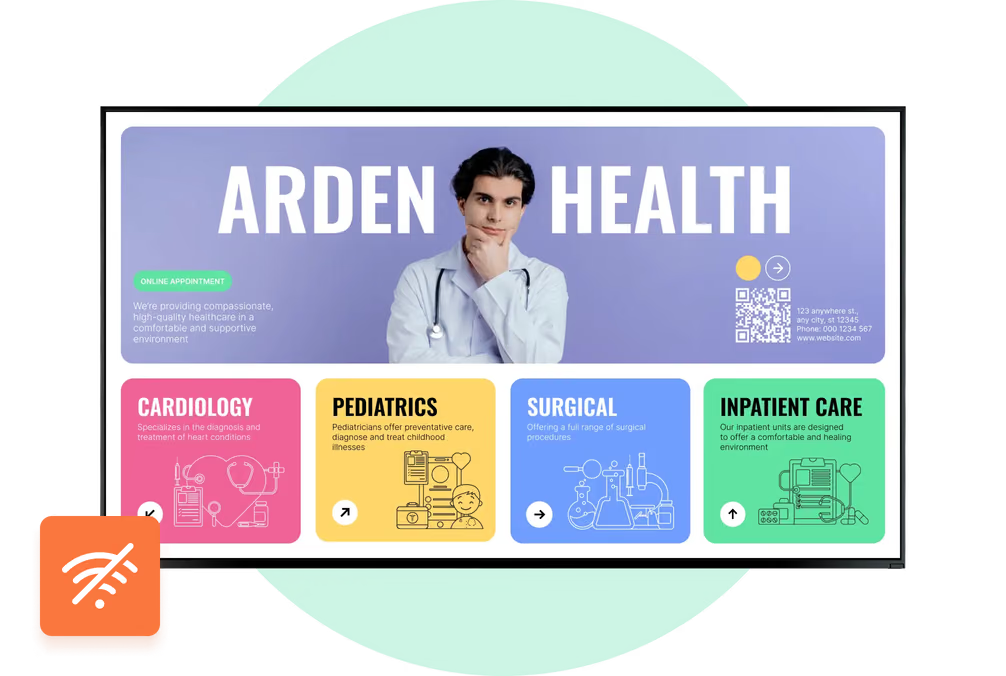
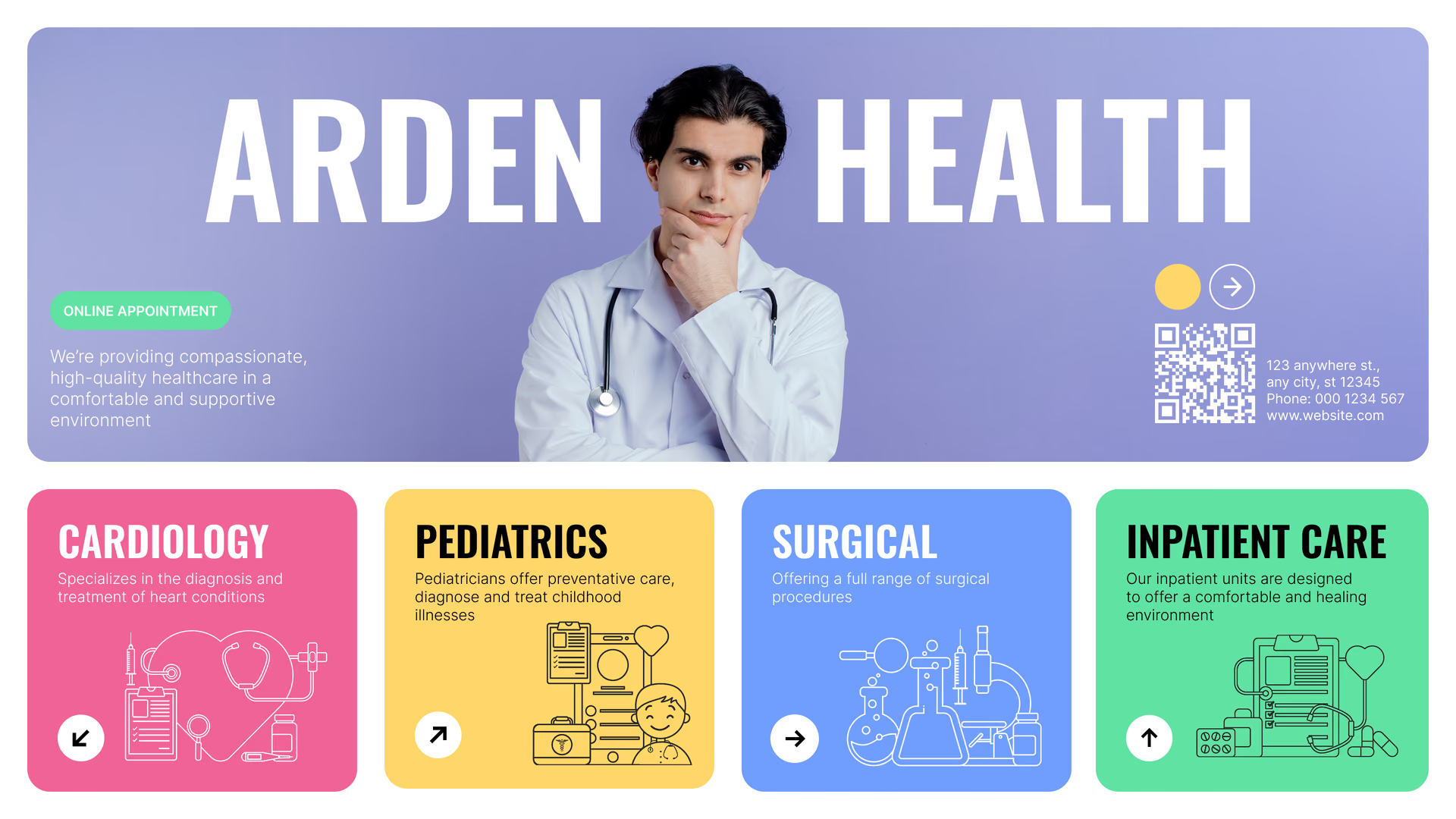
Since people are already seated, unoccupied, and looking for something to focus on, promotional content can be a natural anchor point where you highlight services customers often overlook. A short loop on the screen can remind them of preventive screenings, elective procedures, or seasonal health services they're already likely to need. Because the message appears while they're waiting, and not during the appointment, it feels helpful rather than pushy, and often leads to patients asking about the service on their own.

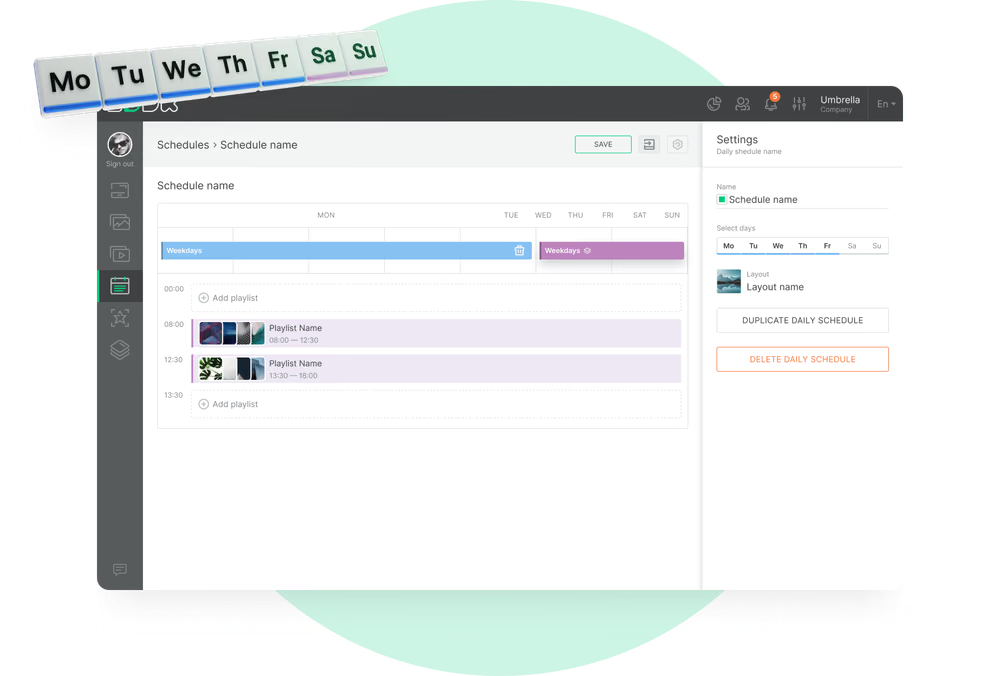
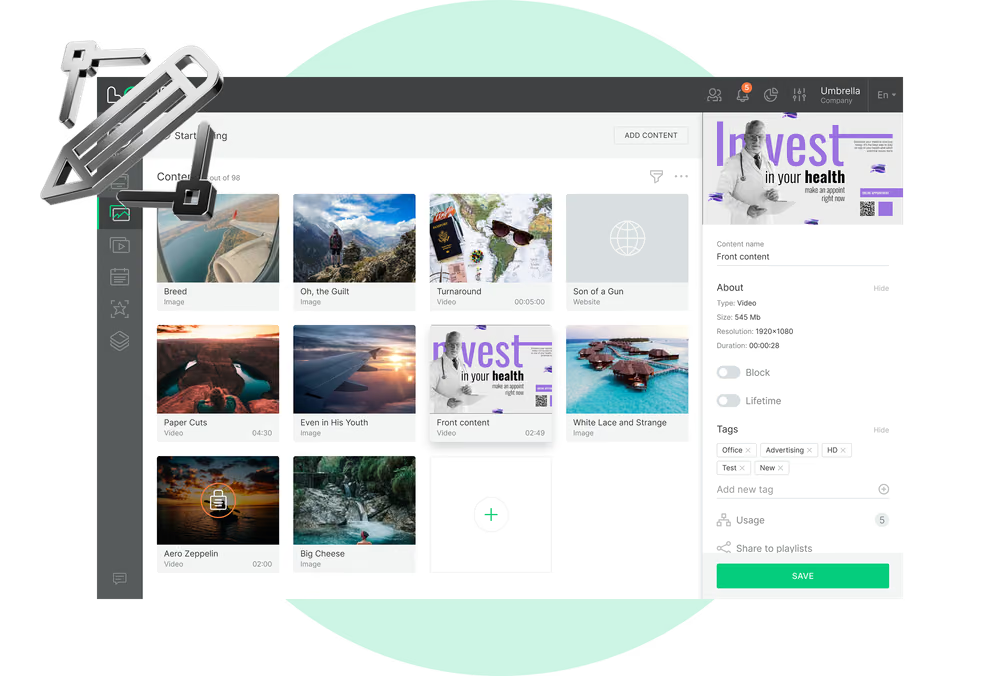
If you want different content at certain hours or days, use Look’s scheduling panel to assign specific playlists to specific time ranges. You can create a weekly schedule, add a daily schedule for the days you want, then drop each playlist into the exact slot you want it to play. Once saved, Look switches between them automatically.
After that, it’s mostly maintenance. Swap in fresh promos, retire old ones, and let the playlist run.
Implementation Checklist:
- List the top 3 underutilized services or preventive screenings patients might not know about
- Create visual-heavy promotional slides (less text, more images)
- Schedule promotions to rotate with value-add content (not back-to-back ads)
- Test messaging with staff: "Does this sound helpful or pushy?"
- Track promotion effectiveness by monitoring service uptake or sales inquiries
In healthcare and dental practices, interactive screens and kiosks improve patient education and engagement. Studies show that kiosks increase health and prevention literacy, lead to more screening of people at risk, and improve patient participation in self-care (PubMed Central). When patients can explore health information and treatment options at their own pace without pressure, they make more informed decisions about their care.
Use Multi-Screen Zones to Provide a Dynamic Viewing Experience.
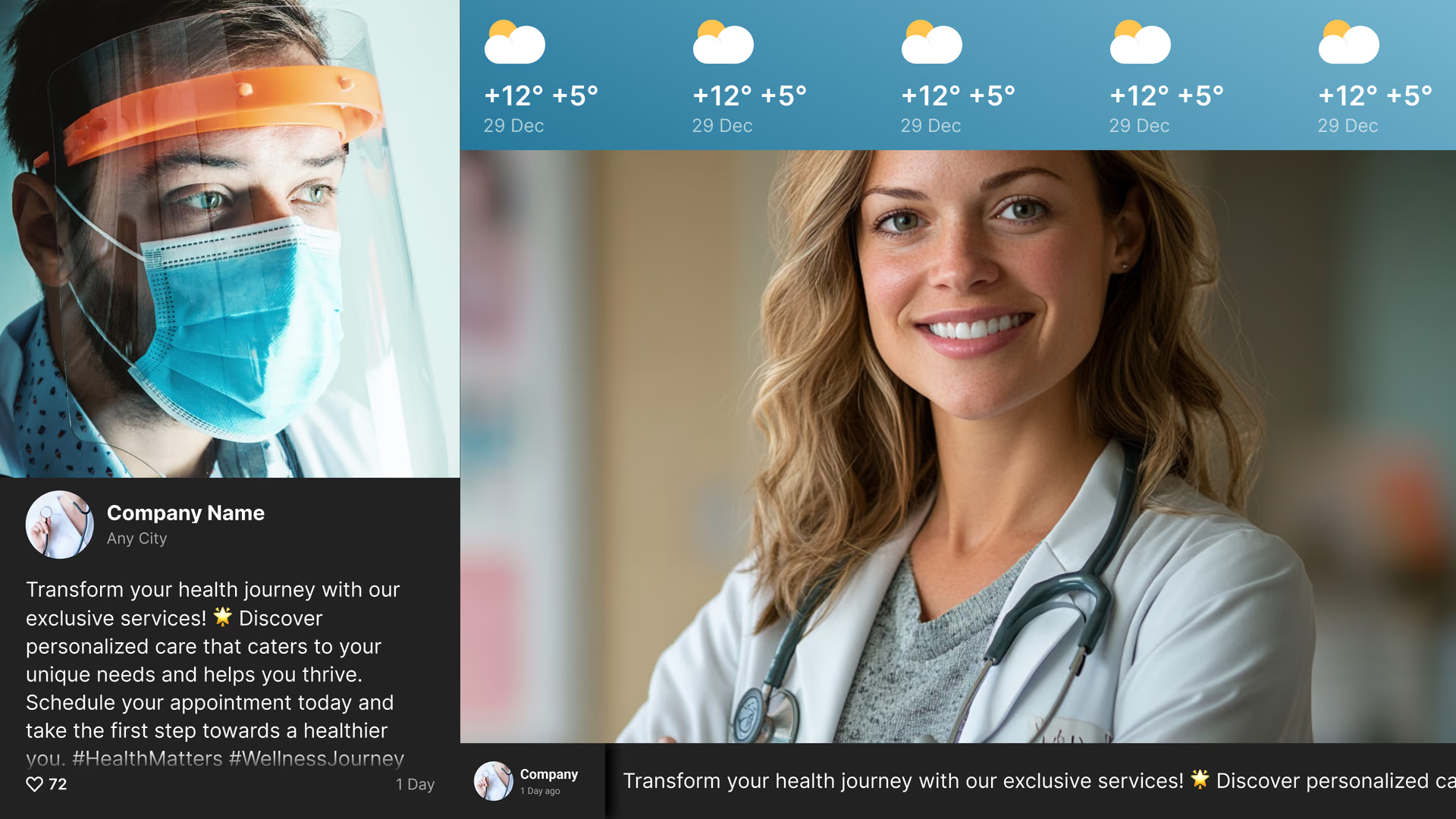
Did you know that your digital signage screen doesn’t have to be one big static display? You can split it into multiple active zones, each showing different content at the same time. This lets you combine health education, patient testimonials, news, weather, or practice announcements in one seamless view without overwhelming your audience. It keeps patients interested and lets you get more value out of every inch of your screen.
- Primary content: Use the main area for your key promotions or service highlights.
- Secondary zones: Smaller sections can display things like patient testimonials, a live news ticker, or even the current time and weather.
- Flexibility: Each zone can show a different type of content, updated independently, so your screen feels lively and relevant throughout the day.

To set this up with Look’s multi-zone layouts, choose a ready-made template or design your own layout, assign playlists or apps to each zone, and even embed third-party widgets using iframe code. Once configured, each zone can update automatically, giving you a dynamic and engaging screen with minimal ongoing effort.
Social Media Feeds and Customer Testimonials
According to HubSpot’s 2025 State of Sales Report, the most trusted forms of self-serve proof are user reviews (40%) and customer success stories (37%). Happy patients can do a lot of marketing for you right from your waiting room screens, and digital signage makes it easy to showcase your trust-building assets.
How to use them:
- Reviews: Highlight your strongest feedback. Look’s Google Reviews app can pull them straight from your account. You can filter by 4-star or 5-star rating to only show your best.
- Testimonial Videos: Short clips of happy patients talking about their treatment experience are more persuasive than text alone. If they live on your official YouTube channel, the built-in YouTube app lets you stream them directly without downloading files.
- Social Media Posts: Show posts from Instagram, Facebook, or X with patient shout-outs (with permission), health tips, or practice updates to make your brand feel active and trusted. Use the built-in social apps for Instagram, Facebook, and X, so your selected posts or hashtag feeds update automatically on your screens.
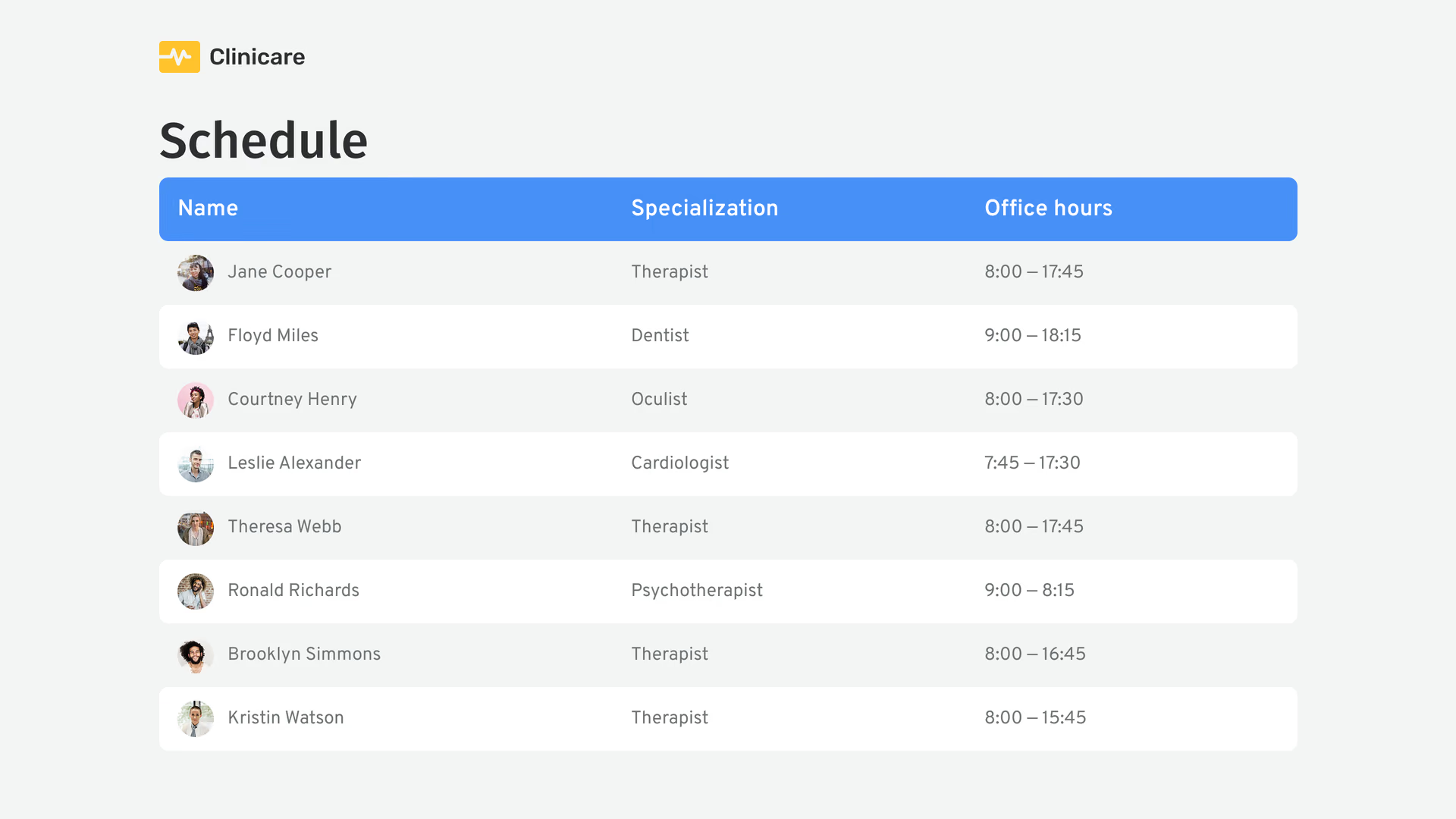
Staff Intros and Recognition to Build Trust and Morale.
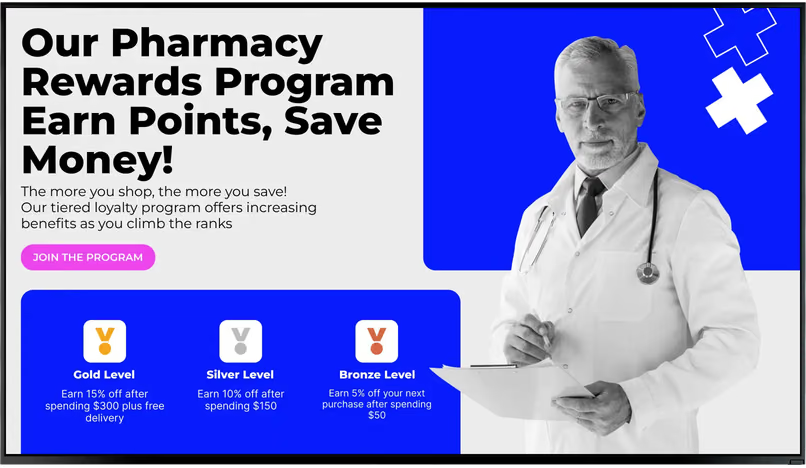
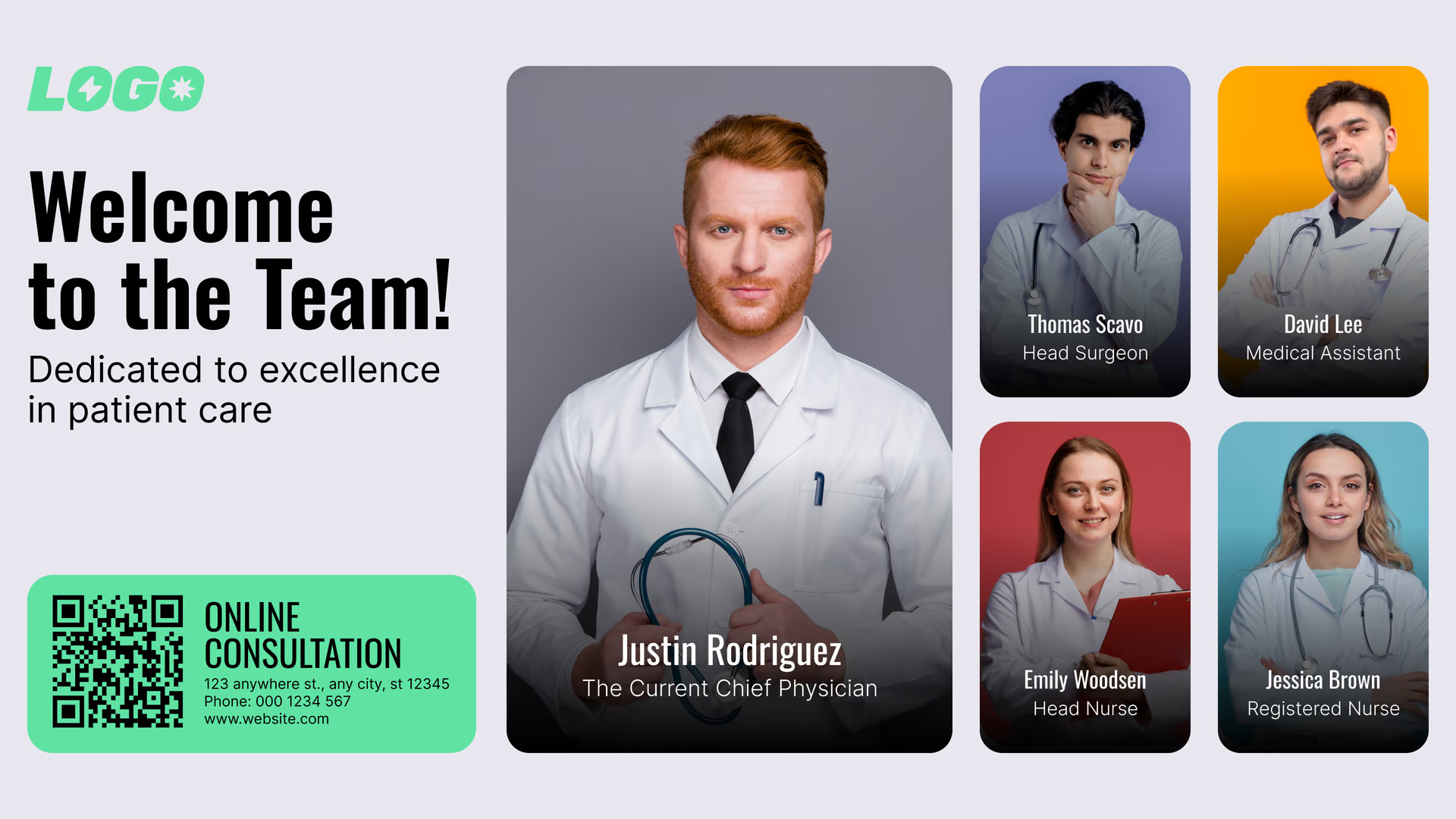
Especially in healthcare, humanizing your brand will make your waiting room signage remarkable. And this time round, you have to go the extra mile because simply rotating bios of your staff might not do a good job of building a real connection.
Consider your brand voice. Is it witty? Lean into that.

For example, "Meet Dr. Patel — she's been in family medicine for 15 years and has a special knack for making nervous patients feel at ease (her secret weapon: terrible dad jokes).”
Research has even shown that humor and personality in brand communications significantly influence how customers perceive trustworthiness and relatability.
When you show employee achievements, frame them around customer benefit.
For example, "Dr. Chen just completed advanced training in minimally invasive procedures — meaning faster recovery times and less discomfort for you" lands better than just listing credentials.
Implementation Checklist:
- Collect high-quality photos of all team members (with permission)
- Write brief, personality-rich bios (name, role, fun fact or expertise)
- Choose a template style that matches brand aesthetics. Look CMS gives you 300+ options to choose from
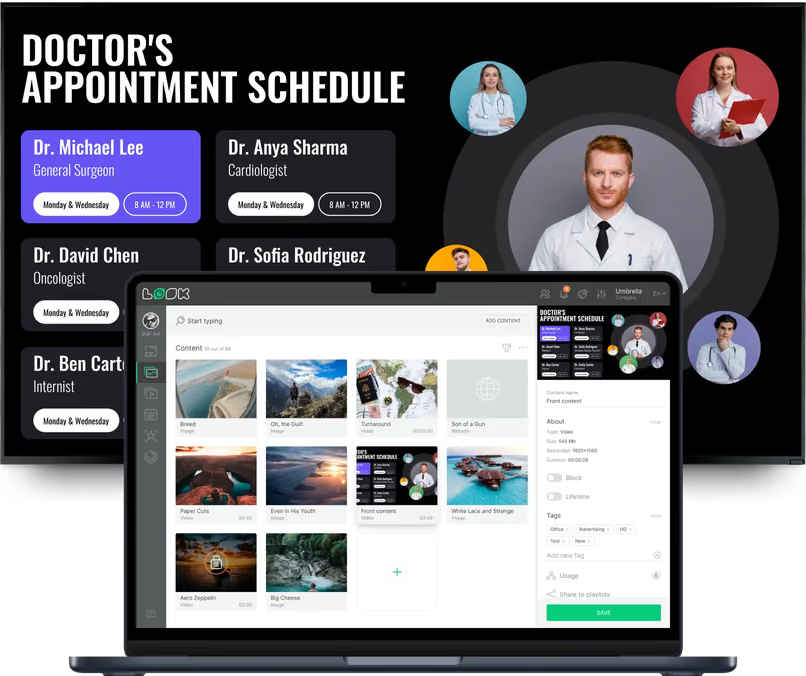
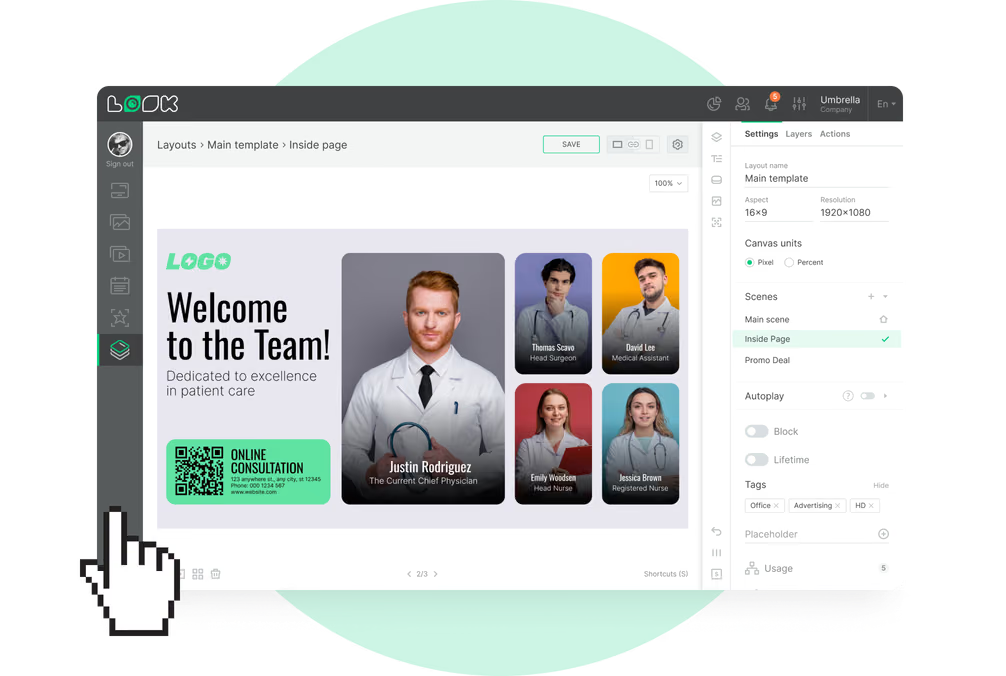
- In Look’s content creator editor, customize with drag-and-drop tools to match brand colors, add your logo, swap out photos, and adjust text. The editor handles both portrait and landscape orientations, so your design adapts
- Schedule staff spotlights to rotate regularly (weekly or monthly updates)
- Feature all team members, not just customer-facing staff
- Update regularly when new staff join, or achievements happen
Implementation Best Practices for Waiting Room Digital Signage
- Screen Size & Viewing Distance: Follow the 10x rule, where your screen's diagonal should be roughly 1/10th of the maximum viewing distance (15 feet away needs a 55-65" screen), use a minimum 1 inch of text height per 10 feet of viewing distance, and in large waiting areas, multiple smaller screens often work better than one massive display.
- Orientation: Landscape orientation works best for traditional waiting rooms with rows of seating, and it's ideal for video content, news feeds, weather updates, and promotional slideshows. Use portrait or vertical digital signage for queue numbers, wayfinding directories, or narrow spaces.
- Glare Management: Don’t position screens directly opposite or perpendicular to windows. Instead, place them at 90-degree angles to light sources and use commercial-grade displays with anti-glare coating and 400-700 nits brightness (or 700-1000+ nits for high natural light areas).
- Seating Sightlines: Mount screens at seated eye level, about 42-48 inches from the floor to the center, within 30 degrees from perpendicular, avoid obstructions from columns or foot traffic, and use multiple screens in U-shaped or L-shaped waiting areas.
Accessibility, Privacy, and Compliance guidance.
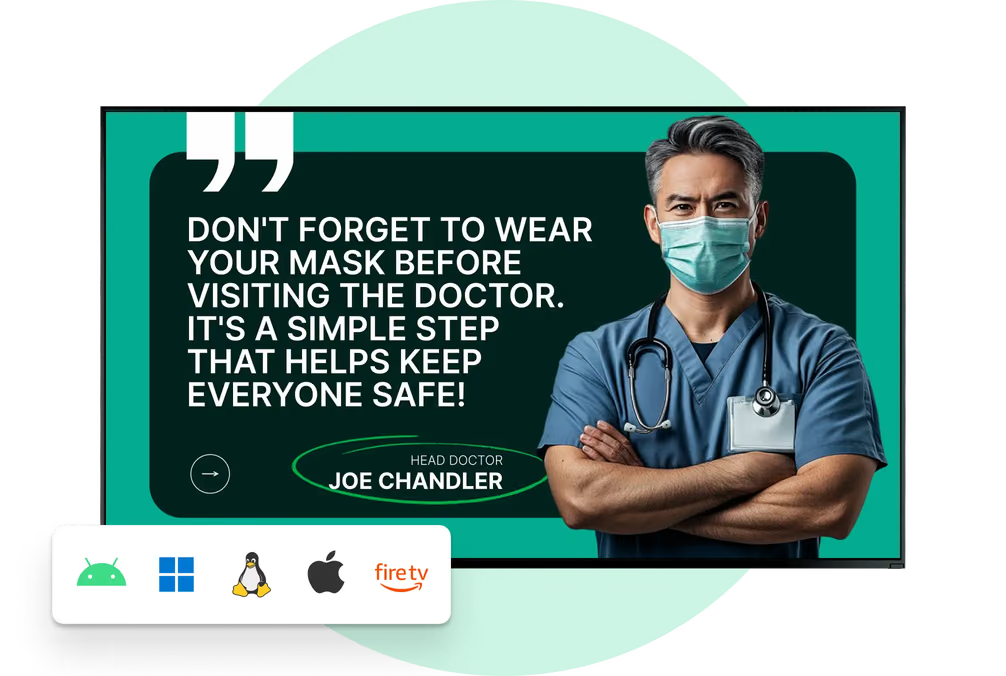
- ADA Compliance: It’s important to ensure your signage meets ADA requirements by using high-contrast colors (minimum 4.5:1 ratio), large readable fonts, closed captions for audio content, and positioning screens at wheelchair-accessible viewing heights.
- HIPAA and Privacy: In healthcare settings, never display patient names or personal health information. Instead, use generic queue numbers to stay HIPAA-compliant and protect patient privacy.
- Industry Regulations: Follow advertising regulations for your industry, like FDA rules for health claims or FTC guidelines for consumer protection, and obtain proper licensing for all music, images, and videos from ASCAP, BMI, or stock photo providers.
- Data Privacy: If your signage is interactive and collects data, post clear privacy notices explaining what you're gathering and why, and conduct regular content audits to stay compliant as regulations evolve.

Start Transforming Your Waiting Room Experience Today
If you've made it this far, we hope you’re feeling ready to build a waiting area that actually works for your patients. The ideas we've talked about have helped many healthcare practices reduce patient anxiety, answer common questions, boost preventive care bookings with strategic education, and give the space a more welcoming feel.

A better waiting room comes from paying attention to what patients need while they wait and giving your team tools that make their job easier. Digital signage is simply one of the easiest ways to make that happen.


If you’re ready to improve your space, start small, see how patients respond, and keep adjusting. Look DS gives you 14 days to test everything covered in this guide with no credit card required. Only thing you need is your screens, a media player and an internet connection for automatic updates.
Start today with a 14-day free trial with no functional limitations.
FAQs on Waiting Room Digital Signage
How much does waiting room digital signage cost?
It depends on your setup, but you're looking at $300-2000 per display, $130+ for a media player, or $30+ for a budget streaming device, and $13.5 per month per screen for software.
How do I keep content fresh without spending hours on it?
Use templates and schedule content in advance. With Look DS, you can create playlists and set them to rotate automatically at specific times. Most businesses update their content weekly or bi-weekly, which takes about 30 minutes once you've got a system in place.
What's the best content mix for waiting room screens?
Aim for 60% informational or educational content, 30% entertainment (news, weather, light videos), and 10% promotional content. Too many ads feel pushy, but a well-placed promotion when someone's already sitting idle can drive real results.
Can I show different content in different locations?
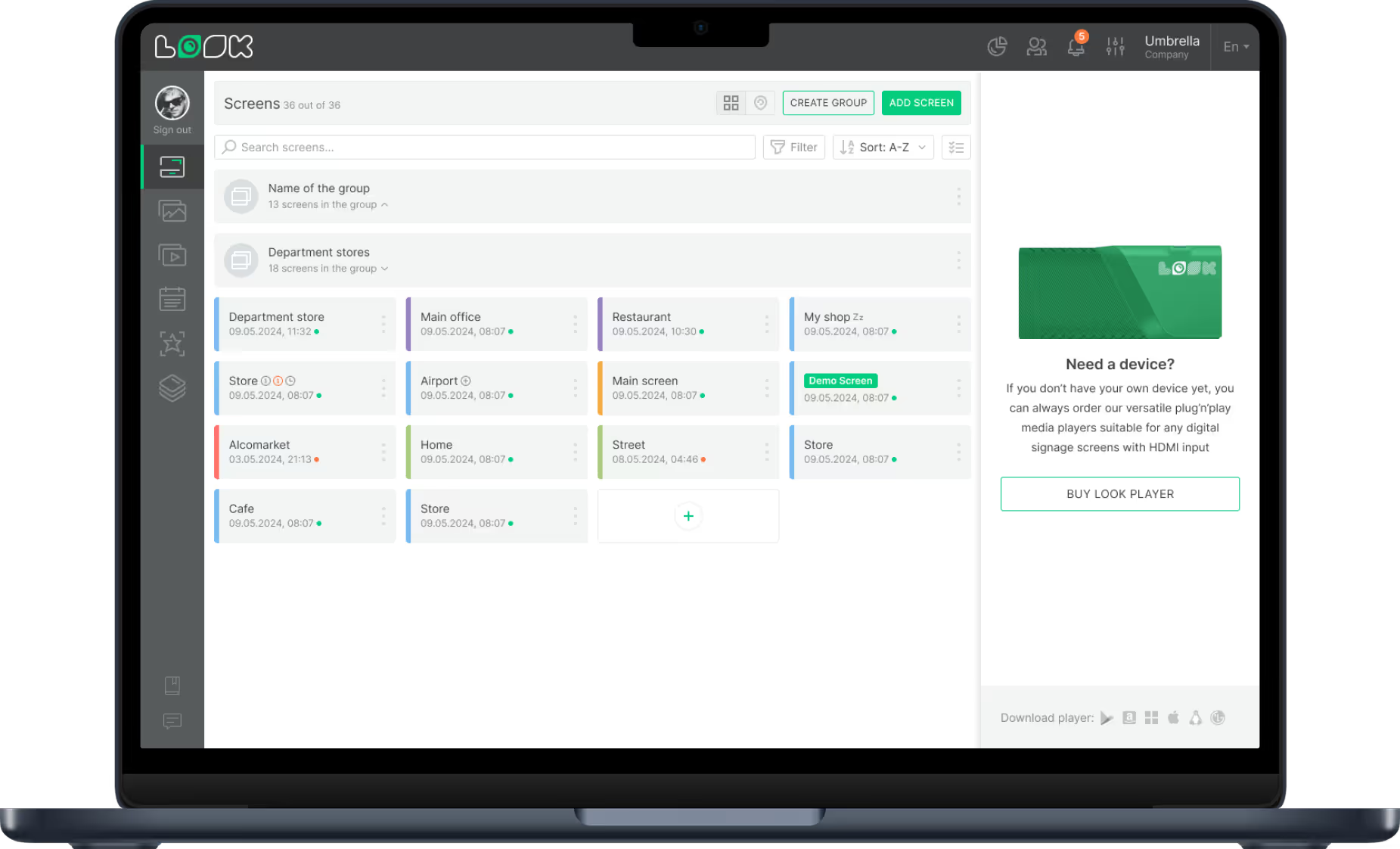
Absolutely. Using your Look web-based dashboard, you can manage multiple screens and assign different playlists to different locations using screen grouping.
How do I know if my screens are actually working when I'm not there?
Look DS gives you remote monitoring through real-time screen snapshots, so you can see exactly what's displaying at any location. The proof-of-play feature creates an audit trail that captures every piece of content displayed, the exact timestamp it aired, and its duration. You'll also get alerts if screens go offline, plus detailed analytics on content performance and playback history.