Table of Content
How can healthcare facilities make digital screens usable for every patient, visitor, and staff member? Accessible healthcare digital signage means setting up your displays so that anyone, regardless of physical, sensory, or cognitive abilities, can easily read, understand, and interact with your messaging. By combining the right physical placement with clear, readable content, clinics and hospitals can remove barriers, reduce patient anxiety, and create a truly welcoming environment.
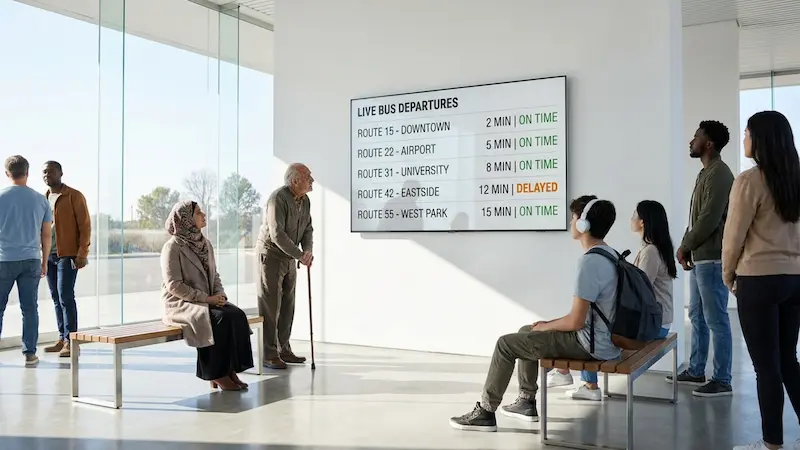
Digital signs are now standard in busy hospitals and small clinics alike. They help people find their way and share important updates in real-time. But they work best when they are easy for everyone to use, removing friction instead of adding a new hurdle.
What Is Accessibility in Healthcare Digital Signage?
Accessibility means planning your digital signs so they actually work for everyone, not just most people. A confusing hospital layout or a missed overhead announcement can cause immediate frustration. For example:
- A patient with low vision might struggle to read small, cluttered text.
- A person who is deaf or hard of hearing might miss spoken waiting room updates.
- A stressed visitor might not speak English well enough to follow complex directions.
Accessible digital signage plans for these needs ahead of time.
This covers both your physical setup (like mounting screens where wheelchair users can easily see them) and your content (like using clean layouts and multiple languages). Healthcare facilities serve highly diverse communities, and many patients arrive already stressed. When your digital signs are simple to read and interact with, you support patient-centered care and make visits feel much calmer.
Why Accessibility Matters in Healthcare Digital Signage
Accessibility affects the patient experience, daily operations, and basic fairness. When screens are accessible, they become powerful tools that actively support your care teams, rather than just acting as wall decorations.
Improves Patient Communication and Experience
Clear communication is the foundation of a good patient experience. People often just need help with the basics: finding the right entrance, knowing where to check in, or understanding what happens next. Accessible digital signs share this information clearly and instantly.
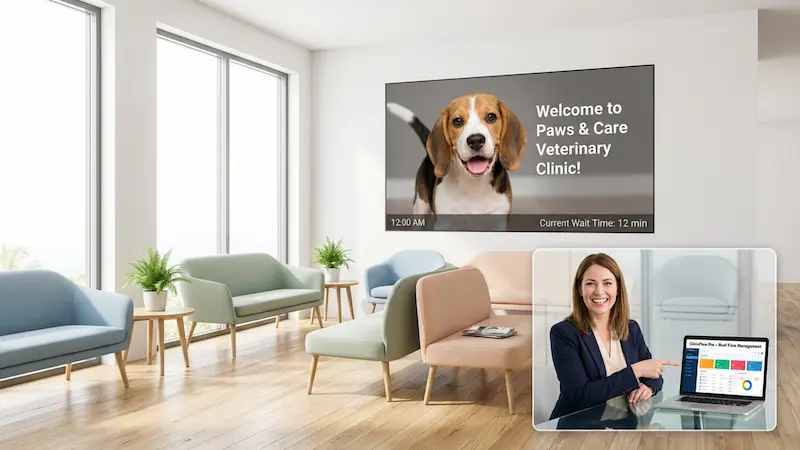
Showing real-time wait times or visual appointment callouts helps reduce anxiety in places like emergency departments or surgical waiting rooms. When people can easily access the information they need, they feel more in control and much more satisfied with their visit.
Reduces Barriers for Patients and Visitors
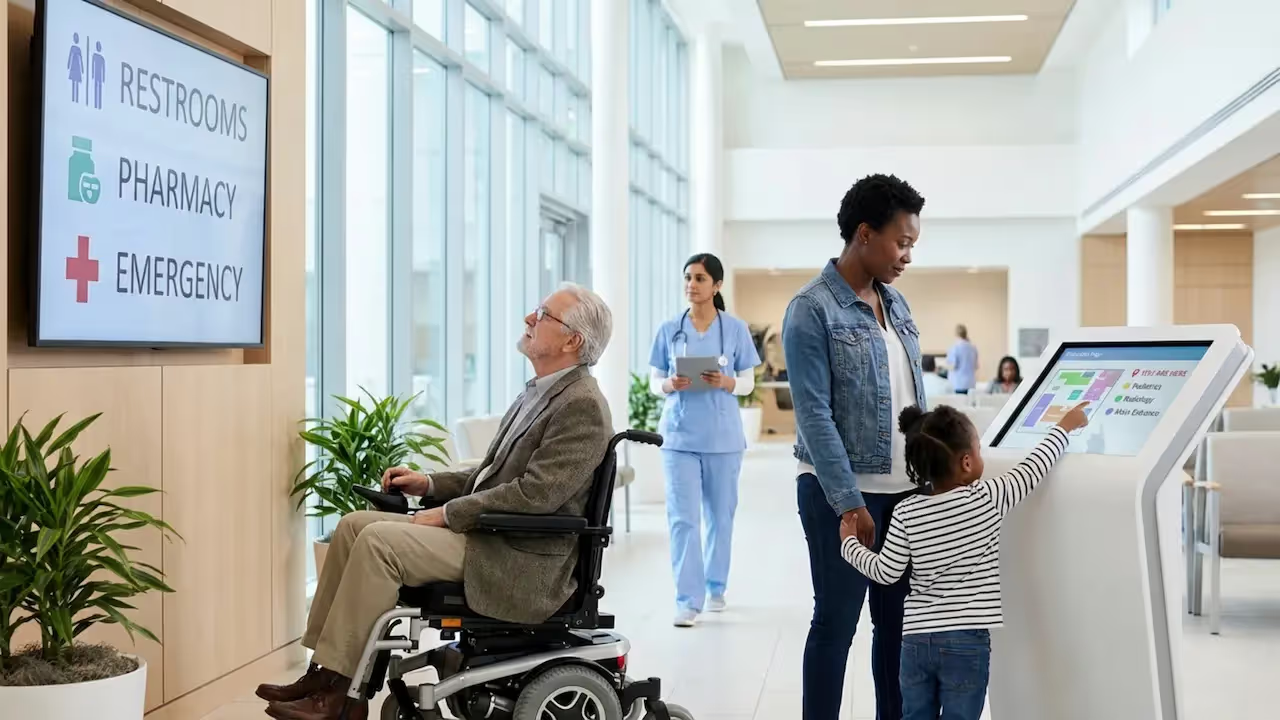
Hospitals can be confusing to navigate. Accessible signage makes moving through a facility much easier. Interactive wayfinding, for instance, can highlight:
- Wheelchair-accessible entrances
- Ramps and elevators
- Accessible restrooms
- Step-by-step directions to specific departments
Visual alerts can replace or support overhead announcements, and multilingual content can cut through language barriers. The goal is simple: no one should be blocked from basic information because of how they see, hear, move, or process information.
Promotes Inclusivity in Healthcare Environments
Accessible signage sends a clear message: "You belong here." It shows your organization respects different needs. With over 1 billion people worldwide living with some form of disability, inclusive communication is a basic responsibility.
When healthcare spaces are truly inclusive, patients are more likely to trust the facility. Plus, organizations that prioritize accessibility often run smoother operations, as front-desk staff spend less time answering repetitive questions.
Legal Requirements and Standards for Accessible Digital Signage
In healthcare, accessibility is often guided by law and ethics. Because digital signage is a communication tool, it needs to follow recognized accessibility standards. Note: While software alone cannot guarantee legal compliance, accessible platforms are designed to support privacy-first, inclusive communication. Always check your local regulations.
ADA Compliance: Key Regulations for Healthcare Facilities
The Americans with Disabilities Act (ADA) requires public spaces in the U.S. to provide equal access for people with disabilities. Digital accessibility is often grouped into the "POUR" principles:
- Perceivable – People can see or hear the content (or get it in another format).
- Operable – People can use kiosk controls in different ways without tight grasping or pinching.
- Understandable – Information is clear, consistent, and easy to follow.
- Robust – The system works well with different assistive technologies.
For healthcare facilities, this affects screen placement, message design, and physical interaction.
International Accessibility Standards for Digital Signage
Globally, the Web Content Accessibility Guidelines (WCAG) help shape digital accessibility. WCAG covers critical topics like:
- Color contrast ratios
- Text size and readability
- Alternative controls for touchscreens
- Text alternatives for images
Using WCAG concepts helps you create signage that works for more people, no matter where your facility is located.
Consequences of Non-Compliance
Ignoring accessibility rules can lead to legal risks or fines, but the biggest risk is to your facility's reputation. If patients cannot find their way or understand your instructions, they lose trust in your care. Making your screens accessible proves that you take every patient's needs seriously.
Core Elements of Accessible Healthcare Digital Signage
Building an accessible experience takes a bit of planning. You need to combine the right physical setup with thoughtful content design.
Physical Accessibility: Placement and Mounting Guidelines
Where a screen goes matters just as much as what it says, screens should be installed at wheelchair-friendly heights, often recommended between 15 to 48 inches from the floor for interactive kiosks. They should never block walkways, and you should always check for harsh glare from overhead lights or windows that might make the screen hard to read.
Visual Accessibility: Screen Clarity and Readability
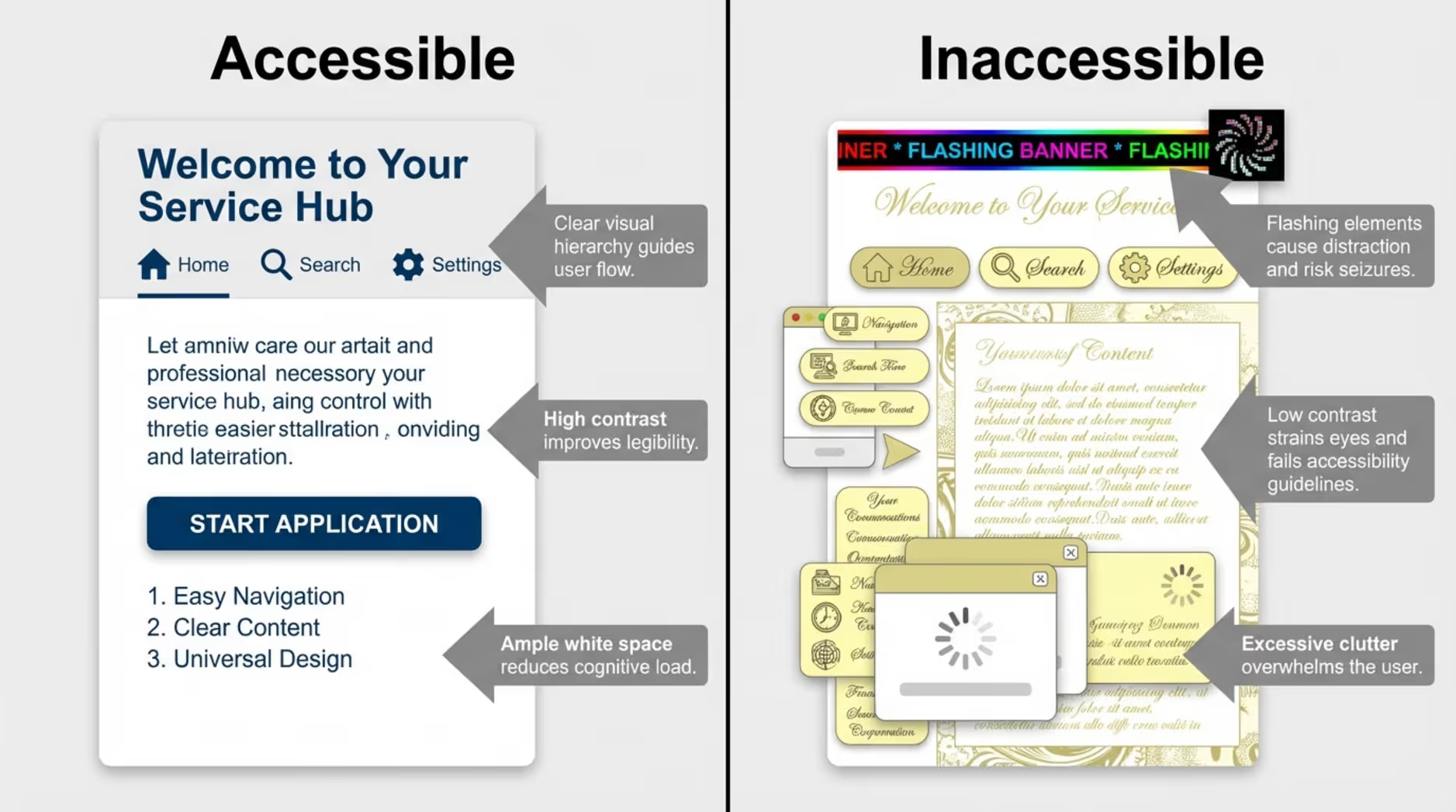
For people with vision needs, keep your screens highly readable:
- Use large font sizes.
- Stick to high-contrast colors (like dark text on a light background).
- Keep layouts clean and uncluttered.
- Use widely recognized icons.
Never use flashing or fast-strobe content, which can be dangerous for people with photosensitive epilepsy. Your screens should be easy to read at a glance without straining.
Hearing Accessibility: Audio and Visual Alternatives
Never rely on sound alone. If you show a welcome video or health tutorial, include captions. Use clear visual alerts for appointment calls or emergency instructions to support people who are deaf or hard of hearing.
Language Accessibility: Multilingual Content and Translations
Language barriers create stress. Accessible signage can fix this by offering:
- Multiple language options on touchscreens.
- Translations for maps and safety steps.
- Highly visual instructions for people with limited literacy.
In busy emergency departments, displaying multilingual FAQs on a screen can significantly reduce the pressure on your front desk.
Accessible Content Design: Fonts, Color Contrast, and Symbols
Good accessible design means keeping things simple. Use readable, non-decorative fonts. Ensure strong color contrast. Most importantly, stick to one main idea per screen. Busy, crowded screens are overwhelming for anyone, especially someone dealing with a medical issue.
Best Practices for Implementing Accessible Digital Signage
Accessible signage works best when it becomes part of your daily routine. Here is how to set it up for success.
Strategic Placement for Maximum Visibility
Put your screens where people naturally wait or look for information, like lobbies, waiting rooms, and elevator banks. Make sure pathways remain clear, and the viewing angles work for both standing and seated visitors.
Content Management and Scheduling for Diverse Audiences
Your screens are only as useful as the information on them. You need a system that lets you update content in minutes, from anywhere. We recommend using a platform like Look Digital Signage. With the cloud-based Look CMS, your team can easily manage every screen from one simple dashboard, no complex setup required. You can use Smart Scheduling to ensure pediatric content only loops in the children's ward, or instantly push translated safety alerts to every screen in the building at once.
Mobile Integration and Assistive Technology
Let people take the information with them. Adding simple QR codes to your screens allows visitors to scan and read maps or care instructions on their own phones. This lets them use their own built-in screen magnifiers or voiceover features at their own pace.
Emergency Messaging and Wayfinding
In an emergency, clear directions save time. Alerts should be highly visible, using strong colors and simple text to support spoken alarms. Wayfinding should always highlight accessible routes, pointing out elevators and avoiding stairs.
Innovative Solutions and Technology Enhancements
New tools can make your spaces even more responsive to individual patient needs.
Interactive and Touchless Digital Signage
Touchless options are great for accessibility and hygiene. Using mobile-based interaction (scanning a code to control the screen from a phone) or basic motion sensors allows people to get the information they need without physically touching a public display.
Voice-Activated and Haptic Feedback Features
Voice controls can help people navigate directories without needing to read small text or use a touchscreen. Haptic feedback (a gentle physical vibration when a button is pressed) confirms a selection was made, which is especially helpful for users with visual impairments.
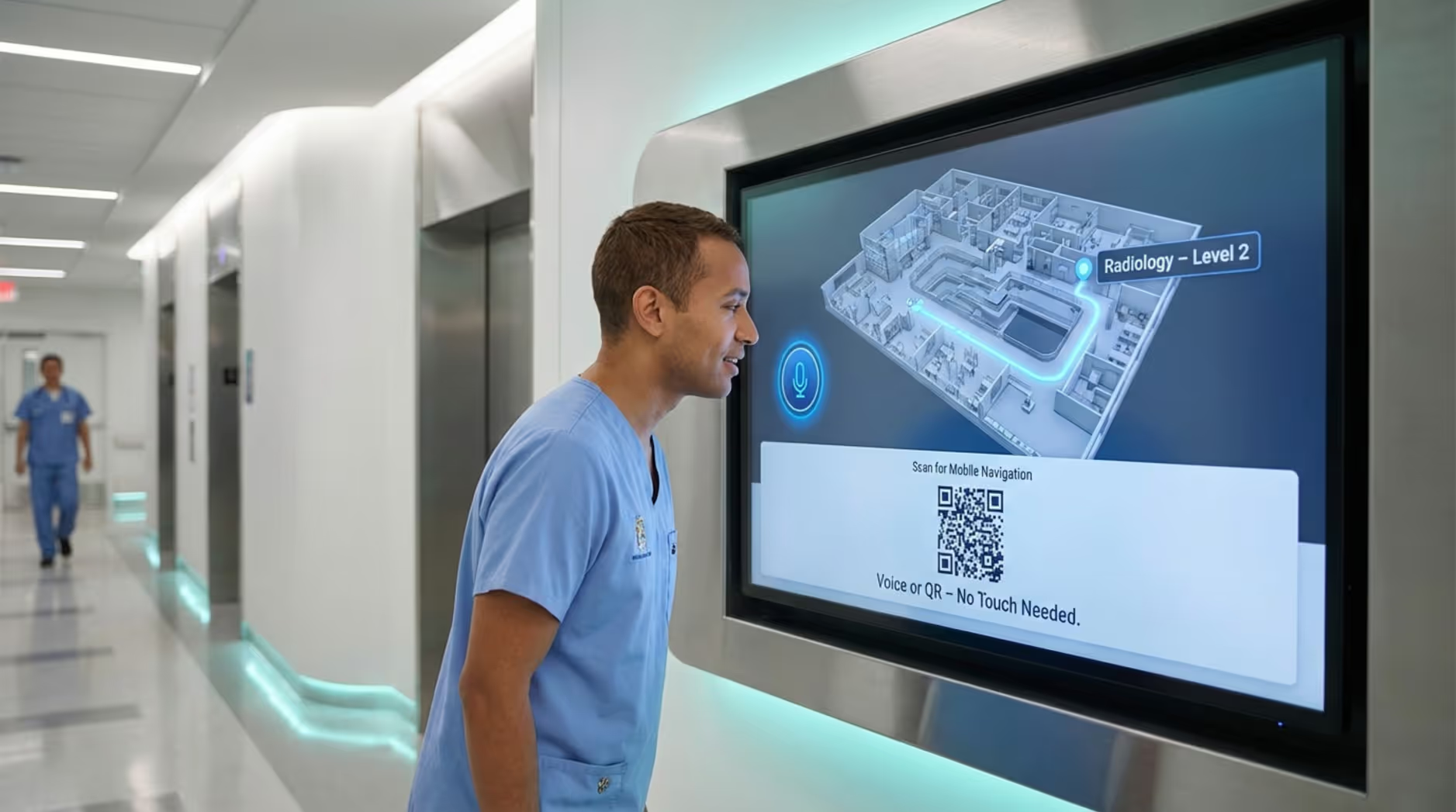
Inclusive Wayfinding
Modern wayfinding systems can offer routes that specifically avoid physical barriers. Some advanced kiosks also include tactile buttons or Braille support, ensuring that navigation is possible for everyone.
Choosing the Right Partner for Accessible Healthcare Digital Signage
Picking the right software partner is critical. The right platform improves your facility's workflow, while a clunky system just wastes staff hours.
Key Features to Look for in a Provider
You want a platform that is highly reliable and built for non-technical teams. Look Digital Signage is an ideal fit for healthcare environments. It gives you flexible Screen Layouts, allowing you to build multi-zone displays that separate a visual map from large, readable text instructions. Additionally, Look's Offline Playback feature ensures that your scheduled playlists keep your screens running smoothly, even if the hospital's internet connection temporarily drops.
Evaluating Support for Ongoing Updates
Your signage needs will grow. Look for a partner that provides regular software updates, reliable support chat, and an easy-to-use interface so your front-desk or marketing teams can handle day-to-day changes without calling IT.
Wider Impact: How Accessible Digital Signage Transforms Healthcare Facilities
When done right, accessible digital signage reshapes the entire patient journey.
Enhancing Patient Education and Engagement
Turn waiting time into useful time. Show simple health tips, preventive care reminders, or steps for upcoming procedures. When content is readable and clear, more patients engage with it and feel prepared for their appointments.
Reducing Waiting Room Anxiety
Waiting is stressful. Digital signage helps by setting clear expectations. Showing real-time, anonymized queue updates lets patients know exactly where they stand. Combine this with calming visuals and clear next steps, and the waiting room feels much more manageable.
Strengthening Staff Communication
Don't forget your internal team. Screens in breakrooms or staff hallways can display policy updates, shift changes, and facility KPIs. This keeps your team aligned and reduces the endless stream of internal emails, letting them focus on what really matters: patient care.
Next Steps for Healthcare Facilities: Building an Accessible Strategy
Accessible digital signage is a proven way to improve operations and patient satisfaction. The clearest way to start is by looking at your current friction points.
- Do patients constantly ask the front desk where the elevators are?
- Are waiting room updates hard to hear?
- Do non-English speaking visitors struggle to find their way?
Use those answers to decide what content you need first. Involve your staff in the process-ask the front desk what questions they answer most often. Start small, track how well the screens reduce confusion, and scale up from there.
Ready to prove ROI and make your facility easier to navigate? Start a free trial with Look Digital Signage today, or book a demo to see how fast you can build accessible, data-driven playlists and connect your first screen.