Screen Layout Ticker
Add a ticker with text entered manually or automatically pulled from RSS feeds.
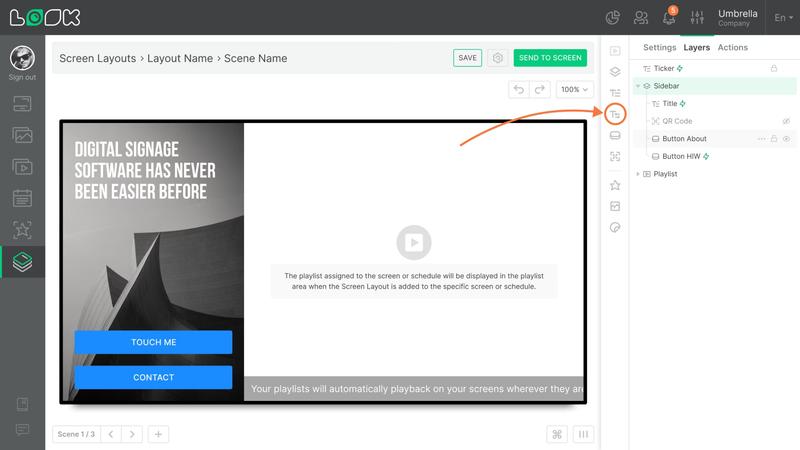
Adding and setting up a ticker
- To add a ticker widget, click the T with arrows icon in the toolbar or use the ⌥ (Alt) + T shortcut.
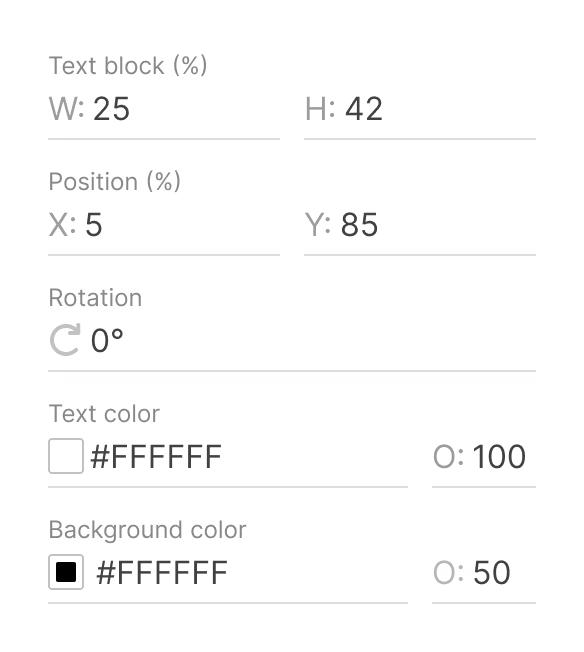
- In addition to general size, positioning, and rotation settings, you can also change the ticker’s text and background colors.
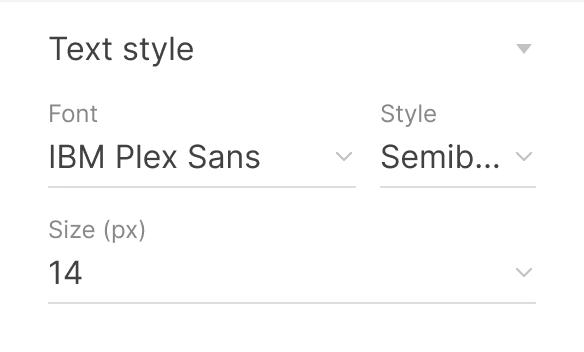
- In the Text style section, you can choose the font, font style, and font size for the ticker text.
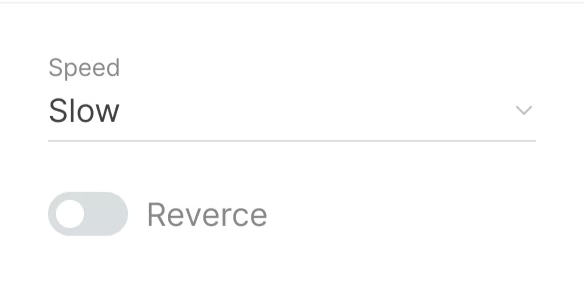
- The ticker also has extra animation settings:
- Speed — controls how fast the text moves
- Reverse — changes the direction of movement
Using RSS as a text source
You can use RSS feeds as the text source.
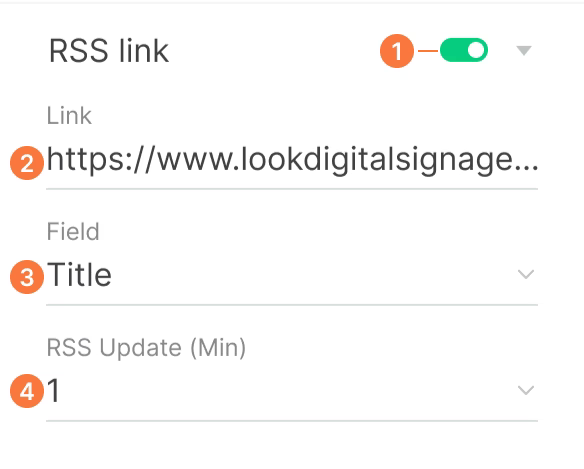
- Enable the RSS link toggle.
- Add the RSS feed URL in the Link field.
- Select the required source fields from the Field dropdown and click Save.
- RSS Update controls how often the feed is refreshed.
Can't find your answer?
Contact Support