Screen Layout Media
To add Media, click the Media icon in the toolbar or use the M keyboard shortcut. The Choose media panel will appear on the right side of the interface, organized into three tabs.
My media
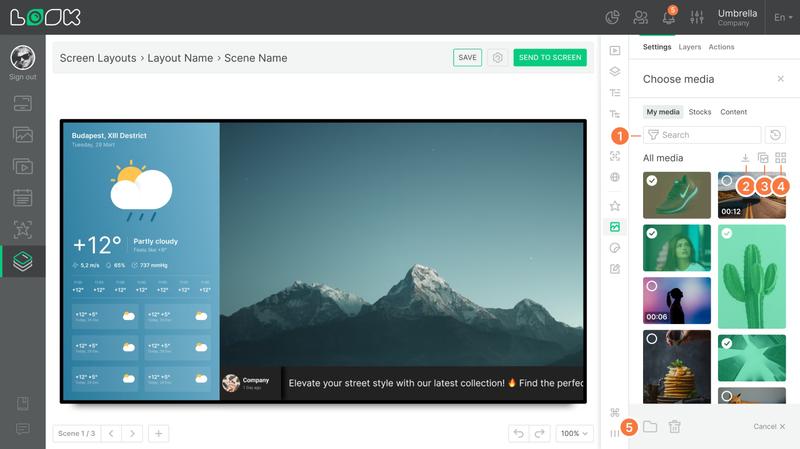
Your personal media collection — it contains every file you have manually uploaded or intentionally saved to the library.
- Search and filtering
Files support name-based search, filtering by type (Image, Video) and orientation (Landscape, Portrait), and sorting. The Recents mode is active by default, displaying the most recently used files at the top. - Uploading files
The Upload Media button opens the system file dialog, accepting images and videos. - View modes: all media or folders
- View modes: grid or list
- Multi-select
Once at least one file is selected, all others enter multi-select mode. An action bar appears at the bottom of the panel with options to move to a folder, delete, or deselect everything.
Removing from the library
A file removed from My media disappears from the library but remains on the layout if it was already placed there.
Folders
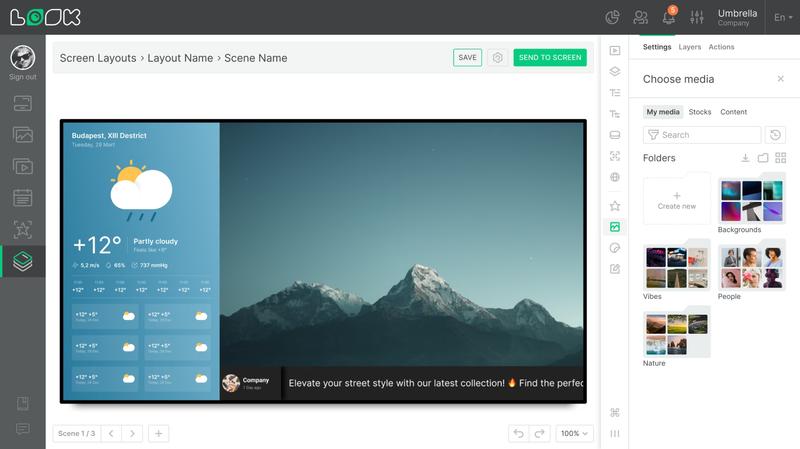
Media files can be grouped into folders for easier organization. Folders coexist with the main library (All media) — placing a file in a folder doesn't remove it from the general view. A single file can exist in several folders simultaneously. Removing a folder leaves all its files intact in the library.
You can send a media file to a folder through the preview context menu, via multi-select, or from the floating toolbar of a Media element already placed on the layout.
Stocks
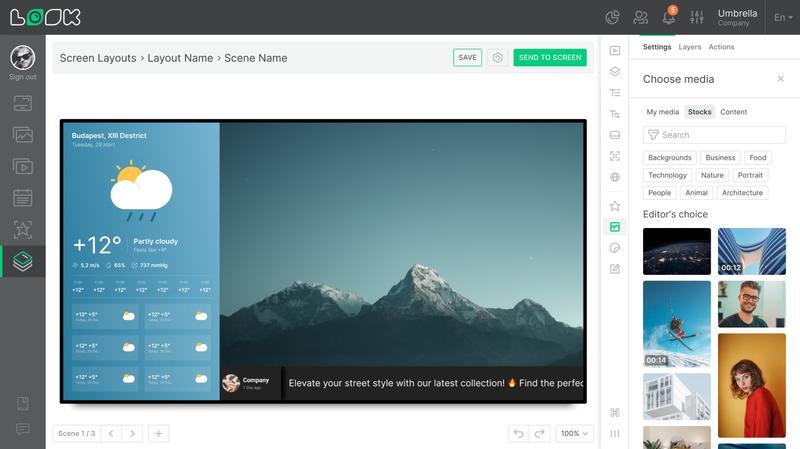
A tab for discovering and adding media from stock libraries. Filtering by content type (Image, Video) and orientation is supported.
By default, stock files placed on a layout are not stored in My media. To save them to your personal library, use the preview context menu or multi-select.
Content
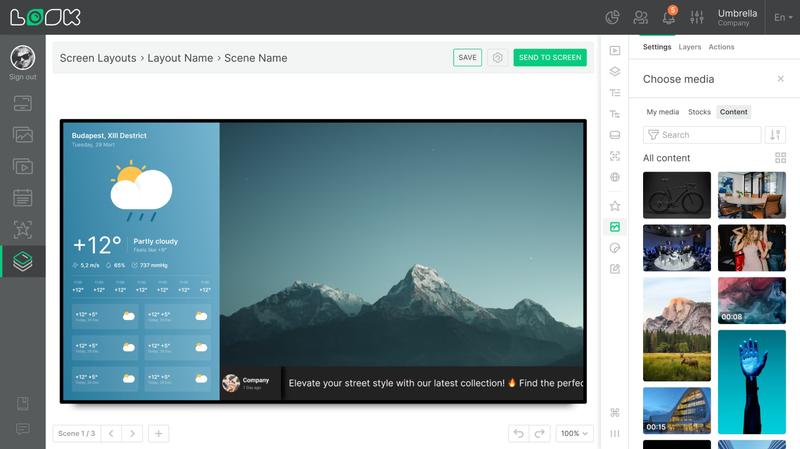
A tab for accessing images and videos from your main Content section. Search, type and orientation filtering, sorting, and the ability to switch between grid and list views are all available here.
By default, files from Content that are placed on the layout are not saved to My media. You can move them to the library via the preview context menu or multi-select.
Media files are independent from your main content: deleting, blocking, or expiring a file in the Content section does not affect any Media that has already been added to the layout.
Media settings
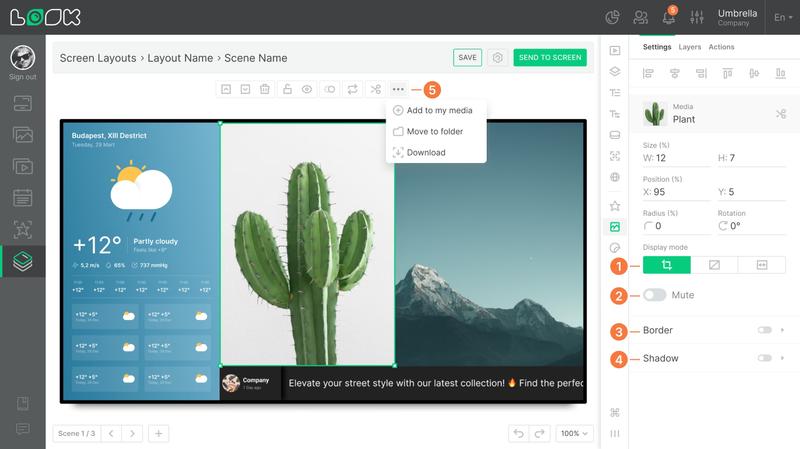
After placing Media on the layout, its configuration options become available in the right sidebar:
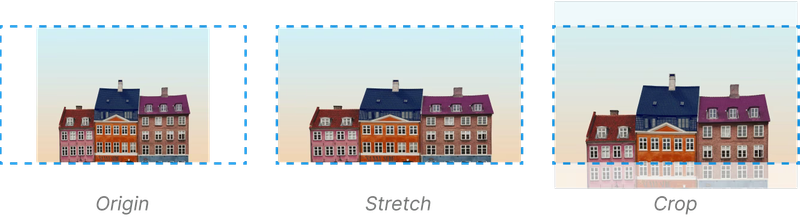
- Display mode — controls how the file fills the widget zone: center-crop, fit with the original aspect ratio preserved, or stretch across the entire area.
- Mute — turns off the audio track (video files only).
- Border — frame thickness and color.
- Shadow — strength, hue, and blur of the drop shadow.
- The floating toolbar of a selected Media element also offers quick actions: add to My media, move to folder, download.