Table of Content
How can you keep pricing accurate, promote flash sales, and guide shoppers through busy aisles without printing a single poster? Supermarket digital signage solves the problem of outdated paper signs by letting you manage content across one store-or a whole chain-in minutes. It acts as a bridge between online speed and in-store shopping, helping you deliver the right message exactly when purchasing decisions happen.
Digital signage is no longer just a "nice-to-have" for grocery retailers. It is a practical tool to save staff time, reduce waste, and improve the customer experience. From digital menu boards at the deli to promotional screens at the checkout, this technology turns static aisles into active communication channels.

What is supermarket digital signage?
How does the system work?
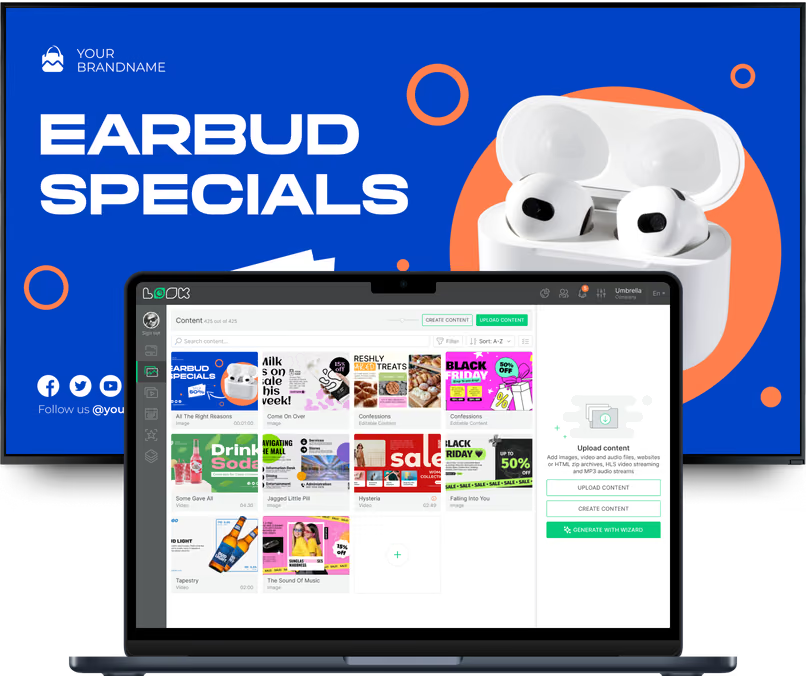
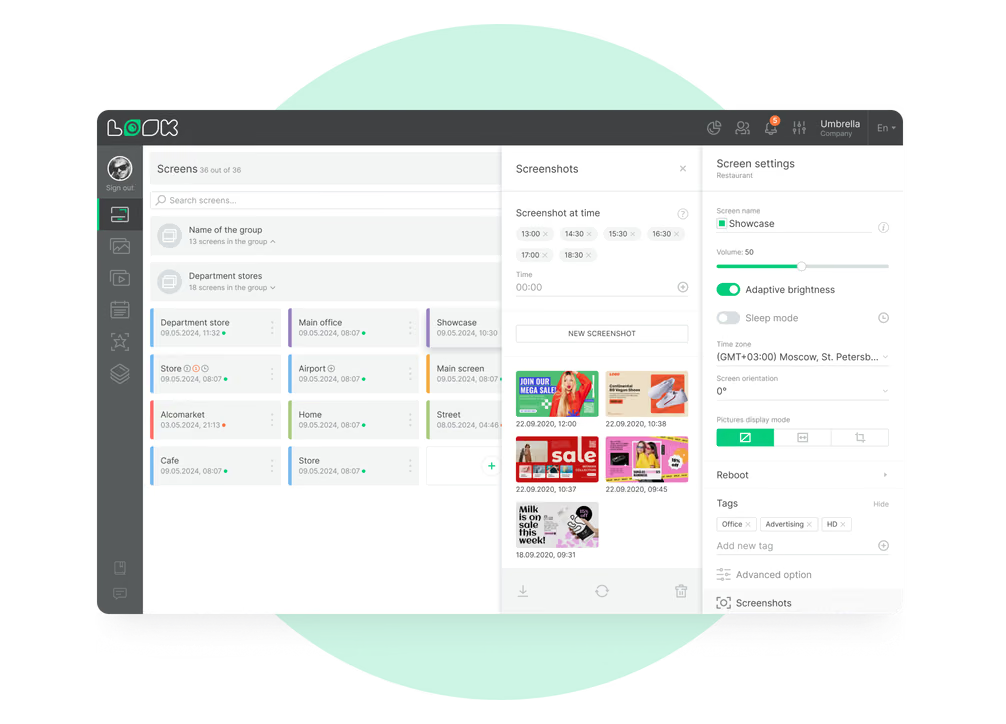
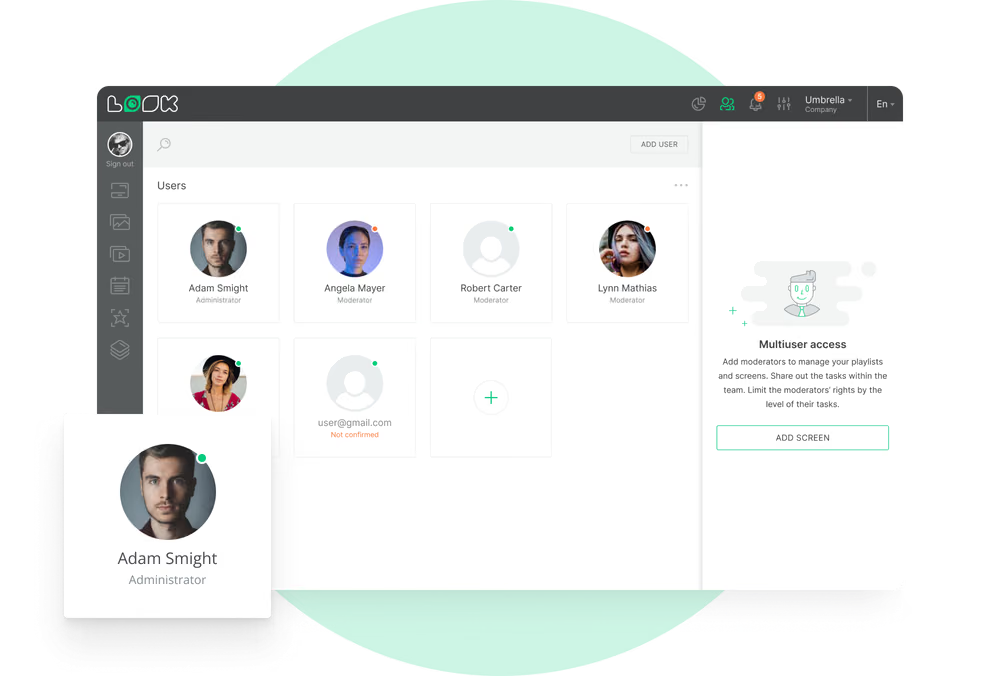
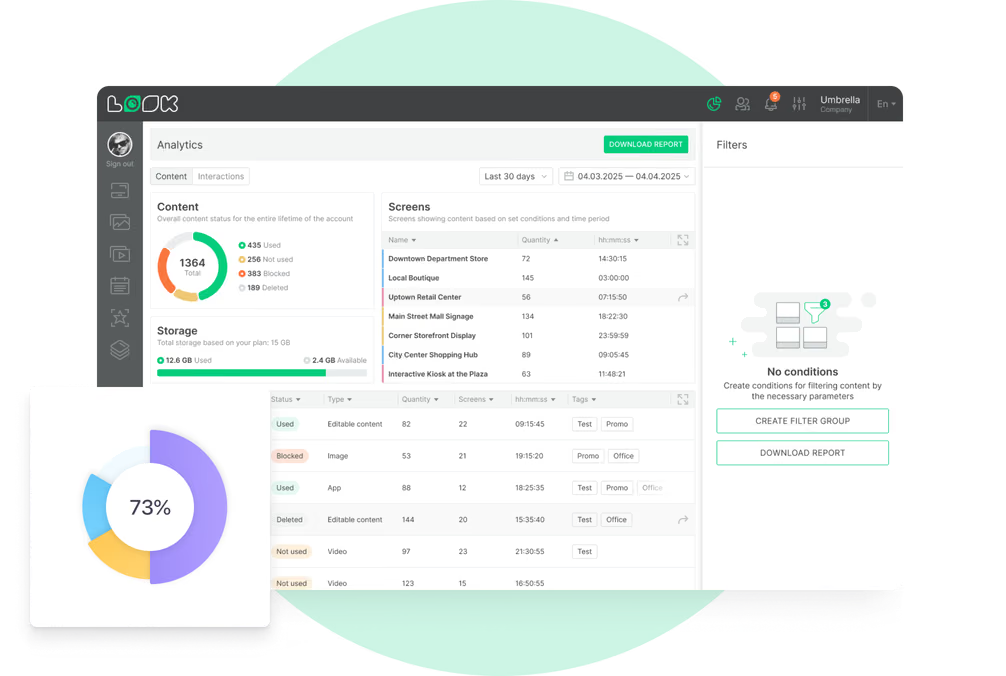
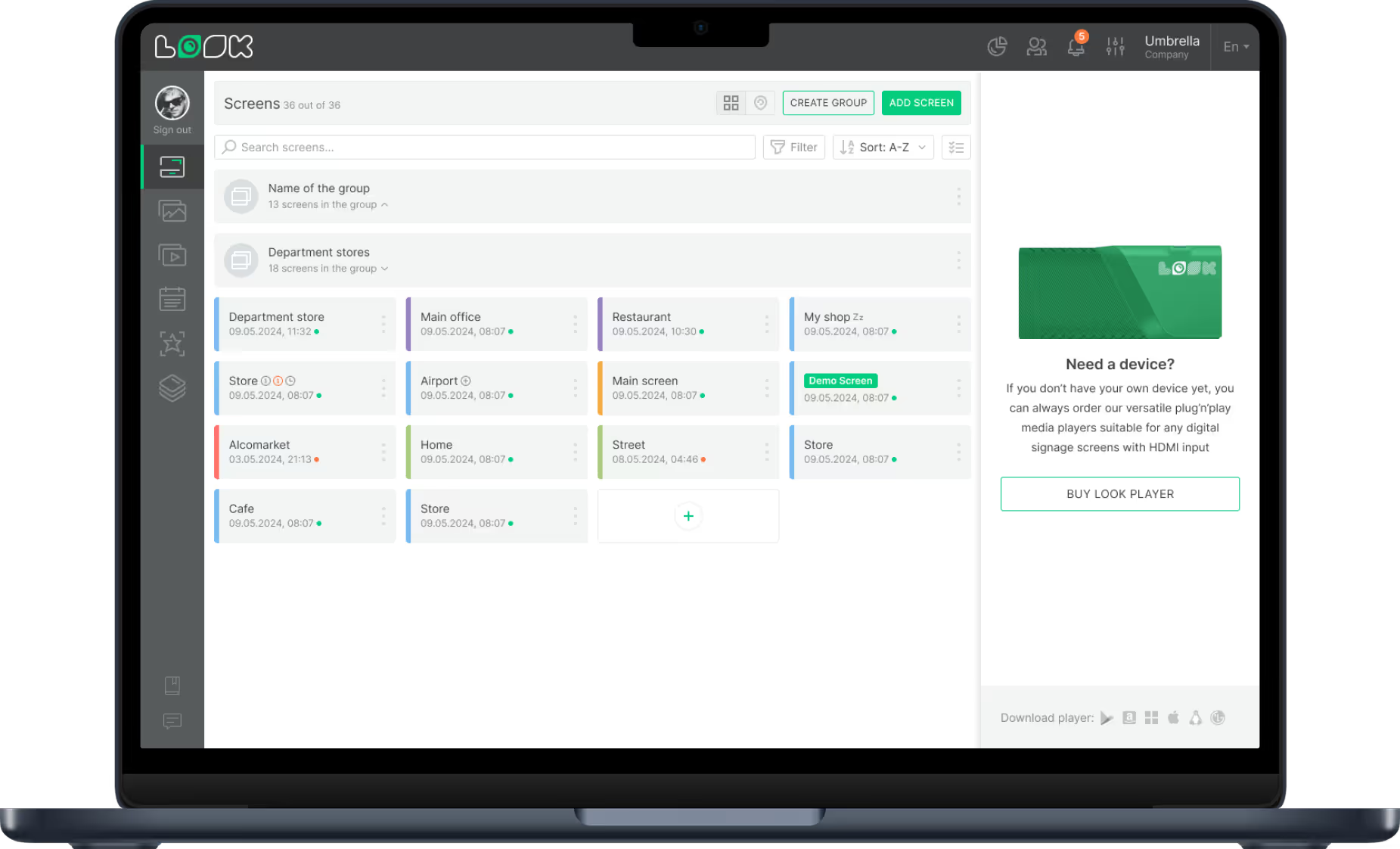
Supermarket digital signage uses a combination of screens and software to display content. You need a screen (like a TV or professional display), a media player (hardware that connects the screen to the internet), and a Content Management System (CMS). Ideally, you want a cloud-based solution like Look Digital Signage. This allows you to upload media, build a playlist, and publish it to every screen in your network from a single dashboard.

Modern systems are designed to be simple. You can connect screens to your inventory or Point of Sale (POS) systems. This ensures that if a product runs out of stock, the screen stops advertising it. It also keeps pricing consistent between the shelf and the register, removing a common frustration for shoppers.

Types of displays for grocery stores
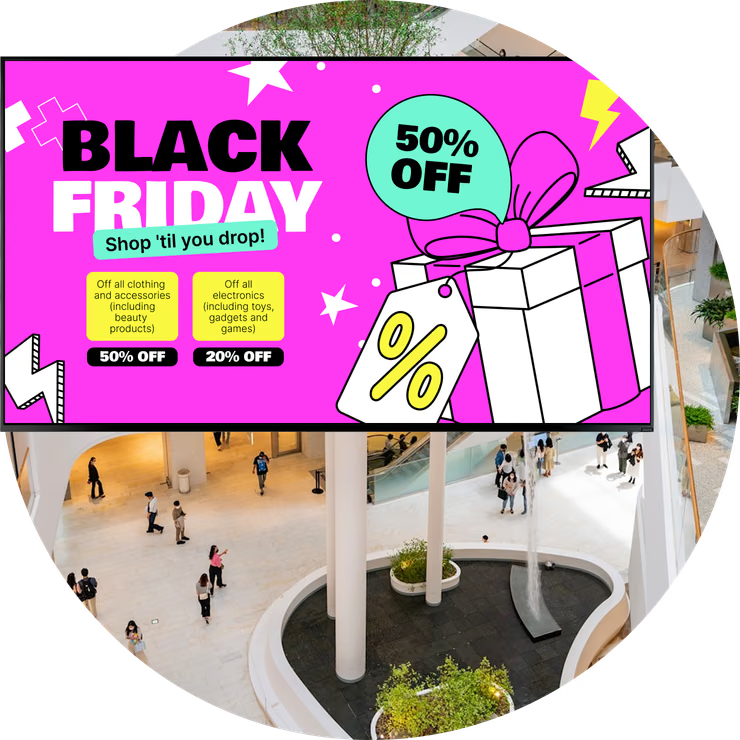
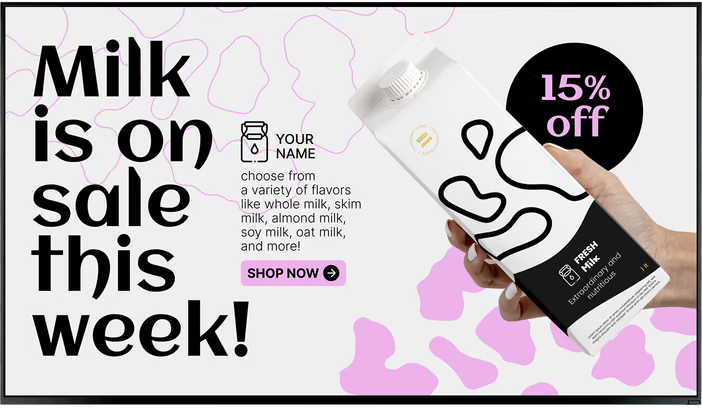
Different areas of your store have different needs. Entrance screens often use video walls to welcome shoppers and highlight weekly specials. Digital end caps sit at the end of aisles to push high-margin items. On the shelves, smaller digital price tags can display nutrition info or QR codes.
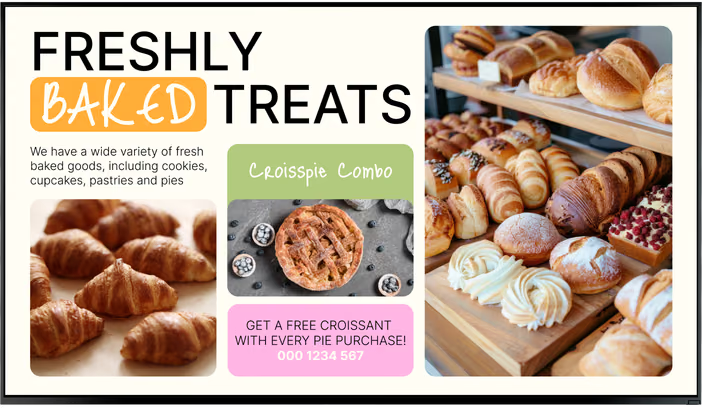
In service areas like the bakery or butcher counter, digital menu boards allow you to change prices or remove sold-out items instantly. At the checkout, smaller screens can reduce the perceived wait time by showing entertainment, news, or reminders for last-minute impulse buys.

Why use digital signage in supermarkets?
Increase engagement and basket size
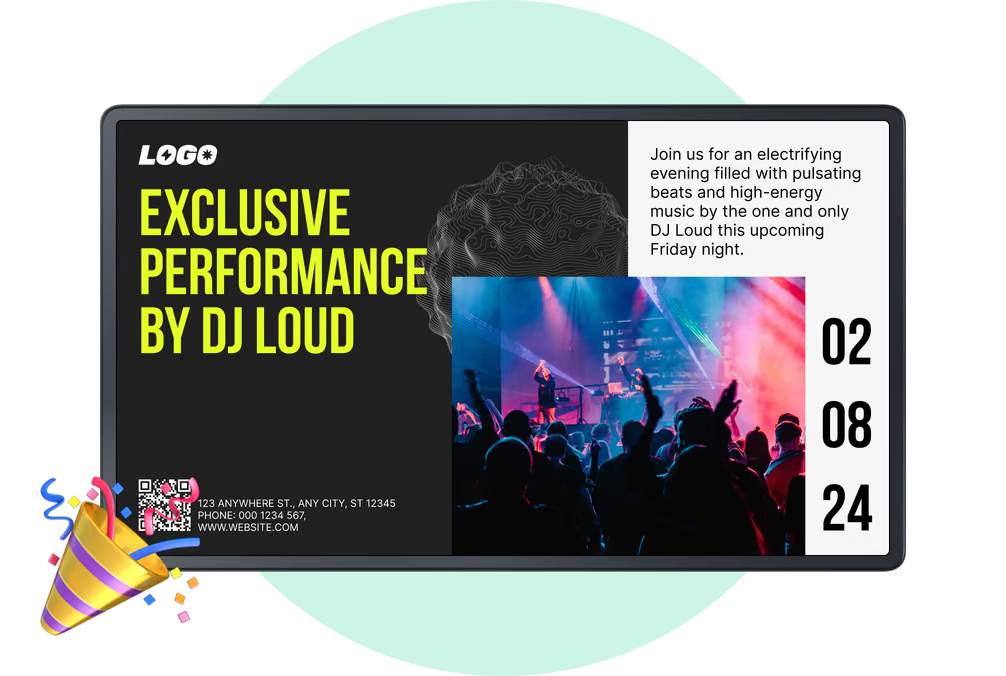
Static posters are easy to ignore, but moving screens catch the eye. High-definition images make fresh produce or hot meals look more appealing. By placing screens near high-profit items, you can influence impulse decisions. For example, a screen promoting a meal deal near the entrance can encourage a shopper to buy all the ingredients for a specific recipe.

Save time with remote management
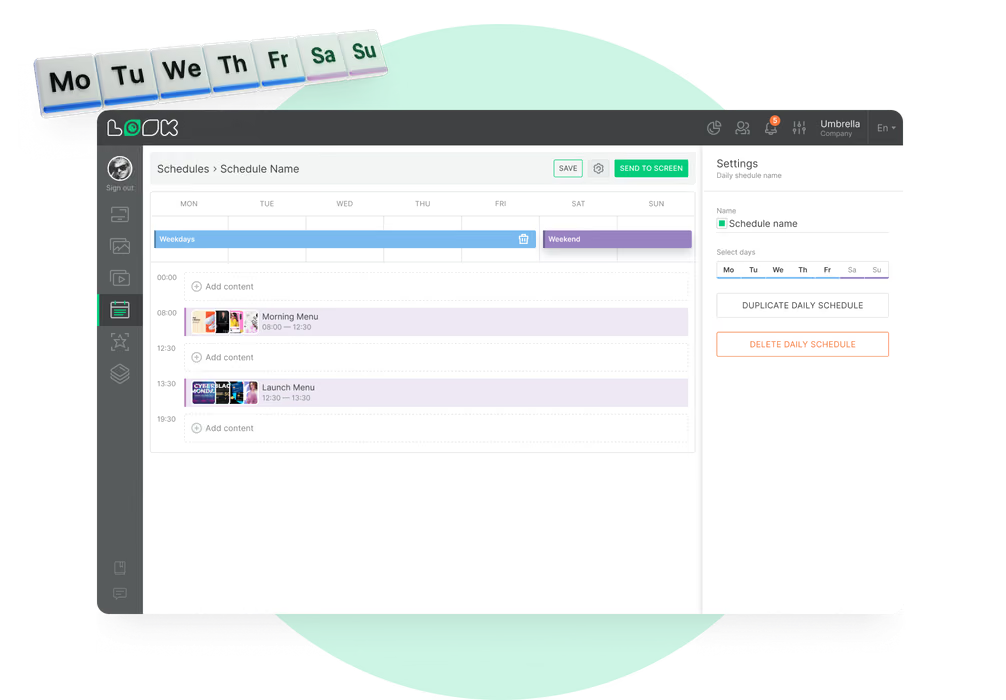
The biggest operational benefit is efficiency. Instead of staff spending hours swapping out paper tags and posters, you can update thousands of screens in minutes from anywhere. With tools like Look CMS, you can use smart scheduling to automate content changes. You might show breakfast items in the morning and dinner specials after 4:00 PM (dayparting) without manual intervention.
Improve the customer experience
Digital signage helps remove friction from the shopping trip. Wayfinding screens help customers locate obscure items quickly, reducing frustration. Checkout screens keep shoppers occupied while they wait. Clear, readable displays that show accurate pricing build trust and make the store feel modern and organized.

Reliable communication and safety
Screens are also vital for internal communication and safety. You can use them to display hygiene reminders, emergency exits, or store policies. Because the system is cloud-based, you can override scheduled content instantly to display urgent alerts if necessary.
Best practices for effective supermarket digital signage
Place screens where decisions happen
To get a return on investment (ROI), placement is key. Put screens in high-traffic zones where shoppers pause to make decisions. Entrances are great for awareness, while shelf-edge screens work best for detailed product info. Avoid placing screens too high or behind hanging signs where they might be blocked.
Use scheduling for relevant promotions
Content should match the context. Use smart scheduling features to align messages with the time of day, day of the week, or weather. If it is raining, you might schedule promotions for comfort food. If you have a surplus of fresh goods, you can run a "flash sale" instantly to reduce waste. Adding countdown timers for these deals creates urgency and encourages quick sales.
Help shoppers find their way
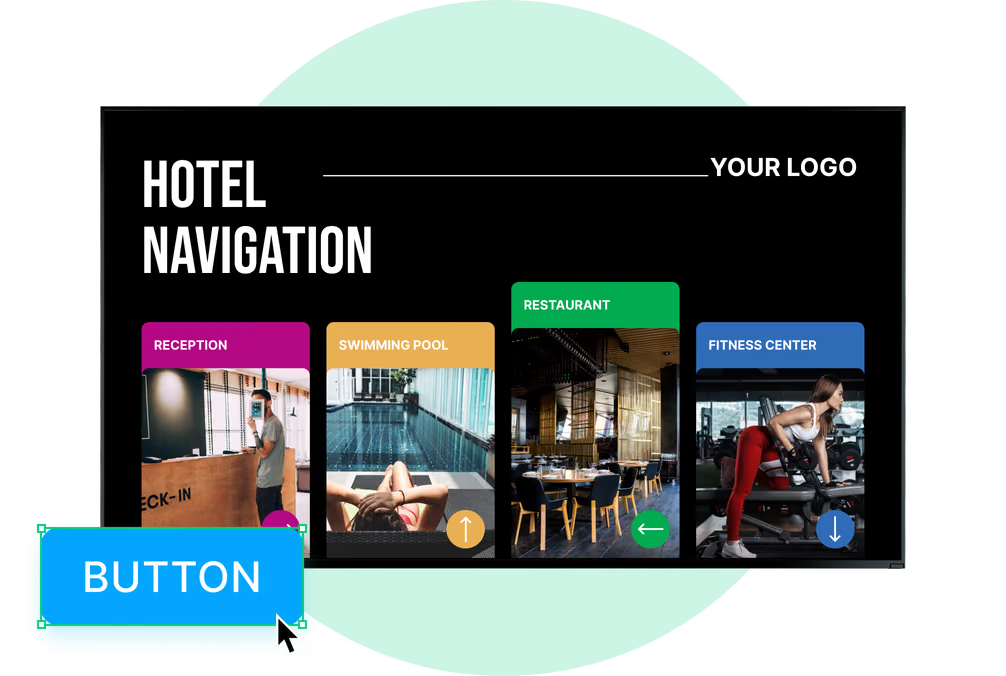
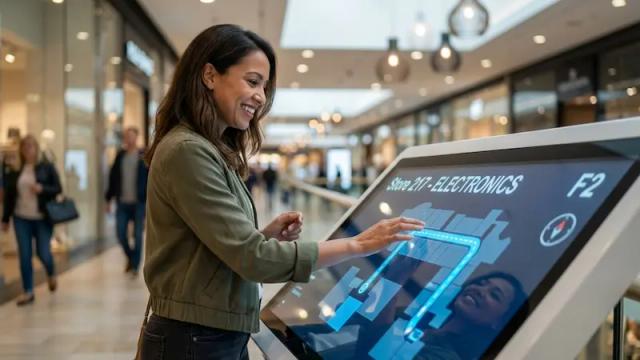
Large supermarkets can be confusing. Use screens to show digital aisle directories. You can use screen layouts to split the display: one zone shows a map of the store, while another zone promotes products. This adds value to the shopper’s visit by saving them time.

Inspire with recipes and pairings
Many shoppers enter the store without a meal plan. Help them by displaying simple recipes. A screen in the pasta aisle could show a quick video on making a sauce, listing the ingredients found on nearby shelves. This strategy, known as cross-merchandising, helps increase the average transaction value.

Keep content fresh with templates
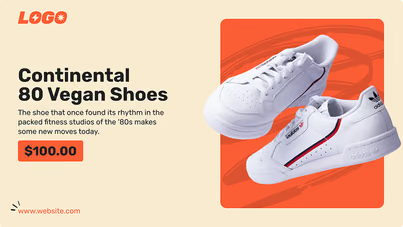
Content needs to look professional, but you don't always have a graphic designer on hand. Platforms like Look Digital Signage offer ready-made templates and an AI Wizard to help you create branded visuals quickly. Using templates ensures your font sizes are readable and your colors match your brand identity across all locations.
Integrate social proof
Connect your digital screens to your online presence. You can use Look Apps to display social media feeds or positive reviews. Seeing a "top-rated" badge or a customer photo can reassure shoppers and validate their choice to buy a new product. Encouraging customers to tag the store for a chance to be featured builds community.
Ensure reliability with offline playback
Internet connections can sometimes drop, but your screens shouldn't go dark. Choose software that supports offline playback. This feature downloads your playlist to the media player's local storage. If the internet fails, your screens keep playing content seamlessly, ensuring your store always looks professional.

Design tips for clear communication
Keep it simple and legible
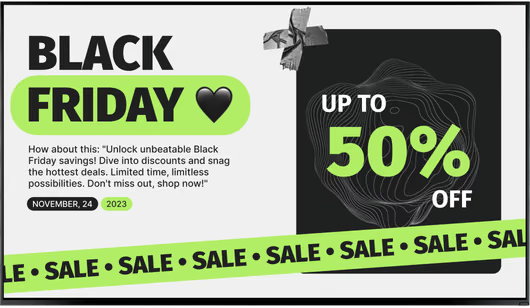
Supermarket environments are busy. Your text needs to be readable at a glance. Use high-contrast colors (like dark text on a light background) and simple, sans-serif fonts. Avoid clutter. A screen should deliver one main message or offer clearly.
Use motion wisely
Motion grabs attention, but too much can be distracting. Use subtle animations or slide transitions. If you use video, keep clips short (5-10 seconds). The goal is to highlight the product, not to distract the shopper from filling their cart.
Include a clear call to action (CTA)
Tell the customer what to do next. Phrases like "Pick up here," "Scan for recipe," or "Ask for a sample" are effective. QR codes are excellent for connecting physical shoppers to digital assets, like loyalty app downloads or detailed allergen information.
Choosing the right solution: Why Look Digital Signage?
For supermarkets needing a balance of power and simplicity, Look Digital Signage is a strong fit. It is designed to help teams manage any screen, anytime, without complex IT setups.
Look DS is particularly suitable for grocery retail because of these core capabilities:
- Smart Scheduling: Automate your dayparting strategies (e.g., coffee in the morning, rotisserie chicken in the evening) to ensure relevance.
- Offline Playback: Keep your screens running smoothly even if store connectivity is unstable-a critical feature for maintaining a professional appearance.
- Screen Layouts: Split your screens into zones to show promotions, wayfinding maps, and weather updates simultaneously.
- Remote Management: Update prices and playlists across one location or hundreds of franchise stores in minutes from a central dashboard.
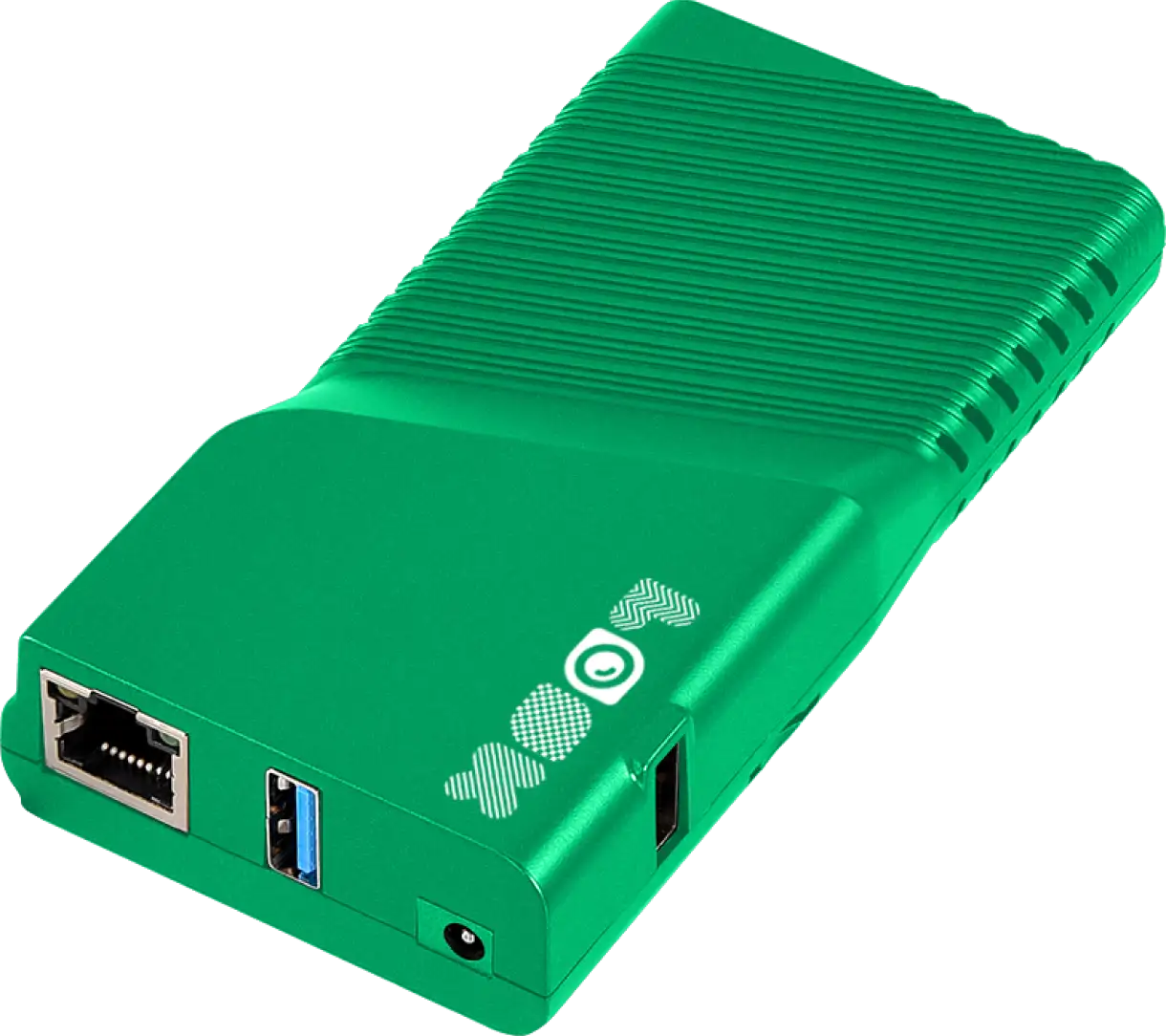
You can use the Look App on supported screens you already own, or use the Look HDMI Player for a simple plug-and-play setup.

Future trends in retail signage
Personalization and AI
The future of supermarket signage lies in data. New tools are using AI to analyze general foot traffic patterns to optimize what content plays when. While privacy is paramount, anonymous data can help stores understand which areas get the most attention and adjust their playlists to maximize exposure for key products.
Interactive experiences
We will see more interactivity, such as "lift-and-learn" technology. When a customer picks up a product, a sensor triggers the screen to display specific details about that item. This bridges the gap between the physical product and digital information.
Frequently asked questions
Can I connect digital signage to my POS system?
Yes. Look Digital Signage offers integrations via API that can connect with external data sources. This allows you to display real-time pricing and automatically remove items from playlists when inventory runs low.
How do I create content if I am not a designer?
You don't need to be a pro. You can use the Content Creator inside the Look CMS. It allows you to build slides using drag-and-drop tools, or you can start with ready-made templates designed for retail environments.
Does it work if the internet goes down?
If you use a solution with offline playback, like Look DS, yes. The media player caches the content locally, so your playlists continue to run without interruption during internet outages.
By moving to digital signage, supermarkets can operate more efficiently and create a shopping environment that feels modern and helpful. Whether you are running a single local grocer or a large chain, the ability to control your messaging from anywhere is a powerful way to drive sales and reduce waste.