Content Creator List of Layers
In the Sidebar Settings Panel, on the Layers tab, you can see a list of all layers and widgets according to their hierarchy. If a widget or layer is shifted to the right relative to the whole list and is connected by a vertical line, it means that the widget or layer is nested inside another layer.
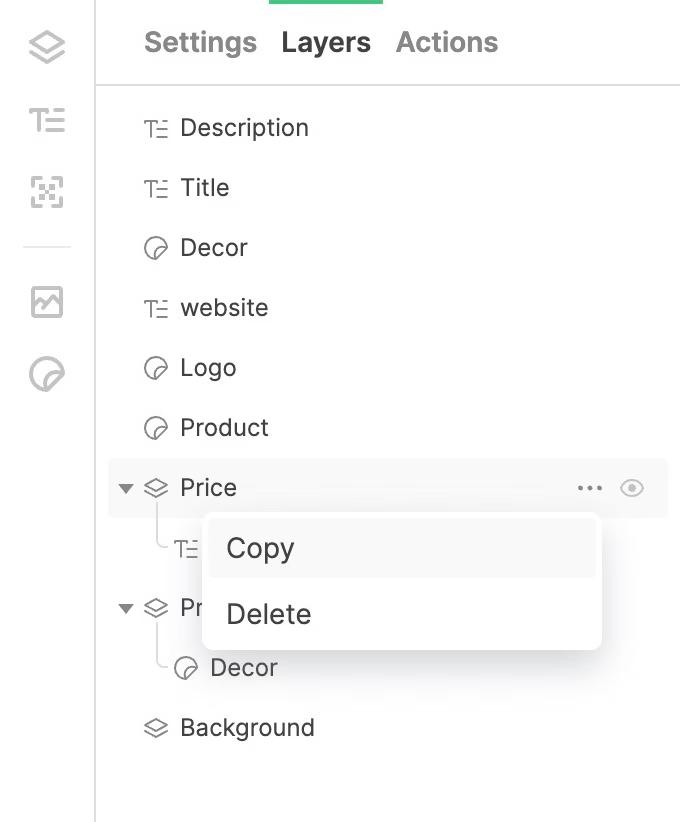
When you hover over a list item, you can expand a drop-down menu that can be used to copy or delete a widget or layer. To rename a layer or widget, double-click its name in the list to enter edit mode. In the Layers panel, you can change the hierarchy of layers and widgets by dragging and holding LKM (left mouse button).
If you click on the Eye icon next to the name of the layer or widget, the object will be hidden from the layout. Clicking on this icon again will make the object visible again.