Content Creator QR code
This widget allows you to generate a unique QR code for a specific screen or an individual layer of a layout.
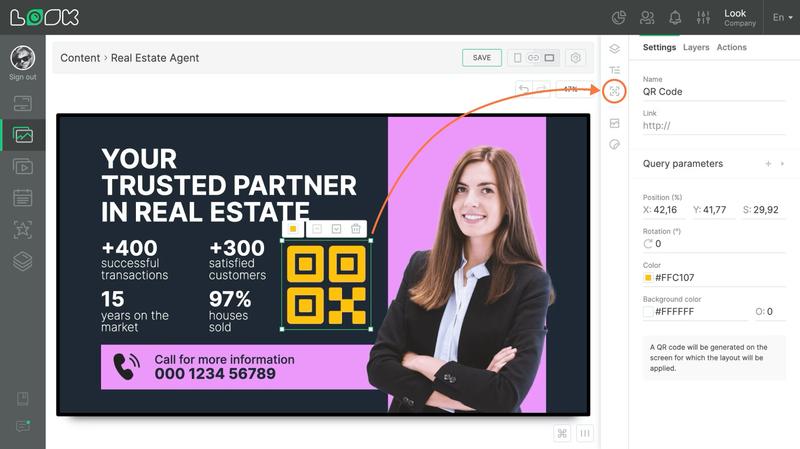
How to add and configure a QR code
- Click the QR icon in the toolbar or use the Q hotkey to insert the widget into your layout.
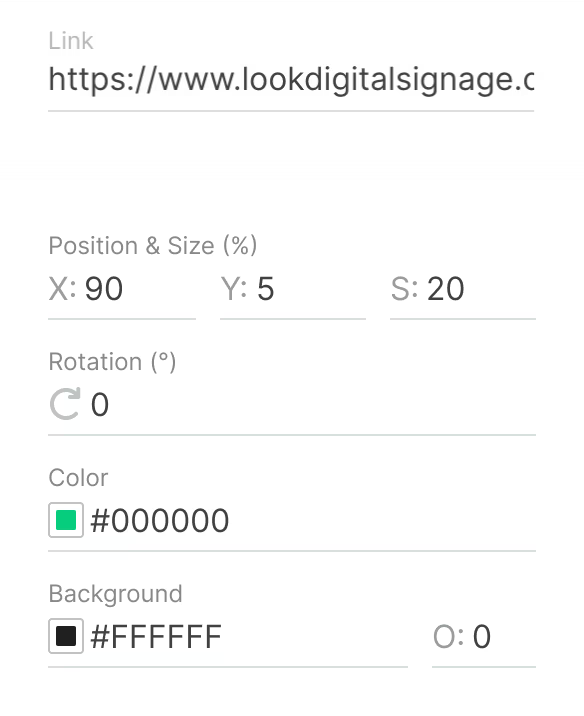
- In the settings panel, add the link and adjust the visual style of the code.
- If needed, configure tracking parameters:
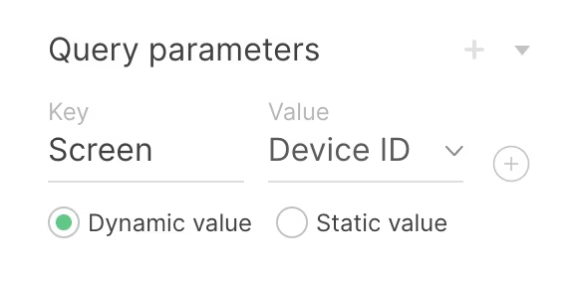
- Dynamic parameters let you identify which screen the link was opened from.
- Static parameters allow you to add your own custom values for analytics.
Note: In the Look CMS editor, only a placeholder icon of the QR code is displayed for configuration. The actual QR code will be generated directly on the screen where the layout is applied.
Can't find your answer?
Contact Support