Content Creator Settings
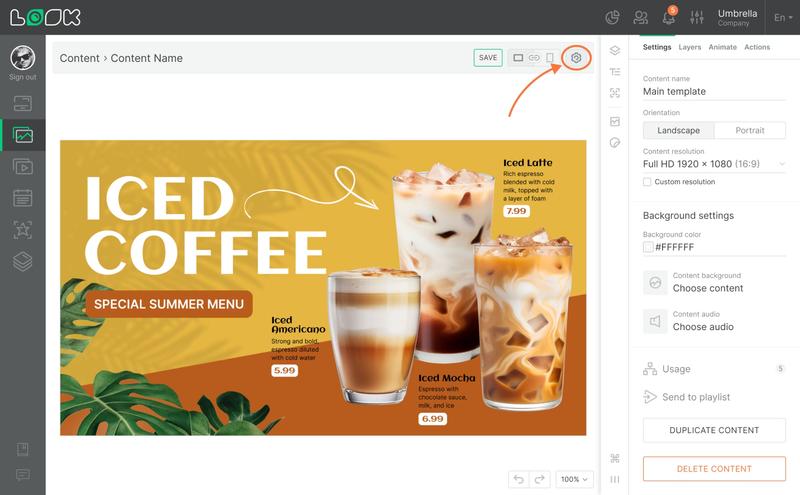
- To open the main settings of your content, click the gear icon in the content creator navigation panel.
- In the top section, you can set the content name and choose the artboard resolution. The dropdown includes the most common screen resolutions as well as resolutions of the screens already connected to your system. Select Custom resolution below the list if you want to set your own values and enter them manually.
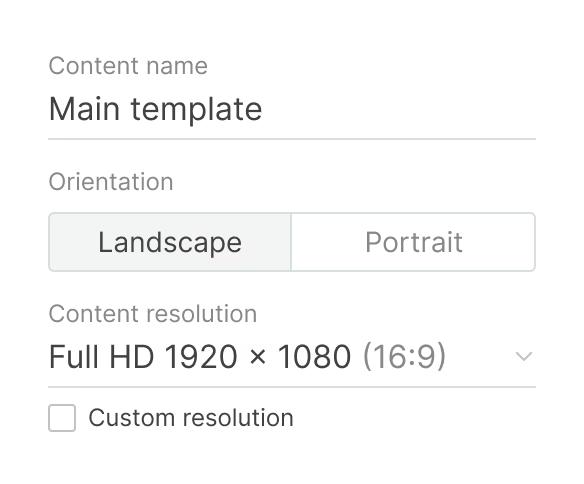
For best results, match the resolution to the screen where your content will be displayed. This way, everything looks exactly as designed.
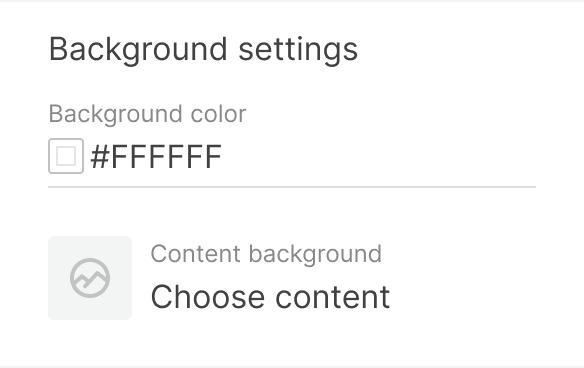
- In the Background settings, you can set a background color or upload background media (an image or video from the Media library).
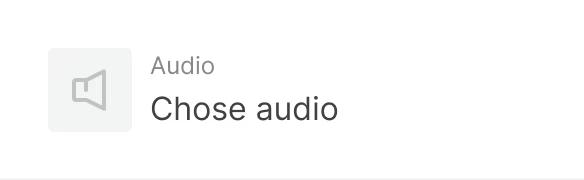
- You can also add background audio to your content.
- Use the Usage or Send to playlist options to quickly overwrite, remove, or send your content to a playlist.
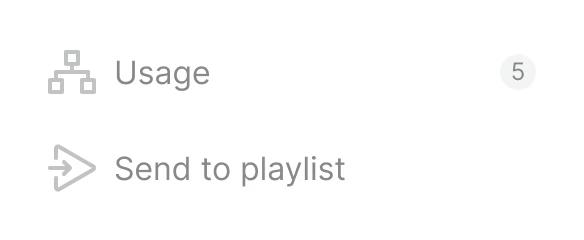
- At the bottom of the settings panel, you’ll find additional actions:
- Duplicate content — creates a copy of your content.
- Delete content — permanently removes your content from the system.
Can't find your answer?
Contact Support