

Table of Content
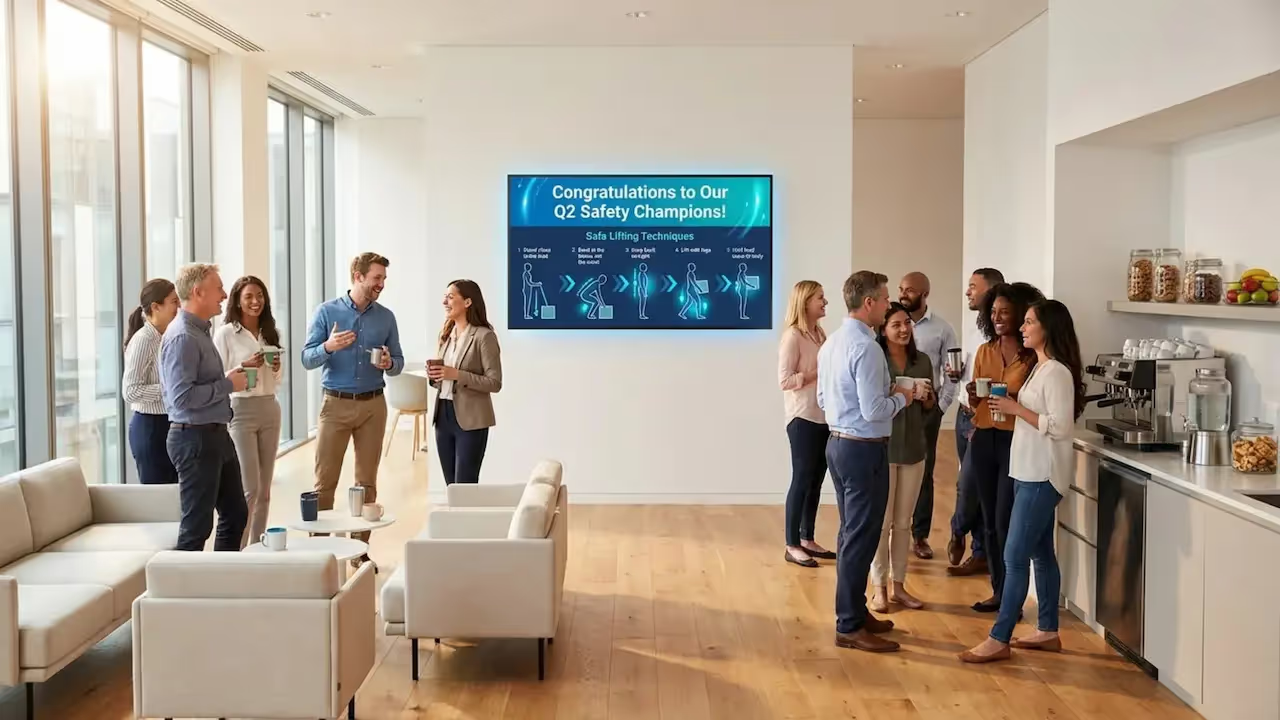
How can you ensure safety protocols are actually seen rather than ignored in a busy workplace? Breakroom safety messages with digital signage offer the answer by placing critical updates exactly where your team pauses to rest. Unlike static posters that fade into the background, digital screens use motion and bright visuals to keep safety rules, hazard awareness, and wellness tips fresh, engaging, and impossible to miss.
These screens serve as a central hub for company culture and real-time alerts. In environments where deskless workers rarely check email, a breakroom screen effectively bridges the communication gap. Whether sharing a quick refresher on lifting techniques or an urgent building alert, digital signage presents information in a visual, digestible format that staff can absorb quickly while grabbing a coffee.
What Are Breakroom Safety Messages With Digital Signage?
How Digital Signage Changes Safety Communication
Workplace safety often struggles with “poster fatigue.” We have all seen the faded sheets taped to a wall that no one has read in months. Digital signage solves this by introducing movement and variety. Since the human eye is naturally drawn to motion, a dynamic screen grabs attention, ensuring safety messages are actively viewed rather than ignored as background noise.
This technology allows you to break complex information into bite-sized pieces. Instead of overwhelming staff with a long list of regulations, digital signage displays focused tips throughout the day. This aligns with how people consume modern media. A worker is far more likely to retain a single, clear graphic about PPE than a dense policy document. By rotating content, the display stays fresh, preventing the mental tune-out common with static boards.
Types of Safety Messages Displayed in Breakrooms
Digital displays can handle a wide range of safety content. At a fundamental level, screens can display mandatory warnings, fire exit routes, and chemical handling procedures. However, the breakroom setting allows for more approachable content, such as ergonomic tips, hydration reminders during hot shifts, and stress-relief techniques to support mental well-being.
These screens also support social proof and real-time data. You might display a live “Days Without Incident” counter to foster team accountability or highlight an employee who identified a hazard. By balancing urgent alerts with positive recognition and wellness advice, digital signage becomes a comprehensive resource for a safer work environment.

Why Use Digital Signage for Breakroom Safety Messages?
Benefits Compared to Traditional Posters
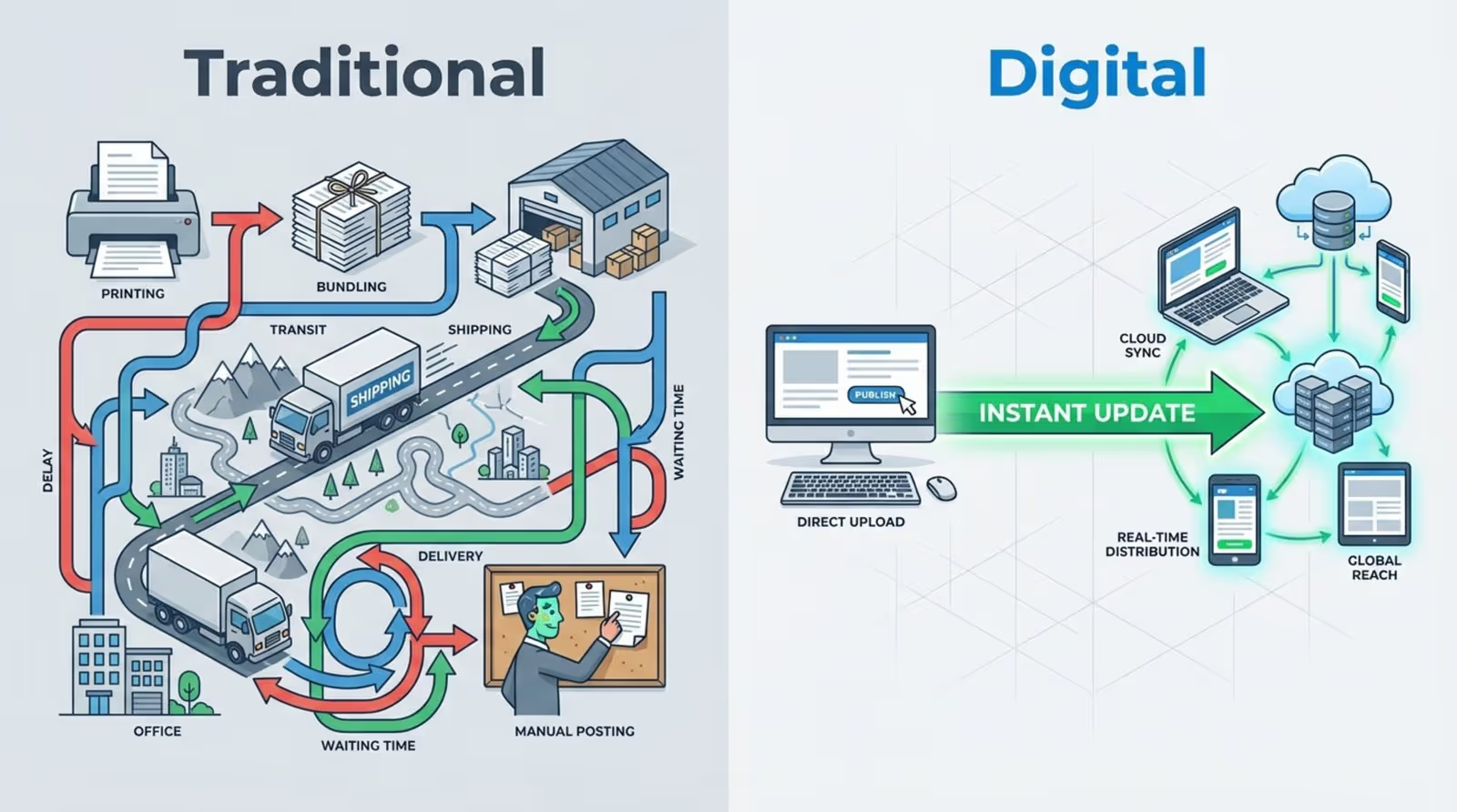
The primary advantage of digital signage is the ability to update content in minutes from anywhere. Safety managers no longer need to print, ship, and physically post notices across multiple locations. With a cloud-based platform like Look Digital Signage, you can push updates to every screen in your facility-or across a global network-instantly. This ensures instructions are always current and eliminates the risk of outdated information remaining on the wall.
Digital screens also offer unlimited “space.” While a bulletin board has physical limits, a digital playlist can rotate through dozens of messages. You can cover diverse topics during a single lunch break, from forklift safety to hygiene protocols. Because the content cycles, you can use large text and bold visuals that are readable from a distance, ensuring clarity even in a crowded room.
Increased Employee Engagement and Attention
Visuals process faster than text, and dynamic imagery increases the likelihood of reading. Digital signage leverages this with photos, animations, and short videos. A brief clip demonstrating proper safety gear usage is more memorable than a text checklist. The modern, professional format also reflects a company culture that prioritizes clear, high-quality communication.
Engagement increases naturally during “dwell time.” When staff are waiting for a microwave or eating lunch, they look for visual stimuli. By mixing safety tips with utility content like weather forecasts or news, you create a display people want to watch. Employees check the screen for the forecast and inevitably absorb the safety reminders sandwiched between the updates.
Real-Time Updates and Dynamic Content Delivery
Conditions in industrial and corporate environments change rapidly. Digital signage enables “breaking news” style safety alerts. If a machine undergoes emergency maintenance or severe weather approaches, breakroom screens can switch to high-priority warnings immediately. This speed is critical for preventing incidents by reaching employees during their natural downtime.
Content can also be scheduled for specific shifts. You might display pre-shift equipment check reminders in the morning, while night crews see messages regarding fatigue management and lighting awareness. Tools like Smart Scheduling in Look CMS allow you to target these messages precisely, making them relevant to the specific audience in the room at that time.
Encouraging a Culture of Safety and Compliance
Investing in digital signage signals that safety is a core operational value. Daily exposure to professional safety messaging reinforces that the organization takes prevention serious. Consistent repetition helps transition safety from a topic discussed only during annual training to a part of daily conversation.
Transparency also drives compliance. By displaying key safety metrics, you invite employees to take ownership of their environment. Seeing public progress toward safety goals builds a shared sense of responsibility. Safety becomes a collective effort that is visible, trackable, and celebrated.
What Safety Information Can Be Shared in Breakroom Digital Displays?
Workplace Safety Reminders and Procedures
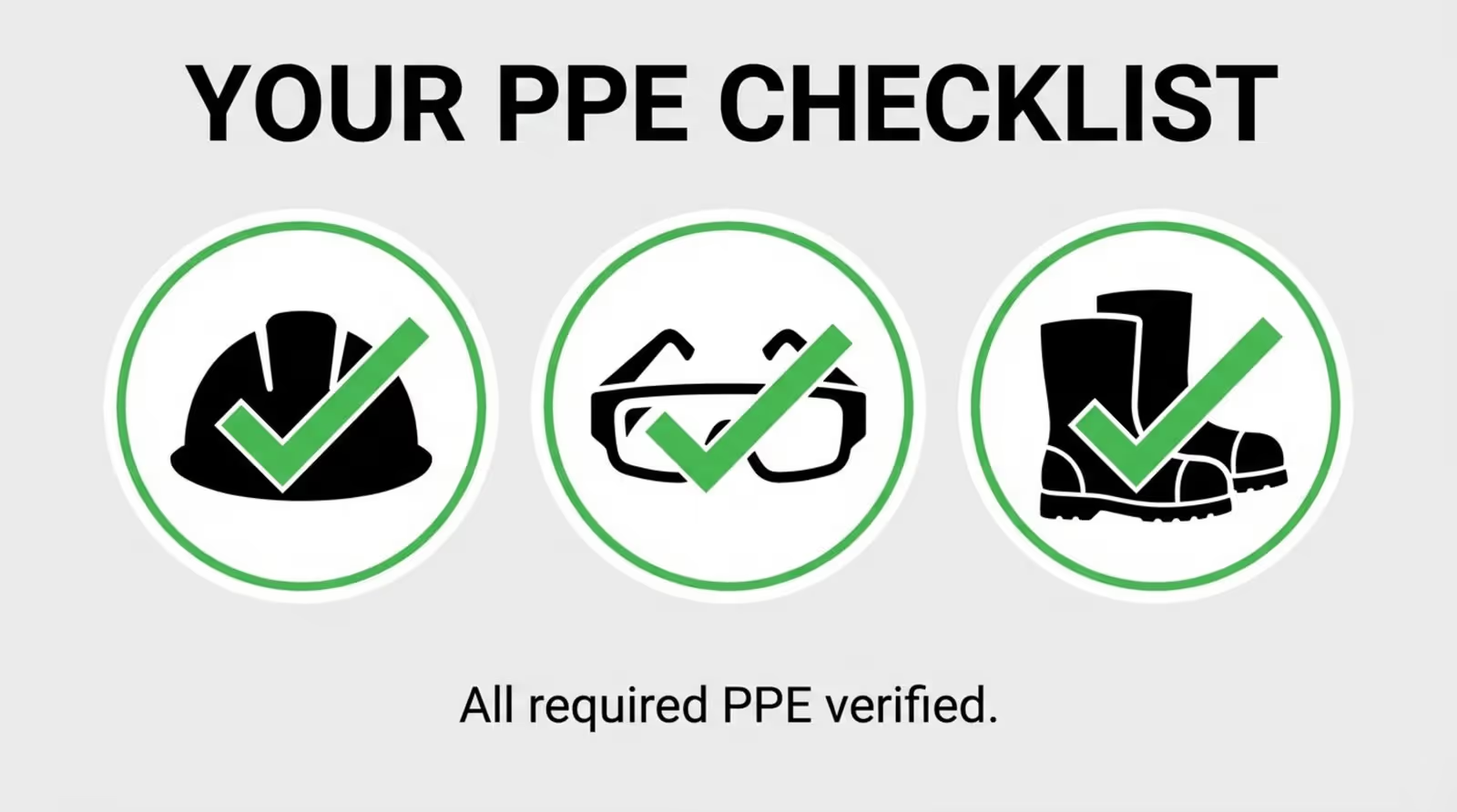
The most common use of breakroom screens is reinforcing standard operating procedures. This includes reminders for Personal Protective Equipment (PPE) like hard hats, safety glasses, and hearing protection. Rather than a generic “Wear PPE” sign, digital slides can visually demonstrate the consequences of non-compliance or show correct usage. These visual cues help prevent complacency among long-term staff and reinforce training for new hires.
Beyond PPE, you can visualize workflows for tasks such as ladder safety, lockout-tagout (LOTO), and chemical storage. Turning dense manuals into simple visual steps transforms signage into an ongoing training tool. With features like Look CMS ready-made templates, you can quickly format these procedures into professional slides without needing a graphic designer.
Incident Reporting and Emergency Instructions
When an accident or near-miss occurs, clarity is vital. Digital signage can display exact reporting protocols, including contact names and required forms. Easy access to this information encourages reporting, providing management with better data to mitigate future risks. You can even include QR codes that link directly to mobile reporting forms.
Emergency preparedness is equally critical. During drills or actual events, screens can display exit maps, assembly points, and specific instructions for fire, weather, or security scenarios. Because content can be managed remotely, you can update directions in real-time, guiding staff away from hazards and toward safety.

Health, Hygiene, and Wellness Tips
Safety extends to general health. Breakrooms are ideal for displaying hygiene reminders, such as proper handwashing techniques or seasonal flu prevention. In industrial settings, you might highlight hydration during summer months or warm-up stretches before physical labor. These proactive health messages help reduce absenteeism and support a robust workforce.
Wellness content should also address mental health. Topics like stress management, the importance of taking breaks, and ergonomic adjustments demonstrate care for employee well-being. Simple prompts to adjust a chair or take a breathing break can improve morale and job satisfaction.
Periodic Safety Announcements and Policy Changes
Communicating policy updates via email often results in low open rates. Digital signage provides a high-visibility channel for these changes. A “Policy Spotlight” can run for a week, explaining new rules in simple terms and highlighting necessary actions. This ensures consistent messaging across the organization.
Operational announcements are also streamlined. If a specific area is closed for cleaning or power maintenance is scheduled, screens can inform all shifts in advance. This upfront communication minimizes confusion and ensures safety precautions are observed.
Recognition of Safety Success and Compliance
Positive reinforcement drives behavior. Use digital signage to celebrate individuals or teams achieving safety milestones, such as a year without recordable injuries. Displaying team photos, quotes, and public appreciation builds pride and morale. Public recognition often carries more weight than private feedback.
Highlighting “Safety Champions”-employees who identified hazards or completed advanced training-provides peers with positive role models. This shifts the focus from punitive compliance to achievement and leadership, fostering a proactive safety culture.
How Does Digital Signage Support OSHA and Regulatory Compliance?
OSHA Digital Signage Requirements for Workplace Safety
OSHA standards, such as 29 CFR 1910.145, define specific requirements for safety signage. While digital signage is modern, it must support these fundamental rules. This includes adhering to standard color codes: Red for Danger, Orange for Warning, and Yellow for Caution. Digital screens excel here, as their backlit nature ensures colors are vivid and attention-grabbing.
OSHA also mandates that signs remain legible from a safe distance. In the breakroom, digital signage acts as a powerful supplement to mandatory physical signage on the production floor. By displaying OSHA-compliant graphics and symbols on screens, you reinforce recognition, ensuring employees instinctively understand these warnings when they encounter them in hazardous areas.

Digital Signage Versus Static Signs: Compliance Pros and Cons
A significant compliance advantage of digital signage is the ability to audit communication. Platforms like Look Digital Signage offer Proof-of-Play and monitoring features, which log exactly when specific safety messages were displayed. In the event of an OSHA inspection or incident investigation, these logs provide data-backed evidence that safety information was communicated regularly.
One consideration is reliance on power and hardware. If a screen fails, the message is lost. Therefore, digital signage should complement, not replace, permanent physical signage for critical, unchanging hazards like high voltage areas or fire exits. However, for dynamic conditions, such as temporary forklift traffic patterns, digital signage offers superior flexibility and accuracy.
Best Practices for Breakroom Safety Message Design
Design Principles for Maximum Impact
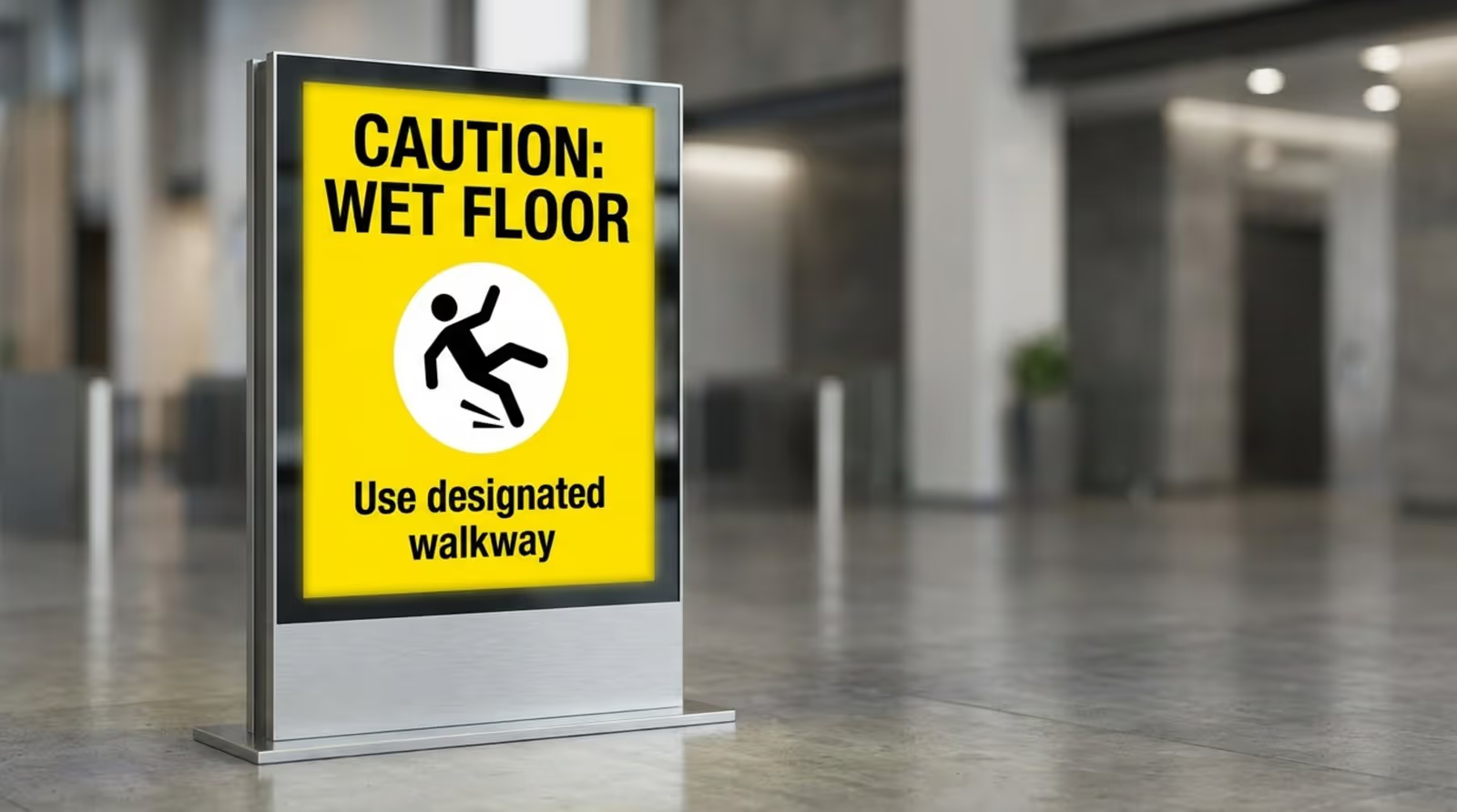
Effective safety messages must be grasped instantly. A useful guideline is the “3x5 rule”: limit text to three lines of five words, or five lines of three words. One clear idea per slide ensures retention. High-contrast color schemes, such as black text on yellow backgrounds, improve readability for all employees, including those with vision impairments.
Avoid cluttered layouts. Every element on the screen should support the core message. Use bold, legible fonts and ensure the most critical words are the largest. Since the breakroom is a relaxation zone, the design should be clean and approachable rather than chaotic.
Recommended Layouts and Visual Hierarchy
Visual hierarchy guides the viewer’s eye. A standard layout places a large headline at the top, a central graphic or video, and a call-to-action (like a QR code) at the bottom. Consistent layouts help employees process information quickly. Look CMS includes a Screen Layouts builder that allows you to structure these zones easily.
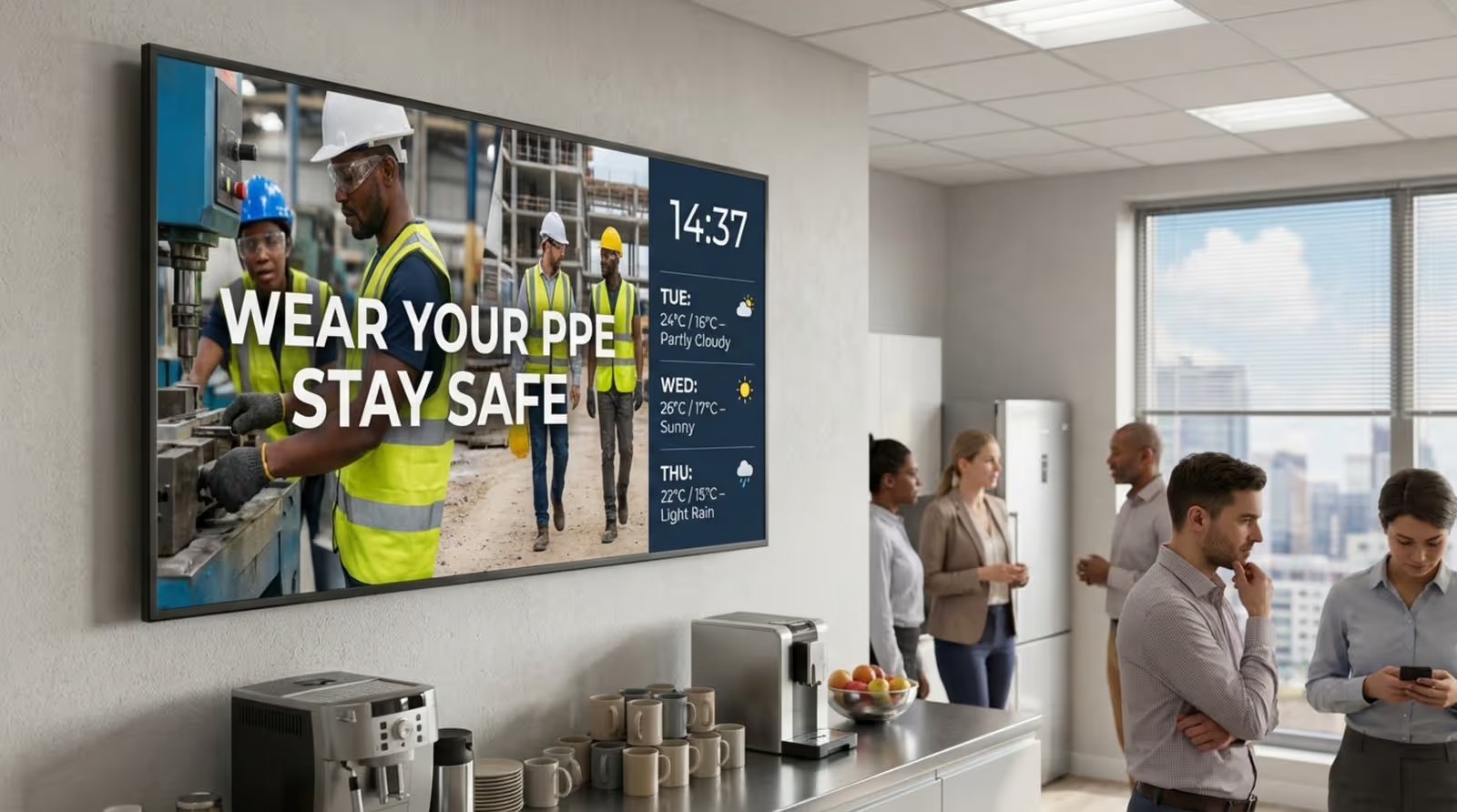
Split-screen layouts are also effective. You might dedicate 75% of the screen to safety messaging and 25% to a sidebar displaying time, date, or weather. The utility content attracts the eye, while the safety message remains the primary focus. Keeping the design simple prevents visual fatigue.
Incorporating Multilingual and Inclusive Messaging
For diverse workforces, digital signage facilitates multilingual communication. Unlike static posters that require multiple printed versions, a digital playlist can rotate the same safety tip in English, Spanish, Polish, or other relevant languages. This ensures equitable access to safety information.
Inclusive design also accounts for color blindness. Never rely solely on color to convey danger. Pair red indicators with text labels like “DANGER” or standardized icons. Look Digital Signage supports varied content formats, allowing you to use universally understood pictograms to bridge language and literacy gaps.
Selecting and Implementing Digital Signage Solutions
Key Features to Look for in Breakroom Digital Signage
When selecting a system, prioritize ease of use and reliability. Look Digital Signage is a strong fit for safety teams because it combines a user-friendly cloud interface with robust playback features. Key capabilities to look for include:
- Templates and Content Creation: Tools like the Content Creator and Look AI Wizard allow non-technical staff to generate professional safety slides in minutes.
- Offline Playback: Safety messaging must be reliable. Look DS caches content locally, ensuring screens keep playing even if the internet connection drops-critical for emergency preparedness.
- Remote Management: The ability to update every screen from a central dashboard ensures consistent messaging across multiple sites.
Integration capabilities are also valuable. Look DS supports Integrations via API or Zapier, allowing you to automate content, such as triggering a specific screen layout when an internal alarm system is activated.
Steps for Smooth Deployment and Ongoing Management
Start by identifying high-traffic locations. Mount screens at eye level near coffee stations, microwaves, or exits. Ensure each spot has power and network access. If you have existing hardware, the Look App can likely run on it; otherwise, the Look Player provides a plug-and-play solution for quick setup.
Develop a content strategy to prevent staleness. Rotate themes weekly or monthly-for example, dedicating one week to fire safety and the next to ergonomics. Update visuals regularly; even changing the background color of a slide can re-engage attention.
Integrating Feedback and Measuring Effectiveness
To validate your strategy, gather employee feedback. Use the screens to prompt short surveys via QR code, asking questions like “Was this week’s safety tip useful?” Monitor safety KPIs such as injury rates or near-miss reporting. An increase in reporting or PPE compliance often correlates with improved communication.
Encourage participation by allowing staff to submit content. Displaying photos from recent training sessions or peer-to-peer recognition makes the screens feel like a community asset. When employees see themselves represented, they pay closer attention to the entire loop, including the safety protocols.
Breakroom Digital Signage Success Stories
Case Study: Improving Safety Communication in Manufacturing
In the manufacturing sector, visual communication is critical. One industrial facility implemented a digital signage network to address the frequency of hand injuries. By installing large screens in breakrooms and near time clocks, they ran a dedicated campaign featuring high-quality videos on glove selection and tool safety. Following the deployment, the facility reported a noticeable drop in recordable hand injuries, attributing the success to the constant visual reinforcement that replaced infrequent safety talks.
The facility also utilized screens to display a real-time “Safety Leaderboard” between shifts. This gamification created friendly competition, encouraging teams to maintain the longest incident-free streak. Because the data was public and constantly updated, safety became a regular topic of breakroom conversation rather than a statistic hidden in a manager's office.
Employee Testimonials and Engagement Metrics
Feedback often highlights that digital signage makes the workspace feel modern and connected. Employees report that screens provide consistent visual cues that cut through the noise of a busy shift. The inclusion of company news and personal milestones alongside safety content humanizes the messaging, ensuring it isn't viewed solely as compliance enforcement.
Data support this anecdotal evidence. Sites using digital signage frequently show higher recall rates for safety messages compared to those relying on static posters. When safety tips are displayed dynamically, employees are far more likely to remember and apply them on the floor.
Future Trends for Breakroom Digital Safety Messaging
Interactive, Touchless, and Personalized Safety Displays
The future of safety signage is interactive. Touchless, gesture-based screens allow employees to browse safety manuals or access training modules without physical contact-ideal for hygiene-conscious environments. Interactive Scenarios in Look CMS allow you to build these experiences, enabling staff to navigate to specific safety resources on demand.
Proximity-based content is also emerging. Sensors could detect when a specific team enters the breakroom and trigger a playlist tailored to their specific hazards. This targeting increases relevance, transforming the screen from a passive display into a personalized safety assistant.
Potential of AI and Automation in Workplace Safety Messaging
Artificial Intelligence is streamlining content creation. Tools like the Look AI Wizard can already generate headlines and layouts, helping safety managers produce fresh content faster. In the future, AI could analyze incident data trends and automatically suggest relevant safety campaigns. If slip incidents rise during rainy weather, the system could prioritize floor safety warnings automatically.
Automation will also enhance localization. AI-driven translation ensures safety concepts are communicated accurately across languages, while A/B testing can determine which visual designs yield the best engagement. As these technologies evolve, breakroom screens will become increasingly responsive, adapting in real-time to keep the workforce informed and safe.







