
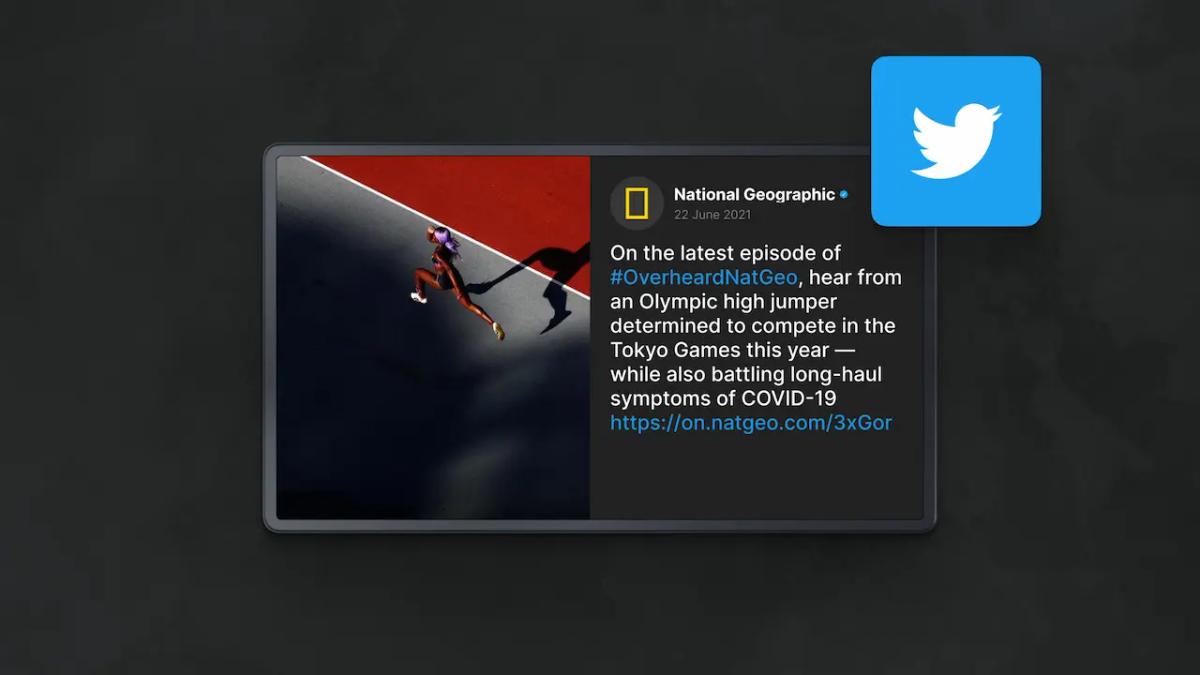
Table of Content
How can you bridge the gap between your physical location and online conversations? Displaying live Twitter (X) feeds on your digital signage turns passive screens into active social hubs, encouraging engagement and providing real-time updates. This guide explains why this strategy works and how to set it up in minutes.
Integrating social media with digital signage has become a standard practice for modern communication strategies. Whether you run a music festival, a retail store, or a corporate office, showing what people are saying right now adds "social proof" and energy that static slides cannot match. By understanding the practical benefits and the technical setup, organizations can significantly increase audience interaction.
What Is a Live Twitter Feed Display on Digital Signage?
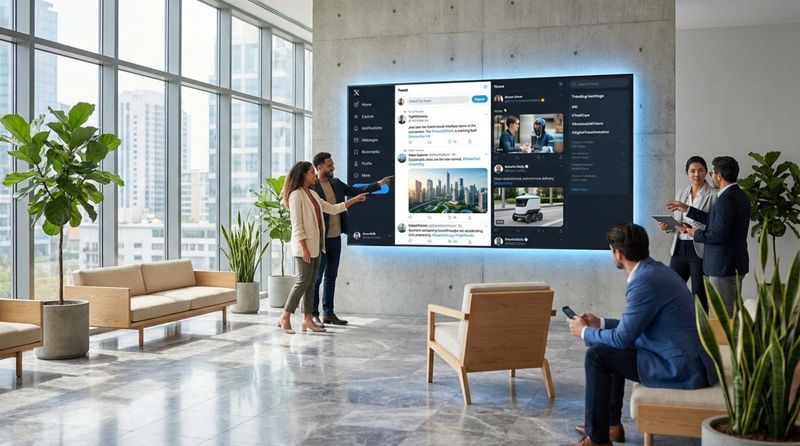
A live Twitter feed display, often called a "Twitter Wall" or "Social Media Wall," is a dynamic stream of content pulled from X (formerly Twitter). Unlike a static image or pre-recorded video, this feed updates in real time. It uses software to scan the platform based on specific rules-such as an event hashtag like #TechSummit or a specific user handle-and arranges those posts into a layout designed for large screens.
This typically works through a digital signage platform that connects to Twitter’s API. The system pulls in new tweets, photos, and videos as they are posted. Solutions like Look Digital Signage (Look DS) simplify this process with built-in apps, allowing teams to create a polished feed without complex setup. The result is a lively content stream that visualizes the pulse of your audience or industry.
Why Show Live Twitter Feeds on Digital Signs?
Improves Audience Engagement and Interaction
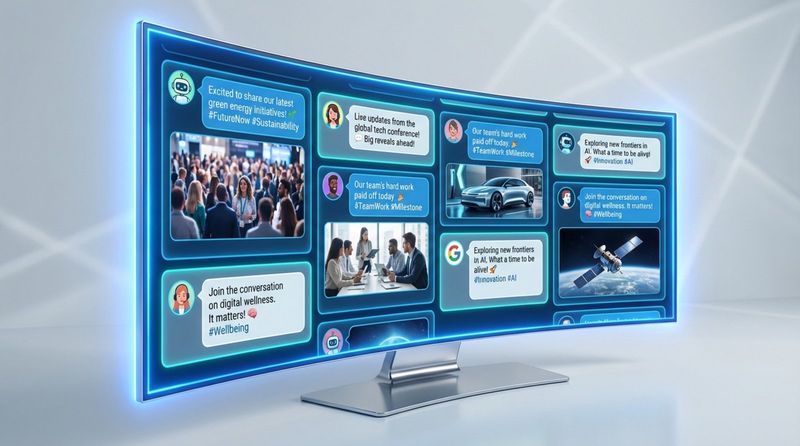
When customers or attendees see their own tweet or photo appear on a big screen, they feel noticed and valued. This feedback loop motivates them-and others-to post again, driving ongoing engagement. It transforms digital signs from one-way broadcasting tools into two-way communication channels. Instead of just pushing information out, you invite your audience to join the conversation.
Increases Real-Time Event Participation
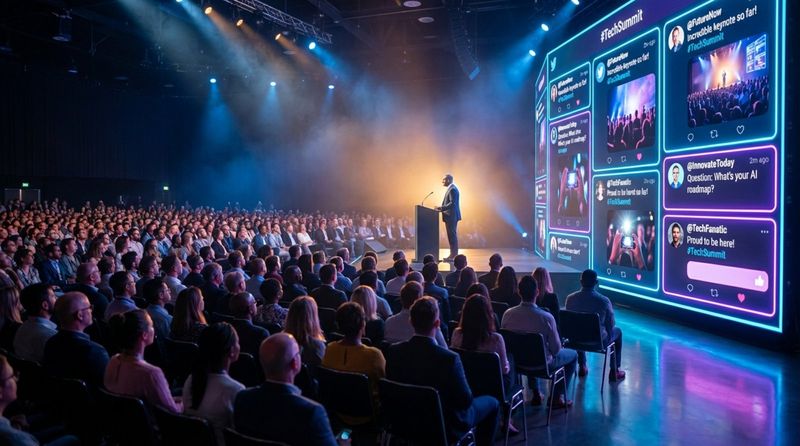
At live events, maintaining energy is crucial. A live Twitter feed acts as a digital gathering spot where attendees share insights and reactions. By displaying these posts on main screens, event organizers can guide attention. For example, a surge of tweets about a keynote speaker can draw attendees from the lobby into the main hall.
It also provides a channel for immediate feedback. Attendees can use a hashtag to ask questions or participate in live polls, making the event feel responsive rather than rigid.
Promotes Brand Awareness and Community Building
Every tweet displayed on your sign is user-generated content (UGC) that extends your brand's reach beyond the physical location. When people use your hashtag to get on screen, their online followers see that activity. This social proof is highly effective; a genuine comment from a peer is often more trusted than corporate messaging.
Over time, this interaction fosters community. Whether for students on a campus or fans in a stadium, sharing a digital space creates a sense of belonging. The feed becomes a shared timeline of the group’s experience.
Delivers Up-to-Date Information Instantly
Keeping content fresh is a challenge for many teams. A live Twitter feed helps by automating updates. Organizations can use specific accounts to share real-time news or schedule changes, ensuring that anyone watching the screen sees the latest information without staff having to manually update playlists.
This is particularly useful in fast-paced environments like transportation hubs or busy offices. By connecting your sign to a trusted news source or company handle, the display remains relevant all day.
Builds Transparency and Trust
Displaying unfiltered (though moderated) feedback or industry news demonstrates confidence. In retail, live mentions from happy customers can influence buying decisions by proving that real people enjoy the products. It humanizes the brand, breaking down the formal corporate image and showing the real people behind the logo.
Where Can You Use Live Twitter Feeds on Digital Signage?
Trade Shows and Conferences
At trade shows, a live Twitter wall can serve as a booth centerpiece. It encourages passersby to stop and connect. Large conferences often use branded walls to keep discussions alive between sessions, ensuring that ideas shared on stage remain visible throughout the venue.
Sporting Events and Arenas
Stadiums utilize screens to amplify fan emotion. Jumbotrons and concourse displays often show fan photos and reactions. This entertains the crowd during breaks and makes them feel like an integral part of the event.
Festivals and Concerts
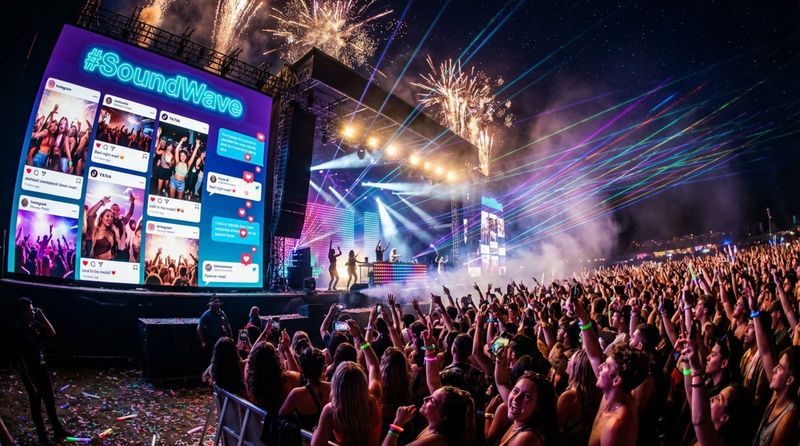
Music festivals use live feeds to visualize crowd energy. Seeing fan posts on stage screens builds a collective atmosphere. Organizers can filter for the most enthusiastic content, creating a live highlight reel of the experience.
Education and Graduation Ceremonies
Universities use social walls to display student milestones and family congratulations during graduations. For families seated far from the stage, seeing their messages on the big screen adds a personal, emotional layer to the ceremony.
Workplaces and Offices
In corporate environments, digital displays keep teams connected. Companies use feeds to share industry news or internal updates. In a breakroom, a feed displaying customer appreciation tweets can boost morale by connecting staff work to real-world impact.
Retail Stores and Malls
Retailers use Twitter feeds to display social proof. Showing how other customers use a product can drive sales by creating a sense of community around the brand. Feeds can also highlight flash sales or limited-time offers shared on social media.
Public Spaces and Transportation Hubs
In airports and city centers, live feeds can distribute news and community alerts. This format is often more engaging to travelers and residents than a standard scrolling text bar.
Virtual and Hybrid Events
For hybrid events, social feeds bridge the gap between physical and remote attendees. By embedding feeds into the event stream, organizers create a unified community where online participants feel just as involved as those in the room.
How to Display Live Twitter Feeds on Your Digital Sign
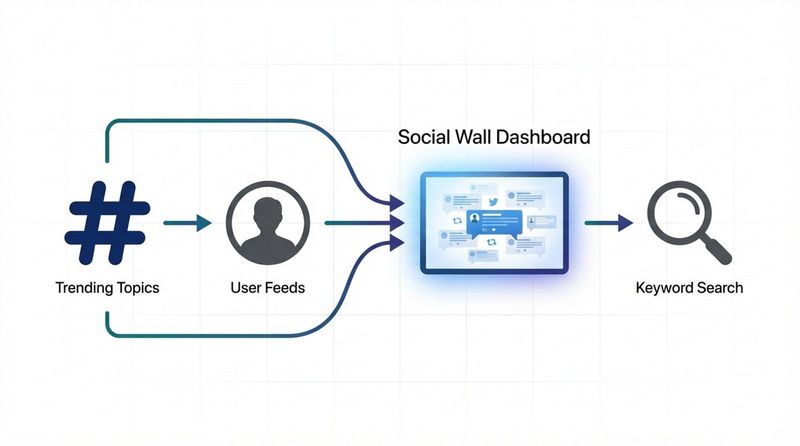
Choose Your Source: Hashtag, Account, or Search Query
Decide what content drives your goals. Most events utilize a unique hashtag to aggregate relevant posts. You might also use a specific account (like your official brand handle) for controlled updates. A search query can pull posts containing specific keywords, though this method requires stricter moderation.
Select a Digital Signage Platform
For a reliable and professional setup, we recommend Look Digital Signage (Look DS). It allows you to manage content remotely without complicated hardware setups. Look DS offers built-in Look Apps, including a Twitter app, which simplifies the connection process. Alternatively, if you use a third-party aggregator like Flockler, you can easily embed that feed into Look CMS using a URL.
Automate Tweet Collection and Moderation
Decide between automatic publishing and manual moderation. For official brand accounts, automatic publishing is generally safe. For public hashtags, manual moderation is essential to filter out offensive or irrelevant content. Most aggregators provide an approval queue to ensure brand safety before posts hit the screen.
Customize Layout and Visual Design
Your feed should align with your brand identity. Using Look CMS, you can utilize Screen Layouts to position the Twitter feed alongside other content, such as promotional videos or weather widgets. You can adjust colors and backgrounds to match your event theme or corporate branding.
Integrate and Schedule the Feed for Display
Once your content source is ready, add it to your playlist. With Smart Scheduling in Look DS, you can automate when the feed appears-for example, scheduling it to run only during event breaks or lunch hours-managing everything from one dashboard.
Ensure Reliable Performance
A static feed defeats the purpose of "live" content. Ensure your signage software refreshes data frequently. Furthermore, reliable playback is critical; Look DS supports offline playback for cached content, but live feeds will naturally require a stable internet connection to fetch the latest tweets.
What Features Should You Look For in a Twitter Feed Tool?
Support for Flexible Layouts
Your display requirements may vary. A robust tool should allow you to create different layouts-grids, single-post highlights, or scrolling tickers-without complex design work. The ability to integrate these feeds into broader screen zones is a key advantage of platforms like Look.
Strong Moderation Controls
Protecting your brand image is paramount. Ensure your solution offers filtering capabilities, such as blacklisting specific words or users. For large-scale events, tools that offer pre-moderation queues give you full control over what appears publicly.
Fast Content Updates
Social media moves fast. The best tools update the screen almost instantly. Delays longer than a few minutes can make the content feel stale. Look for solutions that support frequent refresh rates to keep the display dynamic.
Responsive Support
Technical issues during a live event can be disruptive. Choose a provider known for reliable support. Having access to a helpful team via chat or email ensures you can resolve connectivity or display issues quickly.
Scalability
Whether you are running one screen in a lobby or hundreds of screens across a retail network, your software must handle the load. Cloud-based platforms like Look DS are designed to scale from a single display to thousands without changing your workflow.
Hardware Compatibility
Your software should work with the hardware you already have. Look DS, for example, offers a Look App for various operating systems (Android, Fire OS, Windows, etc.) and a plug-and-play Look Player for screens that need an external media player.
Popular Solutions for Live Twitter Feeds
All-in-One Digital Signage Software
Look Digital Signage is an ideal choice for businesses that want a complete solution. It combines social media display capabilities with full content management features like scheduling, layout design, and remote monitoring. This approach eliminates the need for multiple subscriptions.
Dedicated Social Walls
Dedicated social media wall tools focus strictly on aggregating social media. They offer advanced design and moderation features for high-end events.
Comparing Approaches
| Platform Type | Best For | Key Advantage |
|---|---|---|
| Look Digital Signage | Business & Retail Networks | All-in-one management, scheduling, and screen control. |
| Dedicated Aggregators | One-off Events | Deep moderation and specific social visualization. |
| Custom API Solutions | Custom Development | Total control for teams with developer resources. |
Best Practices for Maximizing Engagement
Create and Promote a Unique Hashtag
Select a hashtag that is specific and easy to remember (e.g., #TechConf2025). Promote it clearly on your digital screens, printed materials, and email communications to ensure attendees know how to participate.
Include a Clear Call to Action (CTA)
Don't assume people will post automatically. Display a clear instruction on the screen, such as "Tweet with #OurEvent to appear here!" Simple prompts significantly increase participation rates.
Moderate for Brand Safety
Always assign a moderator for public feeds. Even with automated filters, human oversight ensures that the content remains relevant and appropriate for your audience. This keeps the feed safe and on-brand.
Refresh Content Frequently
To keep viewers interested, the content must change. Configure your settings to rotate posts every 10-15 seconds. This keeps the screen active and rewards more contributors by showing their posts sooner.
Mix Content Types
Use your digital signage for more than just the social feed. Use Screen Layouts to show the Twitter wall alongside announcements, schedules, or videos. This turns your screen into a comprehensive information hub.
Leverage User-Generated Content
Highlighting real photos and tweets from attendees builds authenticity. This type of content is relatable and encourages others to share their experiences, creating a self-sustaining loop of engagement.
Frequently Asked Questions About Live Twitter Feed Displays
Can You Moderate Tweets Before Displaying Them?
Yes. Most professional tools offer a manual approval mode. Tweets enter a private queue and only appear on the screen after a moderator approves them. This is highly recommended for public spaces.
How Often Do Twitter Feeds Update?
Update frequency depends on your software plan. While some free tools update every 15-30 minutes, professional signage software typically refreshes data much faster to maintain a "live" feel.
Is Technical Knowledge Needed for Setup?
No complex setup is required. Platforms like Look DS are built for non-technical users. If you can use a web browser, you can configure a social feed and publish it to your screens in minutes.
Can You Display Feeds from Specific Users?
Yes. You have full control over the source. You can display posts from your brand account, mentions of your handle, or a specific hashtag list.
Are There Privacy Considerations?
Public tweets are generally available for display under platform terms. However, using moderation tools helps prevent the accidental display of sensitive information. It is good practice to inform event attendees that the official hashtag is being monitored for display.
The future of digital signage is interactive and data-driven. Moving beyond static images to live social feeds creates a dynamic environment that captures attention and builds community. By using a robust platform like Look Digital Signage, you can easily deploy, schedule, and manage these feeds across your entire network, turning every screen into a powerful engagement tool.


