🏟️ STADIUM & ARENA DIGITAL SIGNAGE

Digital Signage for Stadiums and Arenas

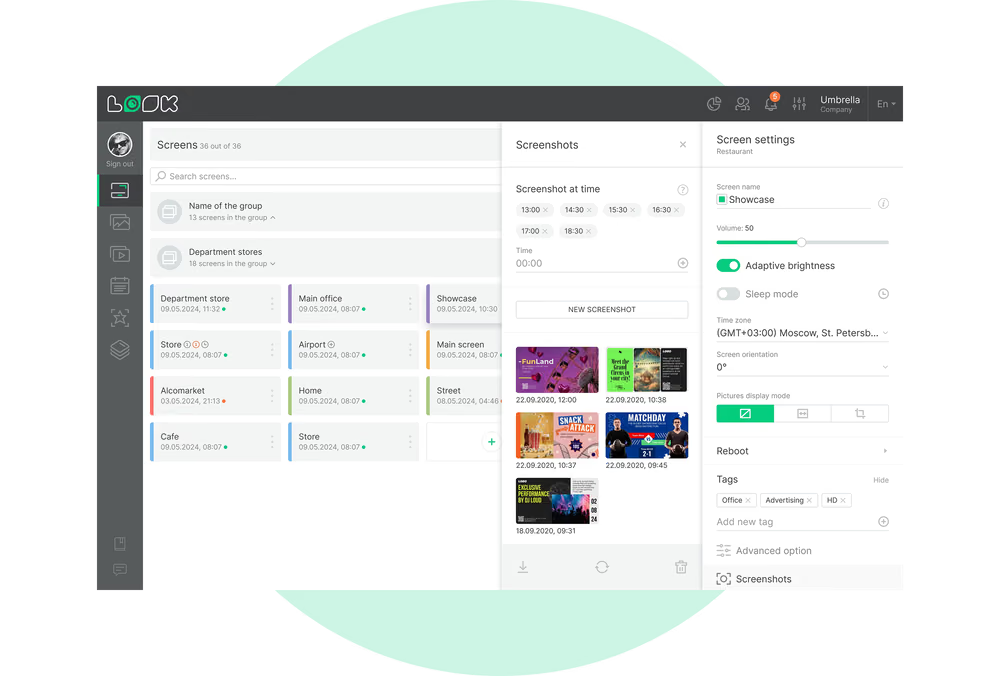
Forty concourse screens are showing the wrong sponsor artwork and gates open in an hour. Who puts that right, and from where? A single authorized user with a browser open. In one Look DS account you have gate directions, concession menus, live scores and every sponsor slot the contract covers, across the whole venue, and a change you make there goes out to each assigned screen from that one CMS.

Every screen in the venue, one account

Gates, concourse, concessions, suites and perimeter screens publish from one dashboard.

Content that follows the event clock

Pre-event, game-day and exit boards switch automatically at the times you set.

Check screens without walking the concourse

Scheduled screenshots provide visual checks, while alerts identify players that go offline.
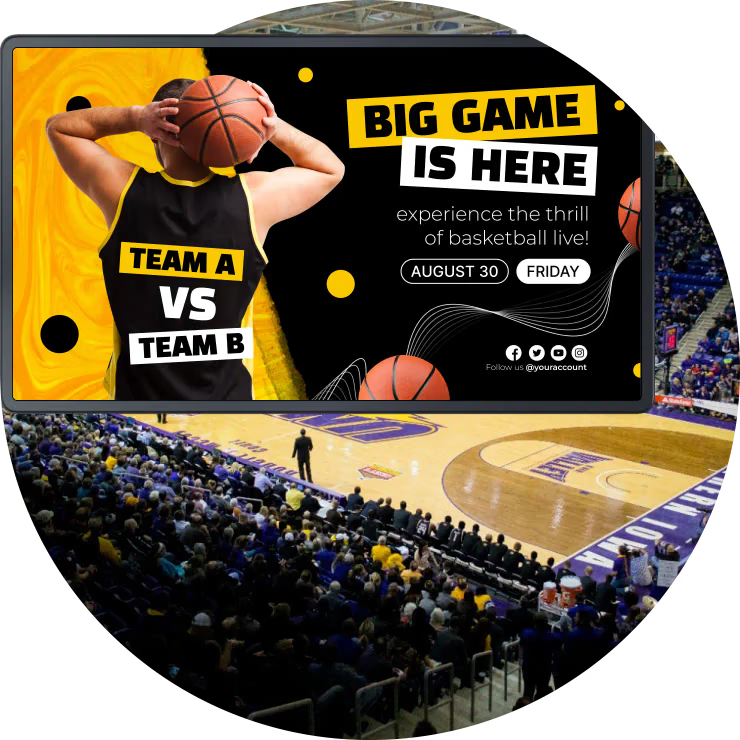
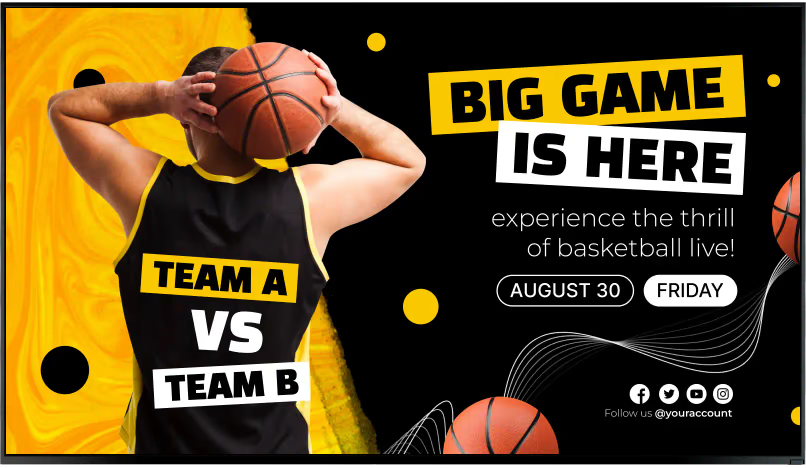
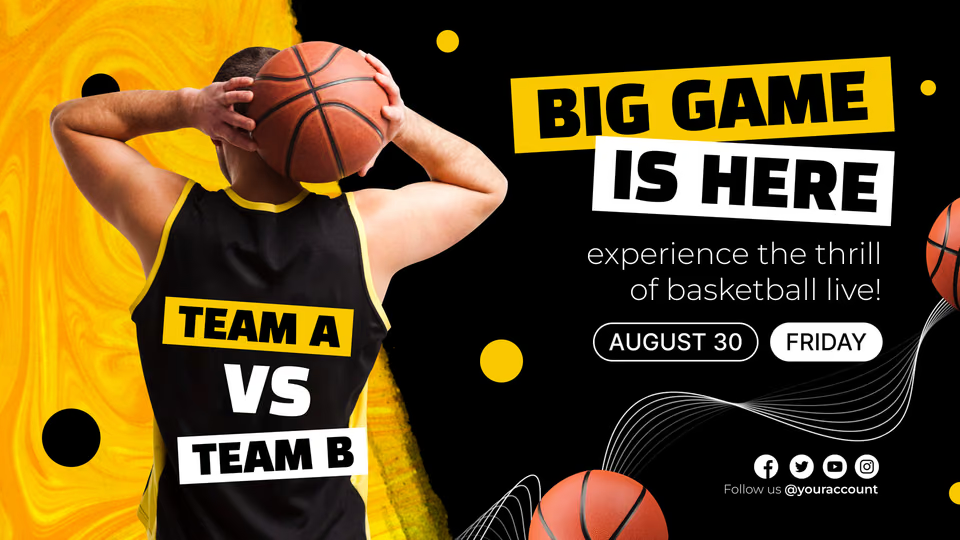
Digital signage for stadium screens showing a basketball matchup graphic over a live arena view.
  • No credit card required. From $6 per screen/month with volume pricing.

  • Runs on Android, Windows, Linux, Tizen, webOS, Raspberry Pi and more.

  • 24/7 in-app support from real people.

Captera Rating
4.9
G2 Rating
5.0
60 000+
Screens
11 000+
Users
120+
Countries
Capterra Best Value · G2 High Performer
Software Advice · Customer Support 2026

Run every stadium screen from one browser on game day

Stadium digital signage lets venue teams run gate directions, concession menus, live scores, event information and sponsor content on the screens across a stadium or arena, managed remotely from one cloud-based CMS.
Between events there is nothing to reprint. Come game time the concourse switches out of pre-event promotion into live content; an item that sells out is off the menu board within seconds; and a sponsor spot appears only on the screens and dates its contract names. The zones simply track the event schedule.

Sound familiar?

    • A red cross inside a black circle

      Menus reprinted for every single event

    • A red cross inside a black circle

      Sponsors who ask what actually played

    • A red cross inside a black circle

      A screen that went offline and nobody noticed until Monday

    • A red cross inside a black circle

      Signage still selling last week's event

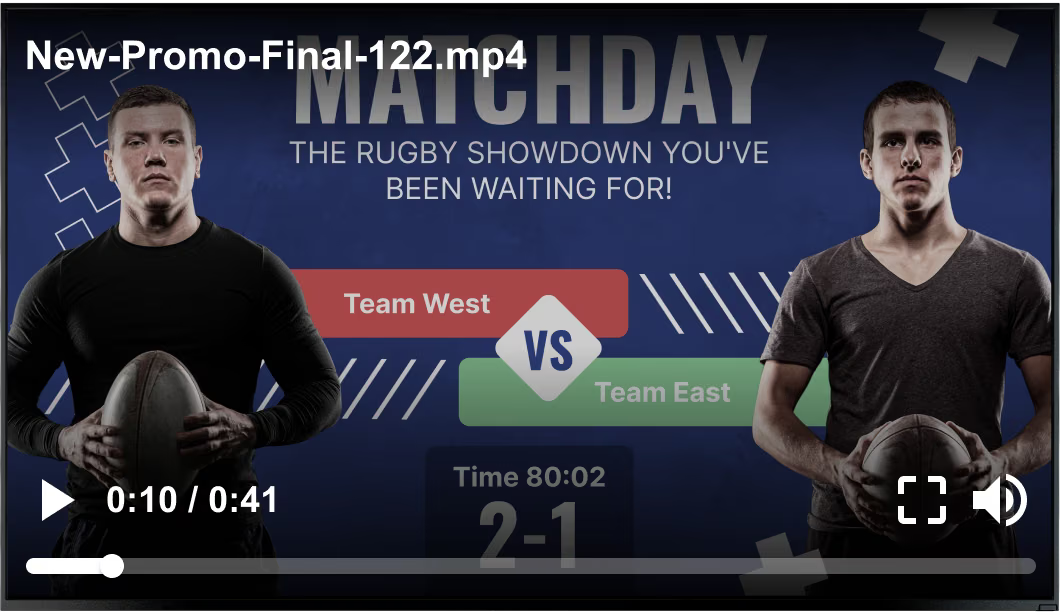
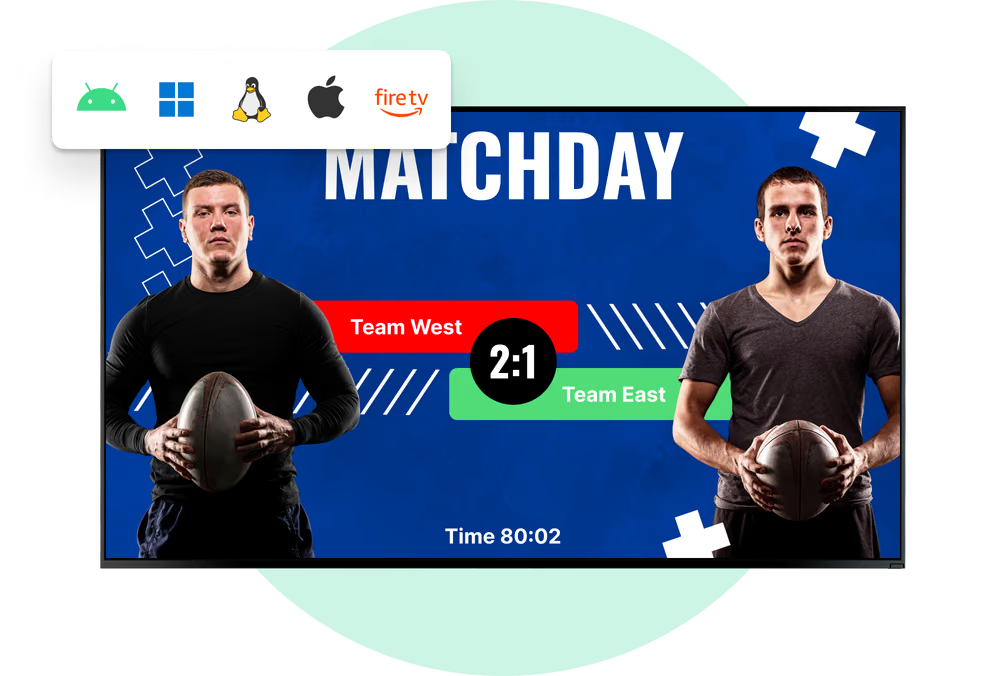
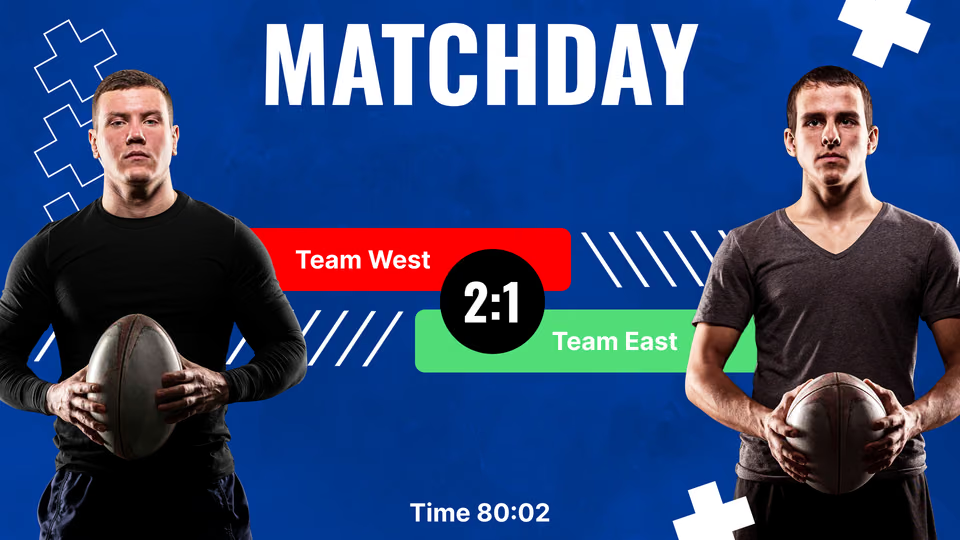
Generic stock rugby matchday promo video overlay playing over a Team West vs Team East scoreboard screen Black USB flash drive with 4 GB storage capacity

What you get with Look

    • Every venue screen on one dashboard

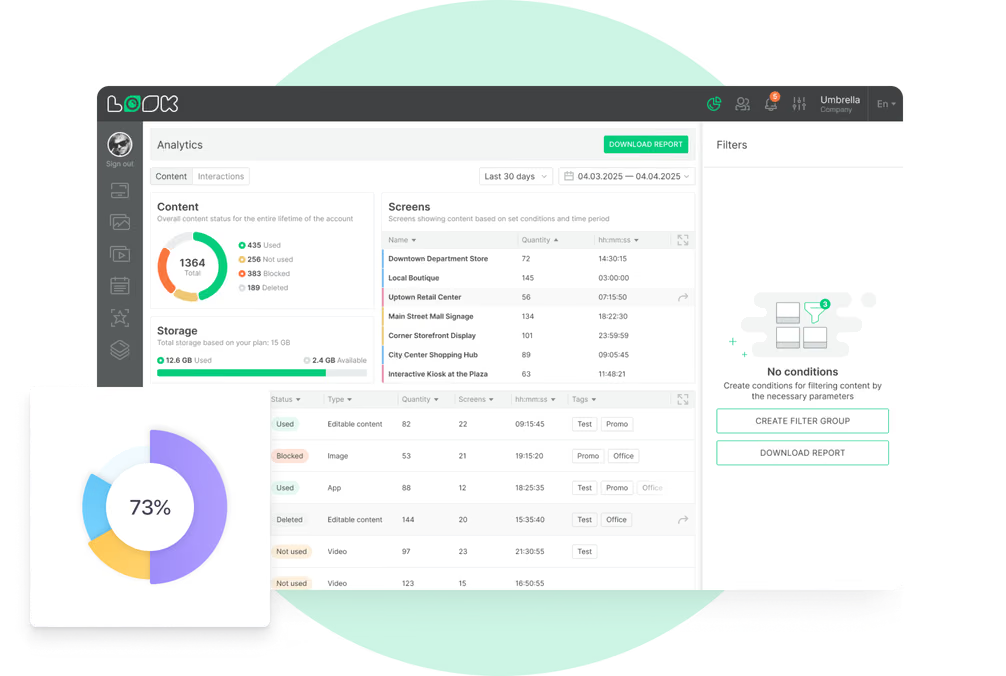
    • A per-screen report to send a sponsor

    • Screenshots and alerts from any screen

    • Boards that follow the event clock

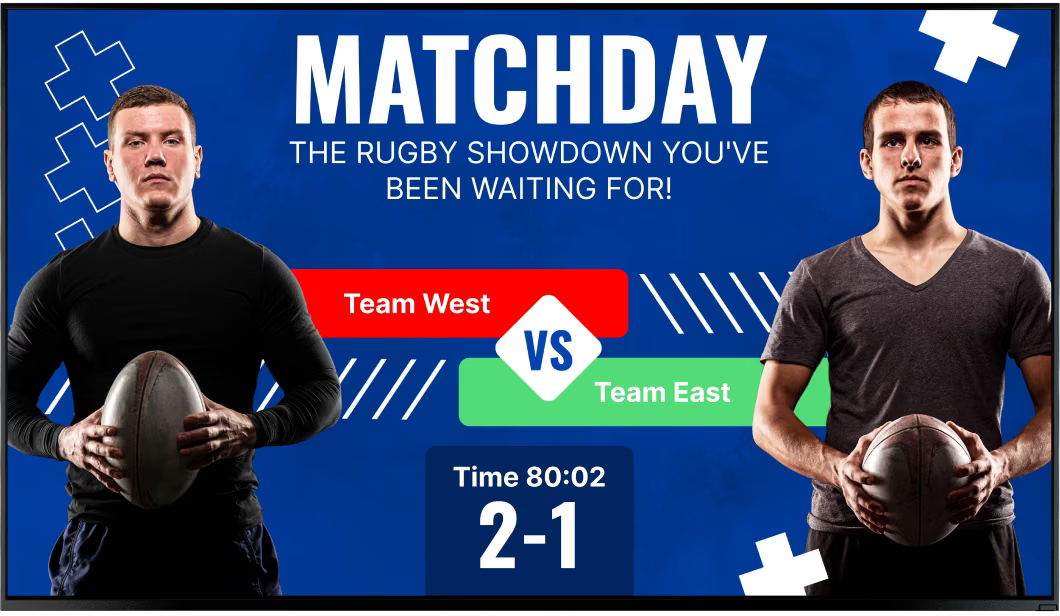
Clean Team West vs Team East scoreboard screen without the video overlay Green shield icon with a white check mark
Try with demo screen now
Run demo screen right in your browser

From one concourse screen to the whole venue

Connect a player, build the playlist, publish. The same three steps cover a single concession board and a network of several hundred screens across a stadium.
  • Schedule

    Connect your screens

    Install the Look App on a compatible display or plug in a Look HDMI Player, then pair the screen with the 6-digit device code it shows.
  • Content

    Build the game-day playlists

    You split the screen into zones, drop in the menus, sponsor slides, a live score panel and a ticker, and schedule each playlist against the event timeline.
  • Playlists

    Publish by zone or by tag

    What reaches the concourse, the suites or the team store is decided by screen tags, which is how a single publish updates one group and leaves the rest of the venue alone.
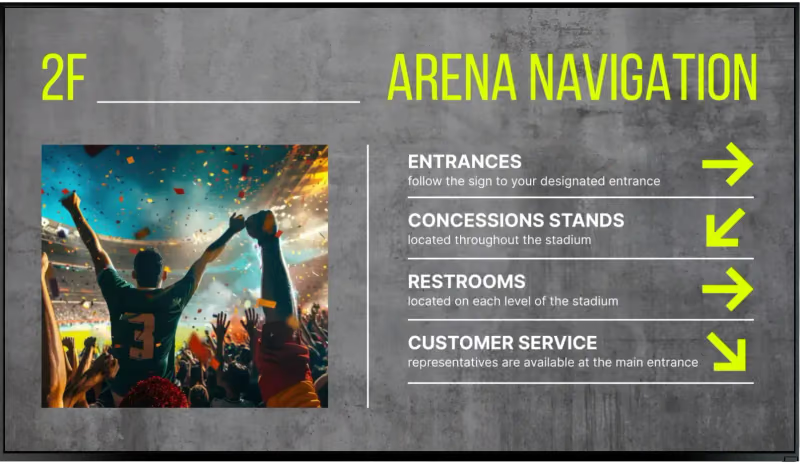
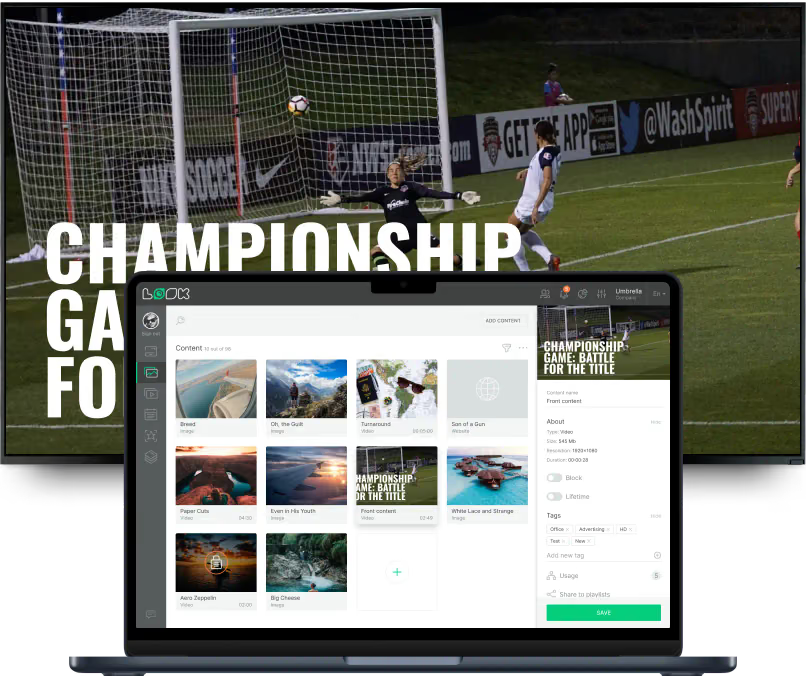
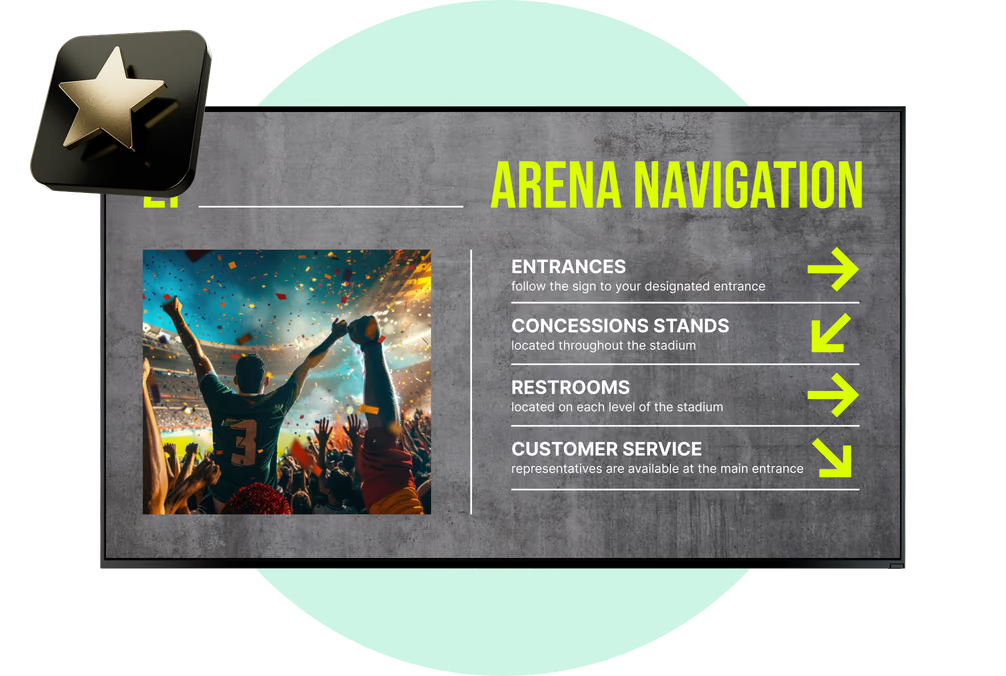
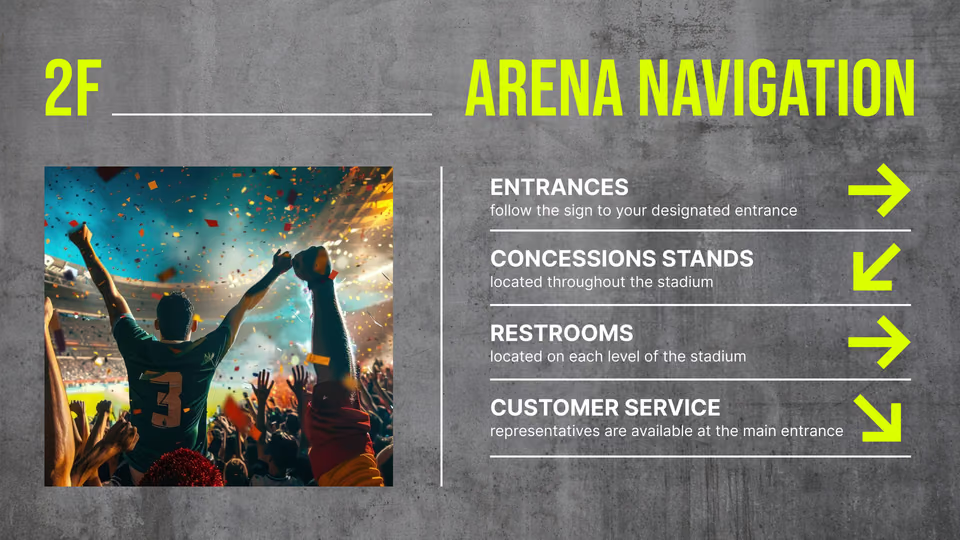
Arena Navigation wayfinding screen with entrance, concessions, restrooms and customer service directions Big Game Is Here basketball promotion screen with team matchup and social icons Laptop with the Look content editor showing a media library and Championship Game video preview over a soccer match

Where digital signage goes in a stadium

A gate, a concession counter, a suite and a perimeter board face different crowds at different moments of the same afternoon. Look runs all of them from one account, each with its own layout, schedule and publishing rights.

Entrance gates and box office

Move the queue before it reaches the turnstile.
Along the approach and above the ticket windows, screens carry the gate numbers, the bag policy, opening and game times and which entrances are open, which means staff field far fewer of the same questions.
Close a gate and a single browser edit reaches every screen tagged for that entrance. Because directions here are managed content rather than a mapping engine, the team keeps direct control of any route change.
Best for: Gate numbers, bag policy, doors and kickoff times, entry queues, ticket collection

Concourse wayfinding and notices

Sections, restrooms and exits, without printed boards.
Concourse screens point to sections, restrooms, first aid, the team store and the exits, then switch to egress and transport information once the final whistle goes.
In a multi-zone layout the directions stay put while the rest of the display carries live content, so nobody has to wait for the map to come round again. A single edit covers every concourse level at once.
Best for: Section directions, restrooms, first aid, exits and egress, transport boards

Concession stands and bars

Pull a sold-out item in seconds, not at halftime.
Menu boards, prices and combo artwork all live in the CMS, so a stand shows one board before the gates open and another at halftime without anyone reprinting a thing. If the kitchen runs out, an operator takes the item off every stand carrying it.
Split the display into zones and the same screen sells the upgrade and the next event alongside the menu.
Best for: Menu boards, prices, halftime offers, sold-out swaps, upsell and combo promos

Perimeter, facade and bowl screens

Sponsor inventory that runs to the contract.
Connect a compatible player to a perimeter board, facade display or large-format screen and manage each one as scheduled inventory for the partnership team.
Each campaign carries its own start and end dates, which is what makes a partner run stop by itself. A bowl video wall keeps whatever processor it already has, with Look feeding it as one source, and any contracted placement stays straightforward to verify.
Best for: Sponsor rotations, branded takeovers, next-event promotion, membership offers

VIP suites, clubs and lounges

Premium areas get their own content, not the main loop.
Suites, clubs and hospitality lounges run a playlist of their own instead of mirroring the concourse: hospitality schedules, menus, partner messages and live content side by side in one layout.
Permissions run per CMS section, which lets the hospitality team look after its own content while marketing keeps hold of the concourse.
Best for: Hospitality schedules, suite menus, partner messages, live content, event information

Team store and merchandise points

Turn game-day traffic into a second purchase.
Screens above the register and at the store entrance promote the team jersey, game-day bundles and signing sessions before game time when store traffic peaks.
Since prices and offers are edited in the CMS, a postgame promotion can go live the moment the result is in, and the pop-up stands around the concourse run that same tagged playlist.
Best for: Game-day bundles, jersey launches, signing sessions, postgame offers, pop-up stands

To use Look digital signage software

Look service works seamlessly on any hardware, whether you're planning to purchase or already use it
Or

Install FREE Look App

Transform any TV or compatible device into digital signage by installing the free Look app.
WindowsAmazon Signage
Androidgoogle-tvLinuxOS Fire Amazon
macOSWebOSOS Tizen OS Raspberry Pi
Supported Operating Systems

Plug Look HDMI Player

Connect the Plug & Play Look Player to your display’s HDMI input for instant setup. Worldwide shipping.
Buy nowLook HDMI Player

What our customers say

Real businesses, real results.
Captera Rating
4.9
G2 Rating
5
We have one central management system, where we can control all content, upload it, schedule and it’s really easy-to-use!
Zsolt Rapali
We have 22 locations and zero issues with Look software. It’s so easy to use and has a lot of useful tools that we utilize in our day-to-day business. All-in-all, our experience was top-notch.
Ervin Piotrowski
We tried many different solutions for our platform. After many trials and errors, we found Look Digital Signage to be an amazing tool for our purposes.
Pyry Salminen
60 000+
Screens
11 000+
Users
120+
Countries

Free templates

Templates built for game-day screens

Nothing here begins with a blank canvas. What venue screens really show is already in the collection, from game and event boards to concession menus, promotional slides, welcome and recognition screens, venue rules and notices. Brand colors, fonts and the crest go in once and are inherited by every template, so a board the F&B team builds matches the one marketing published.
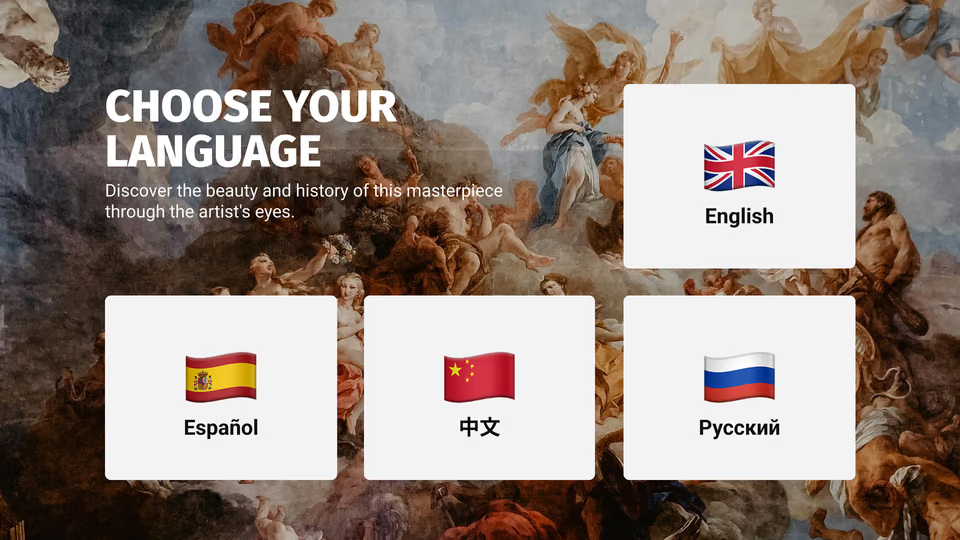
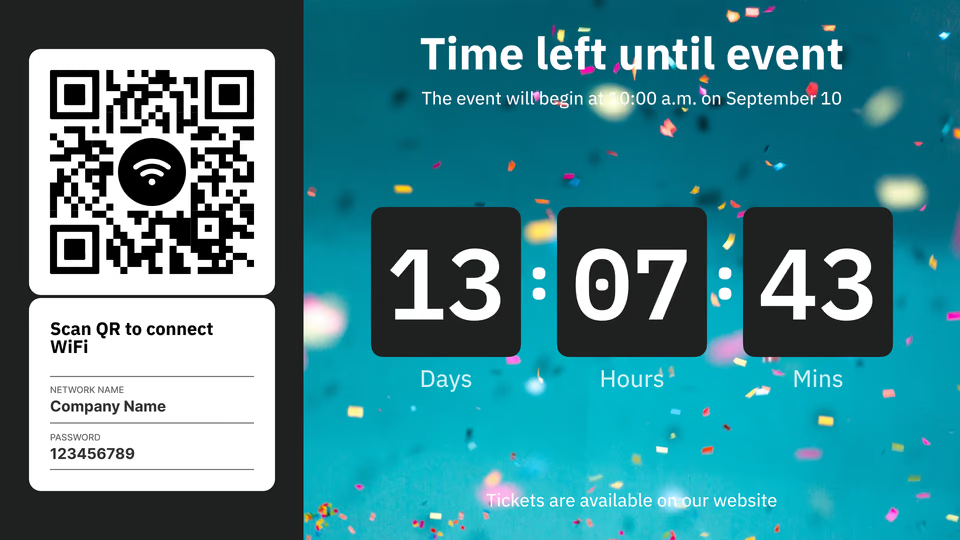
Choose Your Language template with English, Spanish, Chinese and Russian flag cardsWi-Fi QR code and event countdown timer template split screenSnack Attack concession promotion template with popcorn, soda and beer
Wi-Fi QR code and event countdown timer template split screenSnack Attack concession promotion template with popcorn, soda and beerArena Navigation wayfinding template with entrance, concessions, restrooms and customer service directions
Snack Attack concession promotion template with popcorn, soda and beerArena Navigation wayfinding template with entrance, concessions, restrooms and customer service directionsConcert crowd template with stage lights and confetti
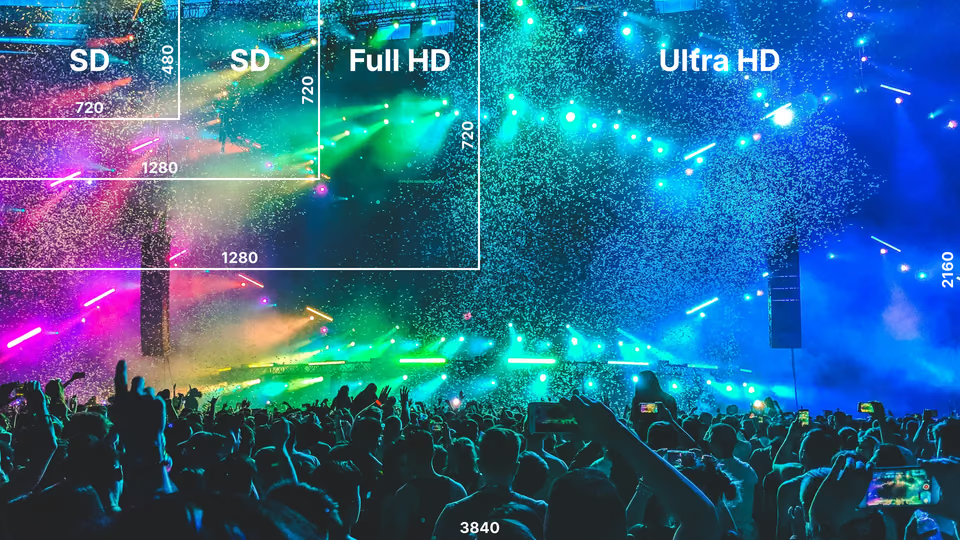
Arena Navigation wayfinding template with entrance, concessions, restrooms and customer service directionsConcert crowd template with stage lights and confettiResolution comparison template showing SD, Full HD and Ultra HD screen sizes over a festival crowd
Concert crowd template with stage lights and confettiResolution comparison template showing SD, Full HD and Ultra HD screen sizes over a festival crowdBig Game Is Here basketball promotion template with a team matchup
Resolution comparison template showing SD, Full HD and Ultra HD screen sizes over a festival crowdBig Game Is Here basketball promotion template with a team matchupMatchday rugby scoreboard template with Team West vs Team East
Big Game Is Here basketball promotion template with a team matchupMatchday rugby scoreboard template with Team West vs Team EastChoose Your Language template with English, Spanish, Chinese and Russian flag cards
Matchday rugby scoreboard template with Team West vs Team EastChoose Your Language template with English, Spanish, Chinese and Russian flag cardsWi-Fi QR code and event countdown timer template split screen

Built-in apps

Apps that keep venue screens current on their own

An app added to a playlist behaves like any other item, except that it keeps itself current, which is what holds scores, countdowns and social walls up to date right through the event. If the network drops, cached images and videos keep playback going, and the online apps resume their updates once it is back.

Frequently asked questions about stadium digital signage

Where should digital signage be placed in a stadium or arena?

Digital signage works best across the entire fan journey, from entrances and ticketing areas to concourses, concession stands, suites, lounges, and exits. Swiss Life Arena in Zurich, for example, deployed more than 240 displays throughout the venue. Different screen groups can then carry wayfinding, promotions, live content, sponsor messages, or operational information based on their location.

Can digital signage help fans find their seats and facilities?

Yes, stadium digital signage can guide visitors to gates, sections, seats, restrooms, concessions, elevators, and exits using location-specific directions. Wayfinding appeared on 12 of the 13 stadium and arena signage competitor pages analyzed for this page. Because directions can be updated remotely, venue teams can also change routes when entrances close or crowd-flow plans change.

Can stadium digital signage run concession menu boards?

Yes, and menu boards are one of the most common first projects in a venue. Prices, items and promo artwork all change from the CMS, so nothing gets reprinted. A stand can show one menu before the gates open and a different one at halftime. If the kitchen runs out of something, an operator pulls it from the board in seconds. Multiply that by the 30 or 40 screens a concourse might hold, and the case for digital gets fairly obvious.

How can stadiums use digital signage for sponsorship and advertising?

Stadiums can turn screens into scheduled sponsor inventory by assigning campaigns to specific zones, screens, and times of day. Advertising was mentioned by 10 of the 13 competitors analyzed for this stadium page, while revenue appeared on 9. With proof-of-play reporting, venue teams can also document when contracted sponsor content was displayed instead of relying only on static signage.

Can different sponsors run in different areas of the stadium?

Yes. Sponsor content does not have to run everywhere at once. It can be targeted by screen group, by zone, or by what the event calendar says is happening that day. So a beverage brand takes the concession areas, while a different partner gets the VIP lounges and the entrance displays. Yankee Stadium's 2026 display system pushes the idea further again, running several content zones simultaneously for video, graphics, statistics and sponsor messaging.

Can stadium digital signage show live scores, statistics, and sports content?

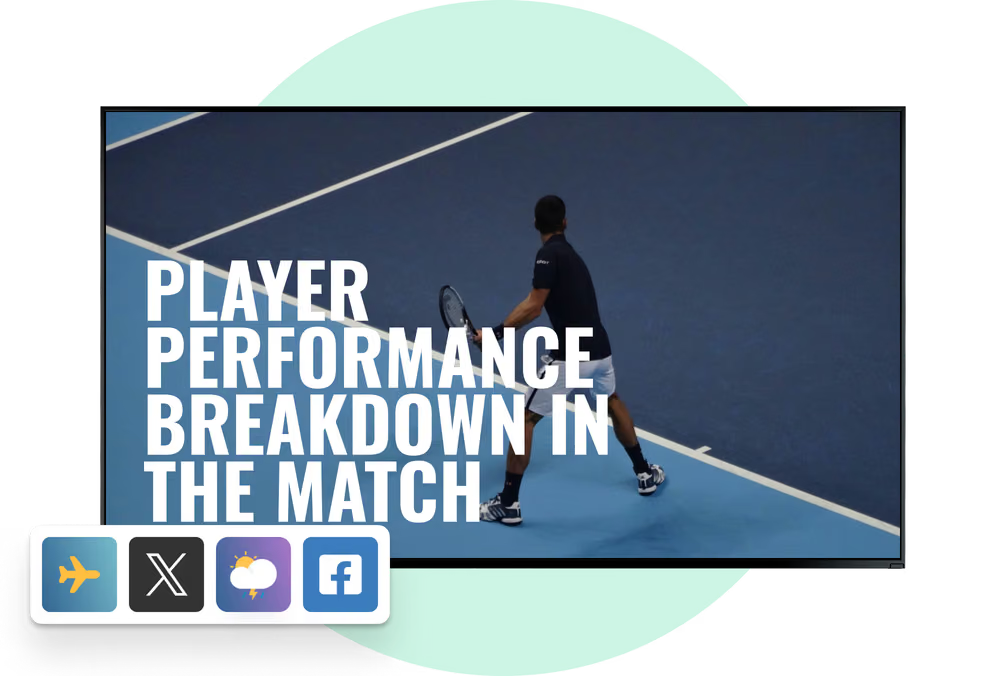
Yes. A screen can hold scheduled signage and live content at the same time: scores, statistics, sports headlines, a countdown to kickoff. Look has apps for feeds such as ESPN and BBC Sport, which is the quick route into a playlist. Venues with heavier requirements normally integrate live data or the broadcast chain directly instead, then split the screens by job for the duration of the match.

Can digital signage run on LED walls and large stadium displays?

Yes, digital signage software can work with many display formats, including standard commercial screens, video walls, large-format displays, and LED installations, as long as compatible playback hardware is available. Stadium projects often mix several technologies rather than choosing one. Yankee Stadium's upgraded display network, for example, totals 22,355 square feet of LED across its main board, side boards, and ribbon displays.

Can one CMS manage hundreds of screens across a stadium?

Yes, a cloud-based content management system can organize hundreds of screens into groups and manage them from one account. AT&T Stadium's recent LG refresh included approximately 1,000 new commercial-grade 4K LCD displays, showing the scale modern venue networks can reach. With Look, teams can manage an unlimited number of screens and assign different playlists and schedules to different locations.

How do stadiums schedule content across an event day?

The playlist follows the event timeline, so most of the day runs itself. Entrance screens sell tickets and point people to their gate, the concourse flips to live content once play starts, and the exit screens end up as transport boards. Look schedules by time and by location together, which keeps the console quiet on event day.

What happens to stadium screens when the network drops?

They keep playing. Anything already downloaded sits on the player, so the screen carries on when the link goes, and a full house does push the venue network hard. Publishing new content or pulling a live feed needs the connection back, but a short outage no longer takes the concourse dark with it.

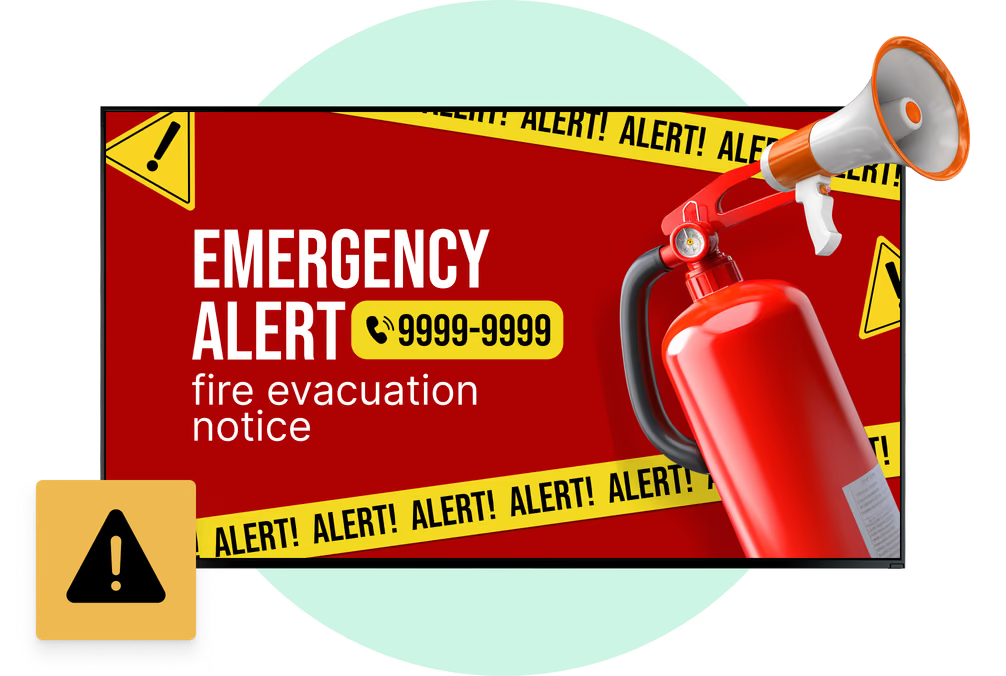
Can stadium screens display emergency or weather alerts?

Yes. Once signage is tied into the venue's alert workflow, the screens become one more visual channel for evacuation instructions, severe-weather warnings and other urgent messages. Stadium emergency procedures already lean on scoreboards, jumbotrons and concourse displays to back up audio announcements. Anything safety-critical needs an override path that has actually been tested, so a normal playlist can be replaced within seconds of an alert being issued.

Can stadium digital signage be used in VIP suites and hospitality areas?

Yes, suites, clubs, lounges, bars, and hospitality spaces can have their own screen content instead of simply mirroring the main stadium feed. At AT&T Stadium, some 75-inch suite displays can show three or four live video streams simultaneously. Digital signage can complement those feeds with hospitality information, sponsor content, menus, schedules, or branded messages tailored specifically to premium guests.


Can the same signage network support concerts and non-sporting events?

Yes. The same screens carry concerts, conferences, esports and exhibitions once the playlists and schedules are swapped. Tottenham Hotspur Stadium runs several display formats across the building for wayfinding, menus, video walls and premium areas. For a multipurpose venue that is the practical argument for digital: communication changes with the event, and nobody has to print and hang new static signage every time the booking changes.

What display specs matter for outdoor stadium screens?

Brightness first. A screen nobody can read at midday is decoration. Then the weather rating, and a pixel pitch chosen for the distance people actually stand at. Screens that end up in the broadcast add one more line: a refresh rate high enough that cameras see no flicker. Stadium LED sits at wider pitches for long sightlines, while a concourse display a couple of feet from the crowd wants something finer.

How should stadium digital signage be secured?

Stadium signage should use controlled administrator access, secure network segmentation, current software, and monitoring rather than treating screens as ordinary consumer devices. A compromised signage system could expose inappropriate content across many public displays at once. For large venues, role-based access is also useful because marketing, hospitality, operations, and technical teams may all need different levels of control.

How can stadium digital signage be made more accessible?

Stadium signage should combine readable visual design with accessible placement and alternative ways of delivering critical information. Interactive displays are commonly positioned within approximately 15 to 48 inches of the floor where controls must be reachable by wheelchair users, while important video content should include captions. Emergency instructions should also be communicated visually as well as through the venue's audio system.