Where digital signage goes in an amusement park
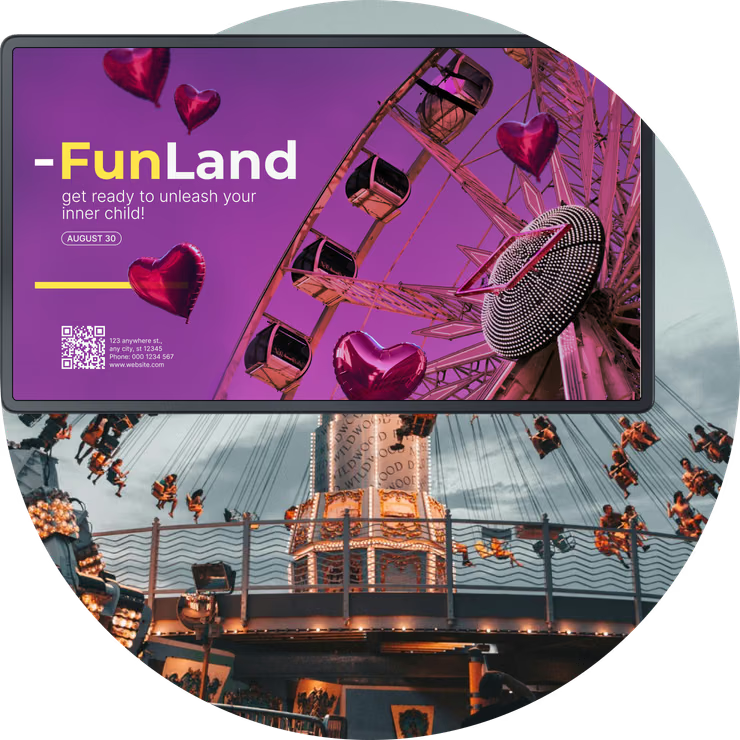
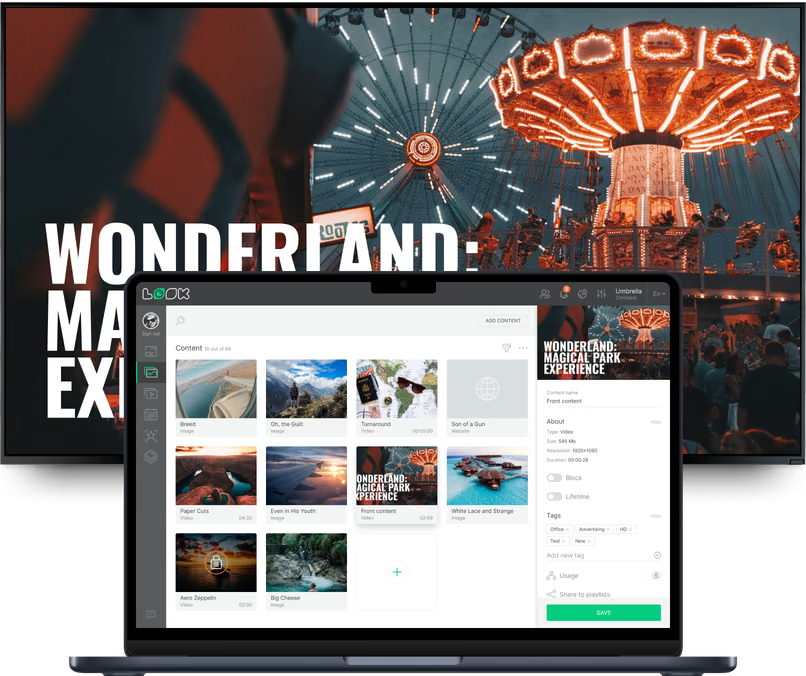
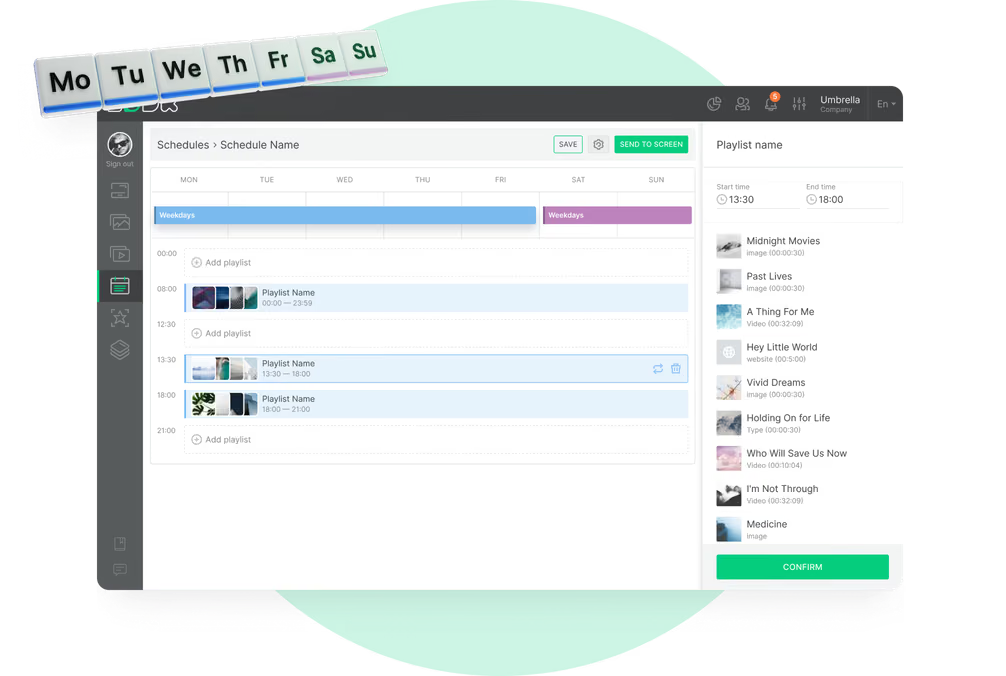
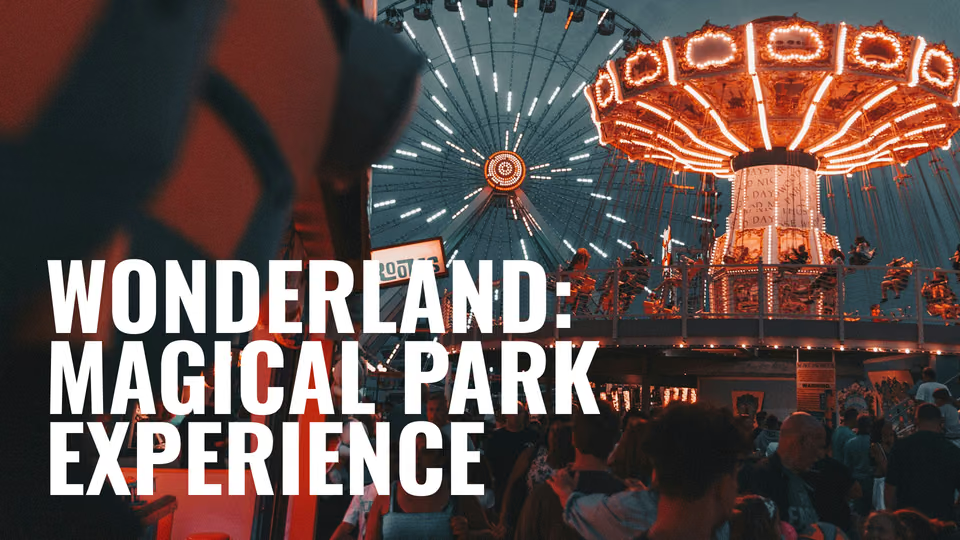
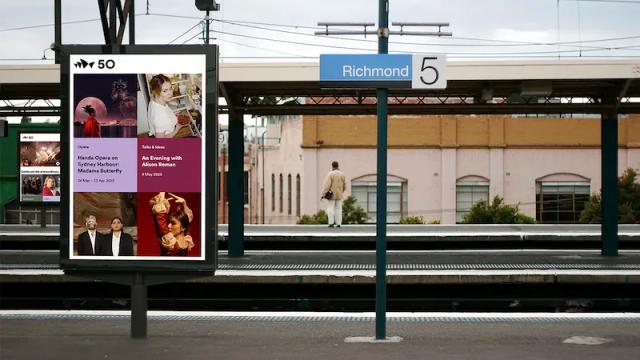
A ticket gate, a switchback queue, a midway junction, a concession window. Same guests, four very different moments in their day. Look runs all four from one account, and each gets its own layout, schedule and publishing rights.
Entrance plaza and ticket gates
Start the day before guests reach the turnstile.
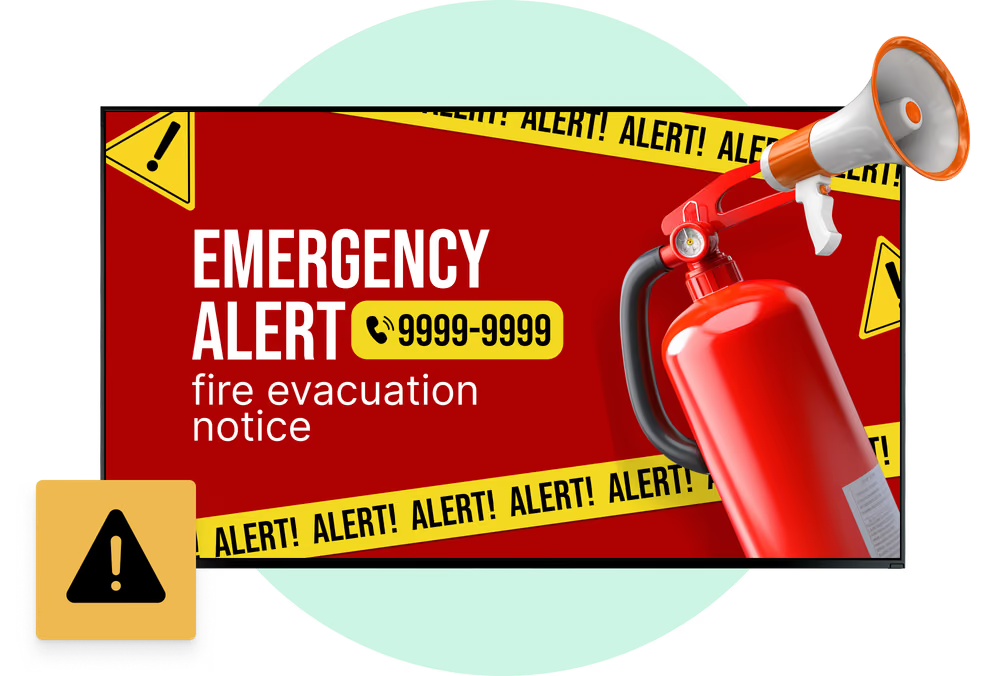
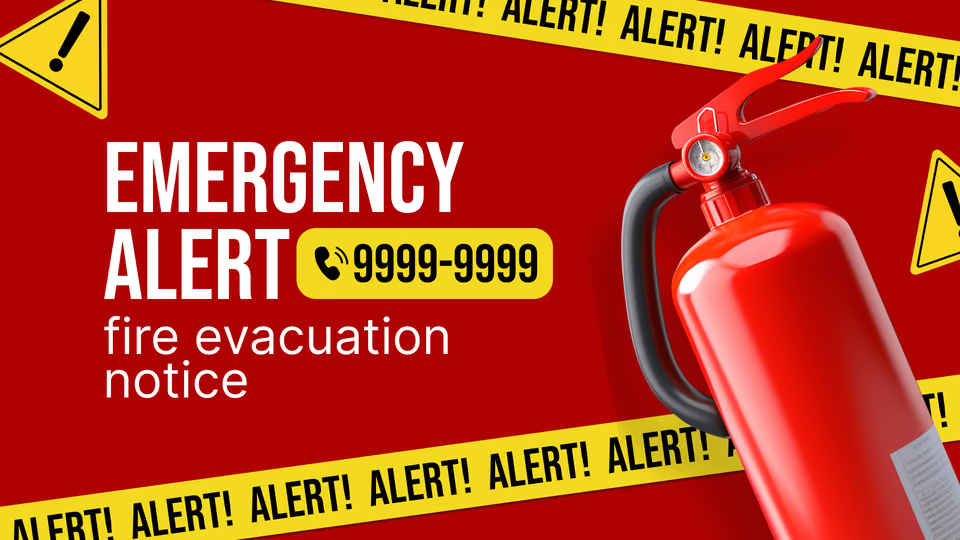
Screens along the approach and above the ticket windows carry opening hours, the show and parade schedule, any planned ride closures and the forecast. Guests work out their first hour on their own instead of queuing to ask someone.
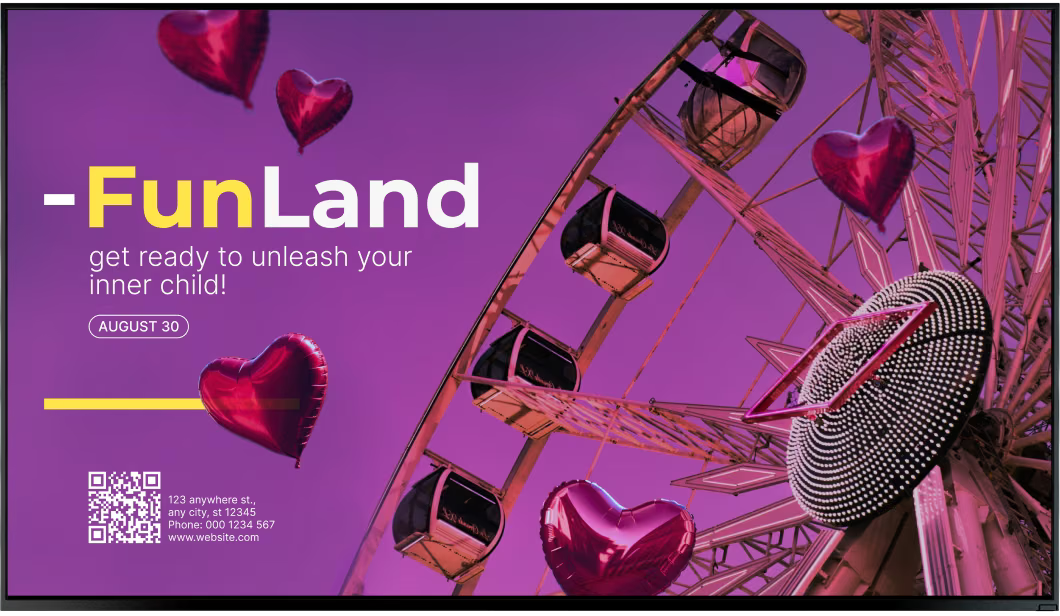
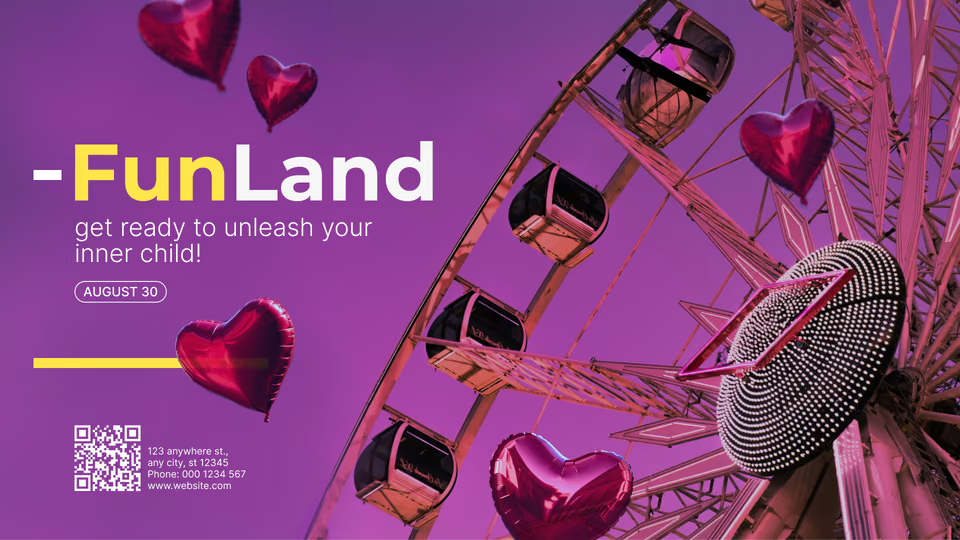
The same display sells the upgrade right where people decide — season passes, skip-the-line tickets, group and bundle deals — and the QR code drops them straight onto your booking page.
Best for: Park hours, show schedule, ride closures, pass upgrades, weather, booking QR codes
Ride queues and line entrances
Answer the wait-time question before it is asked.
A panel at the line entrance shows the wait for that ride and for the attractions nearby, which nudges guests away from a crowded queue toward one with room. Look can pull data your queue system publishes on a page or endpoint and put it straight on screen.
Deeper in the switchback, the layout can present height and safety rules, ride footage and a countdown to the next show.
Best for: Wait times, nearby ride waits, height and safety rules, ride footage, show countdowns
Midway paths and junctions
Keep the crowd moving before a path jams.
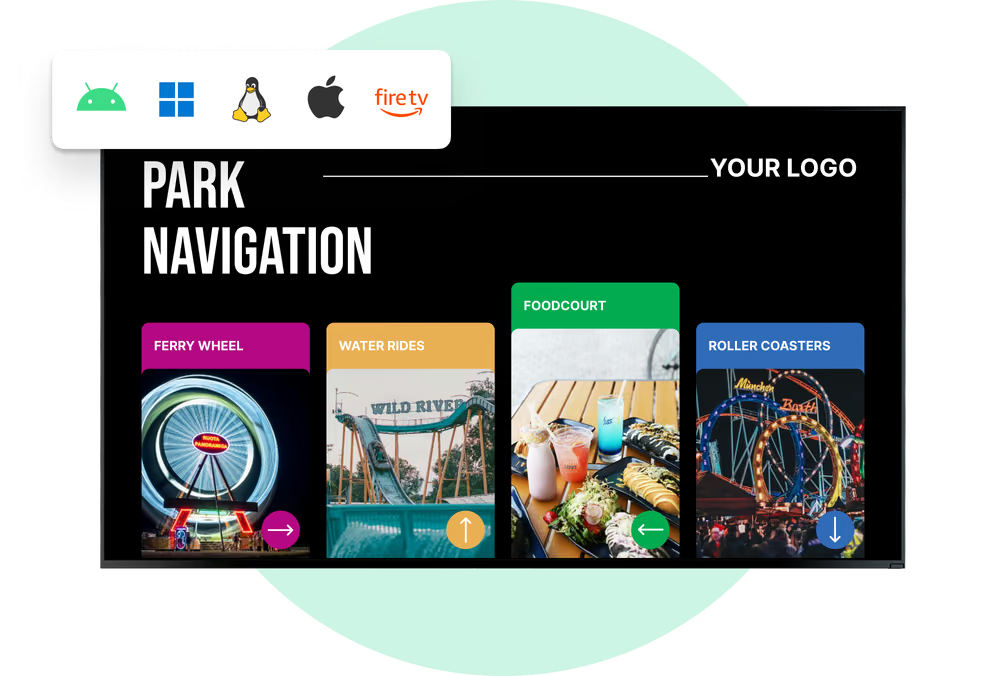
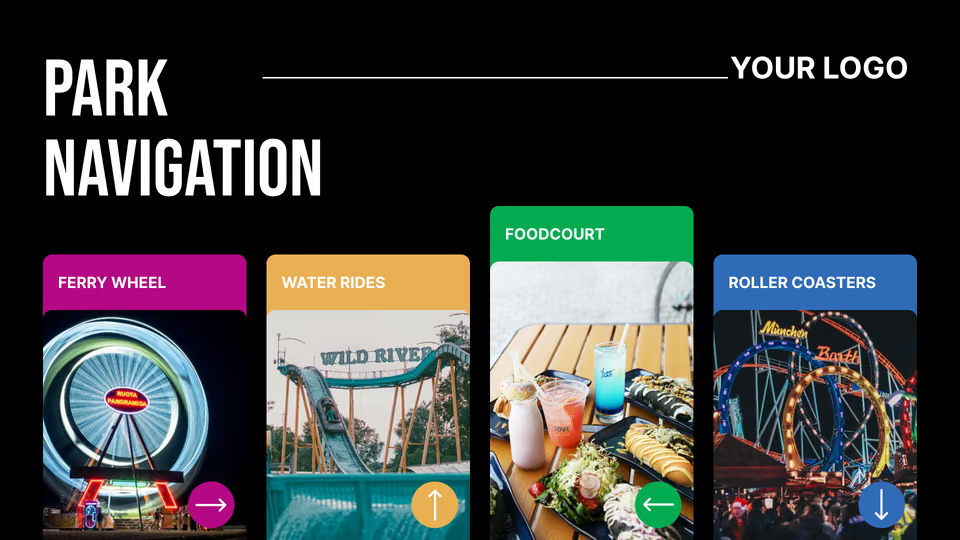
Totems at path junctions carry the park map, a you-are-here marker, and the way to the nearest restrooms, first aid, ATM and exit. That alone takes a lot of pressure off guest services.
A path closes for the parade and teams redraw the routes from a browser. Directions are managed content, so operations keeps its hands on every route a guest sees.
Best for: Park maps, restrooms and first aid, exits, path closures, land directions, guest services
Show venues, parade routes and stages
One board for every start time in the park.
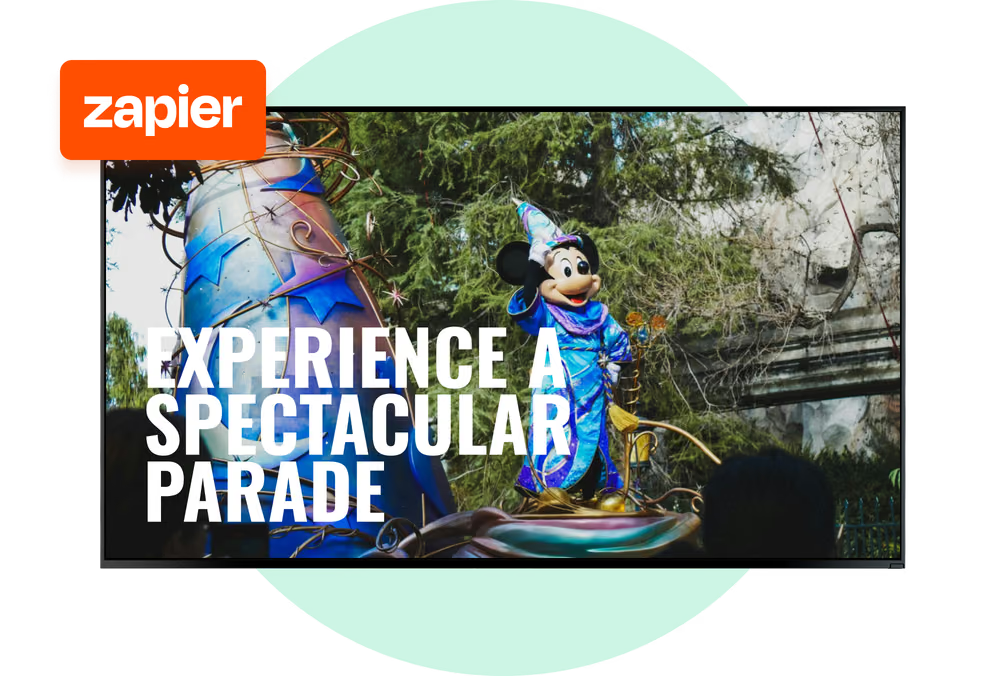
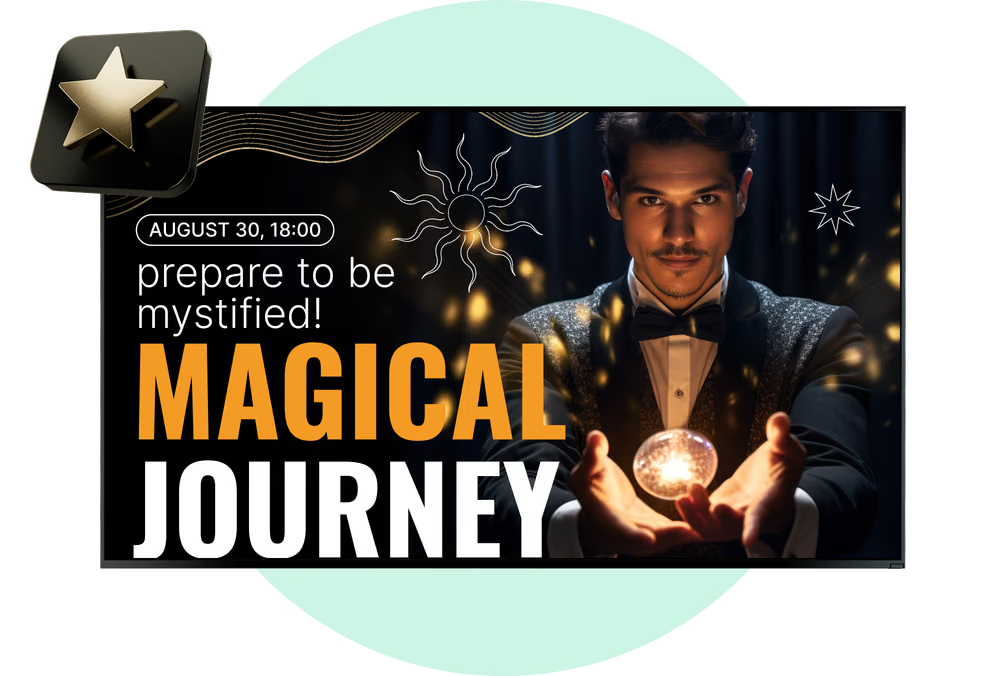
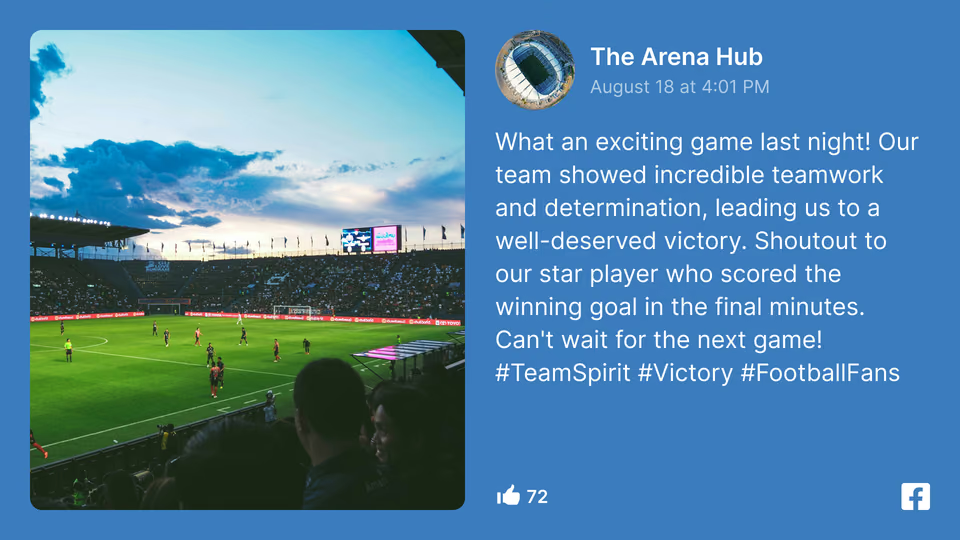
Screens at the amphitheater, along the parade route and outside the stage show the day's start times, a countdown to the next performance and the fireworks slot. Once the daytime schedule ends, they switch to the evening program on their own.
Change one start time. Every screen carrying the schedule picks it up, and nobody's walking the parade route with an armful of printed boards.
Best for: Showtimes, parade start times, fireworks, meet-and-greet slots, countdowns, seating notices
Concession stands and food courts
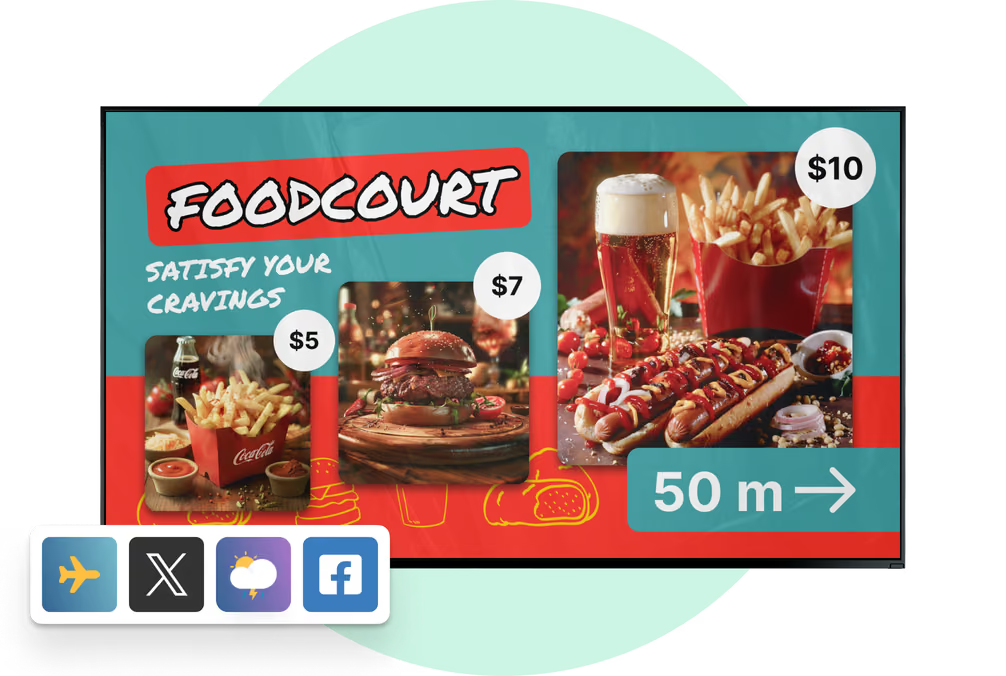
Menus that change with the meal, not the printer.
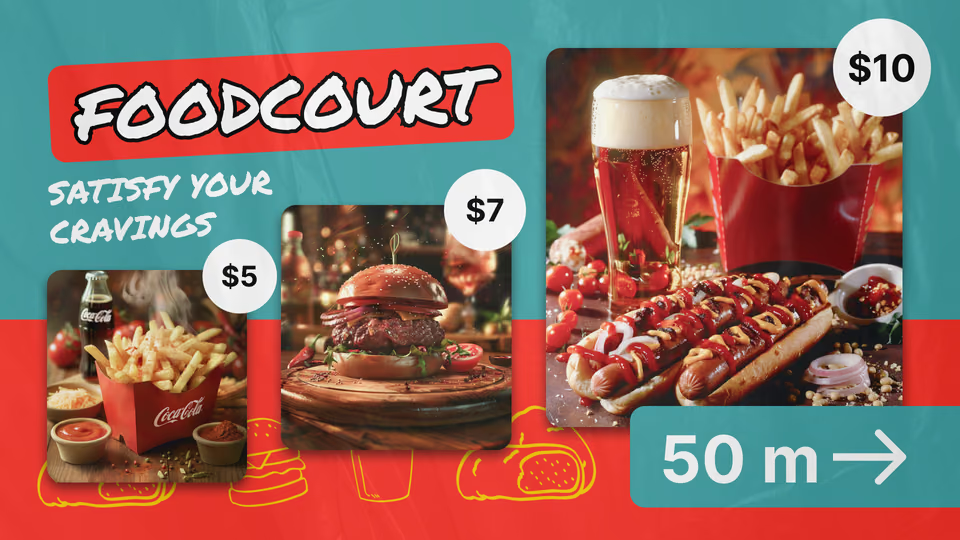
Prices, combos and allergen notes sit in the CMS. A board at a stand or in the food court can move itself from the afternoon snack menu to dinner without anyone touching it.
Sold out? An operator pulls the item from every stand that carries it. For a full quick-service setup, see our digital menu board pages.
Best for: Menu boards, prices, combos, allergen notes, dayparting, sold-out swaps
Gift shops and ride photo pickup
Turn the walk out into a second purchase.
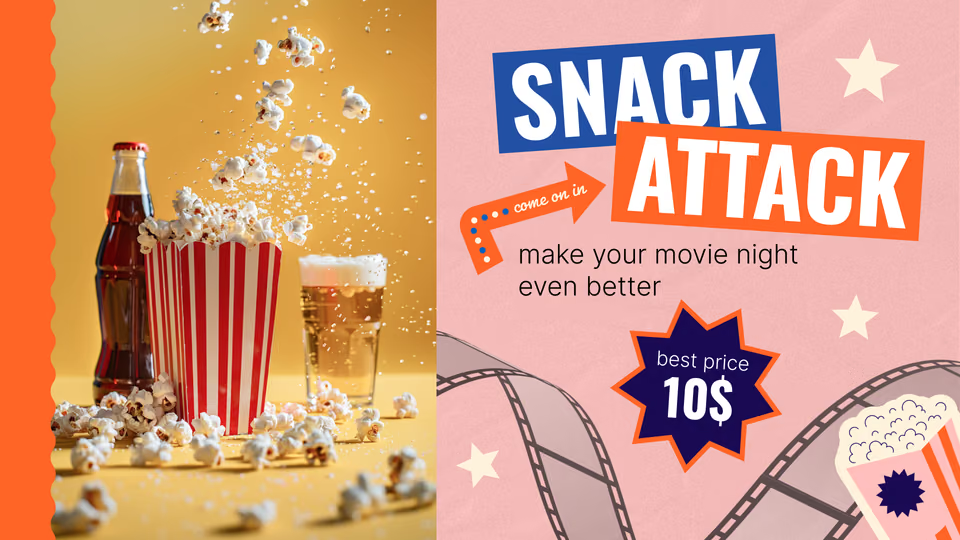
Screens above the register and at the shop entrance push merchandise, bundles and souvenirs tied to the ride a guest just got off. At the photo counter, images loop next to print and download options.
Prices and offers change in the CMS, so a rainy-day poncho promo can go live at every retail point in the park in one go.
Best for: Merchandise, bundles, ride photo offers, seasonal lines, rainy-day items, gift cards