Table of Content
How do you keep a deskless workforce informed and safe when they don't have access to email or team chat apps? Digital signage bridges the gap by delivering real-time production data, safety alerts, and internal news directly to the shop floor. By replacing static paper notices with dynamic screens, you ensure every operator has the information they need to keep the line moving efficiently.
In a modern industrial environment, downtime costs money and safety is non-negotiable. Digital signage does more than display information; it drives action. Whether it is a triggered alert for a safety hazard or a live dashboard showing production targets, these screens provide the instant visibility required to maintain smooth operations.

What is digital signage in manufacturing facilities?
Digital signage in manufacturing is a visual communication channel built specifically for the production environment. Unlike office screens that might focus on brand values, factory signage is practical and data-driven. It is designed to cut through the noise and distraction of a busy plant to deliver clear, localized messages to the right teams. It connects the data stored in your internal systems with the people operating the machines.
This technology is a cornerstone of the Industry 4.0 transition. It shifts communication from slow, top-down announcements to a transparent flow of information where every employee can see the plant's status in real time. From the breakroom to the loading dock, digital signage ensures no one is working with outdated information.
Key components and technologies
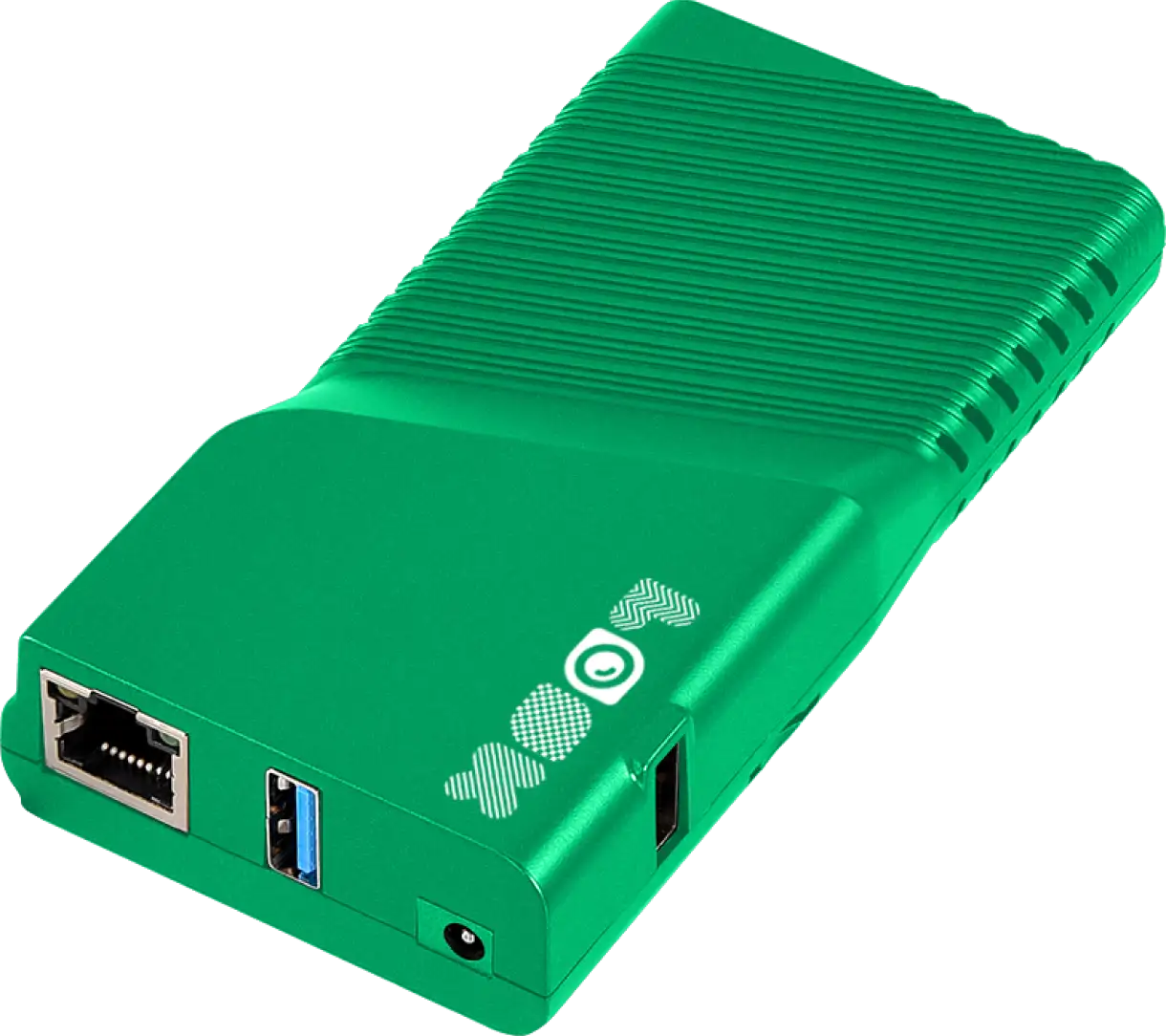
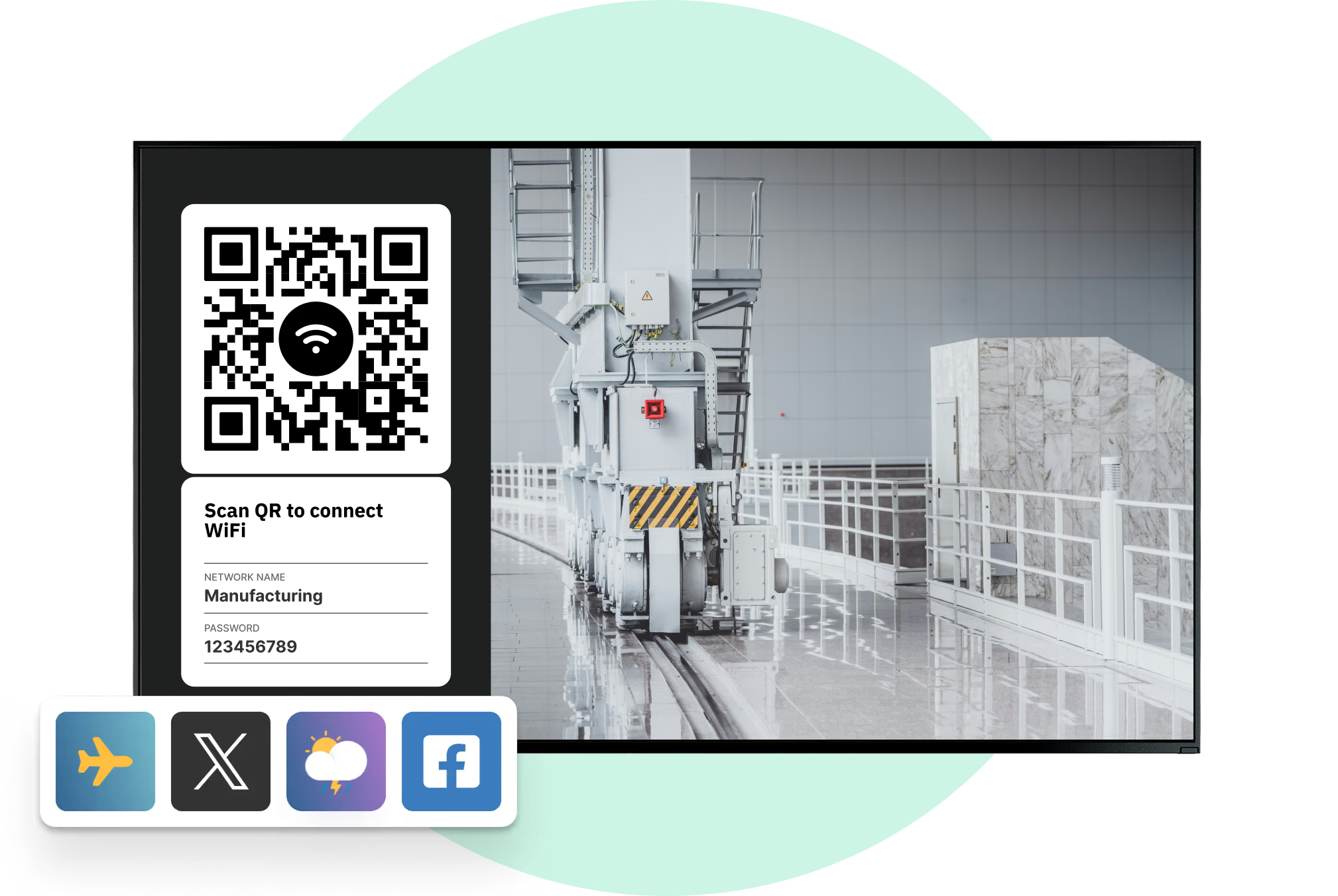
A reliable digital signage network requires three main elements: durable hardware, flexible software, and stable data connections. Industrial screens must often withstand heat, dust, and vibration, sometimes requiring protective enclosures. Behind the screen, you need a robust media player-like the Look HDMI Player-that is designed for 24/7 operation and simple plug-and-play setup.

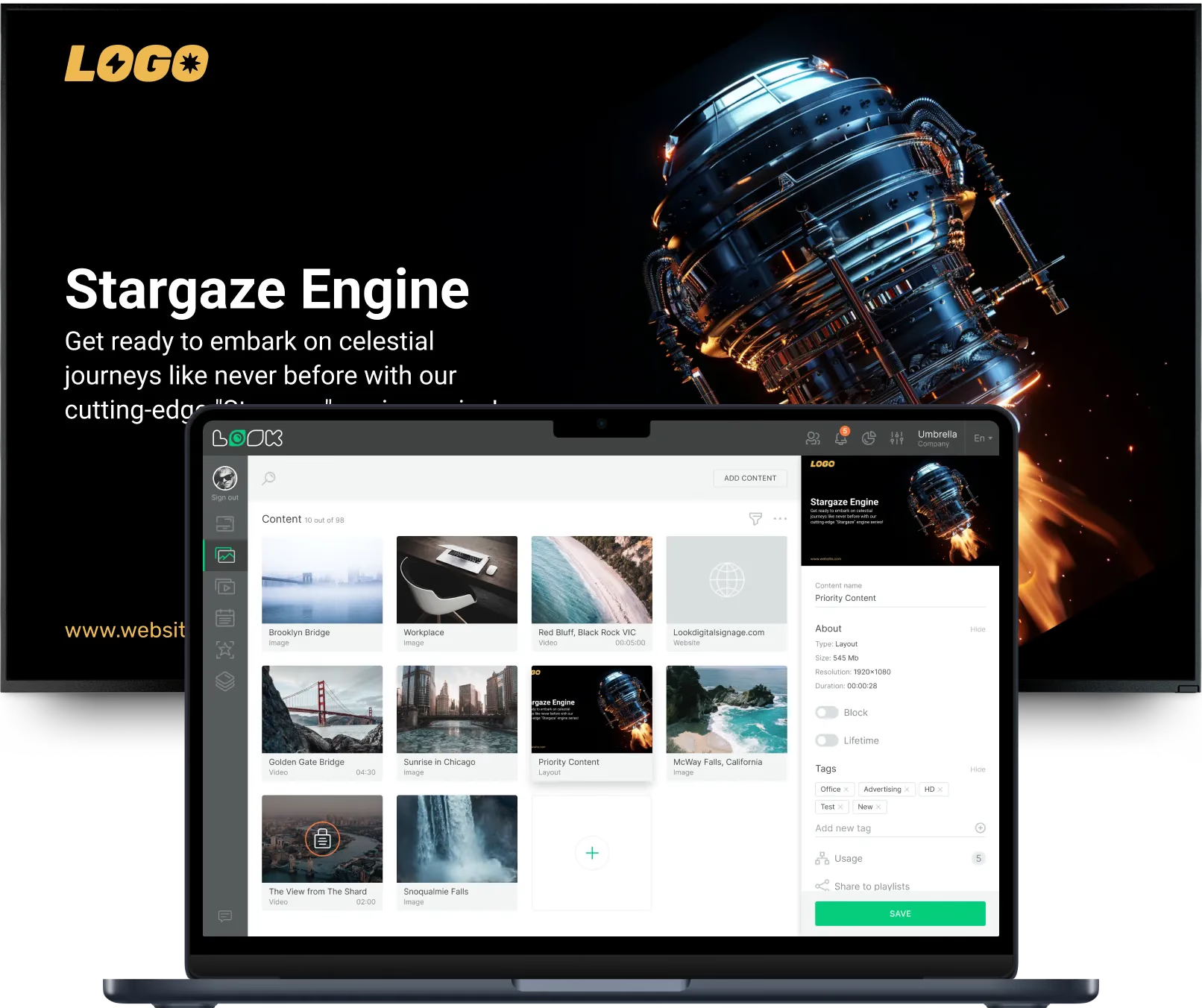
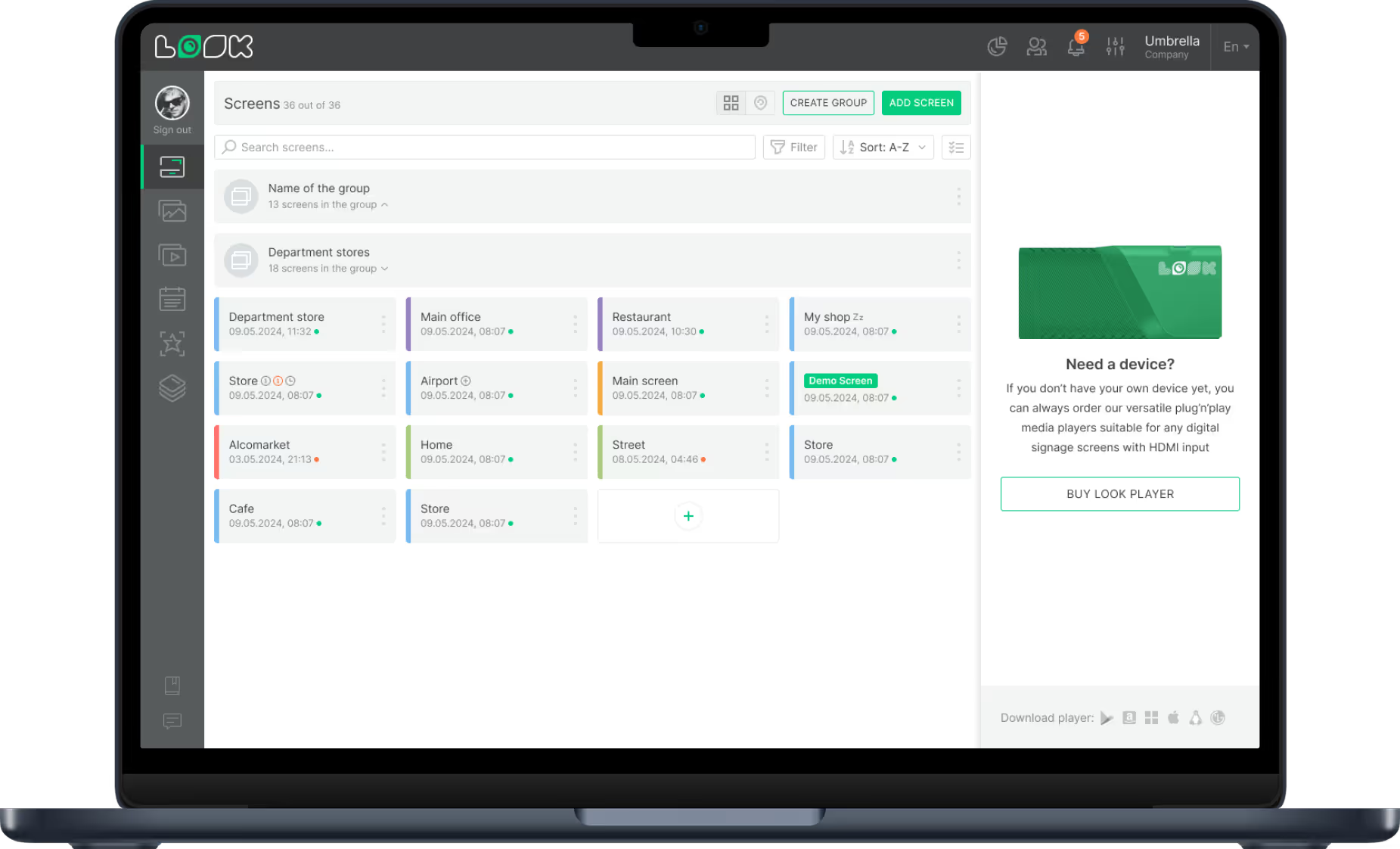
The control center of the network is the Content Management System (CMS). A cloud-based platform like Look Digital Signage allows you to manage content on one or thousands of screens from a single web dashboard. Modern solutions also support integrations, allowing screens to display live data from internal sensors or databases automatically, without manual updates.
Comparison with traditional shop floor communication
For decades, factories relied on bulletin boards, printed spreadsheets, and PA announcements. While functional, these methods are slow and often ignored. Paper notices are static; a KPI report printed in the morning is often inaccurate by lunch. Bulletin boards quickly become part of the background, and clutter makes it hard to see what matters.
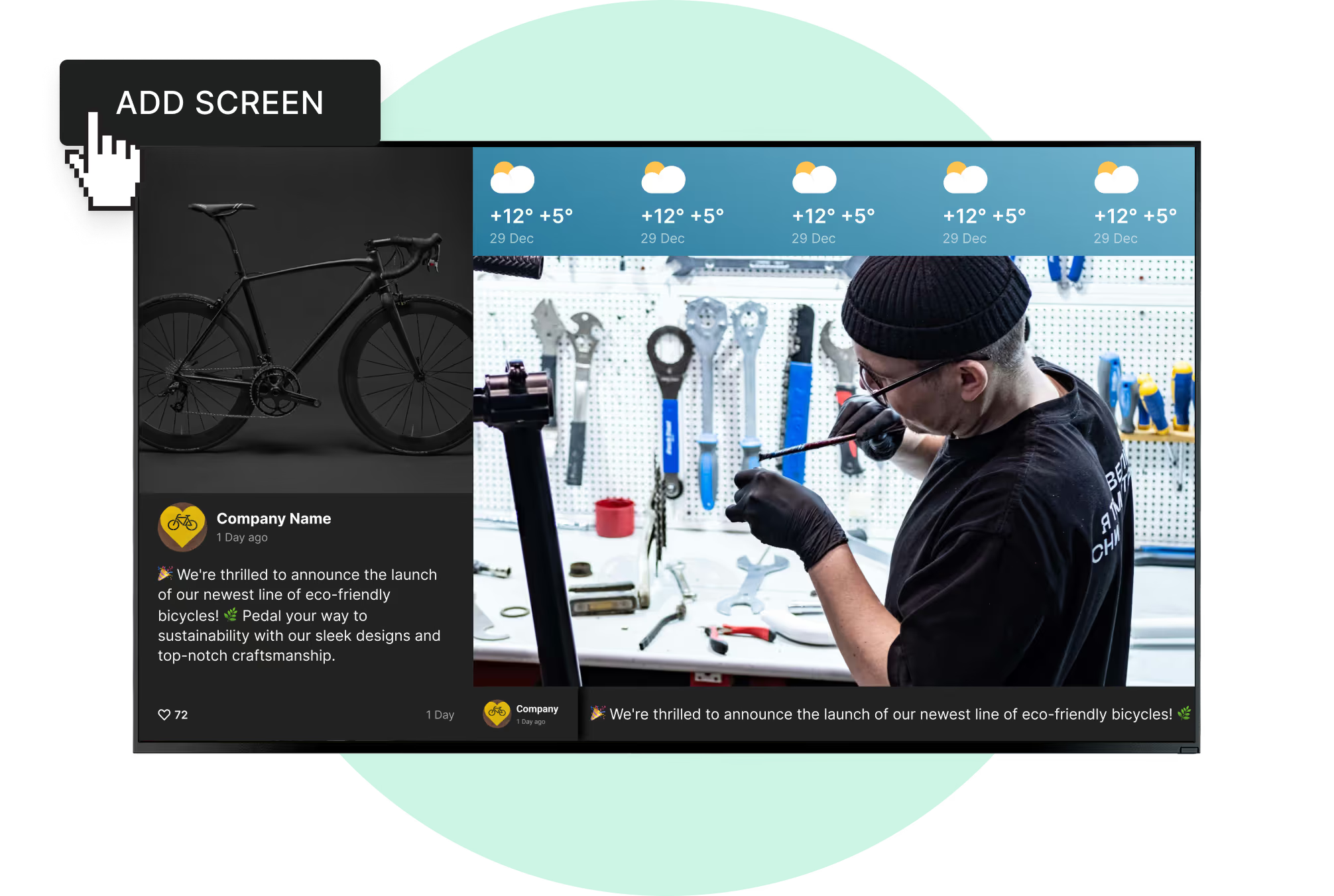
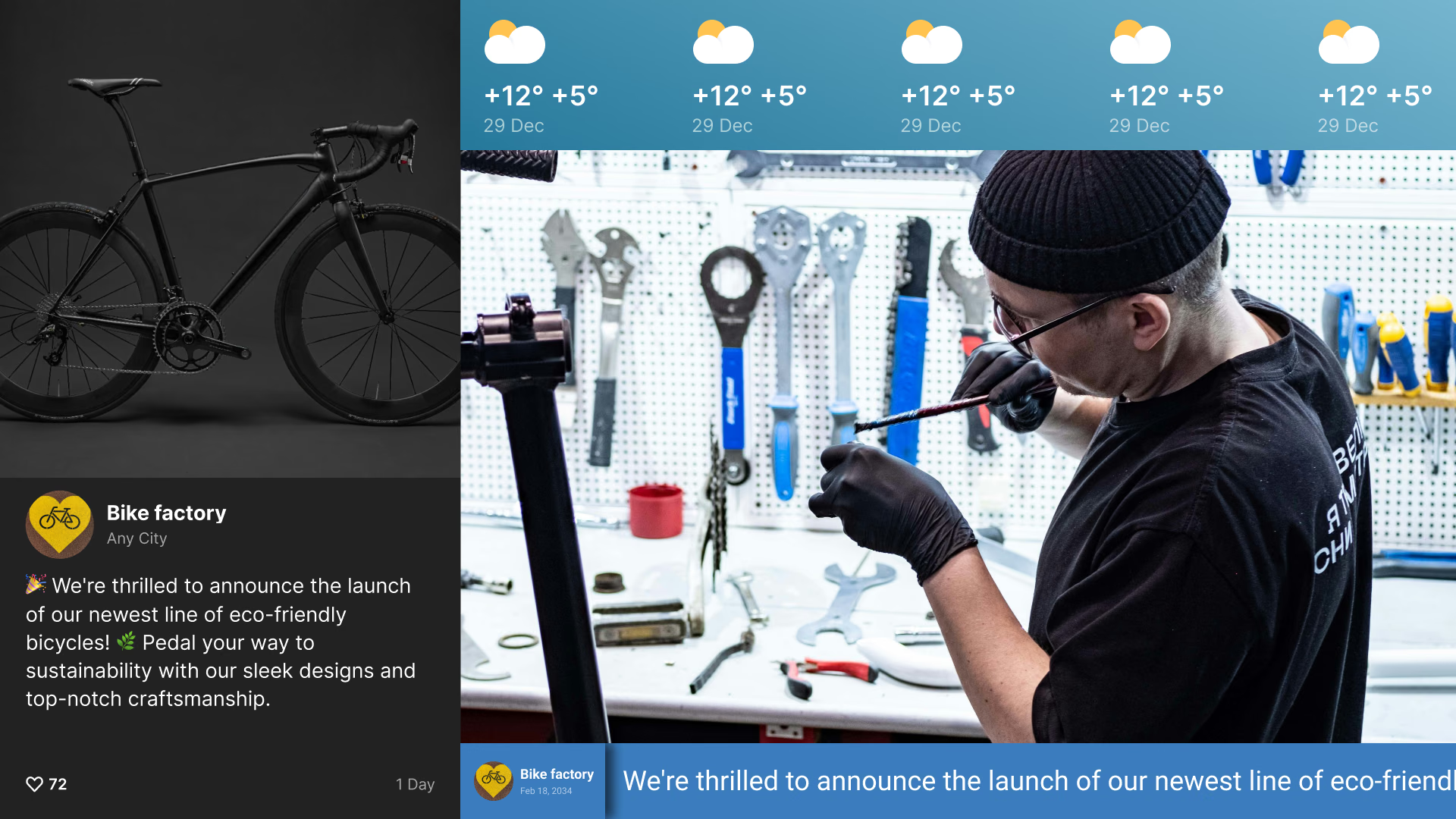
Digital signage solves these issues by being dynamic and attention-grabbing. While a PA announcement might be missed over the sound of machinery, a bright visual alert is hard to ignore. Using screen layouts within Look CMS, you can display production stats, safety reminders, and weather updates simultaneously. This efficiency makes digital signage a far more powerful tool for a fast-paced facility.

Benefits of digital signage for manufacturing operations
Streamlines internal communication across teams
Reaching workers who do not sit at desks is a major challenge in manufacturing. Digital signage brings critical information to the places where work actually happens. It ensures that company updates, HR announcements, and policy changes reach everyone, regardless of their role or location.

This flow of information also improves shift handovers. When one shift ends, managers can leave digital notes or performance summaries on screens for the incoming team. This reduces the risk of miscommunication and helps maintain operational consistency between shifts.
Delivers real-time, actionable information
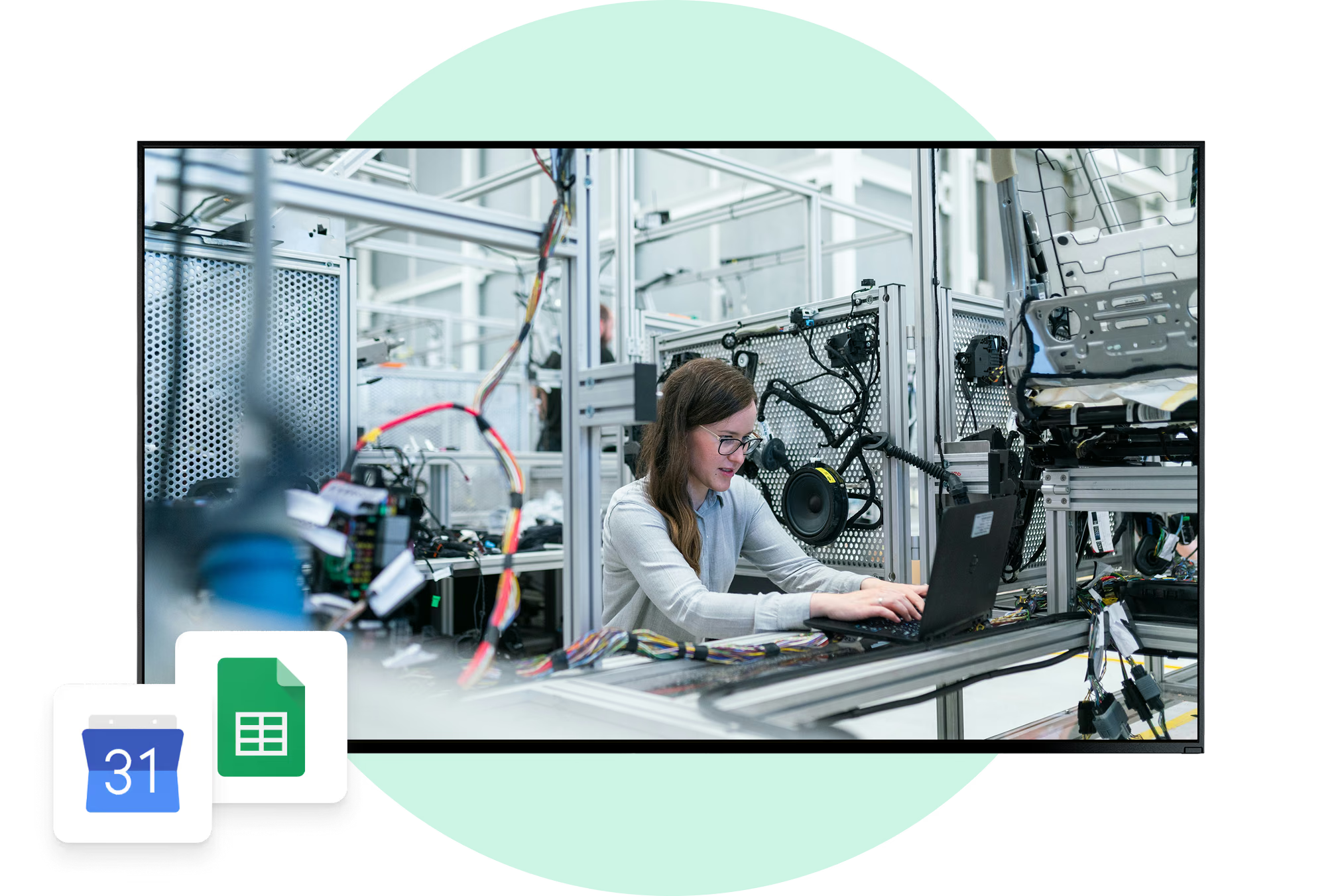
In manufacturing, data is only useful if it is current. Look Digital Signage can display live data feeds through API integrations or embedded dashboards. Instead of waiting for a weekly meeting to review performance, teams can see their output against targets minute by minute. This immediate feedback loop allows supervisors to spot issues early and adjust before they cause delays.
When performance data is visible, accountability improves. If a screen shows a defect rate climbing on a specific line, quality control teams can intervene immediately. This transparency encourages a culture where workers take ownership of their results.
Improves safety and compliance awareness
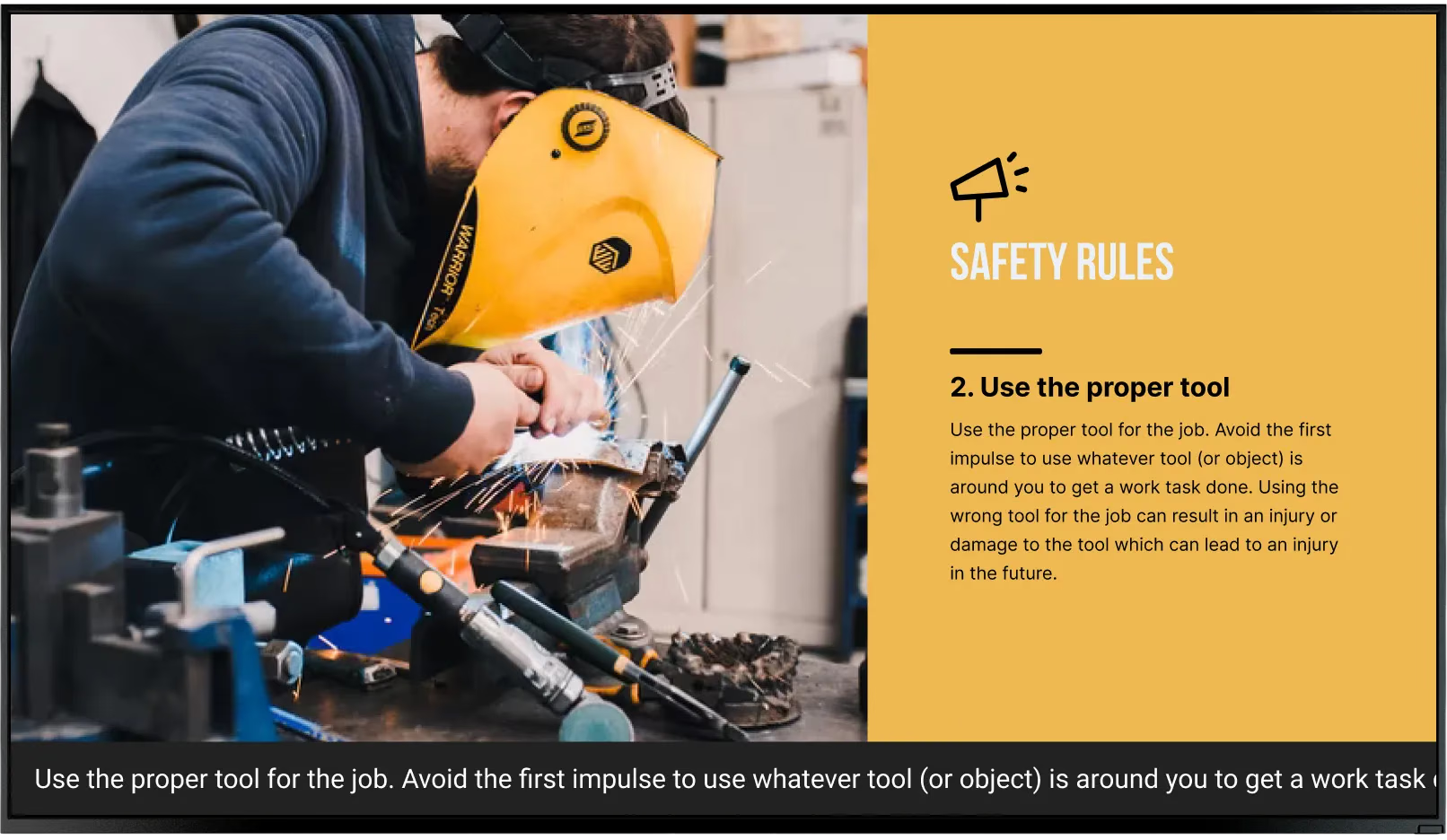
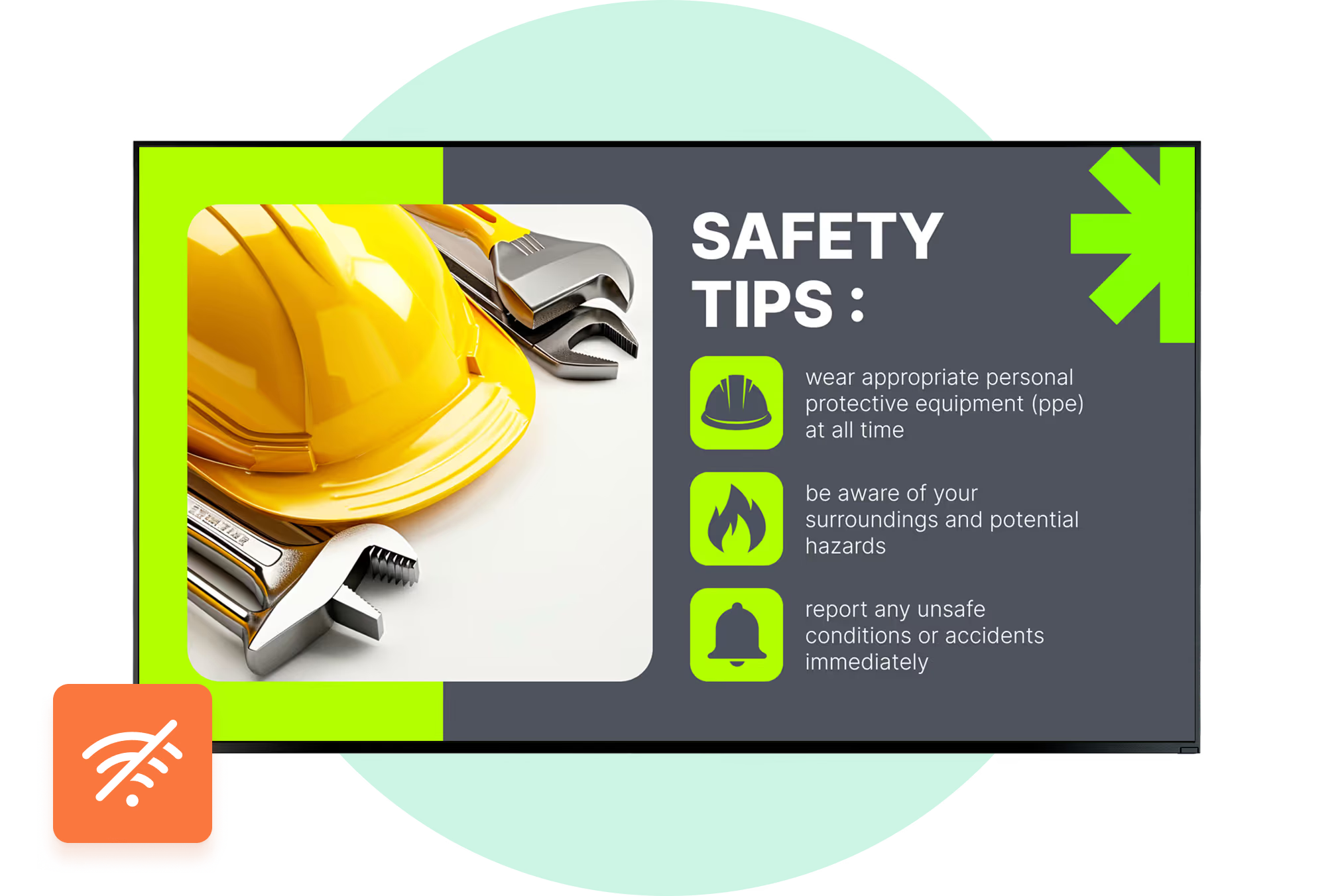
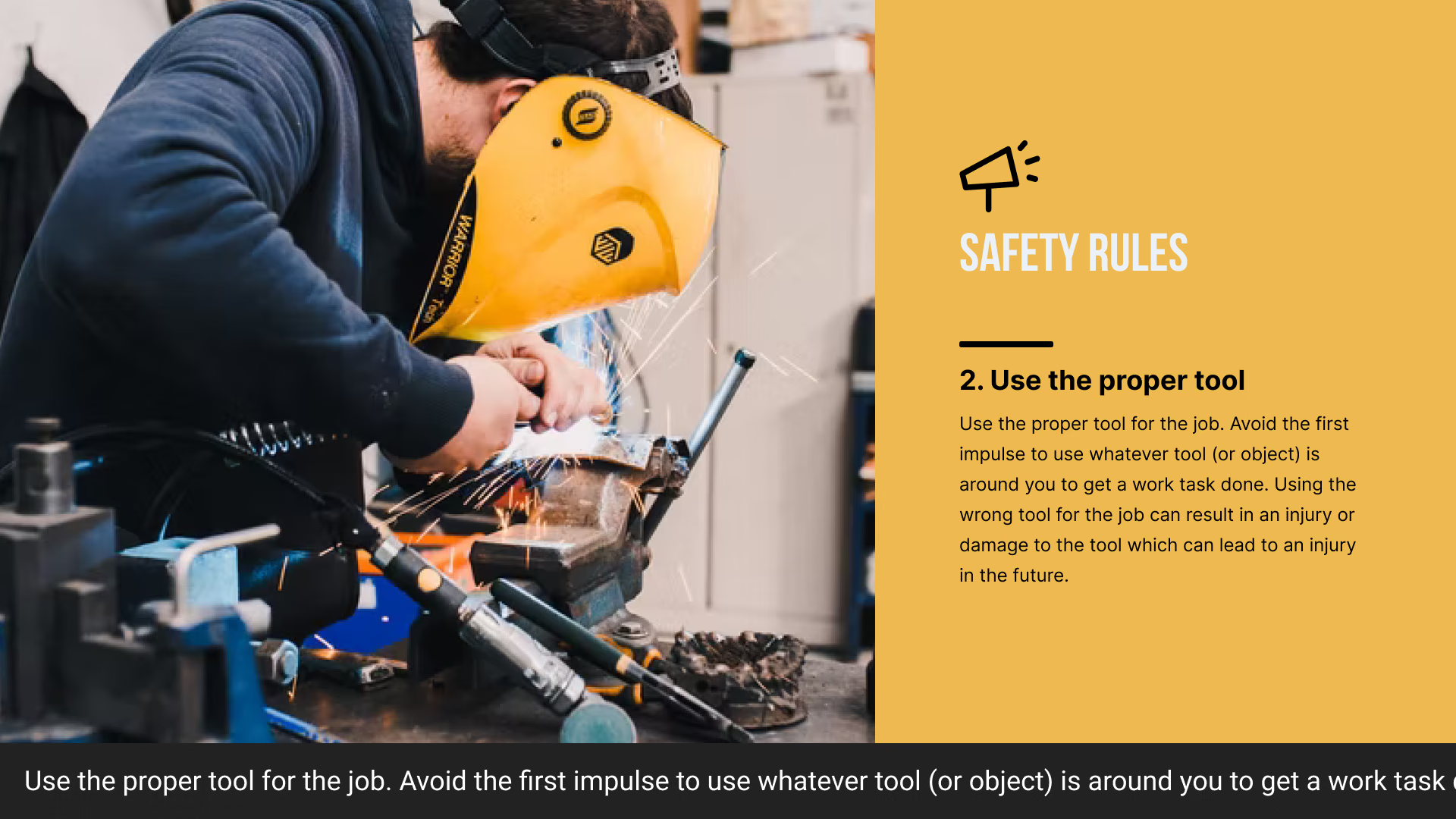
Safety is the primary concern in any facility. Digital signage keeps safety top-of-mind by rotating clear, visual reminders about PPE, forklift protocols, and emergency exits. Unlike a faded poster, a digital screen draws the eye and keeps the message fresh.

These screens also support compliance efforts. You can display "days since last incident" trackers or progress bars for mandatory training. By making safety metrics visible to the entire floor, you reinforce a culture of safety that goes beyond basic compliance.
Reduces errors through visual standardization
Visual management is essential for lean manufacturing. Digital signage helps standardize processes by displaying visual work instructions and Standard Operating Procedures (SOPs) right at the workstation. Operators can reference a clear diagram or video clip for complex tasks instead of searching through a binder.
This visual support is especially helpful for training new hires. When everyone follows the same, up-to-date instructions, process variability decreases, leading to consistent product quality and fewer errors.
Top use cases for digital signage in manufacturing facilities
Production dashboards: displaying KPIs and line performance
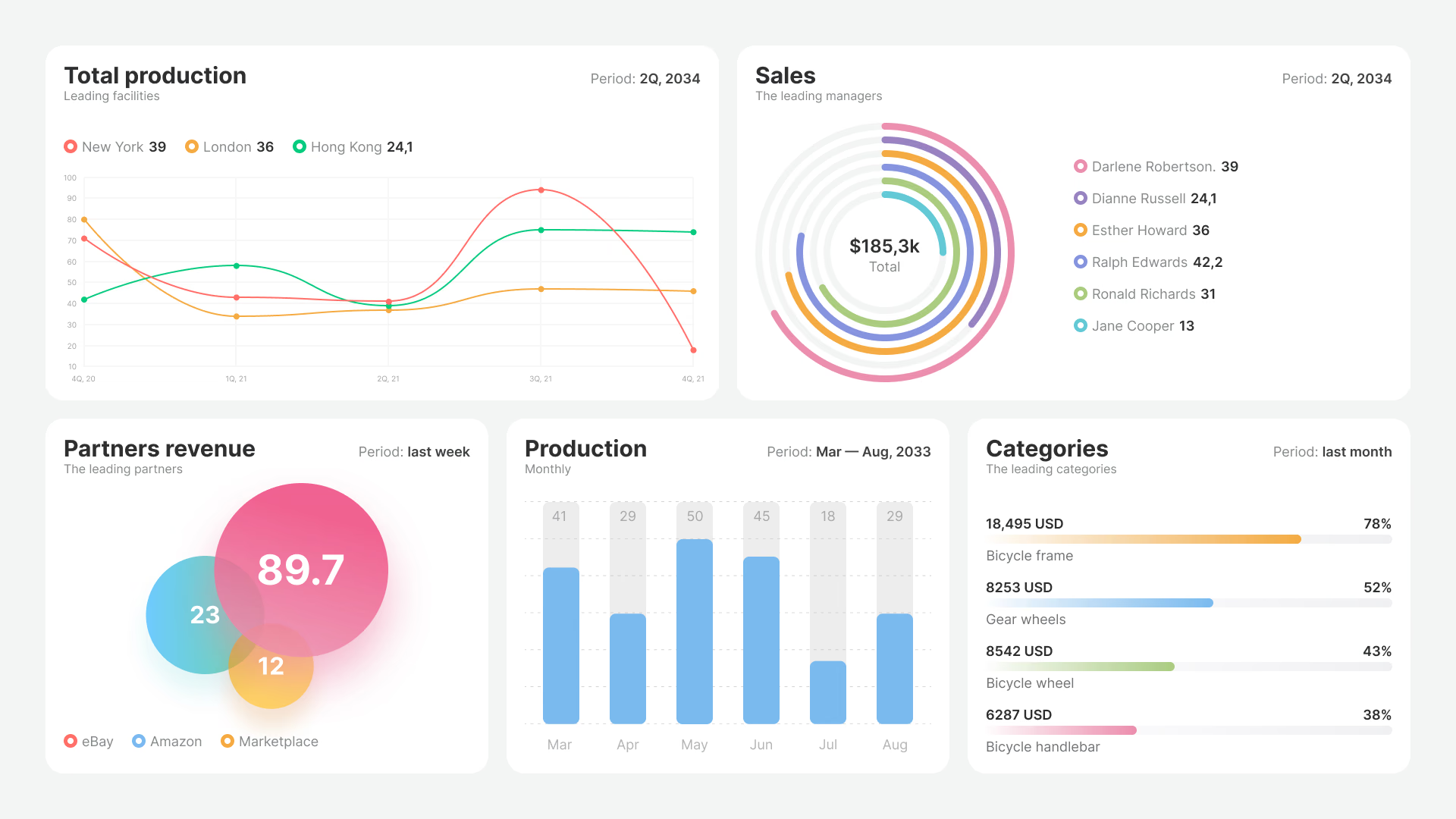
One of the most effective uses of digital signage is the production dashboard. Using screen layouts in Look CMS, you can visualize Key Performance Indicators (KPIs) such as output rates, OEE (Overall Equipment Effectiveness), and downtime. Turning raw data into clear charts helps align the entire team on daily goals.

For instance, a green indicator for on-target performance motivates the team, while a red indicator signals a need for support. This visibility helps transform the shop floor into a data-driven environment where decisions are based on facts.
Safety alerts: visual alarms and emergency communication
In the event of a fire, chemical spill, or severe weather, speed is critical. Digital signage allows you to instantly override scheduled content to display emergency alerts. Screens can show clear instructions and evacuation routes, ensuring workers know exactly where to go.
These alerts can be triggered manually via the cloud dashboard or automated through integrations with facility monitoring systems. In high-stress situations, clear visual guidance can significantly improve response times.
Shift schedules: workforce communication and updates
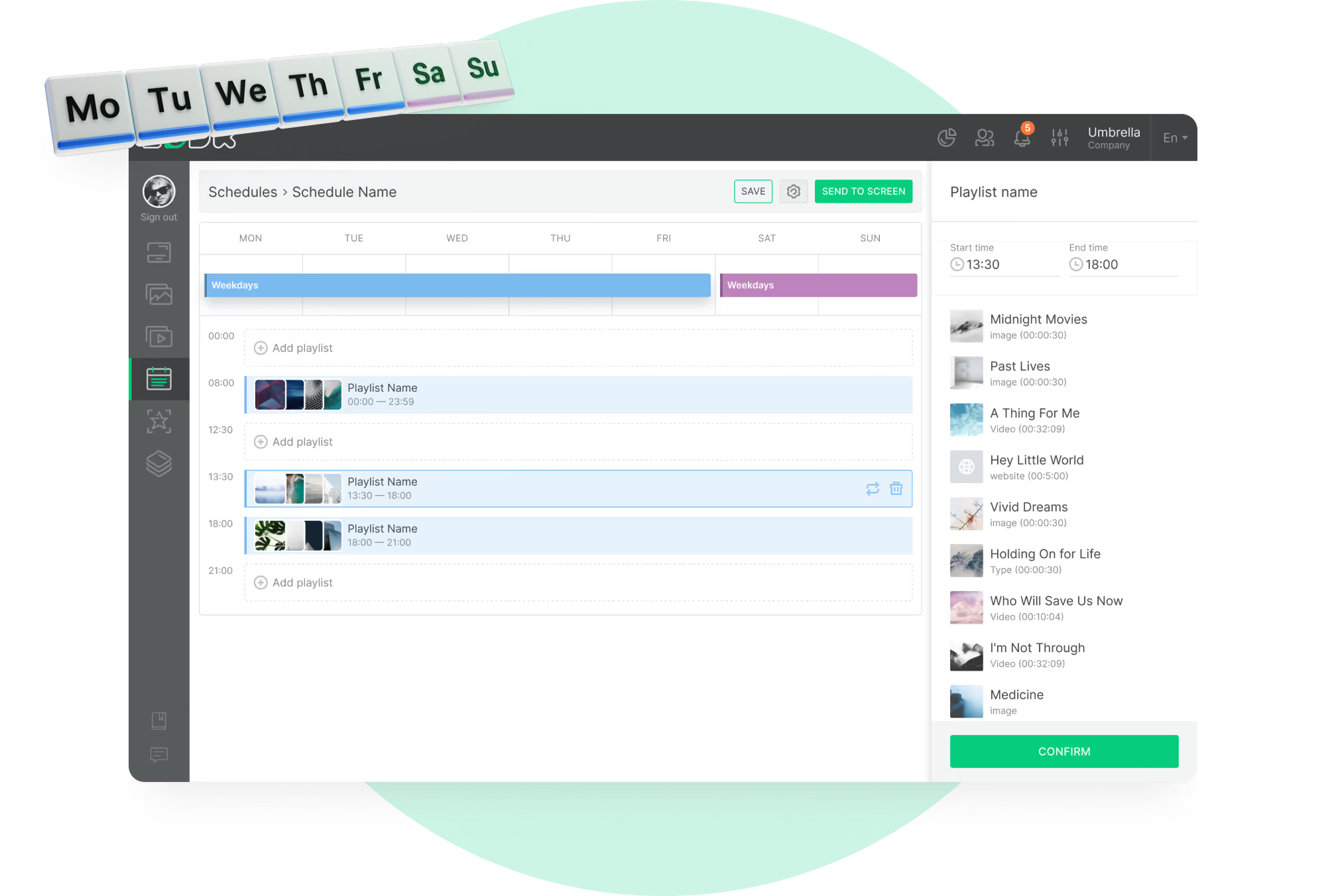
Managing rosters for multiple shifts can be complex. Digital screens placed in breakrooms or near time clocks can display daily lineups, station assignments, and overtime opportunities. Smart scheduling features in Look CMS allow you to set these updates to appear automatically at shift changes, reducing the administrative burden on supervisors.

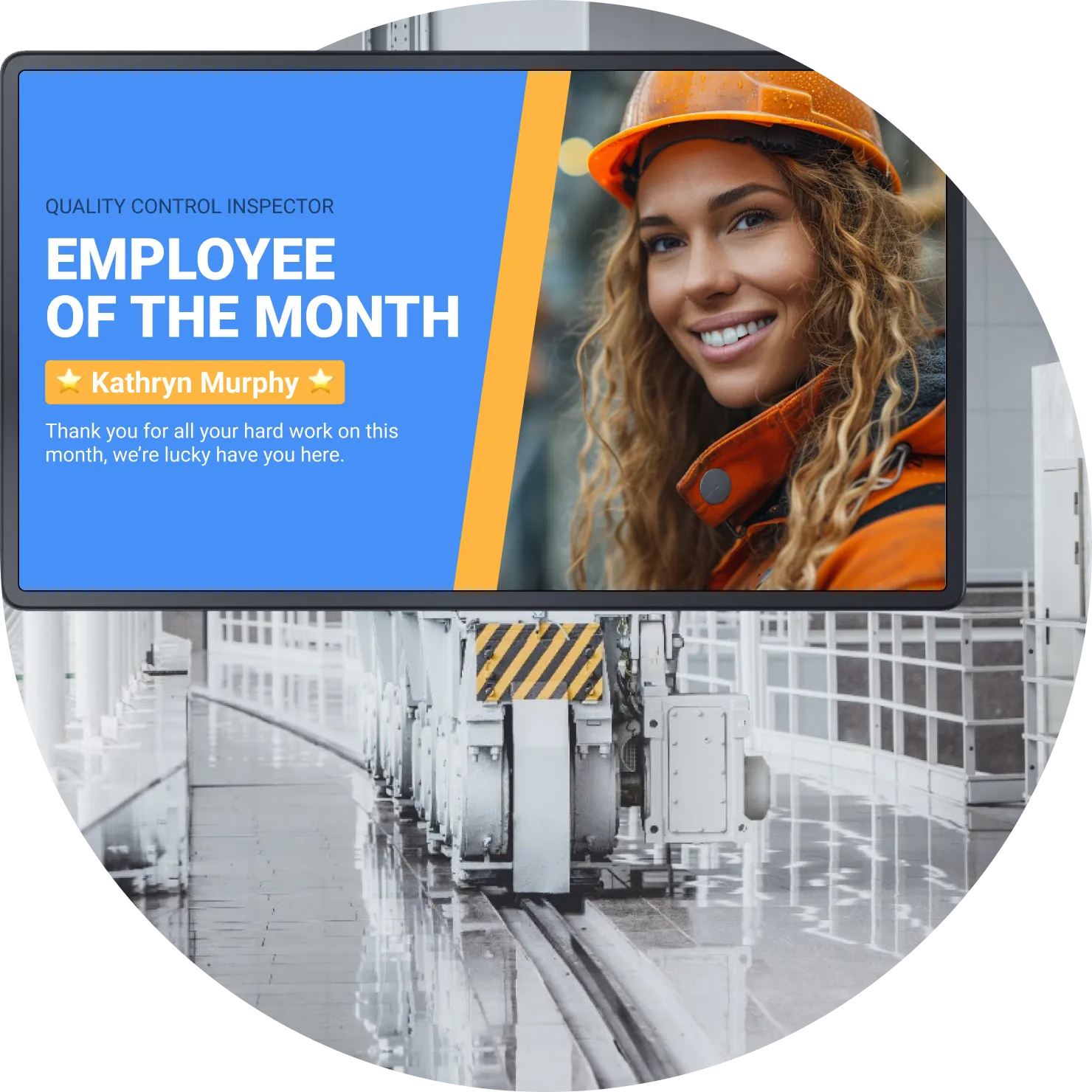
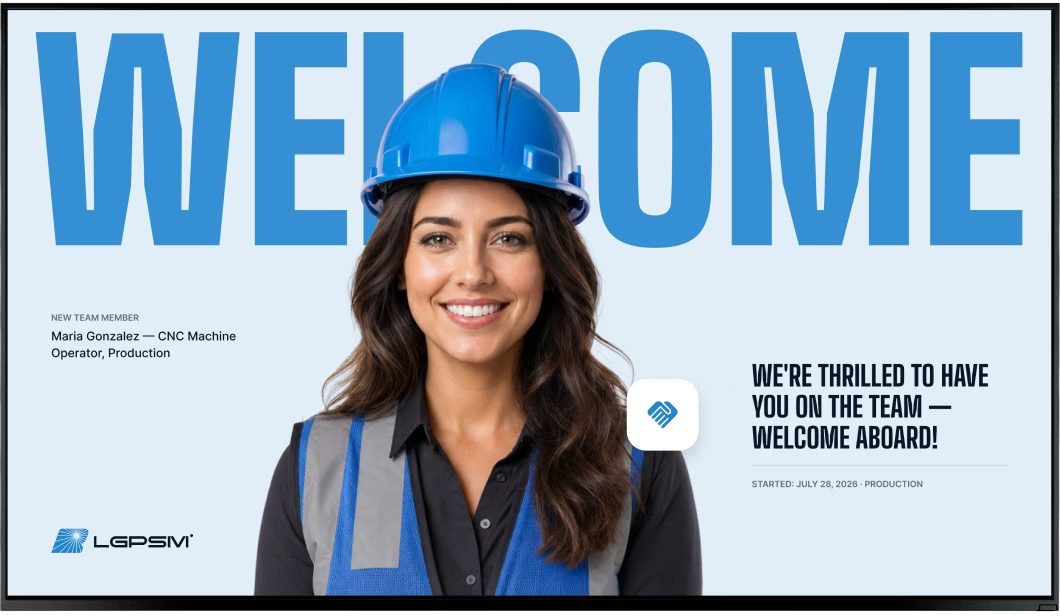
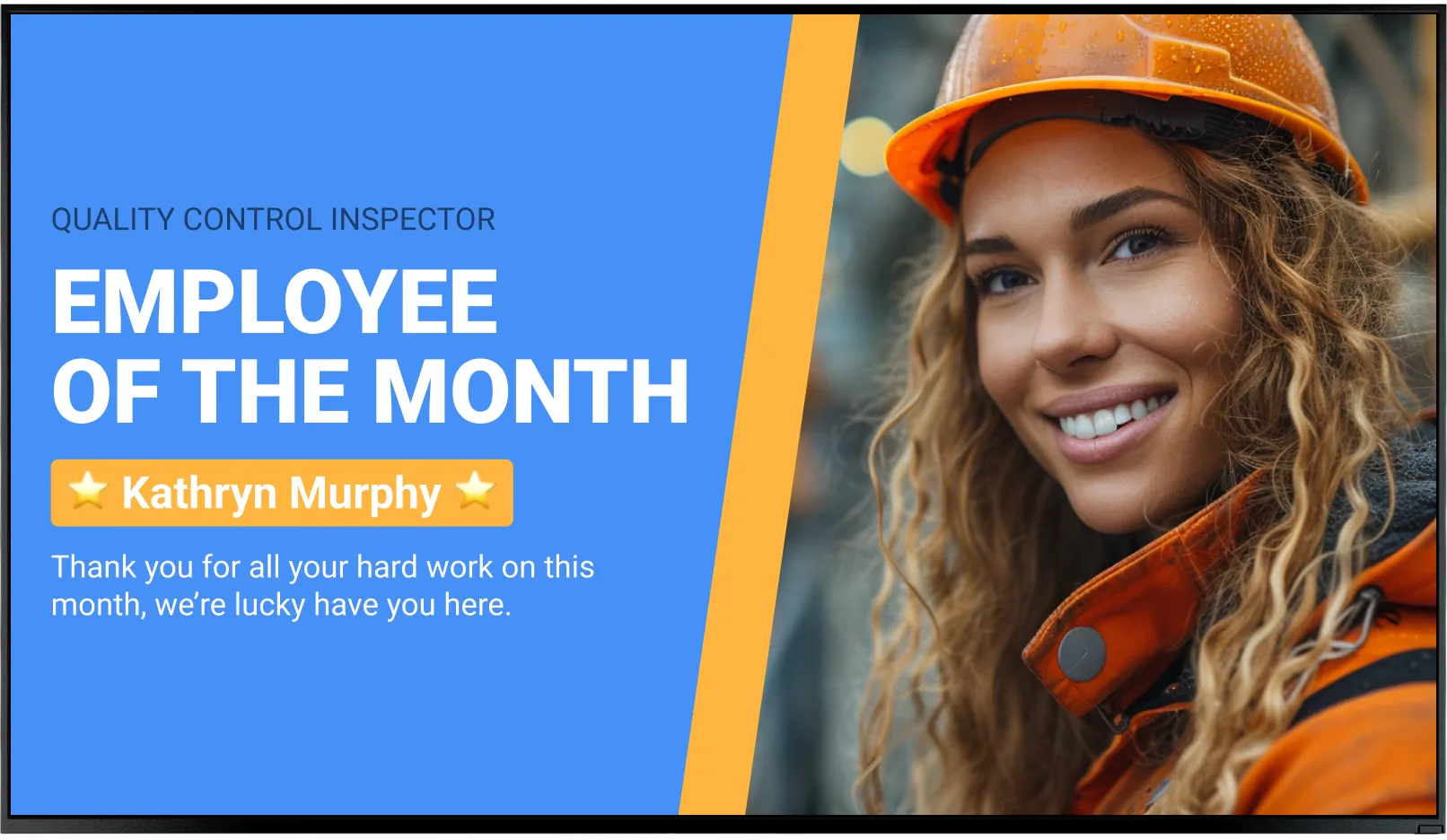
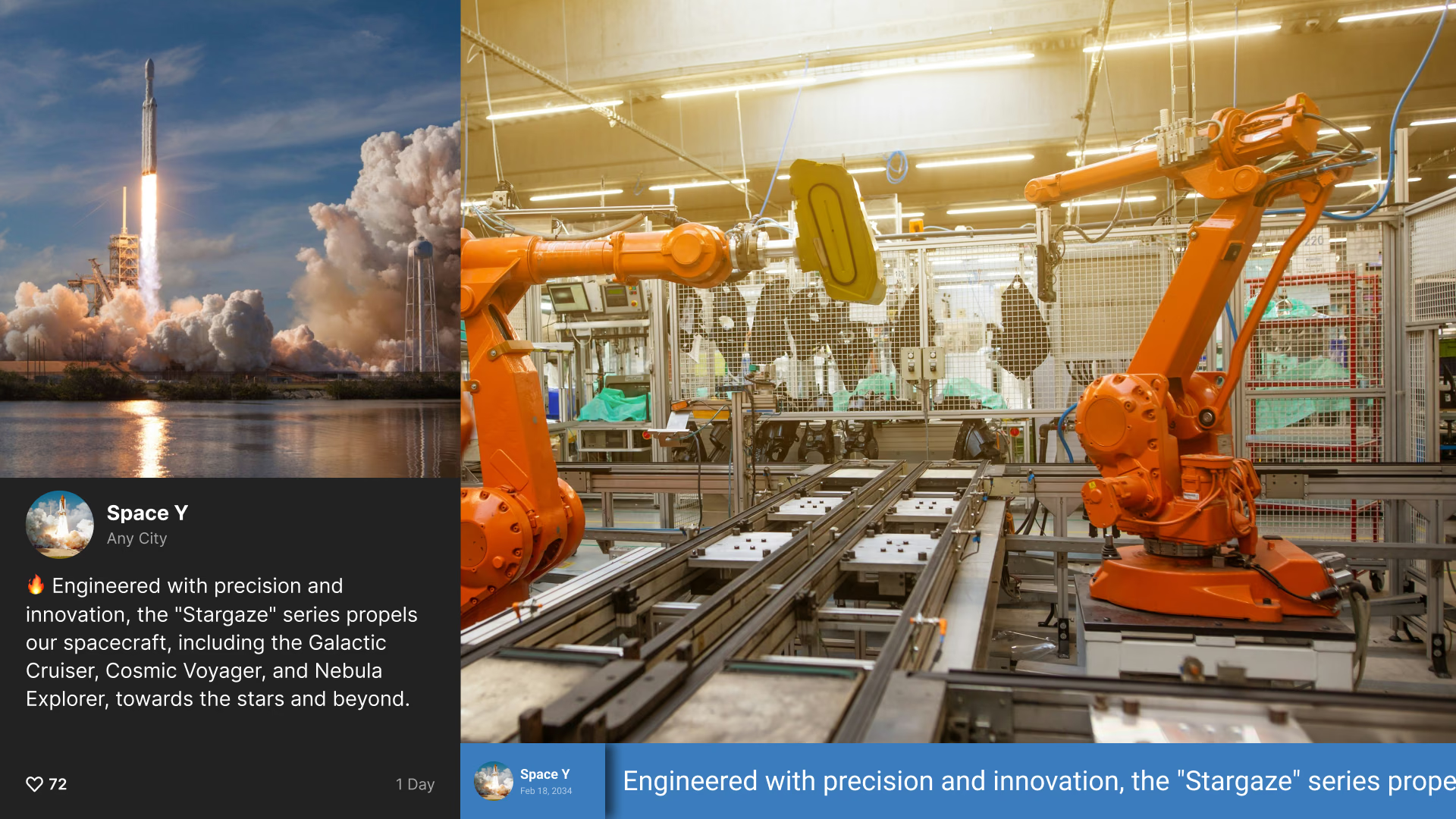
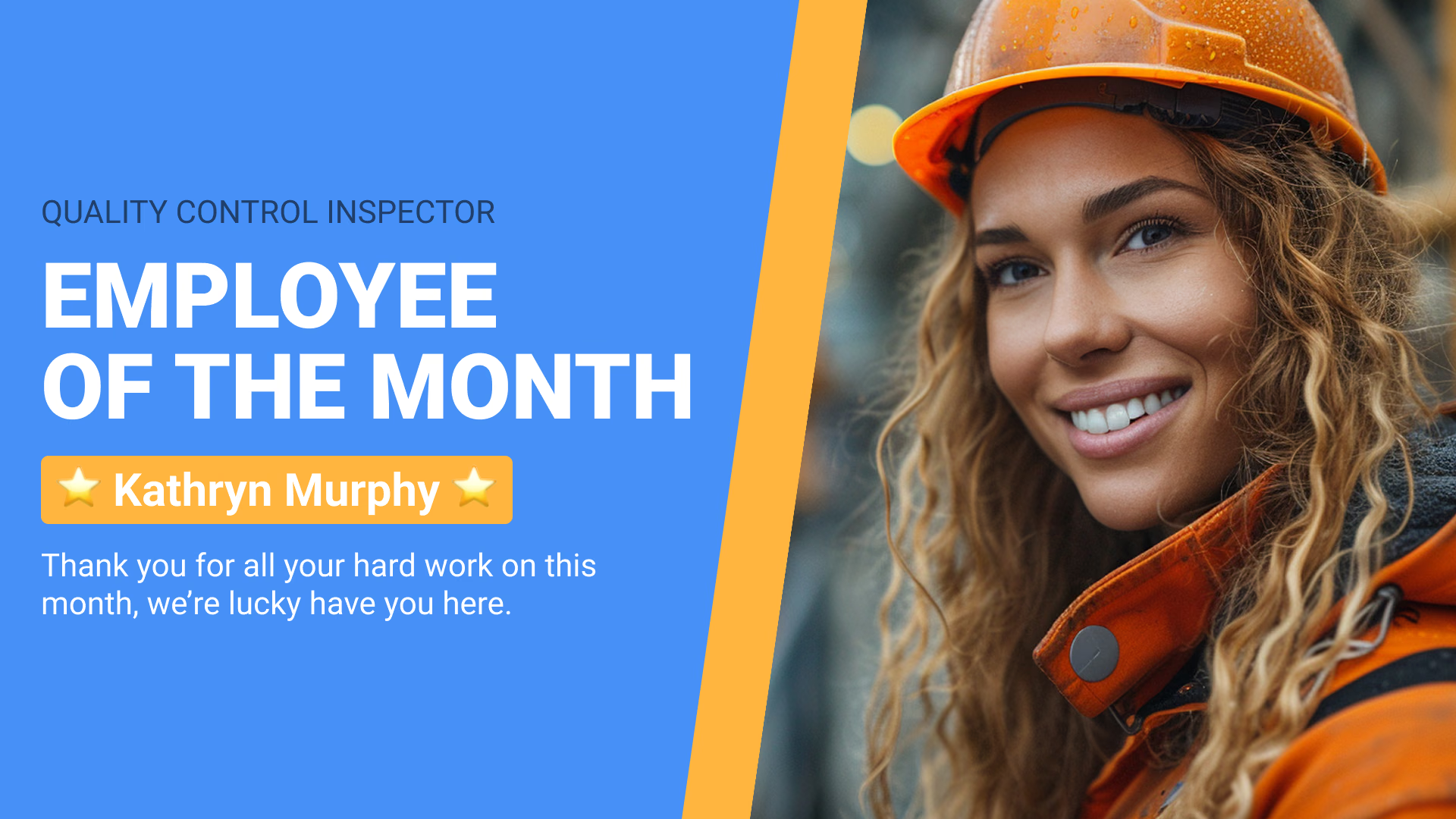
These screens are also excellent for employee recognition. Celebrating birthdays, work anniversaries, or "employee of the month" achievements on the same screens used for schedules ensures high visibility and boosts morale.
Employee training: delivering SOPs and best practices
Digital signage turns training into a continuous process. Screens can run short, looping videos on best practices-such as proper lifting techniques or equipment maintenance-during downtime or breaks. This constant reinforcement helps retain knowledge better than infrequent seminar sessions.
Look CMS supports video and image playlists, making it easy to upload and schedule training content. For more complex procedures, interactive screens can allow operators to select and view specific training modules on demand.
Quality control: real-time checks and compliance messaging
Quality control (QC) screens stationed near production lines can display real-time defect data and audit reminders. If a specific issue is detected, an alert can be published to the relevant line immediately, prompting a check. This speed helps prevent wasted materials and rework.
Additionally, screens can display reminders about ISO standards or upcoming inspection dates. Keeping quality metrics visible reinforces the importance of maintaining standards alongside speed.

Logistics and loading dock coordination
The loading dock requires precise coordination. Digital signage can manage traffic by displaying dock assignments, truck queue status, and priority shipments. Outdoor-rated screens can guide drivers to the correct bays, reducing congestion in the yard.

Inside the warehouse, screens can highlight inventory levels or picking priorities. Because Look DS offers offline playback, screens in remote areas of the warehouse continue to run their scheduled content reliably even if the internet connection is unstable.
Visitor management: orientation and wayfinding
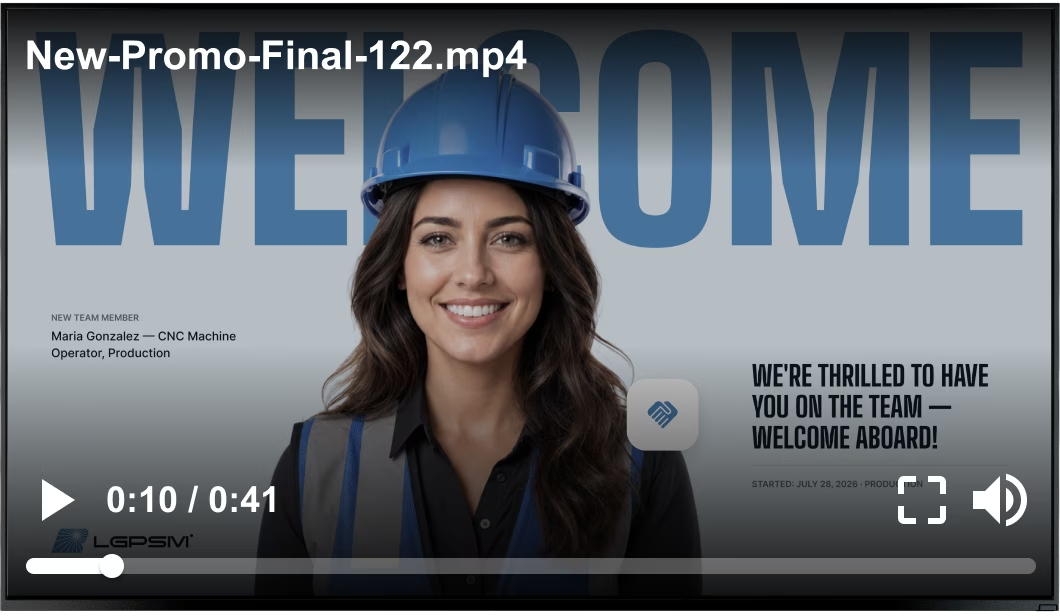
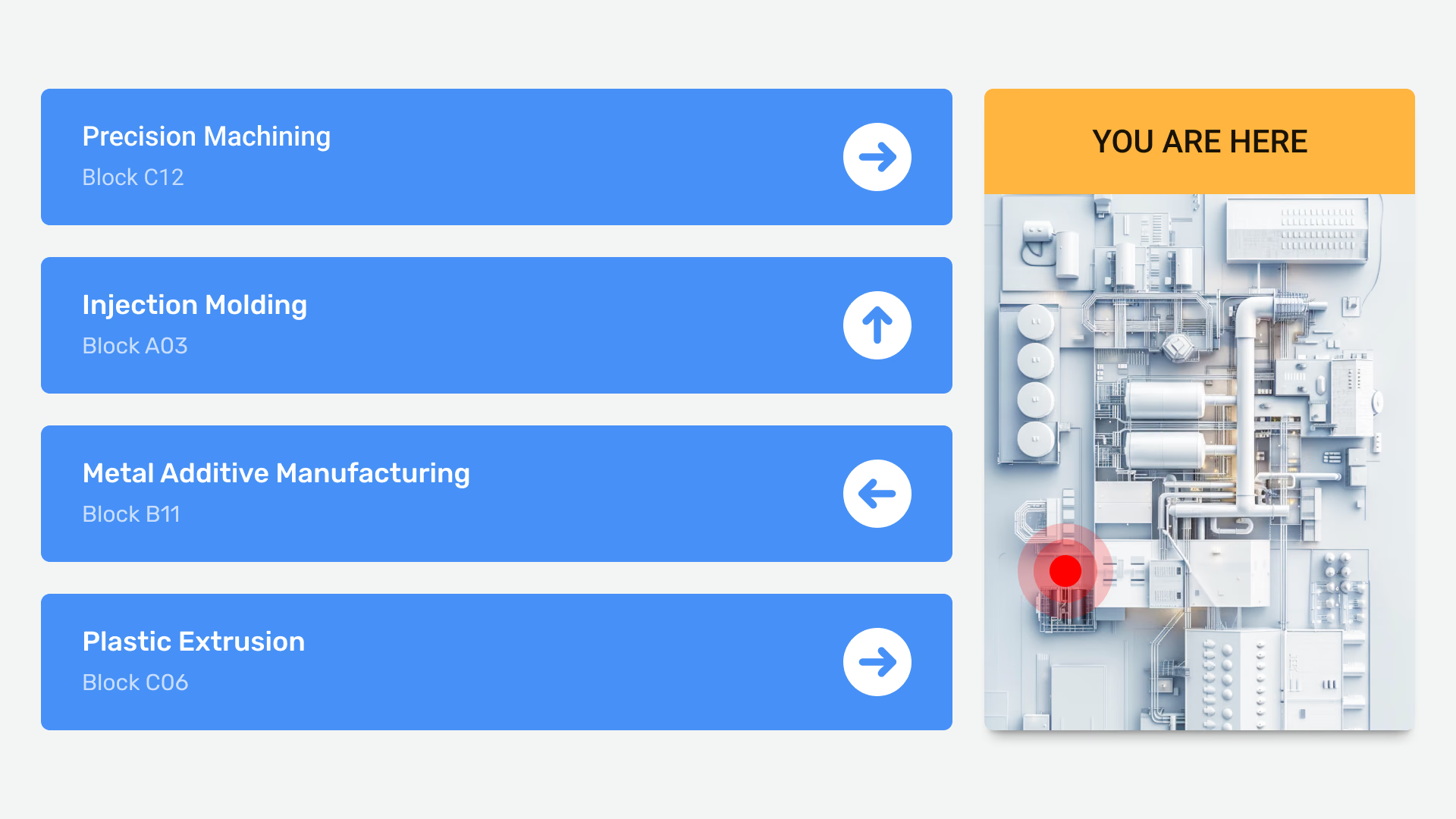
Large manufacturing plants can be difficult to navigate. Digital welcome screens create a professional first impression for clients and vendors while providing clear directions. In lobbies, screens can display safety induction videos that visitors must watch before entering operational areas.
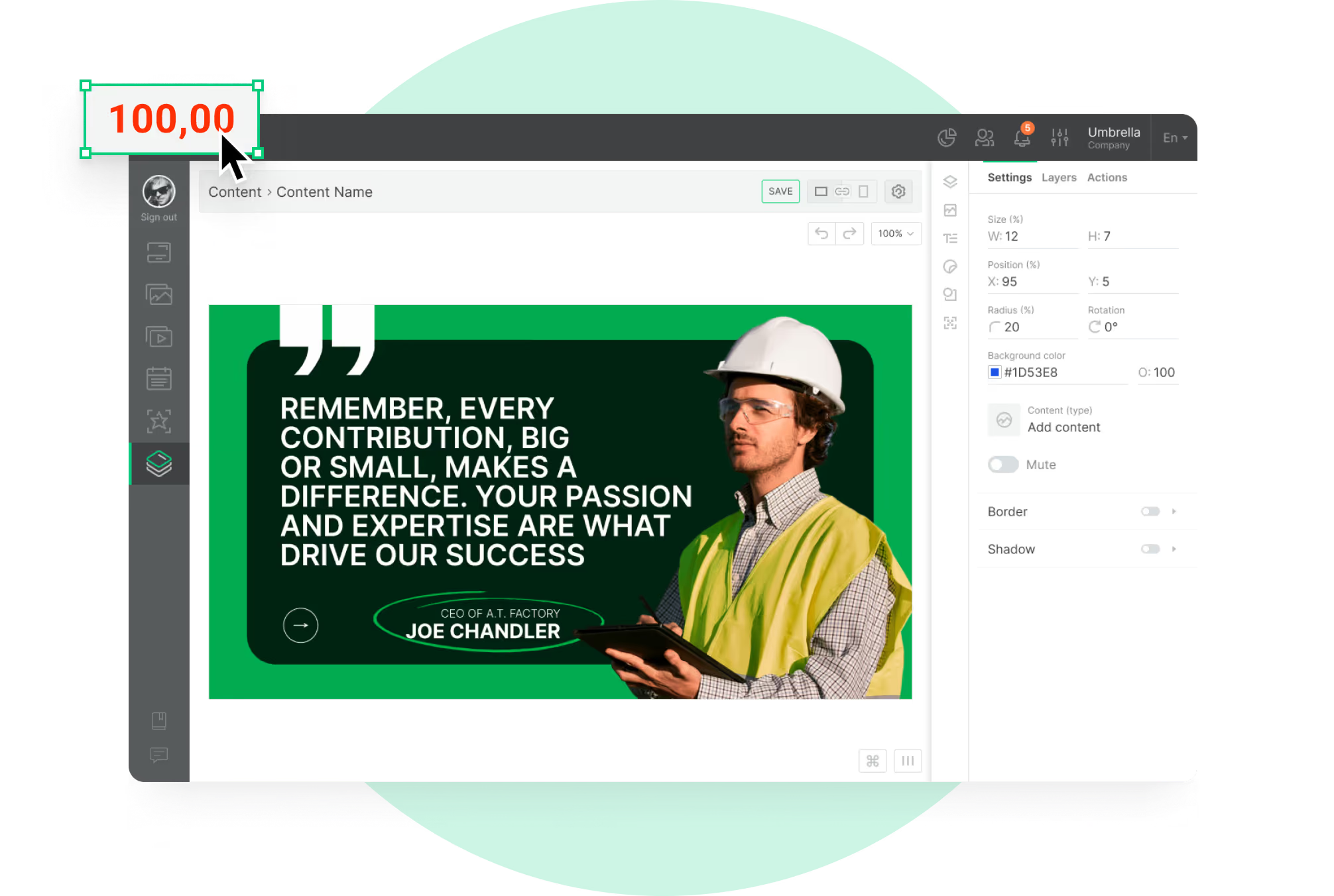
Using ready-made templates in Look CMS, you can quickly create branded welcome messages or directional signs without needing a graphic designer.
Energy and sustainability monitoring
Sustainability is a growing priority for many manufacturers. Digital screens can visualize energy consumption, water usage, and waste reduction metrics in real time. displaying a graph of current power usage versus targets encourages staff to shut down idle machinery.
Sharing sustainability wins-such as the amount of material recycled this month-demonstrates the company’s commitment to environmental goals and engages employees in the effort.
How to deploy digital signage effectively in manufacturing
Selecting the best screen locations
Placement is key to engagement. Install screens in high-traffic areas where workers naturally pause, such as breakrooms, cafeterias, and locker rooms. For production data, mount screens high up on pillars or walls where they are visible to the line but do not obstruct operations.

Consider the viewing distance. A dashboard meant for a whole assembly bay may require a large format screen, while a digital bulletin board in a hallway can be smaller. Ensure the hardware layout matches the content strategy.
Integrating with MES, ERP, and safety systems
To maximize value, connect your digital signage to your data sources. Look Digital Signage supports integrations with various third-party tools via API and embed options. This allows screens to pull data directly from your MES or ERP systems, ensuring charts and figures are always accurate without manual data entry.
Integration with safety systems is also valuable. Connecting signage to your emergency alert system ensures that visual warnings trigger automatically alongside audible alarms.
Content customization for departments and shifts
Relevance drives engagement. A logistics team needs different information than the assembly crew. Use the Look CMS to organize screens into groups and target content accordingly. You can schedule specific messages to play only during night shifts or display safety reminders relevant to a specific department.
Smart scheduling allows you to plan these content changes in advance. For example, you can set the cafeteria menu to display only during lunch hours, switching back to company announcements for the rest of the day.
Maintaining durability and uptime in harsh environments
Manufacturing environments can be tough on electronics. Standard consumer TVs may fail due to dust, heat, or continuous use. It is often best to use commercial-grade displays or protective enclosures. For the media player, the Look HDMI Player is a robust choice designed for reliability.
Network reliability is another factor. In facilities with spotty Wi-Fi, offline playback is essential. This feature ensures that your screens keep playing their scheduled content even if the internet connection drops, preventing blank screens and disruption.
Challenges and considerations for digital signage in manufacturing
Overcoming language barriers and accessibility
Manufacturing workforces are often diverse. If safety alerts appear only in English, you risk leaving some workers uninformed. Digital signage allows you to rotate messages in multiple languages easily. You can use templates to create multilingual versions of the same announcement.

Visual communication helps overcome language barriers entirely. Using universal icons and clear color-coding (e.g., red for stop/danger, green for go/safe) ensures that the core message is understood by everyone, regardless of language proficiency.
Data security and protecting sensitive information
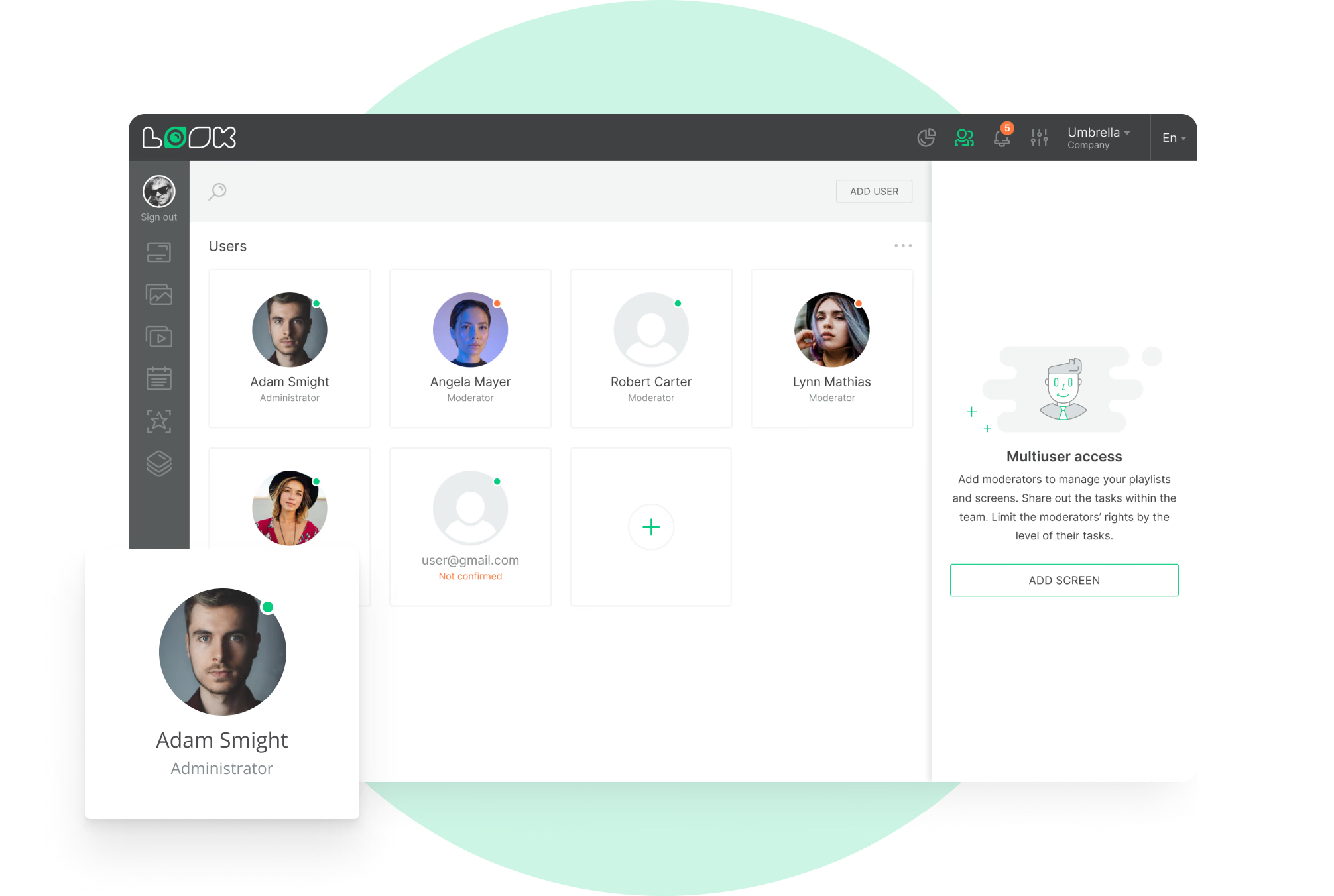
Connecting screens to internal networks requires security diligence. You must ensure that unauthorized users cannot access the system. Look Digital Signage provides a secure cloud environment with role-based permissions, allowing you to control who can publish content to which screens.
Physical security is also important. Media players should be secured behind screens or in locked enclosures to prevent tampering. Using a dedicated player like the Look HDMI Player minimizes the risk compared to using general-purpose PCs.
Managing costs and ROI measurement
Deploying a network of screens involves upfront costs. To manage this, many facilities start with a pilot program in one area-such as a single production line or the breakroom. You can measure the impact on specific metrics, like awareness of new policies or response time to line stoppages, before scaling up.
Over time, the ROI becomes clear through improved efficiency, reduced printing costs, and better safety outcomes. The time saved by managing updates remotely via Look CMS rather than walking the floor to post paper notices also contributes significantly to the return on investment.
Frequently asked questions about digital signage in manufacturing facilities
How does digital signage improve productivity on the shop floor?
Digital signage improves productivity by providing real-time visibility into performance. When operators can see their targets and current output, they are better equipped to self-correct and maintain pace. It also reduces downtime by communicating issues instantly to the right support teams.
Can existing factory systems integrate with digital signage?
Yes. Platforms like Look Digital Signage are designed to integrate with external tools. You can display dashboards from Power BI, Grafana, or proprietary manufacturing systems using secure URL embeds or API connections, keeping data live and accurate.
What types of content are most effective for manufacturing employees?

The most effective content is visual and relevant. KPI dashboards, safety reminders, shift schedules, and weather updates are consistently high-value. Using a mix of operational data and employee-centric news (like anniversaries) keeps the screens engaging.
How often should digital signage content be updated?
Operational data should update in real time. General announcements, such as HR news or safety tips, should be refreshed weekly to prevent "banner blindness." Look CMS makes it easy to schedule these updates in advance so content stays fresh without constant manual work.
Key takeaways for using digital signage in manufacturing facilities
Digital signage is a practical solution for the modern factory, transforming how teams communicate and operate. By centralizing management and visualizing real-time data, manufacturers can build safer, more efficient, and better-connected facilities. Look Digital Signage provides the tools, from smart scheduling to offline playback, to make this transition simple and reliable.
Beyond the data, these screens help create a workplace where employees feel informed and valued. Investing in clear communication pays off in engagement and retention. If you are ready to modernize your shop floor communication, you can start a free trial of Look today to see how easy it is to get your first screen live.