
Table of Content
How can grocery managers keep pricing accurate, promote flash sales, and manage messaging across multiple aisles without relying on slow, expensive print runs? The best digital signage software for a grocery store is a platform that simplifies content management, ensures reliable playback even without internet, and scales from a single deli counter to a nationwide chain. Look Digital Signage offers a robust cloud-based solution that balances powerful automation with an interface designed for non-technical teams, helping you turn your store into a connected, sales-driving environment.
Modern grocery retail is about agility. Price changes happen daily, and inventory fluctuates hourly. Static posters simply cannot keep up. With the right software, you can publish and manage content on any screen in minutes, from anywhere, ensuring your customers always see current offers, fresh inspiration, and accurate information.
Best Digital Signage Software for Grocery Stores: Why It Matters
How Digital Signage Improves the Grocery Shopping Experience
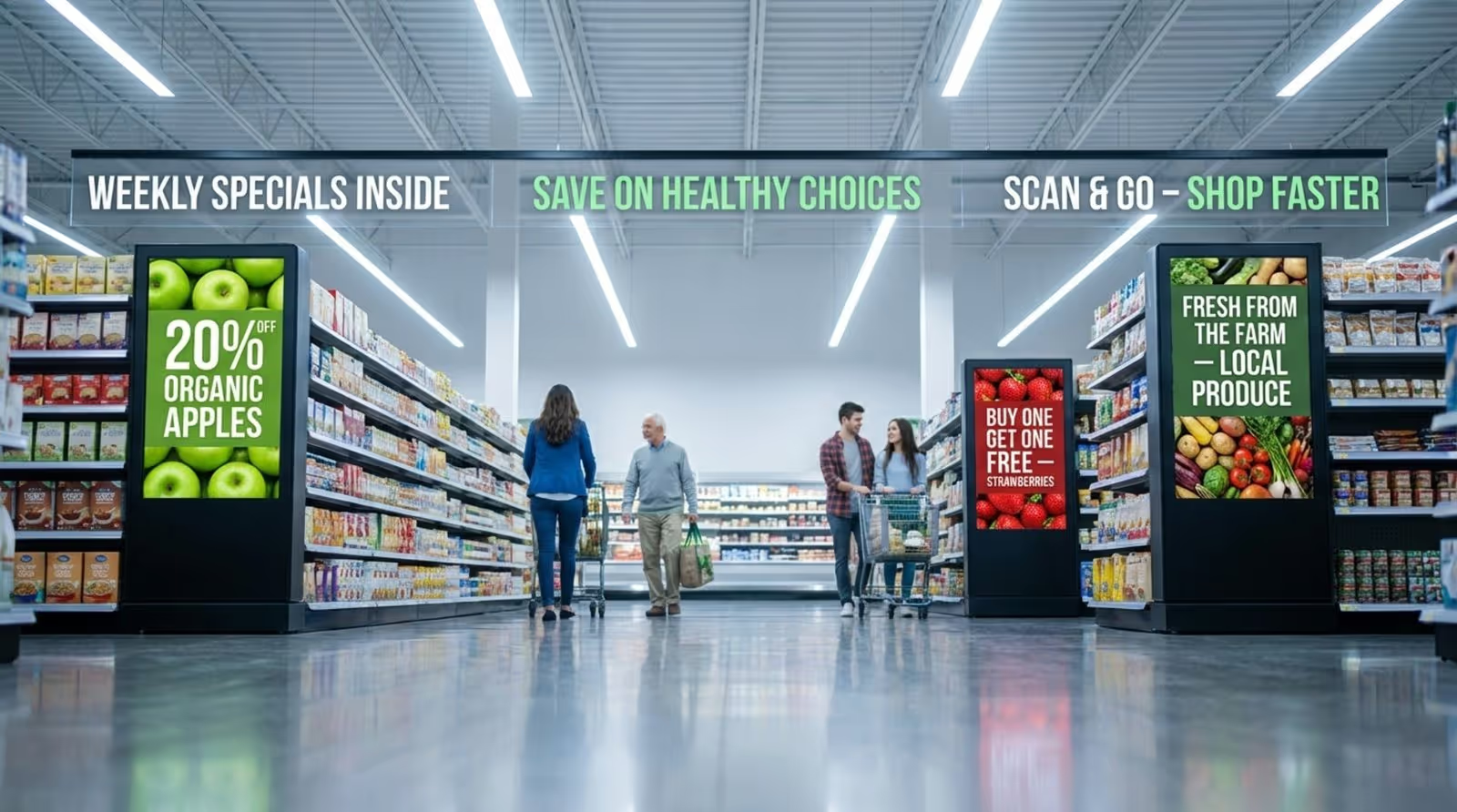
In a busy supermarket, digital signage acts as a dynamic guide. Placing screens at entrances, deli counters, and checkout lines provides customers with useful information exactly when they need it. For example, screens can display recipe ideas that pair with nearby products, highlight nutrition details for fresh produce, or offer wayfinding to help shoppers locate specific aisles.
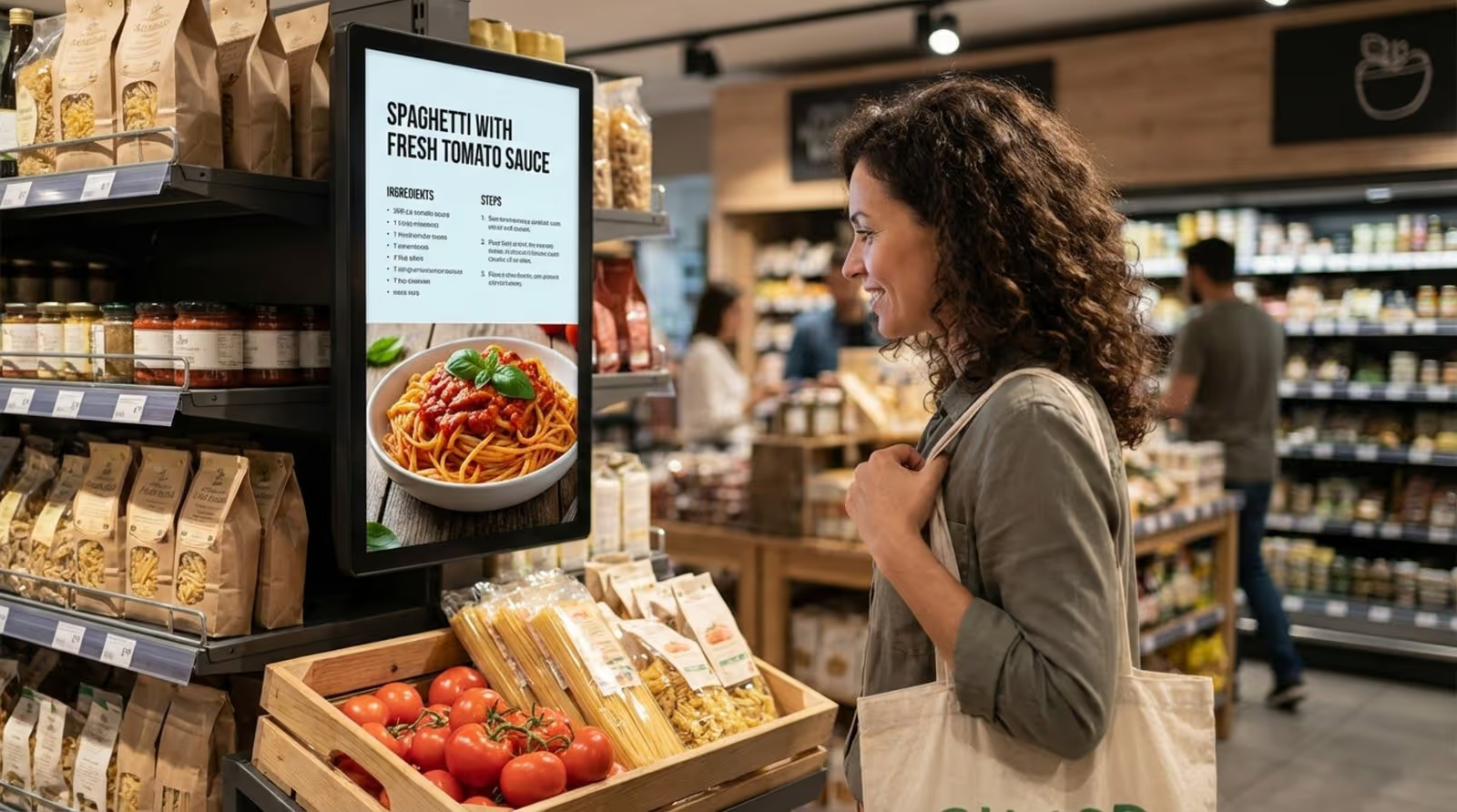
Digital signage also significantly impacts perceived wait times. At the checkout or the deli counter, engaging content-such as cooking tips, community news, or weather updates-can make a wait feel much shorter. This mix of utility and engagement keeps shoppers calm and improves their overall impression of the store as organized and customer-focused.
Benefits for Store Owners and Shoppers
For store owners, the primary advantage is efficiency. Traditional print marketing requires design, printing, and manual installation, which consumes valuable staff hours. With Look Digital Signage, a manager can update a price or launch a “flash sale” on perishable goods across the entire store in minutes. This flexibility improves inventory control and reduces waste.
Shoppers benefit from a more transparent and relevant experience. Digital screens ensure that the price on the shelf matches the price at the register. Furthermore, digital signage can highlight local sourcing partners or upcoming community events, building a stronger connection between the neighborhood and the brand.
What Features Should Grocery Stores Prioritize in Digital Signage Software?
Real-Time Content Scheduling and Updates
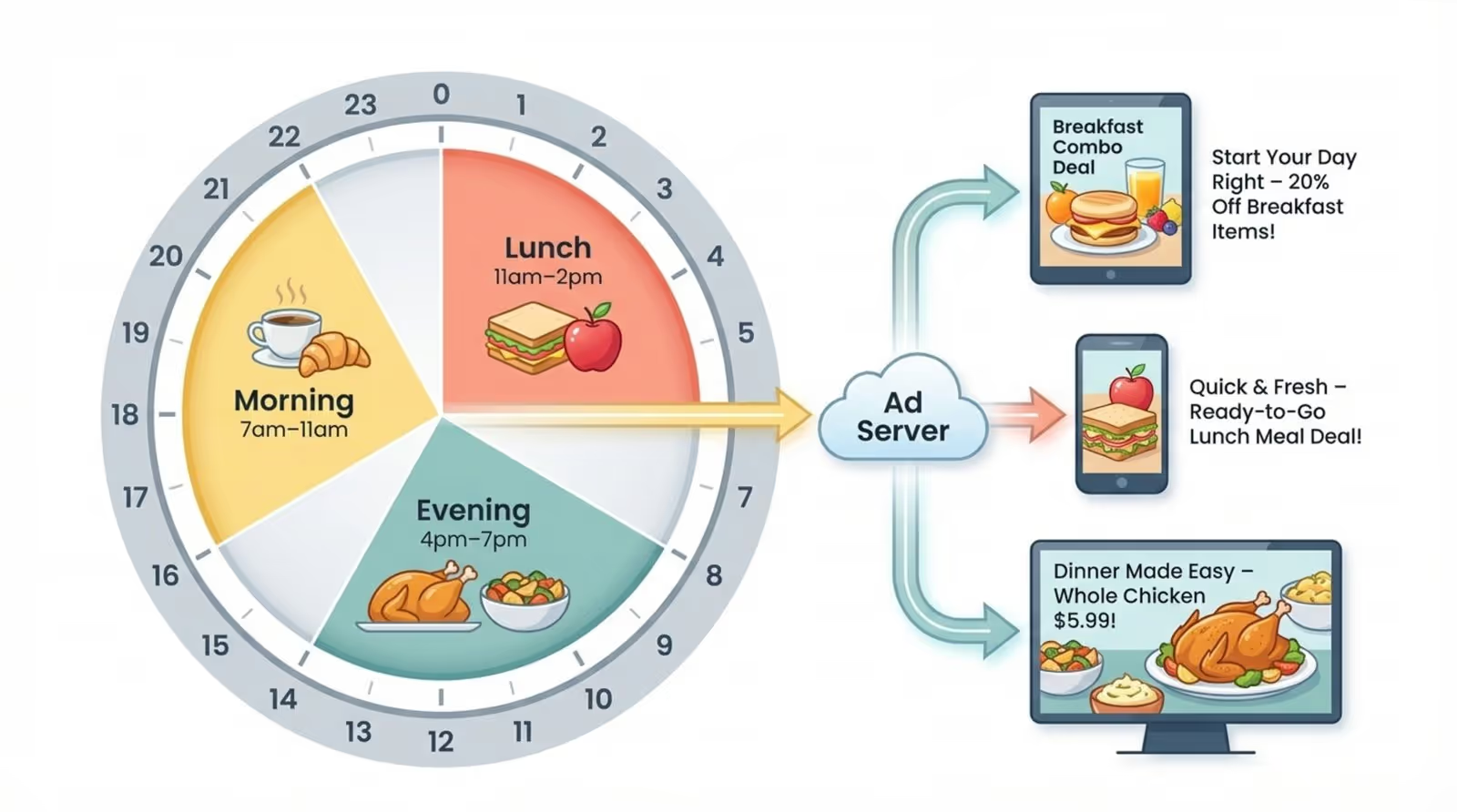
Grocery stores operate on distinct daily rhythms. Look CMS features Smart Scheduling, which allows you to automate content based on the time of day, day of the week, or specific dates. You can promote coffee and breakfast items in the morning, then automatically switch to meal kits and rotisserie chicken for the evening rush. This "set and forget" capability ensures your messaging is always relevant without constant manual intervention.
Remote Network Management and Device Control
Managing screens across different departments-bakery, seafood, checkout-requires a centralized dashboard. A strong cloud-based platform allows you to monitor screen status, view proof-of-play snapshots, and troubleshoot issues remotely. This means you can keep your screens running smoothly without needing to visit each location physically or call in IT support for minor adjustments.
Custom Menu Boards and Product Promotions
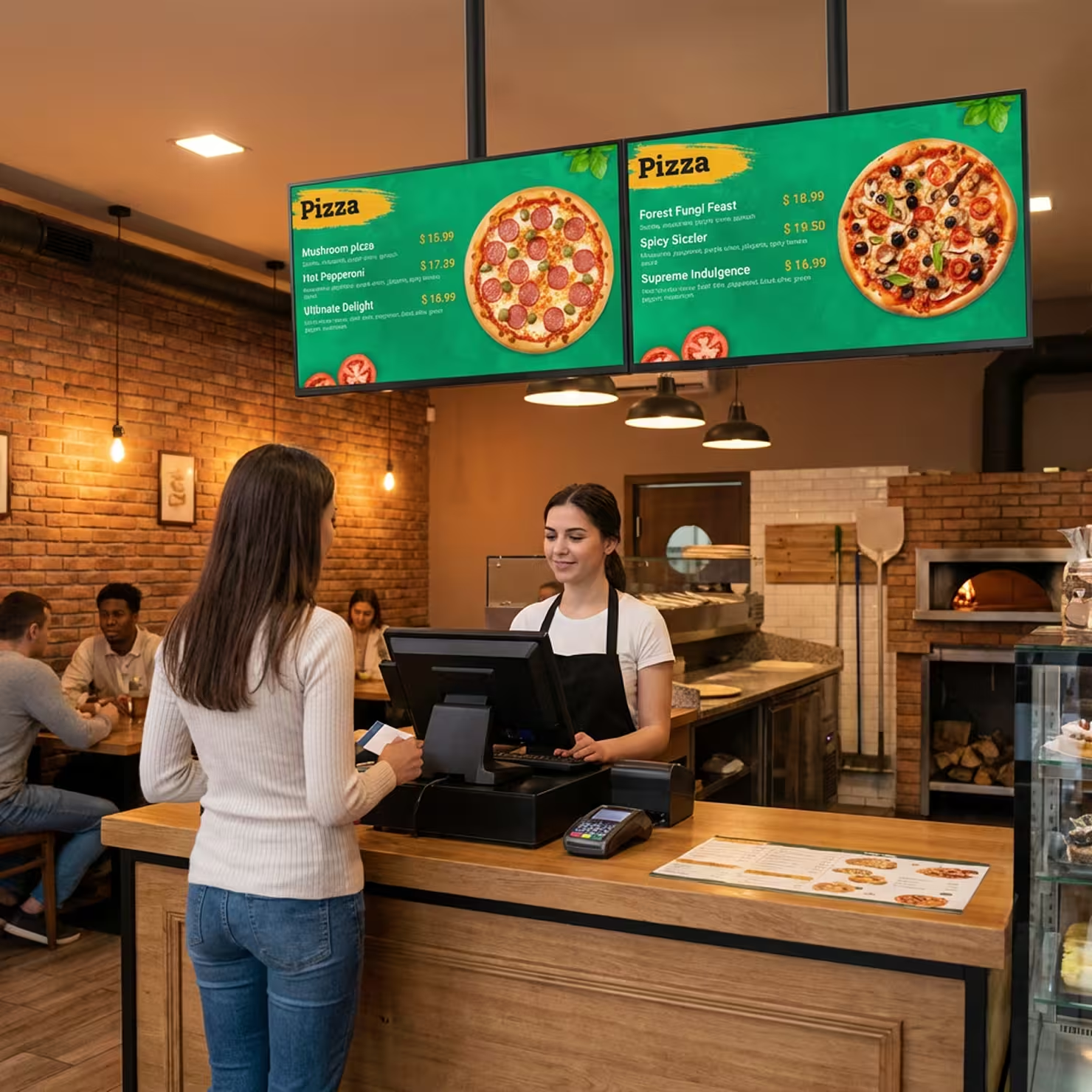
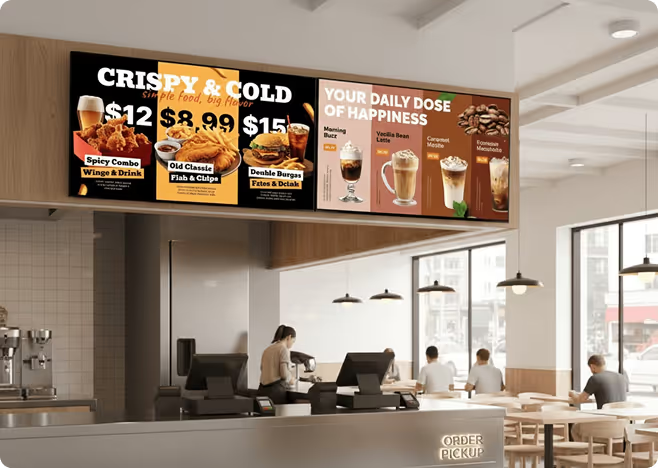
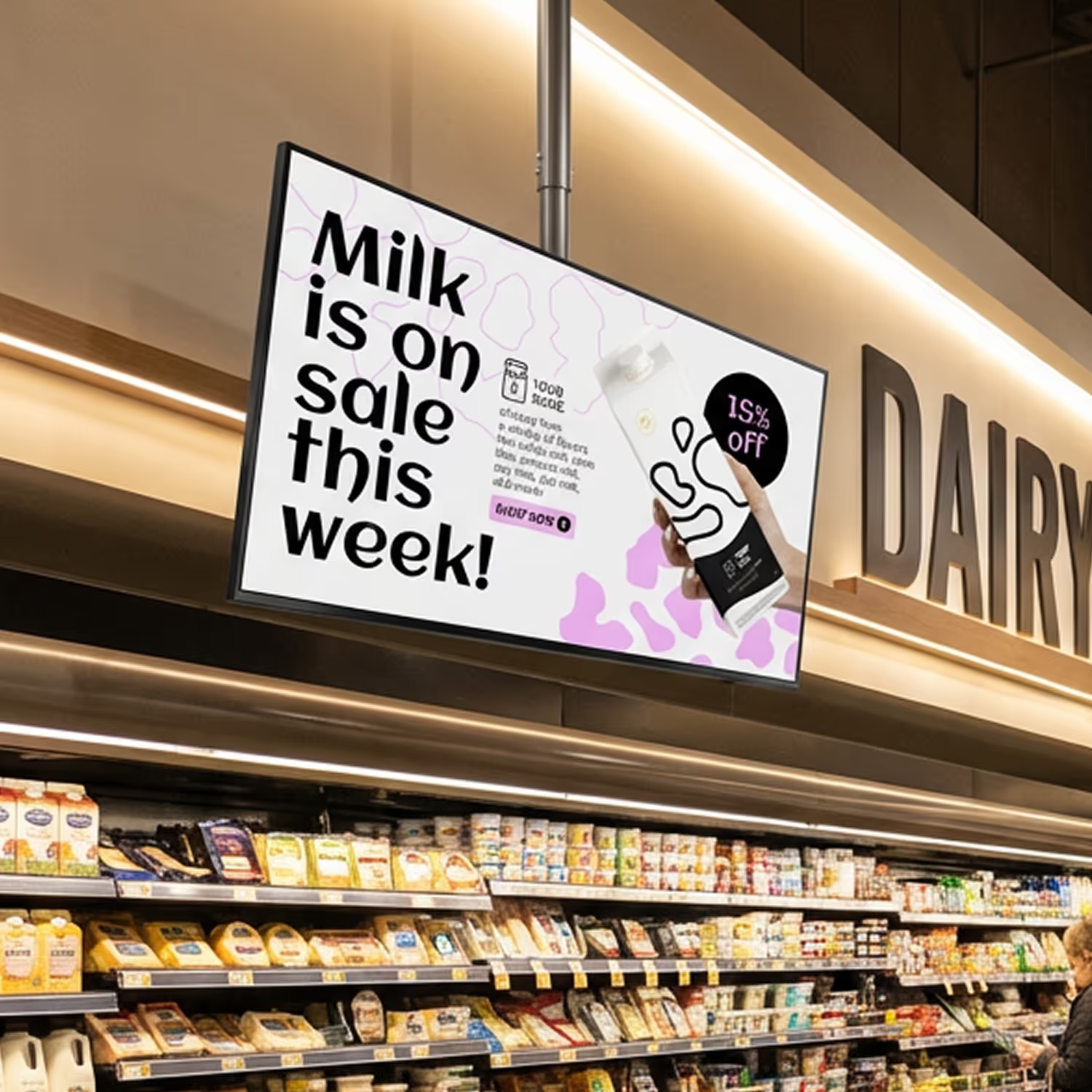
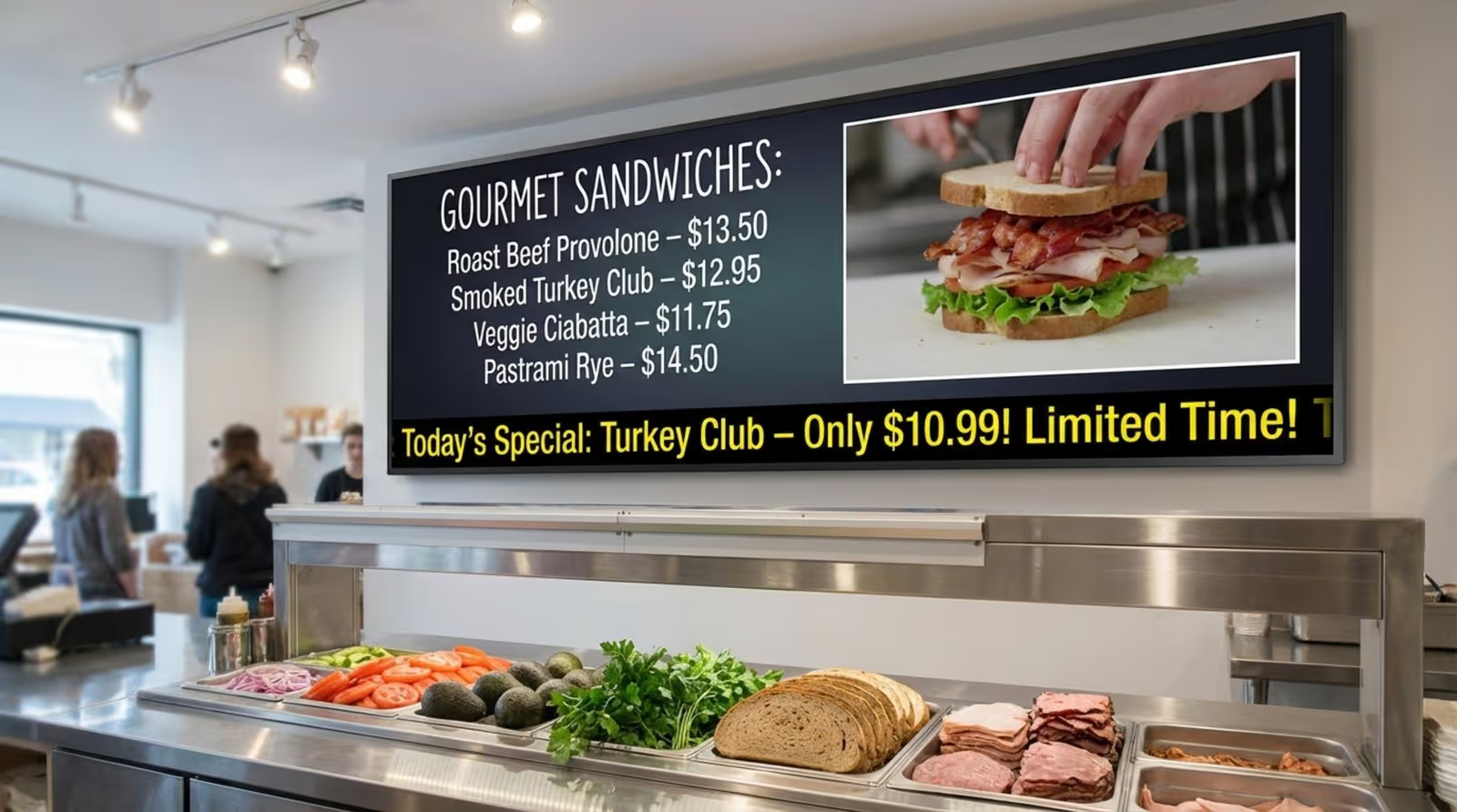
High-margin areas like the deli and bakery rely on clear, attractive menus. Look DS offers a Content Creator and Screen Layouts that let you build multi-zone digital menu boards easily. You can display pricing in one zone, a mouth-watering video of the food in another, and a ticker of daily specials at the bottom. This visual appeal grabs attention and can directly influence purchasing decisions.
Integrations With POS and Inventory Systems
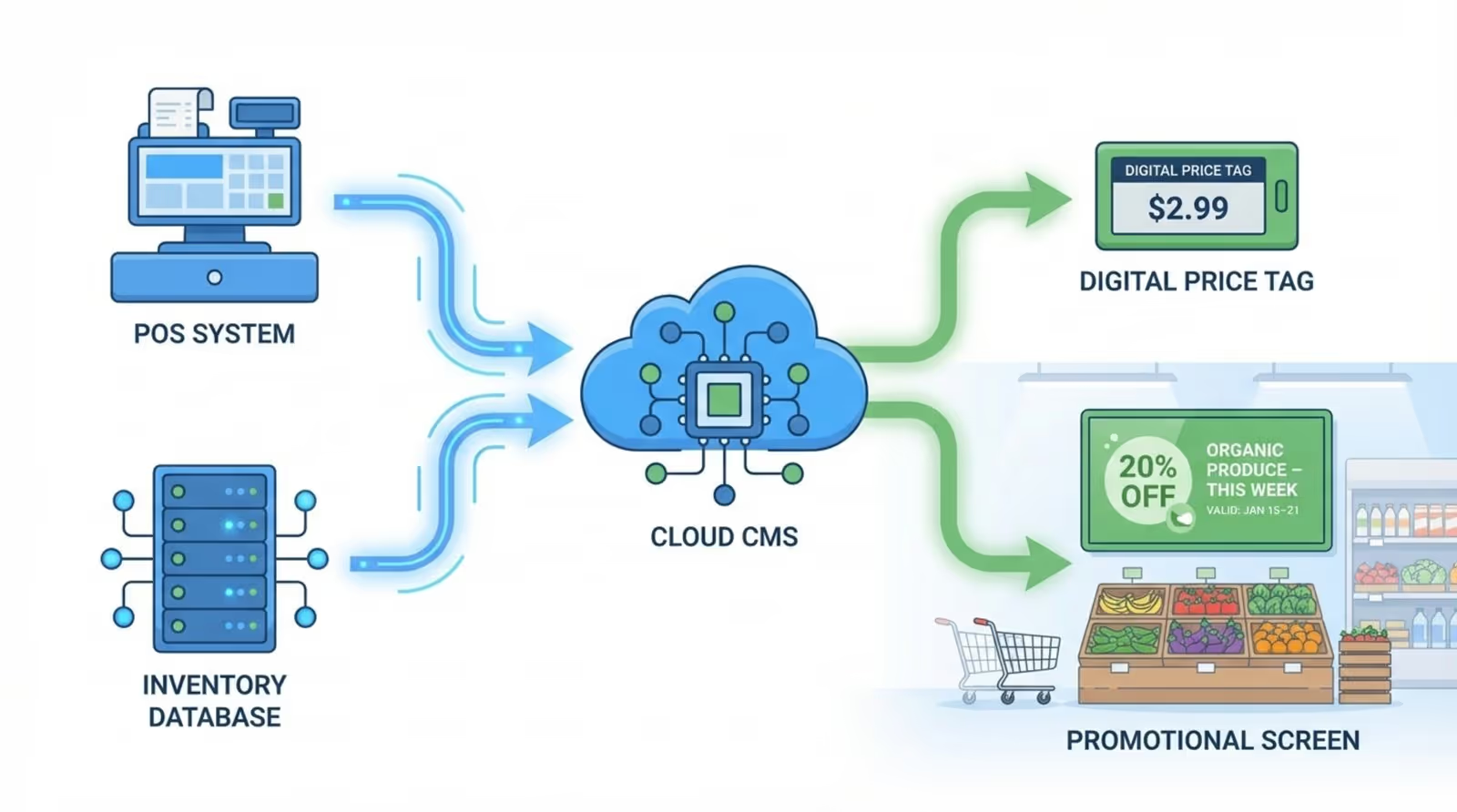
For modern grocers, efficiency is key. Digital signage software should offer Integrations via API or simple webhooks to connect with internal tools. While manual updates are easy in Look CMS, integrating with your data sources can help automate price changes or remove ads for out-of-stock items, ensuring that what is on the screen always matches reality.
Support for Rich Media and Live Data Feeds
To prevent "screen fatigue," your content needs variety. Look DS supports a wide range of media formats, including 4K video, images, and HTML5. Additionally, Look Apps allow you to display dynamic content like weather forecasts, news RSS feeds, or social media streams. This mix of promotional and informational content keeps shoppers looking at your displays throughout their visit.
Security, Reliability, and Scalability
Whether you run one store or a thousand, reliability is non-negotiable. Look DS includes Offline Playback, which caches content locally on the player. This ensures that your screens keep playing your scheduled playlists even if the internet connection drops, preventing blank screens or error messages. For large networks, the system scales smoothly, allowing you to group screens by region or department for easy bulk management.
Comparing Cloud-Based and On-Premise Digital Signage Options
Cloud-Based Advantages for Grocery Retailers
For most grocery retailers, a cloud-based solution (SaaS) is the ideal choice. CMS allows you to manage your entire network from any web browser. This eliminates the need for expensive local servers and complex IT maintenance. Updates to the software are automatic, ensuring you always have the latest security patches and features like the AI Wizard without lifting a finger.
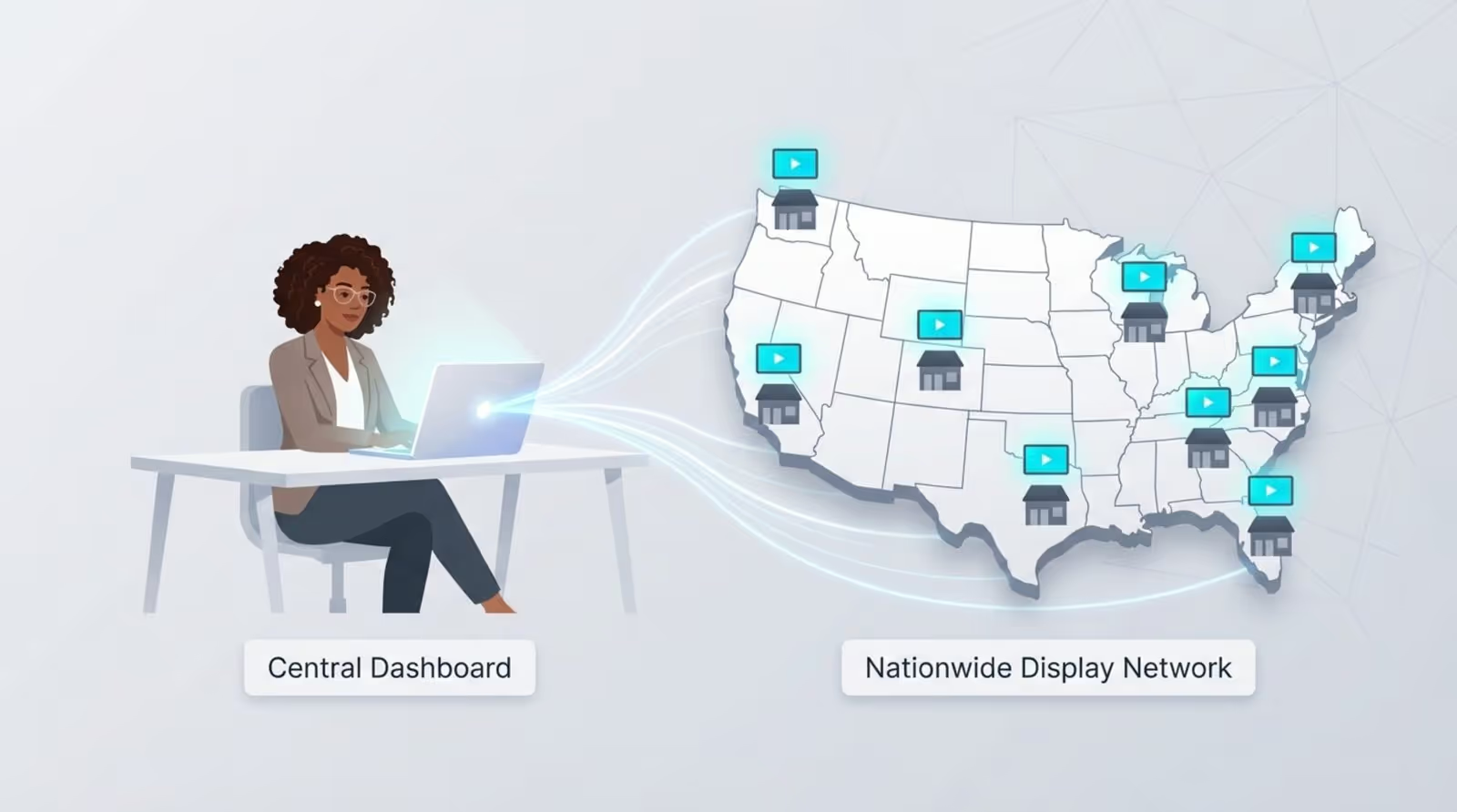
The cloud model also supports remote management, meaning a marketing manager can push a new campaign to all store locations instantly, ensuring brand consistency across the chain.
When On-Premise Solutions Make Sense
While cloud is the standard for flexibility, some organizations have strict data governance policies or operate in environments with highly restricted network access. For these scenarios, look at an on-premise digital signage solution. This allows you to host the software on your own local servers, giving you maximum control over your infrastructure and data while still utilizing the powerful content management features of the platform.
This flexibility ensures that whether you prioritize ease of access or strict local control, there is a deployment model that fits your operational needs.
Best Digital Signage Software for Grocery Stores
Look Digital Signage
Look DS is the most complete digital signage platform for grocery stores, covering everything from real-time pricing to loyalty program promotion within one easy-to-use dashboard. The Zapier integration connects to your POS and other tools to trigger automatic content updates for price changes and promotions.
You also get a library of grocery-specific templates for weekly specials, fresh produce, loyalty rewards, and seasonal offers. You can group screens by department and set dayparting schedules that rotate content automatically through the day, and role-based permissions let you assign publishing rights by department or location.
Beyond promotions, you can display live Google Reviews, run countdown timers for flash sales, surface news feeds and weather at checkout, and even spotlight local farm and supplier partnerships to build community loyalty. The Look CMS runs on virtually any existing hardware, including smart TVs, tablets, and commercial devices for round-the-clock reliability.
Key Features:
- Wayfinding support for large store layouts with aisle and department navigation
- Interactive touchscreen support for kiosks and self-service stations, no coding required
- Offline playback that keeps screens running during internet outages
- Own HDMI plug-and-play player available for stores that need dedicated hardware
Pros
- Very easy to use and intuitive for non-technical staff
- Competitive pricing with full platform access; no locked tiers
- Built-in analytics dashboard for content performance tracking
Cons
- Third-party integrations are limited — not a strong fit if you need deep POS or inventory system connectivity
- Analytics are relatively thin compared to enterprise competitors
Best For: Grocery stores and supermarket chains that need accurate, automatically updated pricing and promotions across every screen, with enough flexibility to manage one location or hundreds.
Pricing: Up to $15/screen/month, more screens - lower price. Free 14-day trial, no credit card required. On-premise licensing available.
Navori Labs
Navori is one of the most analytically capable platforms on this list, and grocery chains that want to know exactly what their signage is doing for sales will appreciate that. The POS and CRM integrations keep pricing and promotions in sync with live store data, while its Sales Attribution API takes it a step further by providing insights into which campaigns, content, or products resulted in sales, down to the exact time and location
It is SOC 2 Type II certified, supports role-based access across multi-location chains, and has been in operation since 1998. It is not the easiest platform to get started with, but for operations that have outgrown simpler tools it is worth the investment.
Key Features:
- AI-powered people counting that measures foot traffic and screen performance
- Programmatic advertising integration for monetizing screen time with brand partners
- Multilingual content support for stores serving diverse communities
Cons: Requires substantial upfront investment for their on-premise model, which involves expensive perpetual licenses and activation fees inaccessible for smaller budgets.
Best For: Mid-size to large grocery chains that want signage connected to real sales data and the analytics to act on it.
Pricing: From $14/player/month (Cloud Essential). Contact Navori for enterprise pricing. 30-day free trial.
Cayin Technology
Cayin sells its own industrial-grade media players alongside its CMS software, useful for grocery chains that want hardware and software accountability from a single vendor. The players support barcode scanning at information kiosks, where shoppers can scan a product and see details, recipes, and complementary suggestions pulled from your store database.
Cayin also supports loyalty card scanning that triggers personalized promotions on screen based on a customer's purchase history. The CMS supports offline playback, but content management is more technical than most tools on this list, so it suits teams that have some IT resources available.
Key Features:
- Facial detection integration for demographic-based content targeting in high-traffic store areas
- Centralized CMS for managing screens across multiple store locations
- Support for video walls and large-format displays at store entrances and key zones
- HTML5 and database integration for dynamic data-driven screen content
Cons: Because the system is heavily reliant on their proprietary SMP hardware players, you lose the flexibility to use existing smart TVs or low-cost third-party devices.
Best For: Grocery chains building kiosk and information stand networks that want one vendor accountable for both hardware and software.
Pricing: The basic plan is free for 1 user for its CMS. Pro starts from $15/mo, Pro Team at $60/mo. Contact Cayin for a quote based on hardware configuration and deployment scale. 90-day free trial for its CMS-WS.
Scala
Scala is an enterprise-grade solution that’s built around sensor-driven intelligence and retail media monetization, and it's one of the more sophisticated options on this list. Every screen in the network can double as a sensor, with data on shopper and employee behaviors, traffic patterns, and in-store pathing feeding directly into your content and store layout decisions. It also connects directly to your POS and inventory systems to automate price changes and out-of-stock alerts across every display.
Scala also integrates loyalty program data and mobile apps to personalize the shopping experience at key touchpoints, and if you want to monetize your screens, it supports full retail media network buildouts where CPG brands can buy ad placements, and you can measure campaign performance.
Key Features:
- Digital menu boards for deli, made-to-order, and grab-and-go sections with high-quality image and video support
- Curbside pickup signage with directional displays and automated system instructions
- Back-of-house employee communication screens for procedures, daily updates, and health and safety
- Sensor-based automated guest personalization tied to loyalty programs and mobile apps
Cons: Steep learning curve often requiring specialized training or dedicated technical staff
Best For: Large grocery chains looking to run their in-store screens as a revenue-generating retail media network while automating content operations and personalizing the shopper journey across hundreds of locations.
Pricing: Custom pricing — contact Scala for a quote. Free demo available.
Mandoe Media
Mandoe is one of the easier platforms to get up and running, and that is genuinely its strongest selling point for independent grocery stores. The template library covers the grocery use case well, POS integration keeps your prices accurate across screens, and the scheduling tools handle the rest automatically. It does not have the depth of analytics or multi-location management that larger platforms offer, but for a single store or small chain, it does exactly what it needs to without overcomplicating things.
Key Features:
- AI content generation for building promotional designs without a graphic designer
- Multi-screen deployment with screen grouping.
- Scheduling history reviewable alongside sales data to measure signage performance
- Access to millions of stock images and videos from Shutterstock and Storyblocks
Best For: Independent grocery stores and small chains that want professional signage managed entirely in-house with no technical background required.
Cons: Restrictive, tiered pricing model; while Look DS provides an all-in-one platform with an AI content wizard for just $15 per month, Mandoe locks essential engagement tools like social media integration behind a $46 "Premium" tier.
Pricing: Its AI Magic Create is free. Paid plan starts from $7/screen/month. Full platform access on Premium from $46/mo. Free 14-day trial.
Displai
Displai is an all-in-one customer and employee experience platform for enterprise grocery chains looking for increased sales, reduced labor costs, and deeper shopper insights powered by AI. It supports lift-and-learn technology, which uses shelf sensors to detect when a product is picked up and immediately updates the screen with relevant info or cross-sell suggestions. The system also manages the back-of-house by using gamified leaderboards and digital recognition to keep floor staff updated and motivated.
Key Features:
- POS-linked screens for automatic screen updates
- Built-in AI cameras track foot traffic and shopper demographics to show which displays actually work.
- Self-service kiosks speed up the checkout process and help manage peak-hour congestion.
- Supports gamification for employee engagement.
Cons: Displai's enterprise-level price and technical complexity make it overkill for grocers who just need simple, affordable screen management without the heavy AI and sensor requirements
Best For: Grocery retailers that want to mix high-tech interactive shelving with a more engaged, data-aware workforce.
Pricing: Quotes are custom and depend on the total number of screens, kiosks, and AI modules required for your locations. Free 14-day trial period.
Yodeck
Yodeck is a budget-friendly alternative aimed at "plug-and-play" deployments for grocery stores that may not have a dedicated on-site IT staff. It comes with a massive library of retail-specific widgets and free templates for everything from checkout-lane loyalty reminders to wayfinding maps for larger grocery store layouts. The software supports video wall setups if you’re looking to sync multiple screens in the entrance or production section to create high-impact, large-scale visuals that draw customers into the store.
Key Features:
- Apps for displaying live social media feeds, local news, and QR codes for digital coupons.
- Schedule screens to automatically turn on and off based on store operating hours to save on energy costs.
- Push store-wide alerts or evacuation instructions to every screen in the network with a single click.
Cons: While great for standard layouts, the backend can feel cluttered and cumbersome when you're trying to design complex, custom screen zones or manage advanced data widgets.
Best For: Small-to-medium grocery stores or specialty markets that want professional-grade visuals without a complex technical setup.
Pricing: Free for 1 screen. Paid plans start at $8/screen/month (free player with annual plan).
Integrated Store Systems (ISS)
Integrated Store Systems is a retail management platform that combines your point-of-sale hardware with your digital signage into a single operational tool. It is the most effective choice if you need your inventory database to be the direct source for your customer-facing displays, ensuring that every price change made in the back office reaches the aisles instantly.
It also handles the management of electronic shelf labels, allowing you to update thousands of digital tags across the store without any manual labor.
Key Features:
- Syncs live POS pricing across all departments for total accuracy.
- Manages shelf tags and large monitors from one central dashboard.
- Sends instant alerts if any screen goes offline or fails to update.
- Auto-labels ads as "Low Stock" using real-time inventory data.
Cons: Signage is locked into their proprietary grocery POS hardware, making it difficult to use or integrate if you aren't already running your entire store on its specific ecosystem.
Best For: High-volume grocery stores that require perfectly synchronized pricing and want to manage shelf-edge labels and promotional screens through their POS system.
Pricing: Custom enterprise quotes are provided based on the total number of checkout lanes and items in your inventory. Contact specialists for a demo.
TelemetryTV
TelemetryTV makes sense if you need to run high-resolution 4K video walls or multi-screen menu boards from a single hardware player, which helps reduce the amount of equipment cluttering your store. It’s also a high-performance, cloud-based platform for managing dense networks of grocery store displays from a centralized dashboard. The software includes a dedicated "Emergency Alerts" app that can immediately override every screen in the building with safety instructions or evacuation routes during an incident. It also features a programmatic API that enables you to automate promotions by connecting the signage directly to your point-of-sale data or inventory triggers.
Key Features:
- A single TelemetryOS media player can power up to three separate 4K displays simultaneously to save on hardware costs.
- Supports offline playback
- Built-in Canva integration for quick media design
- Provides "proof-of-play" logs to verify the exact timing and location of ads.
Cons: Scheduling doesn't allow for the detailed, frame-by-frame timing control needed for complex grocery campaigns.
Best For: Large-scale grocery chains that require highly stable hardware and the ability to automate content across thousands of screens via API.
Pricing: The Entry plan starts at $9/device/month, with the Core and Elite tiers at $15 to $16/device/month, respectively. Enterprise from $35/device/month(annual). 30-day free trial available.
Spectrio
If you want to influence shopper behavior through a combination of visual and audio marketing, Spectrio offers a unified platform that manages your in-store signage and background music simultaneously. It integrates with your point-of-sale system to trigger dynamic pricing and promotions that adjust automatically based on real-time sales trends or inventory surplus.
The software also features specialized "scent marketing" triggers that allow you to coordinate visual advertisements with pleasant aromas in sections like the bakery to increase the likelihood of purchase.
Key Features:
- Real-time POS data to automatically launch "Manager's Specials" for items that have an excess of stock in the warehouse.
- The multi-zone layout feature enables you to show a live news ticker or weather update at the bottom of the screen while your main promotional video plays.
- Supports content approval workflow
Cons: Because the platform is a consolidation of multiple acquired companies, the dashboard feels inconsistent, and customer support is often slow to navigate the various legacy systems.
Best For: Grocery chains that want to create a high-sensory shopping environment by coordinating digital screens with music and scent.
Pricing: Custom quotes are provided based on the specific mix of digital signage, audio, and scent marketing services required. Free trial available.
Summary Comparison Table
How to Choose the Right Digital Signage Platform for Your Grocery Store
Reviewing Your Store’s Needs and Screen Locations
Start by identifying your goals. Do you need a simple promotional loop at the entrance, or complex menu boards in the café? Different areas may require different approaches. Look DS supports Screen Layouts for complex information and simple full-screen playlists for high-impact ads, allowing you to tailor the content strategy to the specific "zone" of the store.
Evaluating User Interface and Ease of Content Creation
In a grocery environment, the person updating the screens is often a store manager, not a graphic designer. The software must be intuitive. Look CMS provides Ready-made Templates and an AI Wizard that help you generate professional-looking layouts and visuals in minutes. If the software is too complex, your content will become stale; simple tools ensure fresh content is always on display.
Budget Considerations and Cost-Effective Scaling
Cost is always a factor in retail. Look DS offers transparent, per-screen pricing that scales with you. You can start small with a single screen using the Look App on a Fire TV or Android screen you already own, or deploy dedicated Look Players for a robust, professional setup. This hardware flexibility allows you to modernize your store without a massive initial capital expenditure.
Support and Reliability
When a screen goes dark, you need answers fast. Look Digital Signage is known for its supportive approach, offering clear documentation and responsive customer service. Whether you need help connecting your first screen or configuring a complex video wall, support is available to keep your network running.
Real-World Scenarios: Digital Signage in Action
Promoting High-Margin Items at the Deli
A regional grocery chain implemented Look Digital Signage to manage their deli menu boards. By using Screen Layouts, they displayed pricing, weight information, and high-definition video of their premium meats simultaneously. With Smart Scheduling, they automatically switched the featured "Lunch Combo" to a "Family Dinner Pack" at 4:00 PM daily. This automation not only saved staff time but also contributed to an increase in prepared food sales during evening hours.
Reducing Waste in the Produce Section
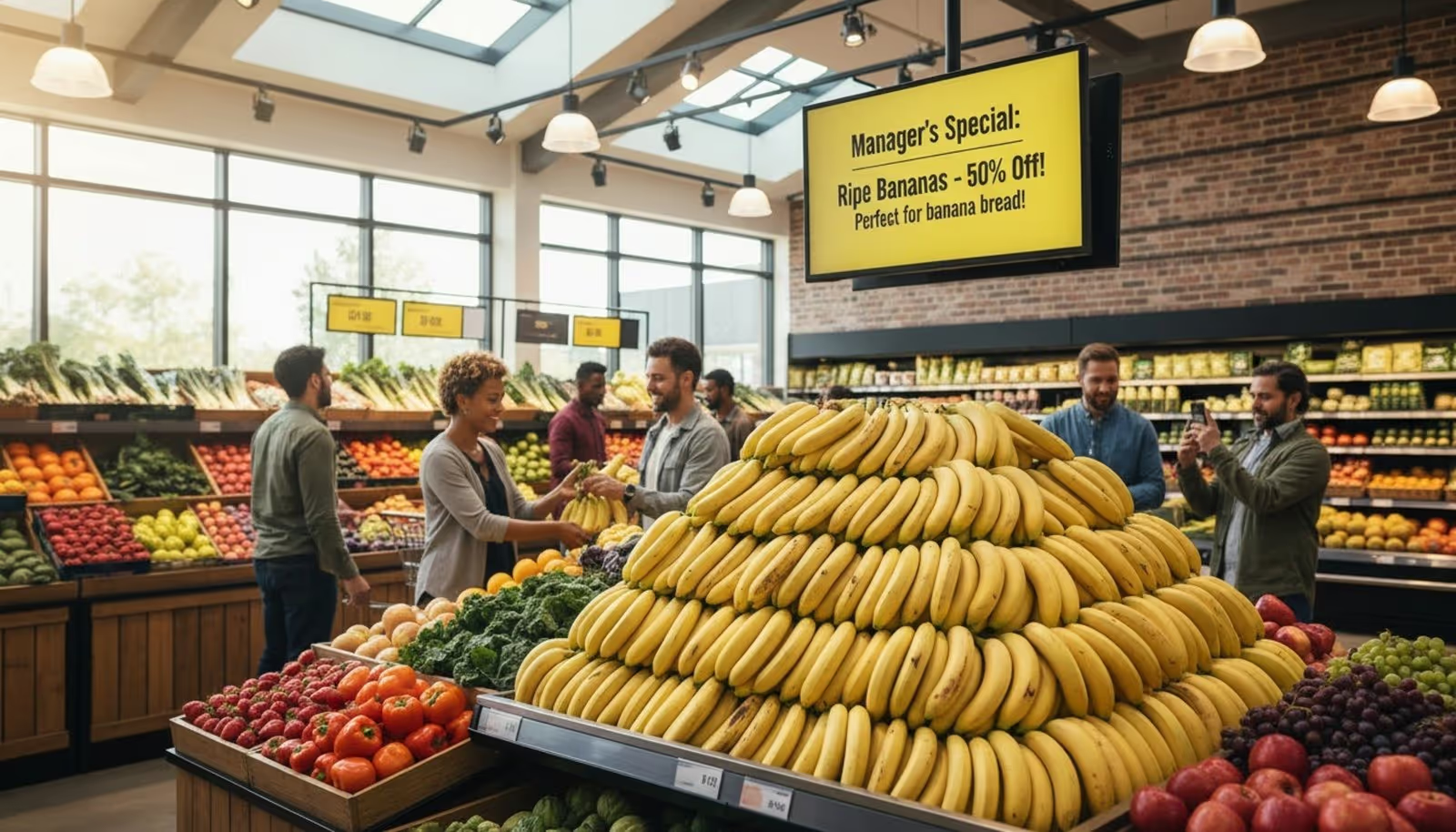
An independent market used Look CMS to tackle food waste. When they had an overstock of ripe items, the manager used the mobile-friendly dashboard to instantly update the "Manager's Special" screens in the produce aisle. This ability to update pricing in minutes helped move inventory quickly, significantly reducing spoilage compared to waiting for printed signs.
Enhancing Employee Communication
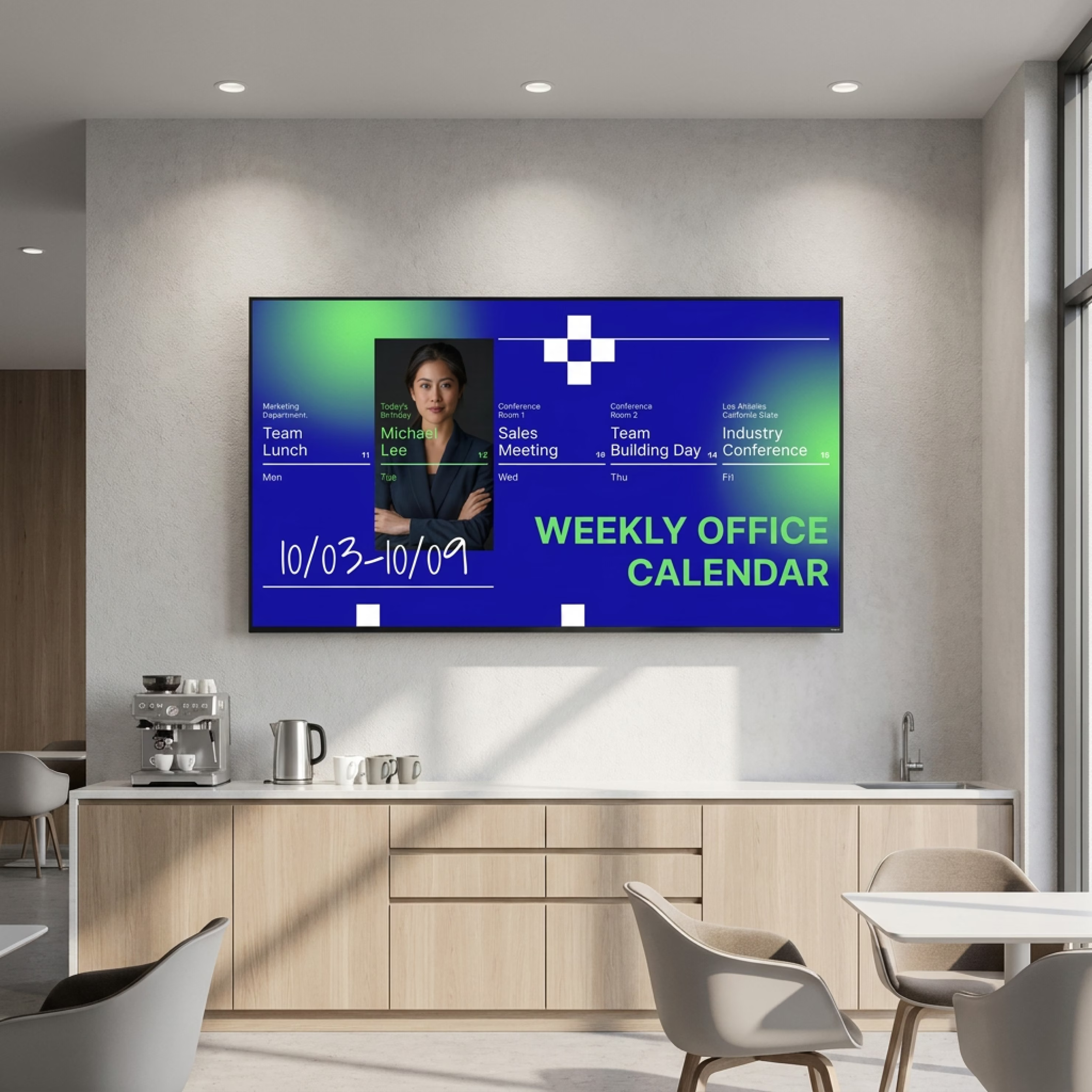
Beyond the sales floor, supermarkets use Look DS in breakrooms. Instead of cluttered corkboards, a digital screen displays shift schedules, safety reminders, and employee recognition. This ensures that the entire team stays informed and aligned on operational goals, improving overall store efficiency.
Final Thoughts: Maximizing Value With the Best Digital Signage Software
As retail evolves, the ability to communicate quickly and clearly is a major competitive advantage. The best digital signage software does more than just replace paper; it integrates with your operations to save time and boost sales. Innovations like the Look AI Wizard are making it easier than ever to keep content fresh, while features like Offline Playback ensure your message is always delivered.
The key to success is choosing a platform that is easy to start but powerful enough to grow with you. Whether you are highlighting a local farmer or managing a nationwide promotion, Look Digital Signage provides the tools to manage your screens simply and effectively. You can start a free trial today to see how fast you can get your first screen live.