Table of Content
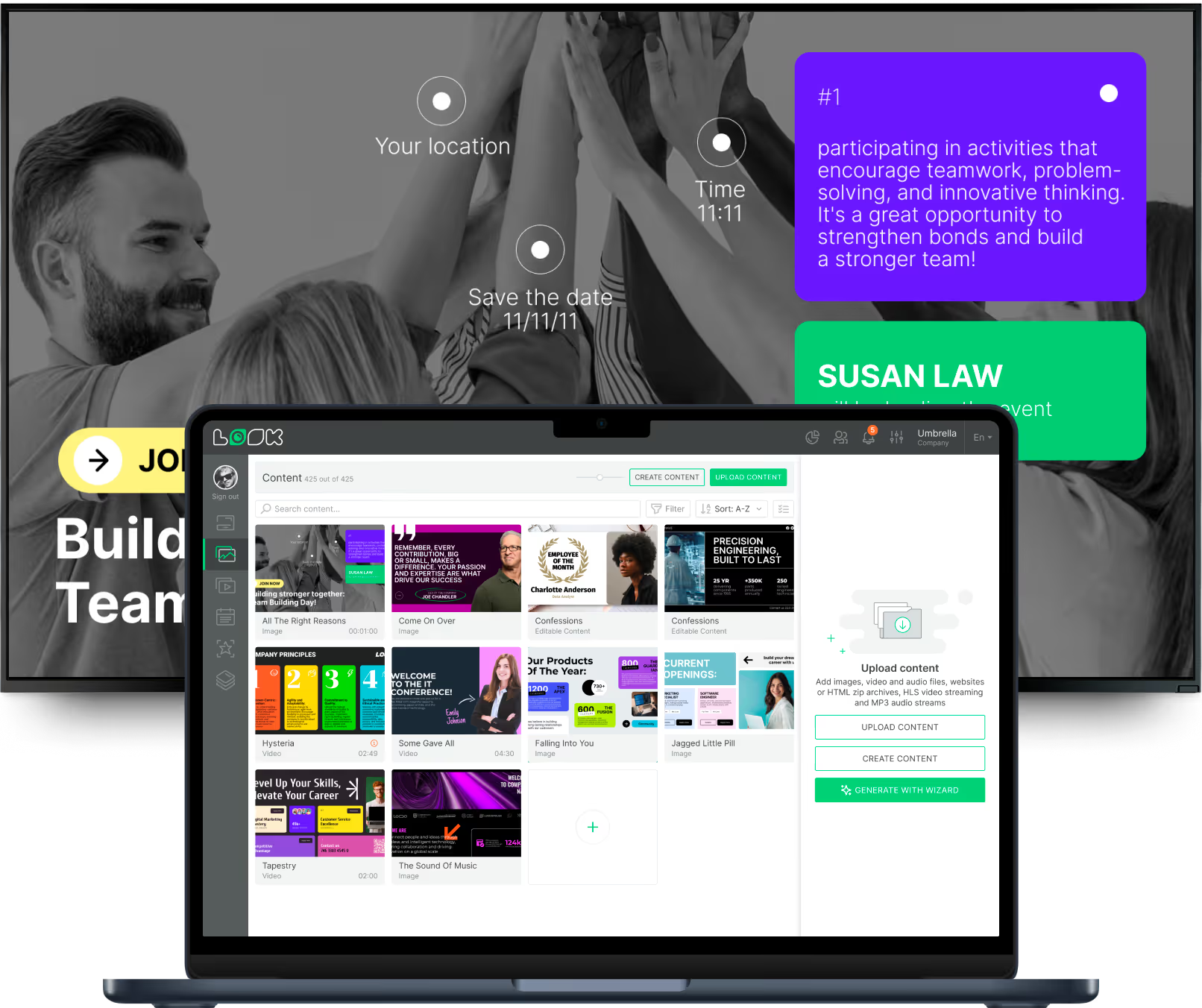
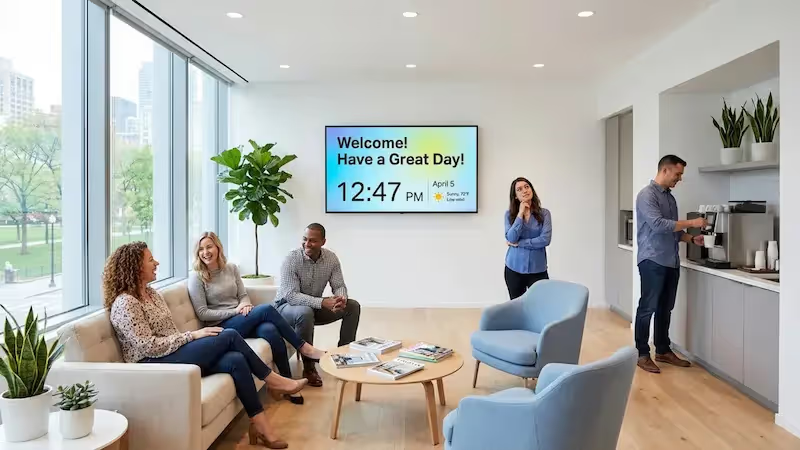
How can you keep deskless teams informed without cluttering the breakroom with paper updates? The best digital signage software turns these spaces into active communication hubs, replacing static noticeboards with dynamic screens. Solutions like Look Digital Signage allow you to manage content across one or one thousand locations from a single dashboard. This cloud-based approach ensures every employee, whether in the head office or on the factory floor, receives consistent, timely updates in minutes.
Choosing the right platform is critical for modern operations. It is not just about mounting a TV on the wall; it is about creating a channel where staff feel connected and appreciated. With features like automated scheduling and remote management, the right software transforms a simple display into a powerful tool for building community and streamlining internal communication.

What is Digital Signage Software for Breakrooms?
Digital signage software for breakrooms is a content management system (CMS) designed to display internal messages, safety data, and engaging visuals in employee rest areas. Unlike customer-facing screens that focus on sales, this software targets your workforce. It eliminates the need for manual printing by delivering high-definition content that you can update instantly from anywhere.
At its core, this software operates through the cloud. HR or operations teams upload images, videos, and announcements to a central platform. The system then publishes this content to media players connected to your breakroom screens. This setup ensures your messaging remains fresh and consistent without requiring staff to physically visit each location to swap out USB drives or posters.
How Digital Signage Improves Breakroom Communication
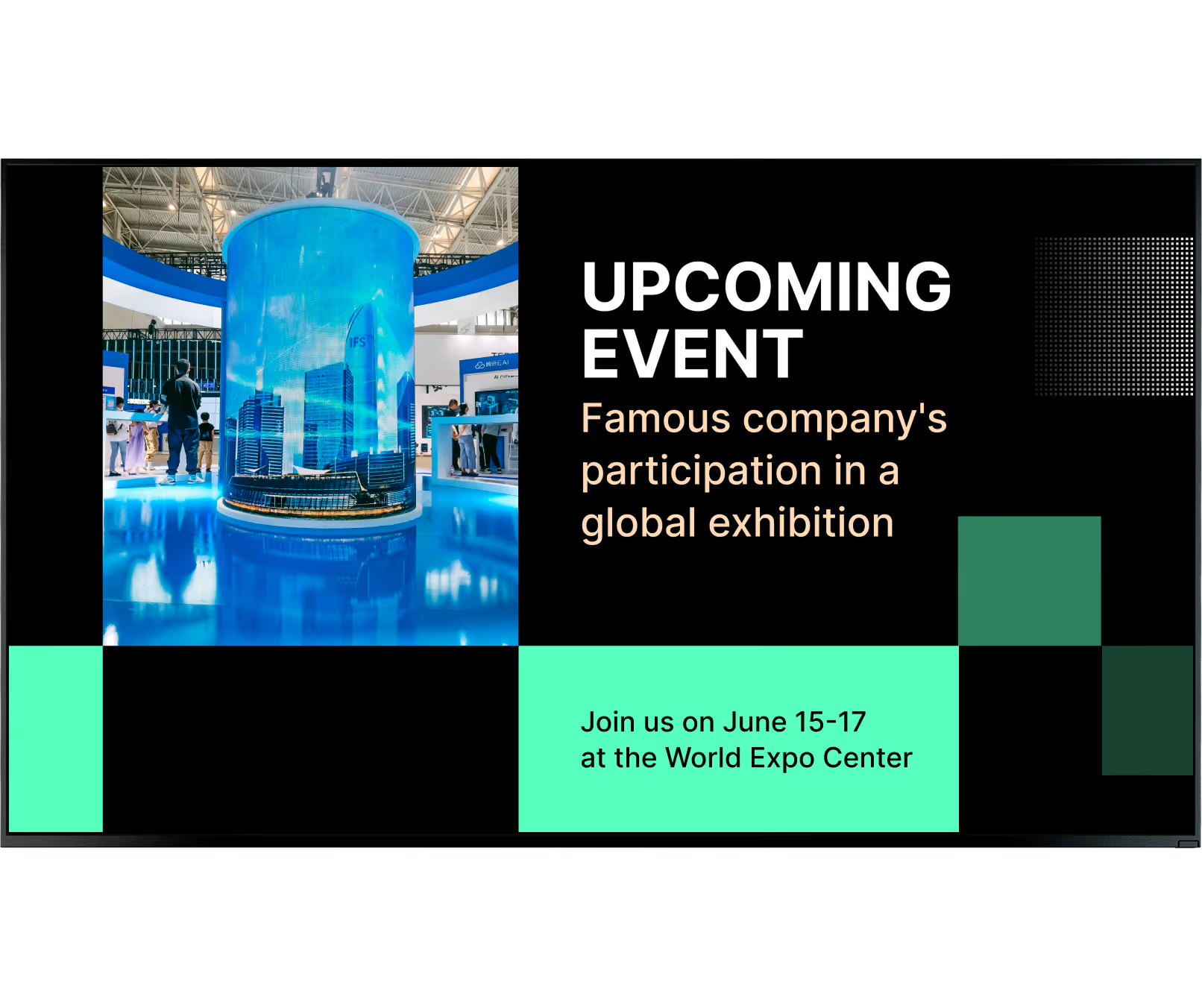
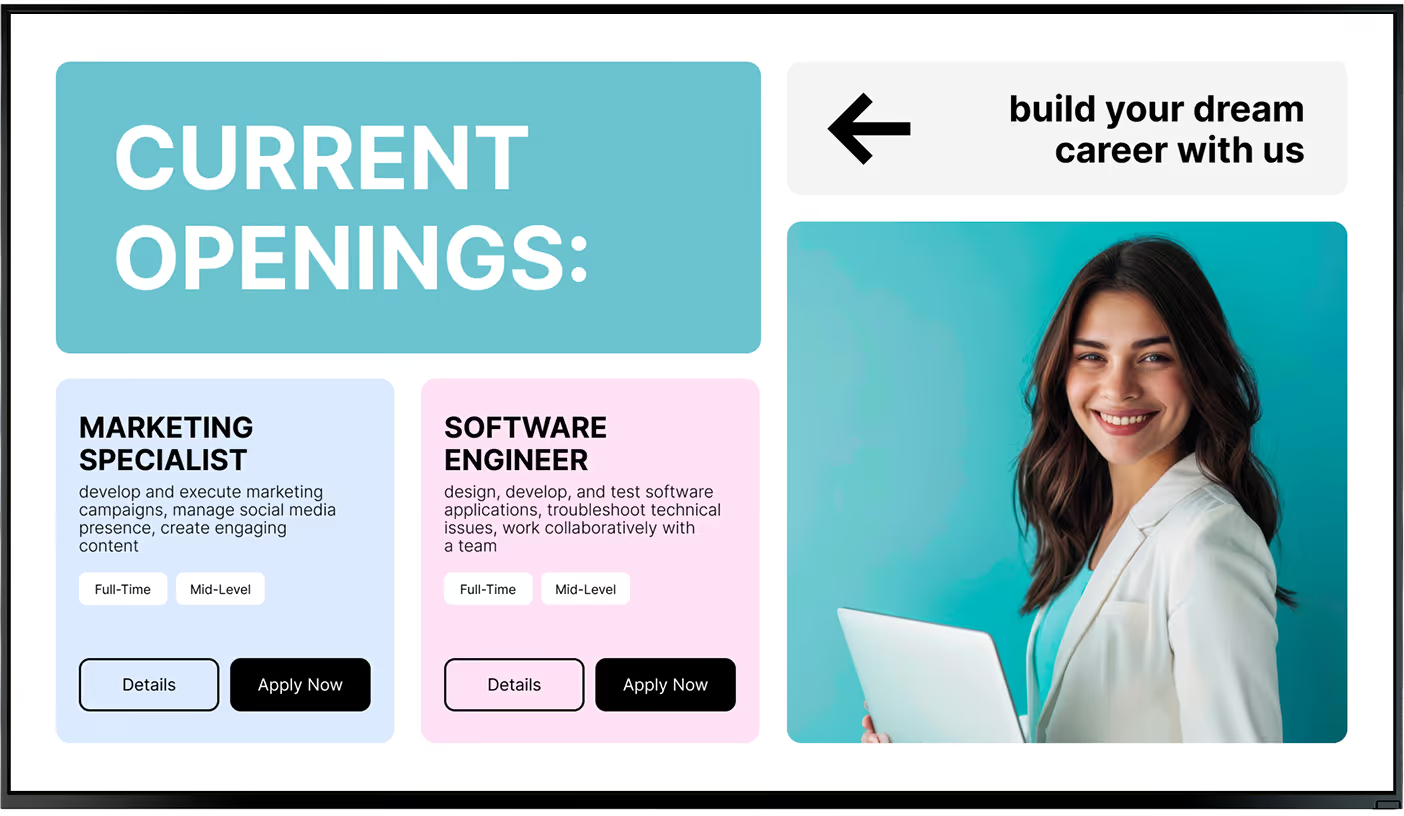
The shift happens when a passive room becomes a central information hub. In many industries, such as manufacturing or healthcare, staff do not have regular access to email or intranets. Digital signage bridges this gap by placing vital updates exactly where employees pause to rest. It ensures that everyone has equal access to company news, policy shifts, and upcoming events.
This technology also supports a more connected workplace. By using tools like Interactive Scenarios or displaying QR codes for feedback, the breakroom becomes a point of engagement. Moving from static announcements to dynamic, digital content helps employees feel more involved, which is essential for maintaining a transparent and inclusive culture.
Types of Content Displayed in Breakrooms
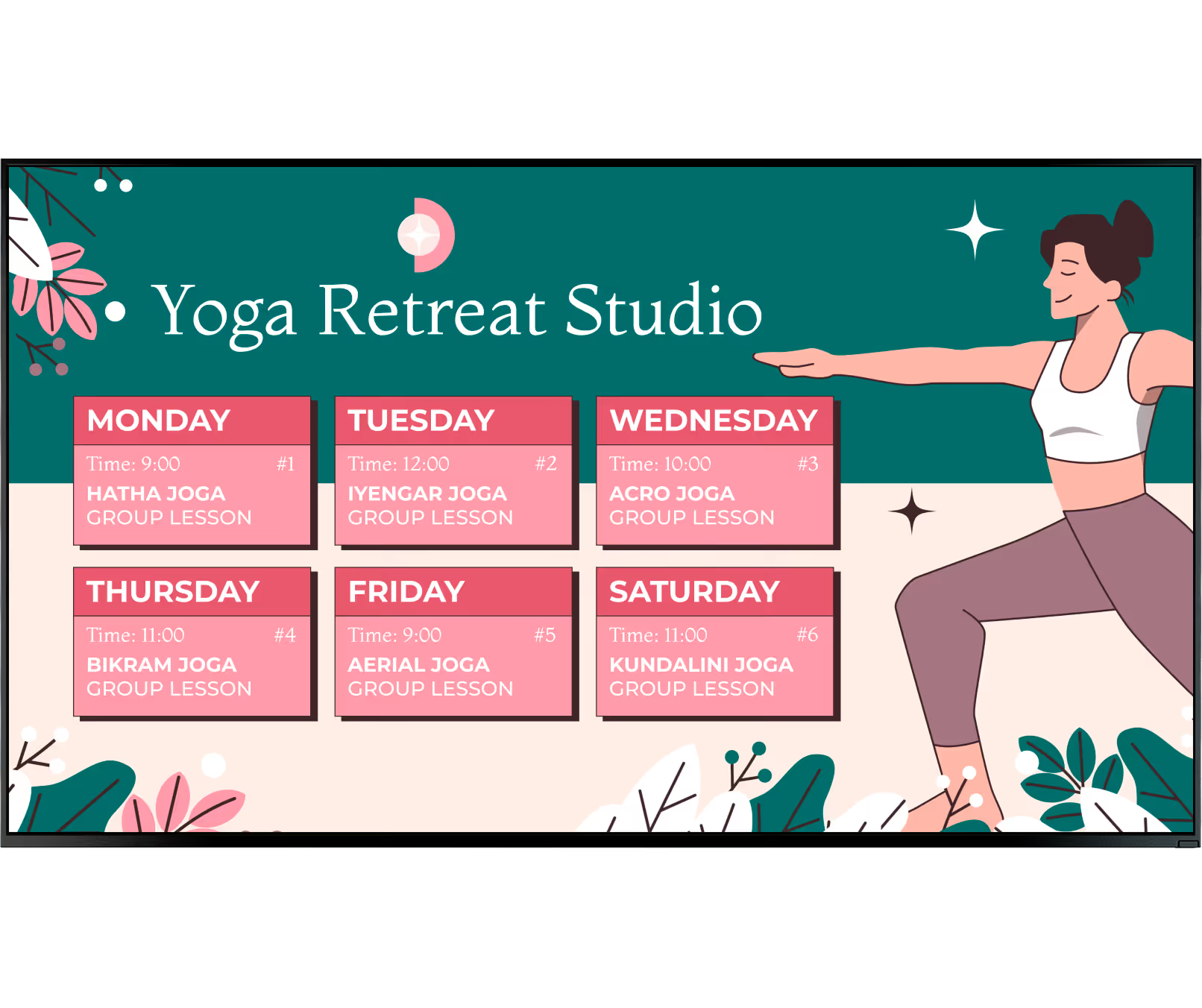
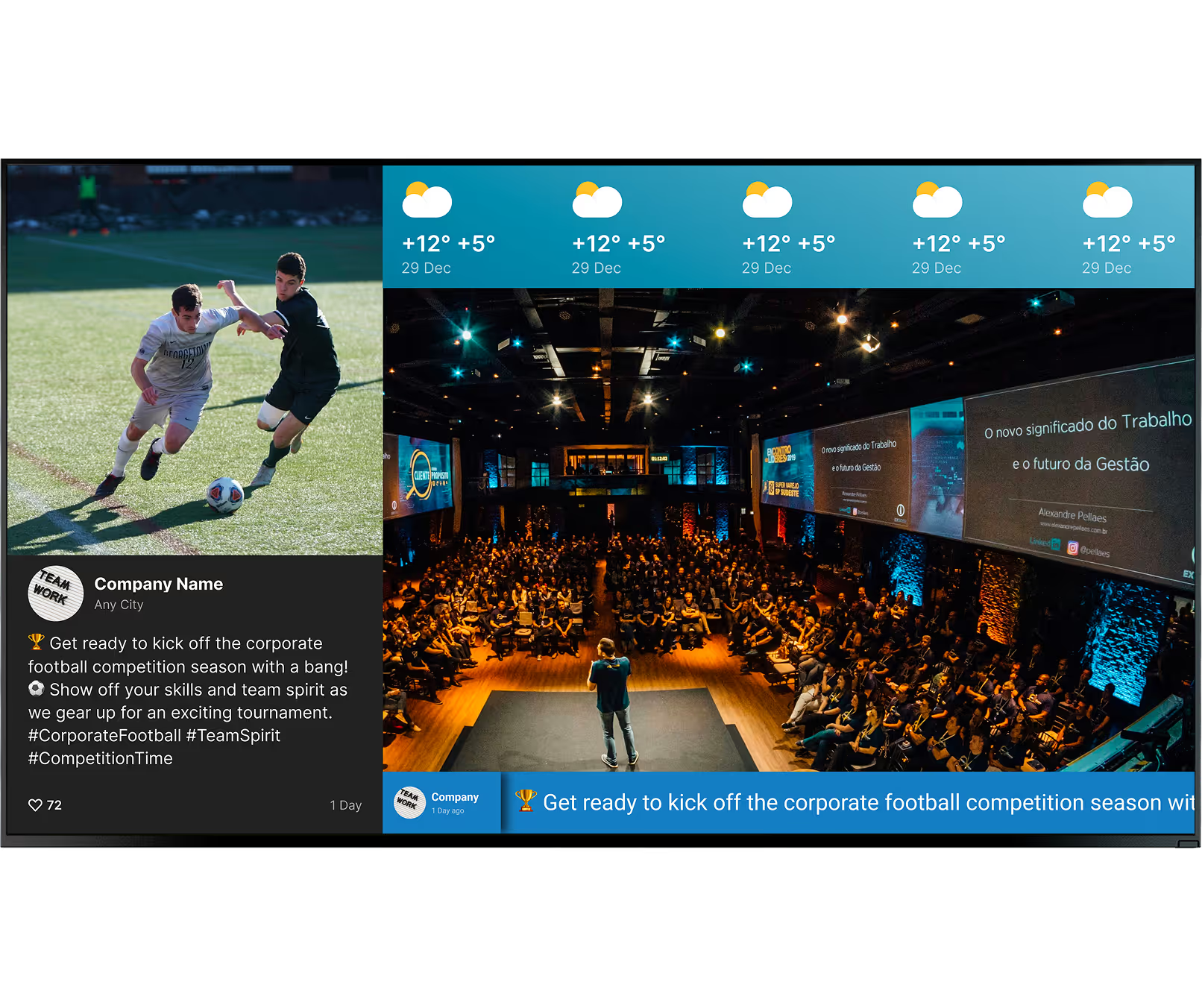
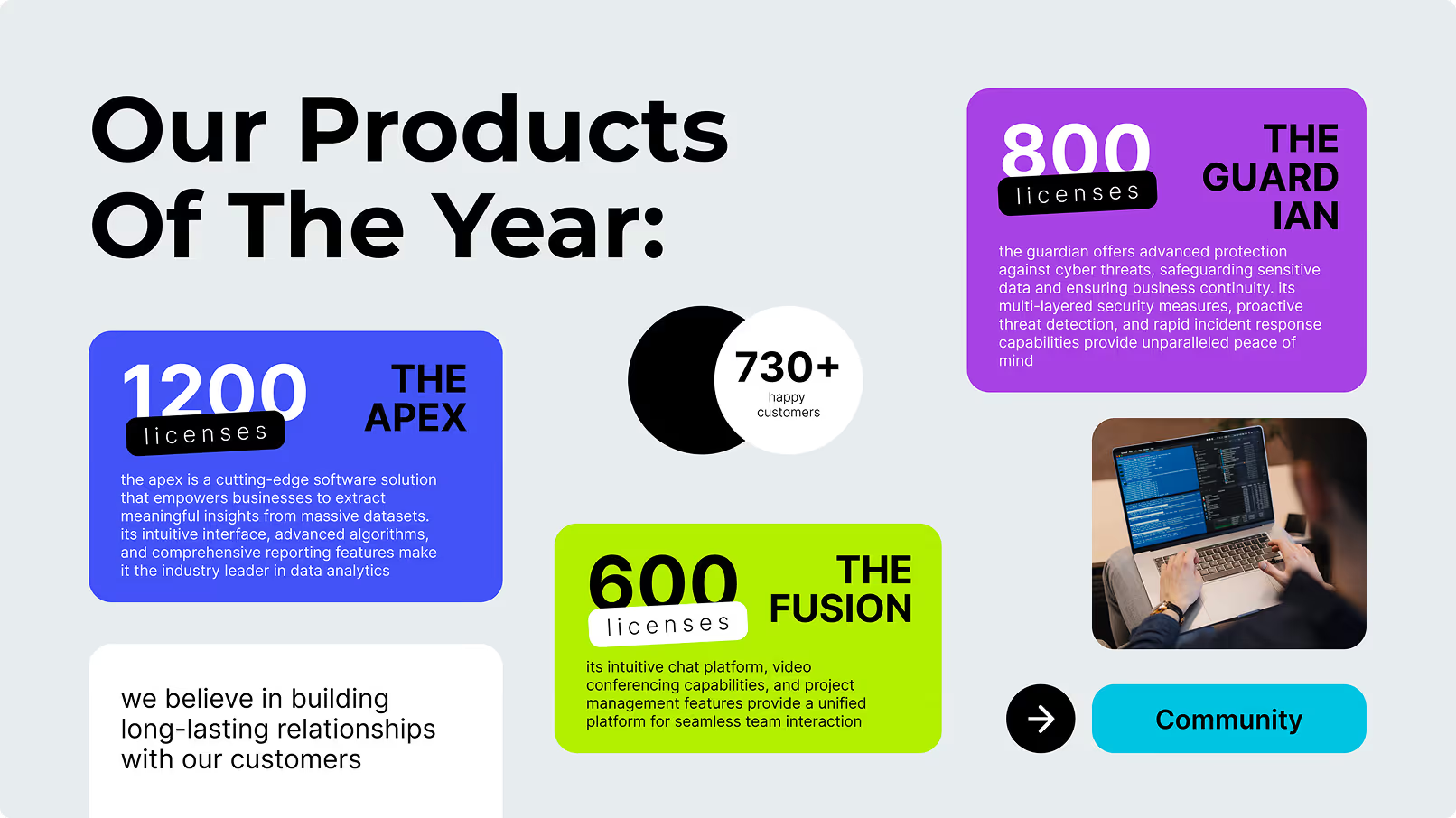
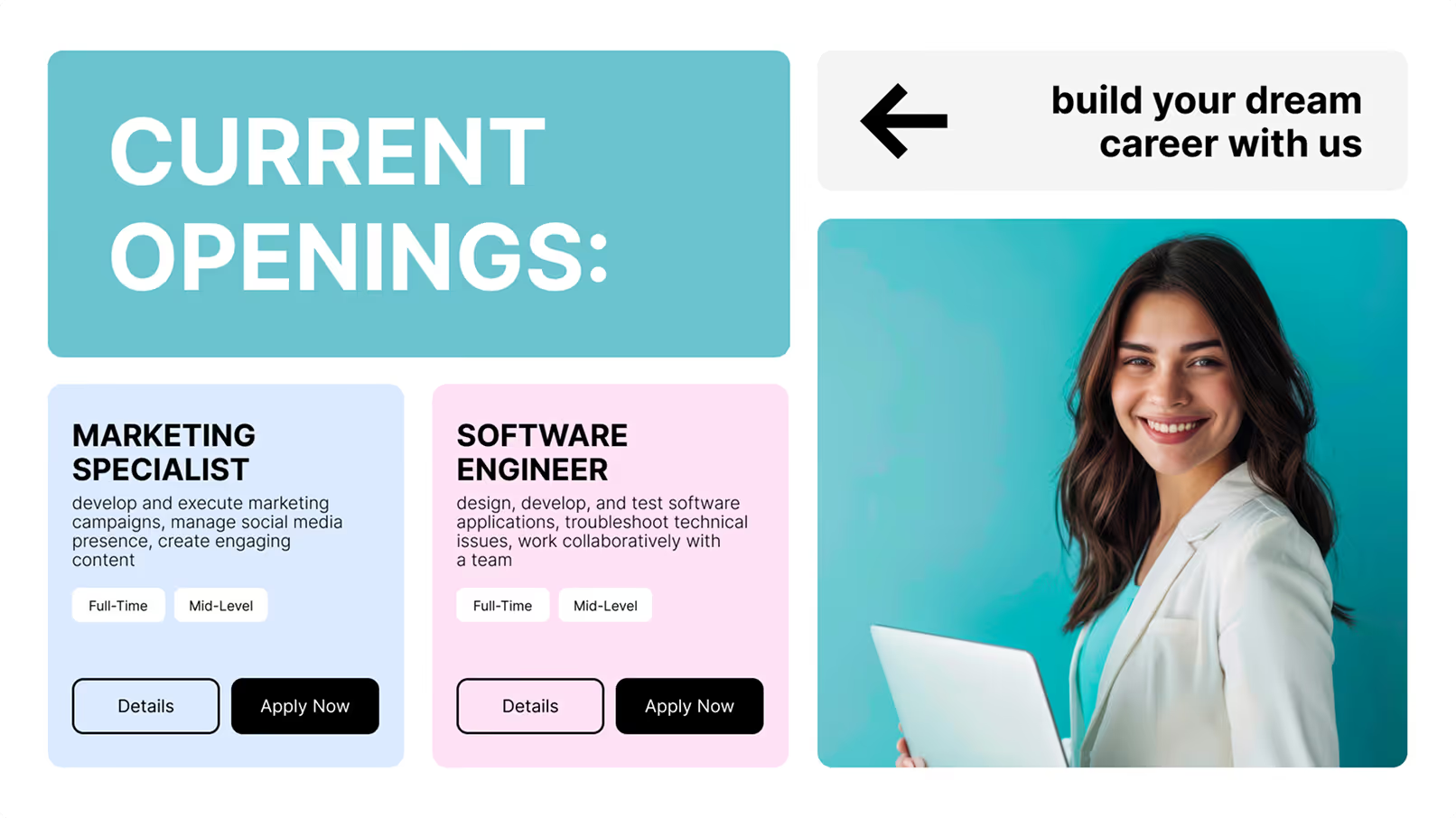
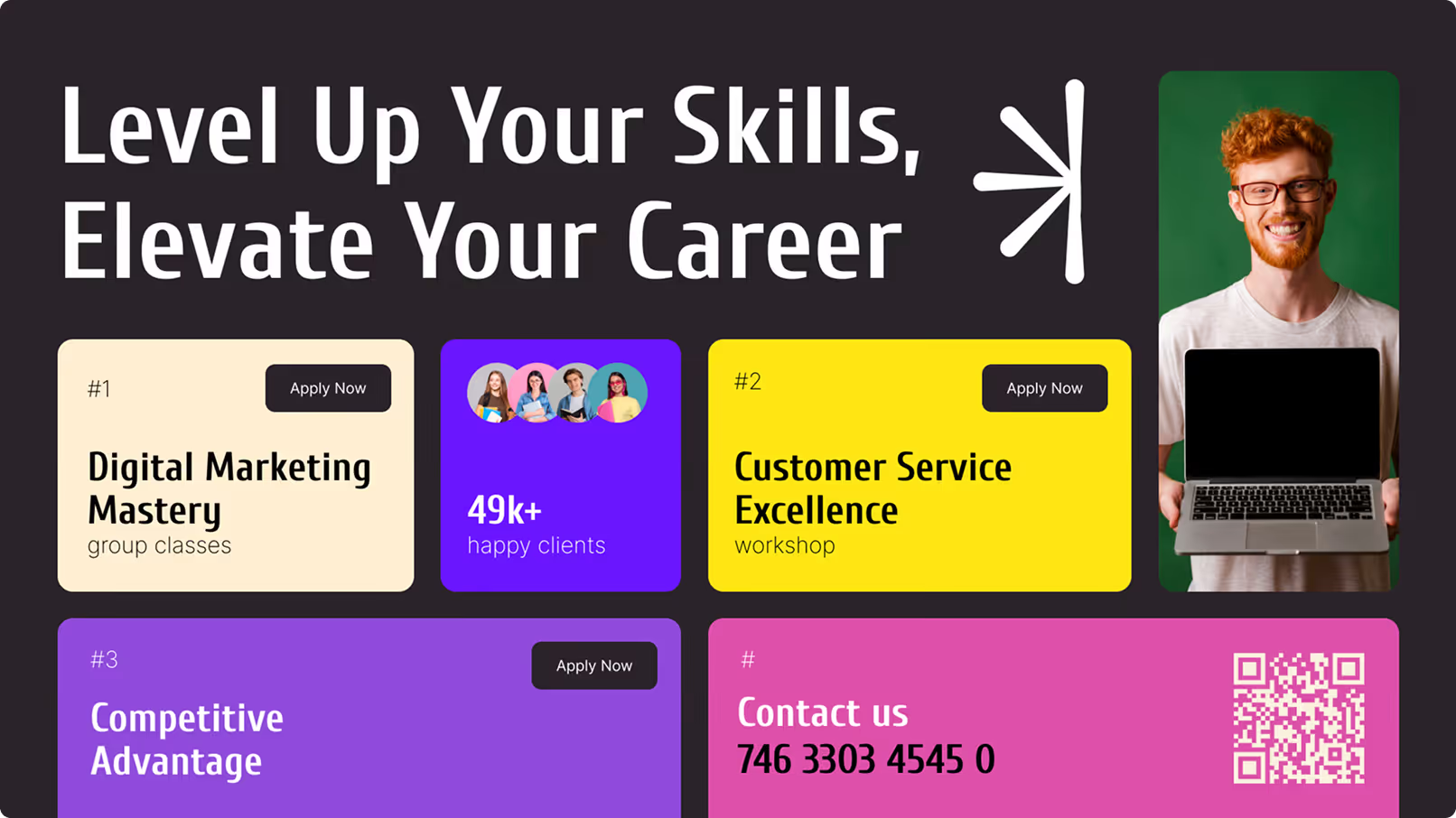
The content you display is limited only by your goals. Common items include operational announcements, live KPI dashboards, and HR updates regarding benefits or open shifts. Effective content strategies mix "hard" operational data with lighter, community-focused messages. You might include local weather forecasts, traffic updates, or cafeteria menus using screen layouts to show multiple data points at once.
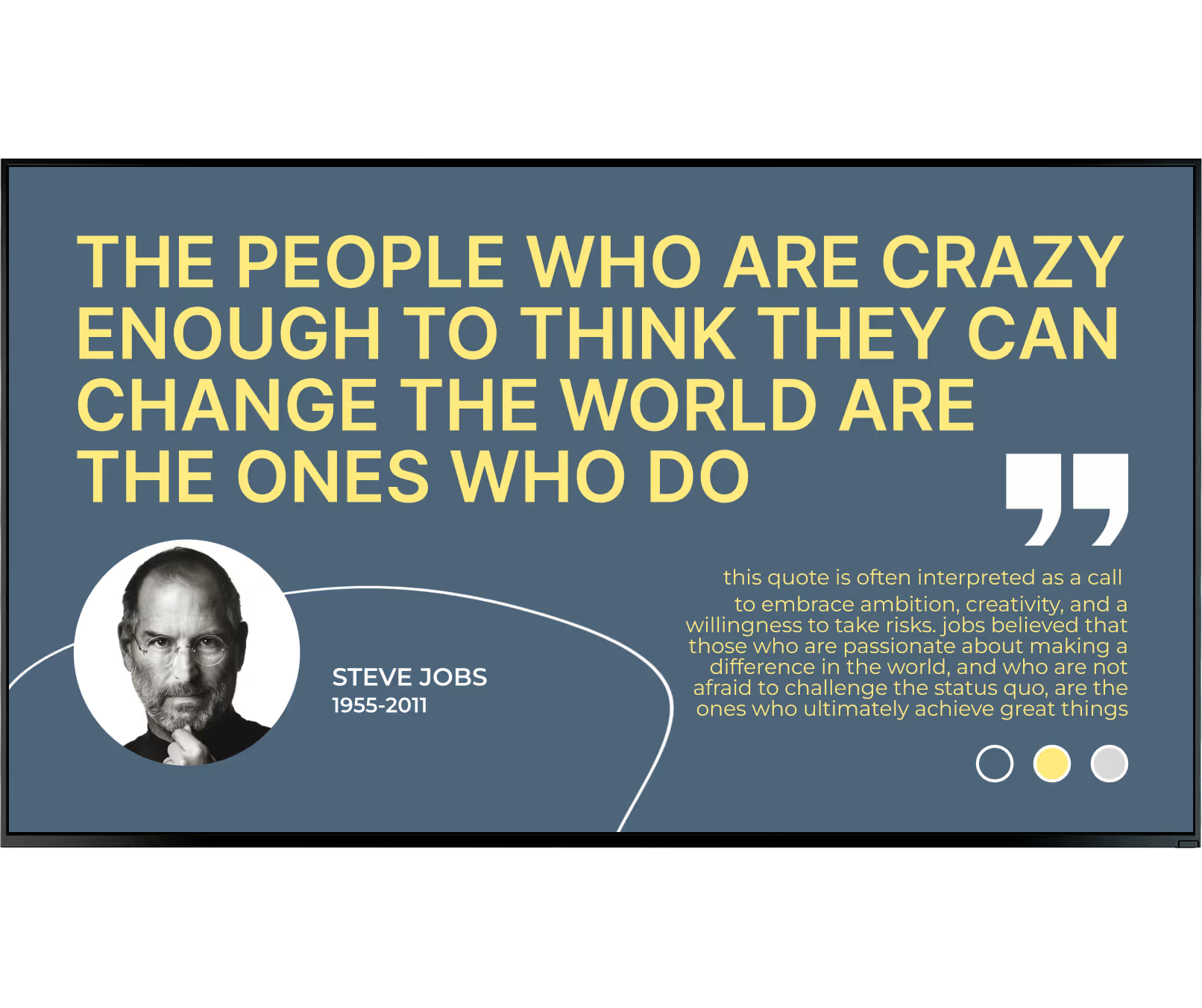
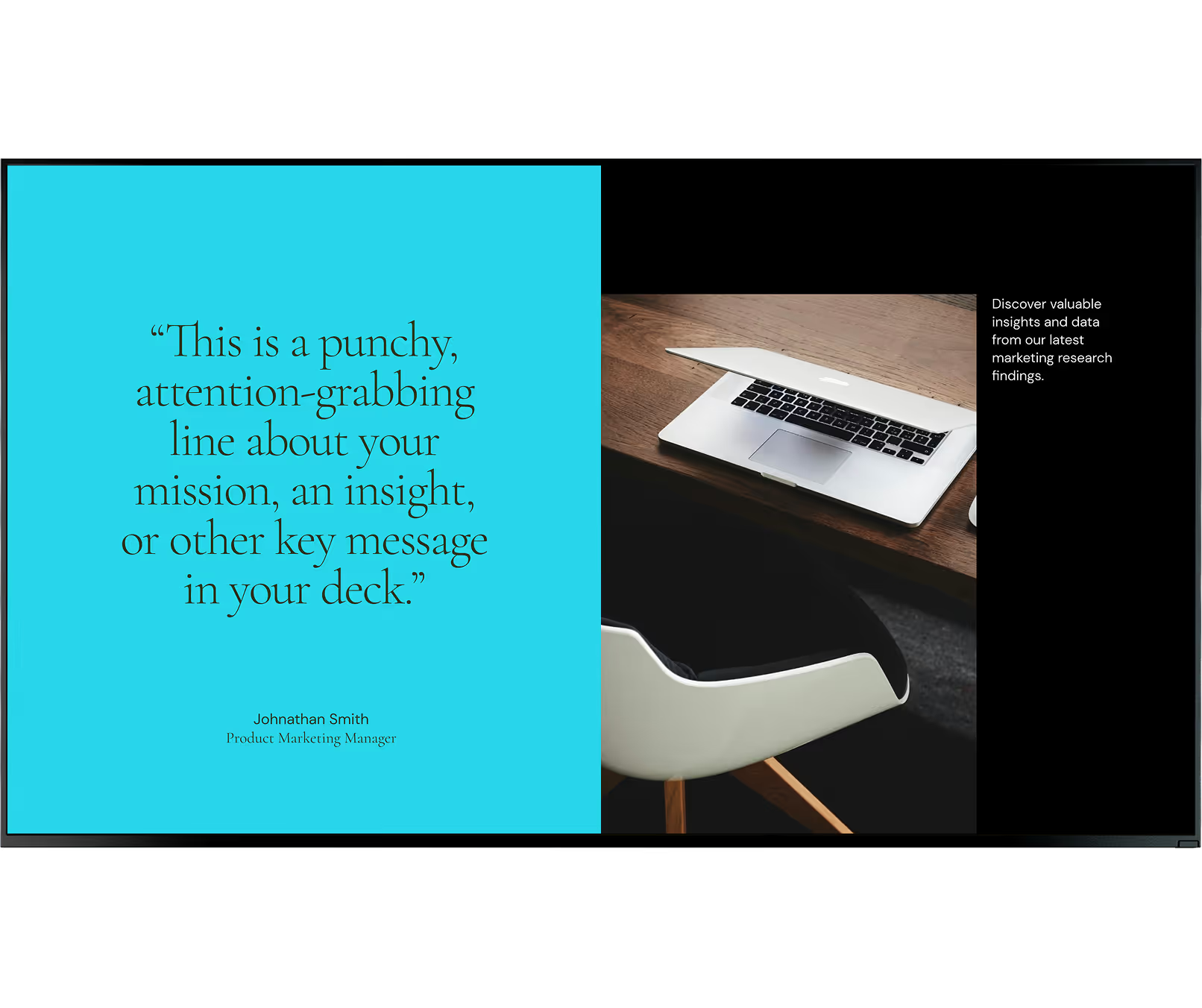
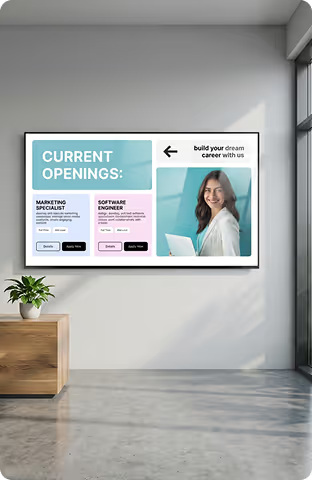
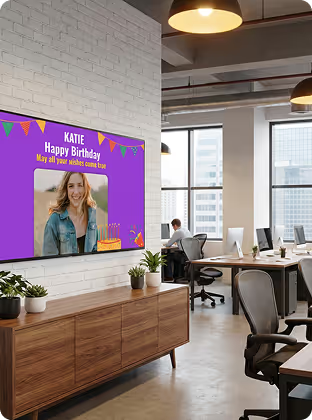
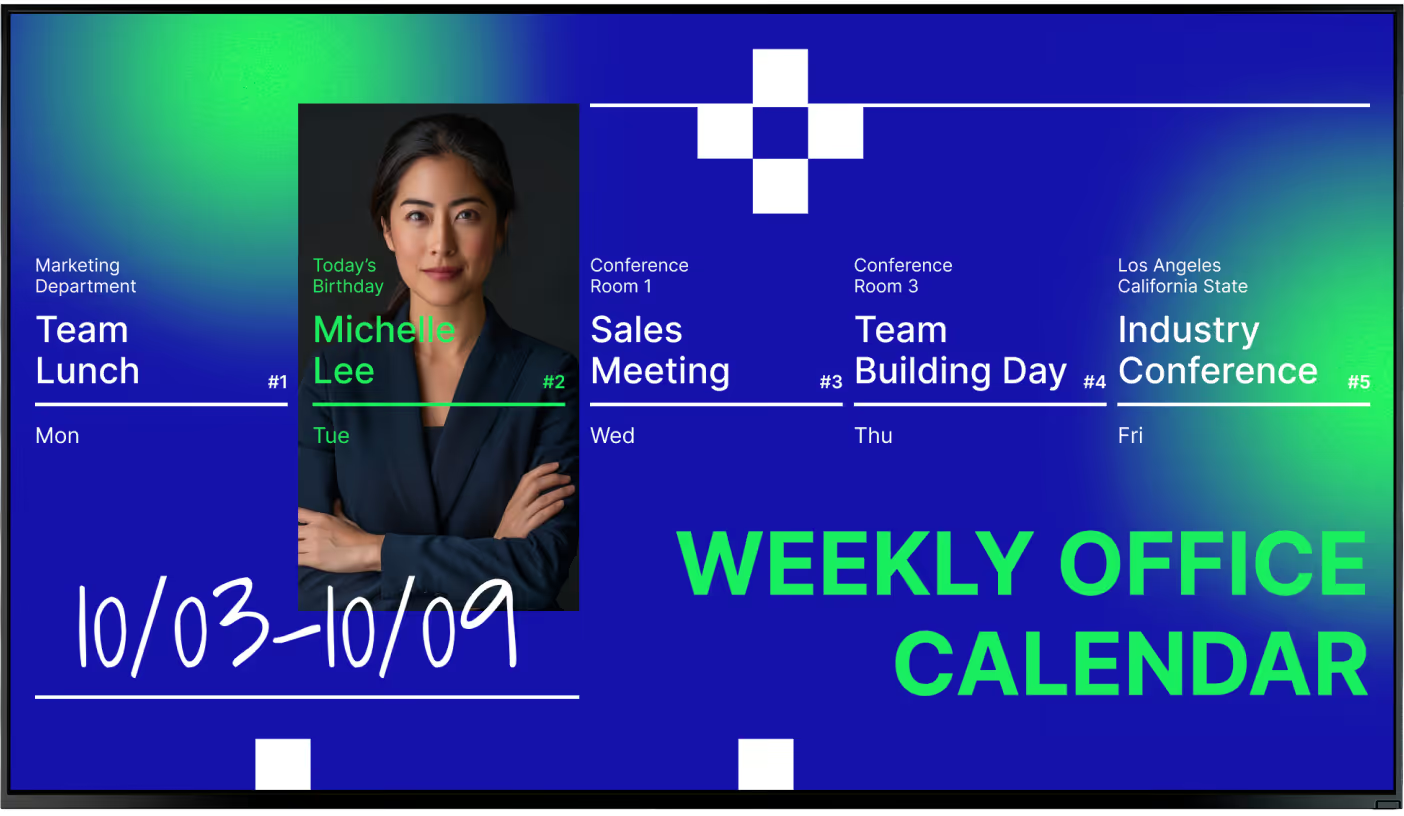
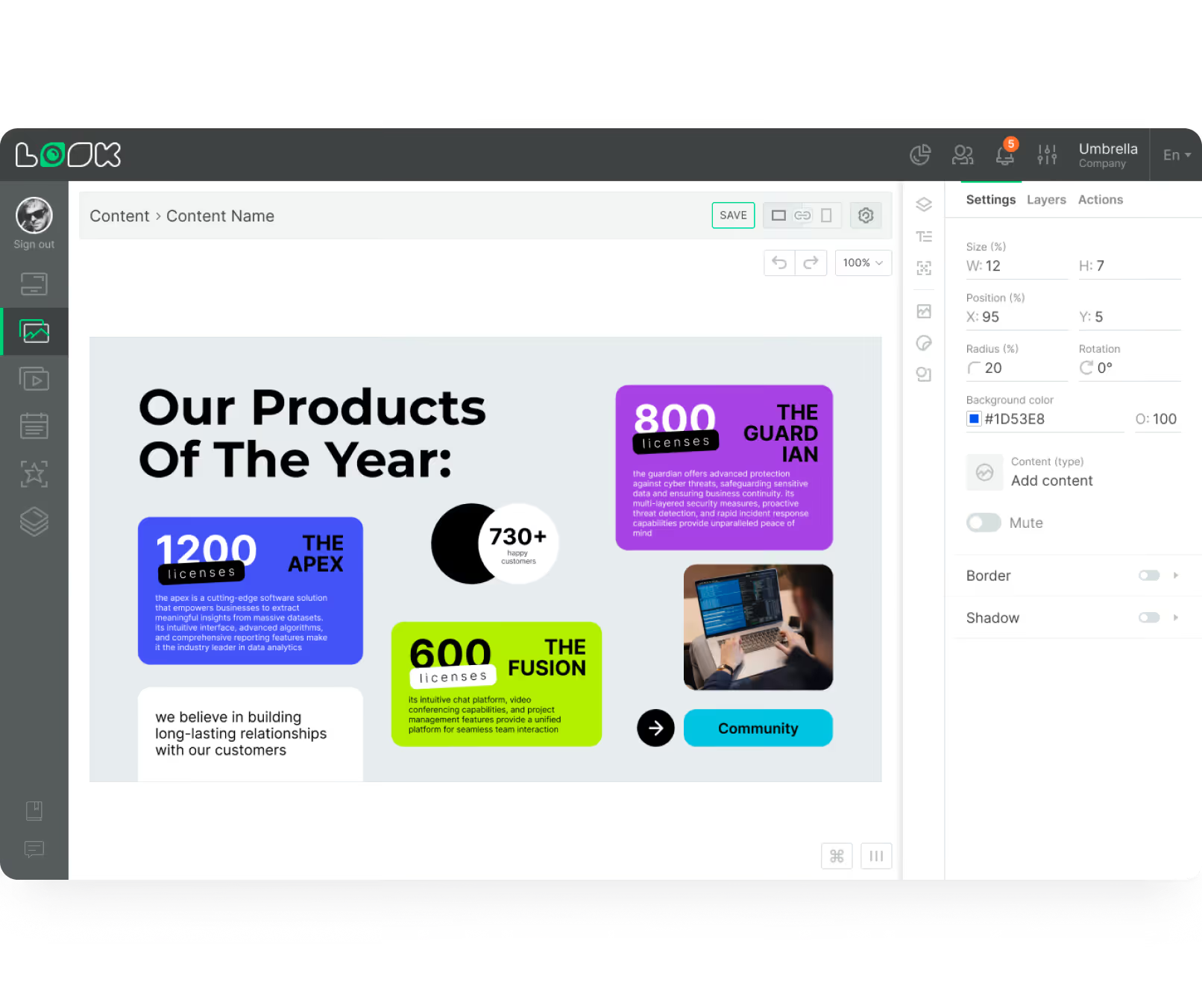
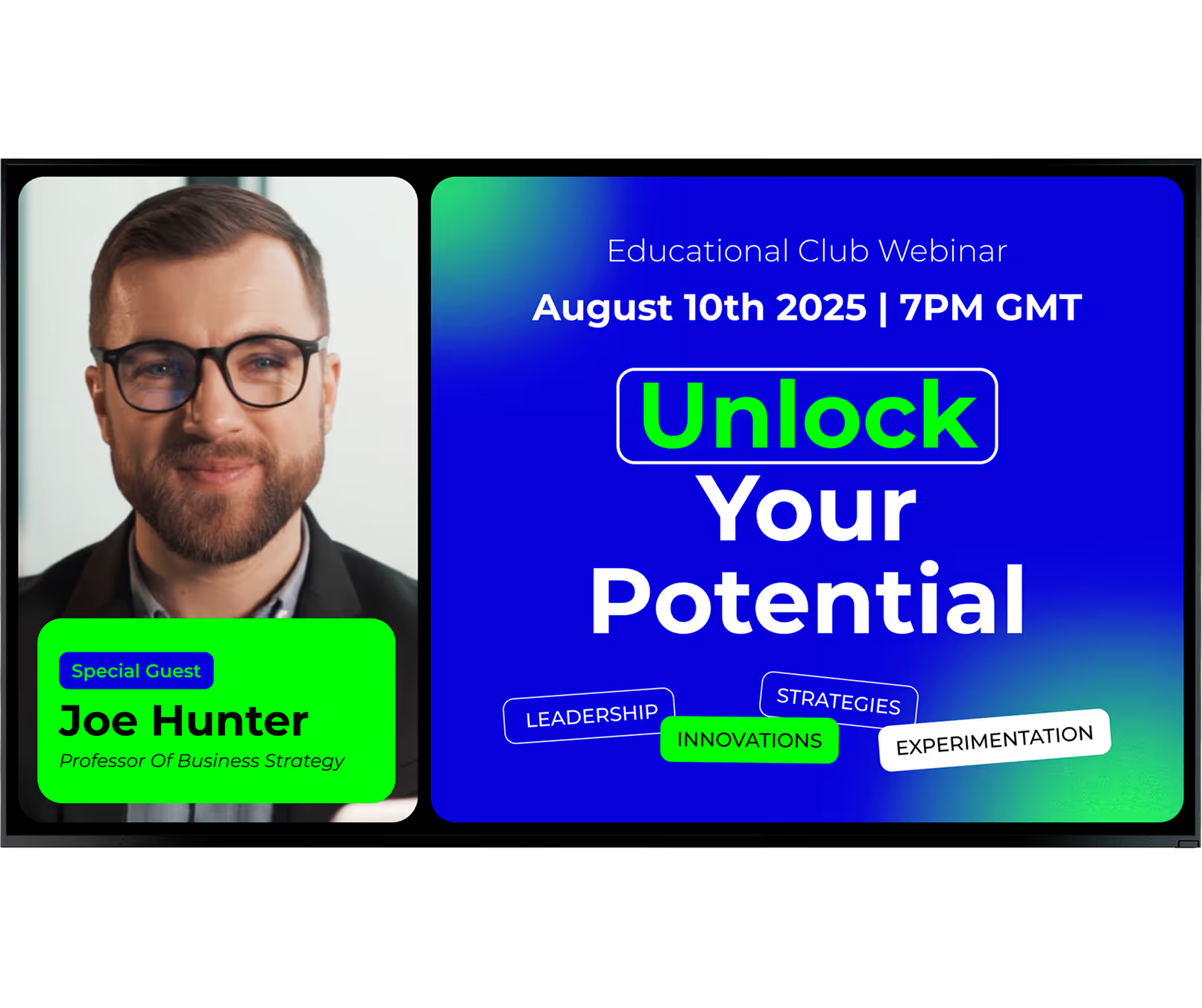
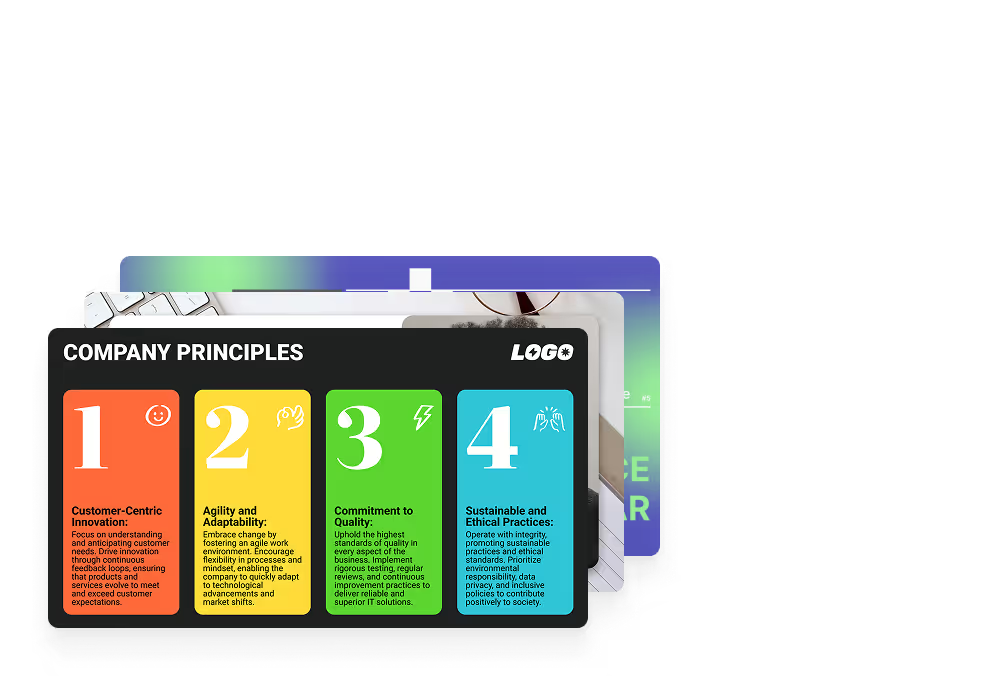
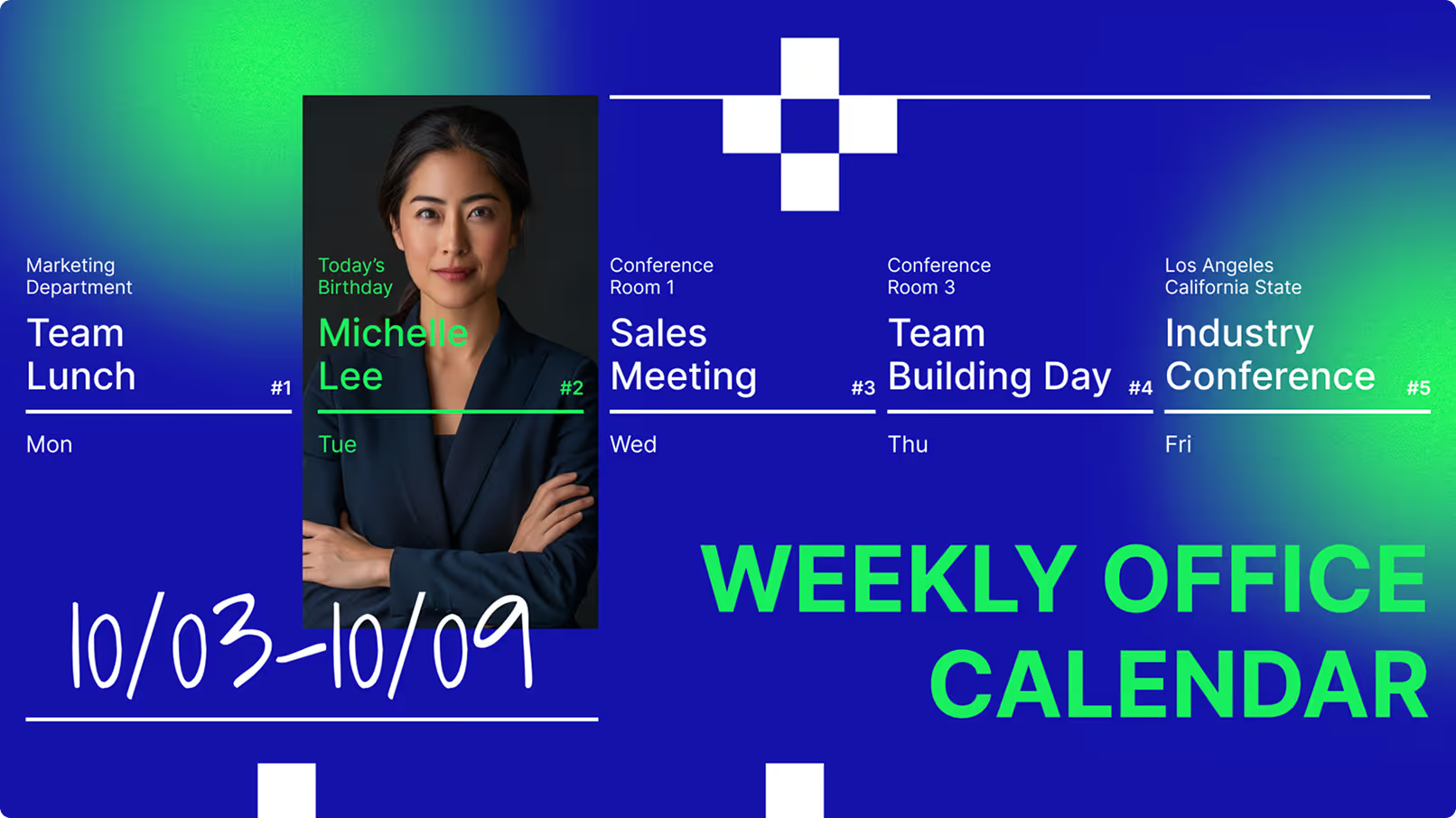
Wellness and morale are equally important. Many teams use their screens to show calming visuals or recognition lists to support a positive environment. Simple additions like employee birthdays, "kudos" boards, or safety tips keep the screen relevant. With the Content Creator inside Look CMS, you can easily build these visuals without needing external design software.

Benefits of Using Digital Signage Software in Breakrooms
Deploying digital signage in breakrooms offers practical advantages beyond aesthetics. It reduces the time and cost associated with printed materials and ensures updates happen in real-time. Most importantly, it establishes a reliable channel for reaching your entire workforce, making the breakroom a valuable touchpoint for operations and HR.
For managers, the primary benefit is centralized control. Whether you manage one site or a global network, Look Digital Signage allows you to maintain brand consistency effortlessly. It provides a dependable method to keep everyone aligned, creating a more informed and efficient workplace.
Increases Employee Engagement and Morale
Improving engagement is often a primary goal for internal communications. When staff see team photos, contest results, and peer recognition on a bright, professional display, it fosters a sense of community. Digital signage breaks the monotony of the workday and provides a shared focal point for positive news.
Morale improves when employees see their contributions highlighted. Displaying photos from recent events or celebrating service milestones helps staff feel valued. This personal touch demonstrates that the company appreciates the people behind the work, which can be a strong factor in employee retention.

Improves Real-Time Information Sharing
In fast-paced environments, printed memos become obsolete quickly. Digital signage allows you to update messages immediately, ensuring staff always see current information. Whether it is a production target update, a room schedule change, or an urgent company announcement, you can push content to your screens in minutes from your laptop.
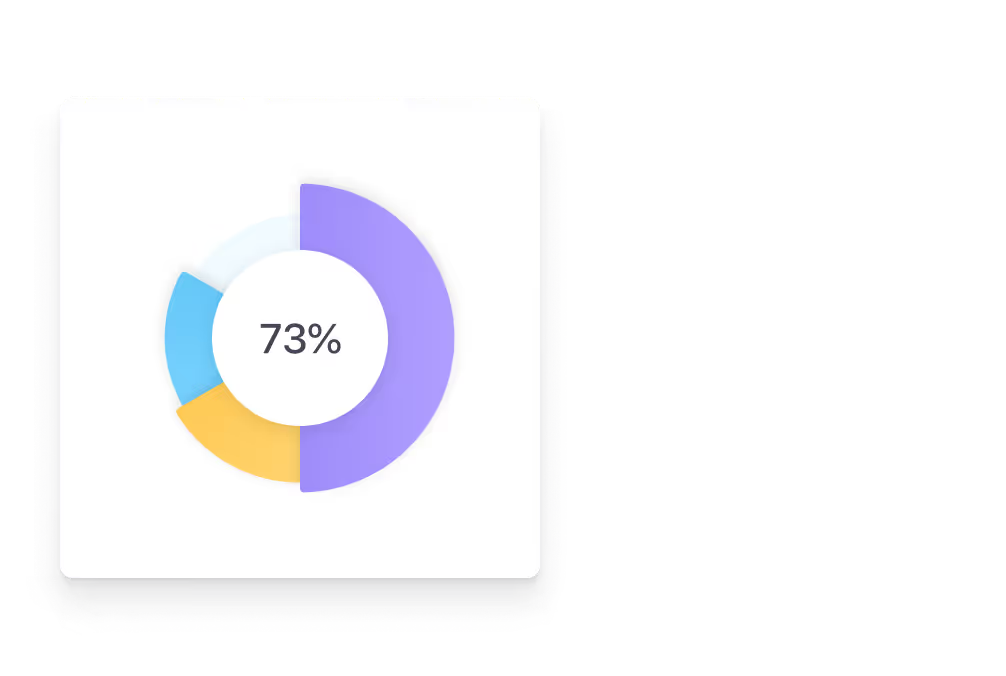
This is particularly effective for data visualization. By using apps or integrations to display live metrics, teams can track progress toward goals as it happens. Transparency helps align teams on priorities and reduces the confusion often caused by outdated emails or bulletin boards.
Strengthens Workplace Safety and Compliance
Breakrooms are an ideal location to reinforce safety protocols. When employees are off the floor, they are more likely to absorb brief safety reminders. Digital signage can loop essential guidance, such as PPE requirements or emergency procedures, ensuring these messages are seen regularly without being intrusive.
Compliance is streamlined through Smart Scheduling. You can program safety content to appear at specific times or intervals to ensure visibility. In regulated industries, the system can provide proof-of-play reports, verifying that mandatory safety information was displayed as required.
Showcases Appreciation and Achievements
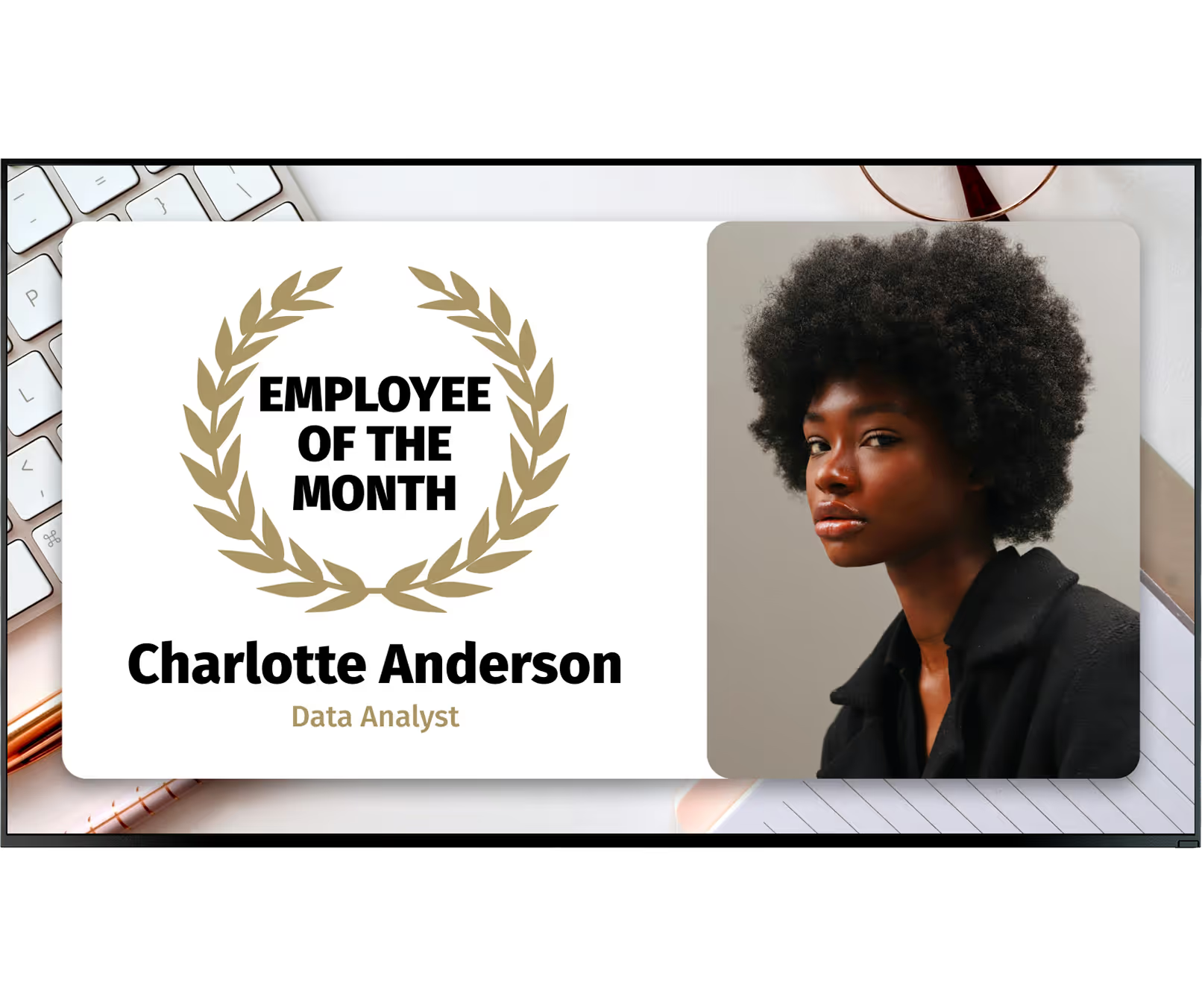
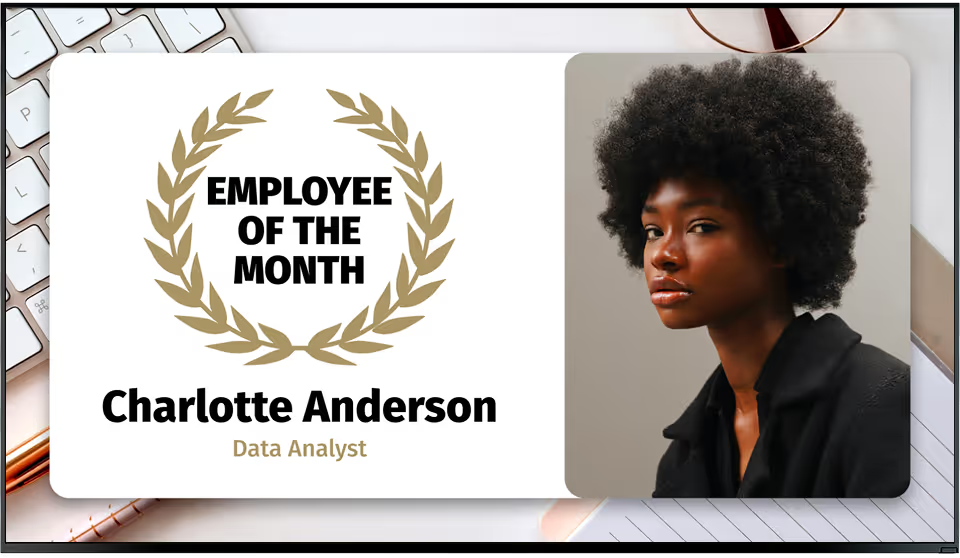
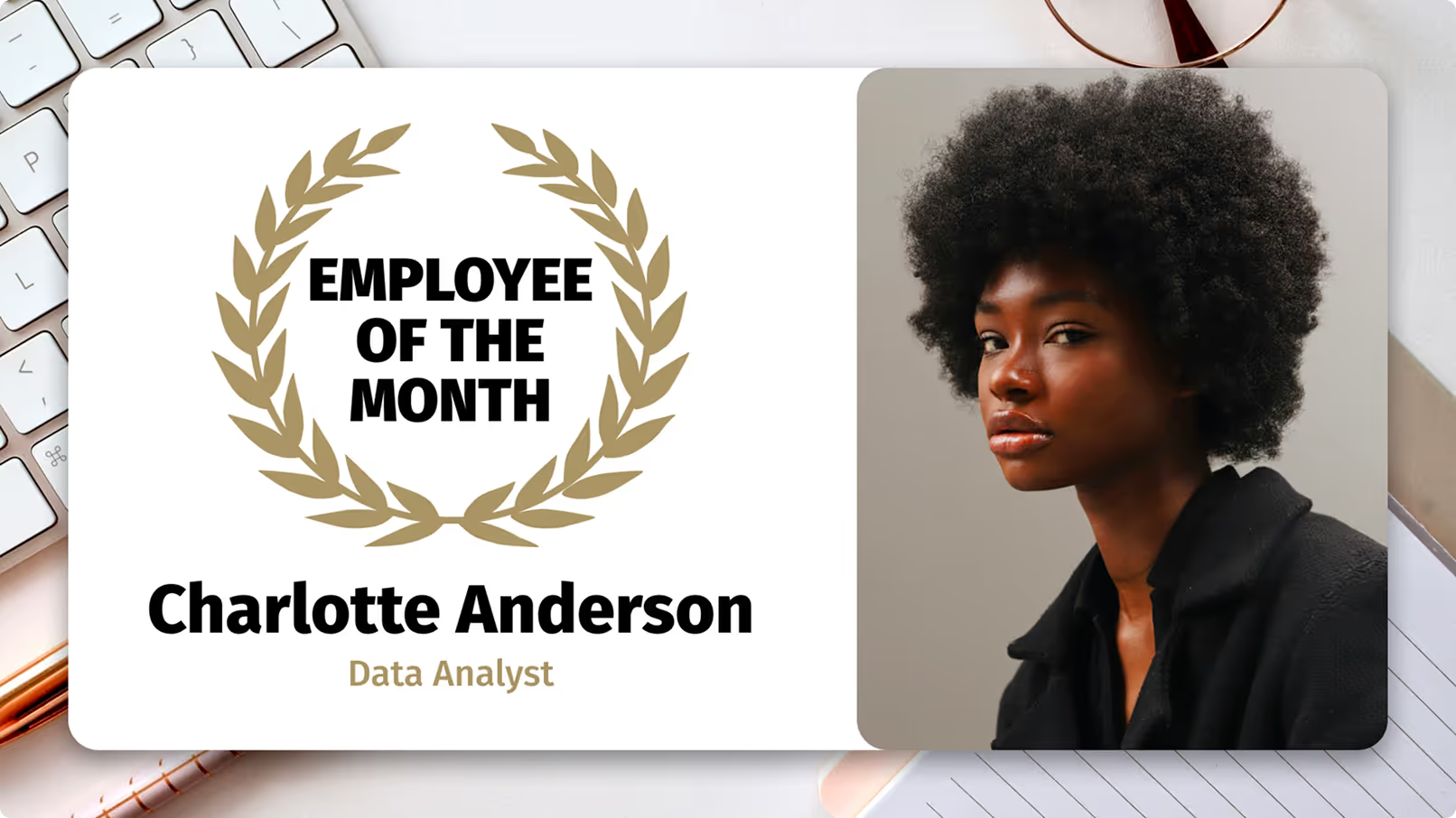
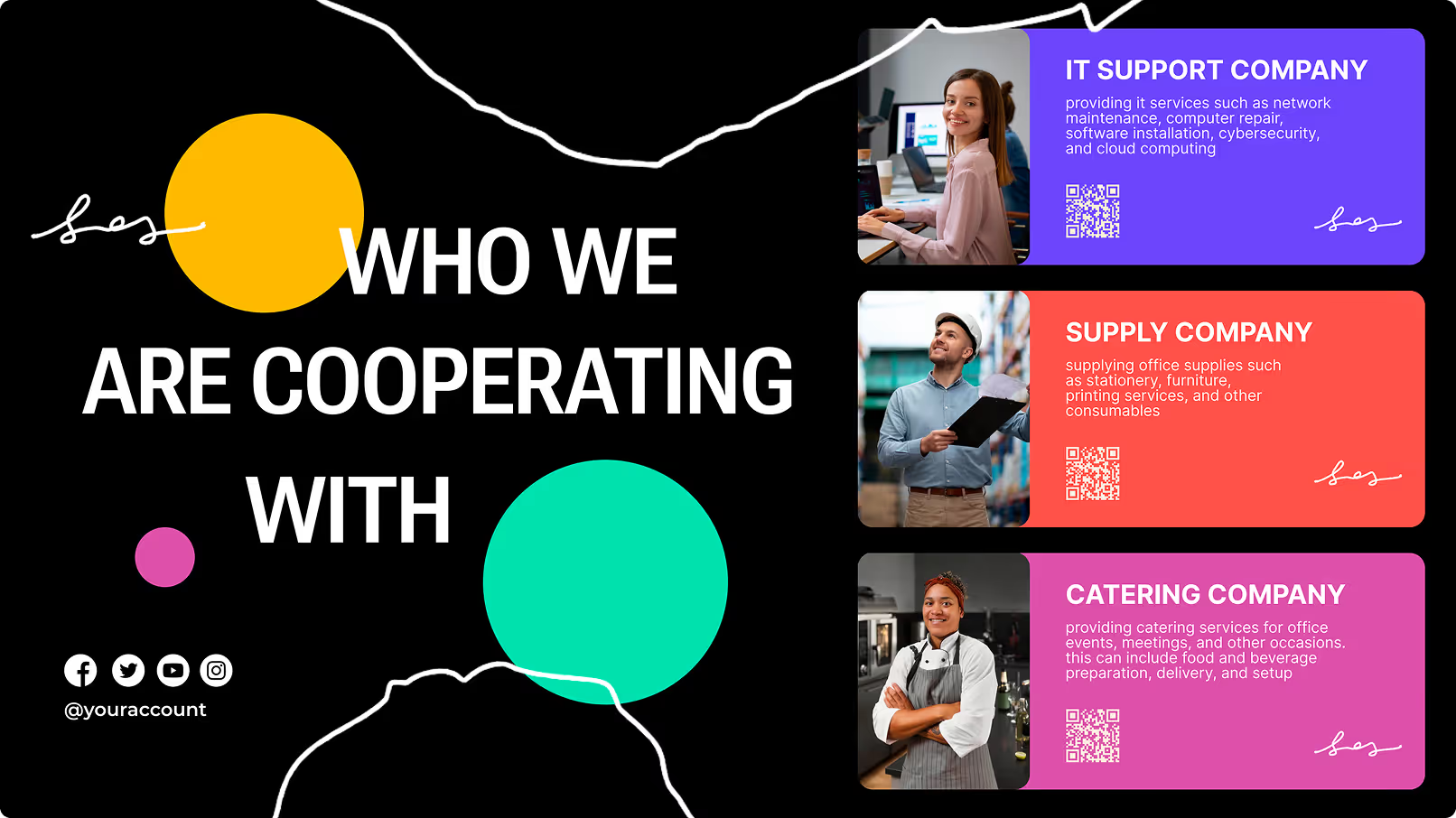
Public recognition is a straightforward way to boost job satisfaction. Digital signage offers a prominent platform to highlight individual and team success. You can celebrate "Employee of the Month," sales achievements, or project completions with professional-looking templates that grab attention.
Signage also supports cultural inclusion by acknowledging local holidays and community events. By tailoring content to the specific location or demographic of your workforce, you build a stronger sense of belonging across diverse teams.
Best Digital Signage Software for Breakrooms
Look Digital Signage - Best Overall
Look Digital Signage reimagines the break room as a modern, dynamic channel of communication by displaying eye‑catching content like rotating safety reminders and wellness tips to live news tickers, weather, and even light‑hearted fun facts.
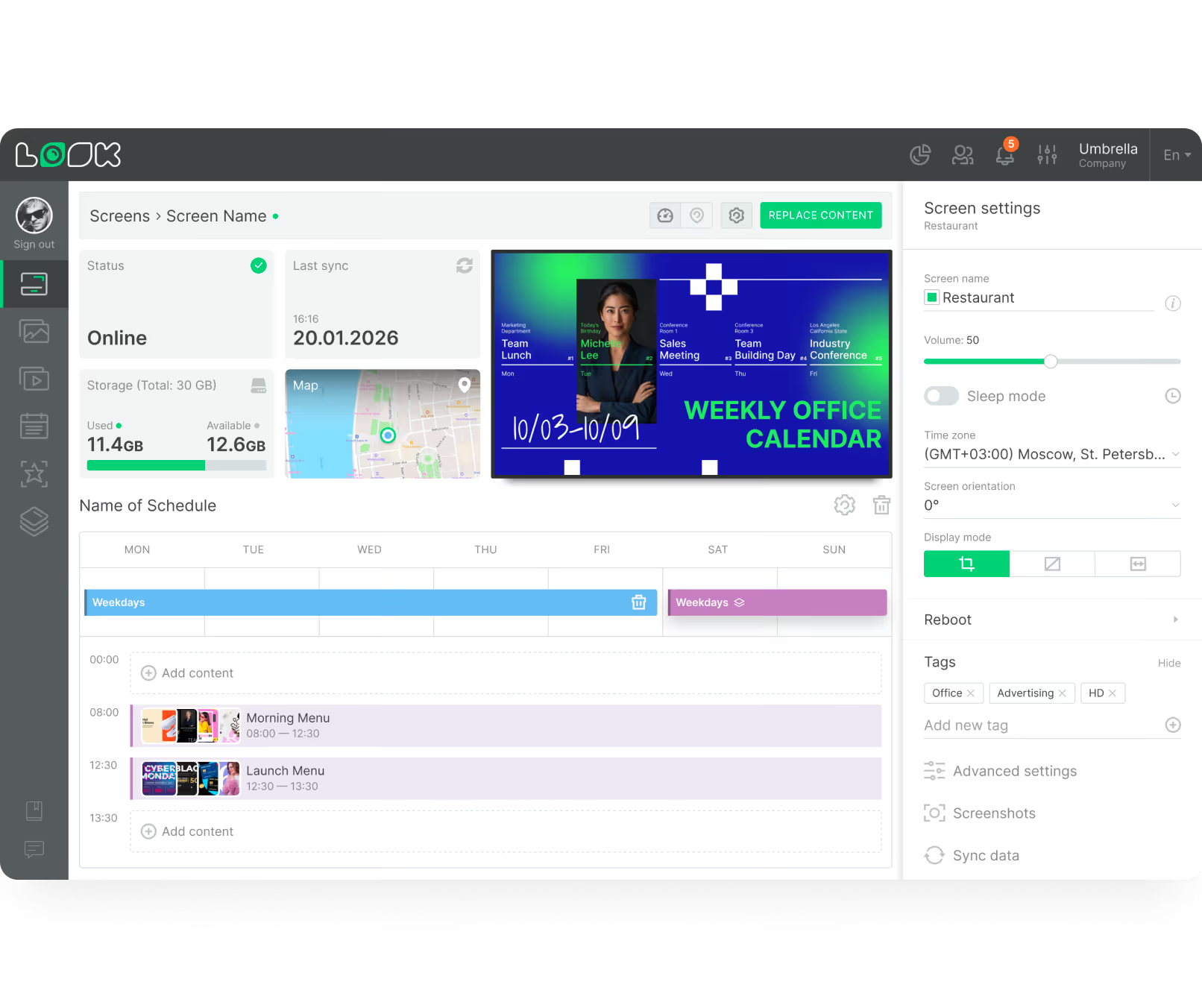
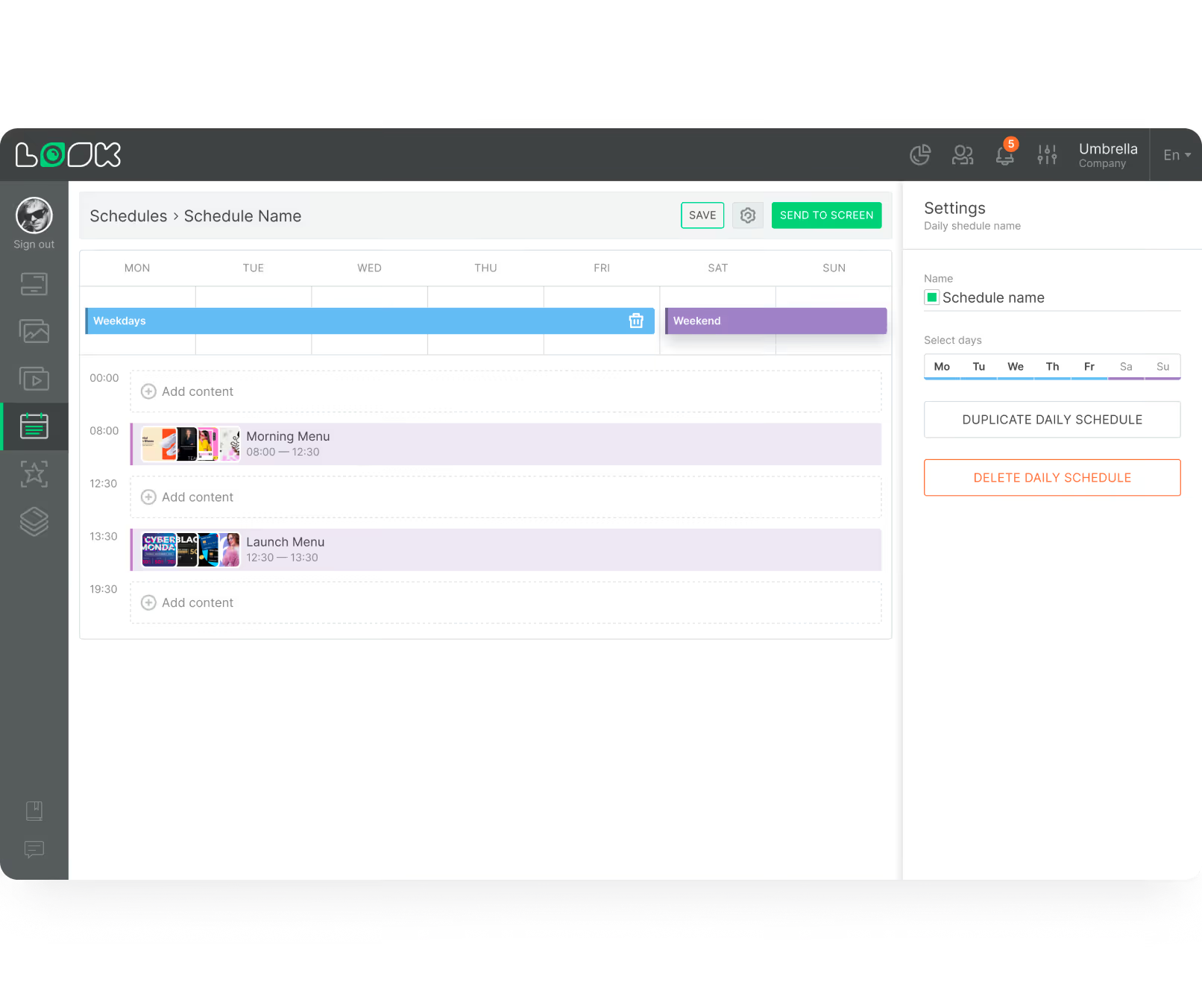
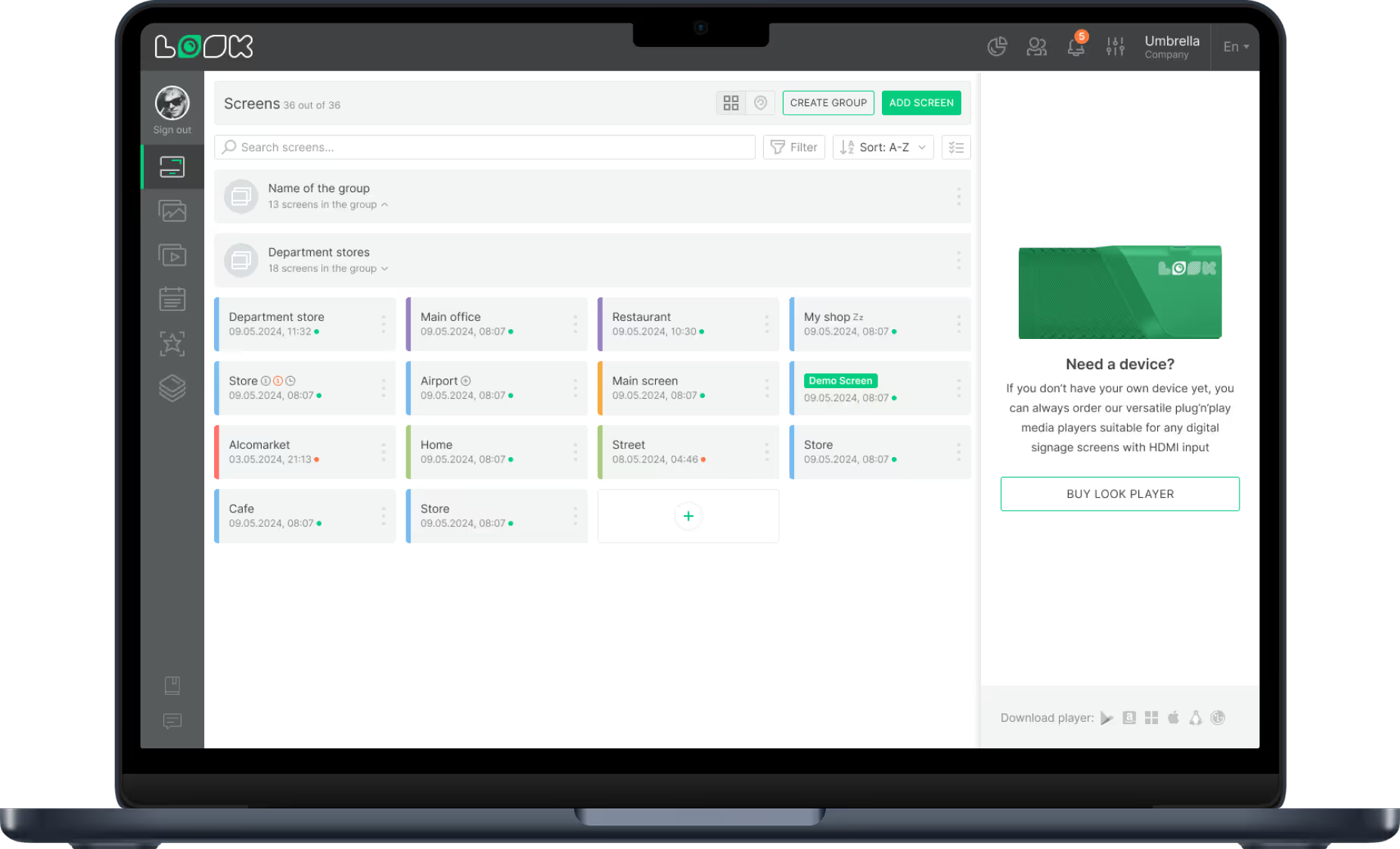
Where many digital‑signage tools feel clunky for non‑tech staff, Look is refreshingly easy-to-use with an intuitive cloud dashboard, prebuilt templates, and drag‑and‑play scheduling that lets HR or comms teams update content remotely without touching the screen.
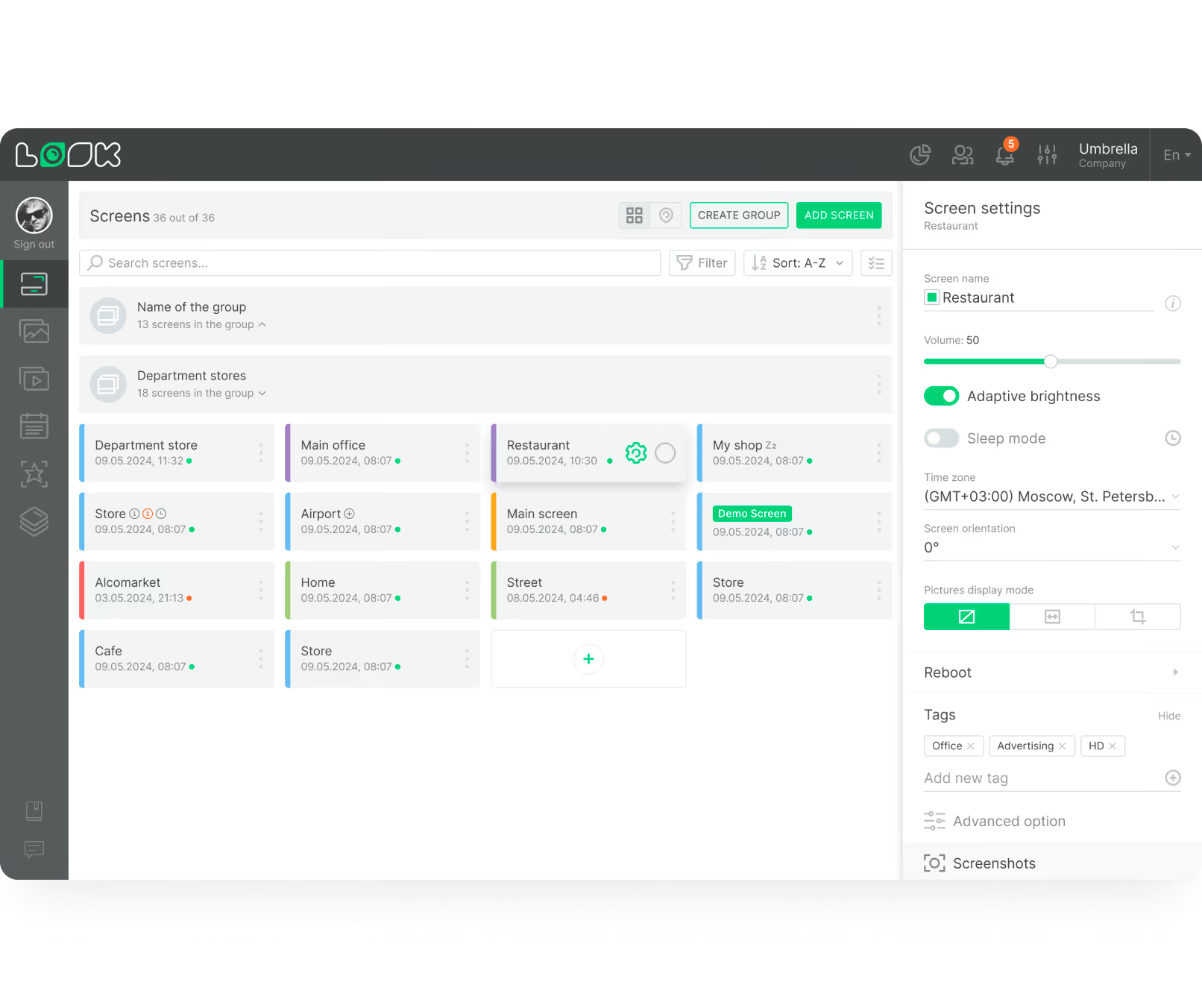
Multiple screens across different locations can be managed from a single point, and grouped by department, floor, or location to maintain consistency and on-brand content across every site. You’ll also appreciate that the Zapier integration connects directly to Slack, Teams, or your HR system for fully automated content flows.
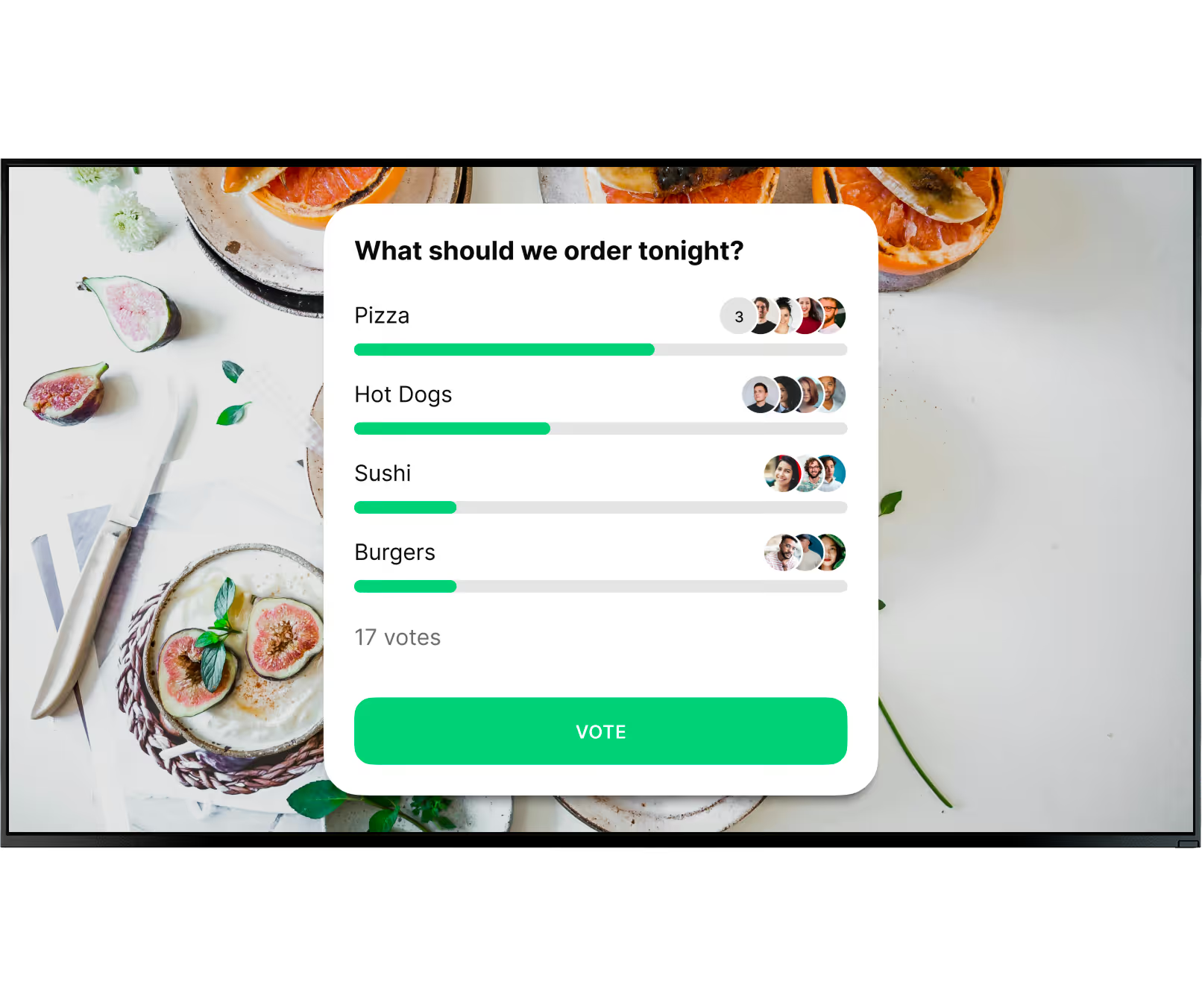
As far as engagement goes, Look turns your break-room into a two‑way channel where interactive polls, quizzes, and event reminders can nudge participation, while clean, modern layouts keep the space feeling professional.
Add reliable Android‑based playback from Look’s own media players, solid uptime, and strong value‑for‑money scores in user reviews, and you’re left with a signage solution that’s easy to deploy, easy to live with, and surprisingly effective at keeping employees informed and slightly more engaged the moment they step into the break room.
Key Features:
- Shift-based smart scheduling for targeted playlist delivery
- Zapier integration with HR systems, Slack, and Microsoft Teams
- Proof-of-play logs for safety compliance auditing
- Multi-zone screen layouts combining news, KPIs, weather, and live feeds
- Built-in apps for Power BI dashboards, Google Slides announcements, YouTube, social media feeds, RSS, and live news tickers
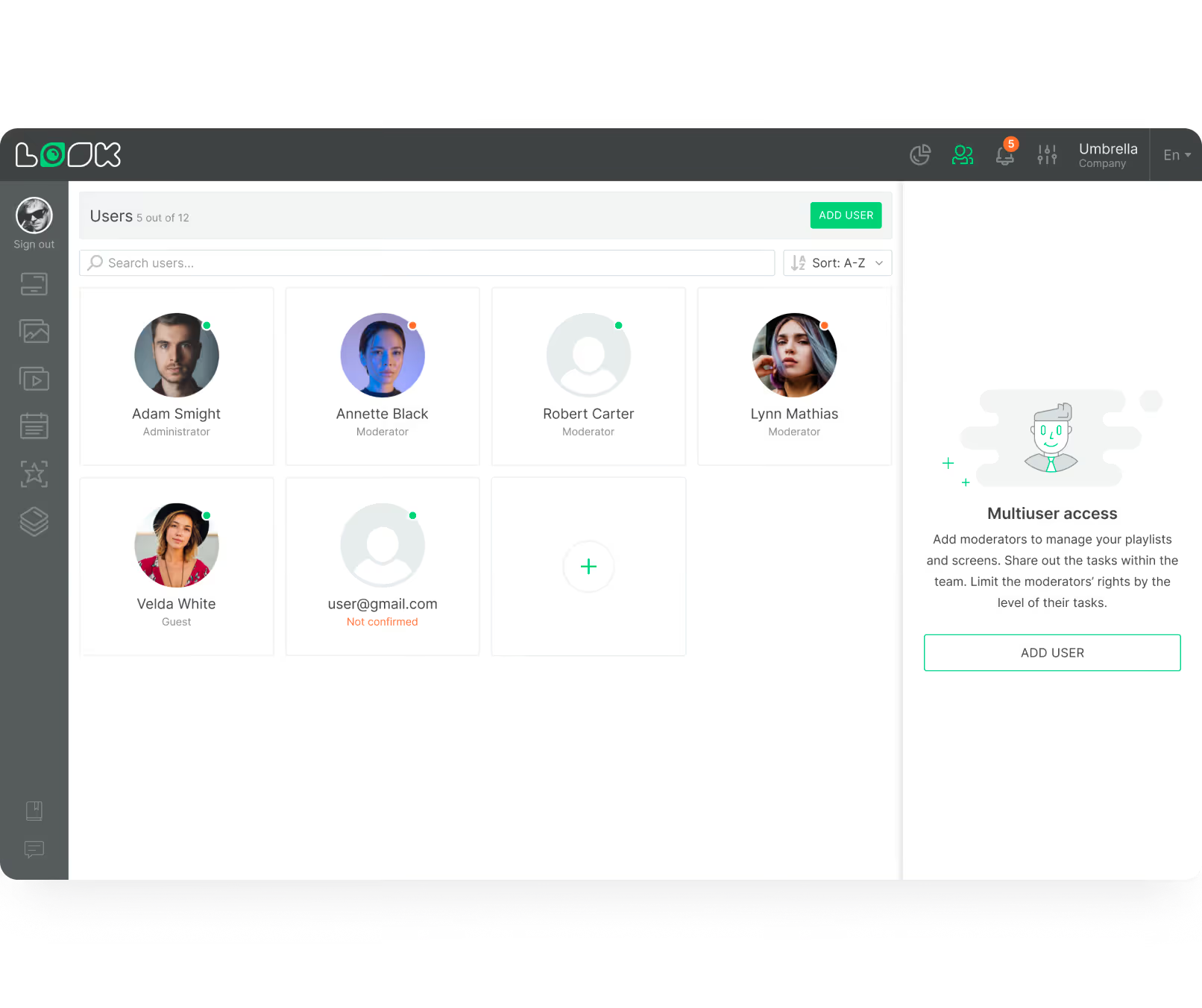
- Multi-user access with content approval workflows
- Offline playback for uninterrupted screen operation
- Free branded templates for HR, safety, and employee recognition content
Pros:
- No IT team needed, HR or comms can manage it independently
- Works on any existing TV, zero hardware investment required
- A free template library means no designer is needed to get started
- A single dashboard manages screens across multiple locations
Best For: HR and operations teams who need a feature-rich breakroom communication platform that scales across multiple locations without enterprise complexity or pricing.
Pricing: Up to $15/screen/month, more screens - lower price. Free 14-day trial, no credit card required. On-premise licensing available.
Yodeck
Yodeck is particularly well‑suited to break‑room setups where you want “plug‑and‑play, then forget about it.” It owes a lot of its charm to its cloud‑based dashboard, drag‑and‑drop editor, and strong support for free or low‑cost players (including Raspberry Pi‑based hardware), which makes it easy to deploy a handful of TVs in break rooms without a big upfront hardware headache.
From a break‑room perspective, Yodeck really excels in simplicity and Microsoft 365 integration. Teams already producing content in PowerPoint, Excel, or Word can push those files directly to breakroom screens without redesigning anything. Viva Engage updates, Power BI dashboards, and SharePoint announcements all display natively.
Yodeck leans more into affordability and flexibility at scale. If your break‑room rollout is budget‑conscious, you like tinkering with Raspberry Pis, and you want a proven, extremely reliable platform that major brands already use, Yodeck is absolutely worth putting on your shortlist.
Key Features:
- YouTube, RSS feeds, web pages, and a live dashboard display
- 500+ free templates with drag-and-drop editor; 80+ apps/integrations
- Automatic content refresh with no manual updates required
- Remote screen management, including power scheduling
Cons: Microsoft and dashboard apps and advanced approval workflows require higher-tier plans
Best For: Small to mid-size organisations that need a simple, affordable breakroom communication tool without the overhead of a full enterprise platform.
Pricing: First screen free forever. Paid plans start at $8/screen/month (free player with annual plan). 30-day free trial for paid plans.
Rise Vision
Rise Vision is a more ambitious, enterprise‑leaning digital‑signage platform that feels like an all‑in‑one communications solution. The emergency alert system alone sets it apart for manufacturing, warehouse, and healthcare environments. Rise Vision integrates with CAP systems and pushes synchronized audio and visual alerts to every screen instantly, overriding scheduled content.
The content creation side is well thought out, too. Rise Vision has over 600+ animated templates, a built-in AI presentation tool, and native integrations with Power BI, Microsoft 365, Google Workspace, Canva, and Domo.
The trade-off is pricing, given that it sits at a higher price point than Yodeck or Look, and for organisations that only need basic breakroom content without the emergency alert or screen sharing features, it may be more than what the use case demands.
Key Features:
- CAP-integrated emergency alerts with synchronized audio and visual override
- Digital signage, screen sharing, and emergency alerts in one platform
- Remote scheduling and content management across multiple locations
Cons: Template‑editing tools can feel inflexible for simple, everyday use,
Best For: Manufacturing, warehouse, and healthcare organisations that need breakroom screens to double as safety and compliance communication channels alongside standard employee engagement content.
Pricing: From $12/screen/mo (Basic), $14/mo (Advanced), Enterprise is quote-based. 14-day free trial available.
Fugo Digital Signage
Fugo is geared more towards corporate and enterprise teams, and for breakroom use, it is one of the more data-forward options on this list.
Its TV dashboard capability allows teams running Power BI, Looker, Tableau, or Grafana to surface live data directly on breakroom screens without rebuilding content for signage. If you’re a data-driven organisation requiring your breakroom screens to serve as a real-time window into business performance, that is a compelling proposition.
Fugo also has a Design Studio that works much like Canva, built directly into the platform. It’s MCP integration lets AI assistants connect to Fugo for intelligent content automation. Live polling, QR code CTAs, interactive touch flows, and urgency broadcasting for high-priority content round out a feature set that goes well beyond basic internal comms.
Key Features:
- Urgency broadcasting for instant high-priority content override
- Interactive touch flows built directly into content
- Offline playback for uninterrupted screen operation
Cons: Feature depth may be overkill for teams that only need basic breakroom content
Best For: Data-driven enterprises that want breakroom screens to double as live performance dashboards alongside standard employee communication content.
Pricing: From $24/screen/mo (Essential) to $40/mo for Enterprise. Free 14-day trial available.
Screencloud
ScreenCloud is a cloud‑based digital‑signage platform that works well for break rooms when you want a modern, app‑led system that can connect to many of the tools your company already uses.
For teams already running Slack, Microsoft Teams, Viva Engage, Staffbase, or Firstup, ScreenCloud allows you to pull content from those platforms directly onto breakroom screens without any redesign work.
The Dashboards feature securely grabs live data from Power BI and Grafana without exposing login credentials, which is a genuinely useful distinction for IT teams who care about security. Canvas, ScreenCloud's built-in design tool, handles content creation, and the GraphQL API gives technical teams room to build custom integrations on top of the platform.
Key Features:
- Employee recognition integrations with Bonusly and Awardco
- Canvas's built-in design tool is free with all accounts
- 80-plus built-in apps, including live news, weather, and social feeds
- GraphQL API for custom integrations
Cons: Per-screen pricing becomes expensive at scale. Look DS delivers comparable breakroom communication capability at a fraction of the cost.
Best For: Medium-size to enterprise teams running multiple internal communication platforms who want breakroom screens to consolidate and amplify existing content without duplicating effort.
Pricing: From $24/screen/mo. 14-day free trial available.
NoviSign
NoviSign is a strong choice for organizations that want break‑room signage that is simple enough for non‑technical staff yet rich enough to connect to data, workflows, and broader internal‑communications strategies. The platform supports real‑time data sources such as Google Slides, spreadsheets, and web apps, so you can show live KPIs, safety targets, or HR dashboards directly on break‑room TVs.
NoviSign further extends into intelligent features that matter for modern break‑room screens. Its AI‑powered content generator can produce simple visuals from short text prompts, reducing the need for a designer to build every image. When connected to compatible hardware, it can support audience‑aware or context‑aware content, for example changing safety messages or language cues based on real‑time inputs.
Key Features:
- Touch‑screen support for interactive break‑room kiosks
- Live data and API integrations
- IoT and event‑triggered content
- Social‑media and web‑feed widgets
- AI‑powered image creator
- Multi‑zone layouts with drag‑and‑drop
- Remote device management and proof‑of‑play.
Cons: Some advanced features require learning curves and are not as “one‑click” as they appear.
Best for: Mid‑sized to large companies that want intelligent, data‑driven break‑room signage tied to calendars, KPIs, and safety systems.
Pricing: From $14/screen/mo. Custom quotes for self-hosting. 30-day free trial.
Kitcast
KitCast is a strong fit for organizations that want a modern, cross‑platform signage system that can scale from a few break‑room TVs to a large‑site network. Its tight fit with Apple TV and growing support for Android‑based and SOC displays give you a clear path to use hardware you already own or prefer for security. The combination of AI‑assisted content creation, templates, and real‑time widgets makes it easy to keep break‑room displays fresh and relevant, while the per‑screen pricing and occasional limitations on advanced features mean you need to weigh cost against how many screens and integrations you plan to run.
Key Features:
- An AI tool that generates finished slides from a text prompt
- Live feeds from social media, YouTube, news, and RSS
- Power BI and Tableau integrations for live KPI dashboards
- 500-plus templates with multi-zone drag-and-drop layouts
- Emergency alerts that override all screens instantly
- Role-based access and multi-location management from one dashboard
Cons: Dashboards, MS365 & Google Workspace, and CAP alerts are locked under higher- tier plans.
Best for: Offices already running Apple TV, that is where Kitcast is most at home and most polished. Works across other hardware too, but the experience is built around the Apple ecosystem first.
Pricing: From $9/screen/mo (Starter). $14 (Pro). Custom quote for Enterprise. Free 14-day trial available.
OptiSigns
OptiSigns lets you turn any TV or simple Android player into a professionally managed internal‑communications screen with minimal setup. It runs in the cloud, supports drag‑and‑drop playlists, and can pull live content from calendars, dashboards, and web apps. Powerful screen‑grouping, instant content updates, and robust security controls make it easy to manage many break‑room displays from one dashboard while keeping content consistent and secure.
Key Features:
- Native Google Workspace integration across Drive, Slides, Sheets, Calendar, and YouTube
- Slack and Microsoft Teams integration for instant on-screen announcements
- Automated employee birthday and milestone displays via OptiSync
- Emergency alert override across all screens simultaneously
- Direct HRIS integration for organisations with 5,000-plus employees
Cons: Direct HRIS integration is only available for organisations with 5,000-plus employees
Best For: Organisations already running Google Workspace or Microsoft 365 who want breakroom screens that reflect existing workflows without building new content from scratch.
Pricing: Free (basic); $10/screen/mo (Standard); $15 (Pro Plus); $30 Engage, $45 (Enterprise). 14-day free trial available.
TelemetryTV
TelemetryTV is a legitimate breakroom tool, and its live dashboard capability is genuinely its strongest angle for this use case.
It supports “Web Screenshots,” which securely captures private dashboards and web apps behind logins and then streams them as images to the TV, meaning HR, operations, or safety data can appear in break rooms even if it lives on internal systems.
Over 70 built‑in apps, including Canva, calendars, social feeds, and dashboards, plus custom HTML/JS/CSS creations, let you tailor each break‑room screen to show exactly the mix of news, data, and recognition that fits your culture.
Key Features:
- Tag-based content targeting by floor, room, or department
- Emergency screen override for urgent communications
- Content auto-expiry to keep playlists current without manual intervention
- SOC 2 and PCI-DSS certified
- Okta, Active Directory, SAML, and SCIM integration for enterprise authentication
- Automated device provisioning for large-scale deployments
Cons: Feature depth and pricing make it hard to justify for teams with basic breakroom communication needs
Best For: Data-driven enterprises that want breakroom screens to surface live business performance alongside standard employee communication content.
Pricing: From $9/device/month (Entry), $15/mo (Core) to $16/device/month (Elite). Enterprise from $35/device/month(annual). 30-day free trial available.
Poppulo
Poppulo is a strong fit for large, globally distributed organizations that need breakroom signage to be one piece of a broader internal communications strategy rather than a standalone tool. It sits at the enterprise end of the market, built for scale, security, and integration with the communication platforms (email, intranet, mobile) that large workforces already rely on.
You can push content instantly to thousands of screens across global locations from a single dashboard, with role-based permissions. The trade-off is that the platform is significantly more than most small or mid-size businesses need, and pricing reflects that.
Key Features:
- Drag-and-drop playlist builder with automated content rotation and scheduling
- Enterprise-grade encryption, access permissions, and audit logging
- Built-in analytics measuring screen uptime, engagement, and message reach
- Integration with internal comms tools, including email and intranet platforms
- Emergency content override that pushes urgent messages to all screens instantly
- Supports breakroom dashboards, lobby displays, and wayfinding from one platform
Cons: Enterprise pricing and complexity make it overkill for small deployments.
Best for: Large enterprises and global organizations that want breakroom signage managed as part of a unified internal communications platform, with strict security, compliance, and multi-region control requirements.
Pricing: Custom enterprise pricing only. Demo and quote available on request.
Summary Comparison Table
Key Features to Look for in Digital Signage Software for Breakrooms
When evaluating digital signage tools, focus on efficiency and reliability. The best platforms combine intuitive content management with robust technical performance. As you plan for 2026 and beyond, look for cloud-based solutions that offer flexibility, security, and the ability to scale from a few screens to a large network without complex IT involvement.
A strong system should be accessible to non-technical users while offering the power needed by IT administrators. Features like remote monitoring, offline playback, and automated scheduling are standard requirements for keeping your screens running smoothly with minimal manual intervention.
User-Friendly Content Management
The CMS is the heart of your signage network. A user-friendly interface, like the Look CMS, should feature drag-and-drop tools that allow you to build playlists easily. This ensures that office managers or HR assistants can keep screens fresh without needing a graphic designer or IT support.
Customizable Screen Layouts for Workplace Needs
To maximize the utility of your breakroom screens, you may need to display multiple information streams simultaneously. Screen Layouts allow you to divide the display into zones. You might have a main zone for company news, a sidebar for upcoming events, and a ticker for weather or urgent alerts.
Branding is equally important. Your software should allow you to customize ready-made templates with your corporate colors and logos. This ensures that internal communications feel professional and consistent with your organization's identity.

Scheduling and Automation Capabilities
Automation is essential for managing signage efficiently. Smart Scheduling allows you to determine exactly when content plays. You can use dayparting to show breakfast menus in the morning, safety KPIs during shift changes, and company news during lunch hours.
Advanced scheduling ensures your screens are always relevant. You can set start and end dates for time-sensitive campaigns, ensuring that holiday greetings or event reminders stop playing automatically when they are no longer needed. This "set and forget" capability saves significant administrative time.
Support for Multi-Location Setups
For businesses with multiple sites, scalability is a requirement. Your software must allow you to manage hundreds of screens from a single dashboard. Look Digital Signage enables you to group screens by location, region, or department, making it easy to target specific messages to the right audience.
This centralized control means you can push a global policy update to every breakroom instantly, while local managers can still add site-specific announcements to their local playlist. This balance of central control and local flexibility is key for large organizations.
Cloud-Based Accessibility and Centralized Control
Cloud-based platforms offer superior flexibility. You can manage your entire network from any browser, eliminating the need for on-premise servers or local maintenance. This accessibility allows you to troubleshoot issues or update content from home or on the go.
Centralized control provides visibility into your network's health. You can check connection status, reboot devices remotely, and ensure all players are functioning correctly. This remote management capability is vital for maintaining high uptime without constant site visits.
Security and Data Protection
Security is non-negotiable, especially when displaying internal company data. Enterprise-grade signage platforms utilize secure connections and user permission settings to protect your content. Look Digital Signage supports these needs with a secure cloud infrastructure and options for On-Premise deployment if your organization has strict data hosting policies.
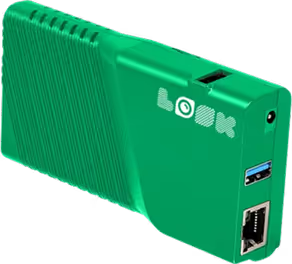
Reliable hardware is also part of the security equation. Using a dedicated device like the Look Player ensures a stable, secure connection designed specifically for signage, reducing the vulnerabilities often associated with consumer-grade operating systems.
Integration with Apps and Live Feeds
To keep screens engaging, static images are often not enough. Integration with third-party tools via Look Apps allows you to display dynamic content such as news feeds, weather reports, or social media walls. These automated feeds keep the screen lively even when you haven't uploaded new internal content.
For data-driven teams, the ability to integrate with business intelligence tools is a major advantage. Displaying live dashboards or production metrics directly on the breakroom screen helps keep staff informed about performance goals in real-time.
Breakroom Digital Signage Best Practices
To get strong results from breakroom screens, you need more than a one-time setup. The best systems treat the screen as an active part of company culture. That means keeping content fresh, useful, and visually appealing so staff remain engaged.
Effective signage mixes information with inspiration. By following proven best practices, you can keep your digital screens as a helpful tool for communication rather than background noise.

Choosing Effective Content for Staff
The main rule for breakroom content is variety. If screens only show rules and policies, people will eventually tune out. Aim for a mix where engaging content-like social updates, weather, and team photos balance out operational notices. This approach keeps employees looking at the screen, ensuring they see the important updates when they appear.
Consider the dwell time in your breakroom. If the average break is 15 minutes, your playlist loop should be concise enough that staff see the key messages during that window. Use the Content Creator to make short, impactful slides that can be read quickly from a distance.
Updating Messaging in Real Time
One of the biggest strengths of digital signage is speed. Use remote management to react quickly to company news. If a team hits a target, post a congratulatory message immediately. If there is a facility issue, alert staff instantly. Keeping content current builds trust in the screen as a primary source of truth.
Incorporating Feedback from Employees
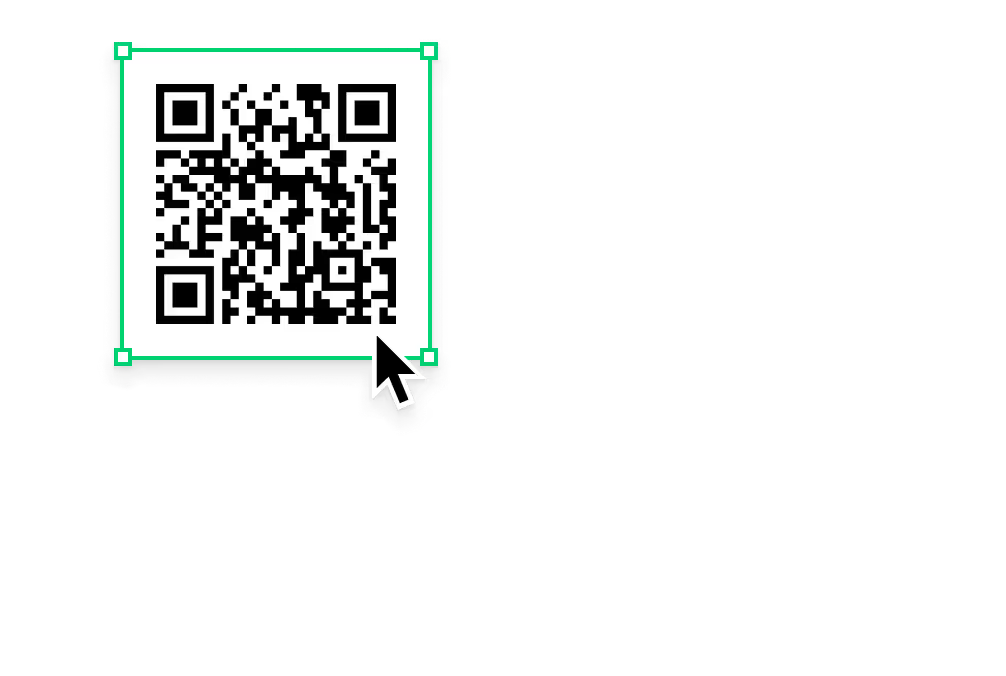
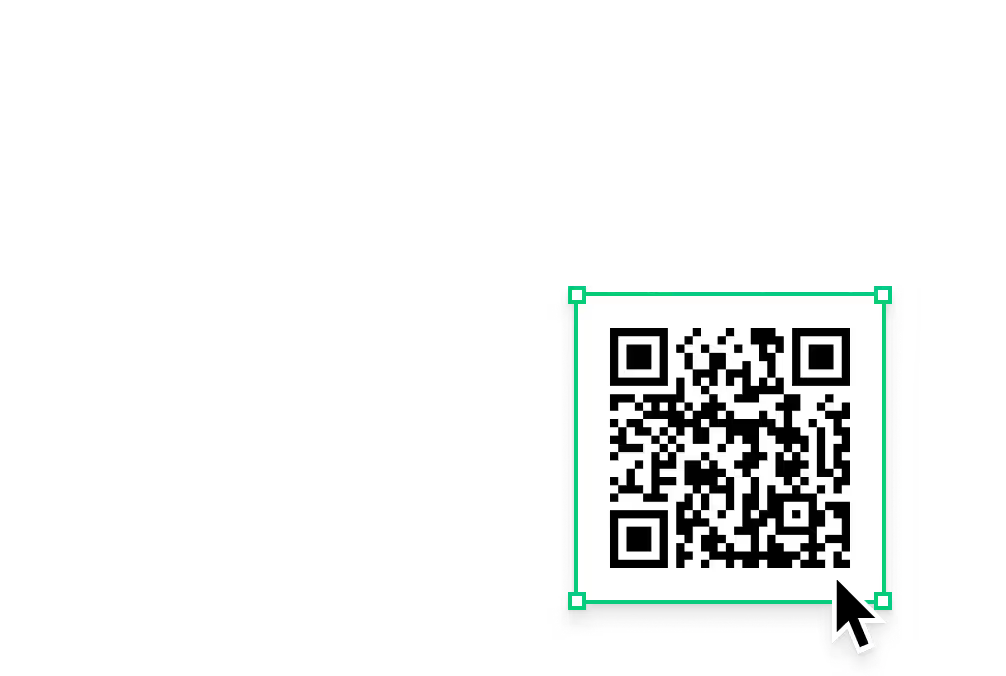
Digital signage works best as a two-way channel. You can use QR codes within your layouts to link to surveys or suggestion boxes. Allowing staff to scan a code and provide feedback on breakroom amenities or company policies makes them feel heard. When employees see that the screen connects them to management, engagement increases.
Maintaining Brand Consistency and Governance
While content should be friendly, it must also be professional. Use Ready-made Templates to ensure all slides adhere to your brand guidelines. For larger teams, Look CMS allows you to assign user roles, giving local managers the ability to update specific content while central admins maintain control over the overall look and feel.
How to Get Started with Digital Signage in Your Breakroom
Starting with digital signage is simple with cloud-based software. The first step is to move beyond static posters and identify exactly what you need to communicate. Whether you run a single office or a chain of locations, the setup process is designed to be efficient.
Good planning leads to a smoother rollout. By understanding your audience and selecting a flexible platform like Look Digital Signage, you can launch a system that saves time and improves culture from day one.
Understanding Your Breakroom Needs
Begin by defining your goals. Are you trying to improve safety compliance, or is boosting morale your primary objective? Determine how many screens you need and where they should be placed for maximum visibility. This assessment will help you decide whether to use the Look App on existing TVs or invest in Look HDMI Players for new installations.
Selecting the Right Software and Hardware
Choose a solution that fits your technical comfort level. Look Digital Signage is built for ease of use, making it an excellent choice for teams without dedicated IT staff. Decide on your hardware strategy: leveraging existing Android TVs or Fire TV Sticks can save upfront costs, while dedicated media players offer higher reliability for critical displays.
Planning and Deploying Your First Breakroom Screen
Start small to test your strategy. Connect your first screen and use the Look CMS to publish a simple playlist. Use templates to create a welcome message, a weather widget, and a news ticker. Once live, gather feedback from staff on what content they find most useful, then refine your strategy before expanding to other areas.
Requesting Demos and Support
Take advantage of resources provided by your software partner. You can book a demo with Look Digital Signage to see the platform in action and ask specific questions about your use case. Support teams can guide you through the initial setup, ensuring your network is configured correctly for security and performance.
Frequently Asked Questions About Breakroom Digital Signage Software
Should Small Businesses Invest in Breakroom Signage Software?
Yes. Small businesses benefit significantly from streamlined communication. A single screen powered by Look Digital Signage can replace messy corkboards and ensure every employee stays informed. You can start with a simple setup using a standard TV and the free Look App, making it a cost-effective upgrade for any breakroom.
Cloud-based management allows business owners to update the screen from anywhere, saving time on printing and manual updates. This modern approach helps create a more professional and connected work environment.
What Types of Content Work Best for Breakrooms?
A balanced mix is key. Combining essential company news with "lifestyle" content keeps the screen engaging. Popular additions include employee anniversaries, safety tips, local news, and social media feeds via Look Apps. Keep operational updates short and visually clear so they can be digested quickly during a coffee break.
Can Digital Signage Track Engagement or Provide Analytics?
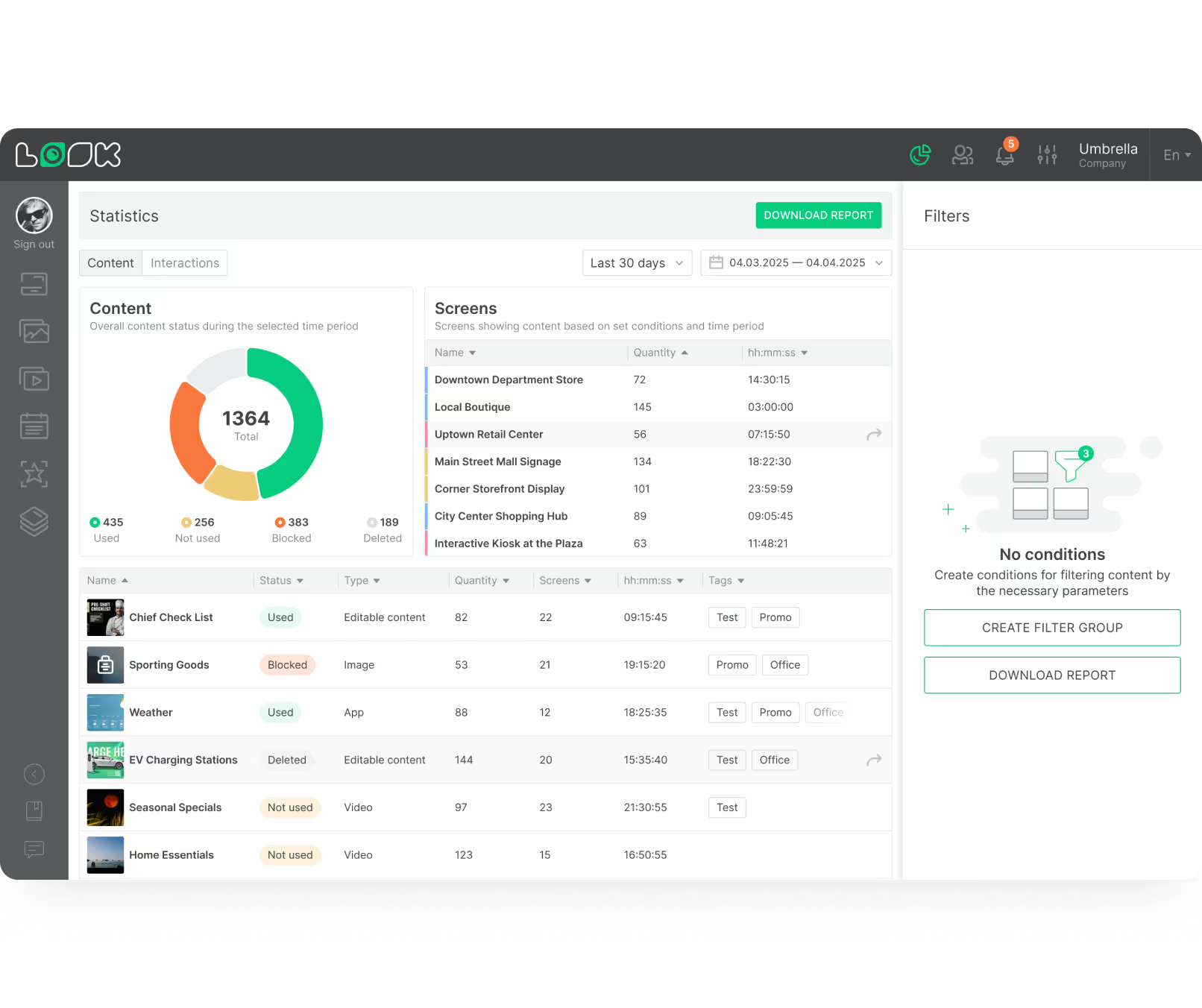
Yes, platforms like Look DS provide Playback Analytics to track network performance. You can monitor uptime and verify that specific content played as scheduled using proof-of-play reports. To gauge engagement, incorporating interactive elements like QR codes allows you to track how many employees are scanning links for surveys or internal portals.
These insights help you optimize your playlists over time, ensuring your breakroom signage remains a valuable resource for your team.`