

Table of Content
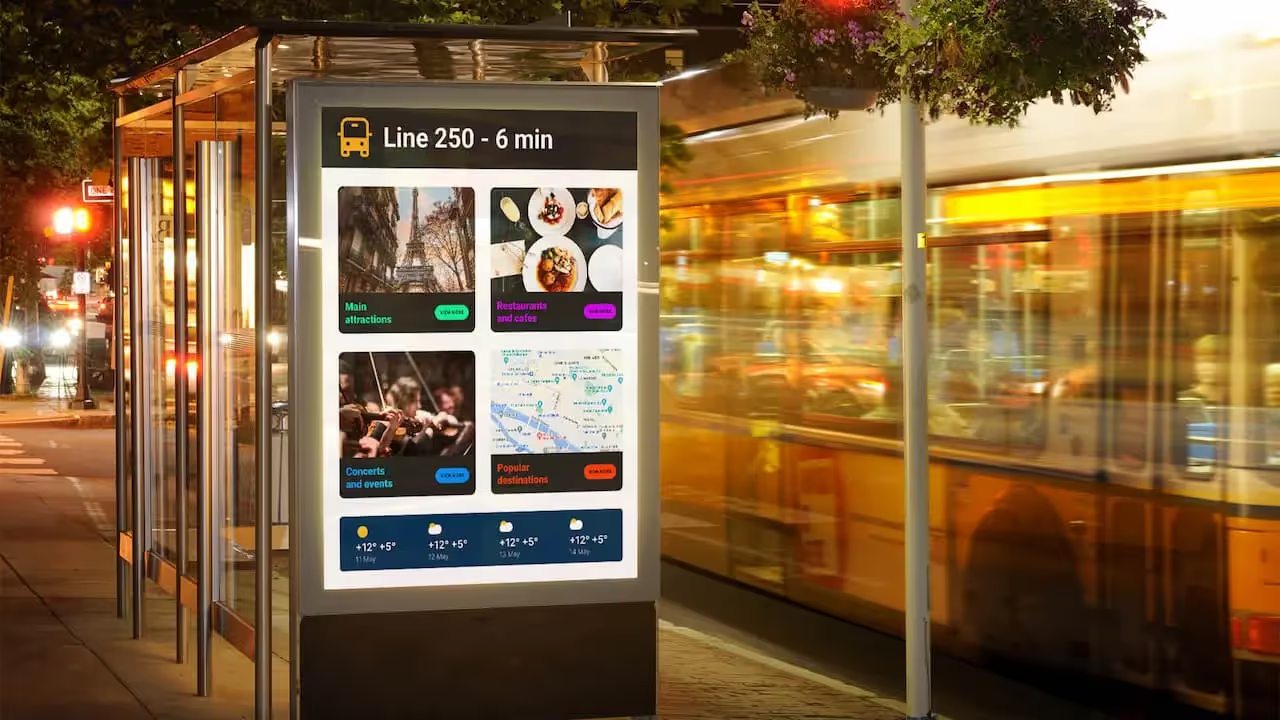
Automated content for digital signage is more than a handy tool; it’s a strategy that changes how businesses share information and connect with people. With so much information competing for attention, having a simple way to show fresh, relevant content across many screens makes a big difference. It keeps displays active and useful, catches people’s attention, and delivers key messages at the right time and place. Using smart software and clear rules, organizations can keep up with the constant need for new content and turn their screens into active parts of their brand.
Static posters and manually updated screens are no longer enough. People are used to fast, personalized online experiences and expect something similar from in-person displays. Automated content for digital signage meets this need, offering a smart way to handle both modern marketing and internal communication. The goal is to make your screens work smarter, so every display supports your main communication plans in a clear and consistent way.
Improves Content Freshness and Relevancy
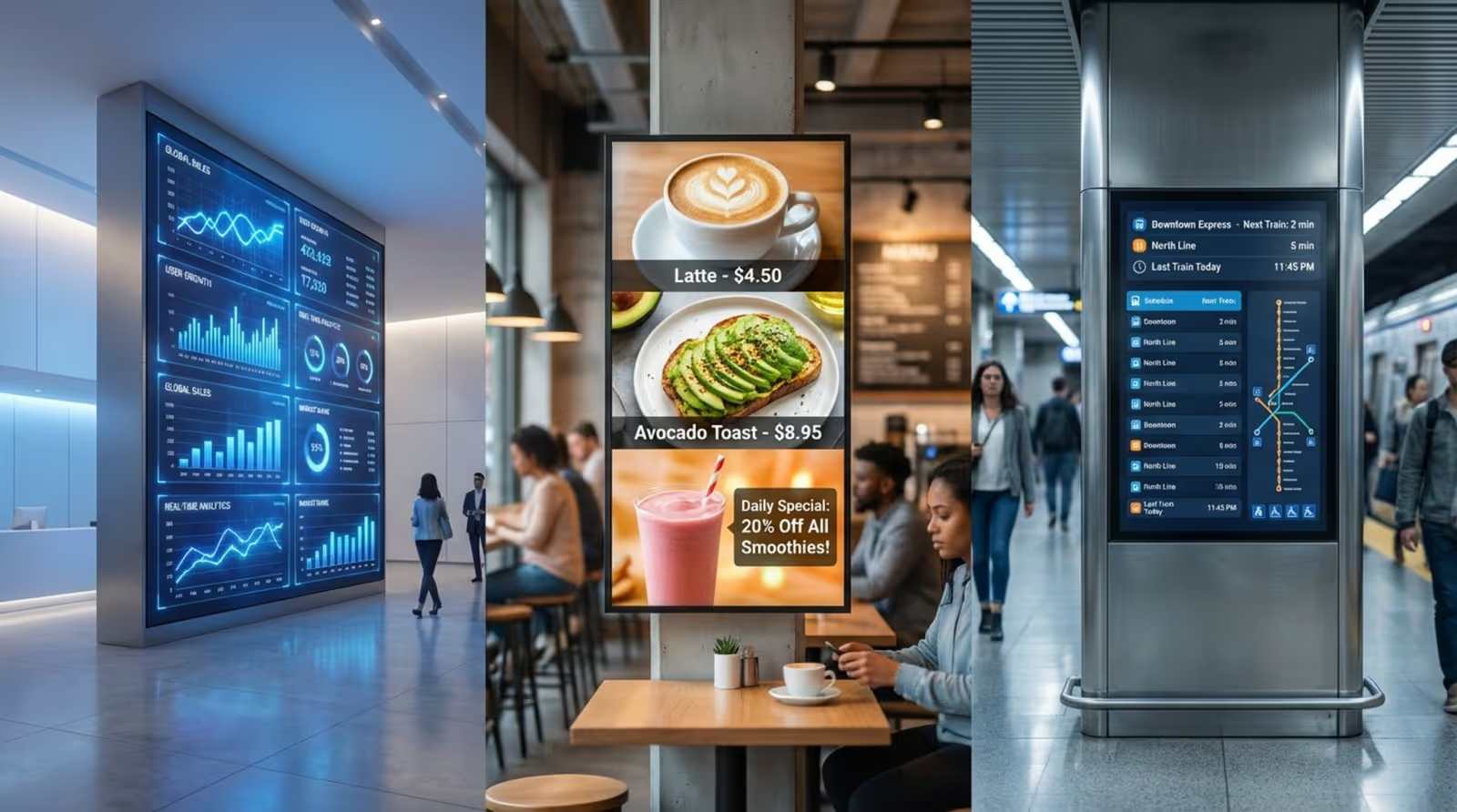
One of the biggest advantages of automated content is its strong ability to keep information fresh and on-topic. Old content quickly loses attention and makes your screens feel ignored and outdated. Automation solves this problem by keeping a steady flow of updated material and reducing “content fatigue.”
Think of a retail store where deals change every day, or a corporate lobby that shows live stock prices. With automation, these updates happen on their own, often pulling data from sources like RSS feeds, weather services, or internal systems. Your screens always show the latest offers, alerts, or news-without someone needing to manually edit and upload each item. This constant refresh keeps viewers interested and makes your brand look active and responsive. Compared with old content workflows that needed manual creation, editing, and slow approvals, automation keeps your messages current and impactful and always matched to what’s happening now.
Saves Time and Reduces Manual Labor
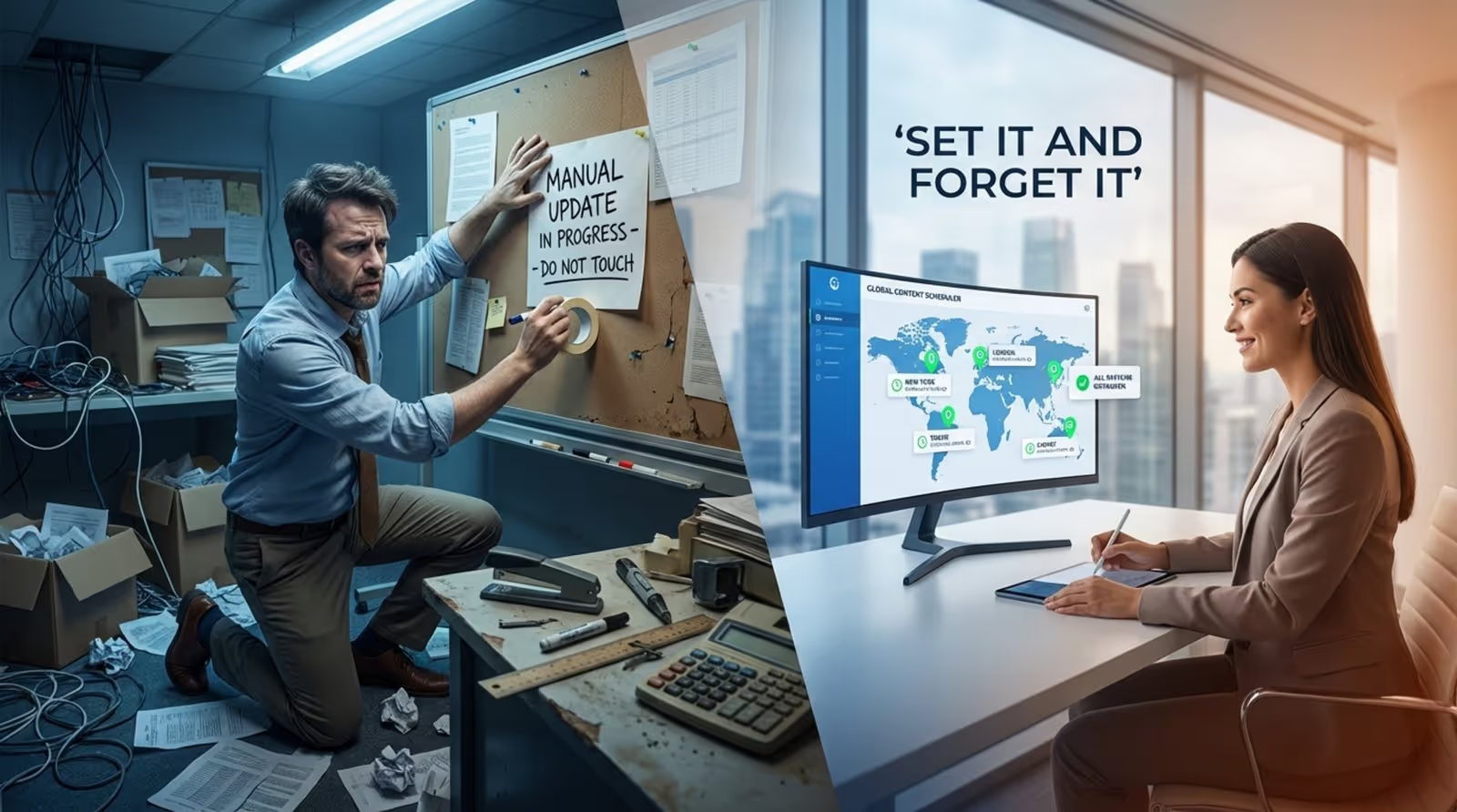
Creating, editing, and updating digital signage content by hand can eat up a lot of time and energy, especially for companies with many screens. This work often falls to people who are busy with other tasks or who are not trained designers or writers, leading to uneven quality and wasted effort. Automated content greatly lightens this load.
With automated publishing, communication teams can simplify their processes and manage time far better. Instead of spending hours making new slides or scheduling them one by one, staff can shift their attention to bigger communication goals and more creative work. Teams can plan campaigns and changes in advance, build the content once, and schedule it in the content management system. This “set it and forget it” approach keeps screens up to date and useful, while cutting back on the time, work, and cost usually needed to run a digital signage network.
Enables Real-Time Updates Across Multiple Locations
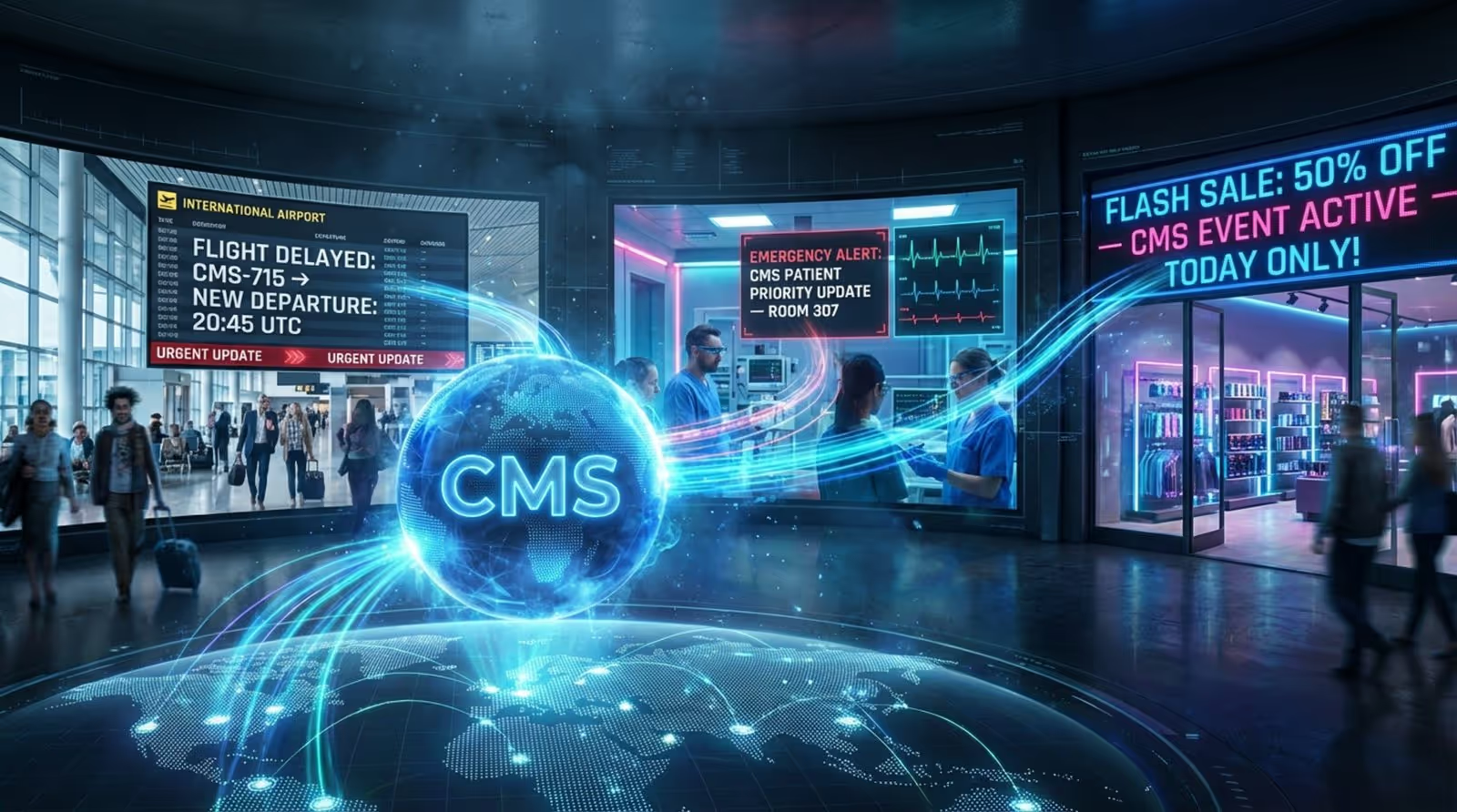
Digital signage is at its best when it can share real-time information across many locations at once. Updating every screen manually across a wide network is slow, hard to manage, and often leads to mixed or outdated messages. Automated content makes real-time changes fast and straightforward.
Whether it’s a last-minute change to a flight at an airport, an emergency message in a hospital, or a quick promotion across a retail chain, automated systems can send new information to all the right screens at the same time. This helps keep operations smooth, supports safety, and lets businesses act quickly on short-term opportunities. By linking various data sources-internal and external-to a central Content Management System (CMS), the system can automatically update what shows on screen based on live data. When a data source changes, the displays change too, no matter how many you have or where they are. This central control with instant updates is especially important for companies spread across many regions, keeping communication aligned and timely everywhere.
Increases Audience Engagement with Dynamic Displays
People are surrounded by visual content all day, so winning and holding their attention is a constant challenge. Static or old digital signs quickly fade into the background. Automated content, with its constant updates and relevant information, helps keep viewers engaged.
By adding live news, weather, social media feeds, or real-time performance data, digital signage can shift from being a simple screen to an active information hub. This steady stream of interesting content gives people a reason to look at your displays and to keep checking back. Eye-catching visuals-videos, charts, animations-replace long blocks of text, making information easier to understand and remember. For example, a severe weather alert could automatically trigger ads for raincoats or generators, lining up perfectly with what people need in that moment. Higher engagement not only helps your main messages land better, but also creates a livelier, more appealing space for customers, staff, and visitors.

Supports Personalization and Targeted Messaging
Personalized messaging is now expected in marketing and internal communication. People respond better when content speaks directly to their needs, interests, or situation. Automated content for digital signage helps businesses deliver this level of personalization across many screens at once.
By linking to systems like point-of-sale tools, inventory software, or guest data, your signage can adjust its content automatically. For example, a quick-service restaurant can have menu boards that change prices based on current inventory or switch items between breakfast and lunch offers by time of day. In an office, screens can welcome employees by name, show relevant announcements, or display motivational messages. What used to be hard to scale becomes practical with automation. Using AI rules and triggers, businesses can send the right message to the right people at the right time, which leads to stronger connections and better results.
Supports Scalability for Growing Networks
As a business grows, it needs to communicate clearly across more locations and screens. Handling content manually for a large network quickly becomes messy, expensive, and error-prone. Automated content gives organizations a way to grow their digital signage without the work growing at the same pace.
With automated systems, adding new screens is straightforward because the software manages updates no matter where those screens are. One central dashboard can handle content for dozens or thousands of displays, keeping messages consistent and on schedule. This is especially useful for big retail brands, hospitals, or office campuses where a steady brand voice and timely updates are key. Teams can plan a month of content in one session, then let the system handle updates and performance checks. This makes it possible to scale up without building a much bigger content team, turning automation into a smart long-term choice.
Reduces Content Management Errors
Manual work always carries some risk of mistakes, and digital signage is no different. Typos, wrong prices, old promotions, or incorrect schedules can hurt your brand’s image and waste chances to connect with your audience. Automated content cuts down these problems and keeps information accurate.
By pulling data directly from trusted systems and following set rules and schedules, automation reduces the room for human error. In a quick-service restaurant, for example, price changes in the POS system can instantly update digital menu boards, avoiding wrong prices on screen. If an item runs out, the system can pause related promotions automatically. This careful syncing keeps content correct and current, helping protect your brand and avoid costly slip-ups. With fewer manual checks needed, teams can relax a bit and focus on higher-value work while still maintaining a reliable, steady communication channel.
Boosts Return on Investment (ROI)
Spending on digital signage, especially automated content, is a strategic move that can bring strong financial results. Better engagement, smoother operations, and faster updates all contribute to better performance and stronger earnings.
By keeping content fresh and interesting, automated signage can lift sales and influence customer behavior. Research shows it can drive an increase of around 31.8% in in-store sales volumes by highlighting relevant products, flash deals, and useful information that supports buying decisions. Time and labor savings from automation also lower operating costs, freeing staff to focus on high-impact work. Fast reactions to market changes, personalized content, and steady brand messaging across all locations build loyalty and improve customer satisfaction. Over time, automated content turns your screens into active business tools that help drive sales, improve the customer journey, and generate data that feeds continuous improvements, leading to a strong return on investment.
Practical Tips for Maximizing the Benefits of Automation
While automated content offers many benefits, simply turning it on is not enough. To get real value, you need a clear plan. This means choosing the right tools, setting clear content goals, and adjusting over time based on what works.
Getting the most out of automation means knowing your audience, understanding what you want each screen to achieve, and using your platform’s features fully. By following some simple best practices, organizations can make their automated digital signage both efficient and highly effective.
Choose Reliable Digital Signage Solutions
A strong automated signage setup starts with dependable software and hardware. If your system freezes, is confusing to use, or misses key features, the benefits of automation quickly disappear and turn into daily headaches.
When comparing options, look for platforms with:
- An easy-to-use Content Management System (CMS)
- Simple template editing and content scheduling
- Remote management for all screens
- Good integration options with other tools
- Strong security features (for example, role-based access, ISO or SOC certified security, failover support for offline use)
The system should also be able to grow with you, handling a handful of screens or many thousands without slowing down. Investing in a solid platform helps your automated content run smoothly and safely, so you can focus on your messages rather than fixing technical issues.
Integrate with Relevant Data Sources and Platforms
Automated digital signage is at its best when it can pull live data from many different places. To get the most from it, connect your signage solution to all useful internal and external systems. The better the data it receives, the smarter your screens will behave.
Move beyond simple, time-based schedules. Useful integrations include:
- POS systems: automatic price changes, promotions, and product highlights
- Inventory tools: promote items that are in stock and suppress those that are not
- HR and internal systems: company news, staff recognition, KPIs
- External feeds: news, weather APIs, social media, traffic or public transport updates
- Calendars: event schedules synced with tools like Microsoft Exchange or Google Calendar
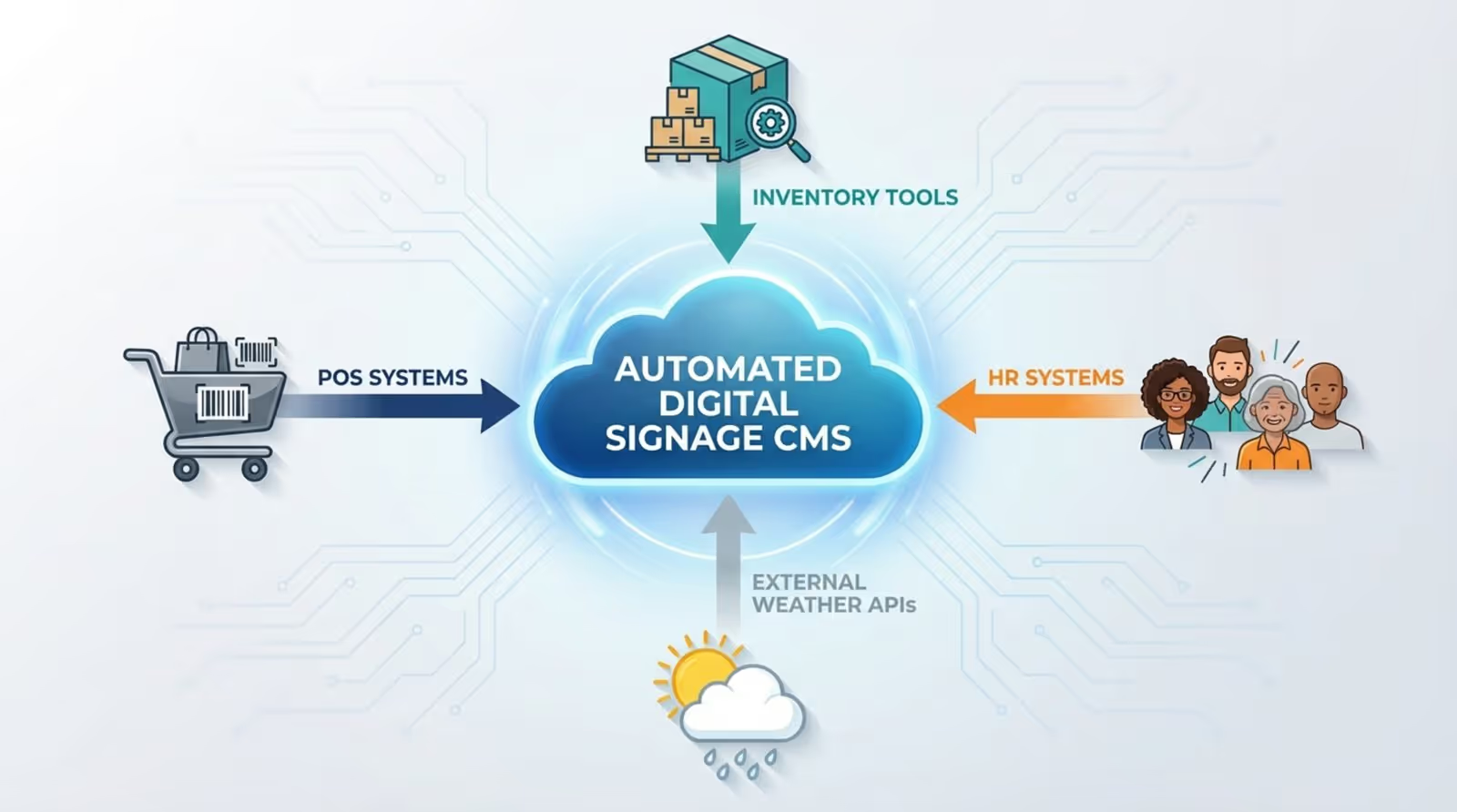
These connections make your content react to real events and conditions. Your screens stay current and useful without extra manual work, turning your signage into an intelligent communication network instead of a simple slide show.
Regularly Review Automated Content Performance
Automation does not mean you can ignore your content. The system may handle updates, but you still need to check how well your automated content is working and whether it meets your goals. Ongoing review is key to improving results.
Use the analytics and reporting tools in your digital signage software to track performance. Look at metrics such as:
- Which content gets the most attention or interaction
- What times of day certain messages work best
- Which locations respond better to specific types of content
- Sales or behavior changes linked to certain campaigns
For example, if you run automated seasonal promotions, check sales during those periods to see if the screens helped increase revenue. Use these insights to adjust rules, timing, layouts, and content types. Regular tuning keeps your automation effective and aligned with your audience’s interests.
Personalize Content for Target Audiences
Even with automation, using the same message everywhere can limit impact. To get better results, use automation features to personalize content for different groups, locations, or times.
Think about the role of each screen. Examples:
- Hospital waiting room: health tips, wait times, directions, visiting hour updates
- Retail store: product highlights, deals, loyalty program messages, social proof
- Office lobby: welcome messages, meeting room schedules, company news
Use rules so that:
- Weather changes trigger relevant product ads (e.g., sunscreen on hot days, umbrellas when it rains)
- Time of day switches content (breakfast vs. lunch menus, morning vs. evening announcements)
- Location data shows local offers, events, or directions
More advanced systems can use AI to adjust content based on audience profiles or real-time interactions. This type of smart personalization makes your automated content not only fresh and active, but also meaningful for each viewer, which leads to stronger responses and better outcomes.
Moving to automated content for digital signage is more than a simple tech upgrade; it is a shift in how organizations communicate. By adopting automation, businesses cut manual work and free up time while greatly improving how they inform and influence people. Screens become active brand tools that deliver real-time, relevant messages that truly connect with viewers. As AI and data tools continue to grow, displays will become even smarter and more responsive, making digital signage a key part of staying ahead in a fast-moving market. The focus moves from just showing information to creating useful, smooth experiences-securely, with less technical effort-so teams can spend their energy on impact instead of chasing content updates.





