
Table of Content
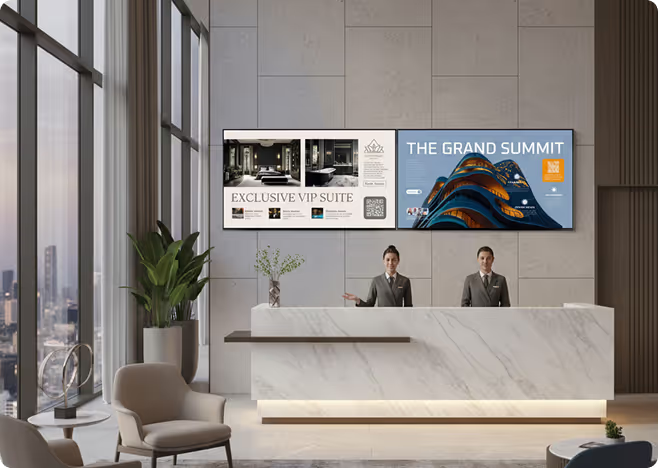
How can you ensure your team actually sees critical internal updates without flooding their inboxes? The best digital signage software for HR solves this by transforming static emails into visual content that grabs attention in shared spaces. Whether you need to publish safety alerts, recognize a job well done, or share real-time company news, the right platform lets you manage every screen from a central dashboard-keeping your workforce connected, informed, and aligned.
With the workplace evolving rapidly, HR teams are moving away from corkboards and mass emails that get ignored. A platform like Look Digital Signage acts as a reliable partner, cutting through the noise to build a stronger company culture. From a single office lobby to a global network of breakrooms, digital signage provides a flexible, scalable way to ensure your message lands effectively.
What Is Digital Signage Software for HR?
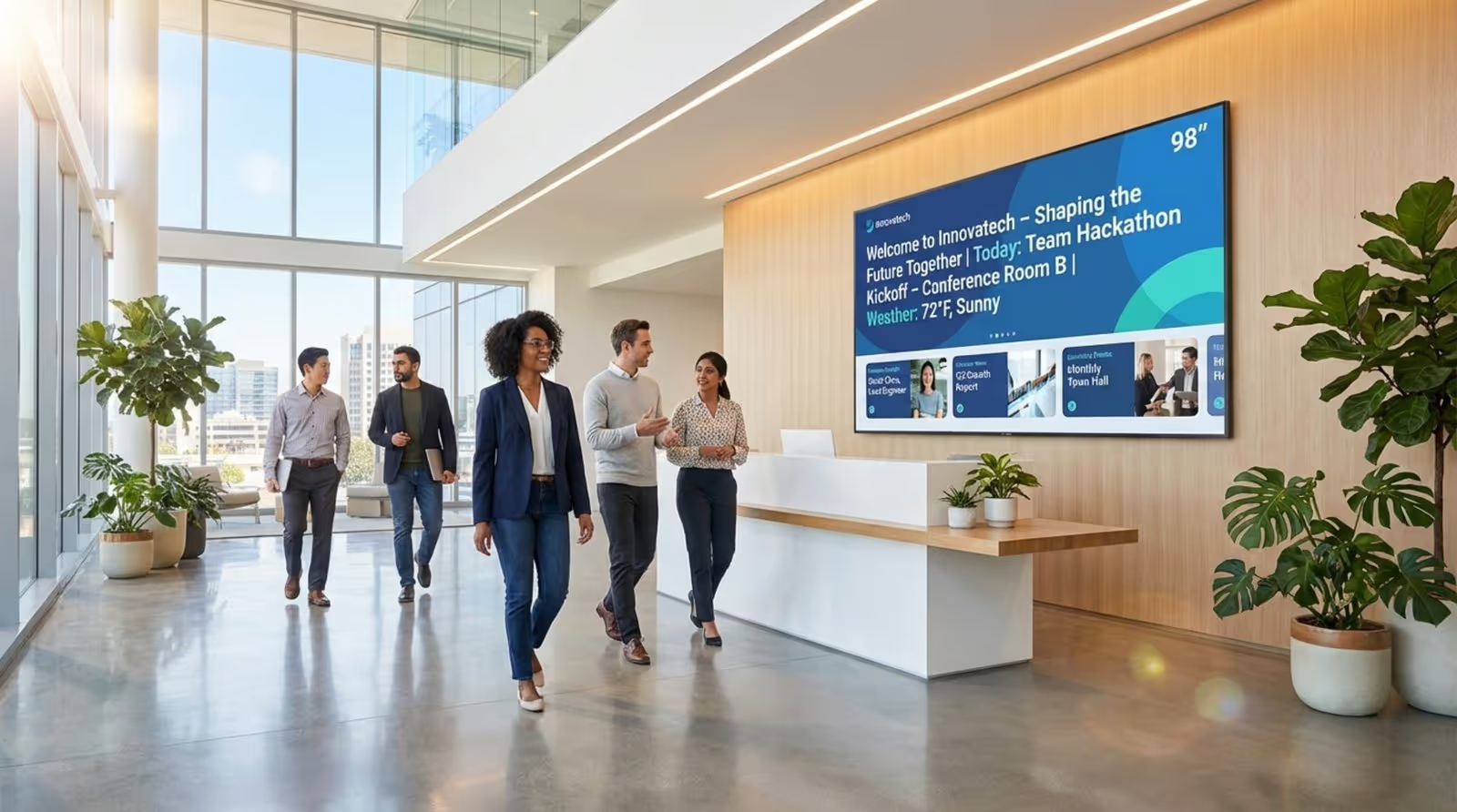
Digital signage software for HR is a cloud-based content management system (CMS) designed to create, schedule, and publish internal communications to digital screens. Unlike complicated IT systems, user-friendly platforms act as a simple control panel. This allows HR administrators to send updates to lobby TVs, hallway displays, and break room screens instantly, ensuring important information reaches deskless and hybrid workers alike.
This technology is more than just a slideshow player; it is a smart communication engine. By integrating with tools you already use, HR can automate information flow and turn any display into a dynamic communication hub. Since visual content is processed faster than text, screens are significantly more effective at delivering quick, memorable messages compared to long memos.
How Does Digital Signage Empower Human Resources?
Digital signage helps HR close the engagement gap. Visual displays naturally draw the eye, giving HR a stronger medium to reach employees who might otherwise miss an email. This increases the likelihood that staff will notice open enrollment deadlines, policy changes, or training opportunities.
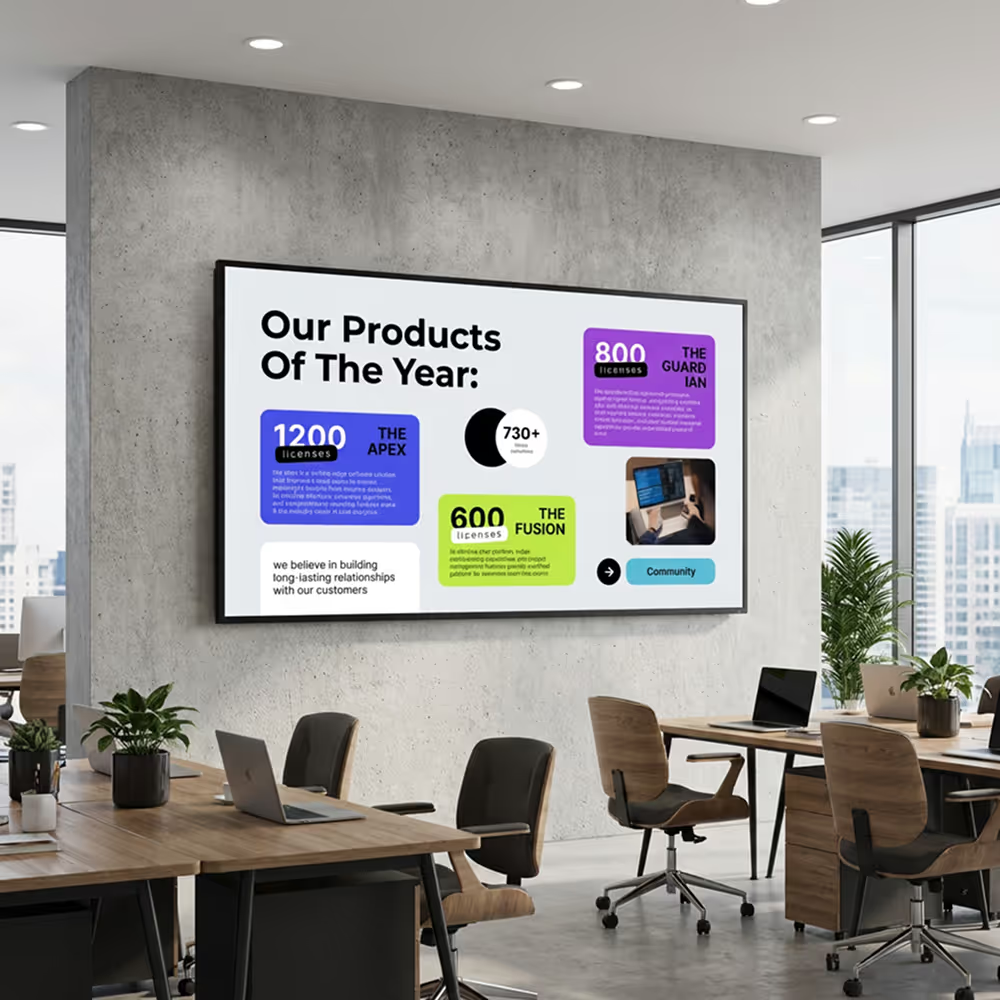
These platforms also allow you to tell stories with data. By displaying real-time metrics-such as production goals, safety records, or customer satisfaction scores-you can build a sense of shared responsibility. Seeing progress visually helps employees understand how their daily efforts contribute to company results, which is essential for retention and morale.
Common Use Cases in HR Departments
HR teams use digital signage for both operational and cultural goals. A primary use case is sharing leadership updates and company news. Instead of relying on town halls that not everyone can attend, you can use smart scheduling to play video highlights or announcements in common areas, ensuring consistent messaging.
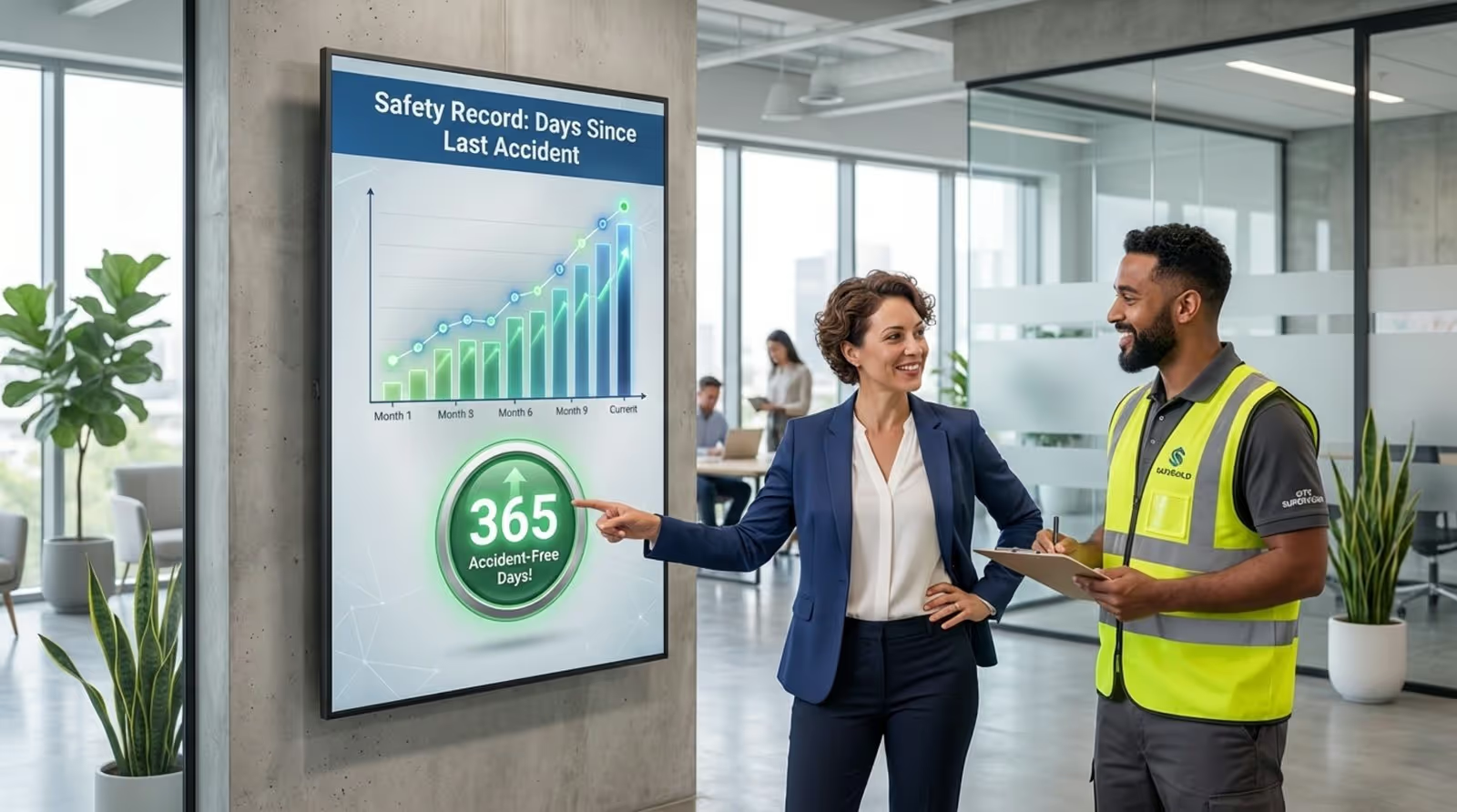
Another vital application is health and safety. In environments like manufacturing or logistics, digital screens can display "days since last accident," PPE reminders, or emergency alerts. Beyond safety, HR can use screen layouts to display live KPI dashboards, keeping teams aligned on performance targets without manual reporting.
Benefits of Digital Signage Software in HR
Digital signage can significantly improve message retention compared to traditional media. For HR, this means fewer repetitive questions about benefits or policies and a more informed workforce. By placing content in high-traffic physical spaces, you reach employees where they naturally congregate, rather than waiting for them to check a computer.
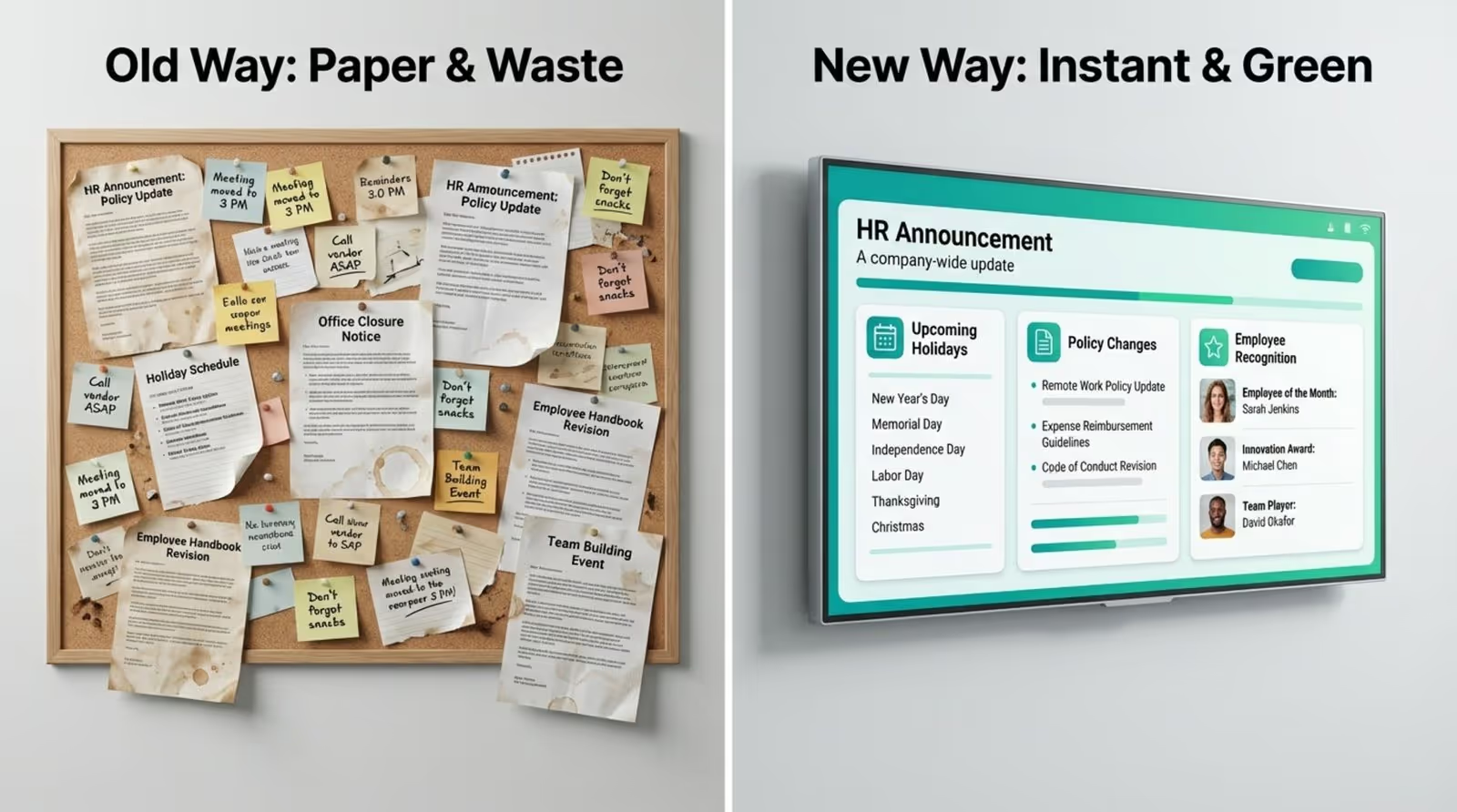
It is also a cost-effective choice over time. Digital signage reduces the need for printing posters and flyers that quickly become outdated.
Boosts Employee Communication
Consistent communication is a top priority for employees, yet email overload often gets in the way. Digital signage fills this void by placing screens in elevators, hallways, and cafeterias, allowing HR to share short, digestible content during natural breaks. This ensures that key messages are seen without interrupting workflow.
This is particularly valuable for hybrid and distributed teams. When you use a digital signage app on various devices or screens, employees receive a unified experience whether they are at headquarters, a remote site, or a satellite office. This consistency helps everyone feel included and informed.
Enhances Employee Recognition and Engagement
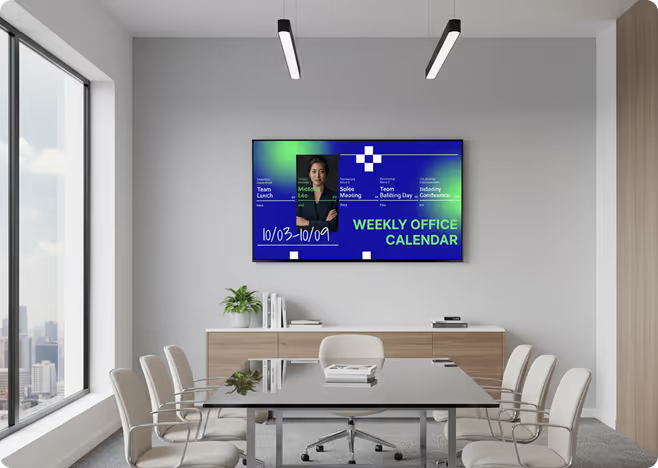
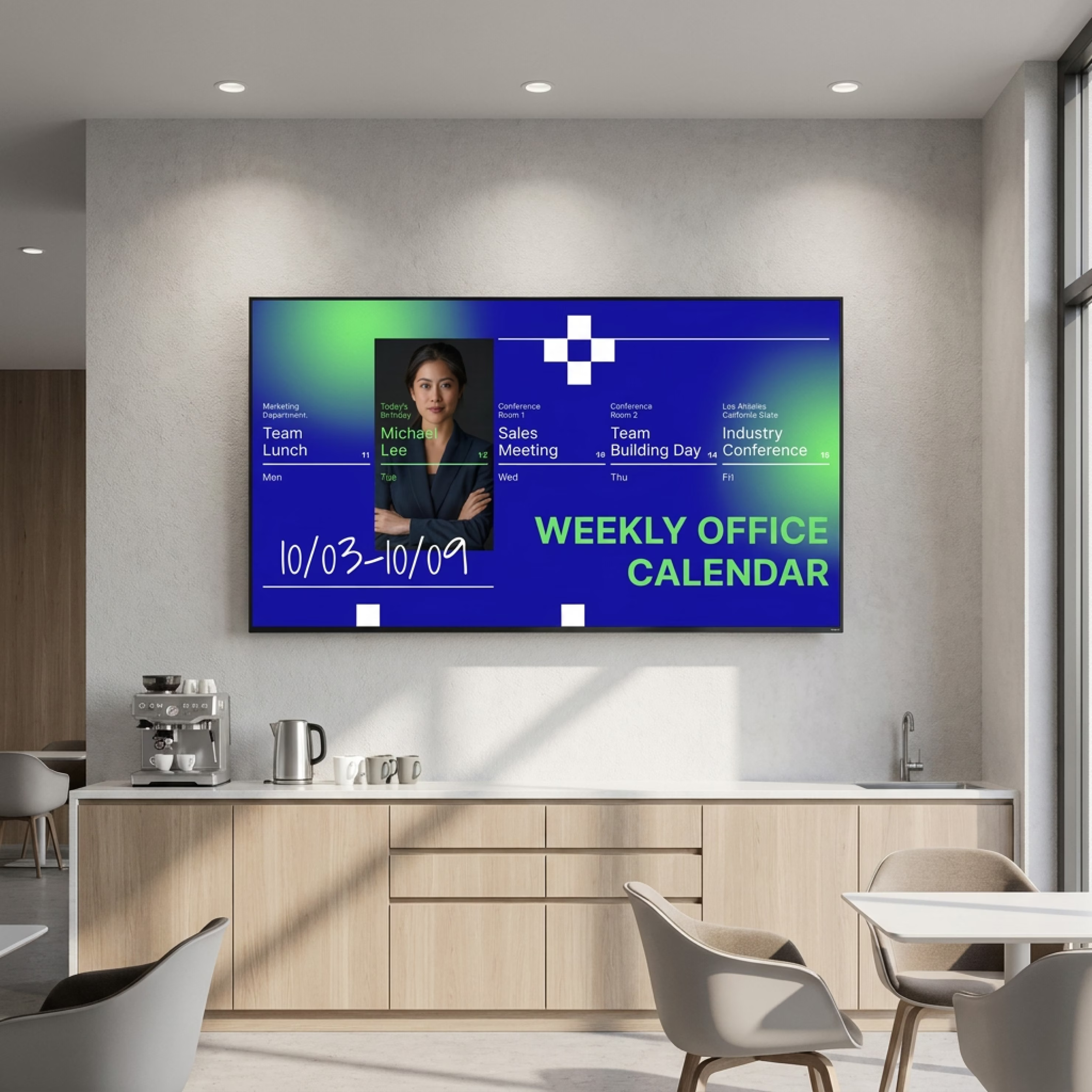
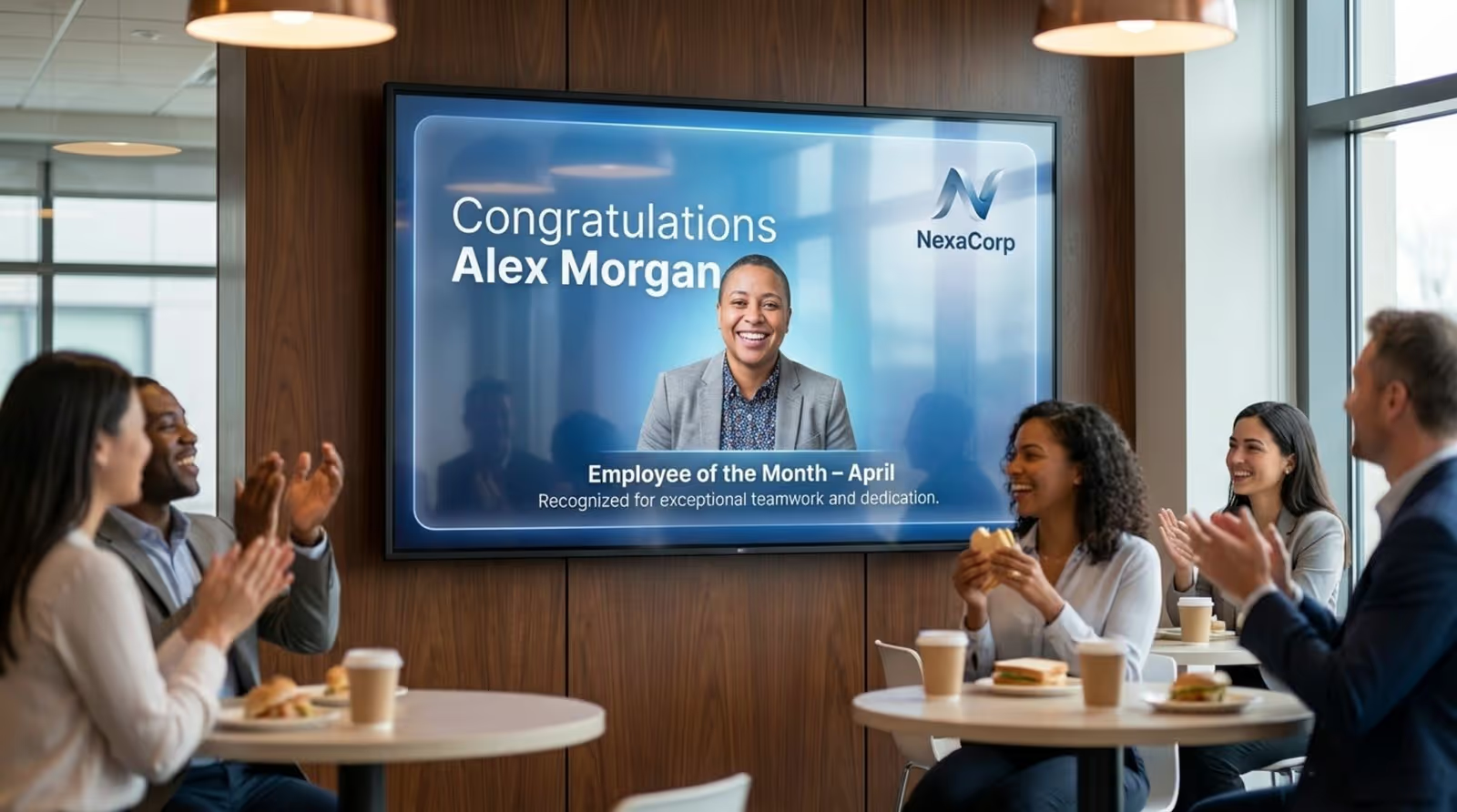
Recognition is a powerful driver of engagement, and digital signage gives you a public stage to celebrate your team. HR can use digital signage templates to quickly create shout-outs for work anniversaries, birthdays, and "Employee of the Month" awards. Seeing their achievements highlighted on a big screen boosts morale and reinforces a culture of appreciation.
Engagement also improves when you celebrate wins in real-time. Whether a sales team hits a target or a project launches successfully, you can publish the news instantly. This immediate feedback loop helps employees feel connected to the company's success.
Streamlines Onboarding and Training
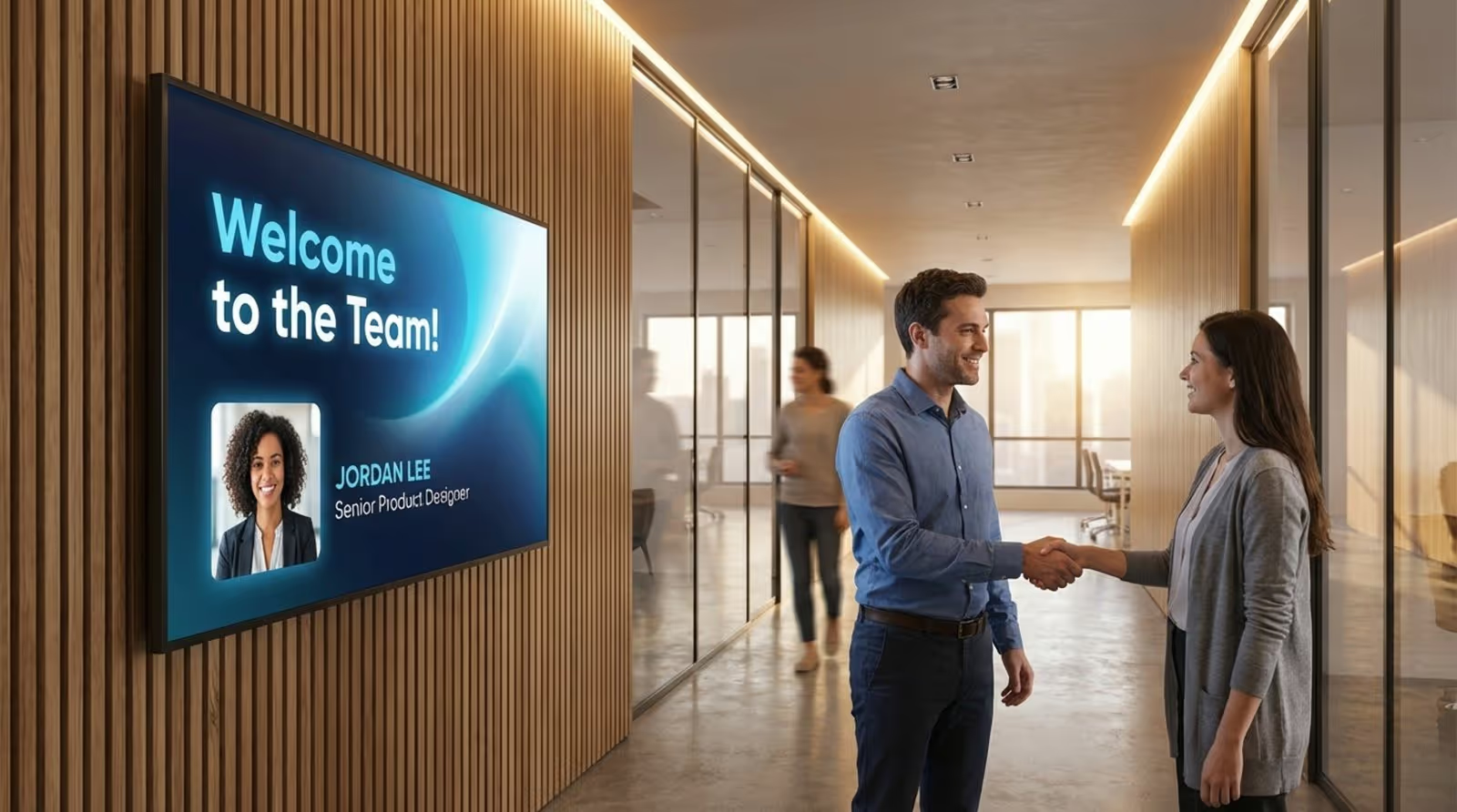
The first week at a new job sets the tone for an employee's tenure. Digital signage can smooth the transition by displaying welcome messages featuring the new hire's photo and bio, helping existing staff recognize and greet them. You can also use screens to display floor plans or "who's who" directories to help new team members navigate the workspace.
For ongoing development, digital signage serves as a continuous learning channel. HR can schedule short educational clips, compliance reminders, or benefits tips. This "micro-learning" approach keeps important information top-of-mind without requiring lengthy training sessions.
Improves Compliance and Safety Awareness
In safety-critical sectors, clear communication prevents accidents. Digital signage software allows HR to deploy emergency messages, such as fire drills or severe weather warnings, to all screens instantly. High-contrast visuals ensure these alerts are seen even in noisy environments.
For everyday compliance, screens can loop safety protocols and hygiene reminders. Features like offline playback ensure that these critical messages continue to run even if the internet connection drops, keeping your facility compliant and your team safe around the clock.
Fosters Company Culture and Core Values
Culture is built on shared values and stories. Digital signage makes these abstract concepts visible. HR can use screens to highlight Diversity, Equity, and Inclusion (DEI) initiatives, volunteer activities, and mission statements. Daily exposure to these themes helps align the workforce with the organization's purpose.
It also humanizes the workplace. Sharing photos from team outings, wellness tips, or staff profiles breaks down barriers and turns a sterile office into a community. This visual storytelling helps build a warmer, more connected environment.
Current HR Trends in Digital Signage Software
Digital signage is evolving from simple slide rotations to intelligent communication networks. HR leaders now demand systems that offer more control and better integration. A major shift is toward localized content, where messages adapt based on the specific department or location of the screen.
Sustainability is another key focus. Modern setups prioritize energy-efficient hardware and software that supports power-saving schedules. Additionally, the rise of hybrid work is pushing for "omnichannel" solutions, ensuring that the message on the lobby TV matches the update on a remote worker's screen.
Personalized and Dynamic Content Delivery
Generic messaging is less effective in diverse workplaces. Modern HR strategies involve using smart scheduling to target specific content to specific audiences. For instance, warehouse screens might display shift schedules and safety tips, while corporate office screens show financial updates. This relevance reduces "screen blindness."
Dynamic content also reduces manual work. By integrating with data sources like Google Sheets or internal dashboards, your screens can update automatically. HR staff can set up the connection once, and the screens will always show the latest figures without further input.
Analytics
Analytics are also becoming more sophisticated. Playback analytics allow HR to verify that essential content, such as policy updates, actually played as scheduled. This data-driven approach moves internal comms from guesswork to a measurable strategy.
Omnichannel Workplace Communication
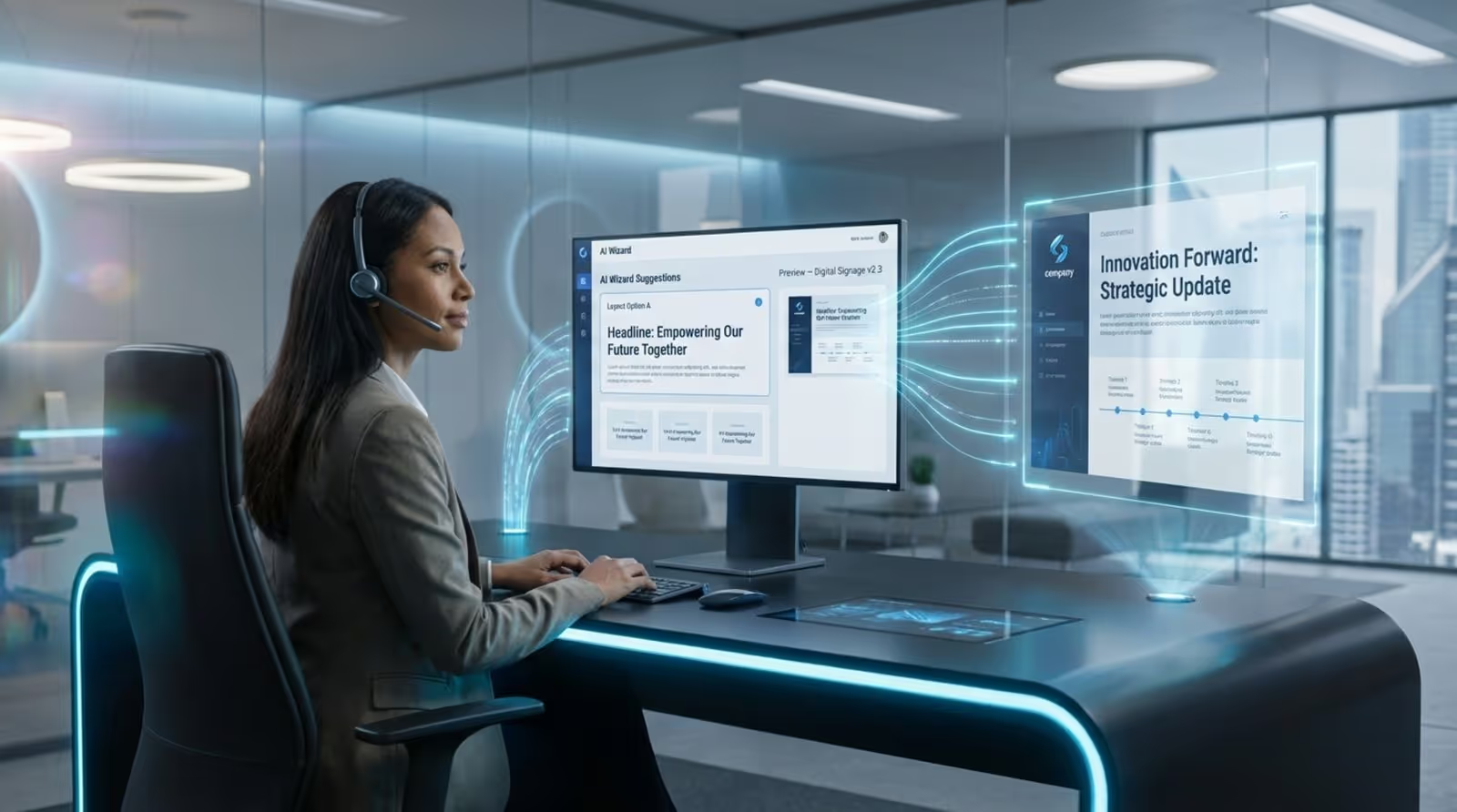
Work is no longer confined to a single building, and your signage shouldn't be either. Leading platforms allow you to push content to various endpoints, from large wall-mounted displays to desktop monitors. This ensures that field staff and desk workers stay on the same page.
Integration with collaboration tools is also increasing. When digital signage content can be embedded or mirrored in the tools teams use daily, it creates a seamless information ecosystem where critical updates are impossible to miss.
Key Features of the Best Digital Signage Software for HR
When selecting a platform, HR leaders should prioritize tools that simplify workflows while ensuring reliability. The ideal solution, like Look Digital Signage, balances powerful IT capabilities with an interface simple enough for non-technical staff. Key requirements include intuitive scheduling, robust template libraries, and reliable remote management.
Security is equally critical. HR communications often involve sensitive internal data, so the software must support secure protocols. Features that ensure screen stability, such as auto-restart and offline modes, are essential for maintaining a professional appearance.
Content Management and Scheduling
The core of any system is the CMS. You should be able to plan content weeks in advance. Smart scheduling features allow you to automate dayparting, for example, showing traffic and weather in the morning, and cafeteria menus at lunch. This automation saves time and keeps screens relevant throughout the day.
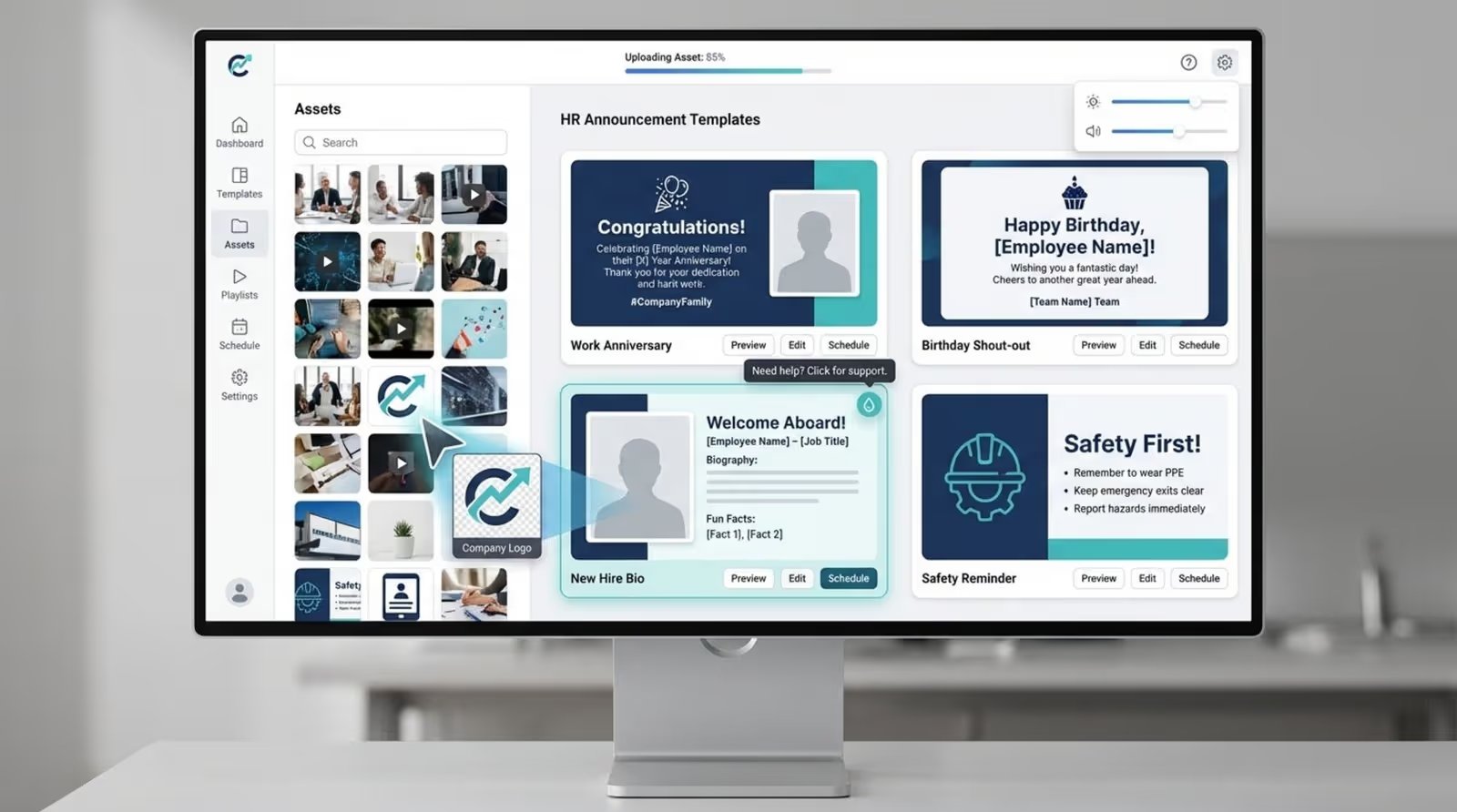
The platform must support a wide variety of media formats, including images, videos, and live web pages. A drag-and-drop layout builder, like the Screen Layouts feature in Look CMS, lets you combine these elements into multi-zone displays (e.g., a ticker at the bottom, video on the left, and announcements on the right) easily.
Template Customization for HR Messaging
Since most HR professionals are not designers, a library of ready-made templates is invaluable. These templates should be fully editable, allowing you to add your branding, logo, and text quickly. Having pre-built designs for birthdays, new hires, and safety alerts significantly speeds up the publishing process.
High-quality templates ensure that all communication looks professional and consistent across locations. This visual consistency reinforces the company's brand and ensures that internal messaging is treated with the same care as external marketing.
Remote Device Management
For organizations with multiple sites, visiting every screen to update content is impossible. Remote management allows you to monitor the health of your network, reboot players, and update content from a central dashboard. You can publish a new policy to hundreds of screens in minutes, from anywhere.
This capability also supports rapid response. In the event of an urgent announcement, you can override scheduled content instantly across the entire network, ensuring that critical information is disseminated immediately.
User Access Controls and Permissions
As your network grows, more people will need access. Granular user permissions allow you to define roles. You might give local office managers the ability to update their specific breakroom screens, while restricting global policy announcements to the corporate HR team.
These controls prevent accidental overrides and ensure brand consistency. They allow for a collaborative approach where local teams feel empowered to share relevant news without compromising the integrity of the wider network.
Integrations with HR Systems
The best software fits into your existing tech stack. Integrations with tools like Google Slides, social media feeds, or Power BI allow you to pull in content automatically. This means your screens can display live dashboards or social proof without manual uploading.
Connecting to external data sources reduces the administrative burden on HR. Instead of creating a new slide for every update, you can simply link a data feed, and the signage software handles the rest, keeping information live and accurate.
Employee Metrics, Analytics, and Reporting
To justify the investment, you need proof that the system is working. Playback analytics provide detailed logs of what played, when, and on which screens. This "proof-of-play" is crucial for compliance messages where you may need to demonstrate that safety information was displayed regularly.
Monitoring tools also help IT and HR ensure uptime. Knowing that your screens are online and functioning correctly ensures that your communication strategy is actually being delivered to your employees.
Security and Compliance for Sensitive Information
Internal screens are often visible to visitors, so security is paramount. The software should rely on secure connections and offer features like remote screen locking. Reliable platforms like Look DS use secure cloud infrastructure to protect your content and network integrity.
Additionally, hardware reliability matters. Using a dedicated player like the Look HDMI Player or a secured "kiosk mode" on the app prevents unauthorized access to the device's operating system, ensuring that screens only ever show what you intend them to show.
Best Digital Signage Software for HR
Look Digital Signage
Look Digital Signage is a cloud-based digital signage platform suited to HR and corporate communications teams managing multi-site or mixed desk/frontline workforces. It lets you centrally control internal messaging across office, factory, warehouse, and break-room screens from a single CMS, with role-based access that enables different teams to manage their own content without affecting global settings.
For HR, Look is strong on recurring, program-style communication. You can keep ongoing streams for safety, compliance, onboarding, leadership updates, recognition, and wellness running in parallel, each targeted to specific locations or groups. The platform supports live and scheduled video for town halls, has native integrations for slides, dashboards, and web apps, and can trigger content changes based on time, location, or basic data inputs. It also allows you to connect external data sources such as Google Sheets, Google Calendar, Slack, or Bonusly via API or Zapier to automate employee recognition, birthday announcements, and work anniversaries.
Operationally, it is designed to be low maintenance. The player software runs on affordable hardware, supports offline playback, and reports proof-of-play so you can evidence that mandatory content actually appeared. HR teams can update content quickly, push changes to all or selected locations, and audit what is running where without site visits. Look a viable option if you want a reliable solution for HR and corporate messages that complements, rather than replaces, your existing email, chat, and intranet channels.
Key Features:
- Multi-zone layouts (announcements, KPIs, live dashboards)
- QR code support for instant access to surveys, policies, and HR resources
- High reliability (99% uptime) for continuous internal communications
- Interactive content support (touchscreens, web apps, embedded tools)
- Built-in social and media apps (YouTube, social feeds, RSS) to boost engagement
Pros:
- Very easy to use for non-technical HR teams
- Strong content creation tools
- Works across many devices (no vendor lock-in)
- Affordable at scale compared to enterprise tools
Best For: HR teams that want a simple, engaging digital signage platform for announcements, onboarding, and real-time workplace updates without enterprise complexity.
Pricing: Up to $15/screen/month, more screens - lower price. Free 14-day trial, no credit card required. On-premise licensing available.
Rise Vision
If you’re looking for a mature cloud-based platform with strong emergency comms and built for reliability and scale, then Rise Vision should be a great fit. It includes 600+ pre‑built templates and an AI presentation design tool that speeds up creation of HR campaigns, onboarding slides, and culture content, not to mention native integration with Common Alerting Protocol (CAP) systems for emergency alerts.
Combined with remote display management and screen grouping, Rise Vision gives multi‑site HR teams a polished, enterprise‑grade way to reach desk‑based and frontline employees with consistent messaging.
Key Features:
- Ready-made templates for HR updates, safety, and employee recognition
- Built-in emergency alerts with CAP integration for real-time safety messaging
- Wireless screen sharing (turn any display into a presentation hub)
- Interactive displays for directories, recognition boards, and employee engagement
- Integration with dashboard apps such as Power BI, Domo, MS 365, and more.
Cons: Design flexibility can feel template-driven. Core HR features and interactivity are gated in higher tiers and add-ons, including CAP alerts, MS 365 & Google Workspace.
Best For: HR teams that want a template-driven, easy-to-use signage platform for internal communications, safety alerts, and employee engagement.
Pricing: From $12/display/month, Enterprise at $180/display/year. 14-day free trial available.
TelemetryTV
TelemetryTV is deep in data visualization territory if your primary need is getting live metrics onto screens across offices. Natively, you're looking at support for web dashboards, BI tools like Power BI or Tableau, Google Sheets, and custom data feeds that mirror exactly what leaders see in their browsers. Because it is fully cloud‑based, you can manage all your content from one place and push changes to any screen in a few clicks, which suits distributed teams. The trade-off is setup takes a bit more upfront time if your data sources need custom connectors.
Key Features:
- Advanced rule-based scheduling using time, location, and data triggers
- 70+ built-in apps, including dashboards, Canva, social feeds, and web content
- Interactive kiosk support and custom web app integrations
- Enterprise controls with tagging, approvals, and real-time device monitoring
Cons: Steeper learning curve than simpler tools. Overkill for basic HR communication needs
Best For: HR and internal comms teams in larger organizations that need highly targeted, data-driven signage with strong control over content delivery across multiple locations.
Pricing: Starting at $9/device/month (Entry). 30-day free trial available.
ScreenCloud
ScreenCloud is famously known for its broad app ecosystem and hardware-agnostic flexibility, so if you're looking for a single platform that pulls from your internal tools while being powerful enough to deploy at scale, ScreenCloud gives you both. When it comes to HR-specific tools, it has native integrations for Slack, MS Teams, Salesforce, and most of the tools you would need for employee engagement, internal announcements, and real-time performance dashboards.
In addition to that, you'll love that ScreenCloud has a Canvas design studio with ready-made templates and 80+ built-in apps that cut your design time significantly. That said, at $24/screen/month for the core plan, it gets expensive at scale, especially if you only want to broadcast on your breakroom or lobby screens without a need for heavy multi-location management or enterprise-grade controls.
Key Features:
- 80+ built-in apps and integrations, including Slack, Teams, Power BI, and Google Workspace
- Granular permissions, approval workflows, audit logs, and SSO support
- Hardware-agnostic deployment with remote device management and live broadcasting
Cons: Pricing climbs quickly for larger screen networks. Advanced features locked behind Pro and Enterprise plans.
Best For: Mid-sized to enterprise HR and internal comms teams that need a scalable, integration-heavy digital signage platform with strong governance and multi-location management.
Pricing: Starts at $24/screen/month. Enterprise is custom-quoted. 14-day free trial available.
Yodeck
Yodeck is an excellent choice for budget-friendly HR digital signage, designed to be simple and affordable. It features native integrations with Microsoft 365 and SharePoint, which let you pull calendars and live team news directly onto screens without republishing manually. You can also use embeddable feeds to display real‑time social content, company dashboards, or recognition metrics that keep employees engaged.
Key Features:
- Drag-and-drop CMS with remote multi-screen management
- Advanced scheduling for dayparting, playlists, and recurring content
- Built-in apps for YouTube, dashboards, social feeds, and web pages
- Free Raspberry Pi player with annual plans (low hardware cost)
Cons: Access to Microsoft integrations, dashboard apps, and advanced content approval workflows is limited to higher-tier plans, which may restrict HR teams on lower budgets.
Best For: Teams looking for a low-cost, easy-to-scale signage platform for announcements and workplace updates, especially across multiple locations with minimal hardware investment.
Pricing: First screen free forever. Paid plans start at $8/screen/month (free player with annual plan). 30-day free trial for paid plans.
Optisigns
If your digital signage needs are straightforward and you just want content on screens fast, OptiSigns is probably all you need. It works on virtually any hardware, and its deep Canva integration enables your team to design and push content without switching platforms. For internal comms specifically, it connects with Google Workspace and Microsoft 365 for automated content updates. That said, OptiSigns' pricing structure might catch you off guard once your needs evolve. Kiosk support, touchless QR codes, and dedicated onboarding are all locked behind the Engage plan at $30/screen/month, so what feels like an affordable entry at $10/screen/month on Standard can skyrocket once your HR requirements get more specific.
Key Features:
- 100+ built-in apps (social feeds, dashboards, news, Slack/Teams) for real-time engagement
- Interactive support (kiosk mode, touchscreens, QR-based room booking)
- Offline playback + auto-restart for stable, always-on screens
Cons: Some features are gated behind higher plans or add-ons
Best For: HR teams that want a feature-rich, engagement-driven signage platform with strong integrations and automation, especially for recognition, real-time updates, and data-driven workplace communication.
Pricing: From $10/screen/month (Standard), up to $45/screen/month (Enterprise, minimum 25 screens). Free plan available, 14-day free trial on paid plans.
Appspace
Appspace is a comprehensive workplace experience solution that you’d reach for when you're ready to treat internal communications as part of a broader workplace platform. If you already have multiple offices, executive town halls, hot‑desking, and maybe even room and desk booking needs in the mix, Appspace ties all of that into one ecosystem.
It gives you one place to handle employee messaging across office displays, in‑app feeds, kiosks, and even some collaboration tools. You can push leadership updates, policy changes, onboarding content, and recognition stories through the same platform you use for workplace reservations and space communications, which keeps things more coherent for employees. The trade‑off is that it carries more complexity and usually a higher price than lightweight signage‑only solutions. So it is overkill for a single‑site team that just wants a few break‑room screens, but it is a serious contender if you want to unify the employee experience across offices and channels.
Key Features:
- Unified platform for digital signage, intranet, employee apps, and workplace messaging
- Advanced targeting with personalized newsfeeds and audience-based HR communications
- Interactive kiosks, room booking displays, and wayfinding support
- Deep integrations with Microsoft 365, Teams, Slack, SharePoint, and Google Workspace
Cons: Expensive compared to standalone signage platforms. Better suited to enterprise environments than SMBs
Best For: Large enterprises that want to combine digital signage, employee communications, intranet, and workplace management into a single workplace experience platform.
Pricing: Quote-based. Free account available for 1 device.
SnapComms
SnapComms is a multi-channel employee communication platform that includes corporate digital signage as a core channel for HR communications, designed to bypass email and guarantee message reach. The platform ensures 100% readership by delivering HR messages through multiple paths beyond email, making it particularly valuable for reaching frontline and non-desk workers in healthcare, warehouses, manufacturing, and retail who are difficult to connect with through traditional email channels.
It’s digital signage component supports multiple content formats with 80+ ready-to-use templates, multi-device management, and visual dashboards for real-time insights.
Key Features:
- Multi-channel employee communications across desktop, mobile, and digital signage
- Interactive engagement tools, including surveys, quizzes, polls, and social reactions
- Advanced targeting for location-, role-, and audience-specific messaging
- Emergency alerts, tickers, lock screens, and pop-ups are designed to bypass email fatigue
Cons: Can feel overwhelming for smaller HR teams. Best features locked behind higher-tier packages
Best For: Enterprise HR and internal comms teams that need a full employee communications platform combining digital signage, alerts, engagement tools, and targeted workplace messaging.
Pricing: Custom quote-based pricing.
HubEngage
HubEngage is designed to be a “one-stop shop” for everything employee communication, so if your HR team is tired of juggling separate tools for announcements, recognition, surveys, and instant messaging, HubEngage consolidates all of it into a single platform. It covers a serious amount of ground, like peer-to-peer social channels, AI-driven sentiment analysis, gamification with points and leaderboards, milestone recognition with gift card rewards, multi-format surveys, and multi-channel delivery across mobile, email, SMS, and digital displays. It also connects with HRIS and payroll systems, SharePoint, and Microsoft Teams, so it fits into most existing HR stacks.
While it does offer a very comprehensive, all-in-one approach by combining signage with mobile apps and surveys, it might have more features than you require if you only need basic, simple signage.
Key Features:
- Unified employee experience platform combining digital signage, intranet, mobile app, surveys, and messaging
- Built-in engagement tools, including polls, quizzes, recognition, gamification, and social feeds
- AI-powered automation for content creation, moderation, targeting, and sentiment analysis
- Multi-channel delivery across screens, mobile, email, SMS, and chat platforms
Cons: More complex than signage-only platforms. Requires stronger rollout planning for full adoption
Best For: Enterprise HR and internal comms teams that want a full employee engagement ecosystem combining digital signage, recognition, surveys, mobile communication, and social collaboration in one platform.
Pricing: Quote-based pricing.
LobbySpace
LobbySpace is a German-built digital signage platform with a clear focus on brand consistency and simplicity, so if your HR team needs to push uniform, on-brand content across multiple locations without a complicated setup, it is built precisely for that. The Smart Templates and Brand Manager let you upload your corporate fonts, colors, and logos centrally so content stays CI-compliant across teams and locations. For HR specifically, it covers scheduled announcements, internal news, event information, and location-specific content delivery, all manageable from a browser with no technical knowledge required. The plug-and-play hardware (included in every plan) and offline playback mode are genuinely practical advantages for multi-site organizations.
Key Features:
- Location-based content delivery for targeted HR and frontline communication
- Smart templates with brand controls for consistent internal messaging
- Employee engagement tools, including birthdays, events, and feedback prompts
- GDPR-compliant platform with Microsoft Entra ID SSO and role-based access
Cons: More enterprise-focused than SMB-friendly. Limited third-party integrations compared to larger platforms
Best For: HR and internal comms teams in manufacturing, logistics, and multi-site organizations that need centralized, location-specific employee communication for deskless and frontline workers.
Pricing: From 29$/month/screen. Free demo available.
Best Digital Signage Software for HR – Vendor Comparison
How to Choose the Best Digital Signage Software for HR
Selecting the right platform is about finding a balance between ease of use and powerful features. HR leaders should start by defining their primary goals: Is it improving safety culture? Streamlining onboarding? Once the goals are clear, look for a solution that offers a simple setup and intuitive interface. If the software is too complex, it won't get used.
Consider the total cost of ownership, which includes hardware, software subscriptions, and the time required to manage it. A solution that works with your existing hardware or offers affordable plug-and-play options can significantly reduce upfront costs.
What Criteria Should HR Leaders Prioritize?
Scalability is essential. You may start with one lobby screen, but your solution should be able to scale to hundreds of endpoints easily. Look for software that offers group management features, allowing you to update specific clusters of screens (e.g., "All Breakrooms") simultaneously.
Ease of use is non-negotiable. The platform should be approachable for non-technical HR staff. Features like the Content Creator and drag-and-drop playlist builders ensure that anyone on the team can keep content fresh without needing IT support.
Cloud-Based vs. On-Premise Deployment
For most businesses, a cloud-based (SaaS) solution like Look is the best fit. It allows for remote access from anywhere, automatic updates, and lower IT overhead. It is ideal for teams that need agility and ease of access.
However, for highly regulated industries with strict data governance policies, an on-premises digital signage solution might be required. Look Digital Signage offers both options, providing the flexibility to host the server within your own infrastructure if security policies demand it.
Scalability for Multi-Site or Global Teams
If your organization spans multiple regions, your software must handle different time zones and potentially different languages. The ability to manage global campaigns while allowing for local overrides is a key feature for international HR teams.
Technical scalability matters too. The system should perform reliably whether you are managing ten screens or ten thousand. A solution designed for growth ensures you won't have to switch platforms as your company expands.
Support, Training, and User Experience
Even the best software requires support occasionally. Look for a provider known for responsive customer service and comprehensive help resources. A platform that offers an intuitive onboarding process will help your team get up and running quickly.
User experience extends to the hardware as well. Options like the Look HDMI Player offer a plug-and-play experience that eliminates complex configuration, making the physical installation just as easy as the software management.
Total Cost of Ownership and ROI Considerations
When calculating ROI, consider both hard and soft savings. Hard savings come from reduced printing costs and less time spent on manual updates. Soft savings include improved employee engagement, better safety awareness, and faster dissemination of critical info.
Pricing transparency is key. Look for a simple per-screen subscription model that scales with you. Avoid platforms with hidden fees for basic features. A straightforward pricing structure helps you budget accurately as your network grows.
Action Steps: Maximizing HR Impact with Digital Signage Software
Implementing digital signage is not just about hanging TVs; it's about strategy. To get the most out of your investment, HR should treat signage as a primary communication channel with a dedicated plan. This ensures the screens remain a trusted source of information rather than background noise.
Collaboration is key. Work with IT to ensure the Look App or players are installed correctly on your network. Partner with department heads to gather content-sales wins, operations updates, and employee milestones-so the playlist stays diverse and engaging.
Defining HR Communication Objectives
Start with the "Why." Do you want to reduce accidents? Improve attendance at events? Or simply make employees feel more appreciated? Set clear goals. For example: "We want to use signage to increase open enrollment participation by 15%." Having a target helps you create focused content using screen layouts that drive action.
Strategic Screen Placement and Employee Reach
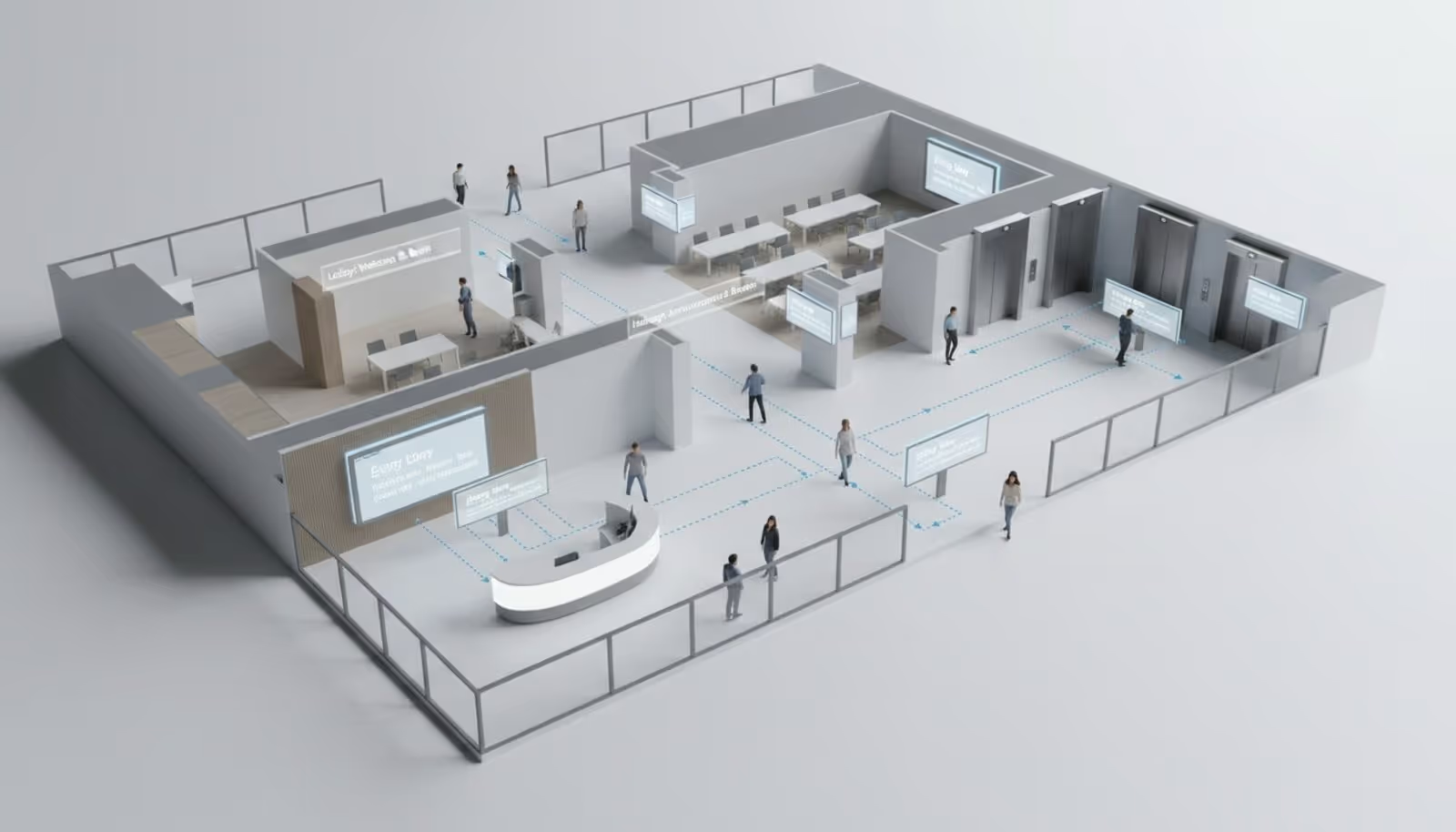
Place screens where people pause. Lobbies, elevators, breakrooms, and time-clock areas are prime real estate. Use Look CMS to manage these different zones effectively-short, punchy visuals for hallways, and longer, more detailed content for breakrooms where staff sit down.
Content Planning and Automation Tips
Don't burn out trying to create new content daily. Use ready-made templates to build a base library of evergreen content (values, safety tips). Then, use smart scheduling to rotate these items automatically. Integrate live feeds for news or weather to keep the screen dynamic without manual effort.
Monitoring, Feedback, and Continuous Improvement
Use playback analytics to see what is running and ensure your network is healthy. Ask employees for feedback-do they find the screens helpful? What else would they like to see? Treat your digital signage as a living channel that evolves with your company culture.
Digital Signage Software FAQs for HR
How secure is digital signage software for HR communications?
Security is a top priority. Look Digital Signage employs robust data encryption and secure cloud protocols. Additionally, using dedicated players or app-locking features prevents unauthorized access to the screen's content or settings.
Which HR systems integrate with signage platforms?
Many systems allow for integrations via APIs or Zapier. You can often connect tools for calendars, social media, and internal data dashboards. Look DS provides flexible options to display web-based content and dynamic data feeds easily.
Can content be updated remotely and in real time?
Yes. With Look CMS, you can update any screen in your network instantly from any web browser. This is perfect for urgent announcements or correcting information on the fly without visiting the device.
What kinds of screens and devices are compatible?
Look Digital Signage is hardware-agnostic. It works with Android, Amazon Fire TV, and runs directly on many Smart TVs. For the best reliability, the Look HDMI Player is recommended as a plug-and-play solution for any display with an HDMI port.
How can HR measure the impact or ROI?
You can track engagement through playback analytics to ensure message delivery. To measure impact, compare internal metrics-such as survey participation, event attendance, or safety incidents-before and after implementing your signage strategy. The efficiency gains from reducing printing and manual email follow-ups also contribute to a strong ROI.