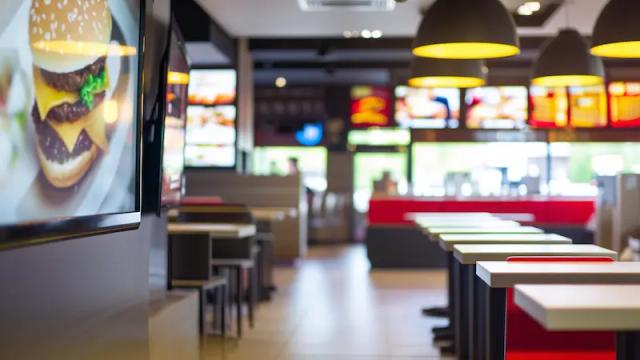
How digital menu board works

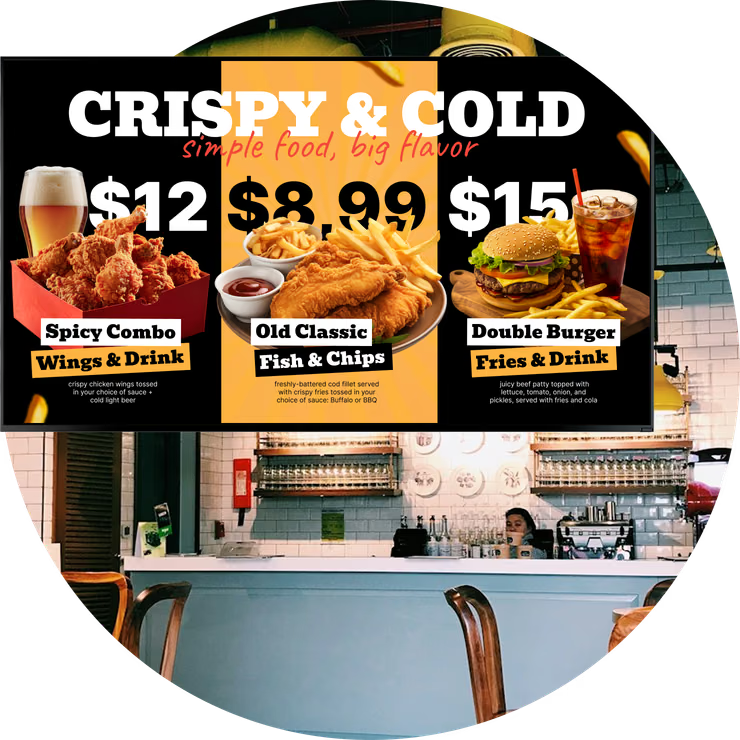
With Look digital signage, it is easy and fast to set up digital menu boards in your QSR. Here's how it works in a few simple steps.
  • Content

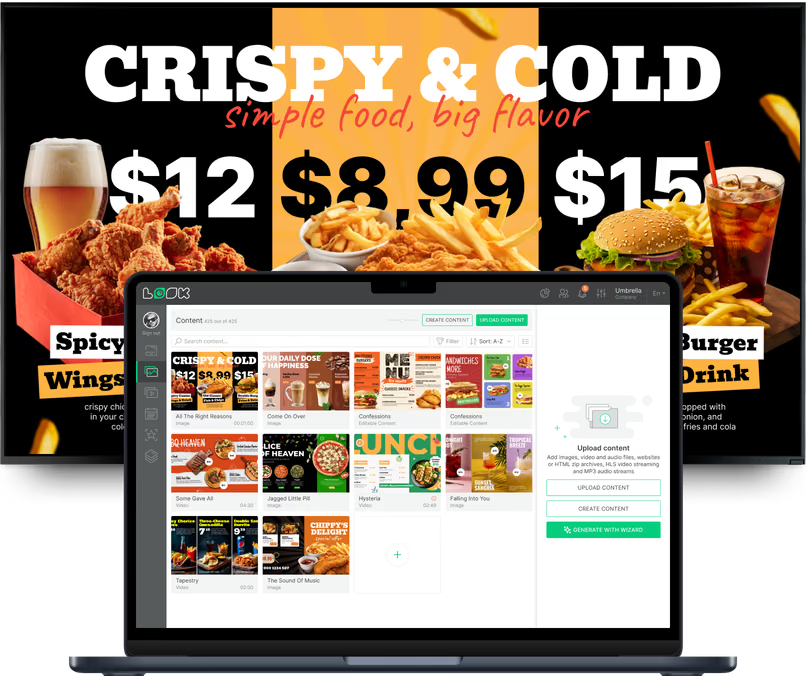
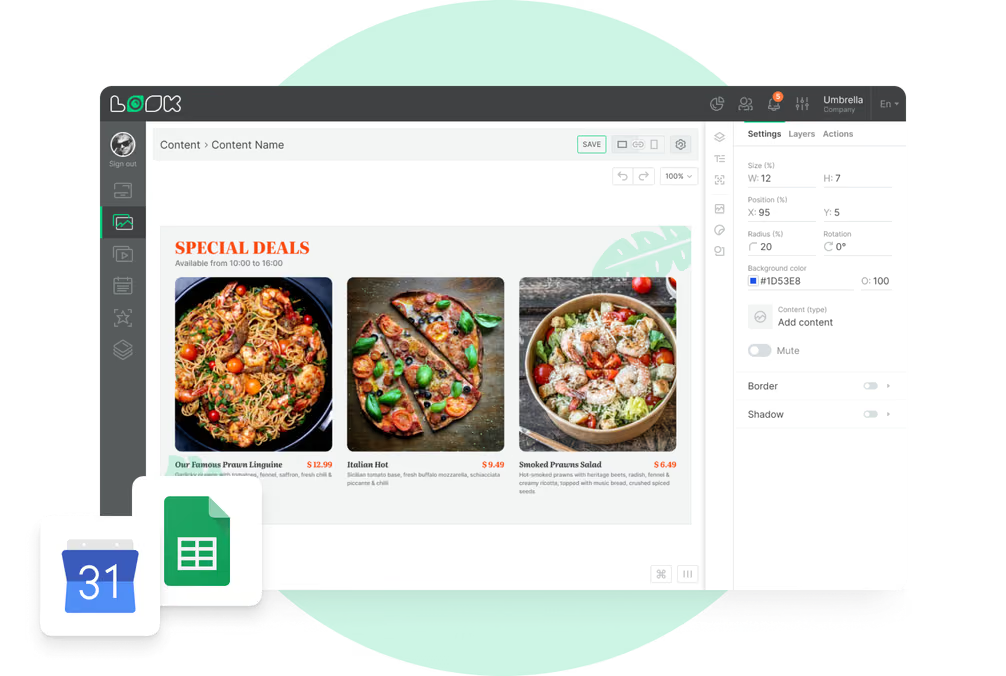
    Create content

    Upload your food items, prices, and promotional content, or use customizable templates to craft engaging digital menus
  • Schedule

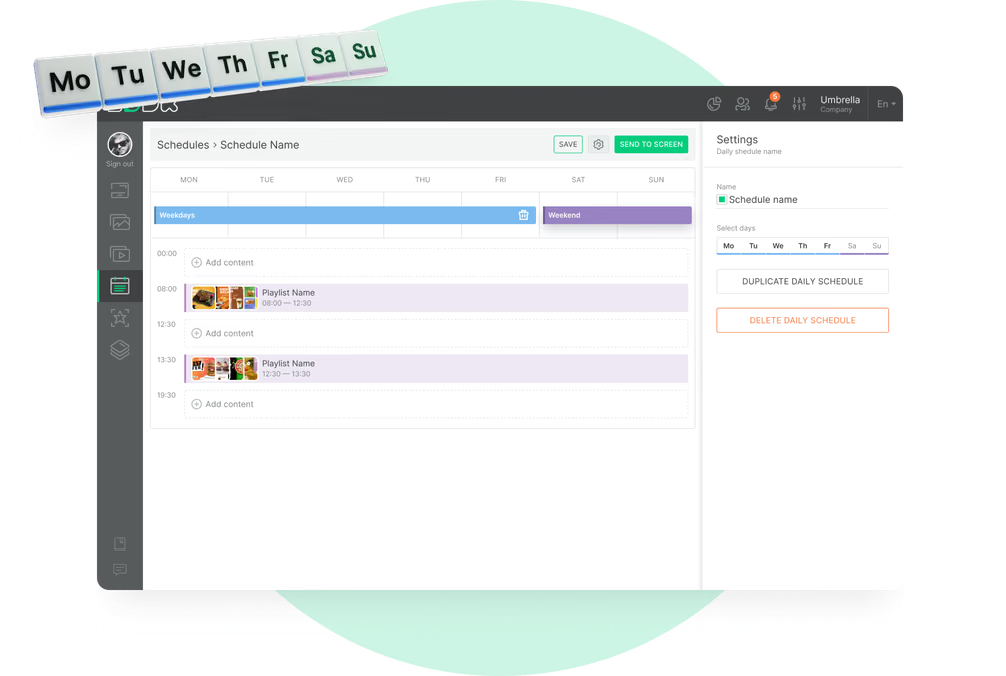
    Playlist and schedule

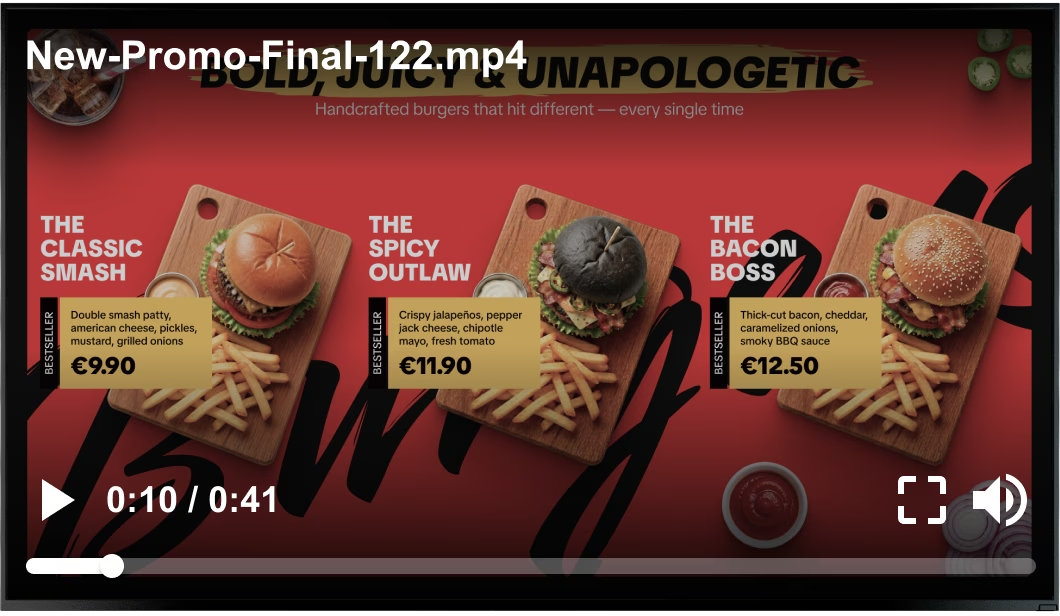
    Organize your content into playlists and set specific times for different menus. Easily rotate between breakfast, lunch, and dinner options
  • Playlists

    Start playing

    Deploy your menus across all screens in your QSR, ensuring real-time updates and relevant content are visible to your customers
Digital signage for digital menu boards,  QSRDigital signage for digital menu boards,  QSRDigital signage for digital menu boards,  CMS

Free digital signage templates
for menu boards in QSR

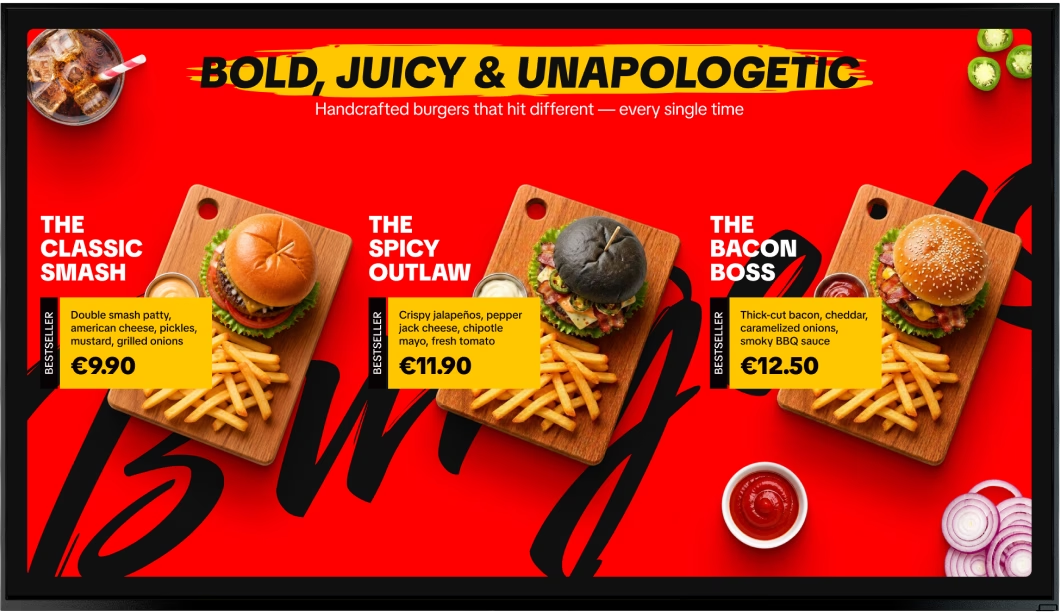
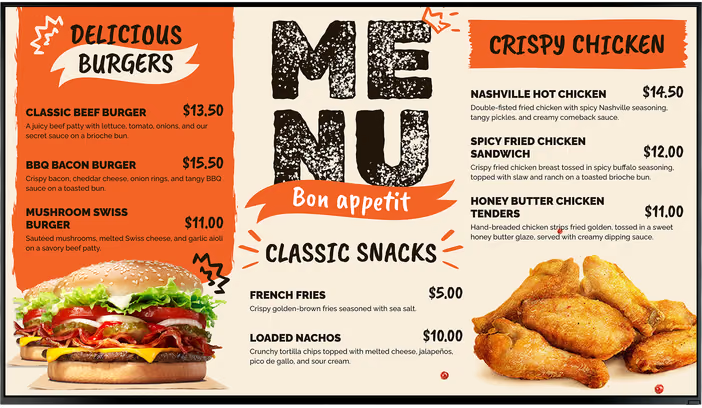
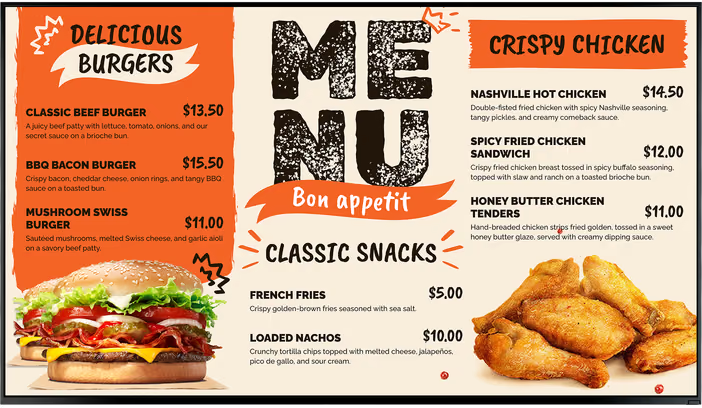
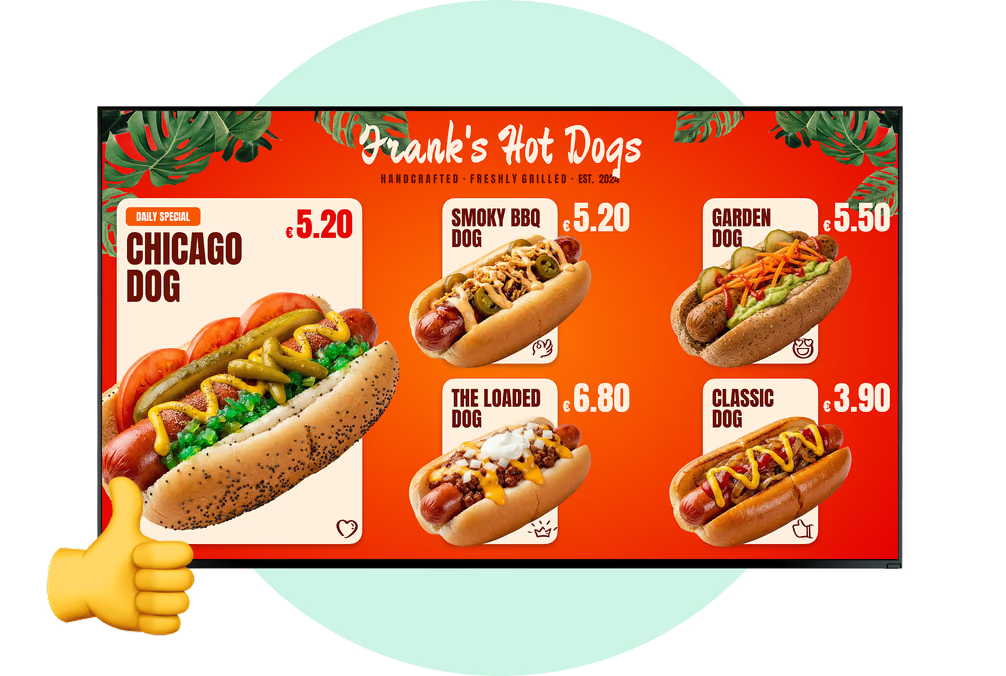
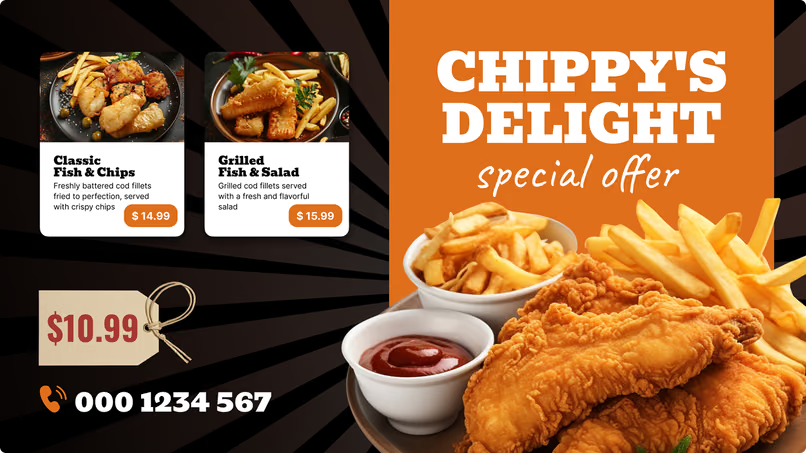
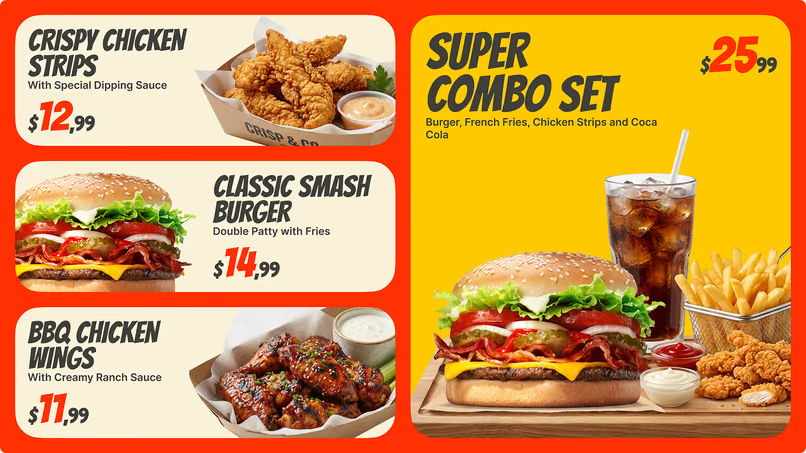
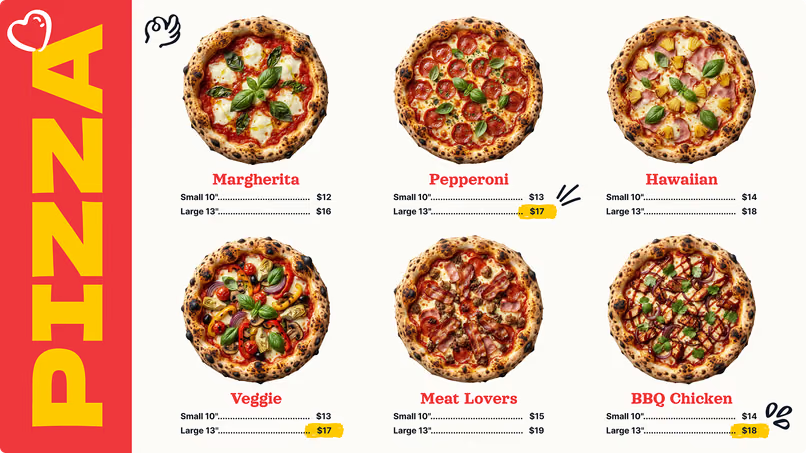
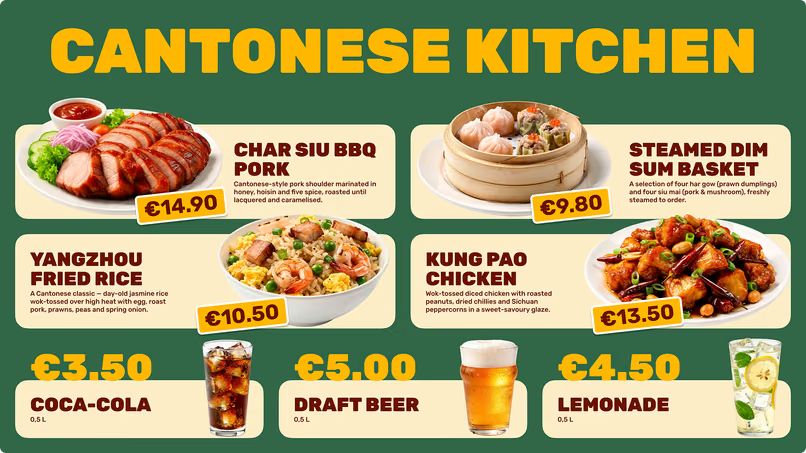
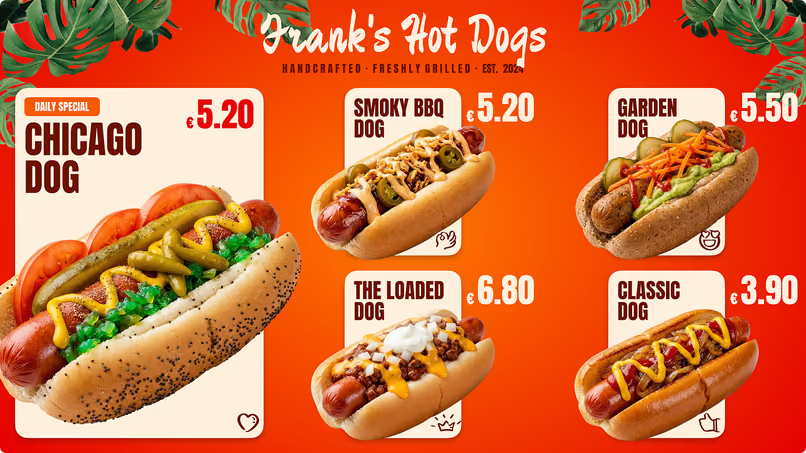
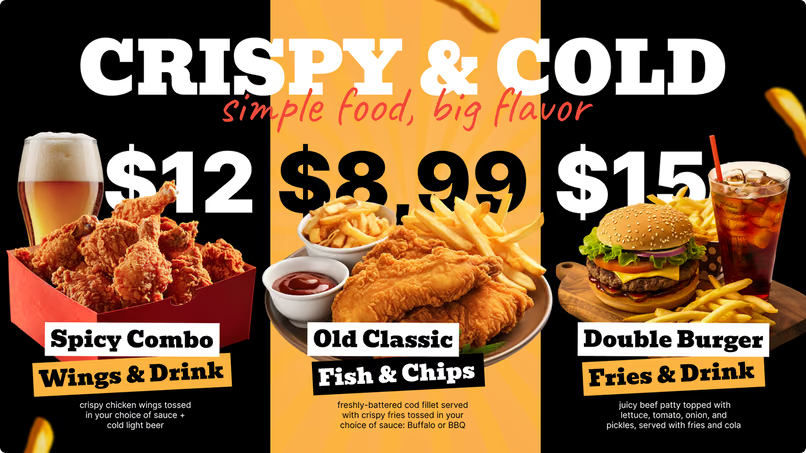
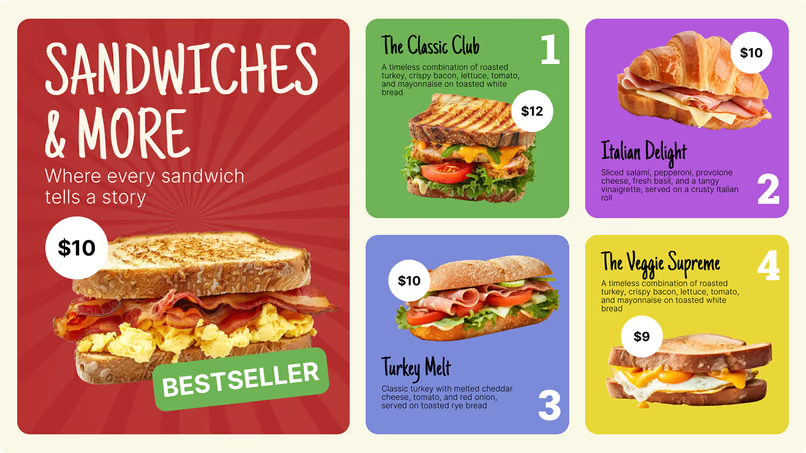
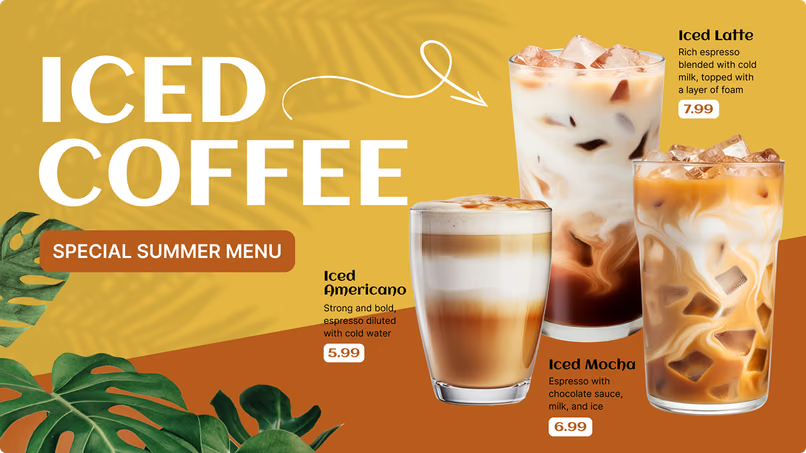
Benefit from our collection of professionally designed templates tailored specifically for the QSR industry. Use these templates to quickly create engaging and appealing digital menus that make it easy to promote new items, combos, and specials.
Digital signage for digital menu boards,  free templatesDigital signage for digital menu boards,  free templatesDigital signage for digital menu boards

How to turn your TV into a digital signage screen

Look service works seamlessly on any hardware, whether you're planning to purchase or already use it
Or

Install FREE Look App

Transform any TV or compatible device into digital signage by installing the free Look app.
WindowsAmazon Signage
Androidgoogle-tvLinuxOS Fire Amazon
macOSWebOSOS Tizen OS Raspberry Pi
Supported Operating Systems

Plug Look HDMI Player

Connect the Plug & Play Look Player to your display’s HDMI input for instant setup. Worldwide shipping.
Buy nowLook HDMI Player

Success stories

Hear from our delighted customers! Check out their inspiring quotes about how our service has transformed their digital signage implementations.
Captera Rating
4.9
G2 Rating
5.0
60 000+
Screens
11 000+
Users
120+
Countries

Look’s built-in digital signage apps

  • Automatically update your screens with Facebook & Instagram feeds, weather forecasts, RSS tickers, and more with built-in Look apps.
InstagramTwitterFly ScheduleFacebookDigital signage for digital menu boards,  free applications

Frequently asked questions about QSR digital menu boards

Can Look DS manage drive-thru menu boards?

Yes. Look DS can deliver menu content to compatible third-party outdoor and drive-thru displays.
Restaurants can schedule drive-thru-specific menus, promote quick-preparation items and combos, remove sold-out products, and simplify content for customers viewing the menu from a vehicle.

Can Look DS integrate with a POS system?

Look DS can connect to compatible point-of-sale systems through an API when the external system provides the required access.
A POS integration can automate price and availability updates so the menu board remains aligned with information at the register. The exact integration scope depends on the restaurant’s POS, database structure, and available API.

Does Look DS have certified integrations with specific POS brands?

POS integrations should be evaluated individually. Look DS should not be presented as having a certified connection with a particular POS platform unless that integration has been confirmed.
Restaurants can use the Look DS API to build a compatible connection or work with their technical team or integration partner.

What does “86-ing” an item mean?

In restaurant operations, “86-ing” means removing an unavailable item from sale.
With a connected menu system, an item marked as unavailable in the restaurant’s database can also be removed or labeled as sold out on the digital menu board.

How many screens should a QSR menu board use?

The correct number depends on the menu size, viewing distance, counter width, available wall space, and customer flow.
A small menu may fit on one or two displays, while a larger QSR may use a multi-screen menu bay. Content should be divided into clear categories rather than forcing too much information onto each panel.

What types of food service businesses can use digital menu boards?

Digital menu boards can be used by quick service restaurants, fast-casual restaurants, coffee shops, cafés, food trucks, concession stands, pizzerias, bakeries, and other food service businesses.
Look DS can support a single independent location or a multi-location restaurant and franchise network.

How bright should an indoor menu board be?

Brightness depends on the restaurant’s lighting and the screen’s position.
A standard display is sufficient behind the counter, but higher brightness and glare management may be needed for screens facing windows or strong lighting.

Where can digital menu boards be installed in a QSR?

Screens can be installed above the counter, near entrances, in ordering and pickup areas, at drive-thru lanes, in windows, and near self-service kiosks.
Different screen groups can display different content based on their location and purpose.

Can I use my existing screens?

Yes. A restaurant may be able to use an existing compatible smart TV or display.
The Look App can be installed on supported devices, or a Look HDMI Player can be connected to a screen with an HDMI input. The screen’s condition, operating system, resolution, orientation, and expected daily use should be reviewed before deployment.

How can a QSR get started with digital menu boards?

First, determine the screen locations, menu categories, viewing distances, operating hours, content owners, and necessary integrations.
Next, install the Look App on compatible hardware or connect a Look Player to your screens, add the screens to the Look CMS. Customize a menu template, and create dayparting schedules. You can use a limited pilot program to test the design and workflow before expanding to every location.

Are digital menu boards easy for restaurant staff to manage?

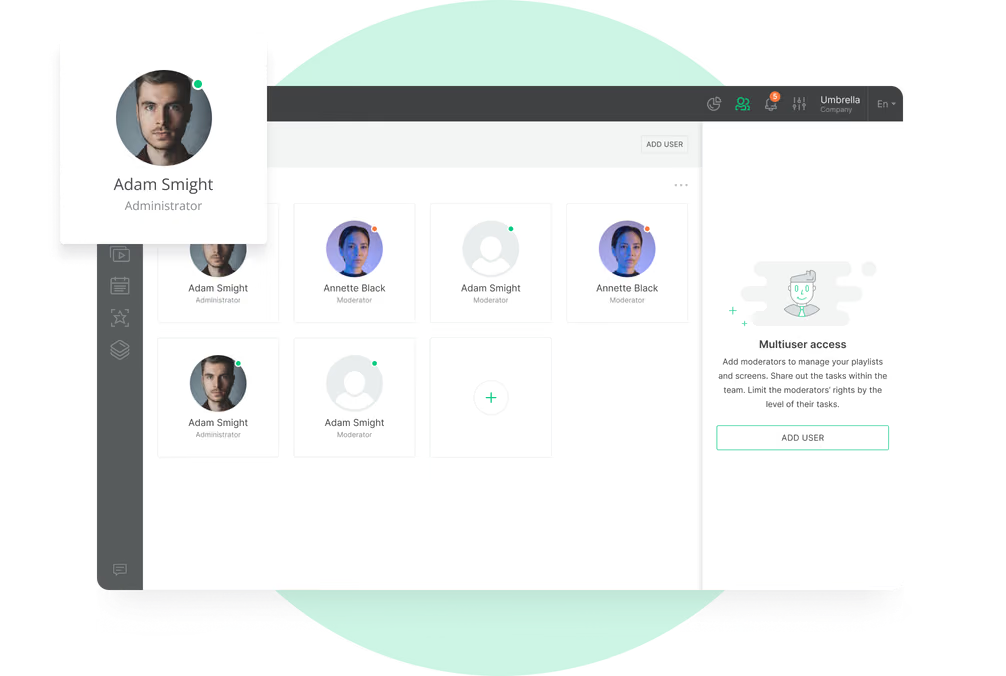
Yes. Staff members can work with templates, playlists, and schedules through the web dashboard without editing the underlying screen software.
User permissions can determine who is allowed to edit content, approve campaigns, or publish changes across multiple locations.

Should QSR menu boards use portrait or landscape screens?

Landscape screens are commonly used for above-counter menu displays because they offer space for multiple menu categories.
Portrait screens work well for promotional columns, window displays, kiosk-side menus, and narrow installation areas. Look DS supports screens in both orientations.

Can I display social media feeds or customer content?

Yes. Compatible social feeds, customer photos, and branded social content can be included in a playlist or multi-zone layout.
Public content should be moderated before it appears on restaurant screens, and a fallback playlist should be available if the feed becomes unavailable.

Can I monitor menu boards remotely?

Yes. Look CMS allows authorized users to monitor screen status and manage content remotely.
This helps operations and IT teams identify offline devices, review assigned content, and oversee multiple restaurant locations from one dashboard.

Can Look DS be used with self-order kiosks?

Look DS can deliver menu, promotional, and informational content to compatible kiosk screens.
It does not provide the complete ordering, payment, or transaction workflow of a self-order kiosk platform. Those functions require separate restaurant ordering software and system integrations.

Can I update prices remotely?

Yes. Authorized users can update prices and menu content through the Look CMS web dashboard.
Changes can be published to one screen, one restaurant, a selected group of locations, or the entire network.

Can menus be displayed in multiple languages?

Yes. Restaurants can create separate menu versions in different languages and schedule them for specific locations or times.
Multi-language menus are especially useful in tourist areas, airports, border regions, and locations serving multilingual communities.

Can franchisees update local menu content?

Yes. Role-based permissions and screen grouping features allow local managers to access specific screens.
For example, a franchisee can update an approved local offer without altering the core menu design or content used by the rest of the network.

What content works best on a drive-thru menu board?

Drive-thru menus should be easy to understand at a glance. Large text, high contrast, clear pricing, limited choices, and prominent combo offers help customers make decisions faster.
Important items should not be hidden inside long animations or crowded layouts. Menu design should reflect the viewing distance, vehicle position, and time available before ordering.

Does Look DS provide outdoor or weatherproof displays?

Look DS provides digital signage software and the Look HDMI Player. Outdoor-rated displays, enclosures, mounts, and environmental protection are supplied separately by third-party hardware vendors.
Drive-thru screens should be designed for outdoor operation and provide sufficient brightness for direct sunlight and changing weather conditions.

Does Look DS manage drive-thru audio or headset communication?

No. Look DS manages visual menu and promotional content displayed on compatible screens.
Drive-thru microphones, speakers, headsets, order confirmation systems, and lane communication equipment require separate specialized systems.

Can menus change automatically for breakfast, lunch, and dinner?

Yes. Dayparting allows menus to change automatically according to the time of day.
A restaurant can schedule breakfast, lunch, dinner, happy hour, and late-night menus in advance. The correct menu then appears without requiring an employee to change it manually.

How can digital menu boards reduce operating costs?

Digital boards eliminate the need to redesign, print, ship, and physically replace menus every time a price or product changes.
They can also reduce the cost of correcting outdated information and replacing temporary promotional materials across multiple locations.

Can sold-out items be removed automatically?

Yes. If Look DS is connected to a compatible POS or inventory database, a stock change can trigger an update on the menu board.

This can automatically hide or mark an item as sold out, reducing the risk of customers ordering products that are no longer available.

Can one screen show both a menu and promotional content?

Yes. Multi-zone layouts can divide a screen into separate content areas.
The main zone can display menu categories while another area shows a promotional video, QR code, social content, weather information, or a limited-time offer.

Should a QSR use commercial displays or regular TVs?

Commercial displays are recommended for restaurants with long-use screens.
Extended duty cycles, heat management, remote operation, and consistent brightness are what they are designed for. Consumer TVs may be suitable for smaller or lower-use installations.

Can digital menu boards display video and animation?

Yes. Look DS supports images, videos, animations, and other multimedia content.
Motion should be used selectively. Constant animation can distract customers who are trying to read the menu, so the main product names and prices should remain clear and stable.

What should a QSR look for in digital menu board software?

QSR digital menu board software should offer the following features: centralized management; content scheduling; multi-zone layouts; screen grouping; role-based permissions; offline playback; remote monitoring; proof-of-play reporting; and API integration options.
Restaurants may also need drive-thru support, multi-location pricing, sold-out item updates, franchise controls, QR codes, touchscreen content, and compatibility with existing display hardware.

How much do QSR digital menu boards cost?

The total cost depends on the number and type of displays, media players, software plan, installation, mounting, content production, and any custom integrations.
An indoor installation using existing compatible screens will generally require less investment than a multi-lane outdoor drive-thru system with specialized high-brightness displays.

Can I verify that a promotion played?

Yes. Look Playback Analytics provides proof-of-play information showing what content ran, where it appeared, and when it played.
Restaurants can use these reports to confirm that limited-time offers, franchise campaigns, and supplier promotions were delivered as scheduled.

Is Look DS cloud-based?

Yes. Look CMS is cloud-based and can be accessed through a web browser.
Authorized users can create content, schedule playlists, group screens, monitor the network, and publish updates without visiting each restaurant.

Can menu boards include QR codes?

Yes, QR codes can direct customers to mobile ordering, digital menus, loyalty registration, coupons, nutritional information, feedback forms, or promotional landing pages.
The QR code should remain large enough to scan easily and should not be placed inside a fast-moving animation.

Can I manage multiple QSR locations from one dashboard?

Yes. Look CMS allows restaurant groups and franchises to manage screens across multiple locations through one cloud-based dashboard.
Screens can be grouped by restaurant, region, brand, menu type, or placement, making it possible to publish content at the appropriate level.

Can digital menu boards increase average order value?

Digital menu boards can support higher average order value by making combos, upgrades, and high-margin products more visible.
Results depend on menu design, pricing, placement, customer demand, and restaurant operations. Restaurants can compare promotion periods and sales data to understand which content performs best.

Can digital menu boards display calorie information?

Yes. Calorie counts can be included as part of the menu design and updated centrally when menu information changes.
The restaurant is responsible for providing accurate data and determining what information must be displayed under applicable menu-labeling requirements.

Can I schedule limited-time offers and happy-hour promotions?

Yes. Promotions can be scheduled by date, day of the week, and time.
This makes it possible to launch a limited-time offer across all locations, activate happy-hour pricing automatically, or remove a promotion as soon as the campaign ends.

Can digital menu boards promote combos and add-ons?

Yes. QSRs can use menu boards to highlight combination meals, upgrades, beverages, sides, desserts, and other add-ons at the point of decision.
Offers can be placed next to relevant menu items or shown in a separate promotional zone to support upselling and cross-selling.

How do restaurant chains maintain consistent branding?

Corporate teams can provide standardized templates, layouts, fonts, logos, and promotional assets to all locations.
User permissions prevent unauthorized design changes, while allowing local teams to update prices, items, and promotions.

What resolution should a digital menu board use?

Full HD is fine for standard menu boards. Higher-resolution displays may prove advantageous for large screens, close viewing distances, detailed food photography, or multi-zone layouts.
The selected resolution should also be supported by the media player and the content uploaded to the system.

How should food photography be used on digital menu boards?

Food photography should make key items easy to recognize without overwhelming the menu.
High-quality images work best for signature products, combos, new items, and limited-time offers. Using too many images can reduce readability and make it harder for customers to compare choices and prices.

What is the best digital menu board software for QSRs?

The best platform should make menus easy to read, quick to update, and consistent across every restaurant location.
Look DS provides cloud-based management, customizable templates, dayparting, multi-zone layouts, offline playback, analytics, API integration options, role-based access, and support for a wide range of compatible devices. Restaurants can test the platform through a 14-day free trial before expanding their screen network.

Can I measure the performance of menu board promotions?

Playback reports can be compared with POS sales, product mix, coupon use, QR-code scans, and promotion periods.
For example, a restaurant can compare sales of an add-on before and during a menu board campaign. Look DS provides playback data, while sales and transaction data comes from the restaurant’s connected business systems.

What is dayparting?

Dayparting is the practice of scheduling different content for specific parts of the day.
For example, breakfast items can appear until 10:30 AM, lunch menus can follow automatically, and late-night offers can begin in the evening. Dayparting can also be used for weekday, weekend, seasonal, or event-specific menus.

Are digital menu boards worth the investment?

Digital menu boards can reduce recurring printing and installation costs, simplify multi-location updates, support upselling, and improve control over pricing and availability.
The return depends on the restaurant’s hardware costs, menu strategy, promotional performance, labor savings, and number of locations.

Can digital menu boards connect to mobile ordering?

Screens can use QR codes to direct customers to the restaurant’s existing mobile ordering page or app.
A deeper integration may also be possible through API-based workflows, depending on the restaurant’s ordering platform and available technical access.

What happens when no promotional content is scheduled?

Restaurants can create fallback playlists containing evergreen menu content, brand visuals, or standard promotions.
This stops screens from showing outdated promotions once scheduled material concludes.

Can menu boards display allergens and nutritional information?

Yes. Digital layouts can include allergen notices, ingredients, nutritional details, and links to additional information.
QR codes can direct customers to a more detailed mobile page when the full information cannot fit clearly on the main menu. Look DS displays the information supplied by the restaurant and does not validate its accuracy or regulatory compliance.

Does Look DS support dynamic pricing?

Yes. Through a compatible data integration, restaurants can schedule different price versions or update prices.
Dynamic pricing lets restaurants change prices in advance. This can include happy hour rates, off-peak offers, event pricing, and location-specific menus. Restaurants must still make sure that the prices they display follow their policies and requirements.

What is a QSR digital menu board?

A QSR digital menu board uses digital signage software to display a restaurant's menu on a screen. This type of screen can display food items, prices, combo offers, nutritional details, videos, and promotions.
Unlike a printed menu, a digital board can be updated remotely and scheduled to change automatically throughout the day.

Can different restaurant locations display different prices?

Yes. Restaurant groups can maintain shared menu designs while displaying location-specific prices, products, and promotions.
Corporate teams can control branding and national campaigns, while authorized local managers adjust approved fields for their own location.

What happens if the internet connection goes down?

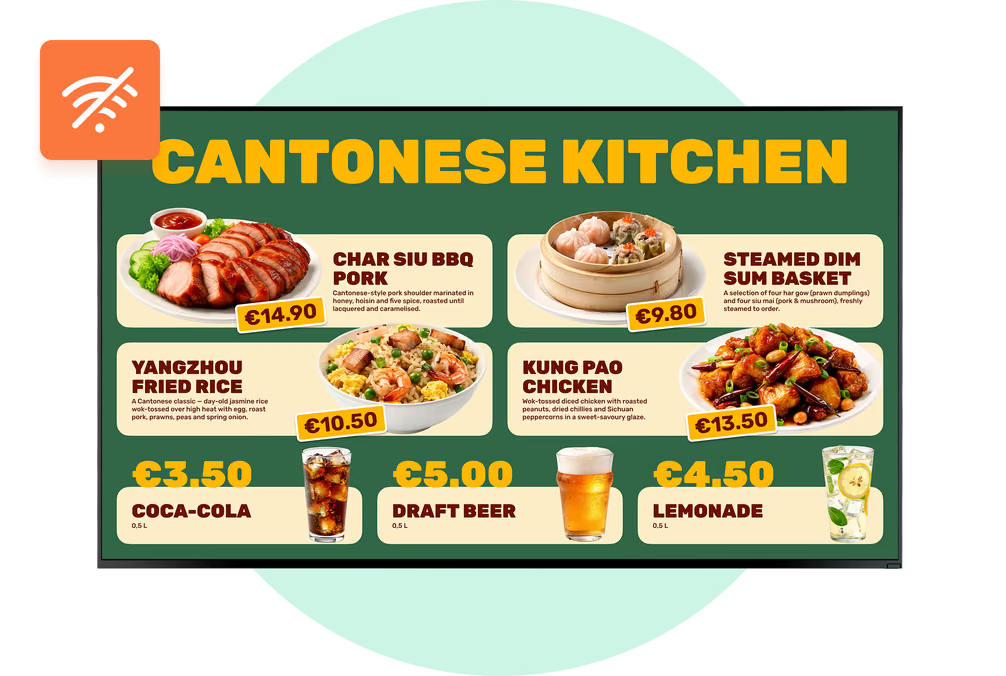
Scheduled content is cached locally on the media player. If the connection is interrupted, downloaded menus continue playing instead of leaving customers with a blank screen.
Internet access is still required for new updates, remote management, and certain live data sources. The player reconnects and synchronizes when the connection returns.