

Table of Content
How can you connect different software tools and automate boring tasks without hiring a developer? Zapier acts as a digital bridge between thousands of web apps, allowing them to share data and trigger actions automatically so you can stop manually moving information between platforms.
What is Zapier?
How does Zapier automate workflows?
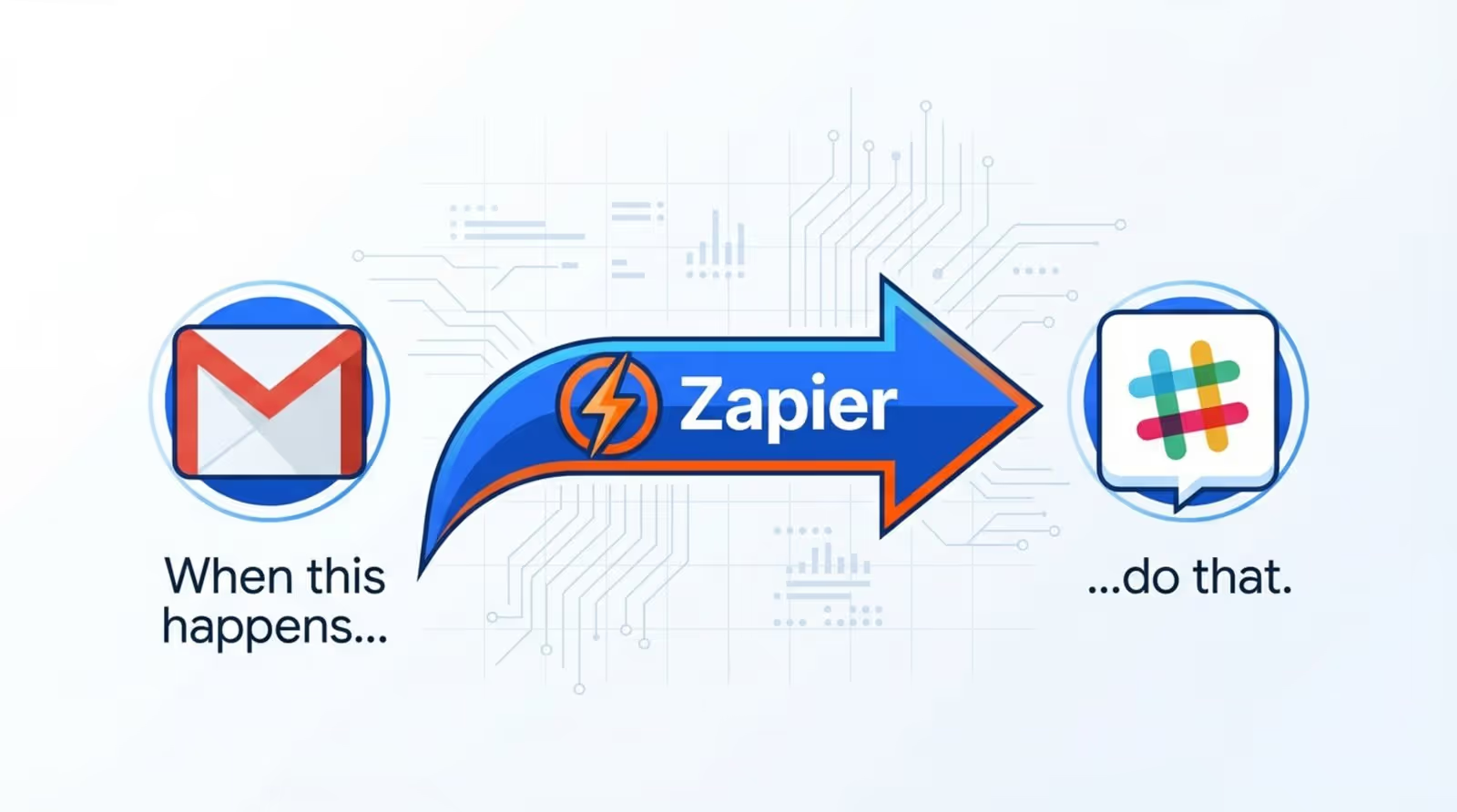
Zapier operates on a simple logic: "When this happens, do that." You do not need coding skills to use it. You simply set up a "trigger" in one app (like receiving a new email), and Zapier automatically completes an "action" in another app (like saving an attachment to a folder). This process runs in the background, handling routine work 24/7 without your involvement.
Beyond simple one-step tasks, Zapier can handle multi-step workflows. You can add filters so actions only run under specific conditions, or use paths to branch workflows based on data. This allows you to automate entire processes-from capturing a lead to scheduling a follow-up-in a single, set-and-forget sequence.
Which apps can you connect with Zapier?
Zapier connects with thousands of web apps, covering everything from major platforms like Google Workspace, Slack, and Salesforce to niche industry tools. This extensive library means you are rarely locked into a single software ecosystem. You can choose the best tool for a specific job and rely on Zapier to make it talk to the rest of your stack.
This flexibility allows for powerful combinations. You can link your point-of-sale (POS) system to your accounting software, or connect your project management board to your internal communication channels. New apps are added frequently, ensuring your workflows can adapt as your software needs change.
What are Zaps, triggers, and actions?
To master Zapier, you only need to understand three concepts: Zaps, Triggers, and Actions. A "Zap" is the automated workflow you build. Think of it as a blueprint for a specific task you want to offload.
The "Trigger" is the event that starts the workflow, such as a new entry in a spreadsheet. The "Action" is what happens next, such as sending a notification or updating a database record. By combining a trigger with one or more actions, you create a reliable system that keeps your operations moving.

How Zapier Works for Businesses
Does Zapier require coding skills?
No. In the past, connecting two different software platforms often required custom API development and IT support. Zapier removes that barrier with a visual, click-to-select interface. Operations managers, marketing teams, and business owners can build their own integrations without writing a single line of code.
This democratizes automation. Instead of waiting for technical resources, your team can build, test, and adjust their own workflows immediately. If you can navigate a standard web dashboard, you can build a Zap.
How do you create and use a Zap?
Building a Zap is a straightforward, step-by-step process. First, you select the app that will provide the trigger and define the event Zapier should watch for. You then connect your account and run a quick test to ensure Zapier can "read" the sample data correctly.
Once the trigger is set, you select the Action app. You "map" the data fields from the first step to the second-for example, telling Zapier to put a customer's name from a form into the "Contact Name" field of your CRM. After a final test, you turn the Zap on. It will then run automatically every time the trigger event occurs.
How secure is business data with Zapier?
Data security is critical when moving information between platforms. Zapier uses high-level encryption (bank-level security) to protect data in transit. The platform complies with major standards like SOC 2 and SOC 3, as well as GDPR and CCPA regulations, ensuring that your business data remains private.
For administrative control, Zapier provides detailed logs of every task it executes. You can manage who on your team has access to specific Zaps, and larger organizations can utilize features like Single Sign-On (SSO) for centralized security management.
What are the Benefits of Using Zapier for Your Business?
Reduces time spent on repetitive tasks
The primary ROI of Zapier is reclaimed time. Manual data entry-copying leads, moving files, or updating rows in a spreadsheet-wastes hours that could be spent on strategy or customer service. Automation handles this grunt work instantly.
If a team member saves 30 minutes a day by automating report updates, that equals over 120 hours of saved labor per year. Multiplied across a team, the efficiency gains are significant.

Boosts team productivity
Productivity improves when teams are not bogged down by administrative friction. Zapier acts as a force multiplier, allowing small teams to handle workloads typical of larger organizations. By removing bottlenecks, staff can focus on higher-value outcomes rather than data maintenance.
Speed is another factor. An automated lead response sent instantly is far more effective than one sent manually hours later. Zapier ensures your business reacts in real-time.
Improves accuracy and consistency
Humans make mistakes when copying and pasting data. A typo in an email address or a missed zero in a sales figure can cause operational headaches. Zapier eliminates these errors. Once a Zap is configured correctly, it executes the exact same way every time.
This consistency ensures your records remain accurate and your communications reliable. You can trust that the data in your CRM or dashboard matches the source exactly.
Enables effortless app integration
Businesses often feel forced to buy expensive "all-in-one" suites just to ensure their tools work together. Zapier allows you to choose specialized, best-in-class tools for each department while still maintaining a connected ecosystem.
If you find a better tool for a specific task, you can swap it into your stack and simply update your Zaps. This keeps your business agile and prevents vendor lock-in.
Helps scale automation with business growth
Manual processes rarely scale well. A workflow that works for 10 orders a day breaks down at 1,000. Zapier is built to handle volume. As your business grows, your automations scale with you without requiring additional staff for data entry.
You can also evolve your Zaps over time. A simple notification workflow can grow into a complex process that logs data, updates dashboards, and alerts managers, supporting your operations as they become more sophisticated.
Popular Business Use Cases for Zapier
Lead management and CRM automation
Sales teams frequently use Zapier to bridge the gap between marketing and sales. You can build a Zap that instantly sends new leads from Facebook Ads or website forms directly into your CRM. It can also tag the lead based on interest and assign a task to a sales representative.
This ensures no lead is lost in an inbox or spreadsheet. The faster the data moves to the CRM, the faster your team can engage.

Order processing and communication
For retail and e-commerce, Zapier streamlines fulfillment. When a new order arrives, a workflow can trigger an invoice in your accounting software, add the customer to an email marketing list, and alert the warehouse team via chat. This connects the front-end sale to back-end logistics instantly.
Marketing and email campaign triggers
Marketing teams use Zapier to automate audience segmentation. For example, when a customer registers for a webinar, Zapier can add them to a specific email sequence for reminders and follow-ups. This keeps messaging relevant and timely without manual list management.
Task management and team collaboration
Keep your team aligned by connecting project management tools with communication channels. When a new card is added to Trello or Asana, Zapier can post a notification in a dedicated Slack channel. This ensures everyone is aware of new priorities without having to check multiple apps constantly.
Reporting and analytics automation
Real-time data visibility is essential for modern operations. Zapier can aggregate data from various sources into a central dashboard, such as a Google Sheet or database. But collecting the data is only half the battle-displaying it effectively is the other.
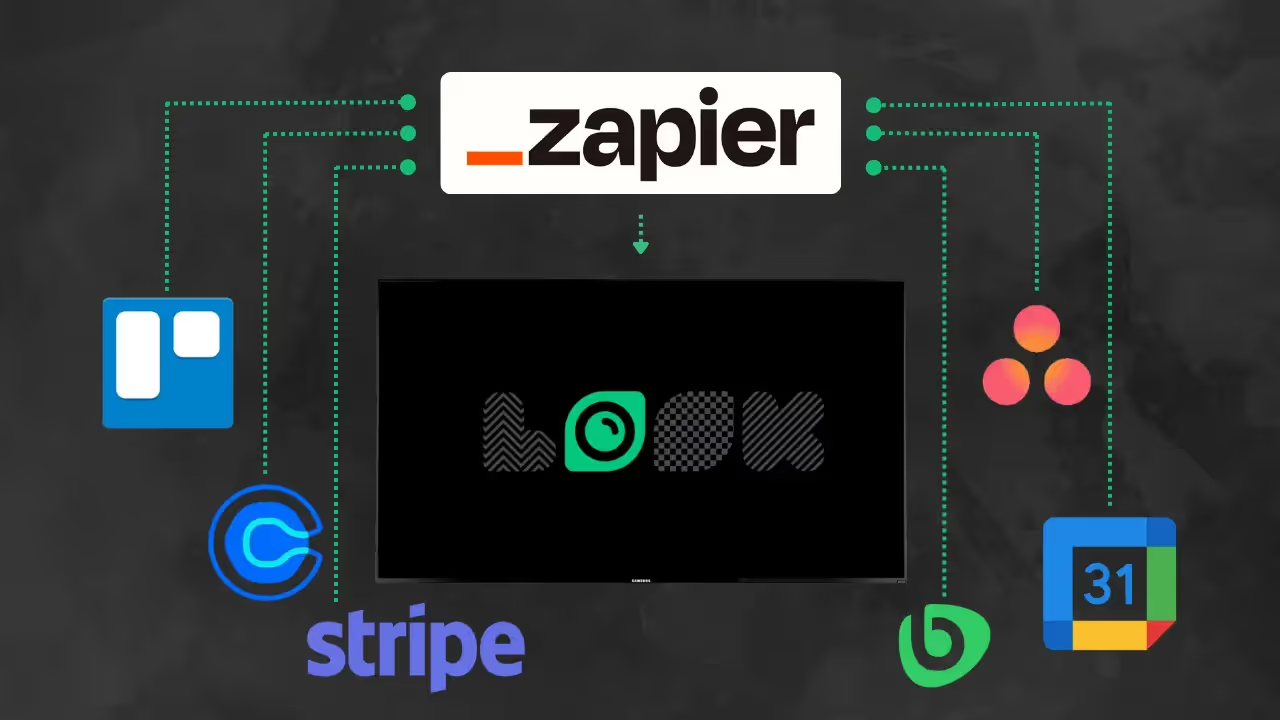
This is where Look Digital Signage (Look DS) becomes a powerful partner for your automation stack. Look DS is a cloud-based digital signage platform that offers native Integrations with Zapier. This allows you to automatically push data directly to your physical screens.
For example, you can create a Zap that updates a sales leaderboard or KPI dashboard on your office TVs the moment a deal is closed. By combining Zapier with the Look CMS, you can turn passive screens into live, data-driven communication channels. You can also use Smart Scheduling to ensure these dashboards appear only during business hours, keeping your team informed and motivated without manual updates.

What Are the Steps to Get Started with Zapier?
Setting up your Zapier account
Start by signing up for an account. Zapier offers a free tier that allows you to test basic setups. During onboarding, the platform will ask which apps you use and suggest popular templates to get you started quickly.
Explore the dashboard to see active Zaps and browse the app directory. We recommend starting small: pick one simple, annoying task that you do every day and automate that first.
Connecting your business apps
Navigate to the "My Apps" section to connect your tools. Zapier uses secure authentication methods (OAuth) so you grant permission without sharing your passwords. Once an app is connected, it is available for any future workflows.
Building your first automated workflow
Click "Create Zap" and select your Trigger and Action apps. Use the test function at each step to verify that the data is pulling through correctly. Before publishing, give your Zap a clear name so you can easily identify it later. Once you click "Publish," your automation is live.
Key Takeaways for Businesses Considering Zapier
Adopting an automation mindset is key to scaling efficiently. Tools like Zapier do not just save minutes; they reduce friction across your entire operation, allowing your team to focus on work that drives revenue rather than administration. Whether you are managing sales leads or updating digital signage screens via Look Digital Signage, automation ensures your processes are reliable and consistent.
With features like AI integration now available within Zapier, these workflows are becoming even smarter-capable of summarizing text or drafting replies. The best approach is to start simple, prove the value, and gradually expand your automated ecosystem to support your business goals.





