

Table of Content
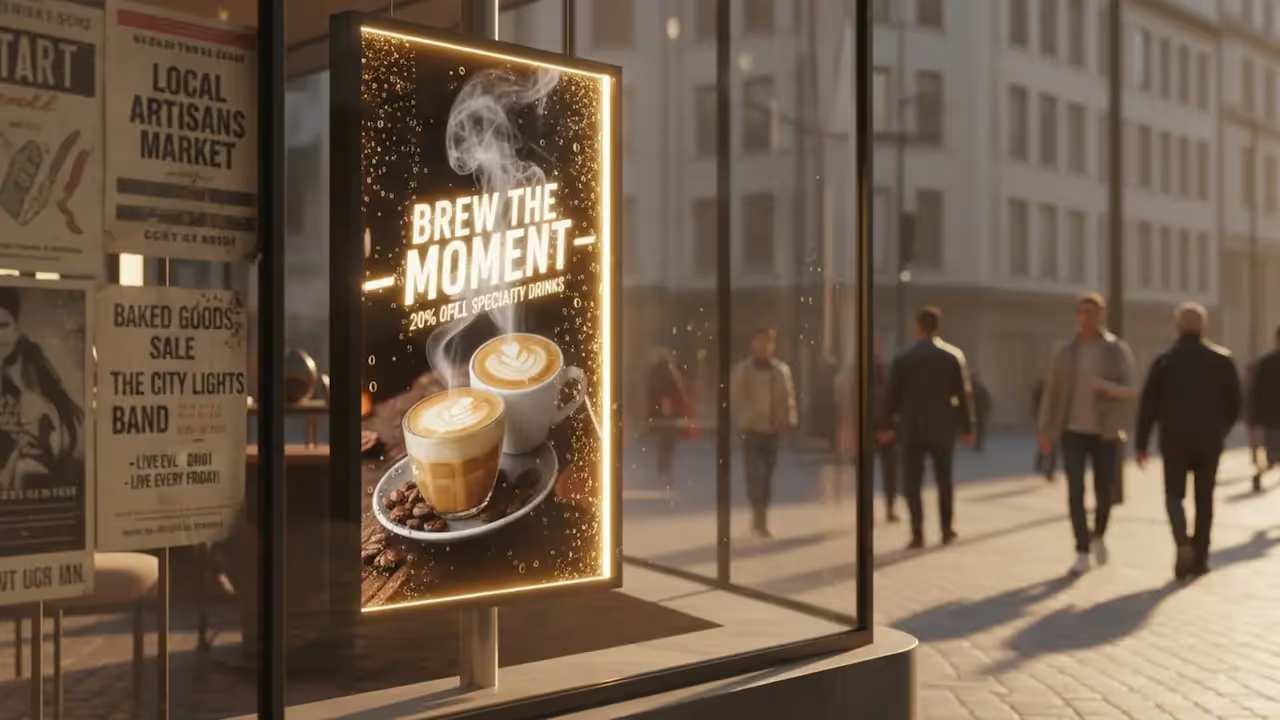
A digital poster is an electronic display-usually an LCD or LED screen positioned vertically-that replaces traditional paper signage with dynamic visual content. Unlike static print, digital posters allow you to display video, animations, and rotating playlists to capture attention more effectively. For businesses, they act as a flexible communication tool that combines high-impact visuals with the ability to update messages in minutes from anywhere.
More than just a screen on a wall, a digital poster connects your physical location with your digital strategy. Whether you are announcing a flash sale in a retail window, sharing internal news in an office, or providing wayfinding in a lobby, digital posters offer a level of speed and control that print cannot match. They transform static spaces into active communication channels, helping you deliver the right message at the exact moment it matters.
What Is a Digital Poster?
The Shift from Print to Digital Display
For decades, using posters meant designing, printing, shipping, and manually hanging paper sheets. Digital screens eliminate this operational drag. Instead of waiting days for printed materials that may contain errors or become outdated quickly, you can upload high-quality visuals to one screen or a global network instantly. The medium shifts from a permanent, one-time cost to a renewable asset that keeps your messaging fresh.
Modern commercial displays offer brightness levels and resolutions that ensure visibility even in direct sunlight or brightly lit environments. This reliability allows digital posters to operate effectively in storefronts and outdoor spaces where paper would fade or tear. The transition to digital changes the viewer experience from a passive glance at a static image to an active engagement with moving content.
Digital Poster vs. Digital Signage: How Do They Differ?
While often used interchangeably, there is a nuance between the terms. "Digital signage" refers to the broader technology ecosystem-the software, hardware, and infrastructure used to manage screens. A "digital poster" is a specific format or application within that ecosystem. It typically refers to a screen mounted in portrait orientation (vertically) that displays a focused, single-message loop, mimicking the layout of a traditional movie or advertising poster.
Think of digital signage software as the engine, and the digital poster as the output. While a complex digital signage setup might feature a landscape screen with multiple zones (tickers, weather, news), a digital poster usually keeps it simple: full-screen imagery, bold text, and a clear call to action designed for quick consumption.

What Are the Types of Digital Posters?
Static Digital Posters
Static digital posters closely resemble their printed counterparts but offer the advantage of scheduling. They display high-resolution images that remain on screen for a set duration. The benefit here is automation. A restaurant can schedule a breakfast menu image to run from 7:00 AM to 11:00 AM, and automatically switch to a lunch offer at 11:01 AM without staff intervention.
These are ideal for environments where distraction must be minimized, such as museums, luxury retail, or corporate lobbies. They provide the crisp, illuminated appeal of a screen while maintaining a calm, sophisticated atmosphere.
Dynamic Digital Posters
Dynamic posters leverage the full power of digital signage software by incorporating motion. Because the human eye is naturally drawn to movement, adding simple animations, video backgrounds, or transitions can significantly increase view rates. A dynamic poster might show a steaming cup of coffee or a model walking down a runway, bringing the content to life.
The strength of dynamic content lies in storytelling. Instead of cluttering a single static image with too much text, you can use a 10-second playlist to reveal information sequentially. This makes the message easier to digest and retain, ensuring your key points land effectively.
Interactive Digital Posters
Interactive posters transform viewers into active users. Using touchscreens or QR codes, these displays allow people to engage directly with the content. A visitor might tap a screen to browse a product catalog or scan a QR code to download a coupon directly to their mobile device.
This type of poster is powerful because it bridges the physical and digital worlds. By incorporating elements like Interactive Scenarios within your content management system (CMS), you can build navigation menus or feedback forms without writing code. This not only serves the user but also provides valuable insights into what content generates the most interest.

Why Use a Digital Poster Instead of a Static Sign?
Increases Audience Engagement with Dynamic Content
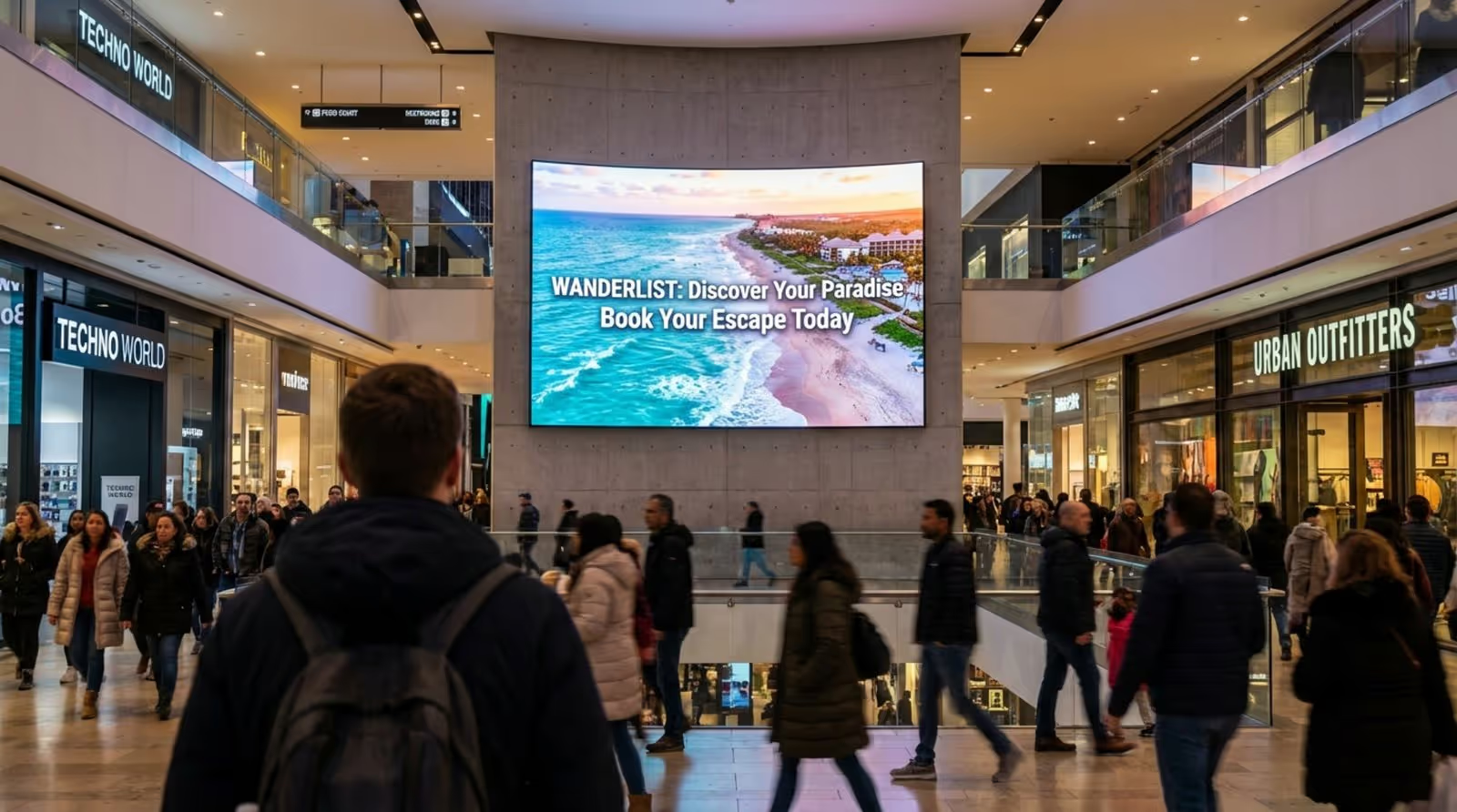
Digital screens are simply harder to ignore than paper. Research consistently suggests that digital displays capture more views than static signage. In busy environments where customers are bombarded with visual noise, the brightness and motion of a digital poster help your message cut through the clutter.
Furthermore, digital screens support high-definition video and rich colors that make products look their best. Whether it is appetizing food photography or vibrant travel destinations, the visual quality helps create a stronger emotional connection with your audience.
Improves Content Flexibility and Timeliness
Printed posters are rigid; once they are up, changing them requires time and money. Digital posters offer real-time flexibility. With cloud-based software, you can edit content in seconds. If a product goes out of stock, you can remove the ad immediately. If it starts raining, you can trigger a promotion for umbrellas.
This agility allows for "dayparting" (changing content based on the time of day) and ensures your messaging is always relevant. You are no longer stuck with a summer promotion in early autumn because you haven't had time to swap the posters.
Reduces Printing Costs and Environmental Impact
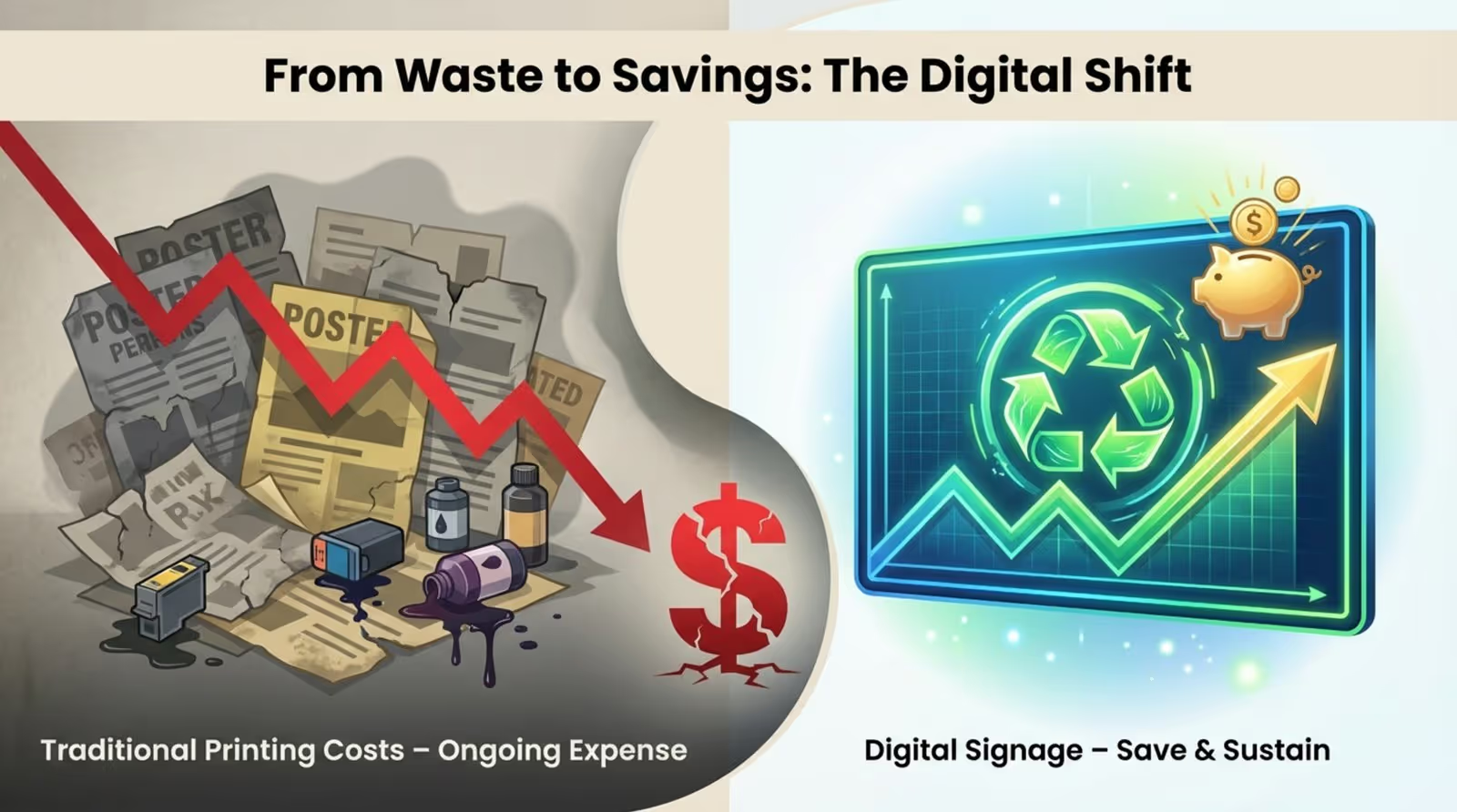
While the initial investment in screens and players is higher than paper, the long-term ROI is often superior. You eliminate the recurring costs of printing, shipping, and labor for every new campaign. For businesses with multiple locations, these savings accumulate quickly.
From a sustainability perspective, digital posters reduce physical waste. There are no paper scraps, inks, or solvents to dispose of after a campaign ends. Additionally, modern displays can be scheduled to turn off automatically outside of business hours, conserving energy and extending hardware life.
Enables Data Collection and Analytics
A paper poster cannot tell you if it is working. Digital signage platforms often include Playback Analytics and Proof-of-Play reports. These tools provide data on exactly how many times a specific piece of content ran and on which screens.
This data-driven approach allows you to optimize your strategy. You can verify that your most important messages are playing during peak hours and adjust your playlists based on performance. It turns signage from a passive expense into a measurable marketing channel.
Where Are Digital Posters Used?
Retail and Marketing Locations
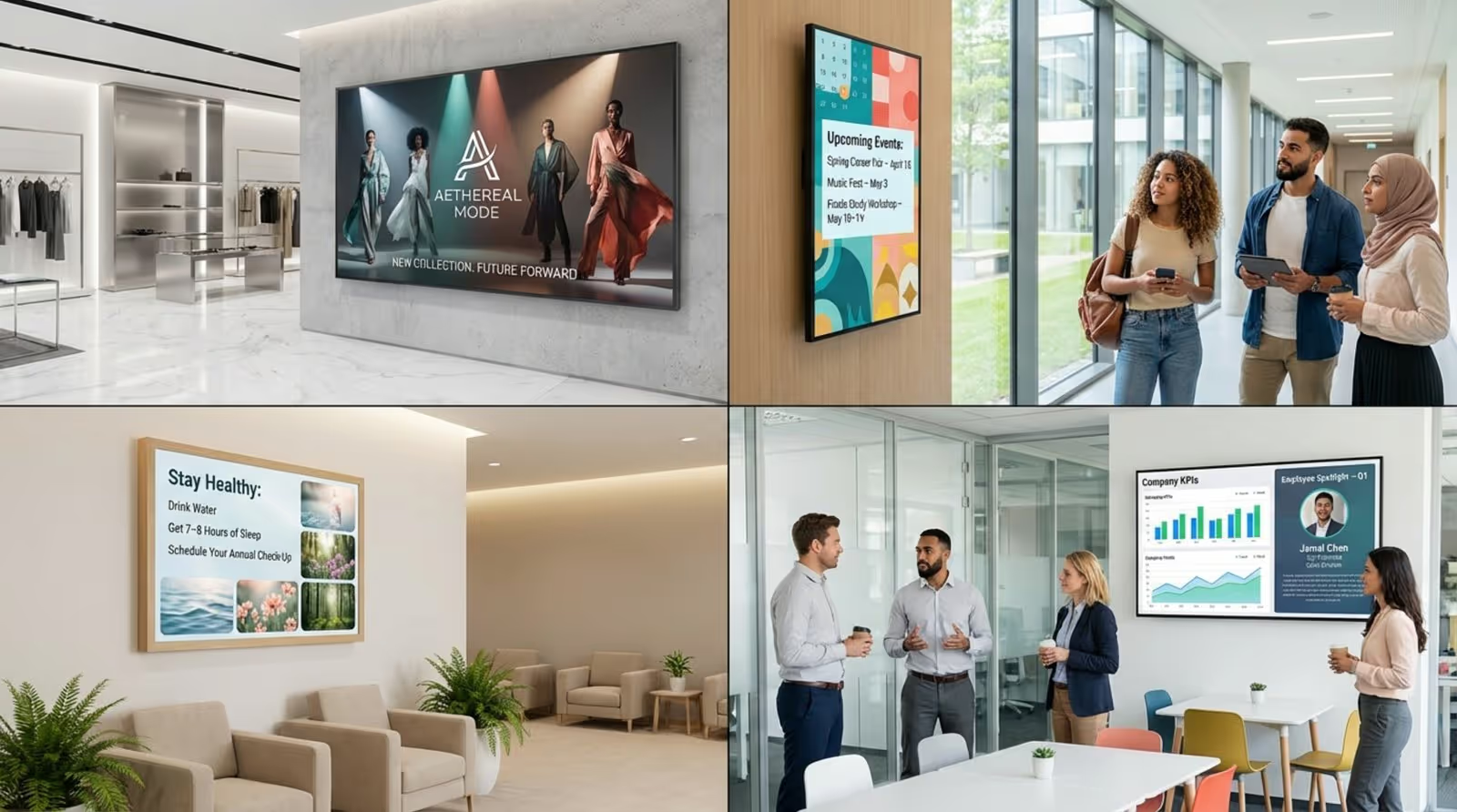
Retailers use digital posters to drive foot traffic and increase basket size. Window displays attract passersby with high-impact video, while in-store screens highlight promotions or loyalty programs. Cloud-based management ensures that branding remains consistent across all franchise locations, with updates pushed centrally in minutes.
Inside the store, screens can act as "endless aisles," showing inventory that isn't physically on the shelf. This helps bridge the gap between e-commerce and brick-and-mortar shopping, giving customers access to your full catalog.
Educational Institutions
Schools and universities use digital posters to declutter hallways previously plastered with flyers. A single screen can cycle through class schedules, cafeteria menus, student achievements, and upcoming events. During emergencies, these screens become vital safety tools, instantly displaying alerts and instructions.
Because the content is managed remotely, administrative staff can update information for the entire campus from a single dashboard, saving hours of manual work.
Healthcare Facilities
In hospitals and clinics, digital posters improve the patient experience by reducing perceived wait times. Screens in waiting rooms can display health tips, clinic services, and doctor profiles. Clear, bright displays also serve as effective wayfinding tools, guiding visitors through complex corridors and reducing questions at the front desk.
Corporate and Office Environments
Internal communication teams use digital posters to keep employees aligned and engaged. Screens in breakrooms and lobbies display KPI dashboards, company news, and employee recognition. This ensures that non-desk workers stay as informed as those sitting in front of computers.
Integration with internal tools allows these screens to update automatically, showing meeting room availability or production metrics in real time without manual data entry.
Entertainment Venues and Events
Cinemas, stadiums, and concert halls rely on dynamic posters to build excitement. Digital movie posters can play high-definition trailers, while arena screens can switch between event schedules and sponsor advertisements instantly. The ability to schedule content means venues can completely rebrand their digital environment for different events on the same day.
Public Spaces and Transportation Hubs
Airports and train stations use digital posters to communicate critical information clearly. Beyond advertising, these screens provide real-time updates on schedules and delays. Reliability is key here; features like Offline Playback ensure that essential information remains visible even if the internet connection drops.
Frequently Asked Questions About Digital Posters
Can a Digital Poster Replace a Printed Poster?
In most operational and commercial contexts, yes. While printed art has its place in decor, digital posters are superior for information and marketing due to their flexibility. They allow you to scale your communication from one screen to thousands without the logistics of physical distribution.
For businesses focused on efficiency and ROI, the ability to update content remotely and schedule campaigns makes digital the standard choice.
Do I Need Design Experience to Create Digital Posters?
No, you do not need to be a professional designer. Modern digital signage software like Look Digital Signage includes tools specifically for non-technical users. You can use a built-in Content Creator or choose from a library of Ready-made Templates designed for various industries.
Additionally, features like the Look AI Wizard can help generate layouts and text quickly. These tools allow you to produce professional-looking content in minutes, ensuring your screens always look polished.
What Size Should a Digital Poster Be?
Digital posters typically use a 9:16 vertical aspect ratio. Common sizes range from 43" to 55" for standard viewing distances, though sizes can vary based on the space. The goal is to ensure text is legible and images are clear from where your audience is standing.
For smaller spaces like shelves or counter displays, smaller tablets or 22" screens may be sufficient. For large lobbies or windows, 65" or larger displays ensure high visibility.
How Much Does a Digital Poster Cost?
Costs vary based on hardware quality and software features. A consumer-grade TV is cheaper but may not last in a commercial environment. Professional commercial displays are built for 16/7 or 24/7 operation and typically cost more but offer better longevity.
When calculating cost, factor in the savings from eliminating printing and the time saved on manual updates.
How Do I Update Content on a Digital Poster?
The most efficient way is through cloud-based digital signage software like Look Digital Signage. This allows you to manage all your screens from a single web-based dashboard. You simply upload your files, build a playlist, and hit publish.
Look DS specifically simplifies this with Smart Scheduling and remote management capabilities. You can set content to play on specific days or times, and update a screen in a different city as easily as one in your own office. This "set and forget" approach saves significant staff time compared to using USB sticks or manual inputs.
Where Can I Find Design Inspirations or Templates?
Many CMS platforms provide integrated resources. Look CMS, for example, offers a library of free, editable templates tailored for retail, hospitality, and corporate use. You can select a template and customize it with your own branding.
For external inspiration, design platforms like Canva are popular, but ensure your final design is exported in the correct resolution and aspect ratio for your screens.
Future Trends and Challenges of Digital Posters
Emerging Technologies and Interactivity
As technology evolves, digital posters are becoming smarter. AI-driven content creation is making it faster to generate visuals, while integrations with external data sources allow screens to display live metrics or social media feeds automatically. The trend is moving toward screens that do not just display loops, but react to real-world data to remain relevant.
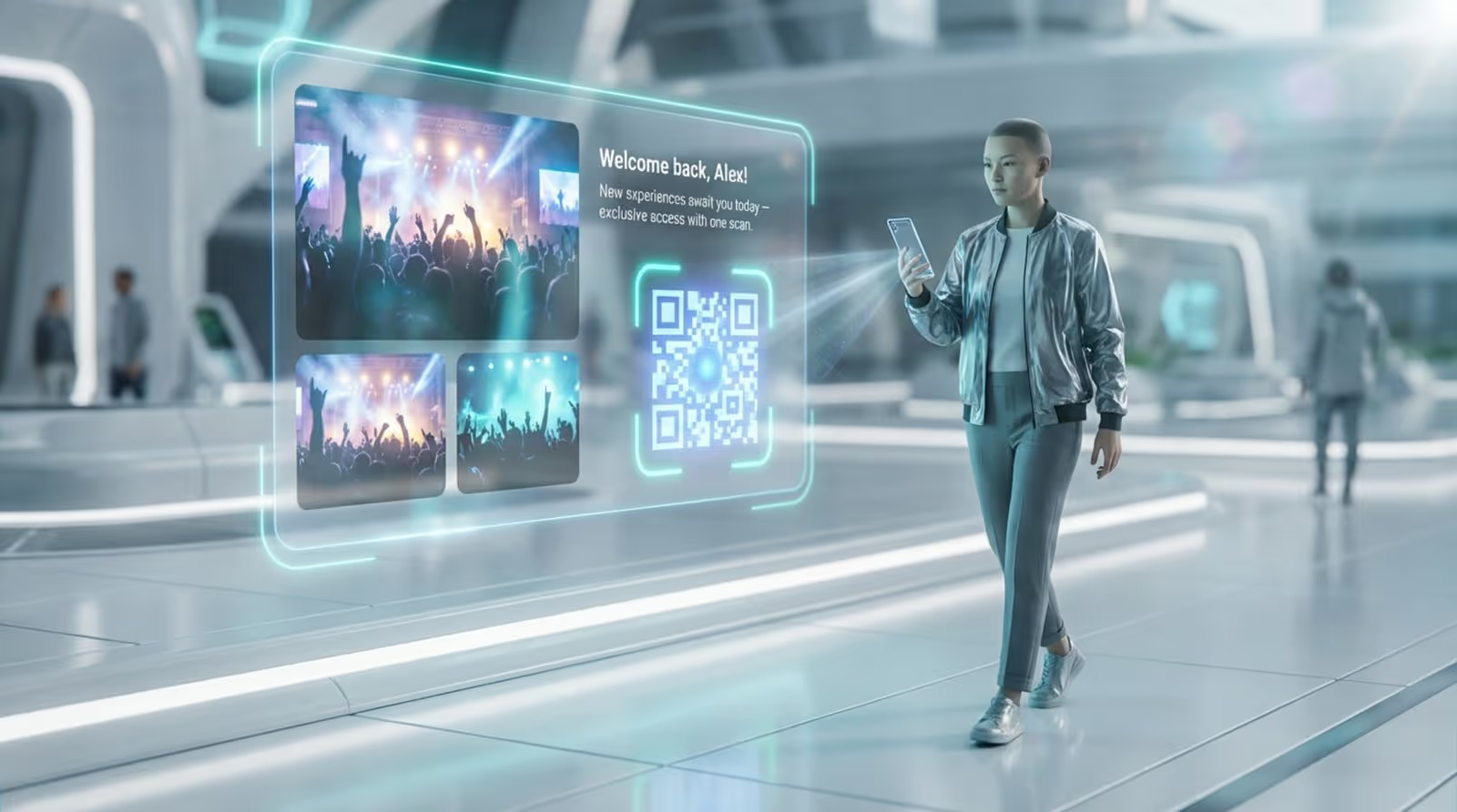
Interactivity is also expanding. Beyond touchscreens, simple integrations like QR codes allow users to take the information with them, effectively bridging the gap between the digital poster and the mobile phone.
Potential Challenges and Solutions
A common concern is reliability-screens going black or losing internet connection. To mitigate this, it is essential to choose software with Offline Playback. This feature ensures your content continues to run from local storage even if the internet goes down, keeping your screens live and your messaging uninterrupted.
Another challenge is keeping content fresh to avoid "screen blindness." Utilizing tools like Screen Layouts (to show multiple content types at once) and regularly refreshing playlists using ready-made templates helps maintain audience interest over time.





