How digital signage works

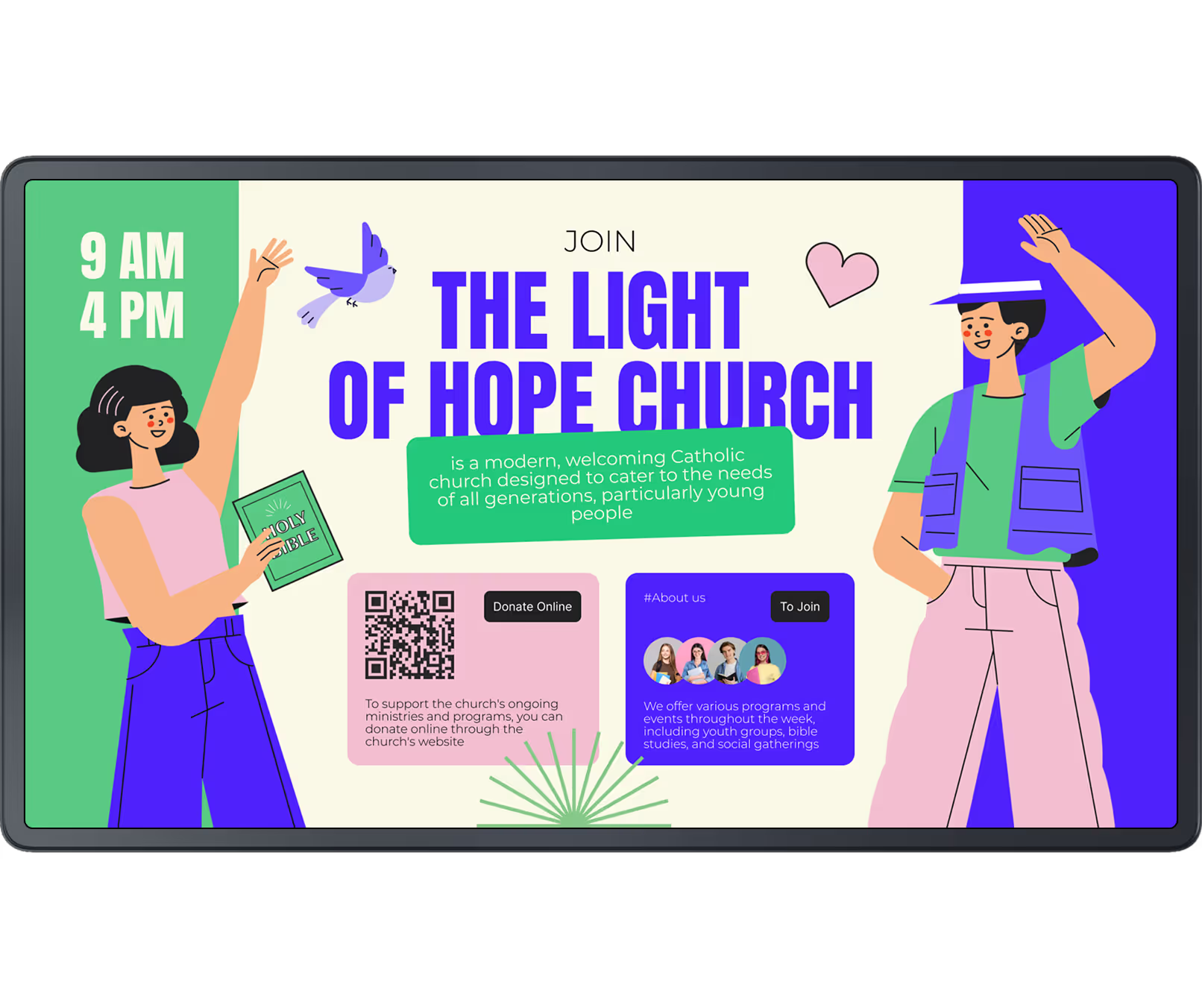
With Look Digital Signage, you can easily share messages, events, and updates within your church, creating a more connected and engaged community
  • Content

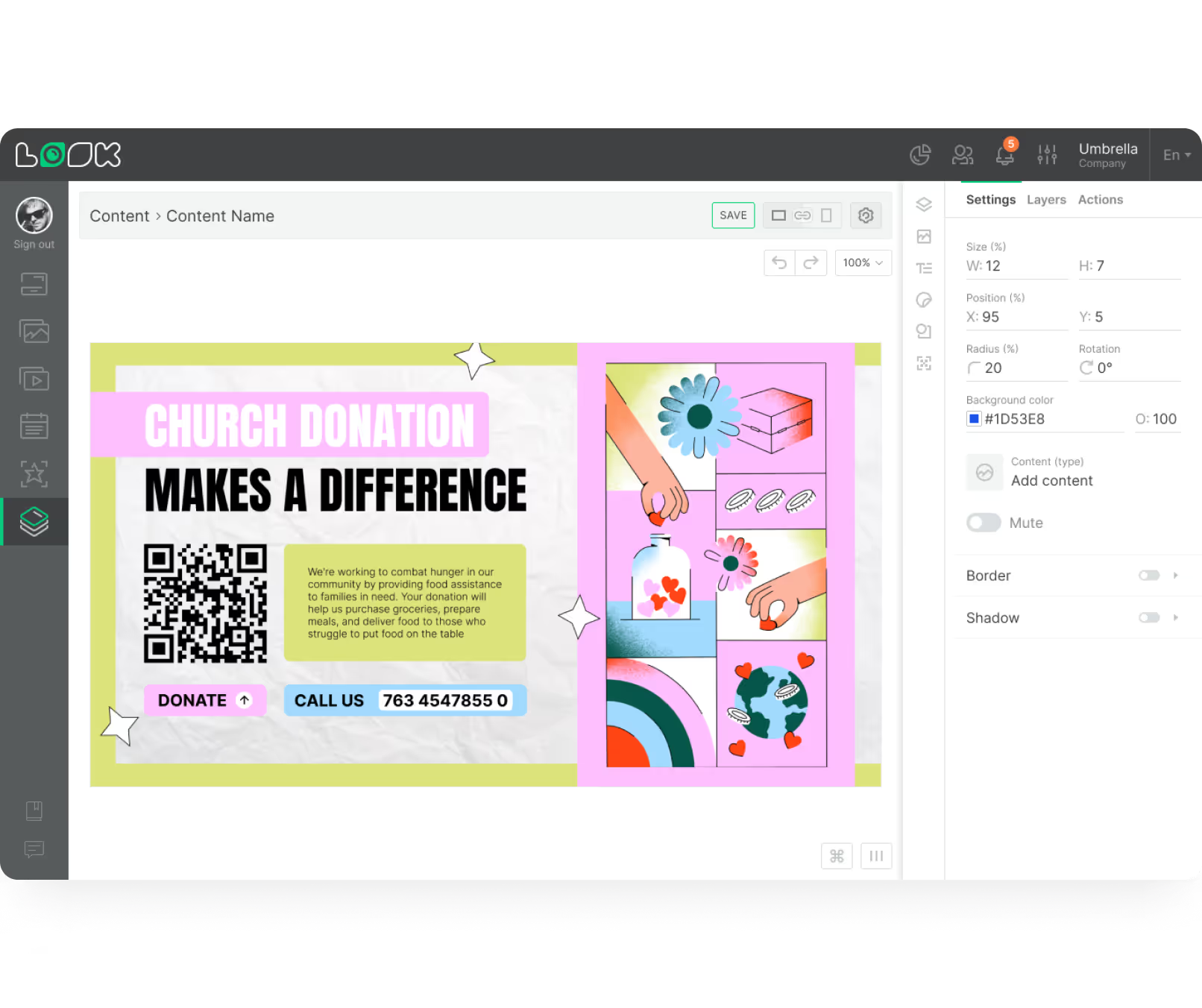
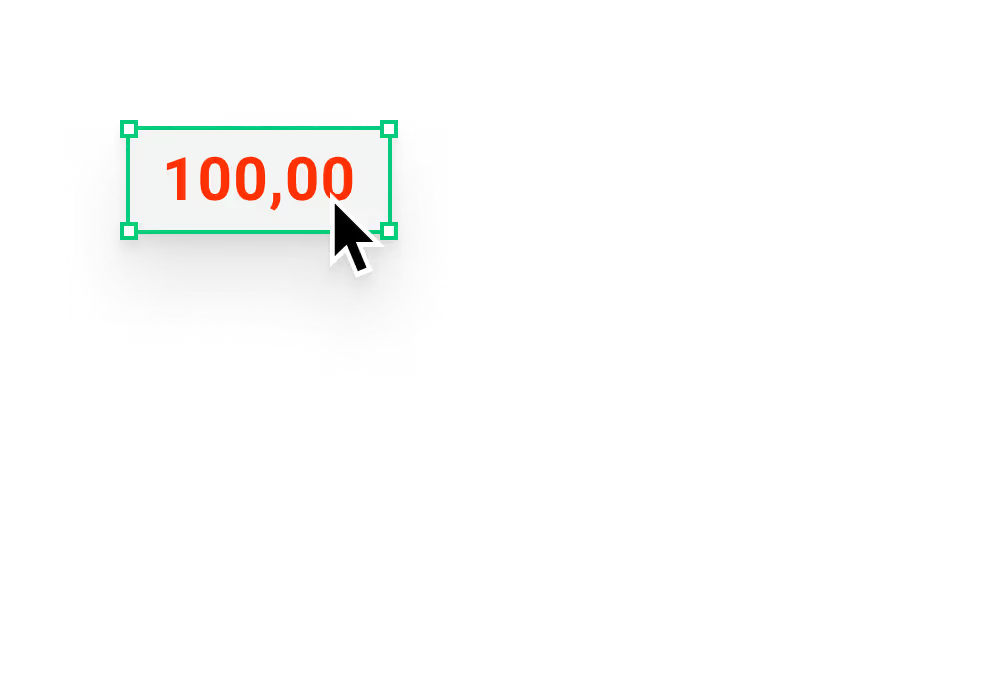
    Create content

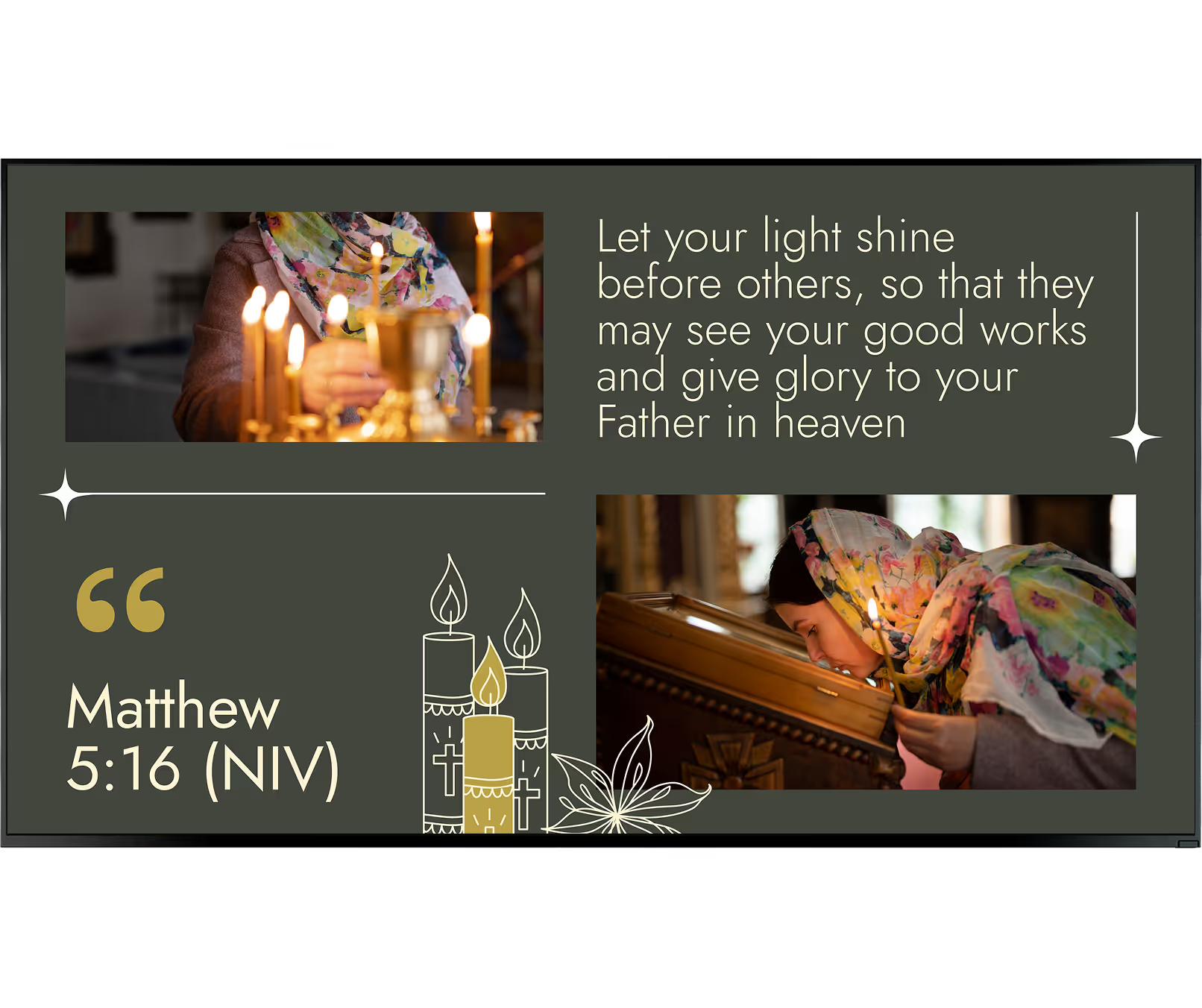
    Upload scripture verses, announcements, and event schedules, or choose from customized templates that can save you time and effort
  • Schedule

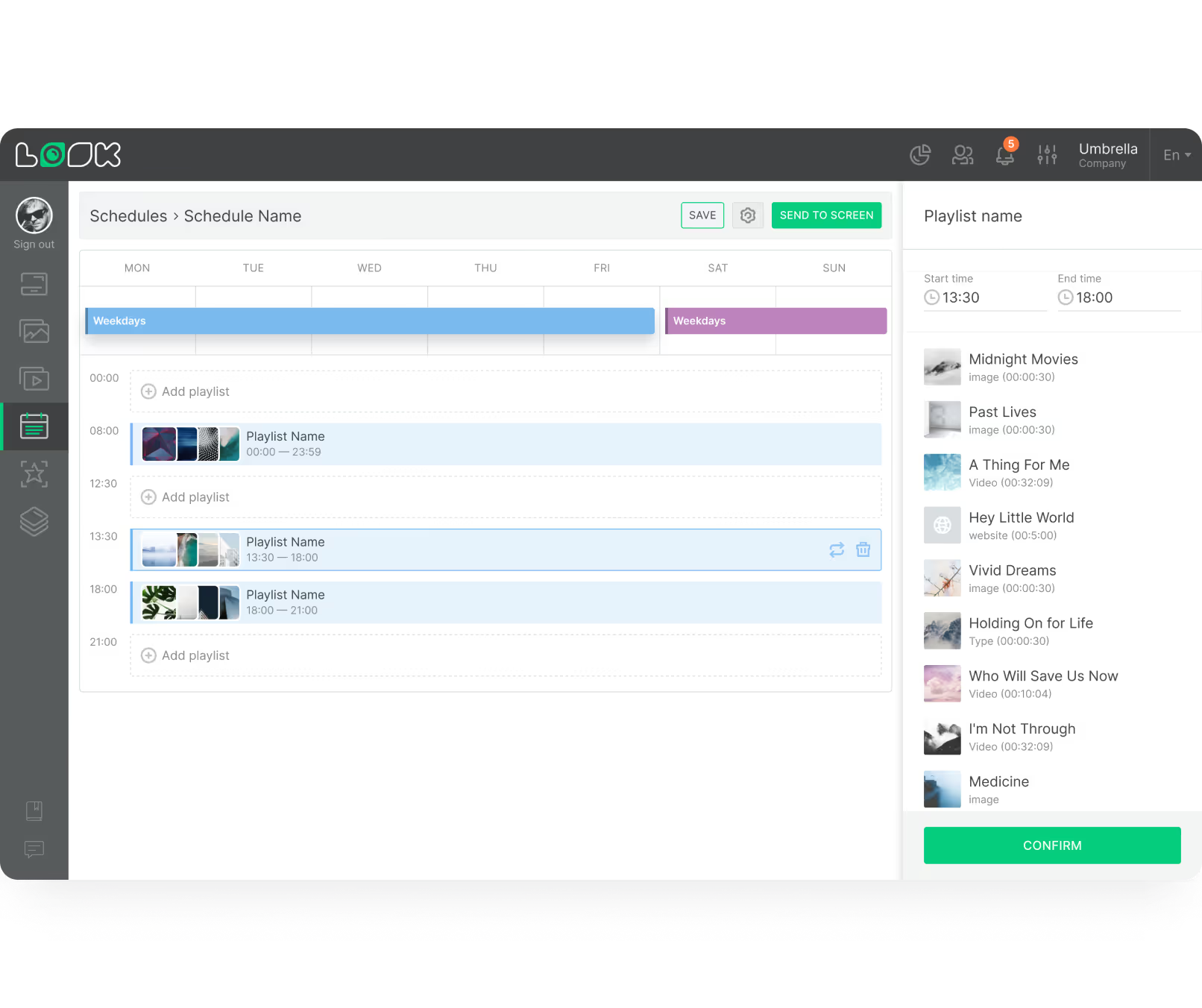
    Playlist and schedule

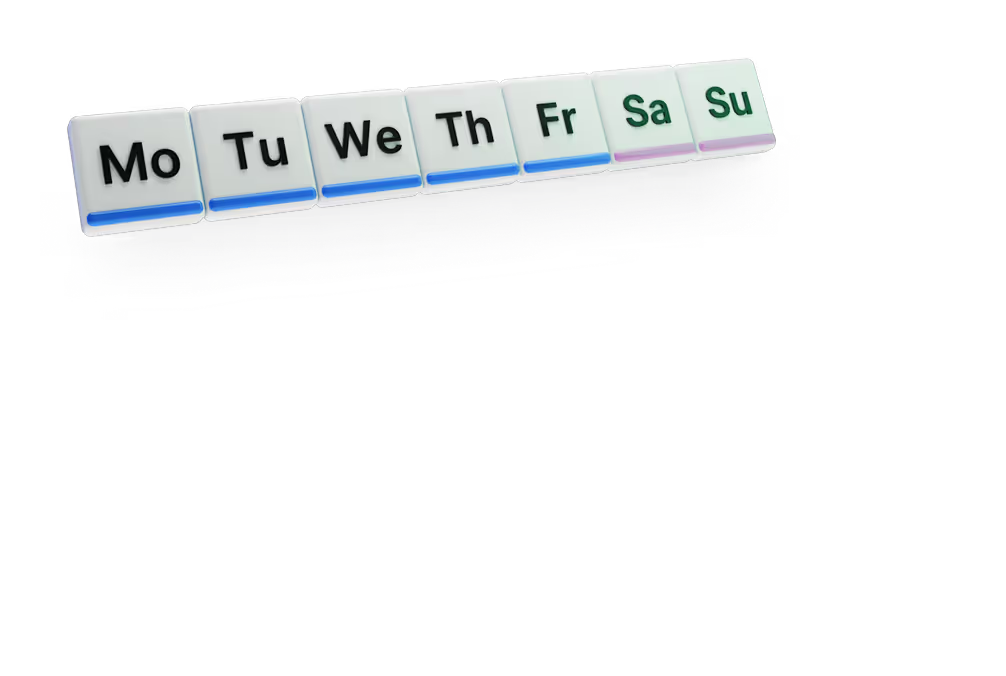
    Organize your content into playlists and schedule them to broadcast during specific events to ensure your community receives relevant updates
  • Playlists

    Start playing

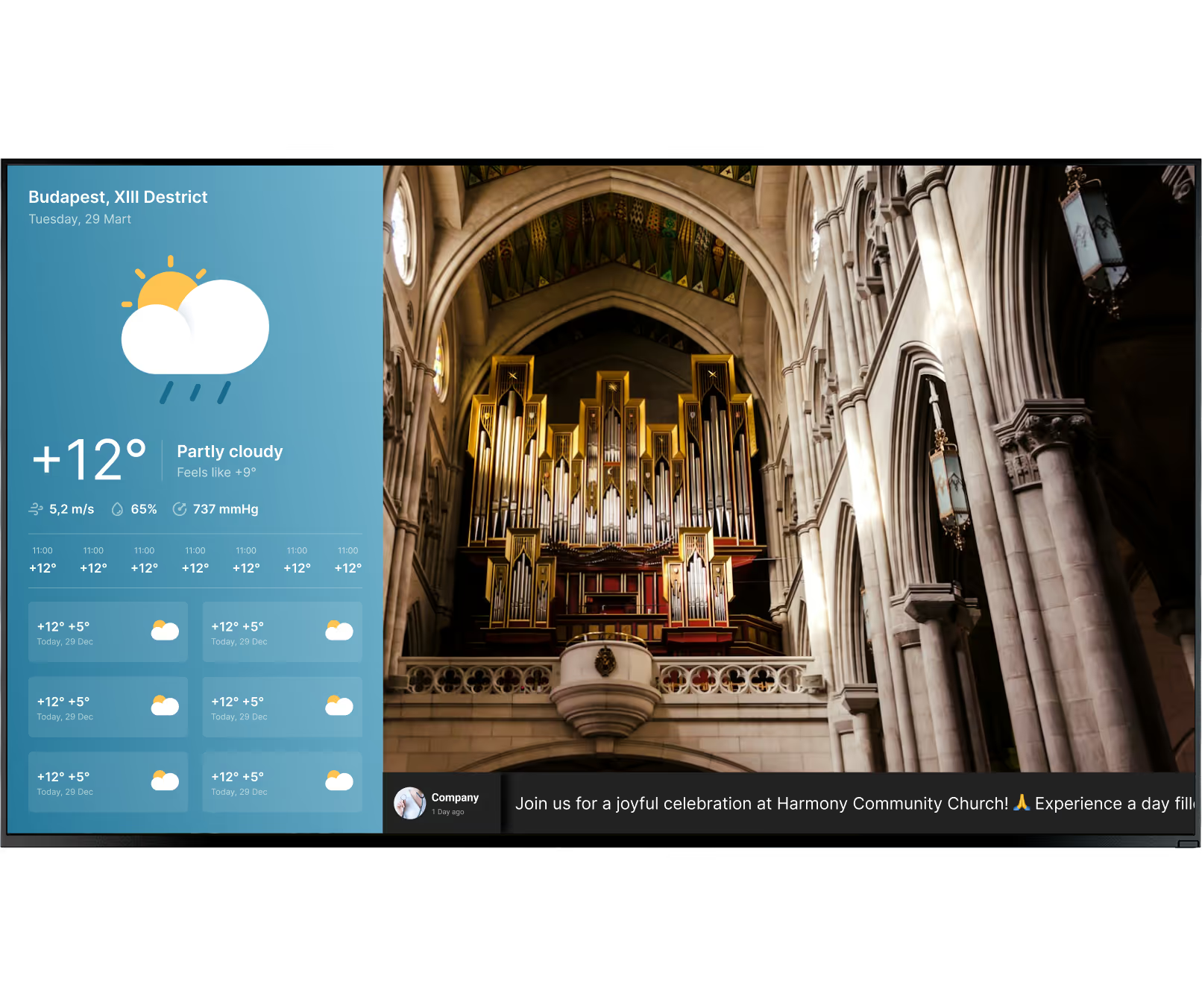
    Instantly deliver relevant content to any or all screens to create an engaging and holistic atmosphere of unity and worship for your congregation
Digital signage for churchDigital signage for churchDigital signage for church, laptop and TV

Success stories

Hear from our delighted customers! Check out their inspiring quotes about how our service has transformed their digital signage implementations.
Captera Rating
4.9
G2 Rating
5
60 000+
Screens
11 000+
Users
120+
Countries

Free digital signage templates for places of worship

Choose from a variety of professionally designed adjustable templates tailored for religious institutions. Customize them to reflect your church's unique character and communicate effectively.
Digital signage for church, tempplatesDigital signage for church, templatesDigital signage for church

How to turn your TV into a digital signage screen

Look service works seamlessly on any hardware, whether you're planning to purchase or already use it
Or

Install FREE Look App

Transform any TV or compatible device into digital signage by installing the free Look app.
WindowsAmazon Signage
Androidgoogle-tvLinuxOS Fire Amazon
macOSWebOSOS Tizen OS Raspberry Pi
Supported Operating Systems

Plug Look HDMI Player

Connect the Plug & Play Look Player to your display’s HDMI input for instant setup. Worldwide shipping.
Buy nowLook HDMI Player

Frequently Asked Questions

What is church digital signage?

Church digital signage puts announcements, service details, scripture, video, and schedules on the TVs and displays around your building — and lets you update all of it remotely. Look Digital Signage runs that from one web-based CMS. There’s no cap on connected players, so a church can add rooms, buildings, or entire campuses without changing systems.

What can churches display on digital signage?

Service times, sermon series graphics, Bible verses, and worship lyrics are the usual starting point. From there churches add event announcements, volunteer calls, giving information, wayfinding, livestreams, and emergency messages. Look reads JPEG and PNG images, MP4 and MOV video, audio, websites, RSS feeds, HTML, and HLS streams. One system, whether the content is a static slide or a live feed.

Where should digital signage screens be placed in a church?

Put screens where people already stop or slow down: entrances, welcome desks, lobbies, the sanctuary, hallways, children’s areas, fellowship halls, and cafés. A six-zone plan covers most buildings — exterior entrance, lobby, sanctuary, children’s wing, community spaces, and anything specific to that campus. Each zone gets its own schedule. Running one identical announcement loop everywhere wastes most of the screens.

Can digital signage help visitors find their way around a church?

Screens can point visitors toward the sanctuary, children’s rooms, restrooms, the fellowship hall, offices, classrooms, and accessible entrances. Look runs on landscape and portrait displays alike, with rotation settings of 90, 180, 270, and 360 degrees. So a vertical directory panel by the door and a standard horizontal TV in the lobby can run from the same account.

Can churches use digital signage for giving and volunteer recruitment?

Spoken announcements and printed bulletins ask a lot of people’s memory. A screen turns giving and volunteer opportunities into a call to action instead. Look’s Content Creator supports QR codes, and interactive scenarios add buttons and triggers — so a viewer goes straight to a donation page, volunteer form, event registration, or small-group signup on their phone.

What hardware is required for church digital signage?

A display, plus either the Look app on a compatible device or an external media player over HDMI. That’s the short list. Look currently runs on Android, Google TV, Fire OS, Windows, Linux, macOS, LG webOS, Samsung Tizen, and Raspberry Pi, so most churches can use hardware they already own instead of replacing every screen.

Should a church use consumer TVs or commercial displays?

For a small install running a few hours a day, a consumer TV is usually enough. Commercial displays earn their price in long operating schedules, bright rooms, and anywhere a failure would be noticed immediately. Look’s professional HD-2222 player is built for 24/7 operation and 4K playback — the kind of spec that matters in the sanctuary, the main lobby, or a multi-screen rollout.

Can I use an existing TV for church digital signage?

Often, yes. If the set runs a compatible operating system, you can install the Look app directly. If it doesn’t, a free HDMI input and an external player get you to the same place. Look supports consumer devices and professional signage hardware, including 4K players. Plenty of churches start with a donated TV in the lobby or the office, then build out once they know what they want from the network.

Can digital signage be used for emergency and weather messages?

The normal announcement loop can be pulled and replaced in seconds with a weather notice, a service cancellation, evacuation instructions, or a parking change. Look includes weather, text, and ticker capabilities, and content changes remotely from the CMS. If waiting for someone to log in is too slow, the API and more than 1,000 Zapier apps can fire the update automatically.

How difficult is it to set up church digital signage?

Not very. Install the Look app, or connect a player and get the device online. The screen then shows a six-digit initialization code; type that into the Look CMS and the screen is registered. Everything after that happens remotely. Staff or volunteers upload content, build a playlist, set the schedule, and send it to the display.

What happens if the church internet connection goes down?

Look caches media on the playback device, so cached scheduled content keeps running through an outage and lobby or sanctuary screens do not go black. New content, remote commands, live web sources, and real-time data resume when the connection does.

Can church announcements be scheduled automatically?

Content can be scheduled by time, date, day of the week, or on a repeating 24-hour cycle. Sunday service information on weekend mornings. Bible study notices on a weekday evening. Youth content ahead of Wednesday programs, holiday messaging across a set date range. None of it needs a volunteer walking around changing screens before each event.

Can one system manage multiple church screens or campuses?

One CMS account covers a handful of screens or an unlimited number of connected players. Most multi-campus churches organize theirs by location or by tags. Sermon-series artwork and organization-wide messages then go out across the whole network from one place, while each campus keeps its own playlists and schedules for local service times, ministries, events, languages, and announcements.

Can different church locations show different content?

Every screen, or group of screens, can run content that fits where it hangs — no single identical playlist for the whole building. Welcome information in the lobby. Check-in instructions in the children’s wing. Different service times at another campus. Tags in Look let administrators filter and organize all of it as the network grows.

Can churches manage digital signage with volunteers?

A volunteer-led communications team can run signage without every user getting unrestricted control. Look supports multi-user access with personalized permission levels. Ready-made templates and the built-in Content Creator take most of the design work off the table, and the AI Wizard generates headlines, images, and layouts — enough for a small team to keep routine content moving without a dedicated designer.

How can churches make digital signage accessible?

Large text, strong contrast, captions on spoken video, restrained animation. WCAG sets 4.5:1 contrast for normal text, 3:1 for large text, and a limit of three flashes per second. Setting these once in a Look template keeps them consistent across every screen you add later.

Can a church use digital signage outdoors?

Not with an indoor TV. Outdoor units need weather and sunlight rating, typically IP65 and 2,500 nits or more. Local ordinances often cap brightness, dimensions, and message-change frequency, so check before ordering. Look drives many LED installations via a suitable external media player.

How much does church digital signage cost?

Screen count drives most of it, alongside the hardware you already own, the display type, media players, and the software plan you choose. None of that means building an AV system before you find out whether signage works for your church. Look currently offers a 14-day full-access trial with two connected screens plus a demo screen. Subscription starts at $6 per screen per month for one paid screen.

Can church digital signage show live services and video streams?

Livestreams, recorded sermons, ministry videos: Look pushes all of it to compatible screens. The platform reads MP4 and MOV files along with HLS streams. Given a properly configured streaming source and network, a service or event feed reaches lobby displays, fellowship spaces, overflow rooms, and screens at another site.

How can staff check whether church screens are working?

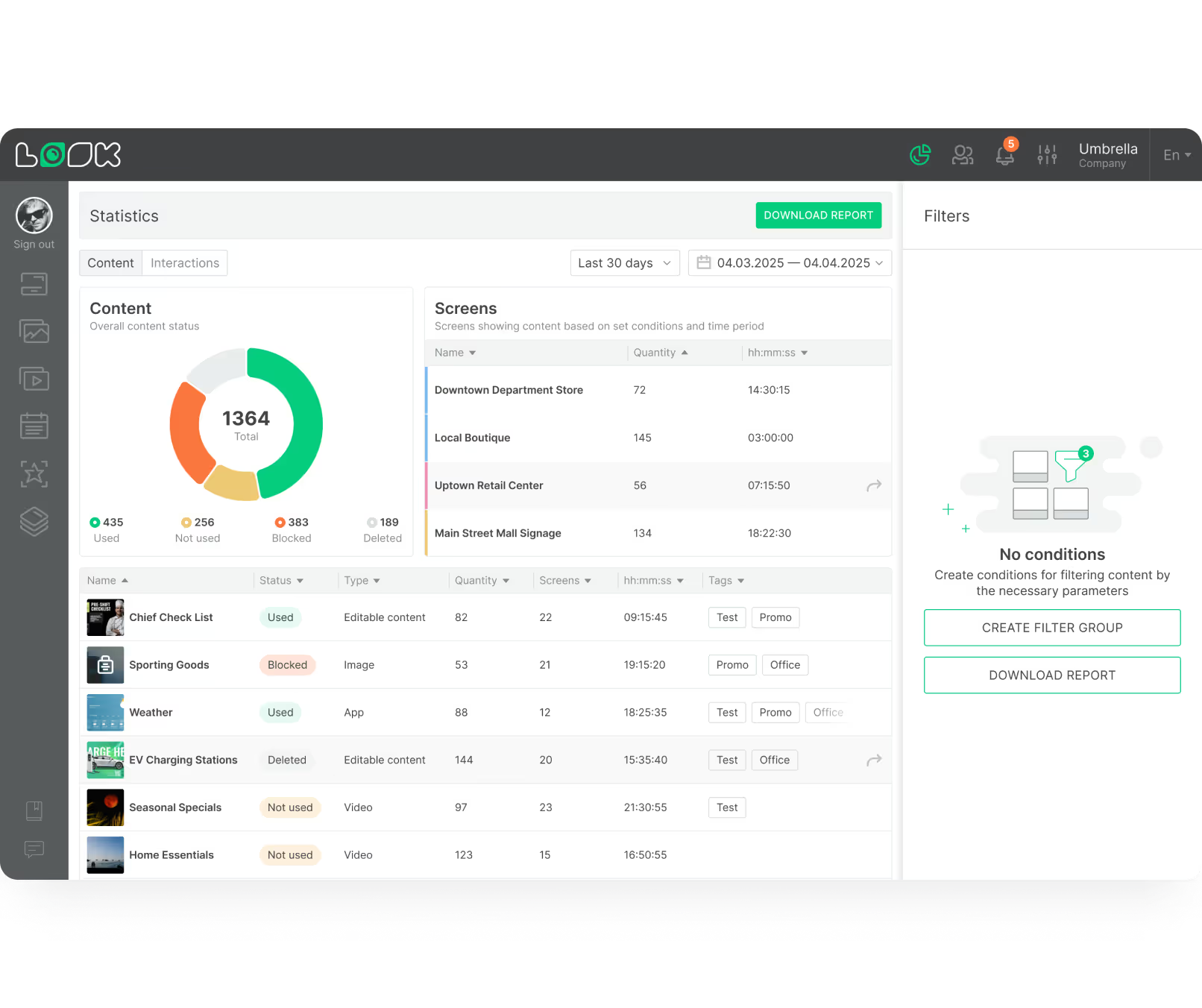
Nobody has to walk the building. Look CMS shows online and offline status plus playback history, and screen snapshots can be pulled in real time or on a schedule to confirm what is actually on the display. The value of that grows quickly once a church runs screens in several buildings or across campuses.

How can churches keep digital signage secure?

Start with who has access. Look assigns personalized permission levels per user, so a volunteer scheduling lobby slides isn’t also holding keys to the whole network. After that it comes down to the network itself and to placing devices where visitors can’t physically reach them. On the platform side, cloud data sits on AWS infrastructure with stated 99.9% uptime and end-to-end encryption. Churches needing tighter control over their own infrastructure and data can deploy Look on-premises instead.

Can Look Digital Signage control a church video wall?

Look feeds content to a video wall, though the wall itself is mostly a hardware project. Commercial video-wall displays connect over DisplayPort or through a matrix system, with a powerful enough external player supplying the content. Inside Look CMS, the finished wall is managed as one screen rather than panel by panel.

How much content should a church put in one announcement loop?

Five to eight slides. One idea per slide, a clear date, a single next step, readable in about six seconds. Look’s scheduling drops date-specific slides automatically, which is the part most churches forget to do by hand.

Can church digital signage replace printed bulletins and posters?

For time-sensitive notices, mostly. A date, room, or service change goes live without reprinting, and one display rotates a week of announcements. Scheduling retires dated content on its own. Print still wins when a visitor wants something to take home.