Digital signage for every area of a healthcare facility
An entrance directory has one audience, a waiting-room display another, a nurse-station board a third. All three run from one Look account, and patient-facing content is kept apart from staff communication – separate playlists, separate schedules, separate permissions.
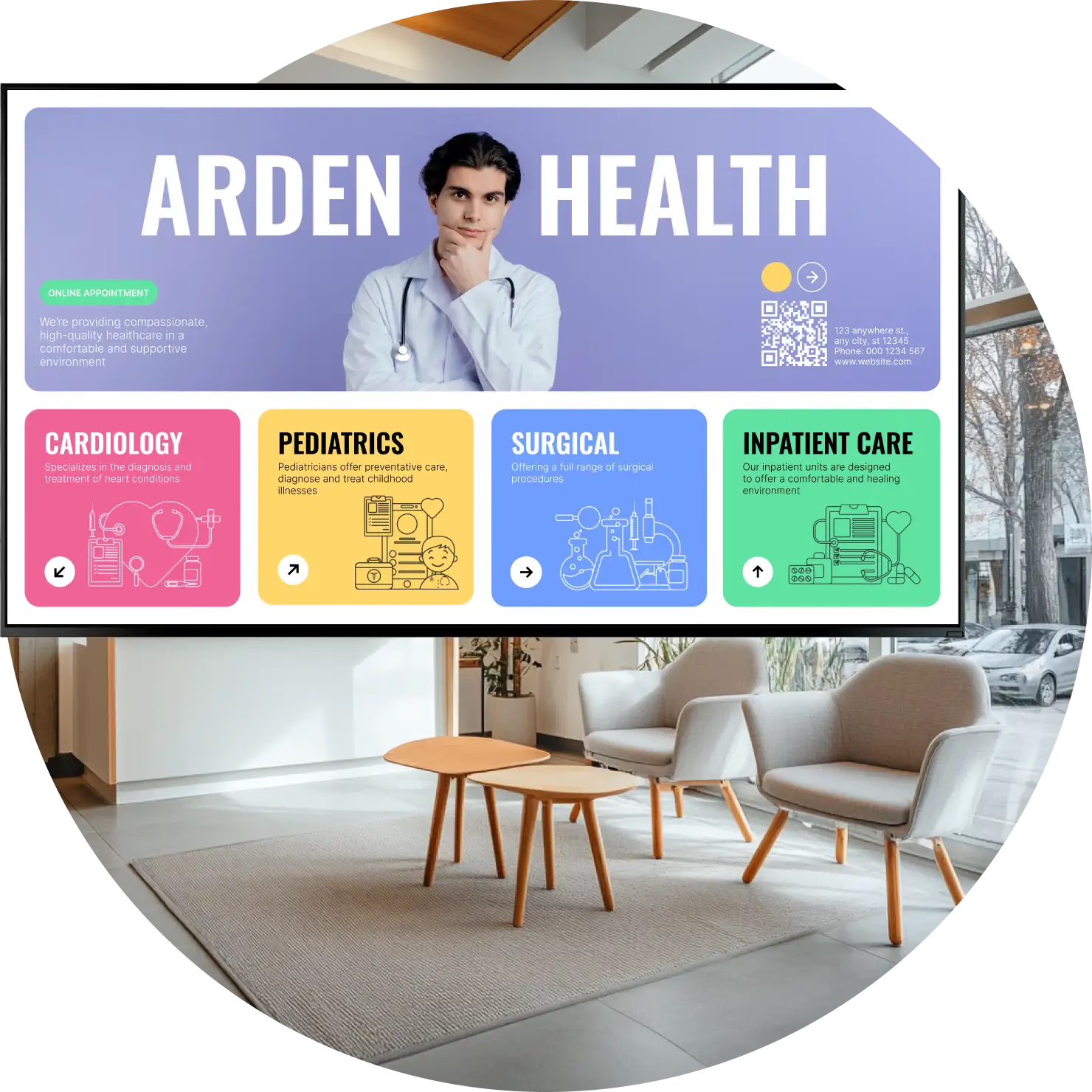
Entrance, reception and directories
Answer the first question before anyone asks it.
The screen inside the door carries what people otherwise queue at reception to ask: which floor a department is on, today's clinic hours, where to check in, which entrance is closed this week.
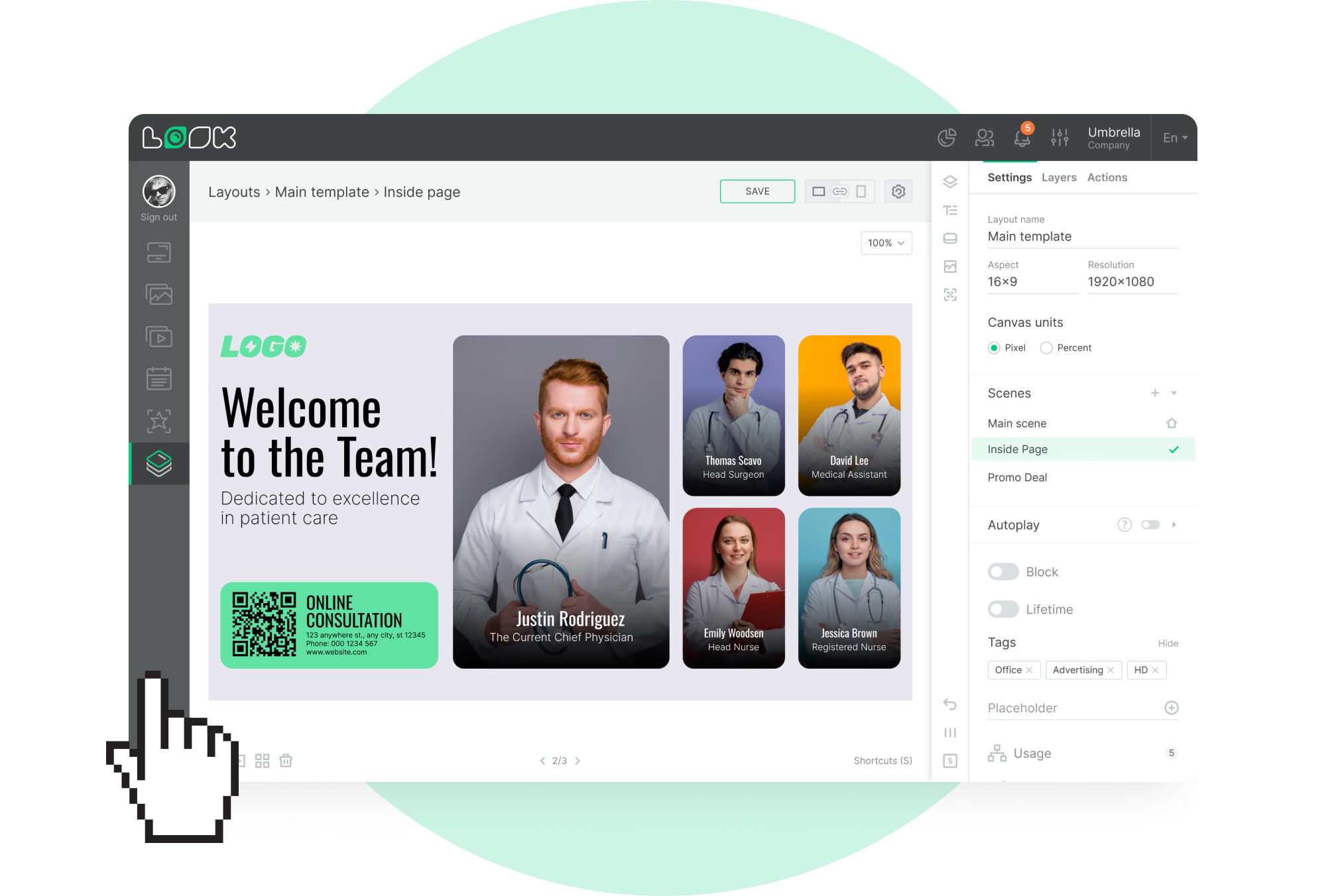
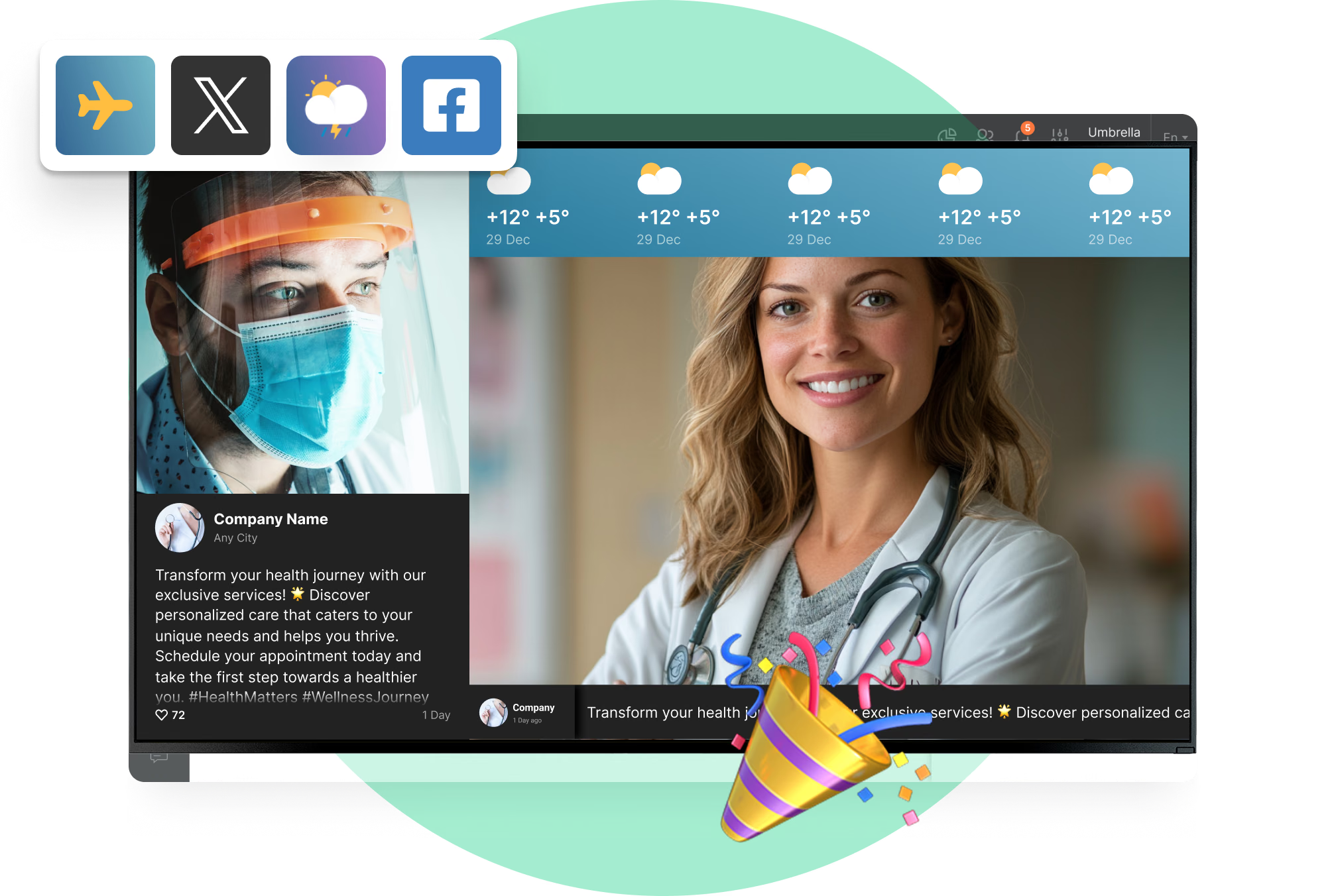
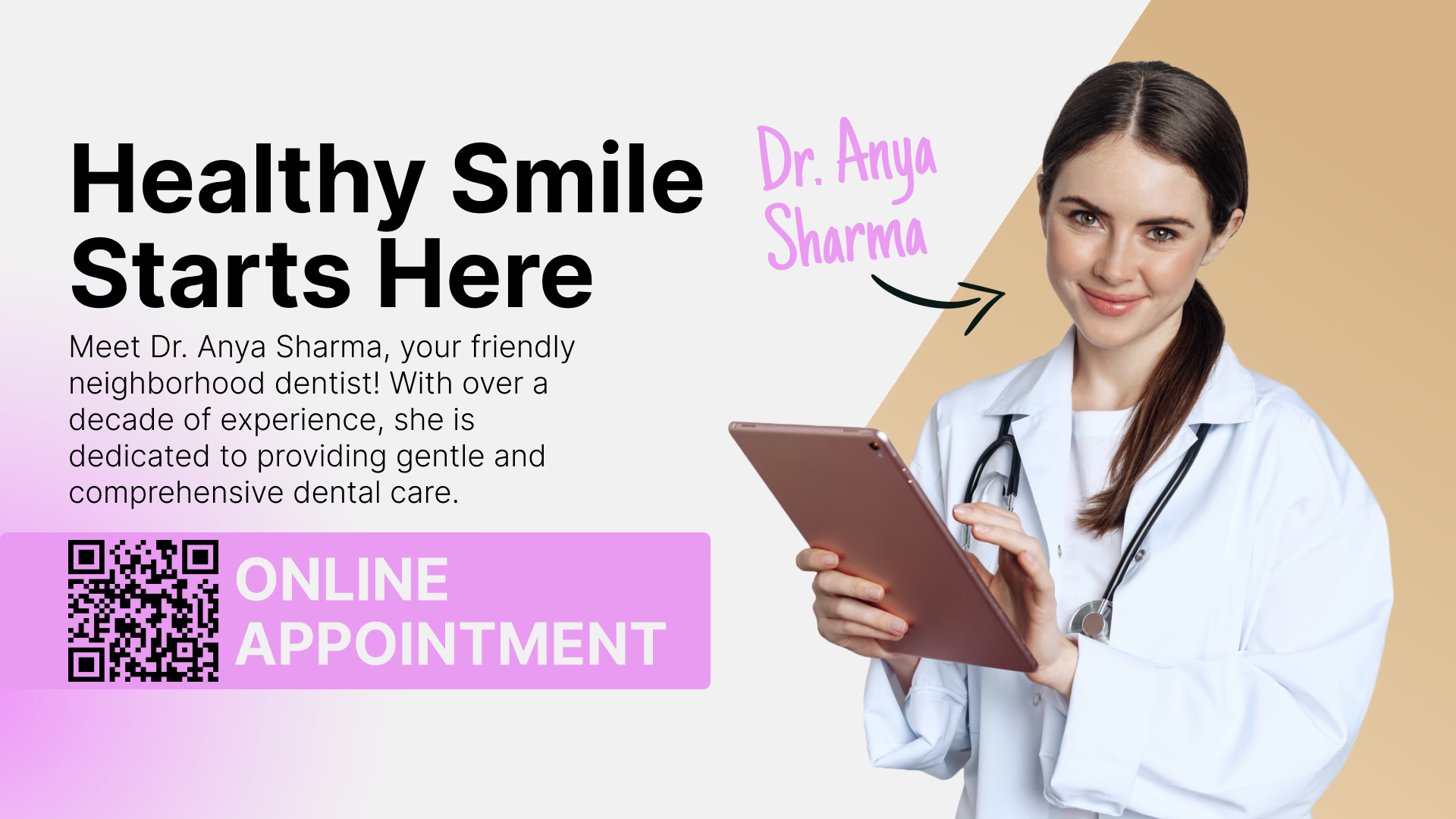
A multi-zone layout puts the directory, a notice and a ticker on one display, and a QR code sends the full department map to a visitor's own phone.
Best for: Department directories, floor maps, clinic hours, check-in steps, visitor notices, QR to a map
Waiting rooms and reception areas
Give people something useful to look at.
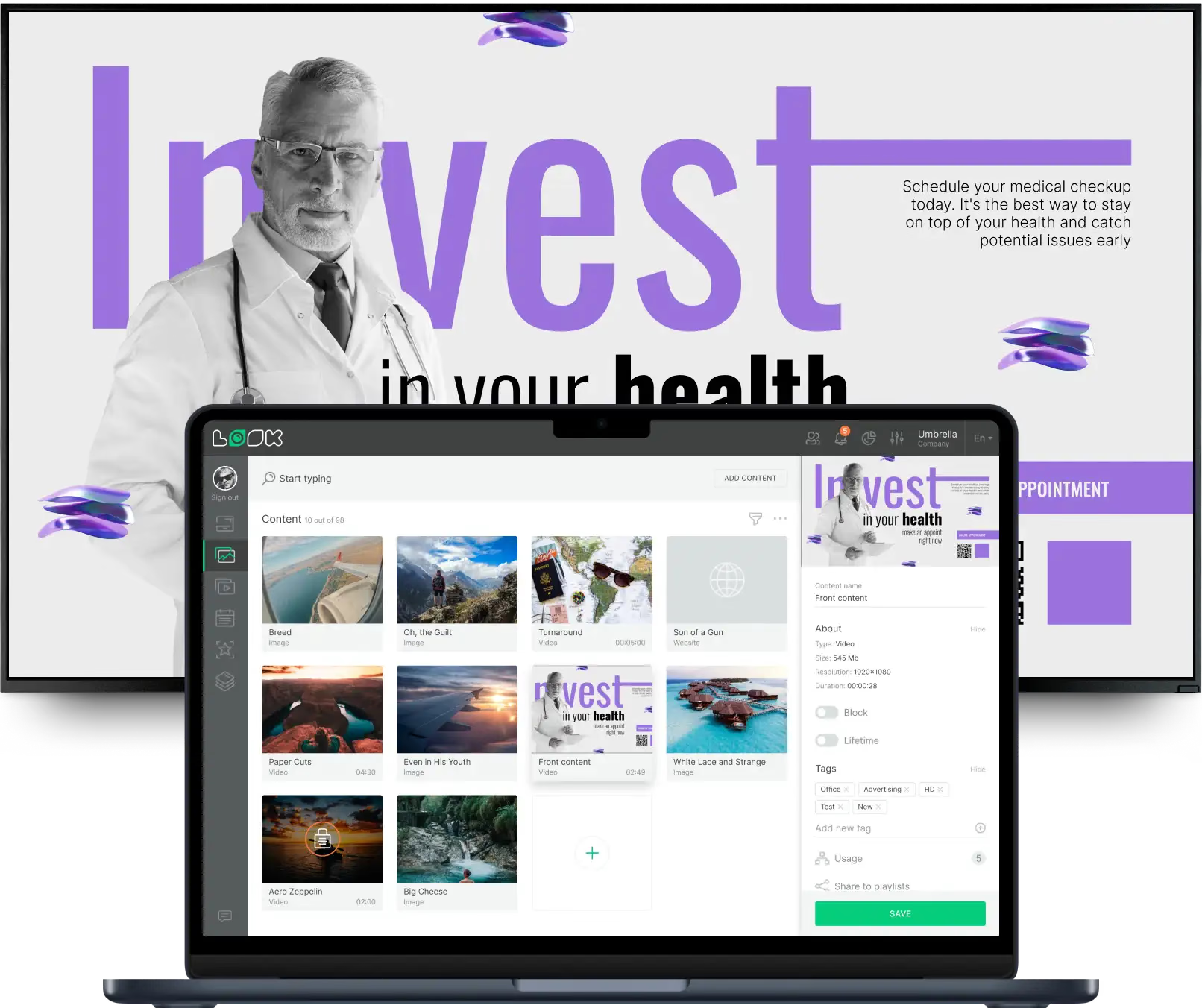
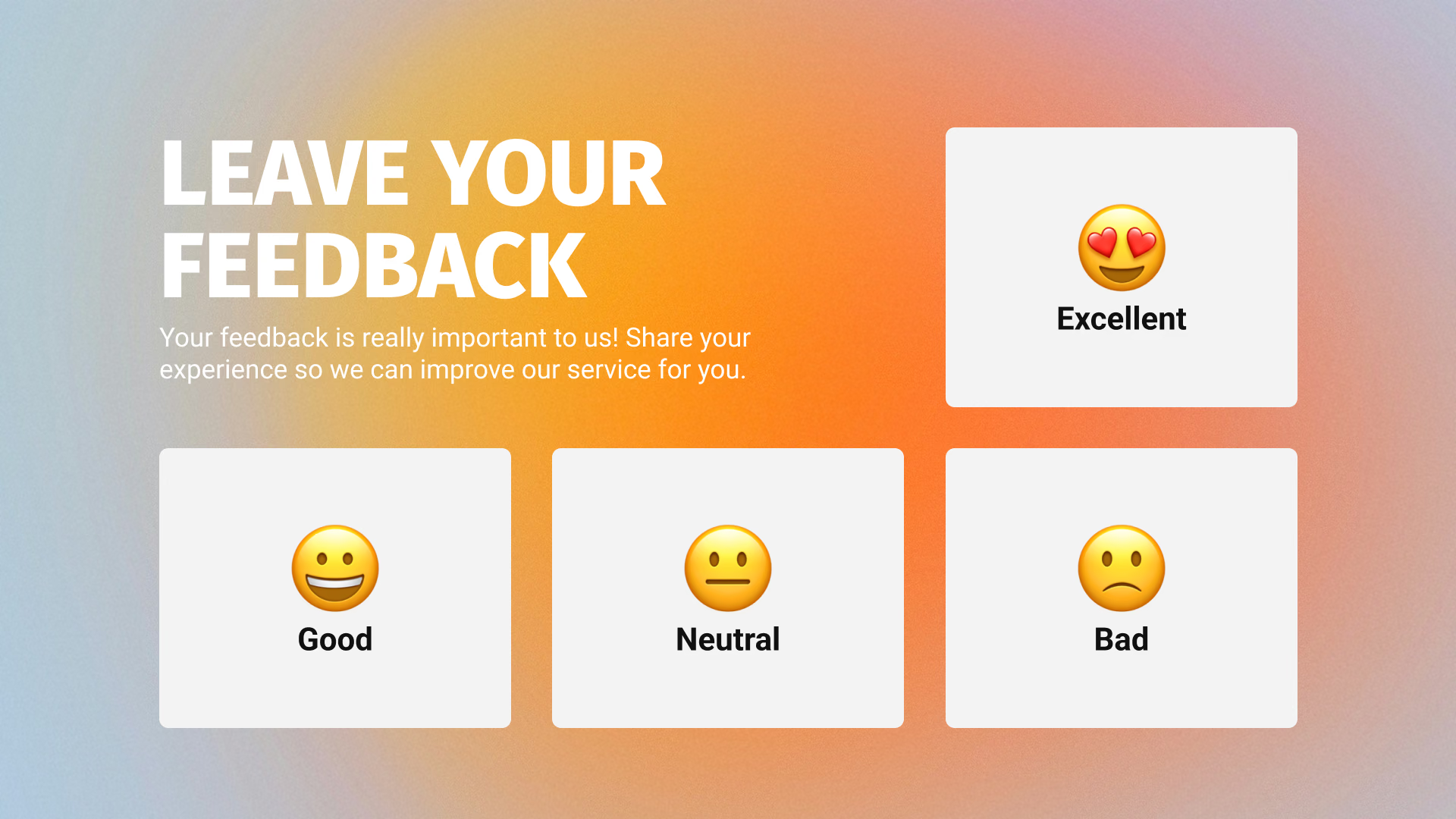
Waiting is when questions and uncertainty build up. Health information, service updates and calm content put that time to better use, and they answer what reception would otherwise field one visitor at a time.
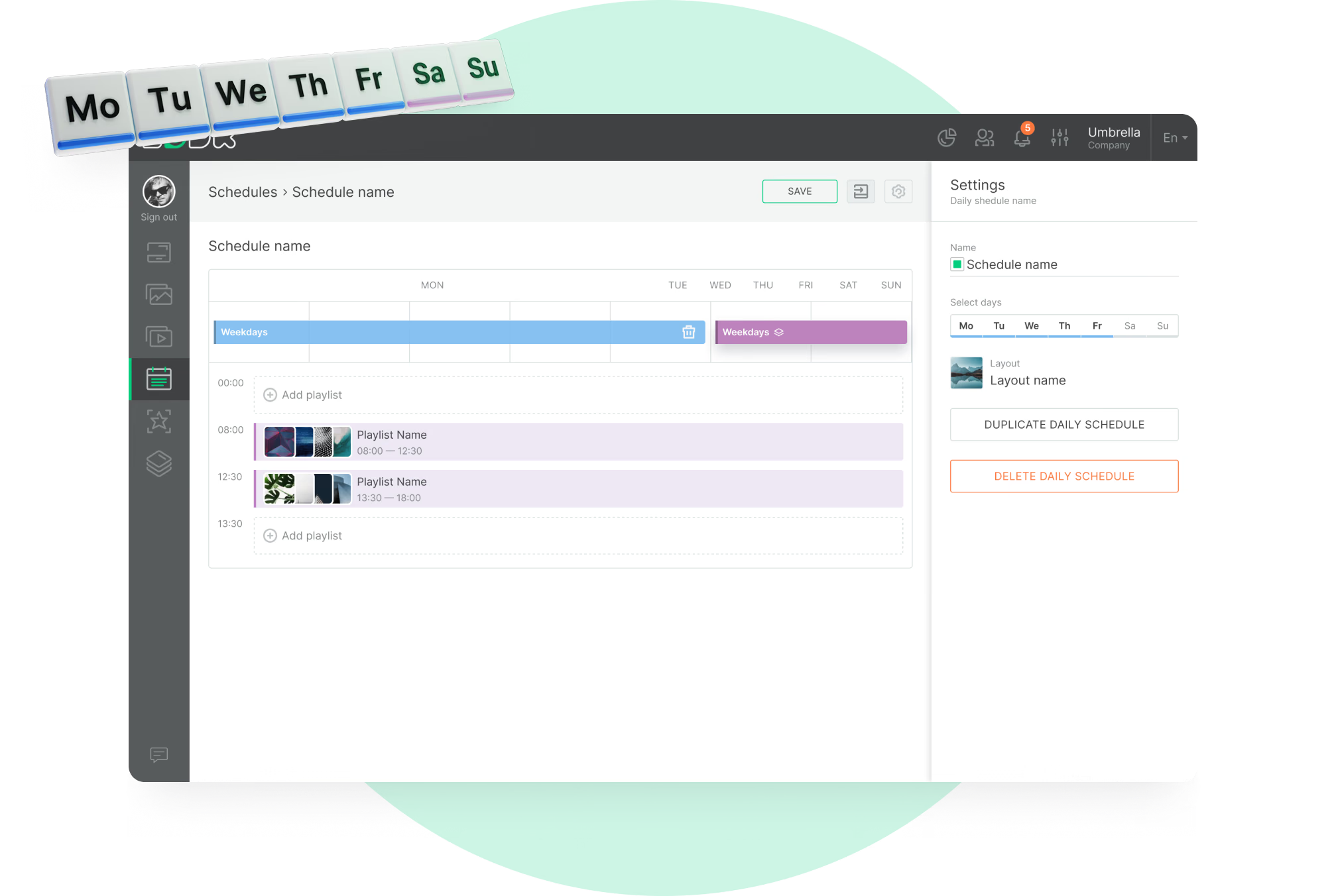
Tag the screens into groups and the building's waiting areas share one schedule, while a specialist clinic sticks to its own.
Best for: Health information, service updates, department news, patient notices, QR to forms
Corridors, wards and treatment areas
One line. Readable at walking pace.
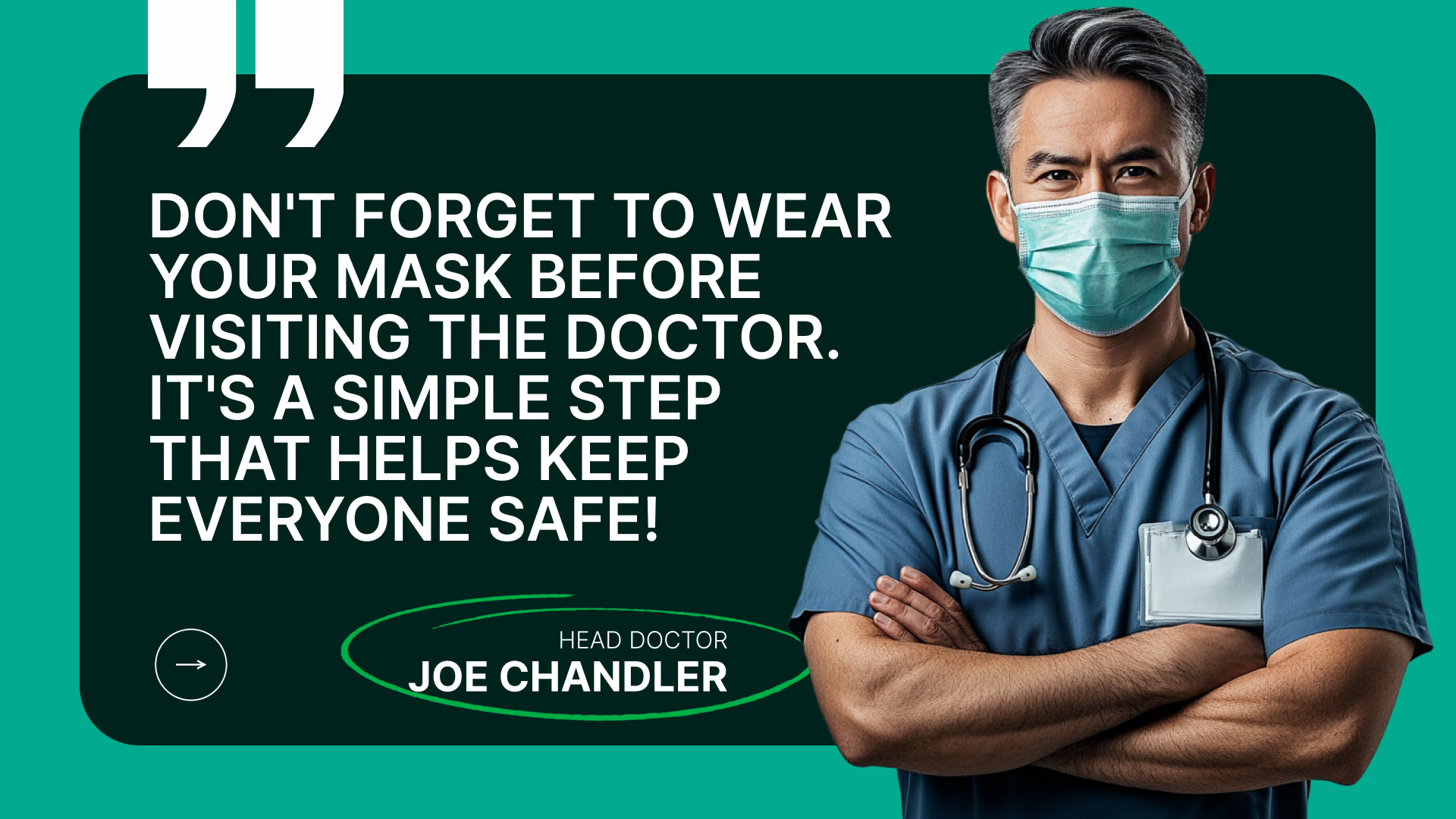
A paragraph on the way to radiology goes unread – nobody stops. Corridor screens want one message, in type you can take in while walking: a direction, a hygiene reminder, a service change.
Cached images and video carry on when a wing loses its connection – which counts most on the screens nobody is standing next to at the time.
Best for: Directional signs, hygiene reminders, service changes, ward information, safety notices
Staff rooms and nurse stations
Reach the people who never open the email.
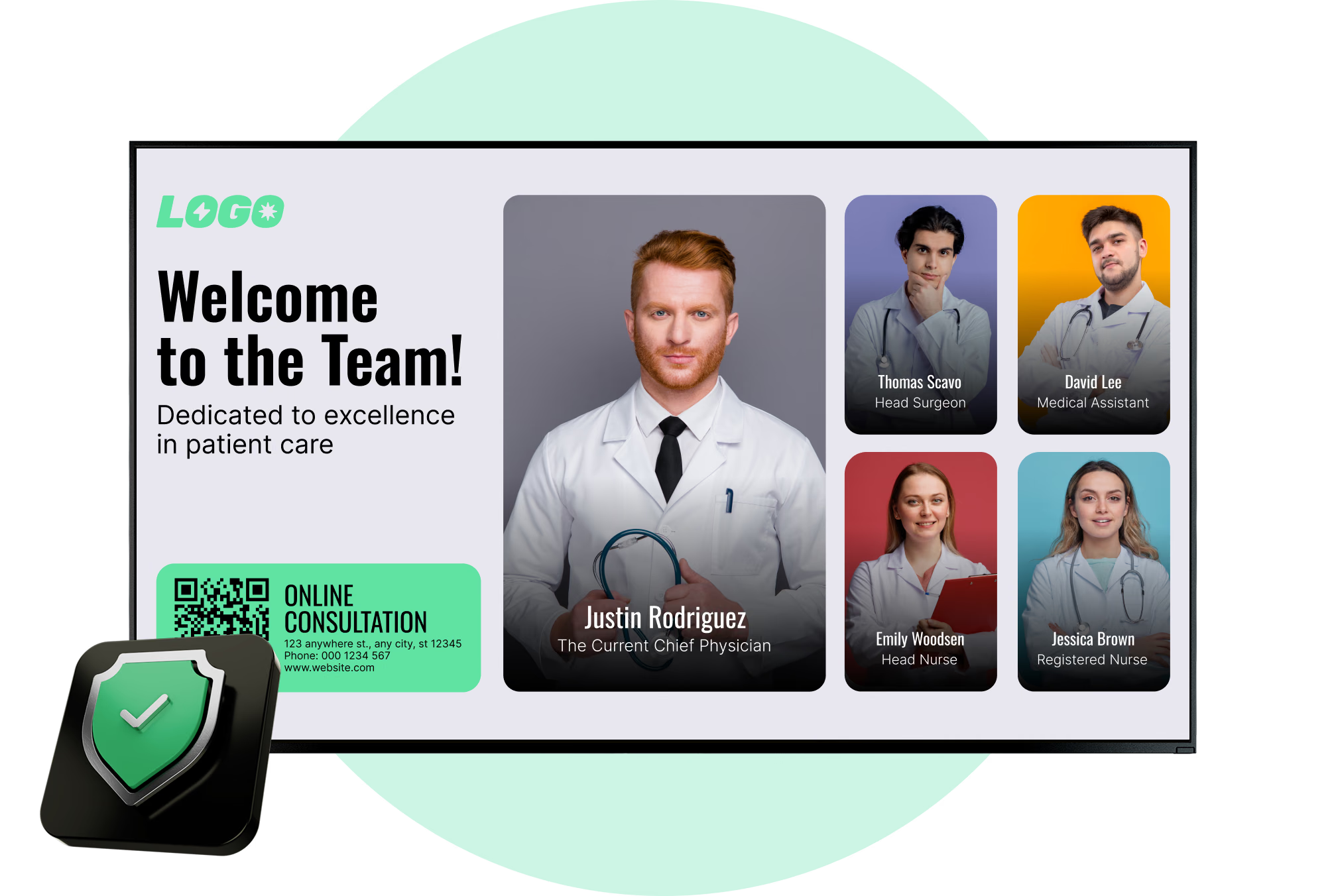
An all-staff message is not what a night-shift nurse is reading. Shift handover notes, staffing changes, safety reminders and recognition land on a screen at the nurse station or in the break room.
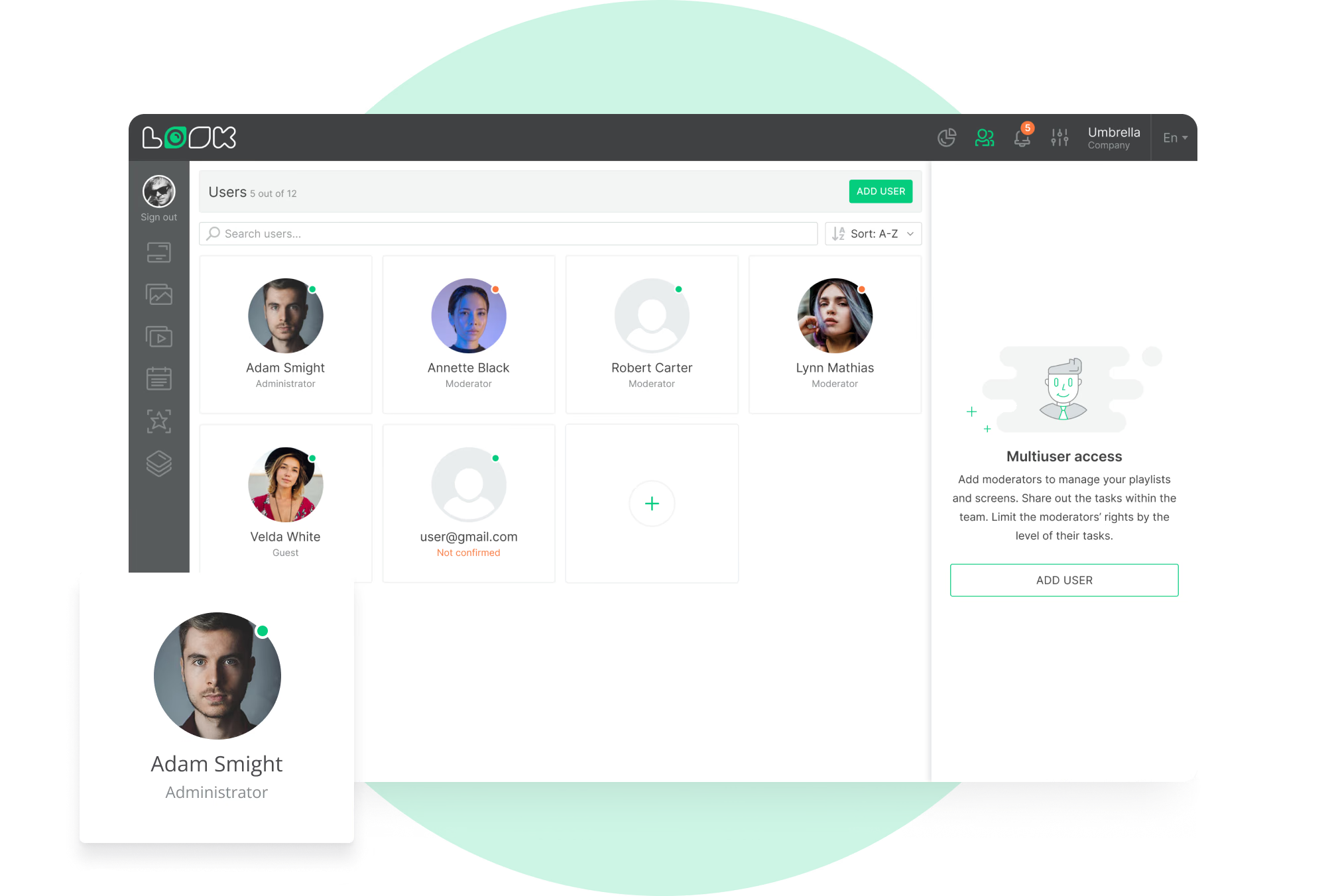
There's a separate playlist and schedule for staff content, and access is set per CMS section. The people posting updates get content and scheduling; device settings and account access stay out of their reach.
Best for: Shift handover notes, staffing changes, safety reminders, training dates, quality boards, recognition
Patient education and discharge points
Send the instructions home on a phone.
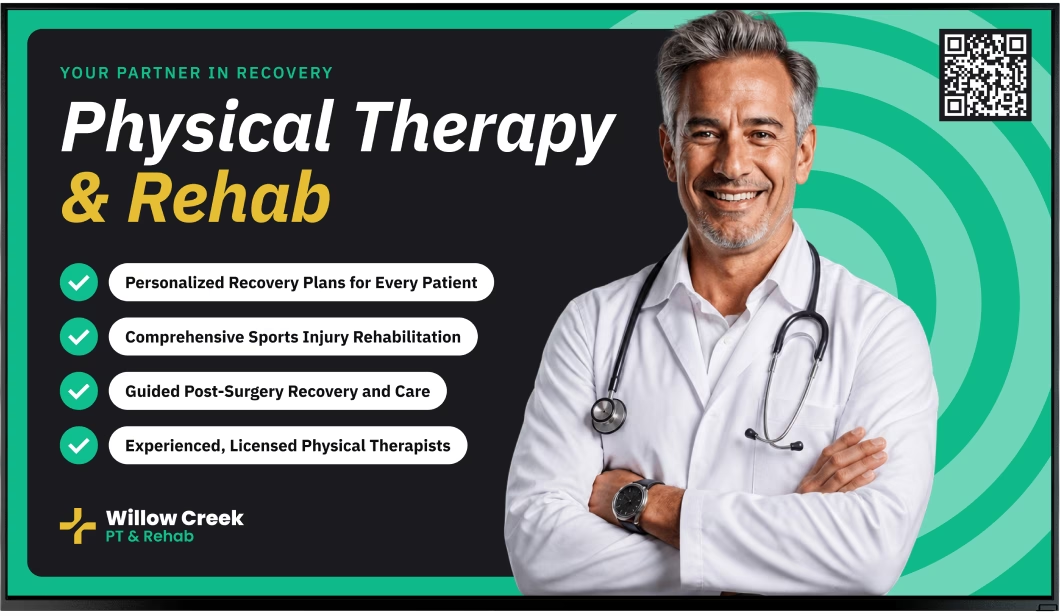
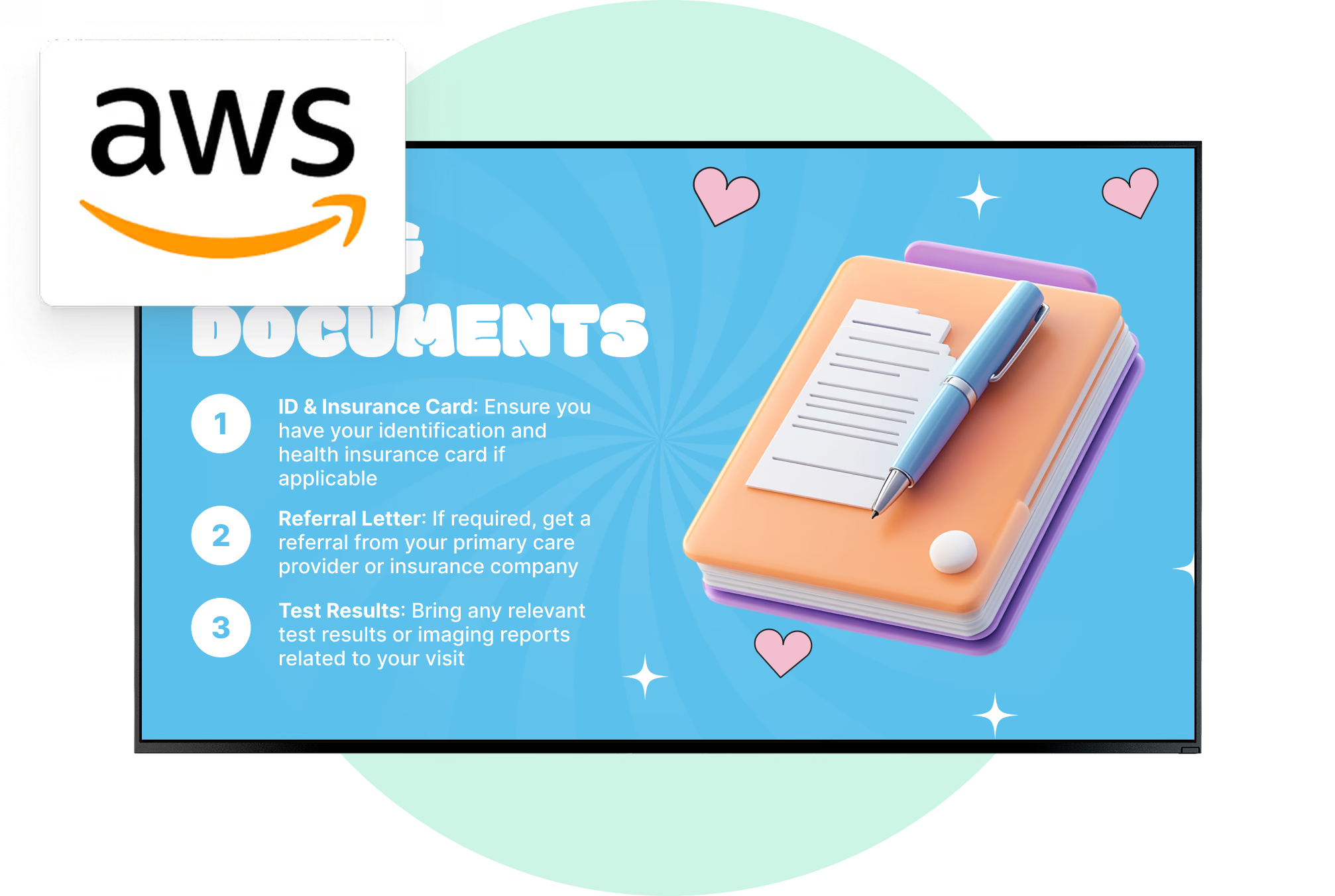
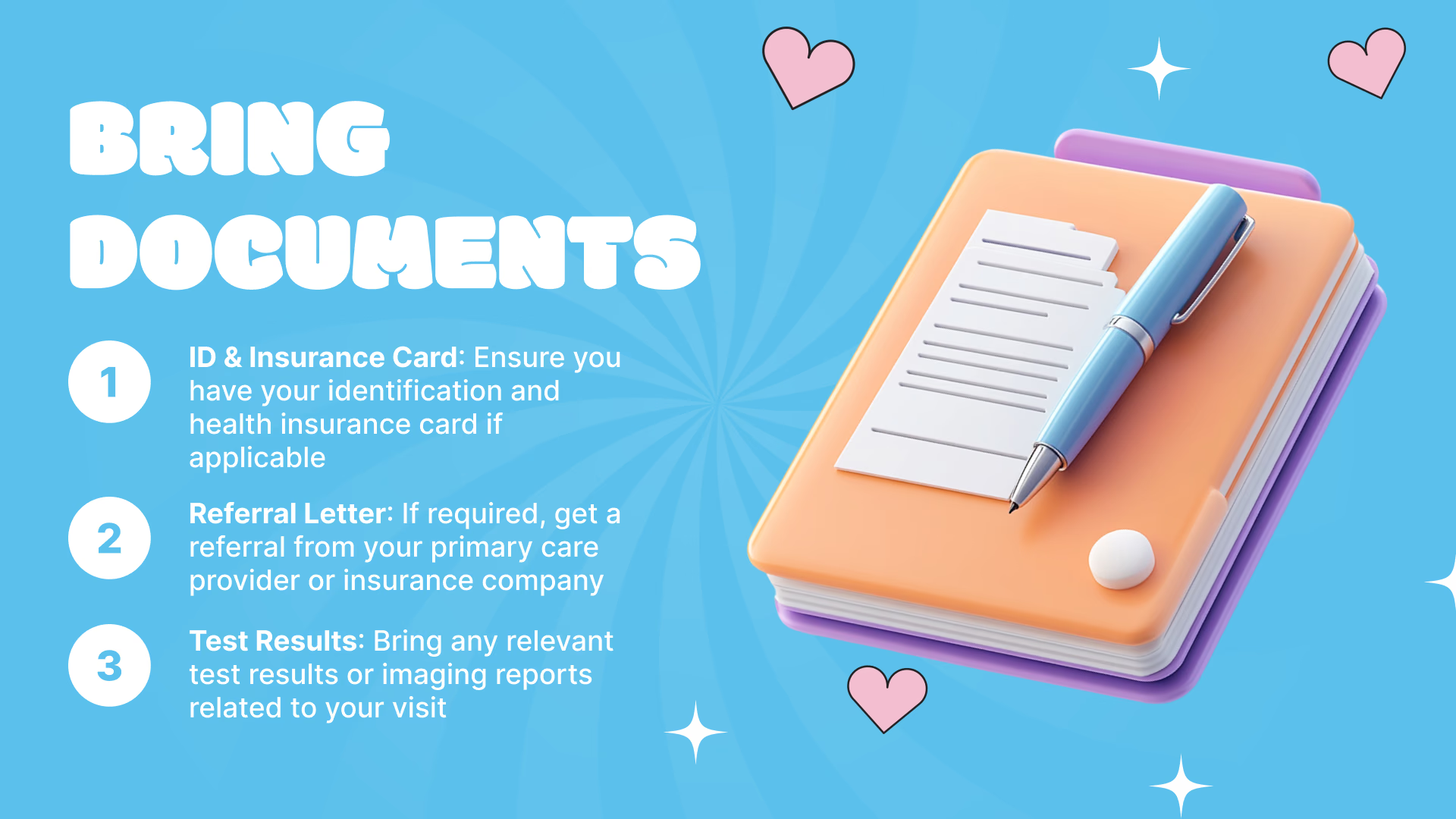
Patients forget aftercare and medication instructions on the way to the car. A screen in the treatment room or at the discharge desk carries the short version and a QR code that opens the full leaflet on a phone.
Because every screen carries its own schedule, the dermatology room and the physio room each show education material suited to the appointment happening in front of it.
Best for: Aftercare steps, medication guidance, preventive care, vaccination notices, QR to leaflets
Pharmacy counters and retail areas
Information, right where people pay.
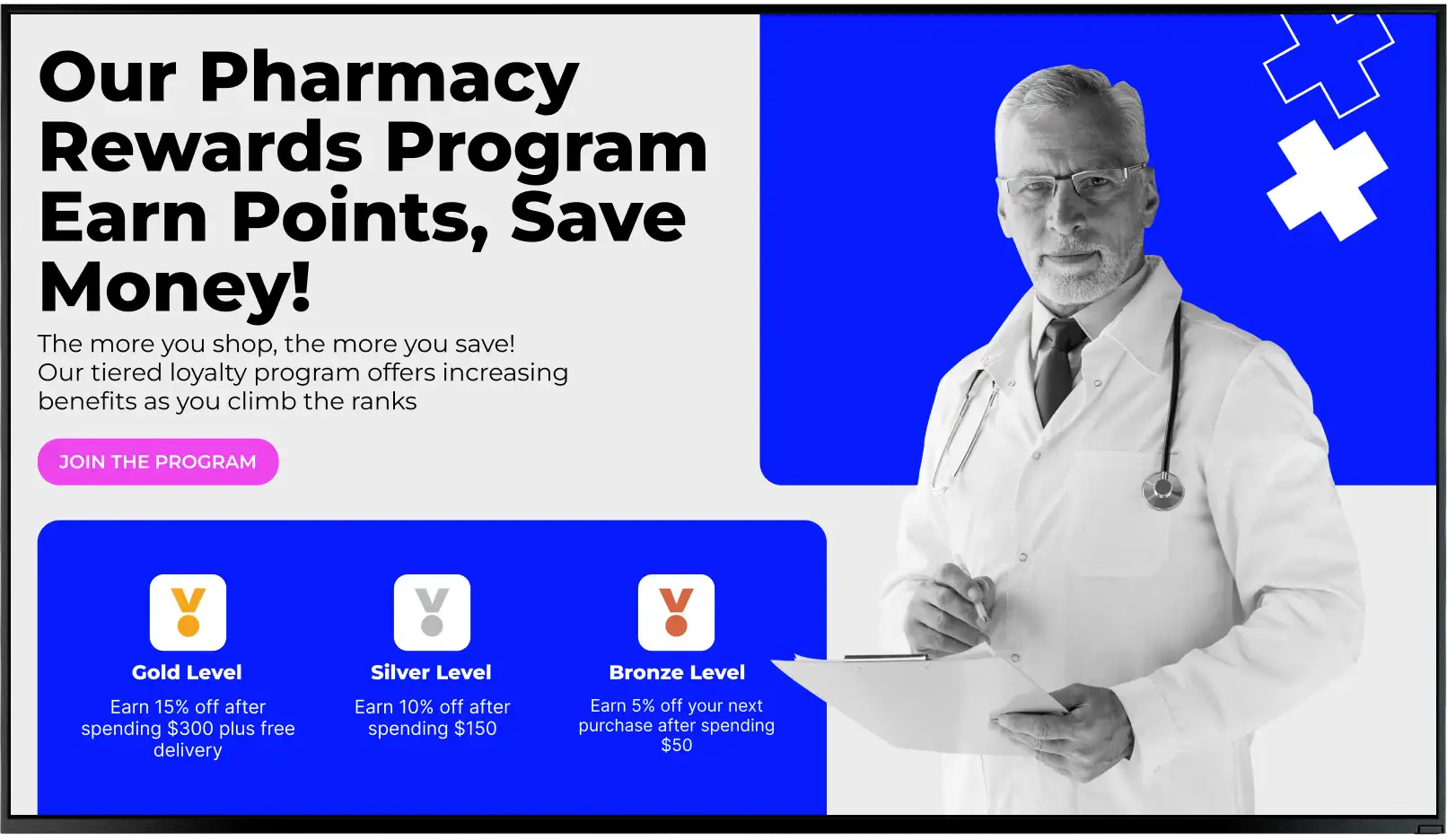
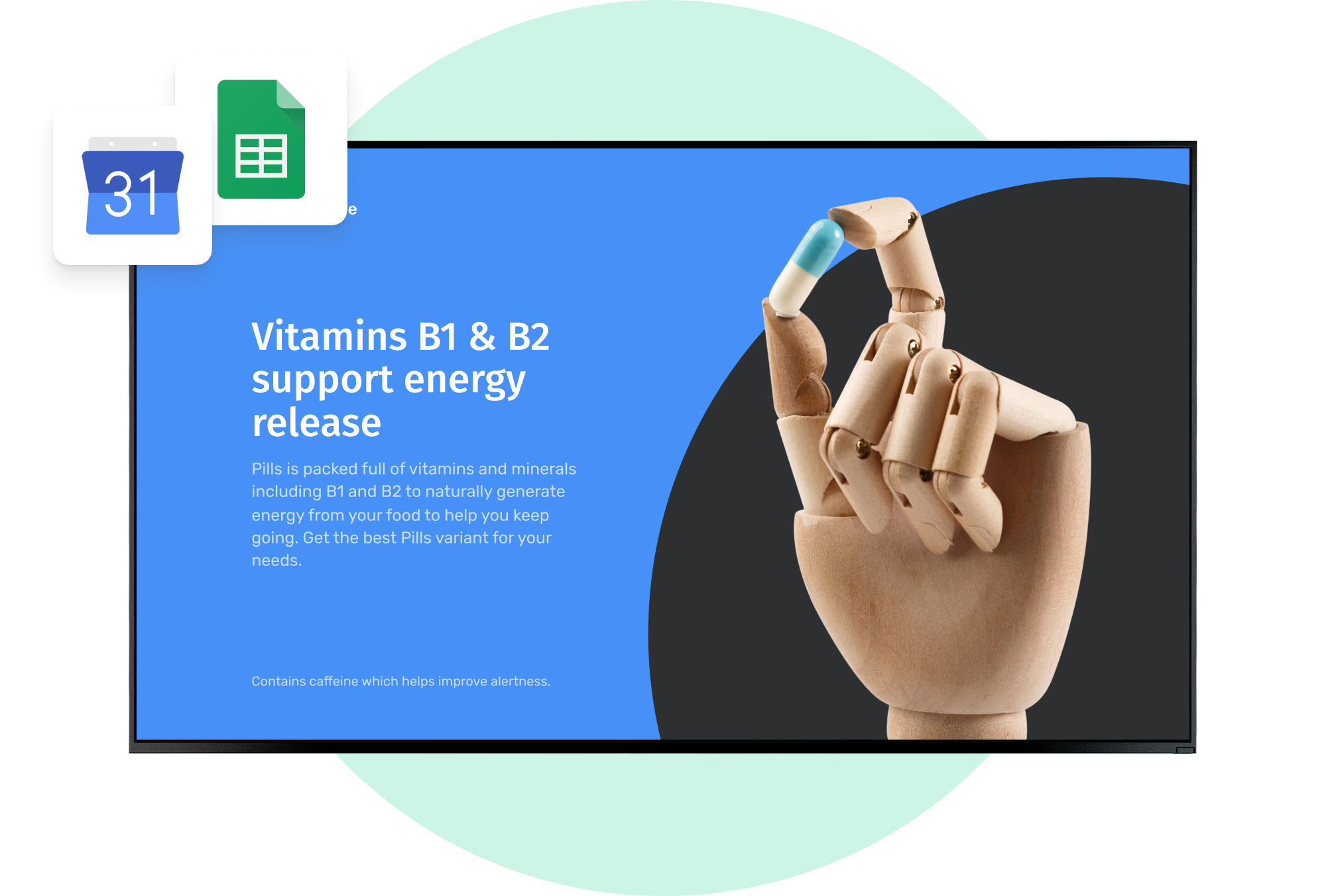
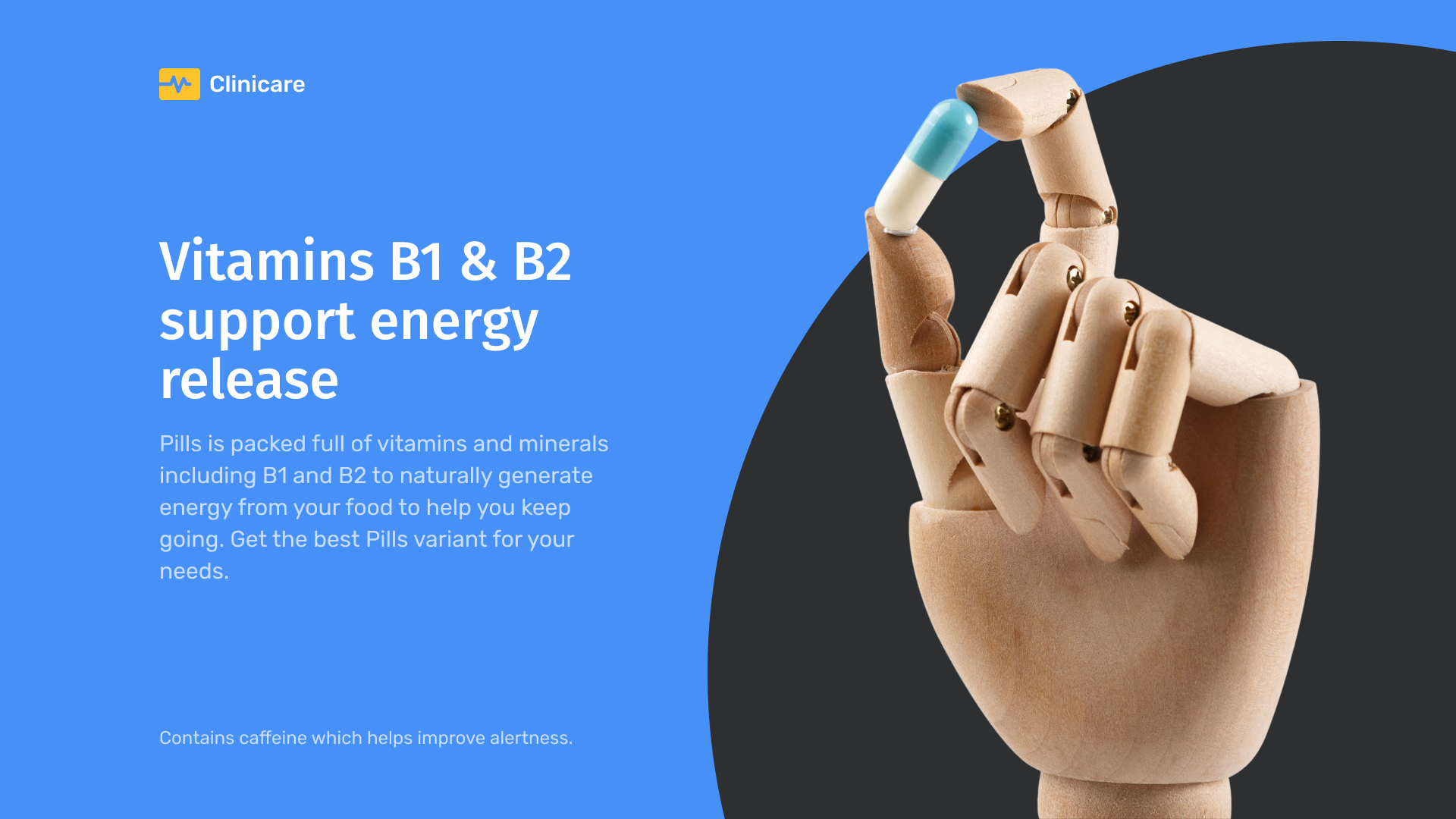
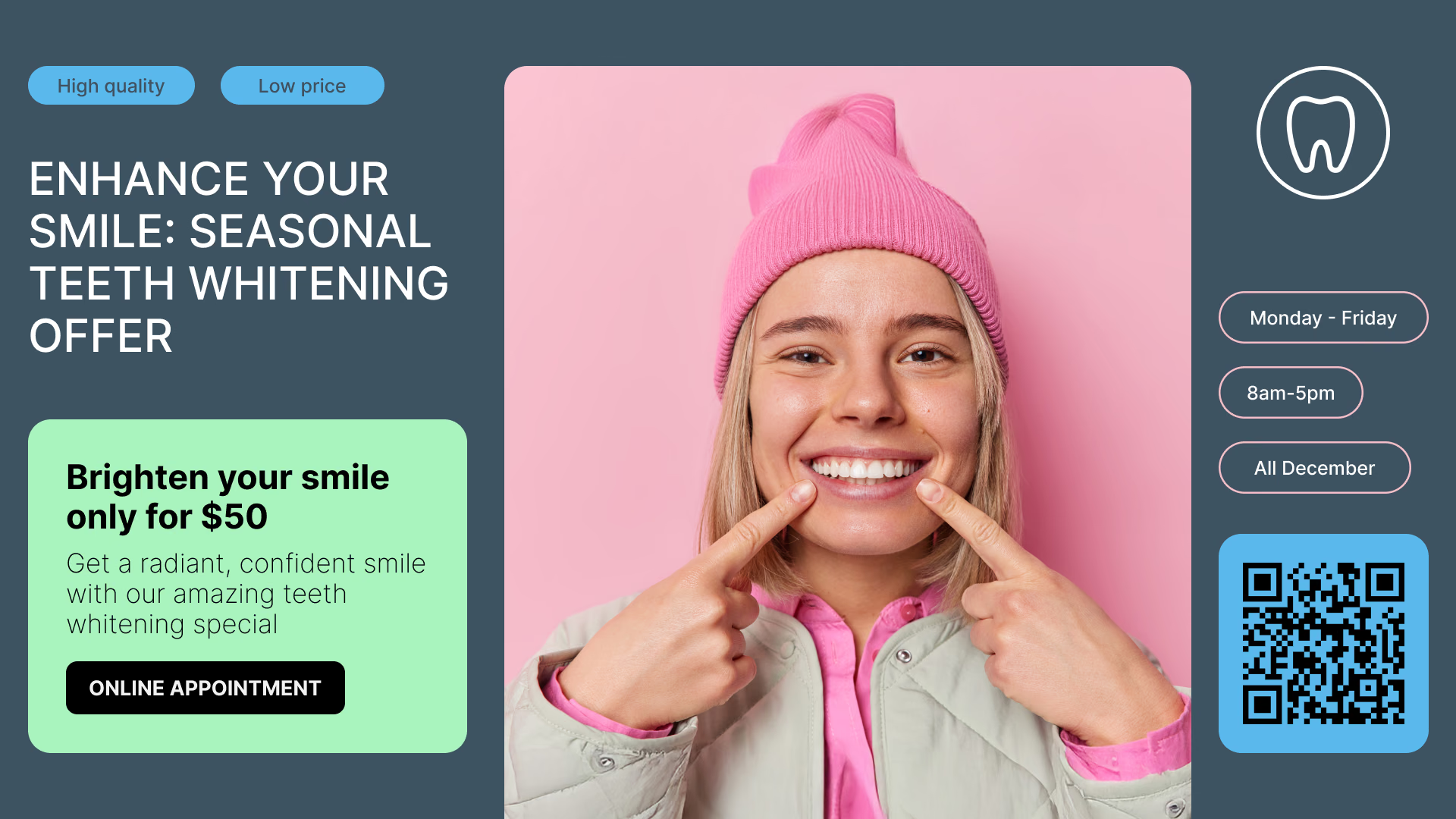
At a pharmacy counter, or in a hospital retail area, a health message and a product end up side by side – which happens almost nowhere else. Seasonal vaccination notices, wellness information, opening hours and service changes all run on those screens.
Give campaign content an end date and a flu-season message comes down on its own, with nobody having to remember it.
Best for: Vaccination notices, wellness information, opening hours, service changes, health campaigns