🏠 Real Estate Digital Signage

Digital Signage for Real Estate

How long does a sold property stay in your window? With Look DS, only as long as it takes to publish. Listings, prices, open houses and building notices run on every screen from one browser — the agency window, the sales office, the lobby directory — on a schedule you set once. Updates reach every selected screen in minutes.

Every window updated in one publish

A price cut or a sold flag reaches every branch window without a site visit.

Campaigns that expire automatically

Give an open house an end date and it retires automatically, with no manual update.

Screens that keep playing offline

Cached images and video carry on when a branch loses its connection.
Your Trusted Partner in Real Estate promotion screen
  • No credit card required. From $6 per screen/month with volume pricing.

  • Runs on Android, Windows, Linux, Tizen, webOS, Raspberry Pi and more.

  • 24/7 in-app support from real people.

Captera Rating
4.9
G2 Rating
5.0
60 000+
Screens
11 000+
Users
120+
Countries
Capterra Best Value · G2 High Performer
Software Advice · Customer Support 2026

Run every agency window and building screen from one CMS

Real estate digital signage puts listings, prices, open houses, building directories and tenant notices onto connected screens. Agencies and property managers run all of it from one cloud CMS and update it remotely.
Nothing to redesign at the print shop, no USB stick to carry across town. An agent edits the price once and every window picks it up. Sold properties drop out of the loop, and when a tenant moves the lobby directory follows. What is on the glass matches what is actually for sale.

Sound familiar?

    • A red cross inside a black circle

      Printed window cards already out of date by Friday

    • A red cross inside a black circle

      A house sold weeks ago, still smiling in the window

    • A red cross inside a black circle

      Somebody in the car to the branch with a USB stick

    • A red cross inside a black circle

      A whole set of directory slats reprinted for one tenant

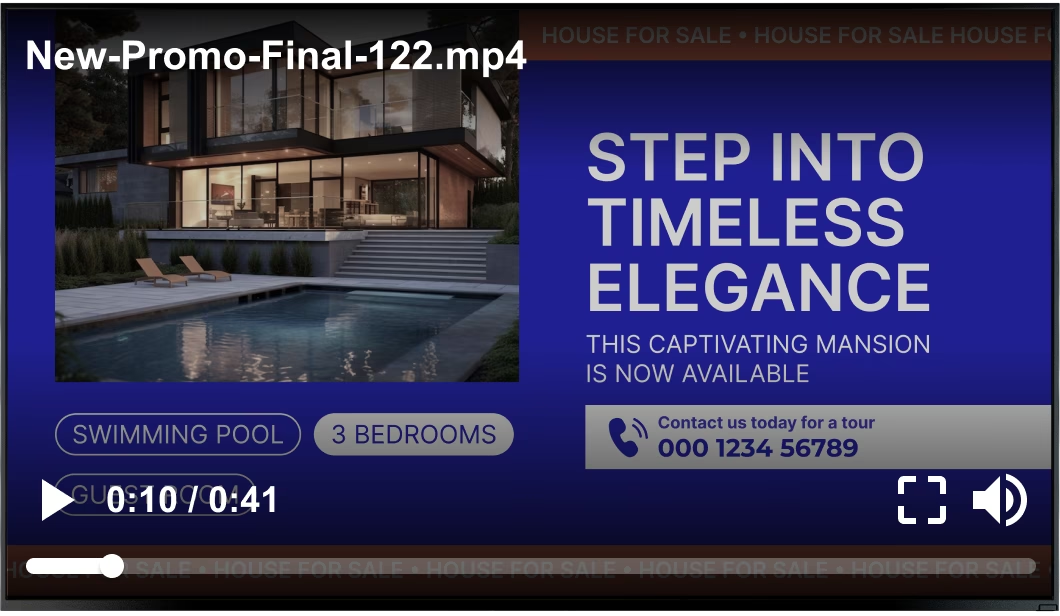
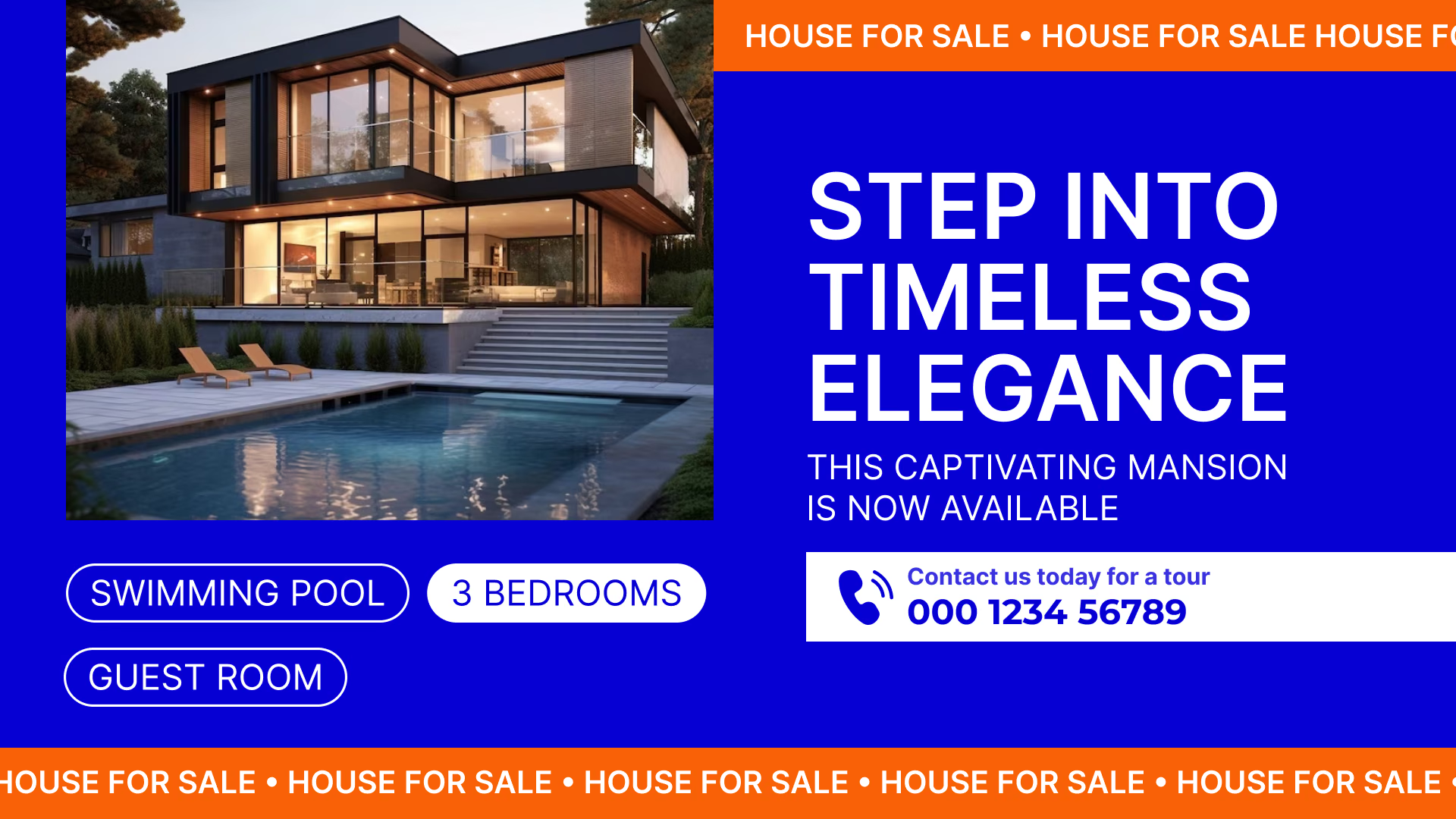
Generic stock video file playing over a Step Into Timeless Elegance mansion promotion Black USB flash drive with 4 GB storage capacity

What you get with Look

    • Every branch window on a single dashboard

    • Price edits that reach the glass in seconds

    • Campaigns that come down on their own end date

    • A building directory you edit from the browser

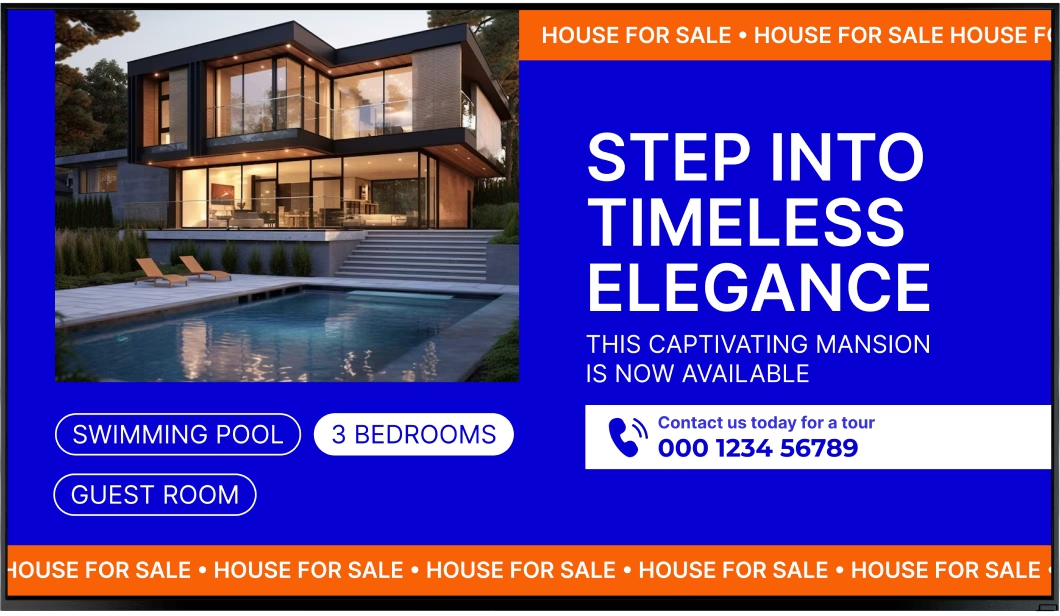
Clean Step Into Timeless Elegance mansion promotion without the video overlay Green shield icon with a white check mark
Try with demo screen now
Run demo screen right in your browser

From the first window screen to the whole network

Connect a player, build a playlist, and the window goes live. The same three steps bring in the sales office, the touch kiosk and every lobby in the portfolio. Staff stay in control without walking up to a single display.
  • Schedule

    Connect your screens

    Install the Look App on a compatible display, or plug in the Look HDMI Player. The screen shows a 6-digit device code — use it to pair.
  • Content

    Build and schedule your content

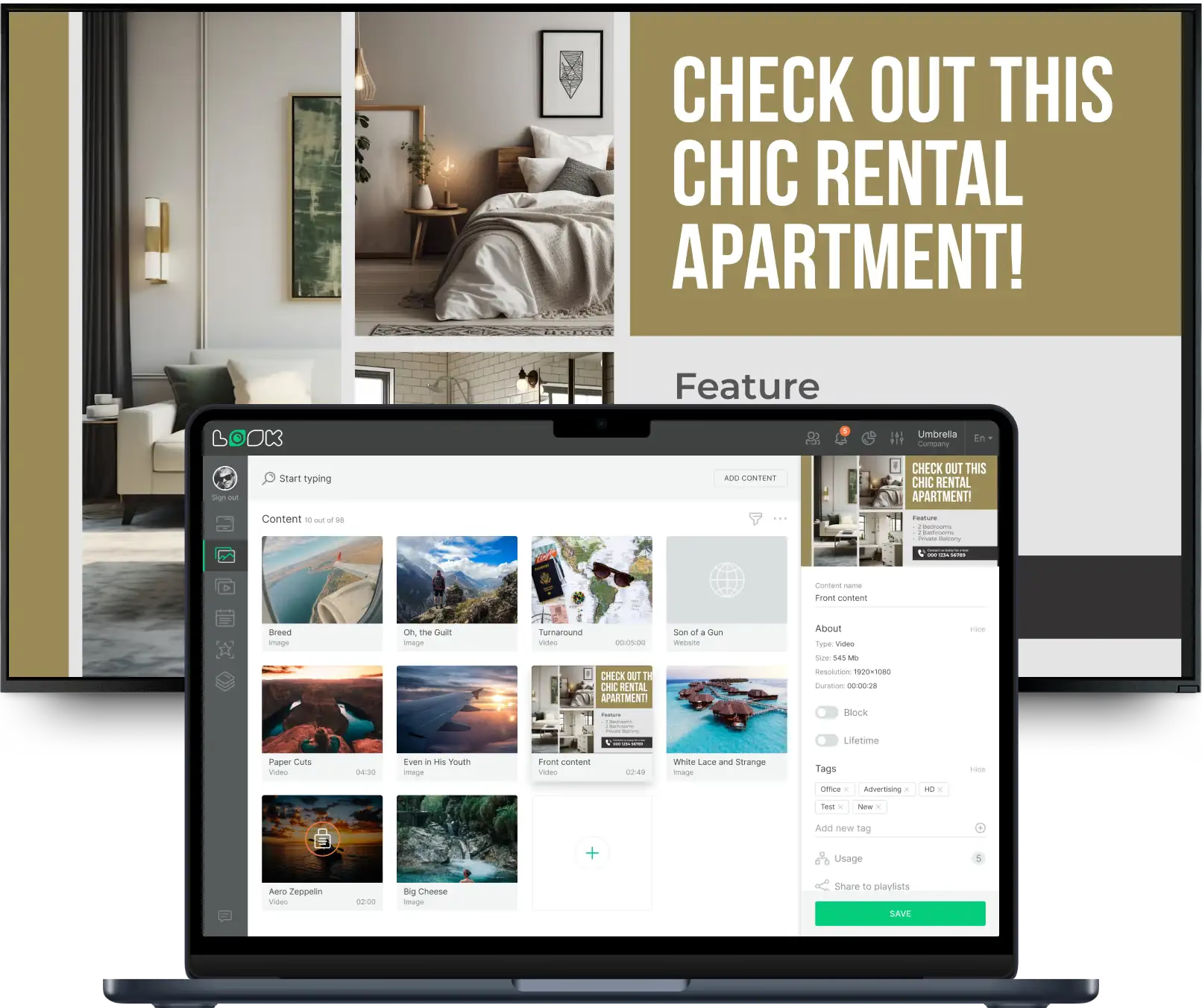
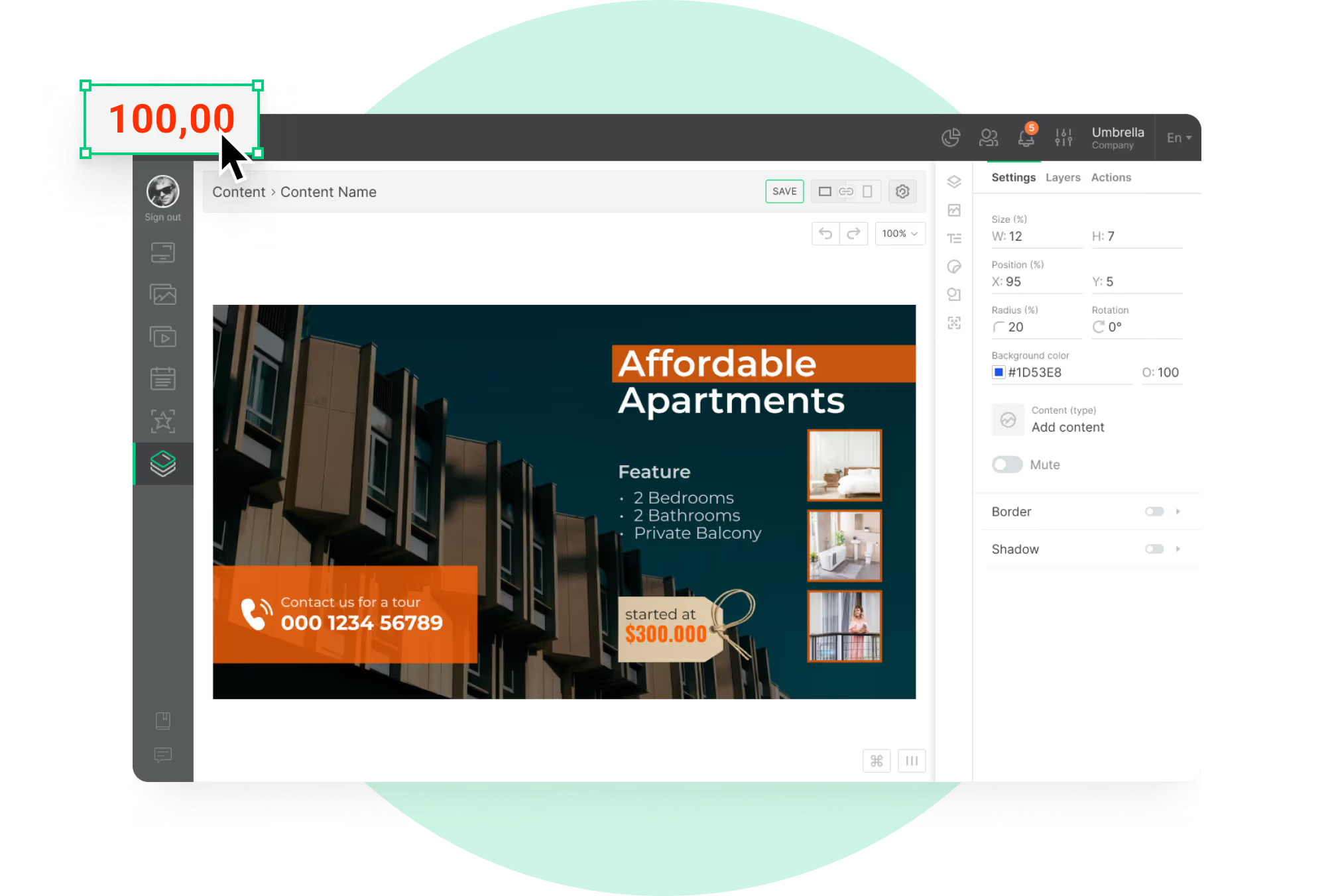
    Design listing cards in the Content Creator or start from a template, group them into playlists, and let Smart Scheduling run the window and office loops.
  • Playlists

    Publish to the screens you choose

    Publish from any browser to one window, one branch or every location. Screen tags decide which office shows resale stock and which shows rentals.
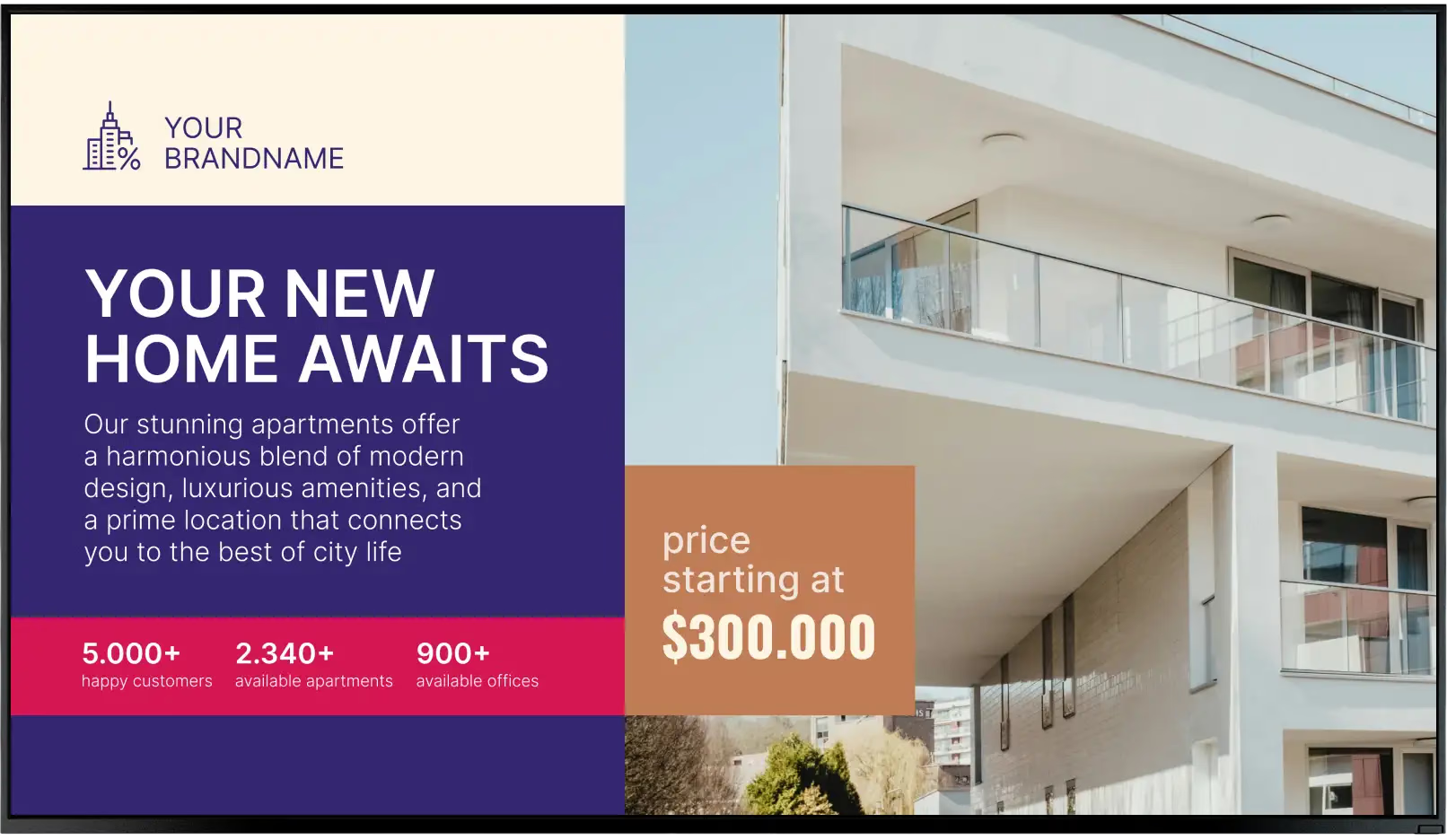
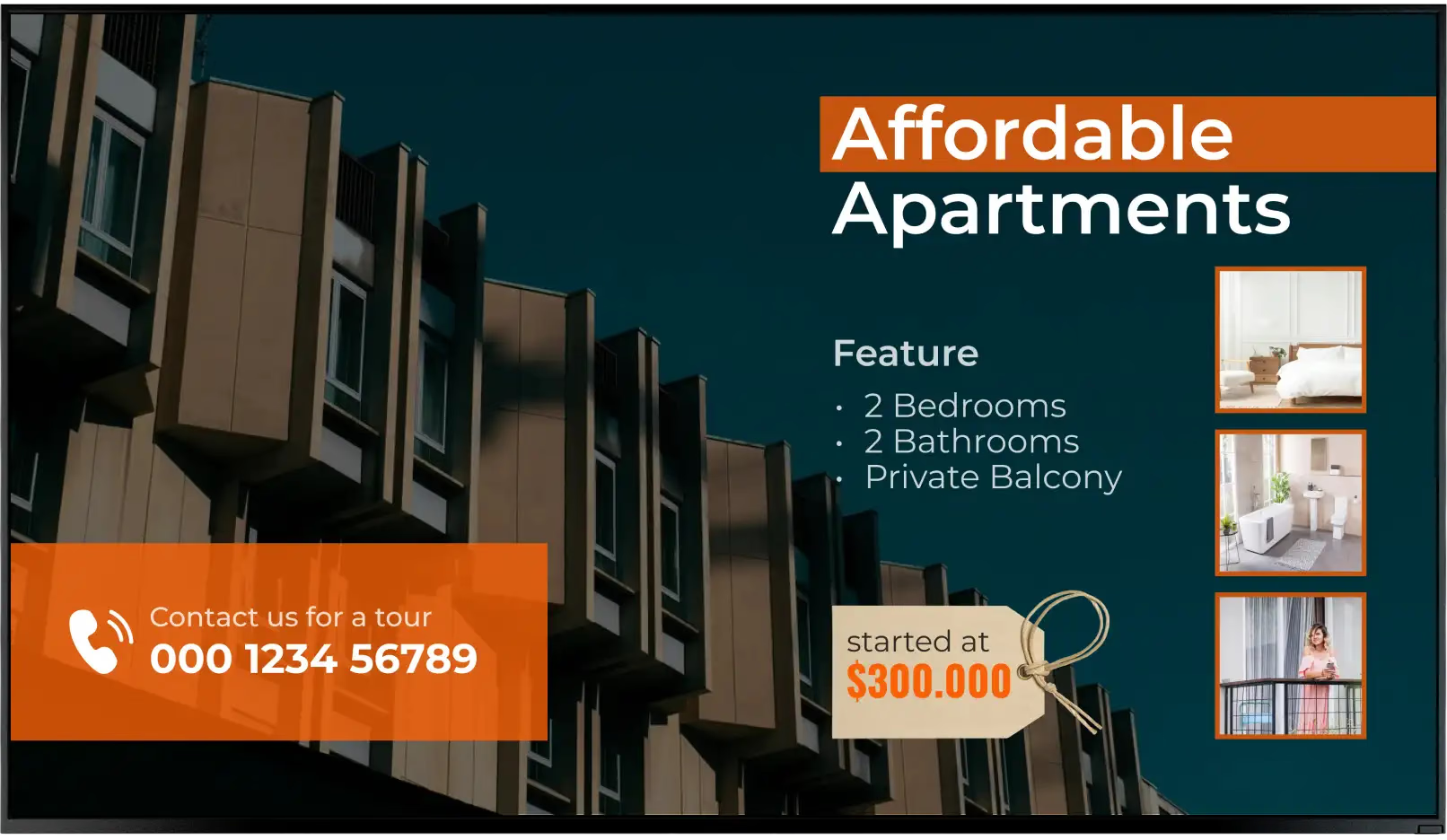
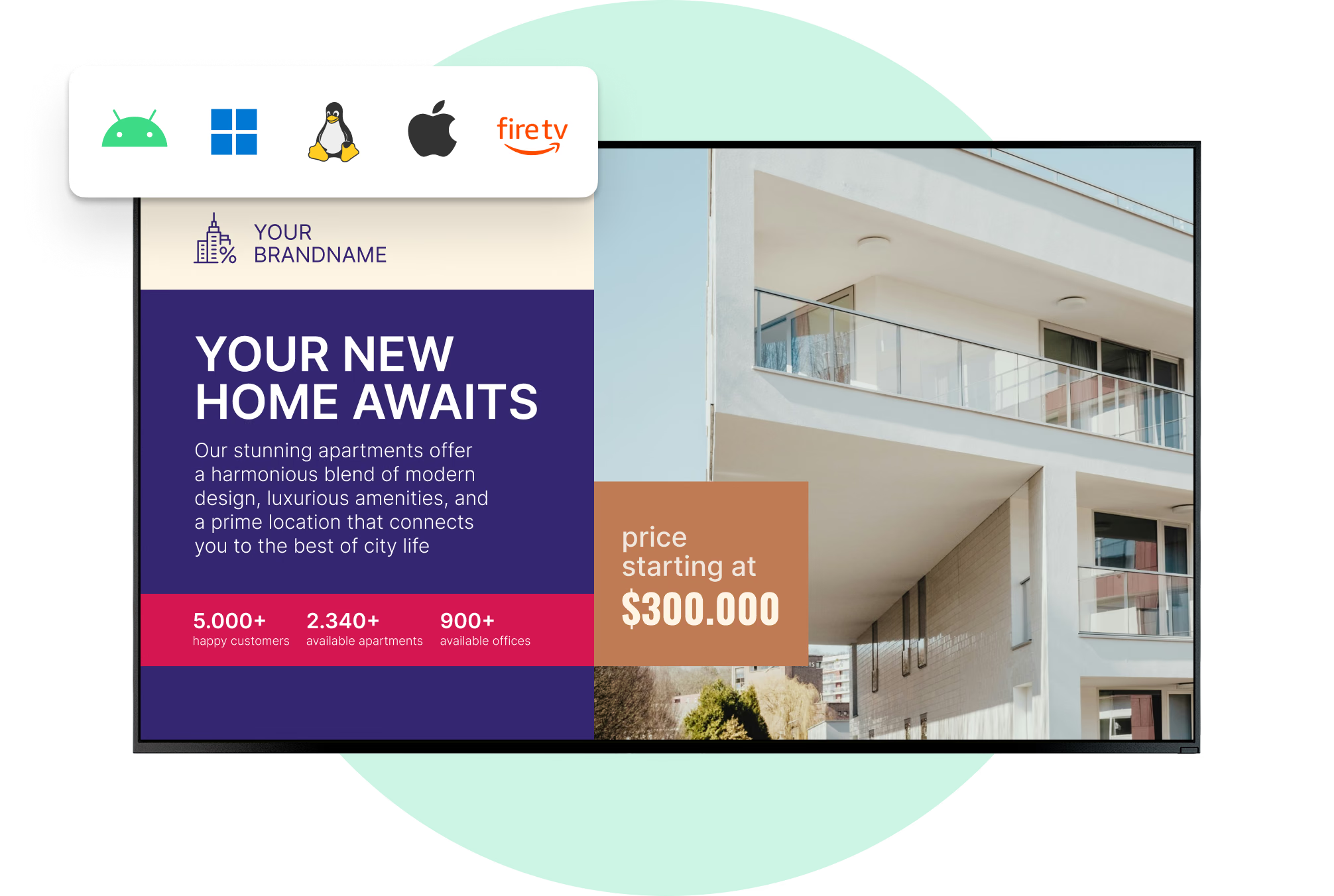
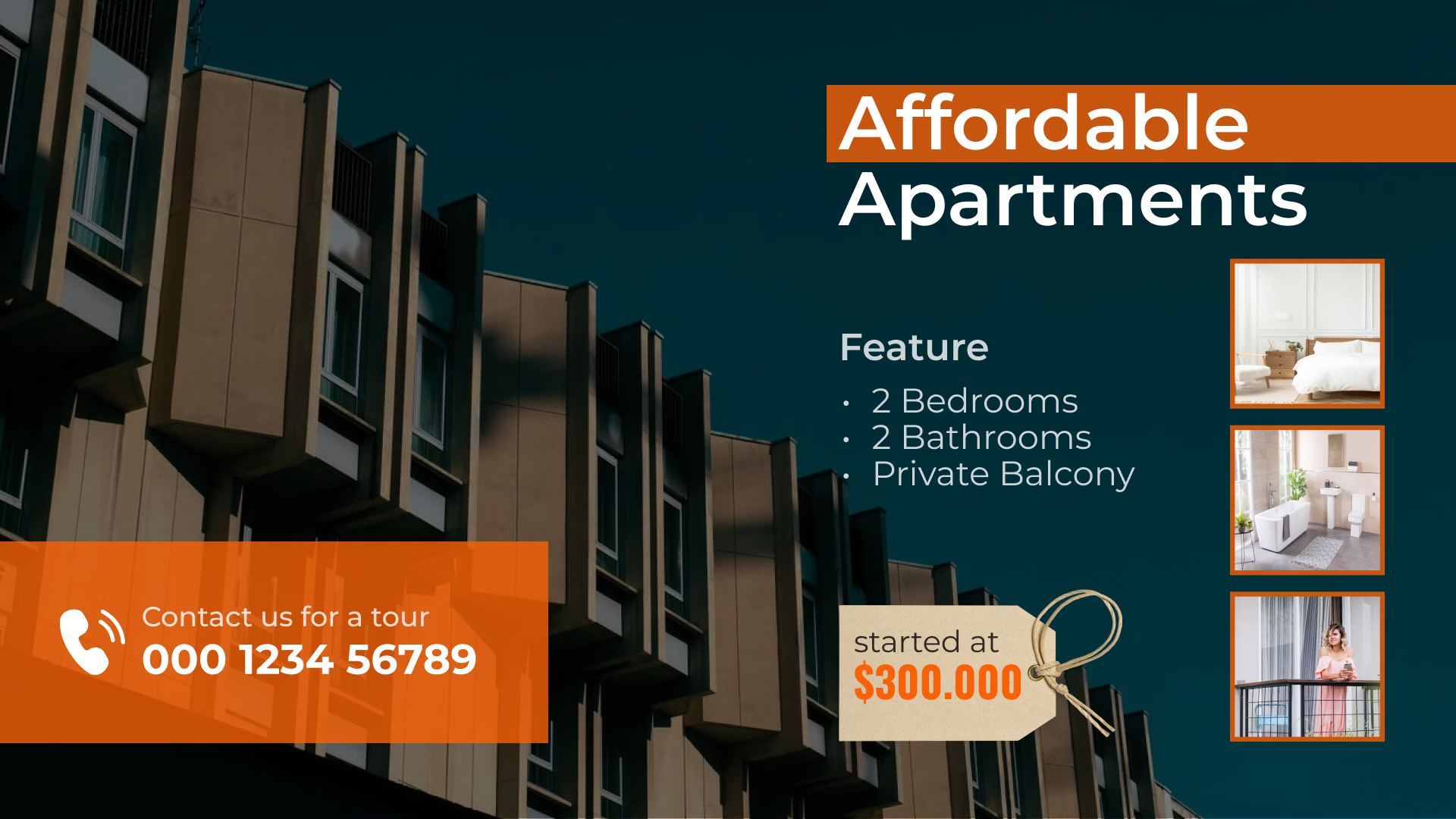
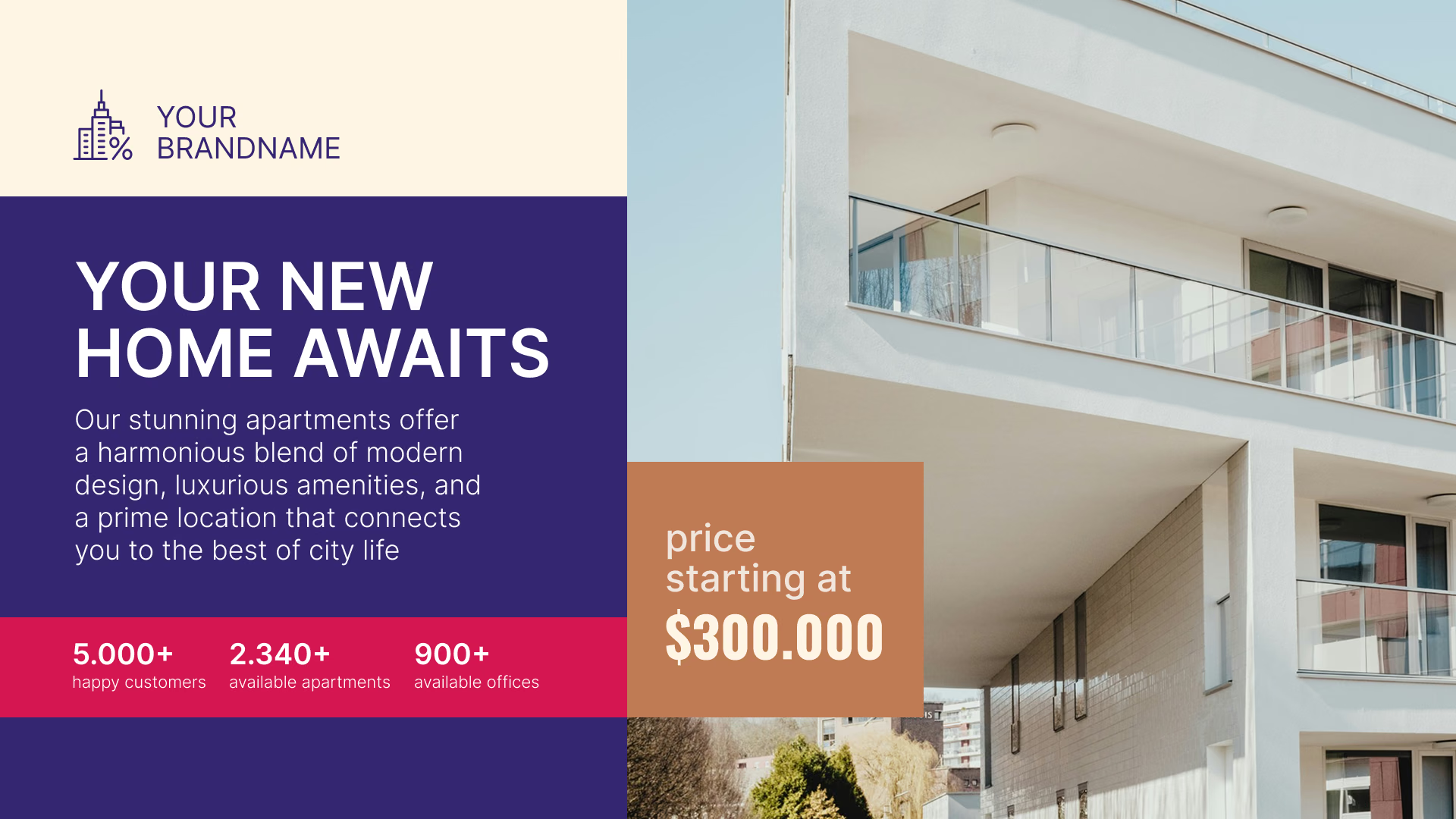
Your New Home Awaits apartment promotion with pricing Affordable Apartments promotion with room features Laptop with the Look content editor building a chic rental apartment promotion

Digital signage for every screen in real estate

A passerby on the sidewalk, a client sitting in reception and a tenant waiting for the elevator are three distinct audiences. Look runs every screen from one account, each with its own content, schedule and publishing rights.

Agency window display

Promote listings from the sidewalk long after the office closes.
A storefront window is a hard place for a screen: direct sun through the glass, portrait orientation, twelve hours a day. Pick a commercial display rated for daylight, not a living-room TV.
Keep each slide focused on one photo, a price, a status flag and a QR code, making the listing easy to scan as people walk past.
Best for: Featured listings, price and status, open house dates, QR to the full listing, after-hours promotion

Reception and waiting area

Give a seated client something worth watching.
Reception screens can hold attention with longer content: video walkthroughs, recent sales, local market figures, agent profiles and the agency's own reviews.
A multi-zone layout holds a featured property, a ticker of new listings and the forecast at once.
Best for: Video tours, just-sold boards, market updates, client reviews, agent profiles

Agent desks and consultation areas

Put the property on screen instead of a printout.
At the desk the screen is part of the conversation. Bring up floor plans, a 360° tour, a neighborhood map or two properties side by side while the client is sitting with the agent, instead of talking over a printout.
Shared playlists and templates keep every presentation current, so nobody prints a fresh pack before each appointment.
Best for: Floor plans, 360° tours, side-by-side comparisons, area maps, partner services

Interactive kiosk

Let buyers browse without waiting for an agent.
A touch screen in the window recess or in the office lets buyers work through listings on their own, by neighborhood, price band or property type, and open a floor plan or a virtual tour without waiting for a desk to free up.
Button widgets and scenes drive it; after an idle timeout the kiosk drops back to its loop.
Best for: Listing browse, floor plans, virtual tours, comparisons, QR handoff to a phone

Building lobby and directory

Change a tenant listing without ordering new slats.
In a managed building the lobby screen carries the tenant directory, visitor information, amenity hours and whatever is on this month. When a tenant moves floor, updating the directory is a content edit — not a sign order and a wait.
That same screen can also carry building announcements and paid slots for local businesses.
Best for: Tenant directory, visitor information, amenity hours, building news, advertiser slots

Elevators, corridors and amenity floors

Short items for people who are only passing.
An elevator ride gives you a few seconds, so these screens run short items on a fast repeat: maintenance notices, what is open today, package and delivery information, community news and amenity bookings.
Tag the screens and residential floors run a different loop from commercial ones, all under one account.
Best for: Maintenance notices, amenity hours, community news, resident announcements, wayfinding

To use Look digital signage software

Look service works seamlessly on any hardware, whether you're planning to purchase or already use it
Or

Install FREE Look App

Transform any TV or compatible device into digital signage by installing the free Look app.
WindowsAmazon Signage
Androidgoogle-tvLinuxOS Fire Amazon
macOSWebOSOS Tizen OS Raspberry Pi
Supported Operating Systems

Plug Look HDMI Player

Connect the Plug & Play Look Player to your display’s HDMI input for instant setup. Worldwide shipping.
Buy nowLook HDMI Player

What our customers say

Real businesses, real results.
Captera Rating
4.9
G2 Rating
5
We have 22 locations and zero issues with Look software. It’s so easy to use and has a lot of useful tools that we utilize in our day-to-day business. All-in-all, our experience was top-notch.
Ervin Piotrowski
We tried many different solutions for our platform. After many trials and errors, we found Look Digital Signage to be an amazing tool for our purposes.
Pyry Salminen
I’m grateful for the opportunity to work with Look and it's been a really big game changer for us, because it has helped us to come across as an older business in a much more fresh way.
Michael Guzman
60 000+
Screens
11 000+
Users
120+
Countries

Key features

What should you look for in real estate digital signage software?

Real estate screens change constantly: a price moves, a property goes pending and new listings arrive during the week. The software must make each update fast, simple and consistent across every screen carrying the property.

For agencies, brokerages and property managers, these are the core capabilities to look for:

Free templates

Free real estate templates for listings and directories

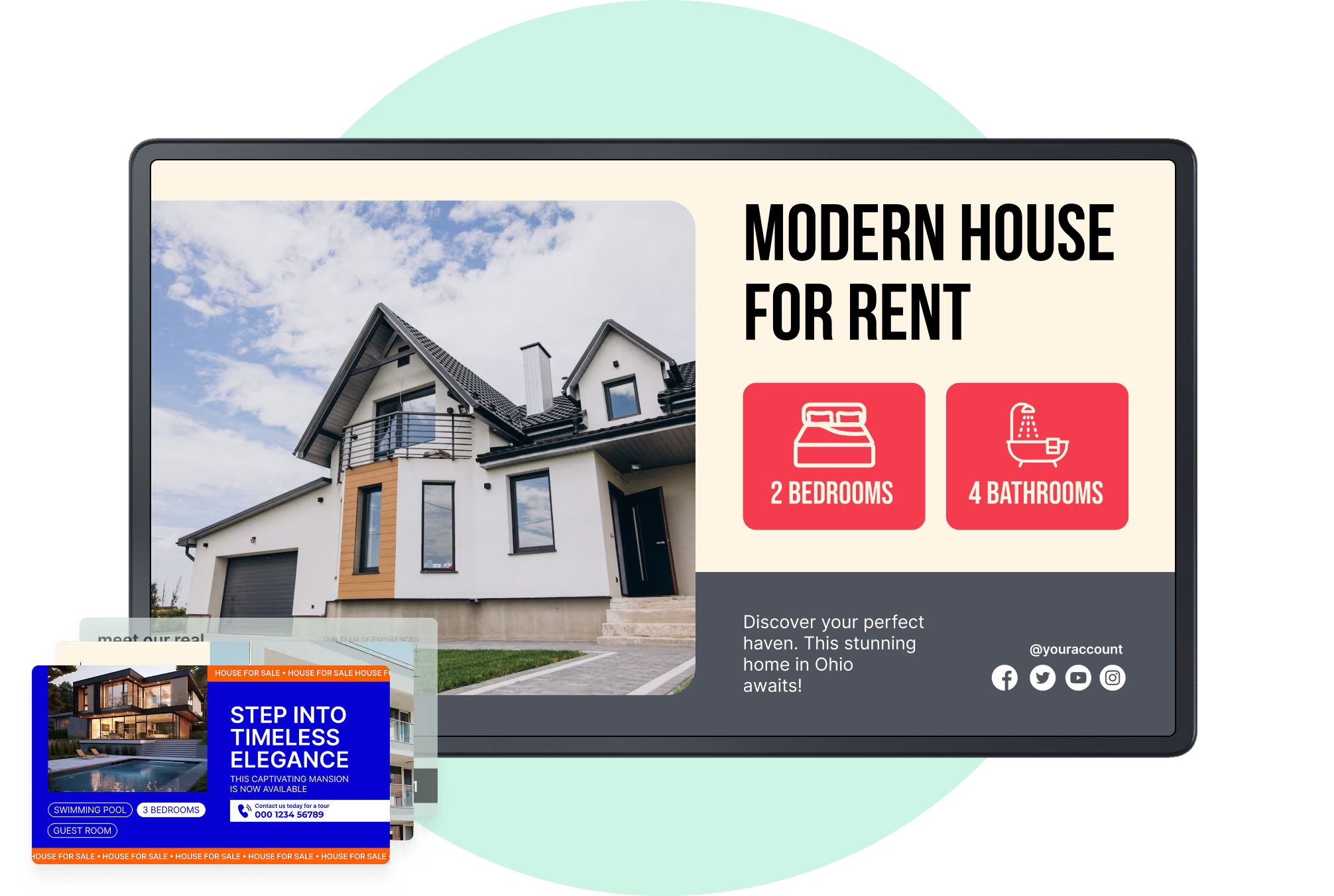
Set your brand colors, fonts and logo once and every template inherits them. The real estate collection covers what agency screens show — listing cards, price-reduced and just-sold boards, open house ads, agent profiles, building directories. Drop in the photography and the price, schedule it, publish. Nothing goes to a printer, and nothing is reprinted when a price moves.



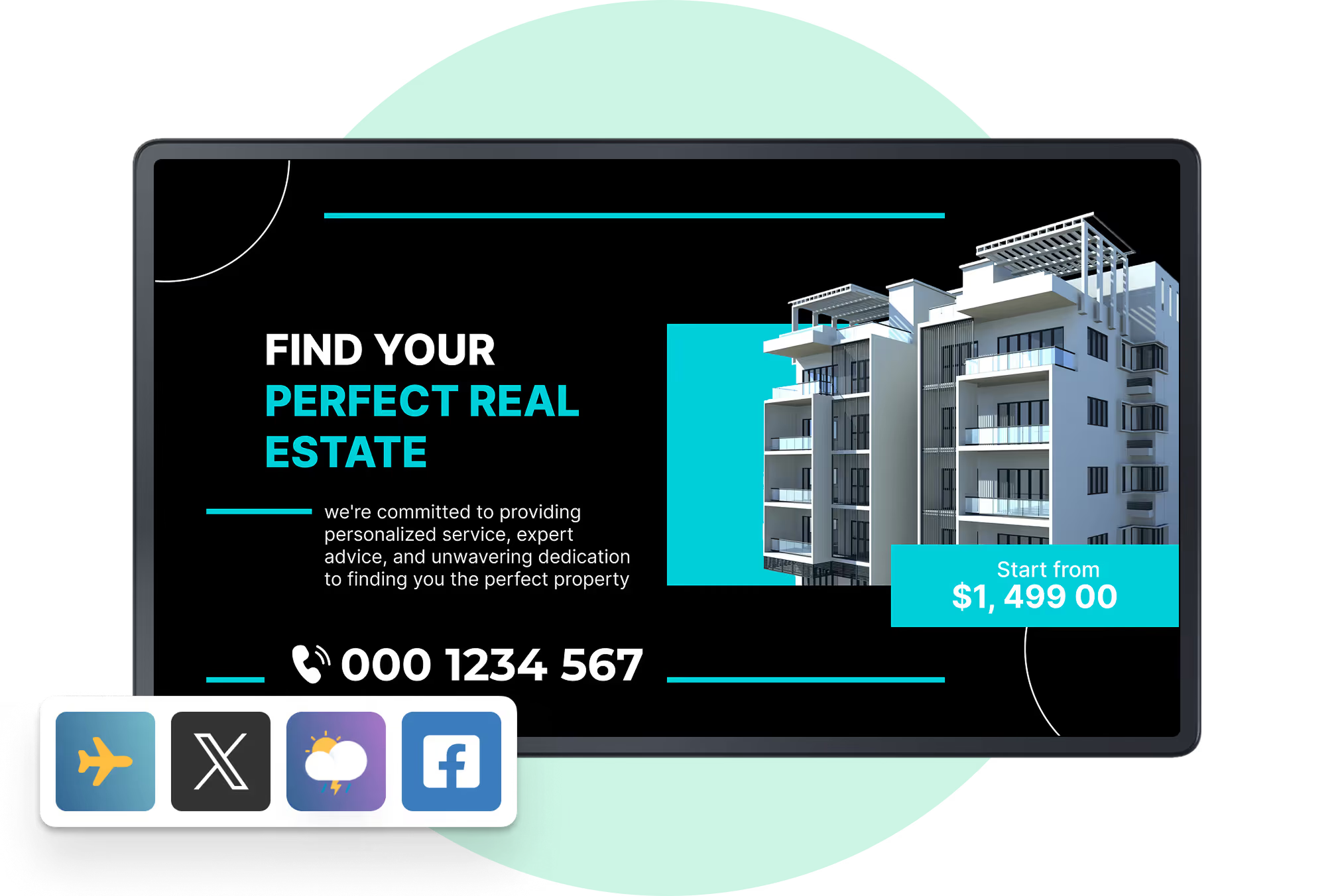
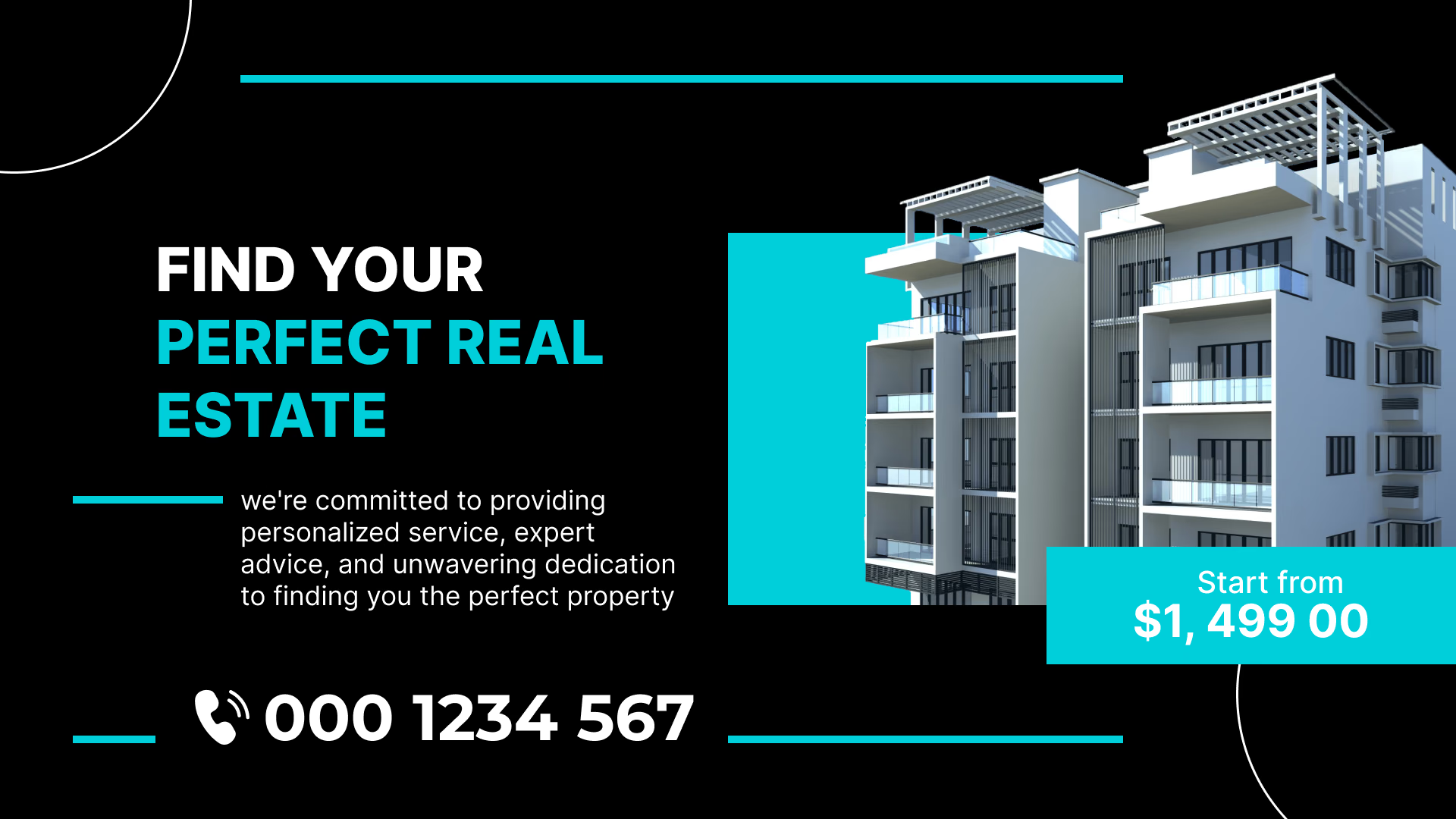
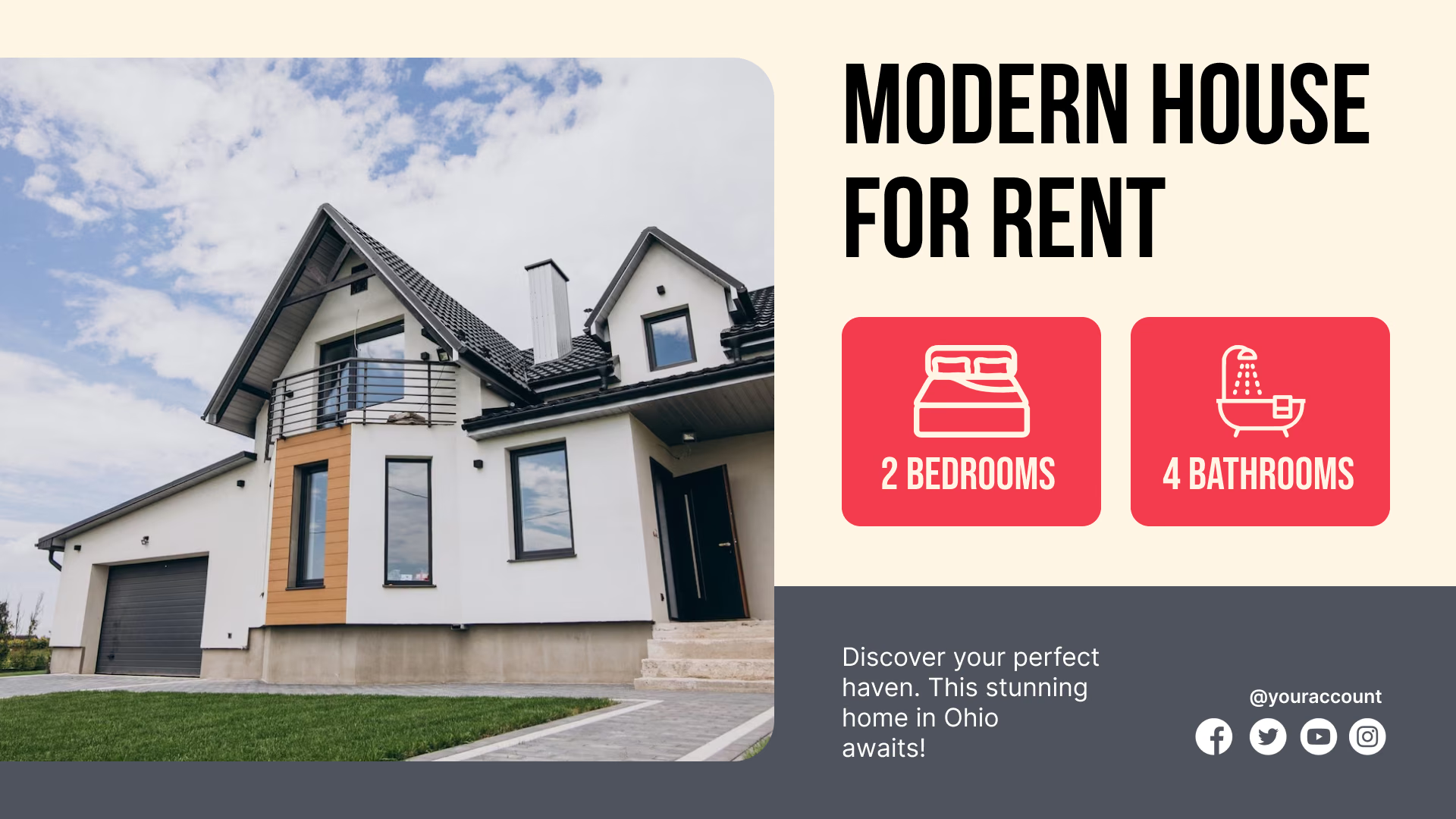
Find Your Perfect Real Estate promotionStep Into Timeless Elegance mansion listingMeet Our Real Estate Team agent profiles
Step Into Timeless Elegance mansion listingMeet Our Real Estate Team agent profilesTransforming Spaces Into Dreams interior design promotion

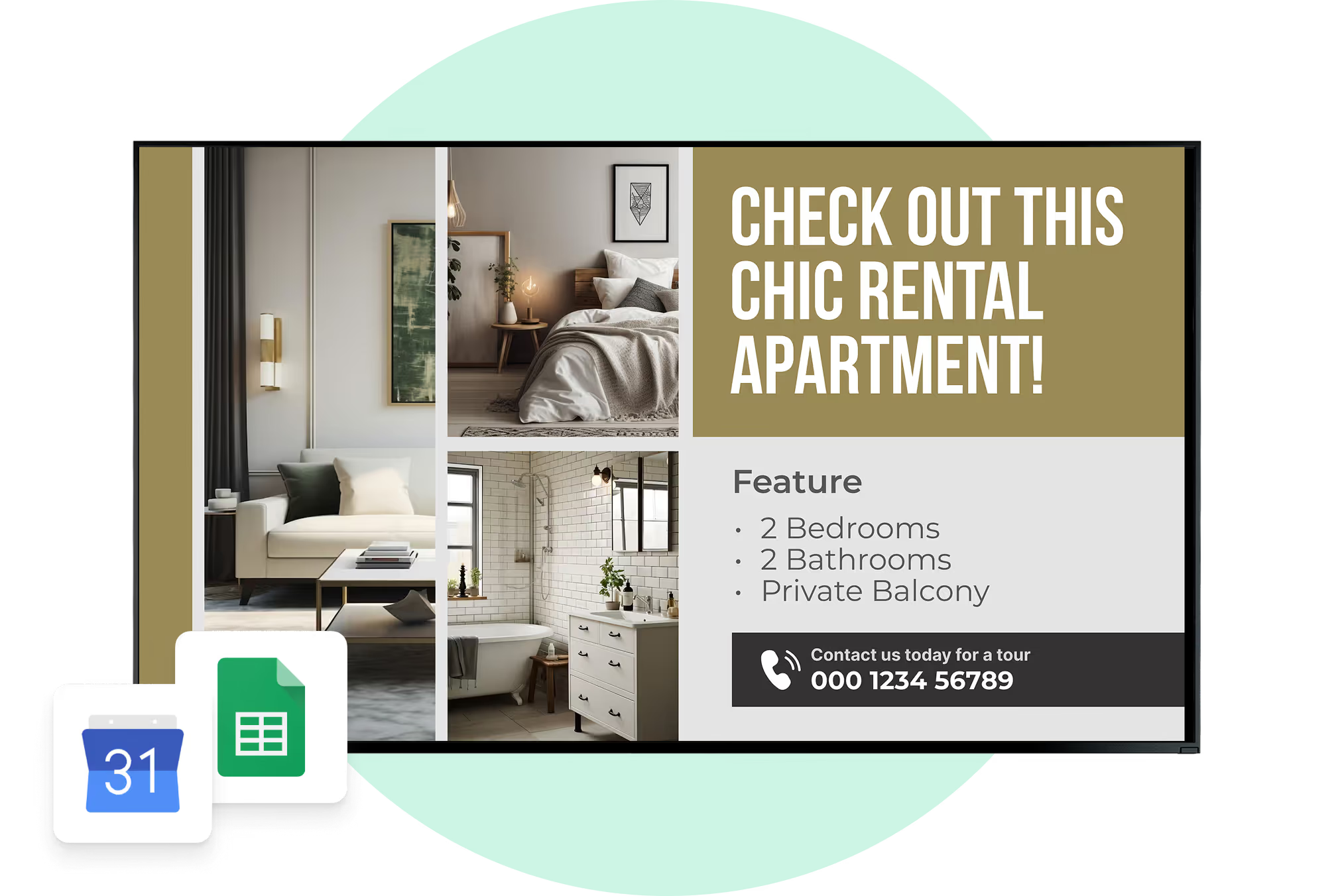
Meet Our Real Estate Team agent profilesTransforming Spaces Into Dreams interior design promotionCheck Out This Chic Rental Apartment listing
Transforming Spaces Into Dreams interior design promotionCheck Out This Chic Rental Apartment listingAffordable Apartments listing card
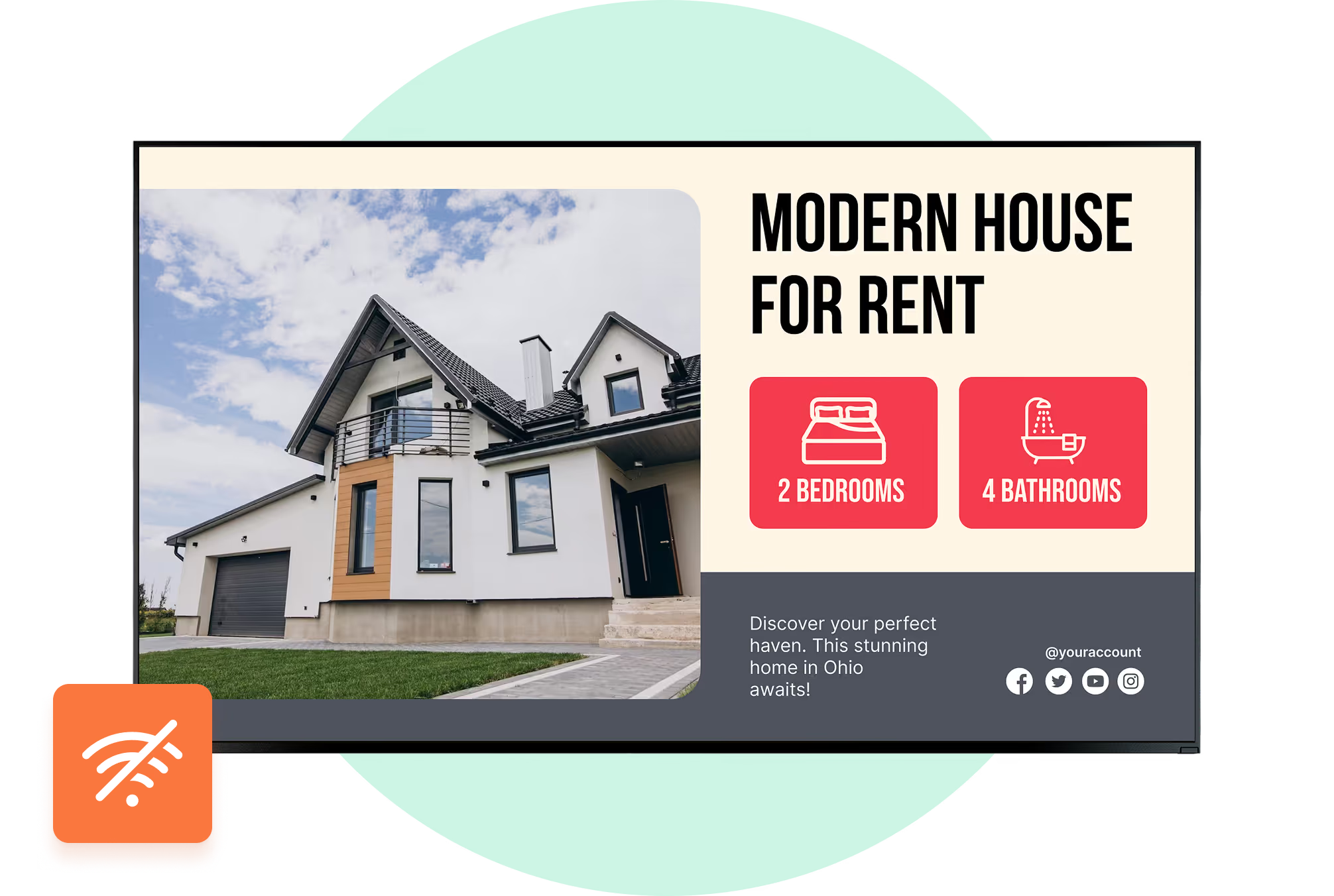
Check Out This Chic Rental Apartment listingAffordable Apartments listing cardModern House for Rent listing card
Affordable Apartments listing cardModern House for Rent listing cardYour New Home Awaits apartment promotion
Modern House for Rent listing cardYour New Home Awaits apartment promotionFind Your Perfect Real Estate promotion
Your New Home Awaits apartment promotionFind Your Perfect Real Estate promotionStep Into Timeless Elegance mansion listing

Built-in apps

Apps that keep listing screens current on their own

Add an app to a playlist like any other content item and it refreshes itself, so review scores and social posts need no manual updates. Cached images and videos keep playing through an outage, and the apps start updating again once the screen reconnects.

Frequently asked questions about real estate digital signage

What is real estate digital signage?

Take everything an agency normally prints and put it on a screen instead. Listings, prices, availability, video walkthroughs, and directions for open houses. People fixate on the hardware, which is the least interesting question in the room. The change worth caring about is that the content stops living on paper and starts living in a cloud CMS. From there, an agent or a property manager corrects a price in one field, and the screens carrying that property catch up within minutes. It works the same for a single branch office as it does for a chain of forty.

How is digital signage different from printed property cards or a USB slideshow?

Printed cards mean a redesign and a reprint every time a price moves. USB slideshows are marginally better, but someone still has to walk over to the screen with a stick in hand. Digital signage removes that trip. Playlists, listings, and campaigns are managed centrally and go out on a schedule, or the moment you hit publish.

Where can real estate businesses use digital signage?

Usually the storefront window comes first, then the sales office. From there it spreads: reception, leasing centers, lobbies, elevators, amenity floors, sometimes a touch kiosk. The useful part is that no two screens are obliged to show the same thing. A window has about four seconds to catch someone on the pavement. Reception is dealing with a visitor who has already come in and sat down. Two different jobs, and the content should reflect that.

What should a real estate agency show on a window display?

Three seconds is the honest budget. Not thirty. In three seconds, a passerby can take in one strong photo, the price, the location, a status flag, and spot a QR code if they want the rest. Room for two or three headline features, if the layout is not already crowded. Past that, you are writing for somebody who has walked on. Open houses, recent sales, branding, contact details: all worth showing, just not stacked onto one slide. Spread them across the playlist and schedule by screen and by hour.

How bright should a digital screen be in a real estate agency window?

For a window facing daylight, plan on a commercial display in the 2,500 to 5,000 nit range. A living room TV runs around 350 nits and disappears behind its own reflection by mid-morning. Sunlight, glare, and the glass itself all work against you. Schedule dimming after dark as well, since nobody thanks the agency whose window lights up half the street at 2 a.m.

Can I use a normal TV for a real estate window display?

Indoors, often yes. In a sun-facing window, rarely. Window work asks for 2,500 nits and up, proper heat management, portrait mounting, and a duty cycle built for 12 to 16 hours a day. Consumer sets are engineered for dim rooms and evening viewing, which is why commercial signage displays hold up in storefronts and TVs quietly fail there.

Should real estate digital signage be portrait or landscape?

Both, and the wall decides for you. Portrait has the proportions of a printed listing sheet, so it fits a narrow storefront window with almost no layout changes. Landscape is the better answer for office walls, and for video tours or maps that need horizontal room. Most agency networks end up mixed, and that is fine. Uniformity looks tidy in a spec document and buys you nothing on the street.

How often should property listings be updated on digital signage?

The moment the facts change. Price cut, status change, fresh photography, a property going under offer. Refresh on a monthly cycle and sooner or later a sold house sits in the window for three weeks with a smiling agent beside it. Hook Look Digital Signage up to your MLS or CRM, using our API or a Zapier workflow, and the change reaches the glass without anybody opening the playlist.

How long should each property stay on screen?

There is no correct slide duration, only a correct match between timing and viewer. Someone walking past the window gives you a few seconds, so those slides have to be short and legible at a glance. A screen in the sales office is a completely different audience. They are sitting down, and they will watch a two-minute video tour or study a floor plan. Build separate playlists for window, reception, waiting, and consultation areas instead of pushing one loop everywhere.

How many property listings should be included in one playlist?

Fewer than most agencies would like. The constraint is the loop itself: how many properties will somebody actually get through before it starts repeating? A window playlist should hold featured, new, reduced and priority stock, not a mirror of the whole MLS. Big inventories are easier to handle when split up. Rentals in one playlist, resale in another, commercial somewhere else, or cut by neighborhood or price band.

Can real estate digital signage connect to an MLS or CRM?

It can, and that is where most of the time savings come from. Look Digital Signage integrates through our API or Zapier, which covers most MLS platforms, CRMs, and other data sources. Once the connection is live, the screens simply follow the source system. Nobody is editing display content by hand every time inventory or pricing moves.

How do we stop a sold property from staying on the window screen?

Stop relying on somebody remembering. Automate the status change instead. An API or Zapier workflow catches the property the moment it is marked sold, reserved, withdrawn or repriced, updates the content source, and the playlist follows a few minutes later. Every agency knows the alternative: a card left in the window for two weeks, or another trip across town with a USB stick.

Can price changes be updated automatically on real estate screens?

Yes, provided the screens pull from your listing source rather than from a folder of exported slides. An MLS or CRM integration through API or Zapier pushes the new price straight into whatever is on screen, so the number gets typed once and appears everywhere. Availability, listing status, and new properties behave the same way, along with any other field your source system maintains.

Can I manage screens in several real estate offices from one place?

That is the main reason multi-office agencies move to a cloud platform in the first place. Look Digital Signage handles branches, buildings and screen groups from a single account. Head office can push a brand campaign to every location while each branch still schedules its own content. You're not logging into four separate systems to change four windows.

Can each real estate branch show different listings?

Yes, and the two are not in tension. One office runs neighborhood stock, another runs rentals, and the corporate campaign plays on every screen in both. Content in Look Digital Signage is organized by screen or by group, so a branch getting its own playlist does not mean a branch getting its own signage system to maintain.

Will real estate digital signage keep working if the internet goes down?

It keeps playing. Offline playback means content already downloaded to the player carries on through a dropped connection, so an outage doesn't turn your window into a black rectangle. Look Digital Signage supports this. What the connection is actually needed for is everything else: pulling new content, syncing changes, and reporting device status back to the CMS.

Can digital signage show floor plans, videos, virtual tours, and QR codes?

All of them, and on the same screen if the layout allows it. Images, video, floor plans, QR codes, and interactive scenarios are supported in Look Digital Signage, whether the display is running a passive loop or waiting for someone to touch it. QR codes earn their place here. A viewer who wants to keep looking at a property can carry it off on their phone instead of writing down a reference number.

Can buyers interact with property listings on a touchscreen?

Yes, and it takes pressure off the front desk. A touchscreen lets buyers browse listings, open floor plans, compare two properties, walk a 360 tour, or jump between categories without waiting for an agent to free up. Interactive scenarios run alongside standard playlists in Look Digital Signage. One rule worth enforcing: a first-time visitor should work the interface out without anyone explaining it.

Is real estate digital signage useful for property managers as well as agencies?

Arguably it's the steadier use case, because building content changes weekly rather than seasonally. Lobby directories, tenant notices, maintenance updates, visitor information, amenity screens, elevator displays, wayfinding. Residents, commercial tenants, visitors and building staff each see what is relevant to them, and it all runs on one centrally managed network.

Can digital building directories be updated without replacing physical signs?

Yes, and the cost gap is not subtle. An ASHB report on real estate signage puts a traditional directory slat at up to $750 per tenant change, against essentially nothing for a digital update. Buildings where tenants, floors, or suite assignments move around regularly feel that difference every quarter.

What can property managers show on lobby and elevator screens?

Directories and announcements carry most of the load. Maintenance notices, what is on this month, amenity hours, where visitors should go, and emergency messaging if the building needs it. A few landlords also rent the space out to local advertisers. Dwell time is what deserves thought here. In an eight-second elevator ride, nobody is reading a floor map, so elevator screens want short items on a fast repeat, while a lobby display can happily hold the whole tenant directory. Both run off the same CMS.

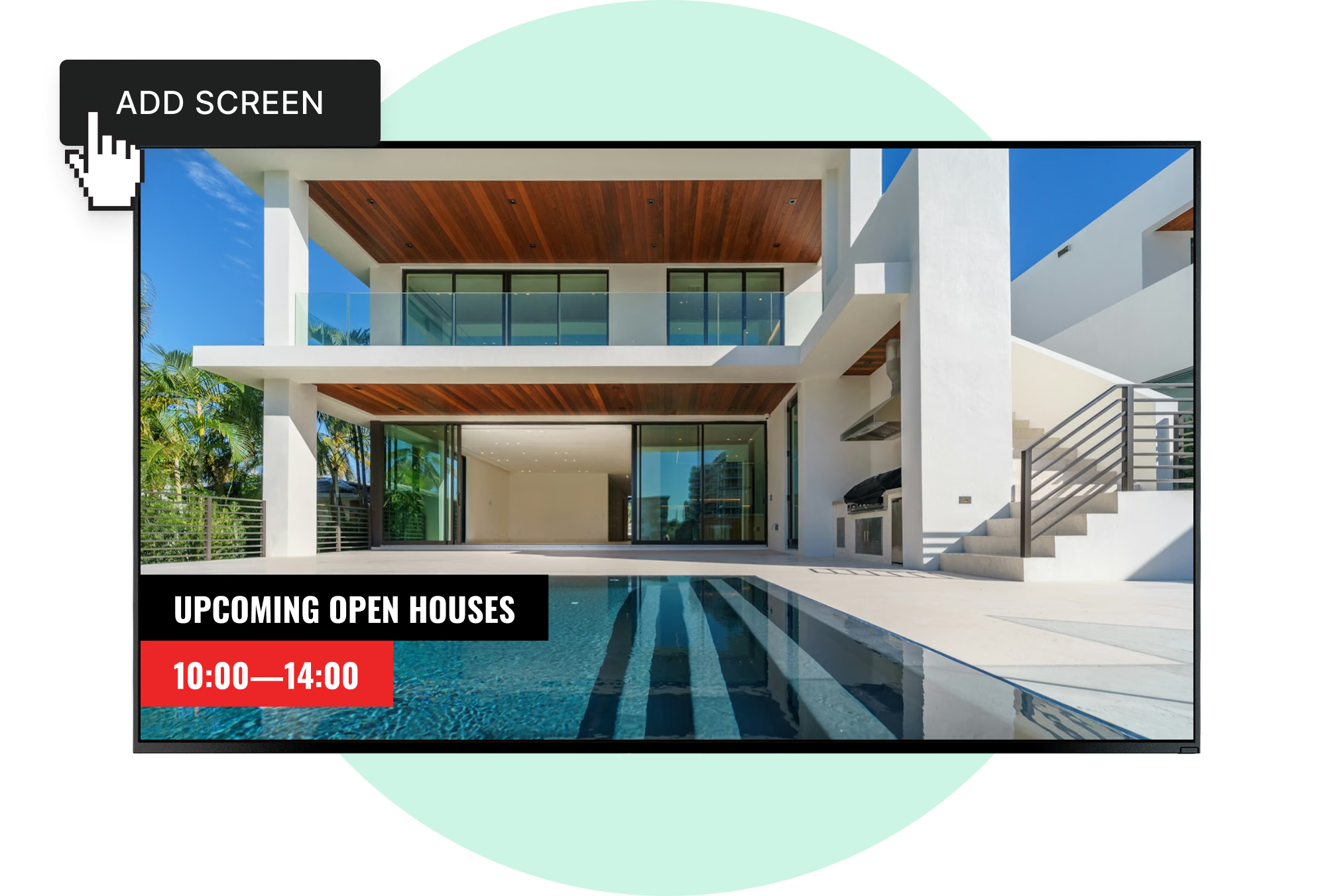
Can digital signage promote open houses and property events?

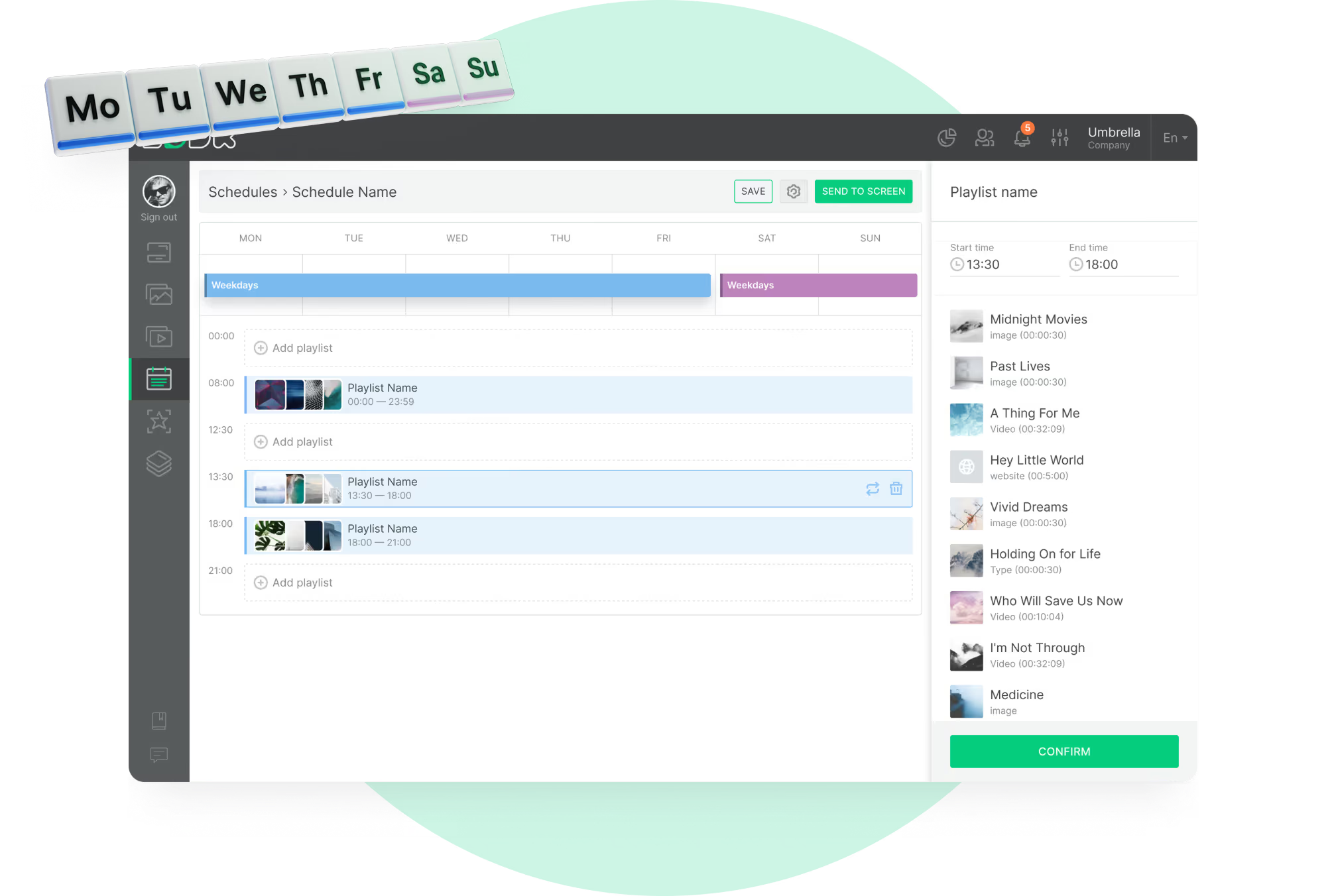
Yes. Open houses, viewings, launches and anything else with a date sit in the rotation alongside regular listings. Build the campaign with the date, property imagery, location, QR code and booking instructions, then set it to stop on its own once the event passes. Smart scheduling in Look Digital Signage handles the appearing and disappearing, so nobody has to remember to pull the slide on Monday morning.

What social proof can a real estate agency show on digital signage?

Testimonials, recent sales, client reviews, awards, agent achievements, days on market figures. Anything that answers the quiet question of whether this agency can actually sell a property. Don't quarantine it in a campaign of its own. Mix it into the same rotation as live listings, open houses, local market updates and brand content, so it reaches people while they are already looking at inventory.

Can digital signage display local real estate market information?

Mortgage rates, what prices are doing in the neighborhood, how inventory is moving. It sits naturally next to listings, either as scheduled slides or pulled from a compatible source if you have an integration for it. One or two figures per slide, though. Market data is the easiest thing in the world to overpack, and nobody parses a table through a shop window.

How can I measure whether real estate digital signage is working?

Counting screens tells you nothing useful. Go back to the job you gave them. In Look Digital Signage, proof of play and playback analytics tell you exactly what appeared and when. QR codes and tracked landing pages take over from there and show what the viewer did next. After that you are looking at numbers your business already keeps. Listing inquiries. Open house registrations. Scans. Uptime. And the print invoices that stopped arriving.


What is proof-of-play for real estate digital signage?

A record that a specific piece of content actually appeared on a specific screen at the scheduled time. It matters in two situations: auditing a campaign across several offices, and proving to a partner that their advertising was delivered. Scheduled and played are not the same thing, and proof of play is what separates them. Look Digital Signage records it.

How much does real estate digital signage cost?

Four line items. The commercial display, a player or a smart screen that can run the software natively, mounting and installation, then the subscription. Windows cost more, and it is the brightness that does it: 2,500 to 5,000 nits, plus dealing with the heat that builds up behind glass. Compare per screen and per location rather than per license. A cheap subscription attached to the wrong display is not a saving.

Can real estate screens run outside office hours?

Yes, and that is often the point. A storefront screen keeps promoting listings long after the office has closed, provided the display and the installation were specified for those hours. Evening playlists can differ from daytime ones, because the audience does. Long daily duty cycles are exactly where commercial displays justify their price over consumer sets.

What hardware do I need for real estate digital signage?

A display, a way to run the software (a media player, or a smart screen that hosts it directly), and the CMS. That is the list. Nearly all of the decision-making goes into the display, since the display is what the environment attacks: brightness, orientation, heat, the number of hours a day it runs. The rest you configure once in the CMS, which is where playlists, scheduling, remote updates, analytics, offline playback, and integrations all live.

Do I need a media player for every real estate display?

Not always. Some commercial displays run signage software directly on a built-in system-on-chip, which saves you a box and a cable. Others need an external player, typically when the content is heavier or the hardware needs more flexibility than the screen offers. It comes down to the display model, its operating system, how complex your content is and whether interactivity is involved.

Does GDPR apply to digital signage in real estate?

A screen that only plays content is not normally processing personal data. That changes the moment you add cameras, sensors, facial analysis, Wi Fi tracking or visitor capture. Those functions can require a lawful basis under GDPR, along with notices, data minimization and further controls. There is also a real distinction between anonymous aggregate audience measurement and anything built to identify an individual visitor, and the obligations differ accordingly.

How do I get started with real estate digital signage?

Pick the location and decide what that screen has to achieve before you buy anything. A storefront window, a lobby directory, a leasing office display and a touch kiosk have almost nothing in common in brightness, content or interaction. Once the placement is settled, choose the display and player, connect them to Look Digital Signage, build the first playlist and run the whole workflow end to end, then expand.