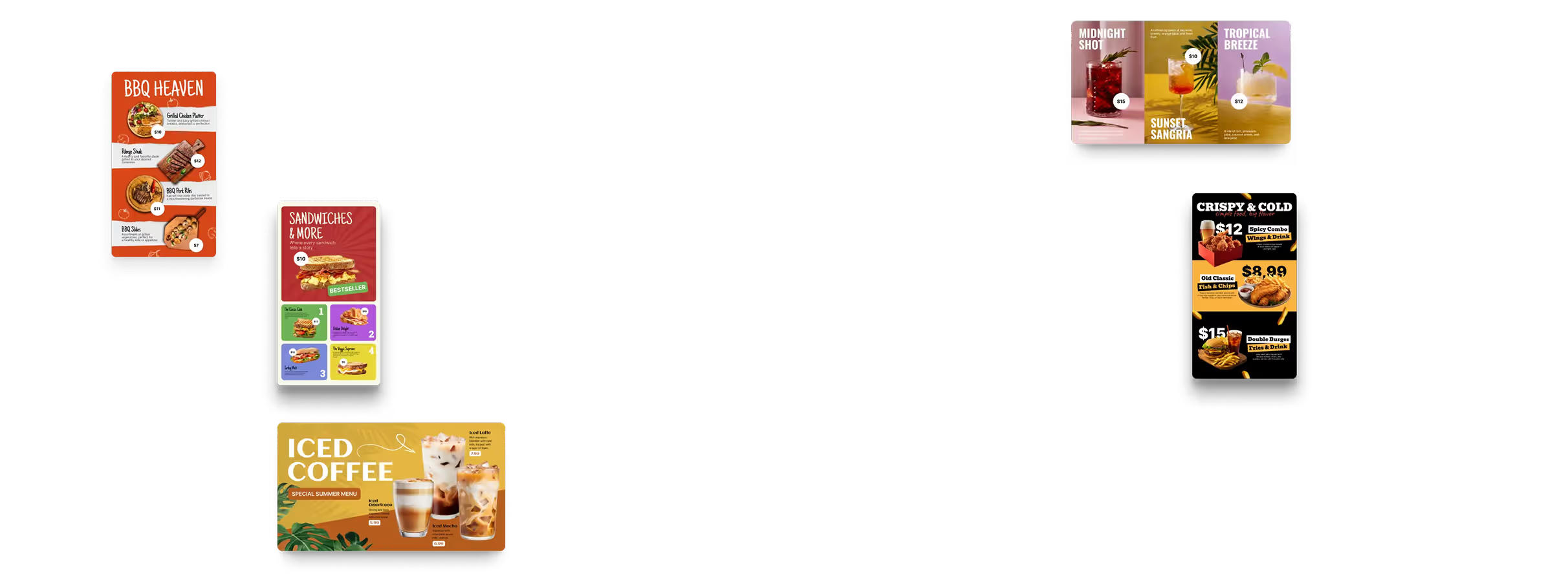























🖥️ Digital Menu Board Software

Digital Menu Boards for Restaurants

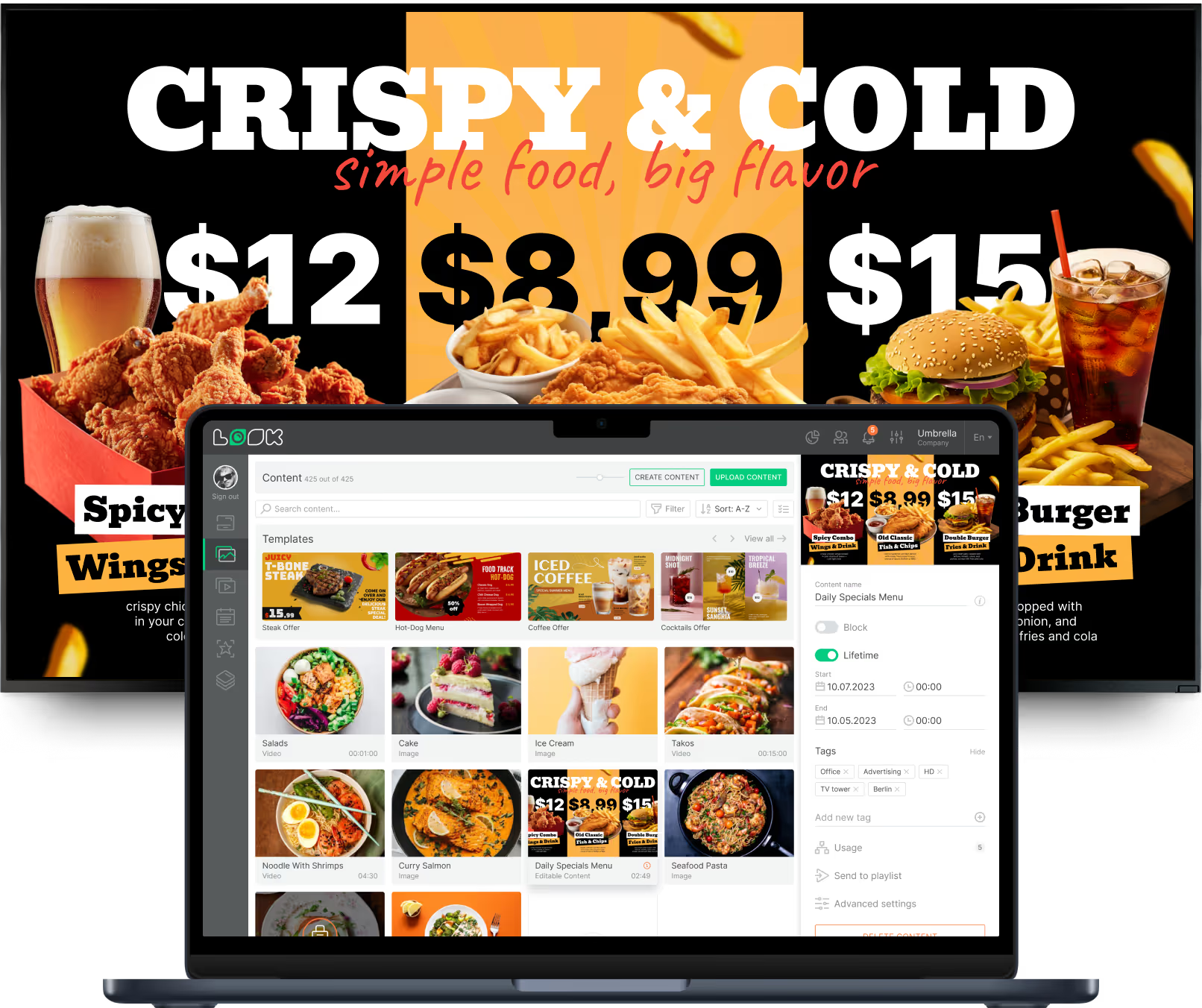
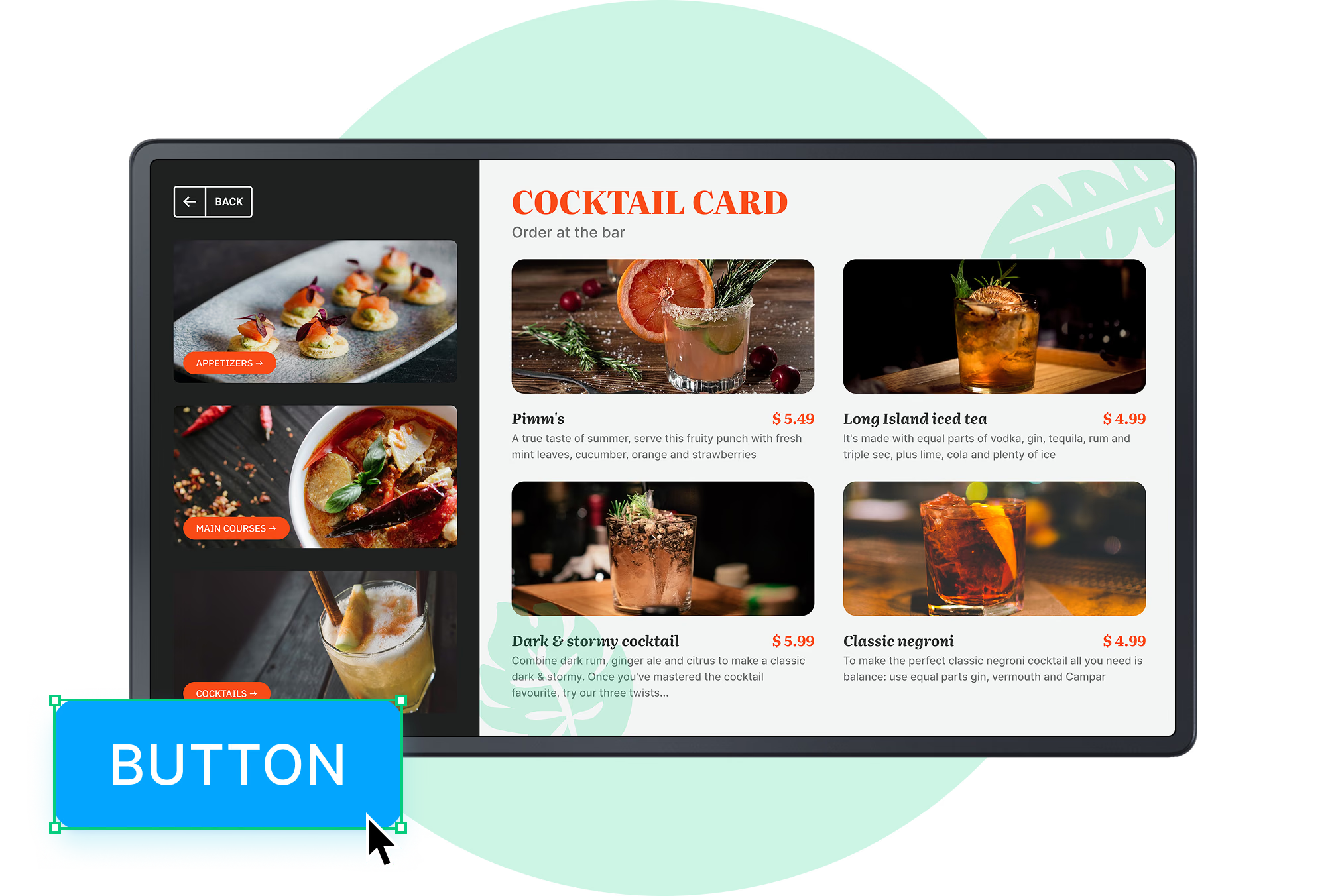
A price moves, an item sells out – and the board has to be reprinted? Not with Look DS. Edit the menu in a browser and publish it to one screen or to every location at once, with templates, dayparting and offline playback on hardware you already own.

Update a price without reprinting

Change the item in the browser, hit publish, and every board carries the new price.

Menus that change by time of day

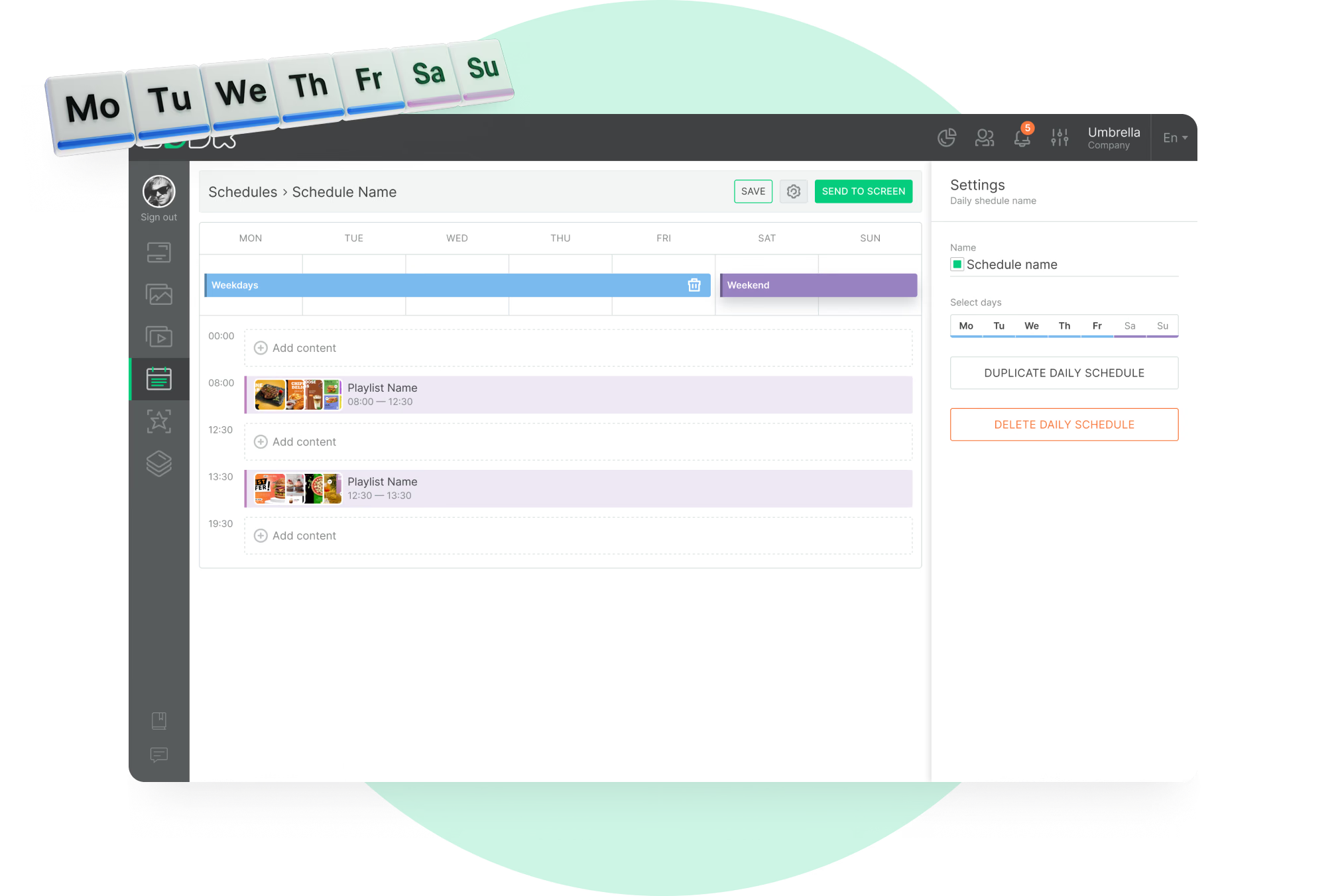
Breakfast, lunch and dinner swap on a schedule, each location on its own time zone.

Screens keep playing offline

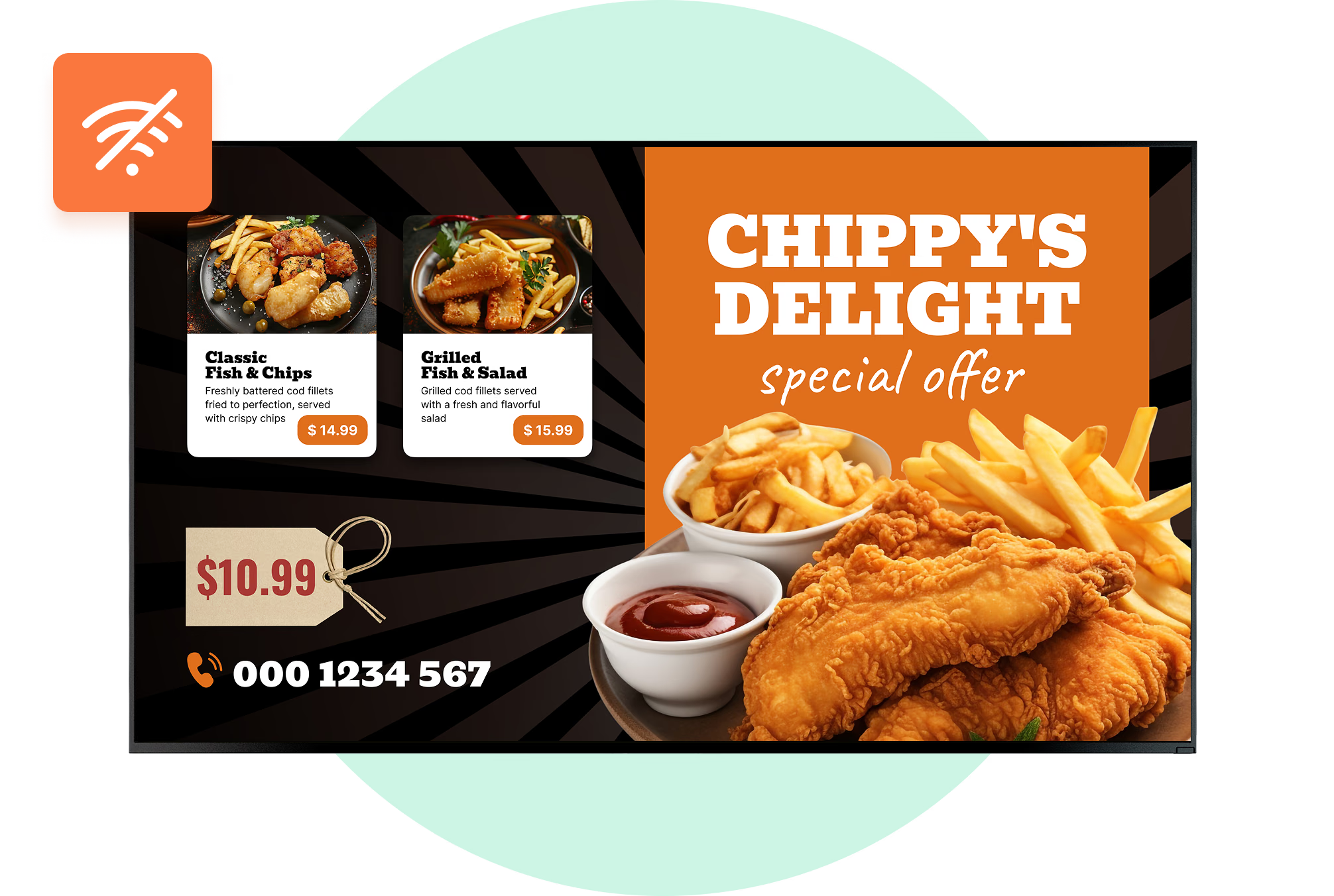
Cached images and video carry on when the line to a drive-thru lane drops.
  • No credit card required. From $6 per screen/month with volume pricing.

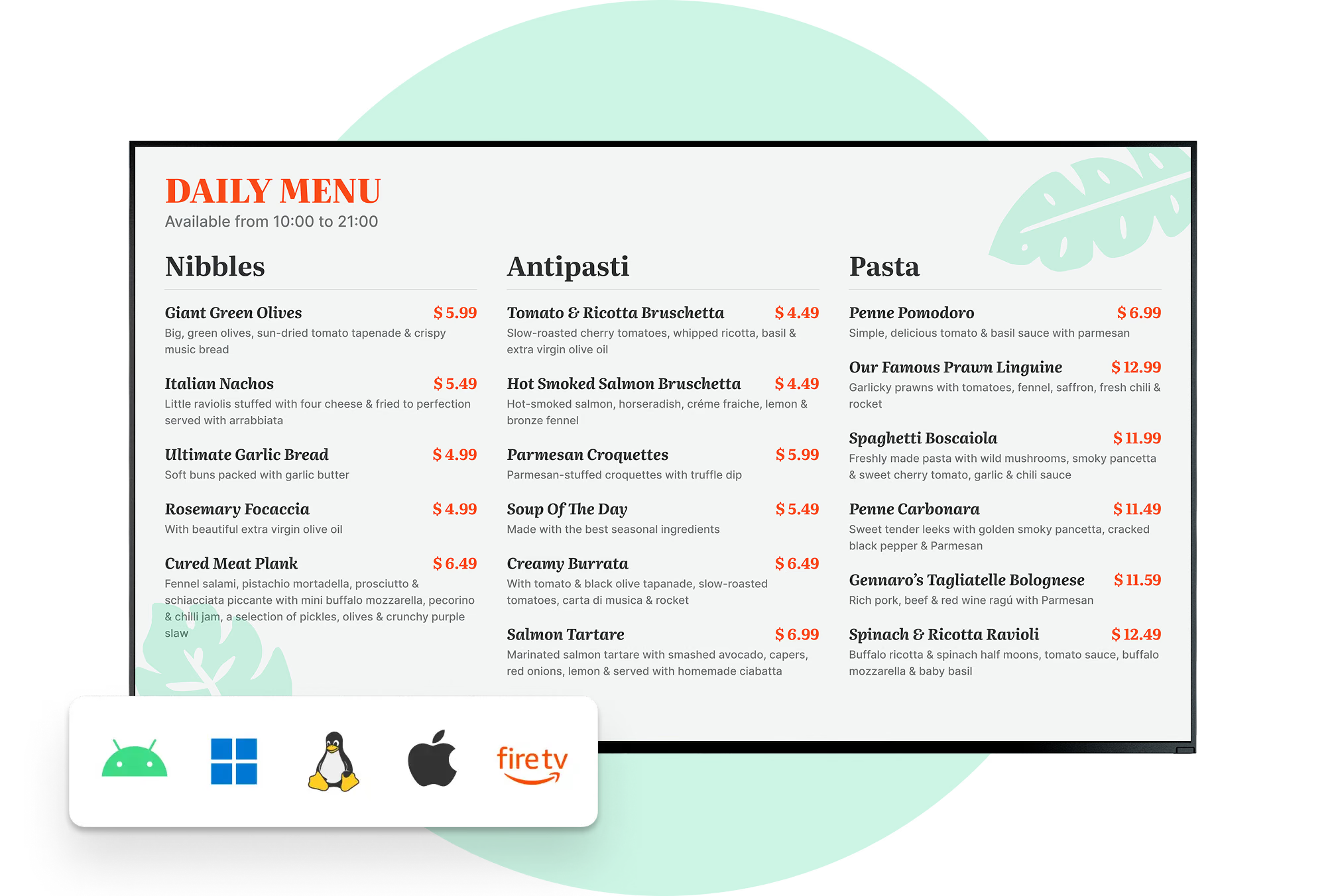
  • Runs on Android, Windows, Linux, Tizen, webOS, Raspberry Pi and more.

  • 24/7 in-app support from real people.

Captera Rating
4.9
G2 Rating
5.0
60 000+
Screens
11 000+
Users
120+
Countries
Capterra Best Value · G2 High Performer
Software Advice · Customer Support 2026

Keep every menu board current from one place

Digital menu board software lets restaurants, cafés, bars, and QSRs run menus, prices, and promotions on connected screens and update them from one cloud CMS across a single counter or every location in the group.
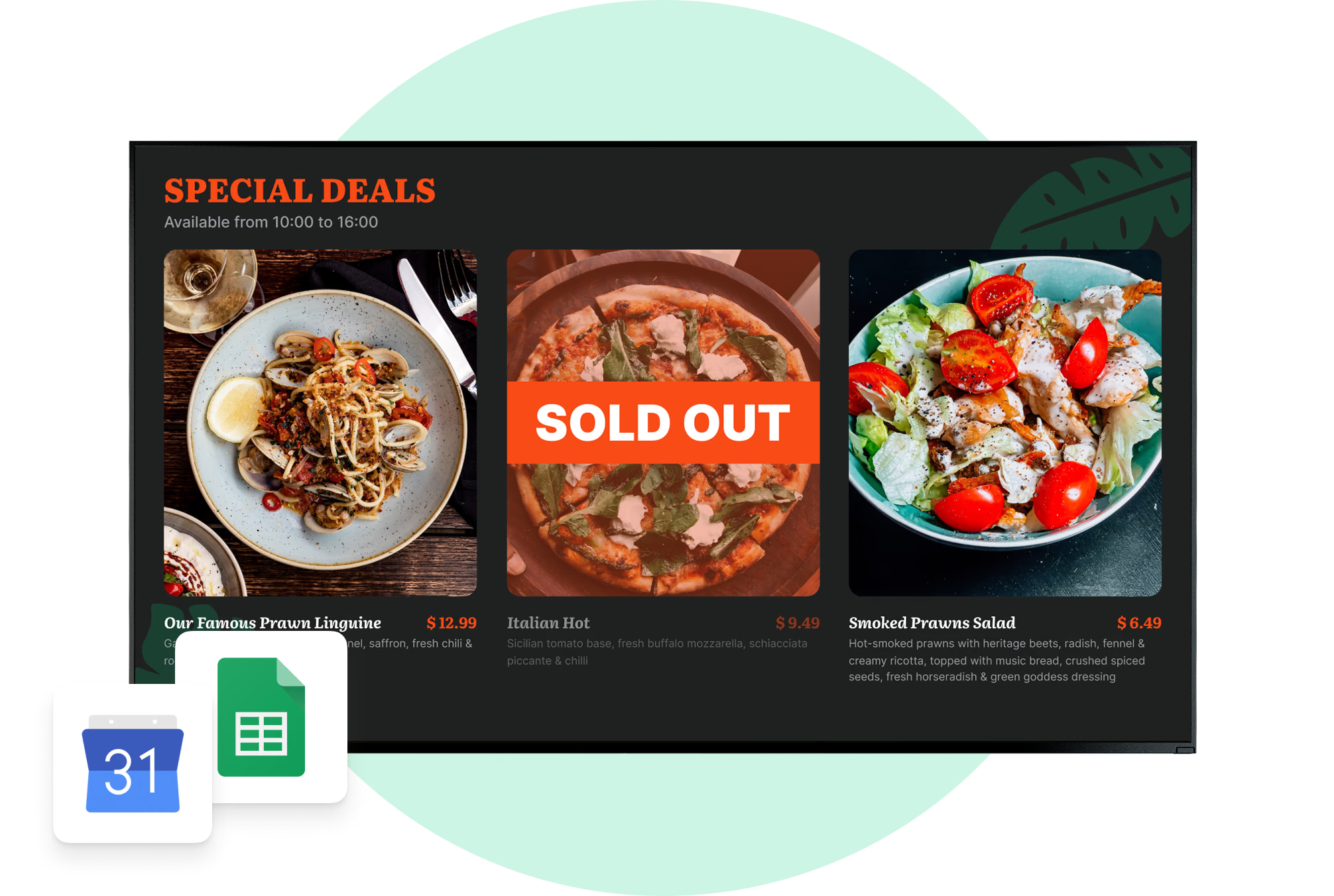
No other signage changes as often as a menu. A price moves. An item sells out. Breakfast ends at 10:30. In Look each of those is content you edit in a browser and schedule once, rather than a print job to reorder.

Sound familiar?

    • A red cross inside a black circle

      A reprint for every single change

    • A red cross inside a black circle

      Prices on screen no longer match the till

    • A red cross inside a black circle

      Sold-out items still up on the board

    • A red cross inside a black circle

      A different menu at every location

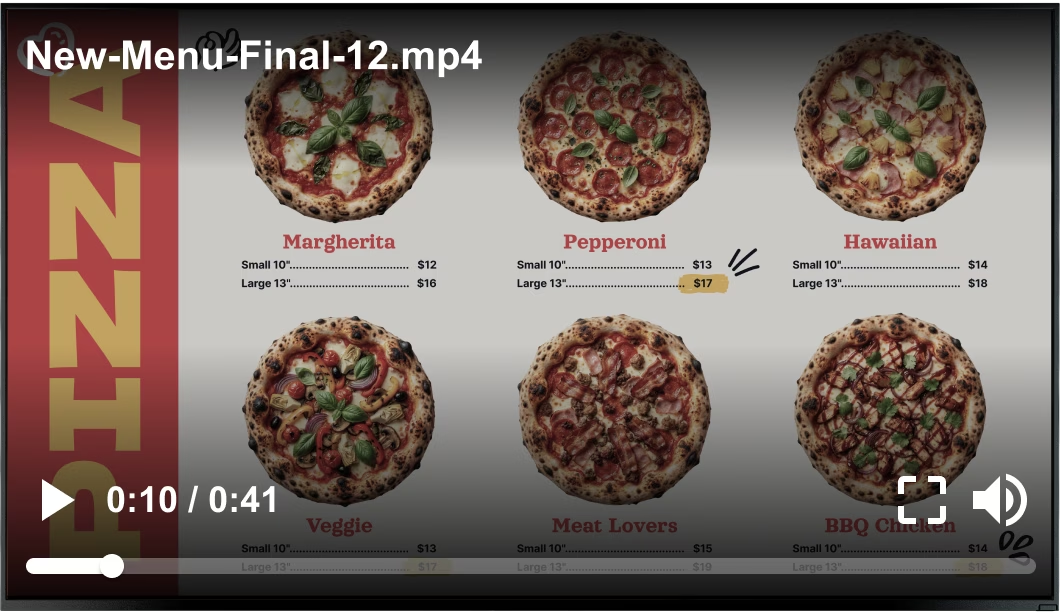
New menu video file playing over a pizza menu board Black USB flash drive with 4 GB storage capacity

What you get with Look

    • One edit, every menu board

    • Dayparts that switch by themselves

    • Menus that keep playing when Wi-Fi drops

    • Templates in place of a design brief

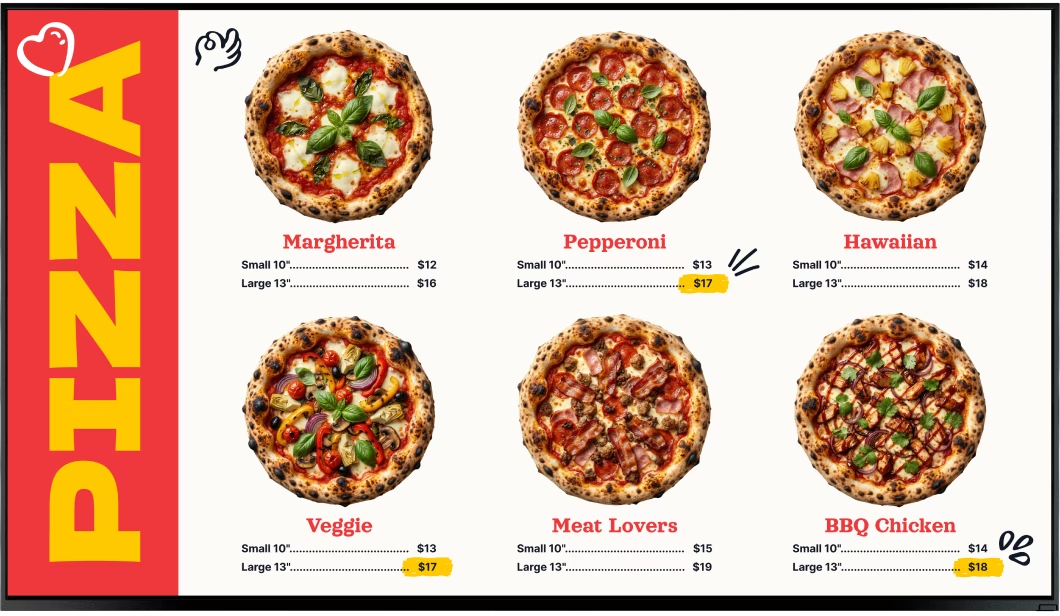
Clean pizza menu board without the video overlay Green shield icon with a white check mark
Try with demo screen now
Run demo screen right in your browser

From one counter board to the whole chain

Pair a screen, build the menu from a template, and the board is live. Every other counter, lane, and location follows the same three steps.
  • Schedule

    Connect the screen

    Install the Look App on a compatible display or plug in the Look HDMI Player, then pair it with the 6-digit code the screen shows.
  • Content

    Build the menu and set the dayparts

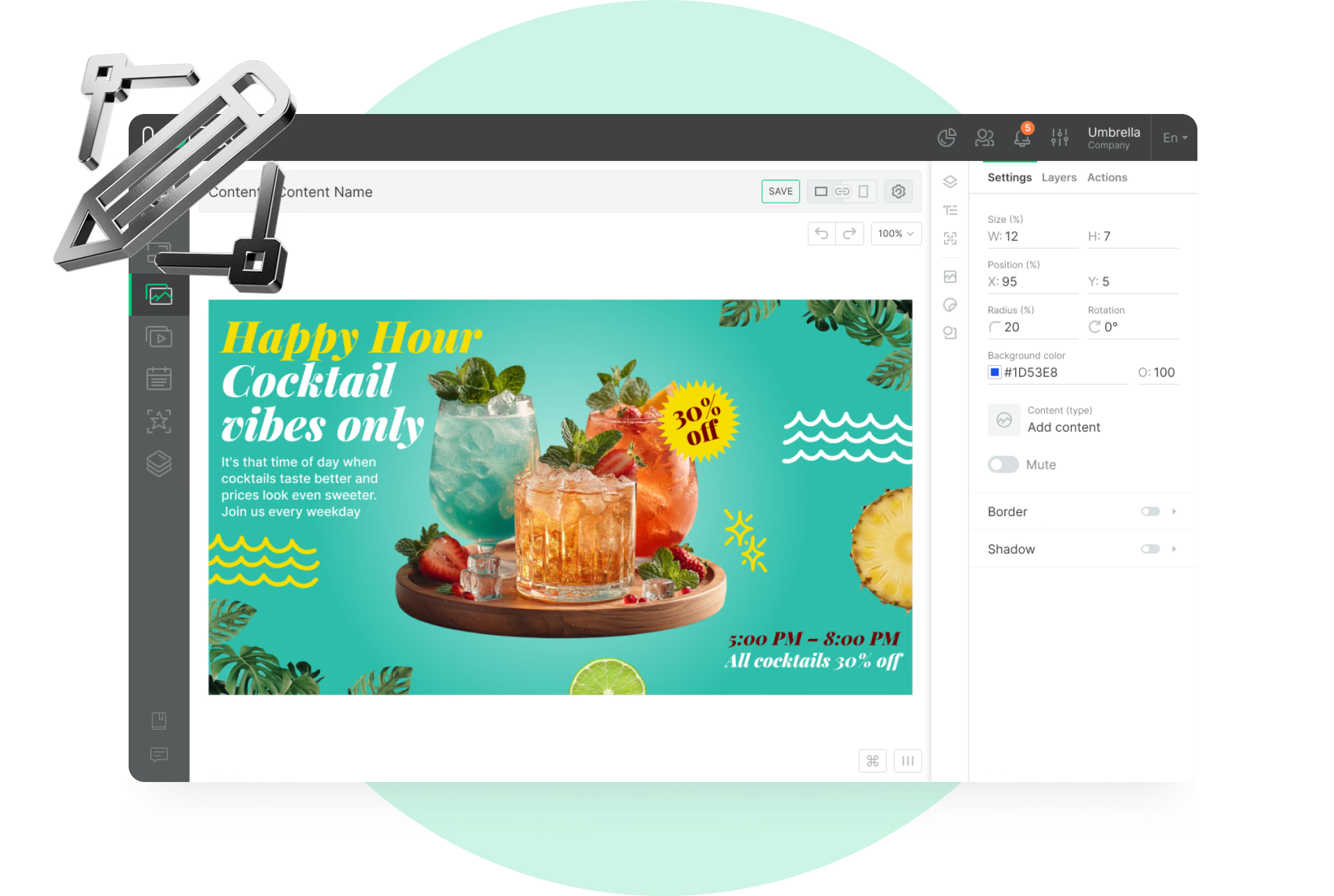
    Start from a food and beverage template, edit items and prices in the browser, then schedule breakfast, lunch, and dinner as time slots.
  • Playlists

    Publish to one board or all of them

    From any browser, push the change to a single screen, a tagged group or every location – and give a campaign an end date so it retires itself.
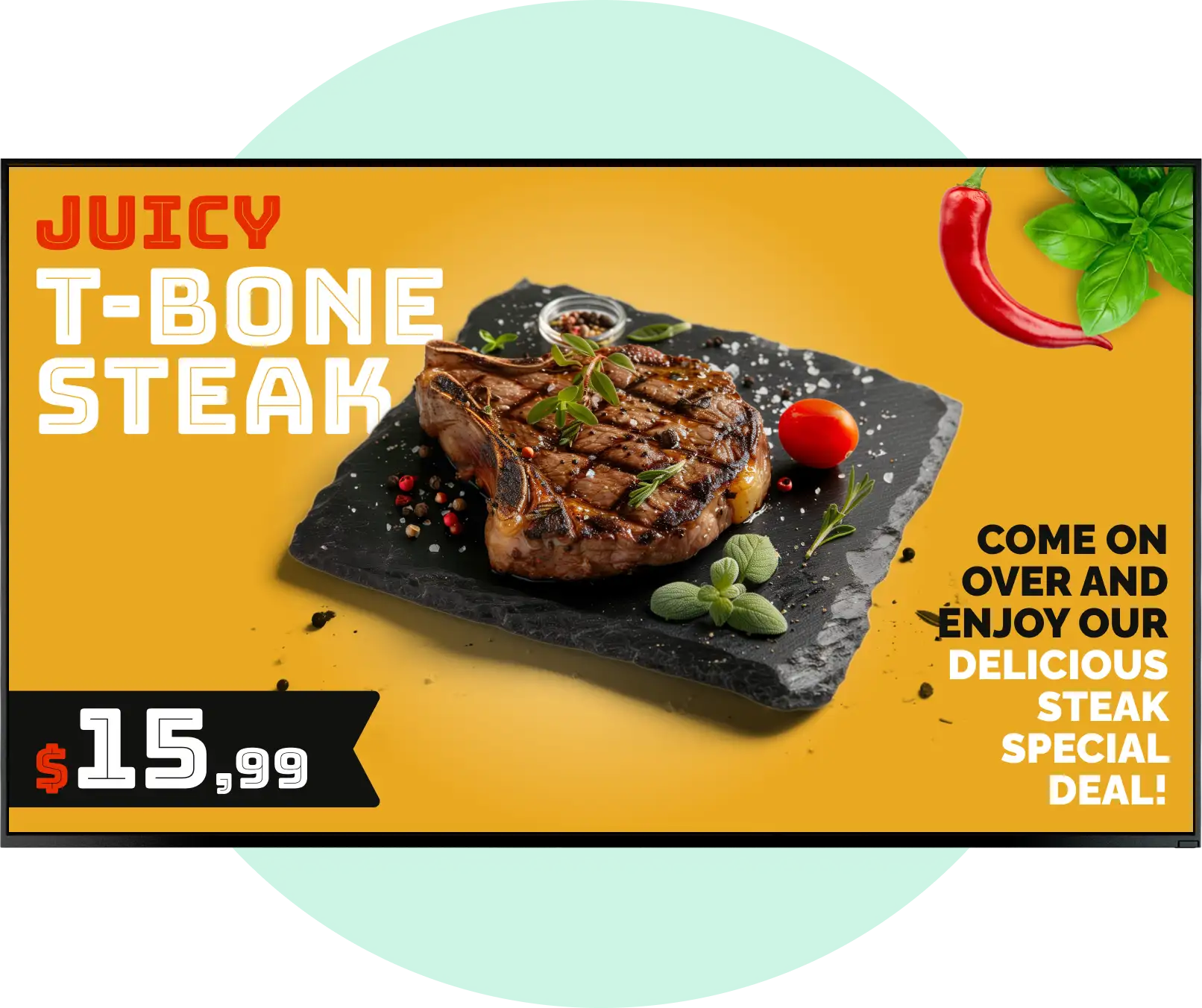
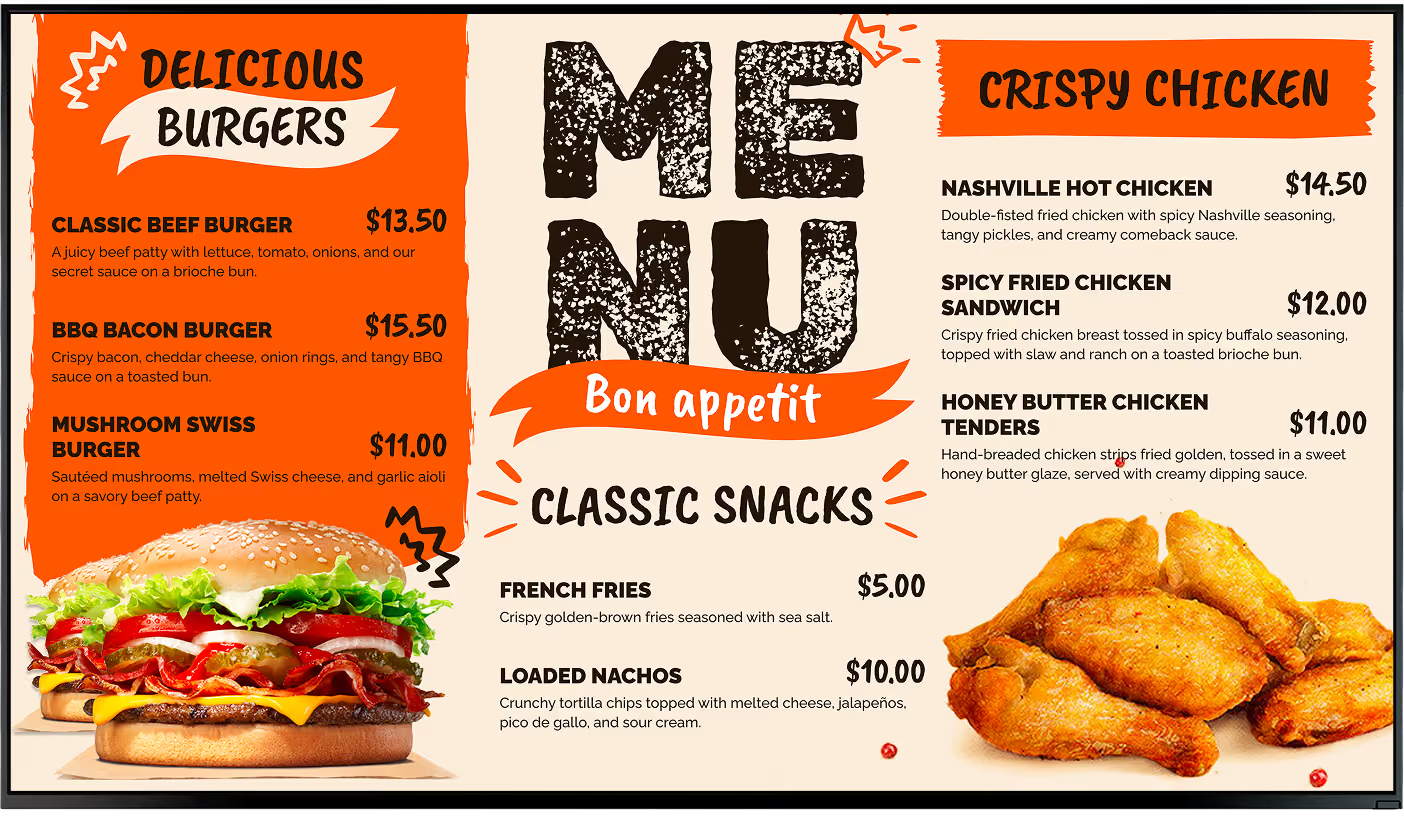
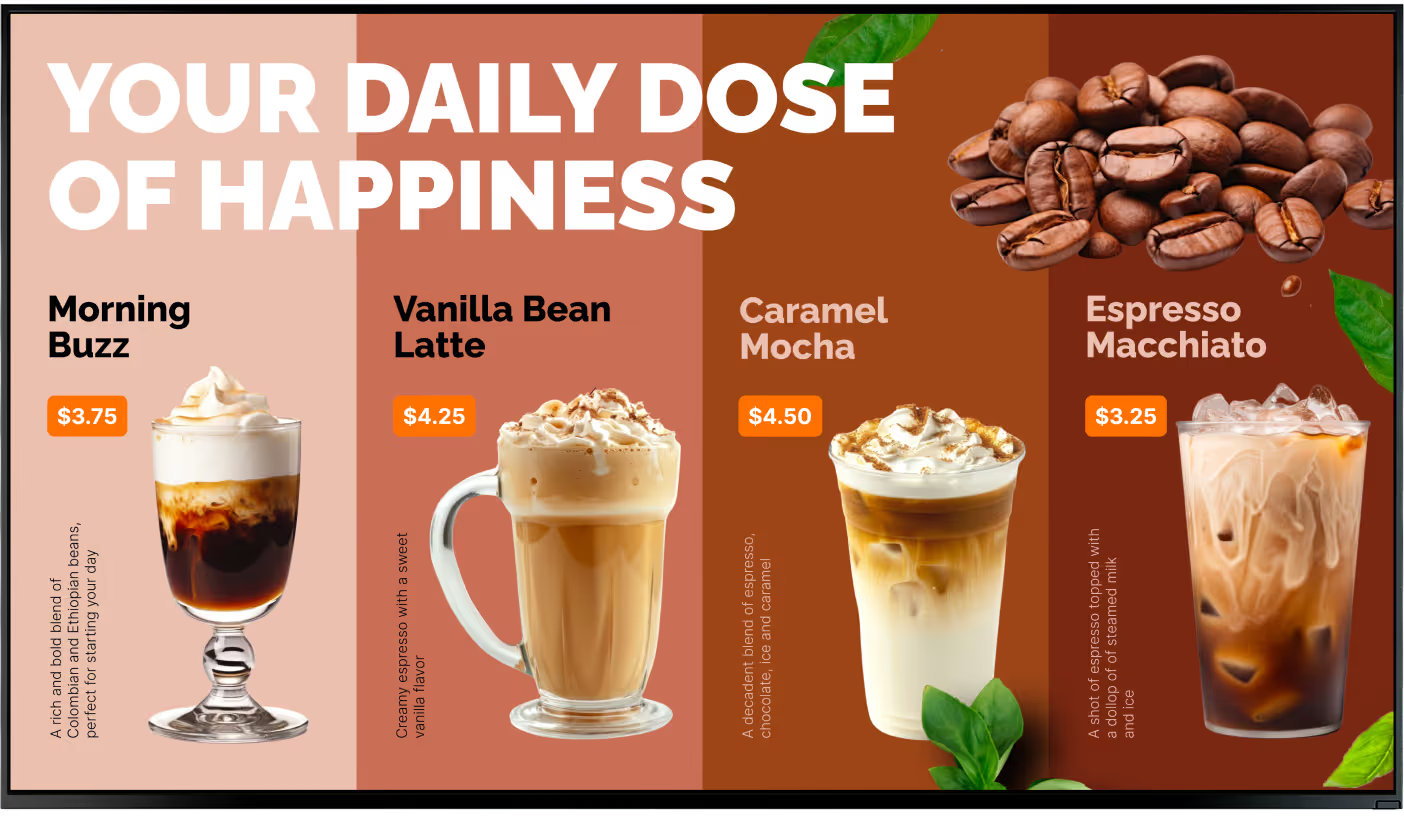
Burger menu board with prices and photos Coffee drinks menu board with prices and photos Laptop with the Look content editor building a daily specials menu

Key features

What should you look for in digital menu board software?

A menu changes more often than any other kind of signage – prices, sold-out items, dayparts, seasonal specials. The platform needs to make that fast to edit, reliable when the connection drops, and simple enough that a manager can run it without a designer.
For restaurants and QSRs, these are the core capabilities to look for:

How to turn your TV into a digital menu

Look service works seamlessly on any hardware, whether you're planning to purchase or already use it
Or

Install FREE Look App

Transform any TV or compatible device into digital signage by installing the free Look app.
WindowsAmazon Signage
Androidgoogle-tvLinuxOS Fire Amazon
macOSWebOSOS Tizen OS Raspberry Pi

Plug Look HDMI Player

Connect the Plug & Play Look Player to your display’s HDMI input for instant setup. Worldwide shipping.
Look HDMI Player

What our customers say

Real businesses, real results.

Captera Rating
4.9
G2 Rating
5
We have 22 locations and zero issues with Look software. It’s so easy to use and has a lot of useful tools that we utilize in our day-to-day business. All-in-all, our experience was top-notch.
Ervin Piotrowski
We tried many different solutions for our platform. After many trials and errors, we found Look Digital Signage to be an amazing tool for our purposes.
Pyry Salminen
I’m grateful for the opportunity to work with Look and it's been a really big game changer for us, because it has helped us to come across as an older business in a much more fresh way.
Michael Guzman
60 000+
Screens
11 000+
Users
120+
Countries

Free digital signage templates for menu boards 🔥

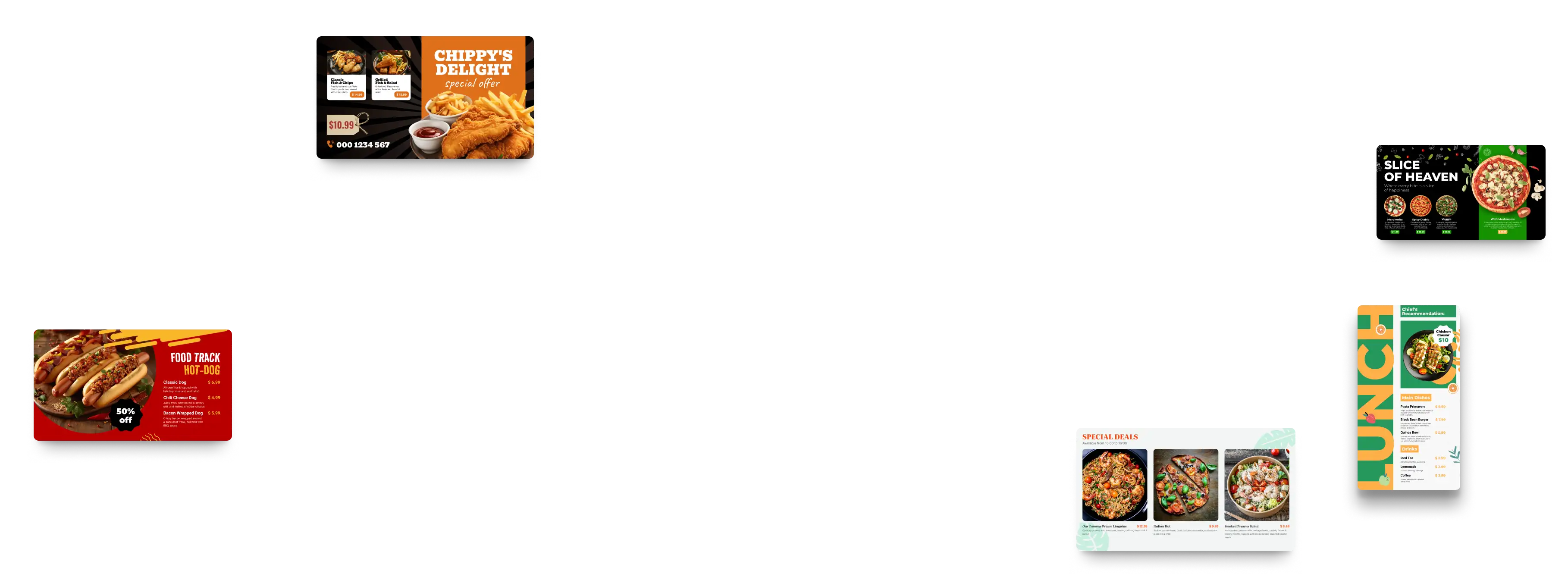
Creating digital menus with Look is easy and inexpensive. Choose the option that suits you from dozens of our free digital signage templates, customize the colors and logos to match your branding.
Digital signage for digital menu boards,  free templatesDigital signage for digital menu boards,  free templatesDigital signage for digital menu boards

From $6per screen per month

Simple pricing with full access from day one.
  • Green checkmark inside a black circle.

    No hidden fees

  • Green checkmark inside a black circle.

    100% of features included

  • Green checkmark inside a black circle.

    14-day free trial, cancel anytime

Try for free

60 000+

Screens

 11 000+

Users

120+

Countries

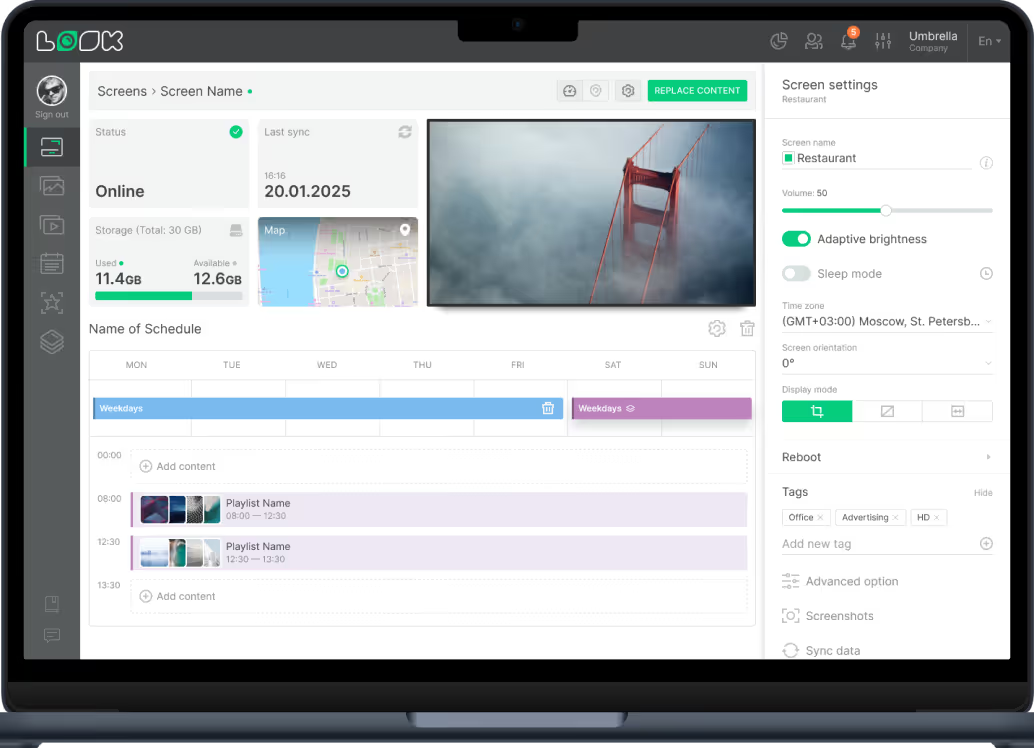
Laptop screen showing a content scheduling interface with status online, storage usage, map, video preview, schedule timeline for playlists, and screen settings for volume, brightness, timezone, and tags.